

We have so much to cover today. In our Supermicro SYS-112D-40C-FN8P review, we are going to take a look at the Intel Xeon 6 SoC (Granite Rapids-D) in action. The system is a short-depth 1U chassis with front I/O and power supplies. Aside from the CPU, one of its biggest features is the inclusion of 8x 25GbE ports and support for a double-width PCIe accelerator. Since this is the first Intel Granite Rapids-D system we have reviewed, we are going to go into more details than we do in most reviews. We will also preview the new AgentSTH benchmark suite. There is a lot here, so let us get to it.
Supermicro SYS-112D-40C-FN8P External Hardware Overview
The server itself is a 1U unit with front I/O. As you may notice, there is a lot going on here, but one thing this server does not have is externally accessible storage.
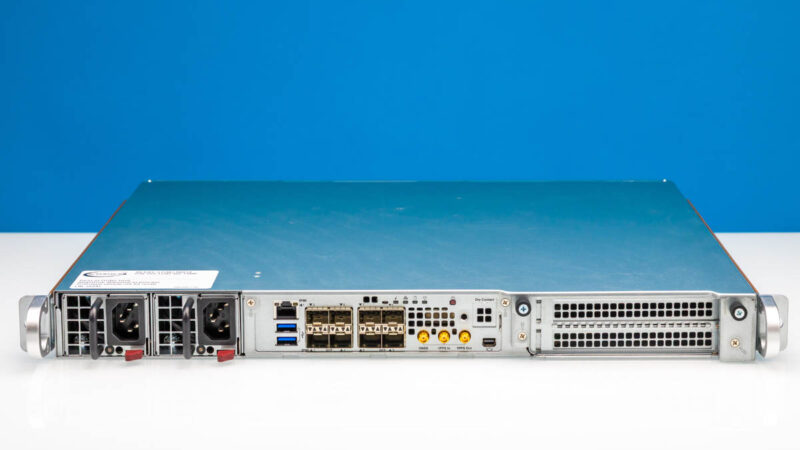
The depth of this chassis is 15.7″ or 399 mm, making it short enough to fit in the majority of racks out there.
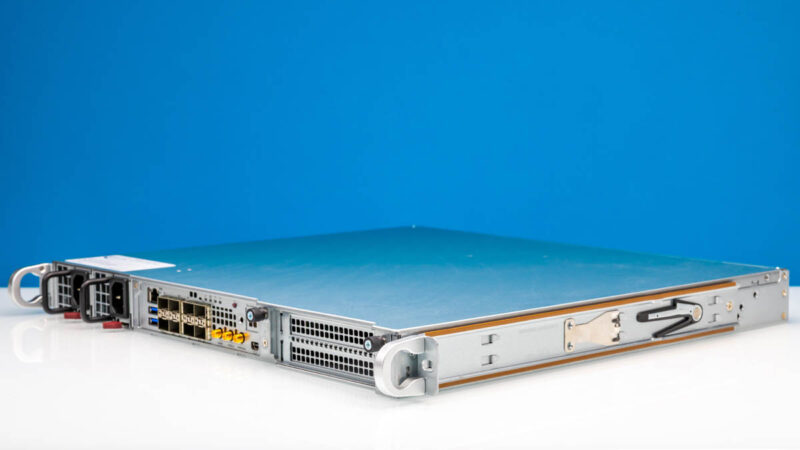
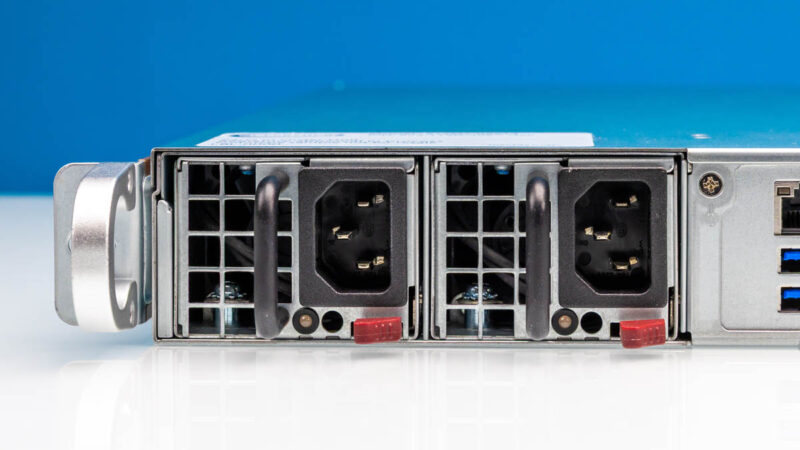
On the front, there are two power supplies for redundancy. Also, this means that the power cables and data cables will both be wired on the front of the server.
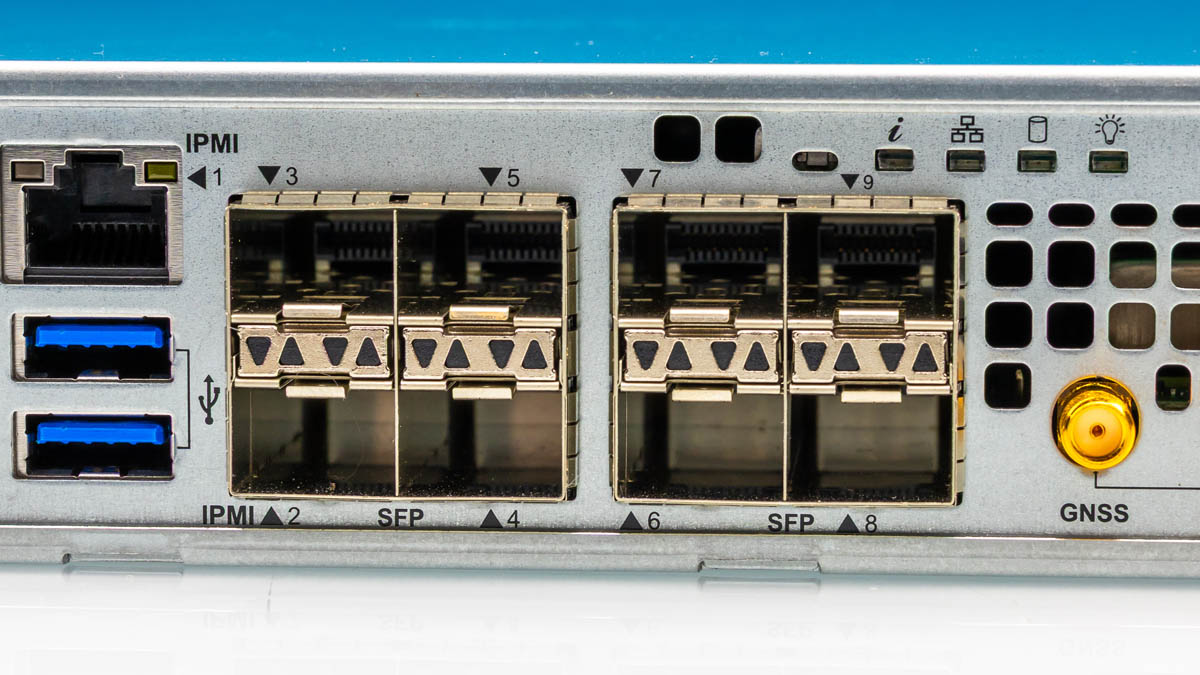
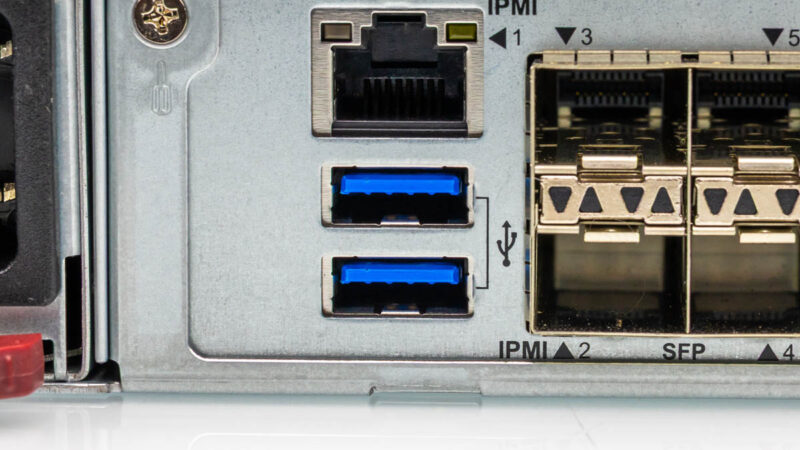
The I/O block starts with the IPMI management port, along with two USB ports.
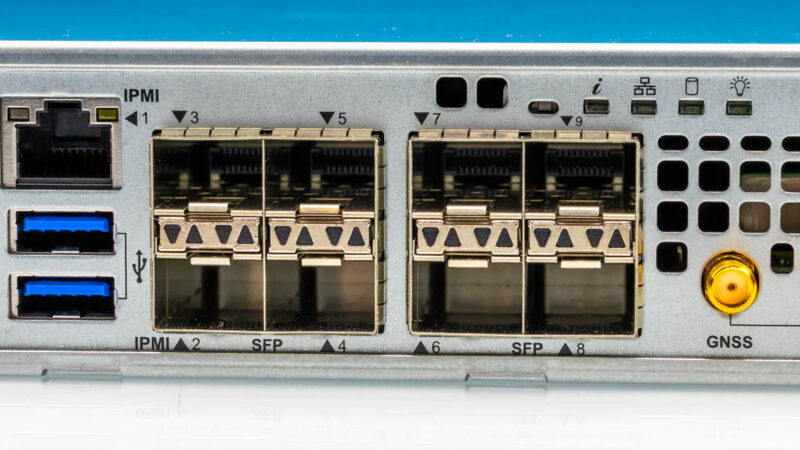
There are then eight SFP28 ports for 8x 25GbE.
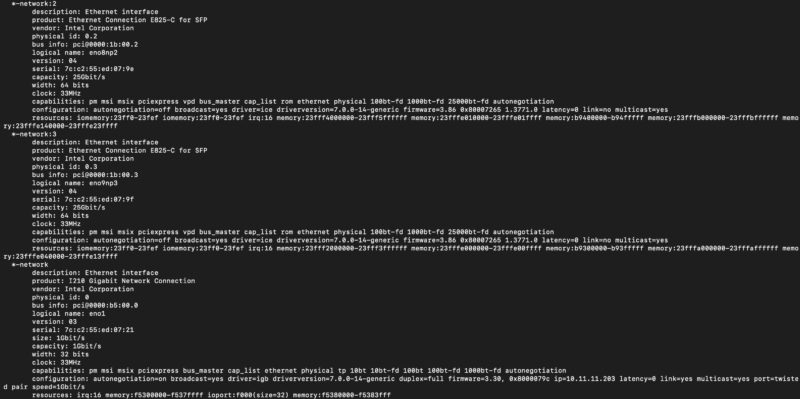
These ports are powered by the Intel E825-C for SFP, which is the networking provided by the Intel Xeon 6 SoC. You can also see the 1GbE port powered by the Intel i210 here.
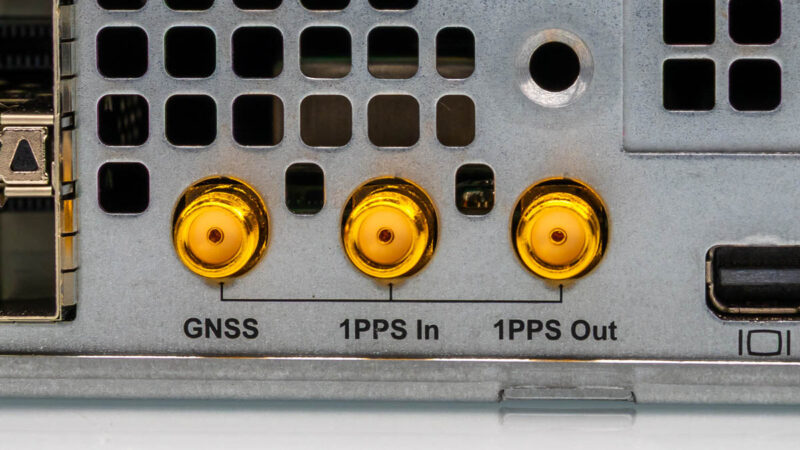
Next, we have the GNSS timing SMA connectors. You might be able to see the clock behind these. We are going to go into what these do, and how they can work with a GNSS receiver and an internal OCXO clock in the system on the next page in our internal overview. We also have how this is connected back to the Intel Xeon 6 SoC on the page after that in our architecture block diagram.
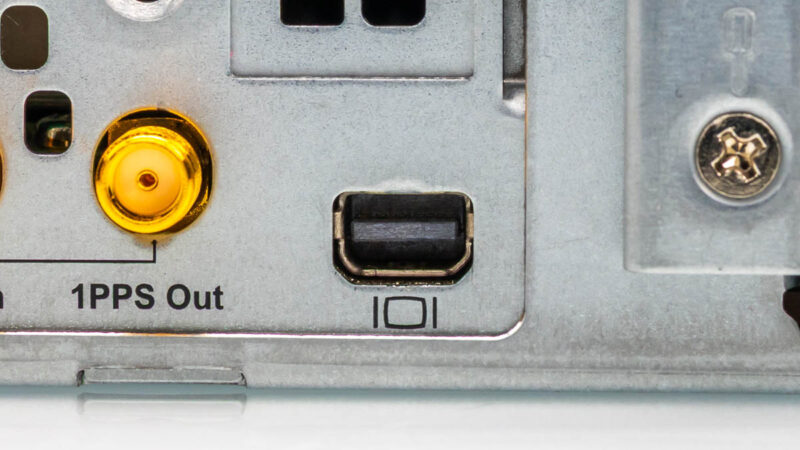
Next to these, we get a mini DisplayPort output. This may seem small, but this is a change from years of VGA outputs.
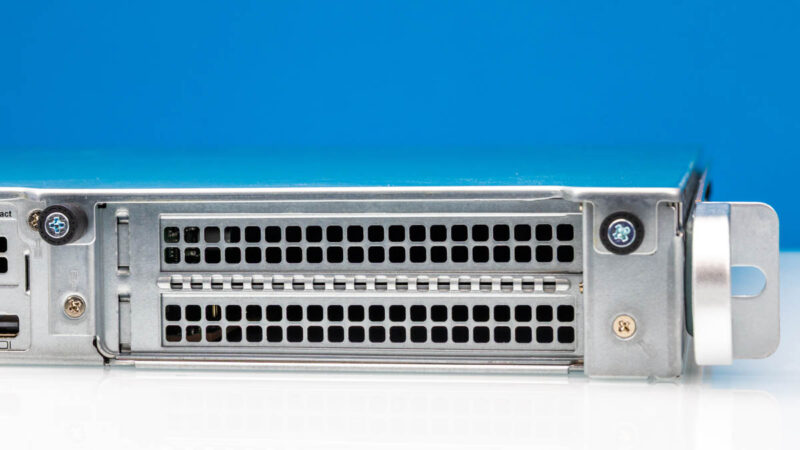
Next to this, we have two PCIe Gen5 x16 full-height I/O expansion slots. You can also add a double-width card here if you wanted to add a specialized accelerator.
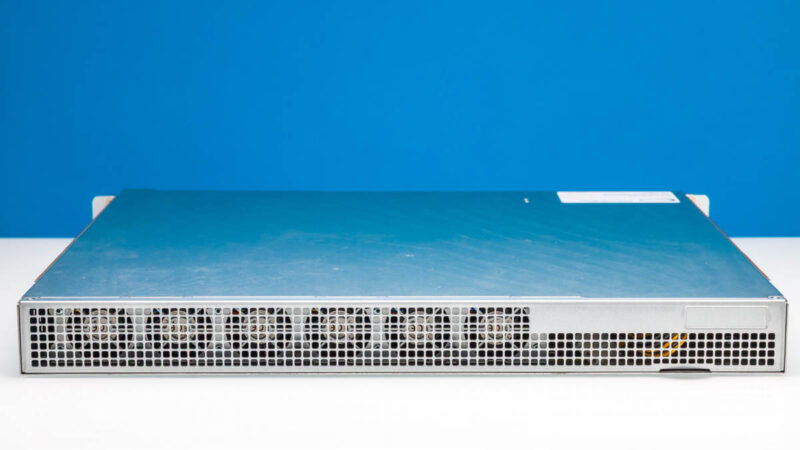
Something you may have noticed is that this system has its I/O expansion slots, rear I/O including networking, and power supplies on the front of the chassis. As a result, the rear is left completely to venting and fans for cooling. In many locations (e.g. telecom racks, retail compute racks, and more) racks are only accessible via the front due to physical location layouts. This fits that use case exactly.
Next, let us get inside the system and see where the magic really happens.
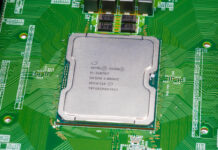
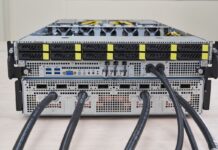
 to provide 8x 25GbE)
This is the best server review you’ve done in the last year
What tool do you use for the core-to-core latency?
@Nikolay it’s an open-source tool called core-to-core-latency written in Rust
On the one hand the 8x25GbE (and a way to expand to 16) makes this seem like an interesting network-focused server — maybe a box doing load balancer duties and firewall for a bunccollection of servers behind it, maybe other tasks like caching/serving static stuff. You can get much better RAM/storage/compute density but you often don’t need that for those sorts of tasks. On the other hand, with 40C it feels like it ought to have more work to do than just that!
Also, the clock stuff is just neat!
@David Thanks for the info!
Is the datacenters also leaving VGA? Wow!
And 25gb/SPF28 NICs
What the world coming to?