

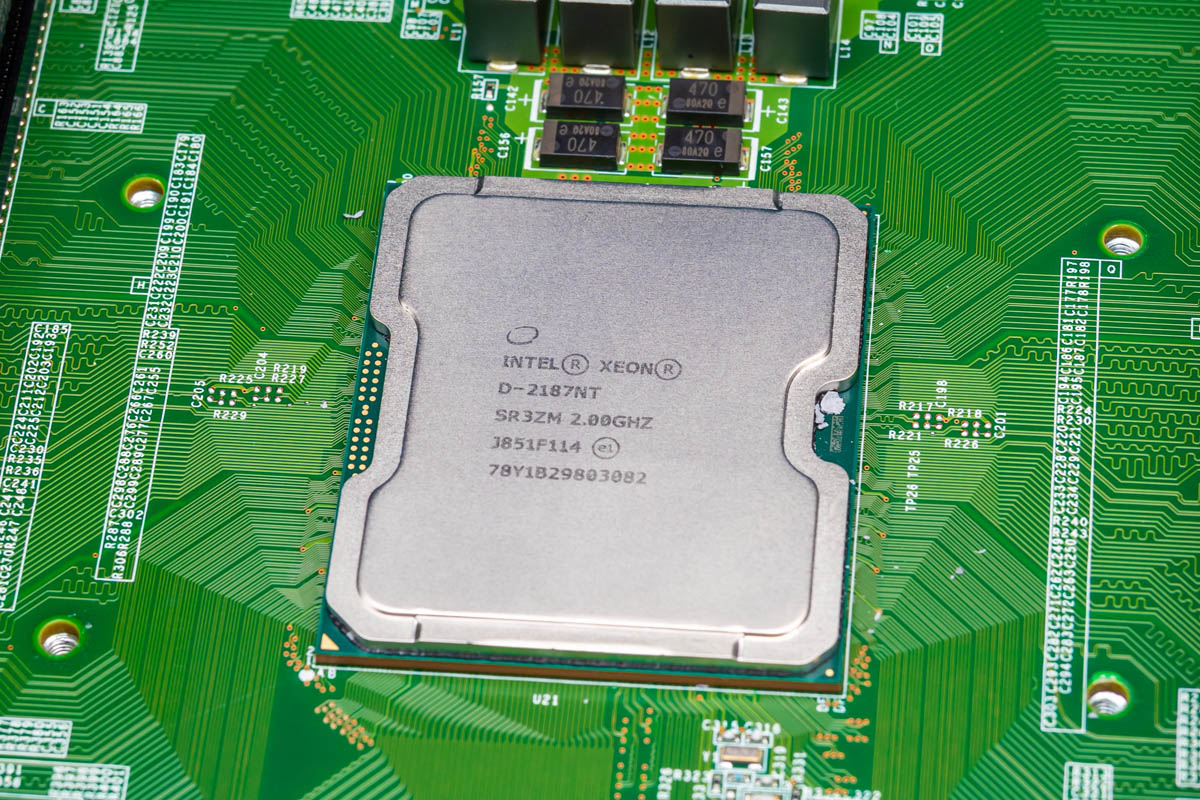
Today, we are reviewing something of a dream server for me. For the last several years, I have wanted to review the Dell EMC VEP4600, and on more than two dozen occasions, I had them sitting in a cart, but I never pulled the trigger. There is both the Dell/ Dell EMC version of the VEP4600, as well as others sold by VMware. Still, for $495, I saw a 16-core system with 64GB of RAM, a 1TB SSD, and ten 10GbE ports with several other 1GbE ports, and it was time to finally get it, given the current memory pricing. My sense is that within a few hours of this article/ video going live, these will go up in price, but perhaps it is a good template for others to look for other systems.
Let us get to the hardware.
Dell VEP4600 External Hardware Overview
The VEP4600 is a 1U system that is roughly 15in or 38.1cm deep, but you probably need a little bit more room in the rear for the fans and power supplies.
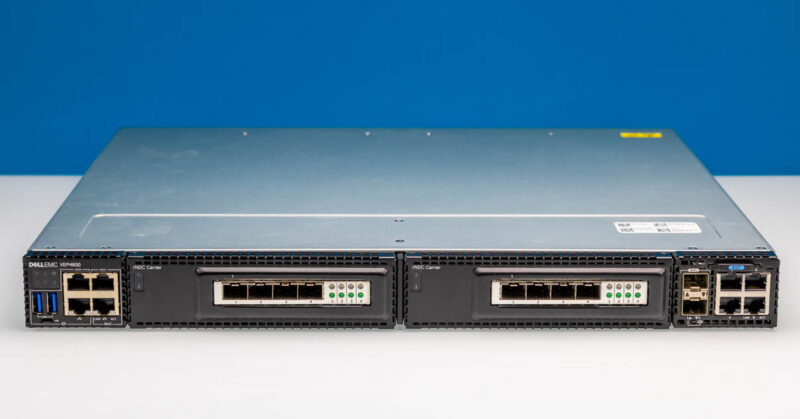
On the left side, we get the LED status plus two USB 3.0 ports. There is also a serial port and a management port on that side.
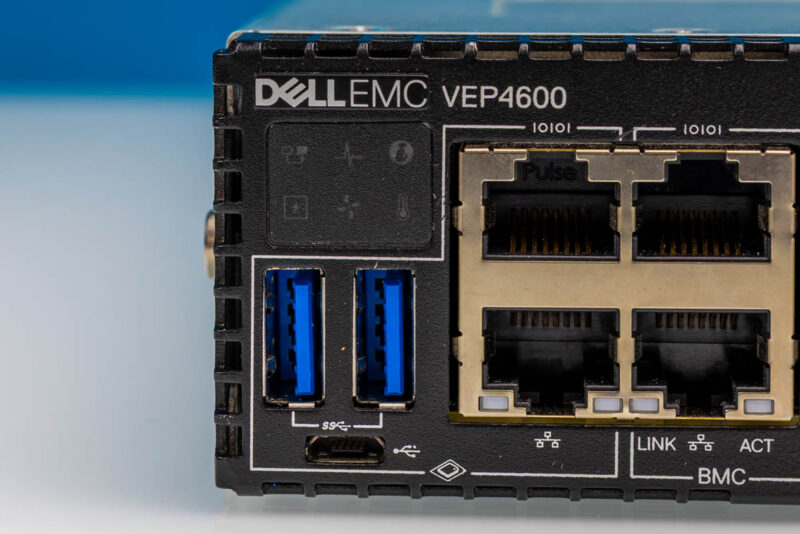
In addition to the system serial and management port, there is a BMC (ASPEED) on the system, so we get a BMC serial and management port as well.
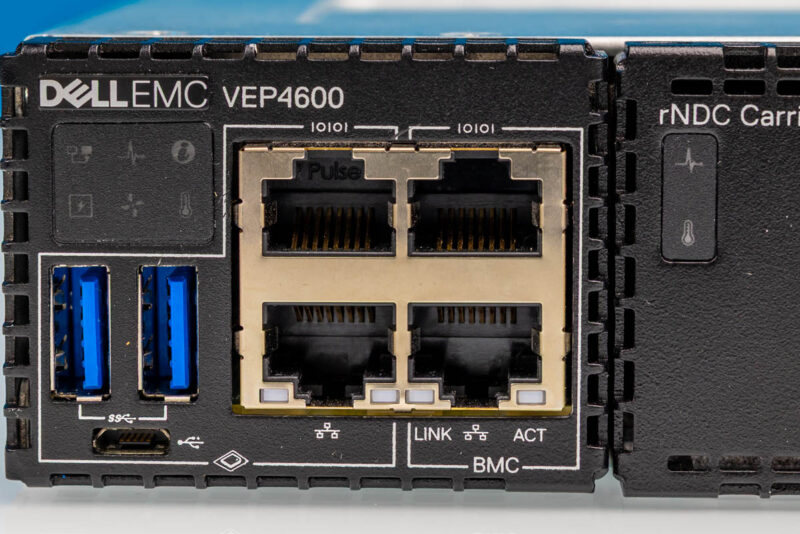
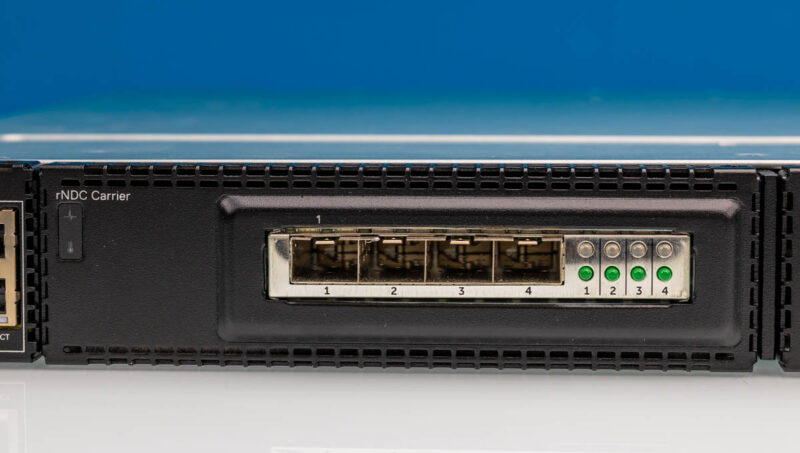
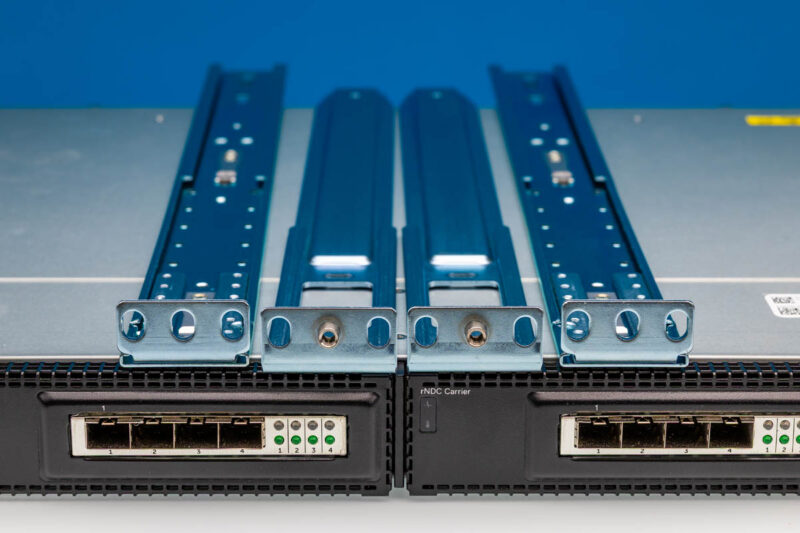
In the center, we get two rNDC carriers. The rNDC is Dell’s older proprietary network card form factor. While these may look like PCIe CEM cards on a riser, they are not. We have two quad-port Intel X710 cards, which give us an extra 8x SFP+ 10G ports over a base configuration. The cards also have neat status LEDs that make them distinctive.
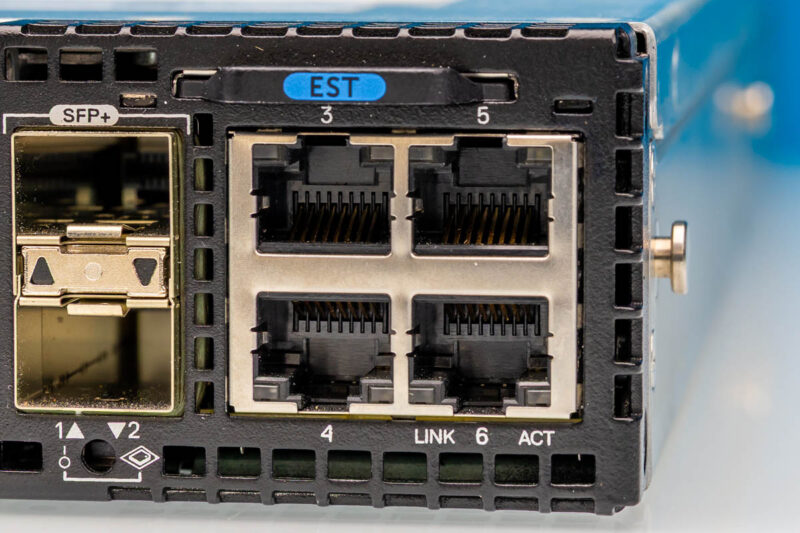
On the right side, we get two Intel X722 10G SFP+ ports via the Xeon D-2187 SoC. There are additionally four network ports on this side via an Intel i350-am4, which is a very high-quality NIC.
The rear is all fans and power supplies.
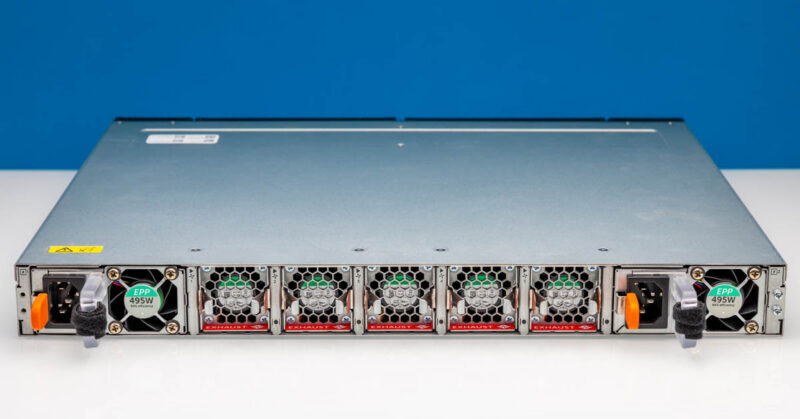
In this system, we get two 495W 80Plus Platinum redundant power supplies. Those are both very large for the power consumption of this system and for the efficiency of this era. Many Xeon D-2100 systems in this era sported 80Plus Gold power supplies.
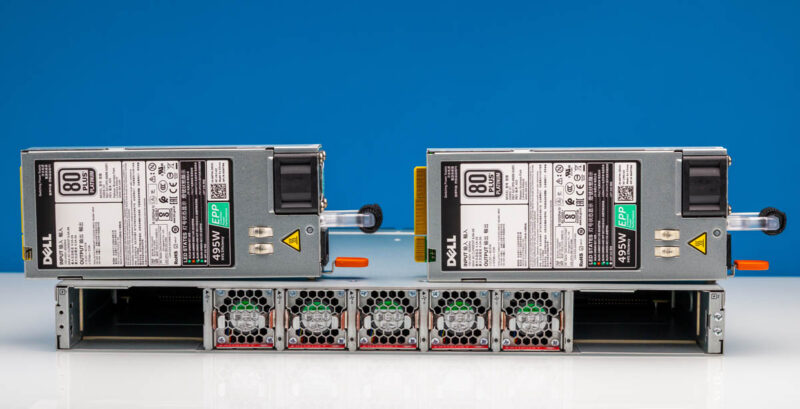
The fans are hot swappable, and all can be removed from the rear. All of the cabling is up front except for the power. Which is a common design for these network gateway/ uCPE devices.
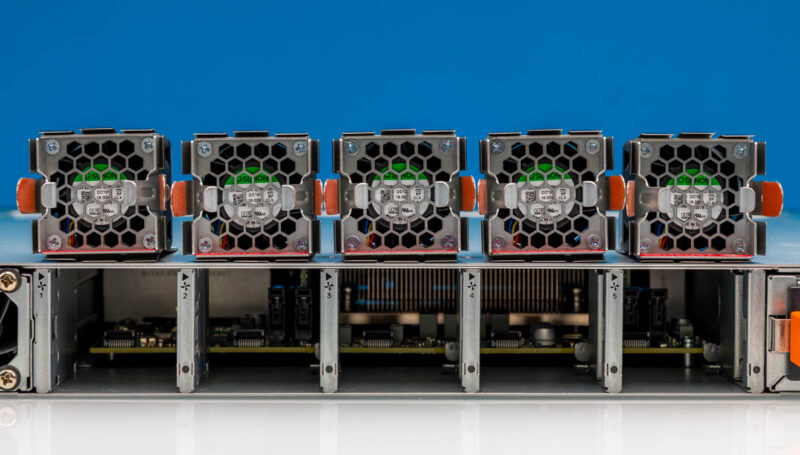
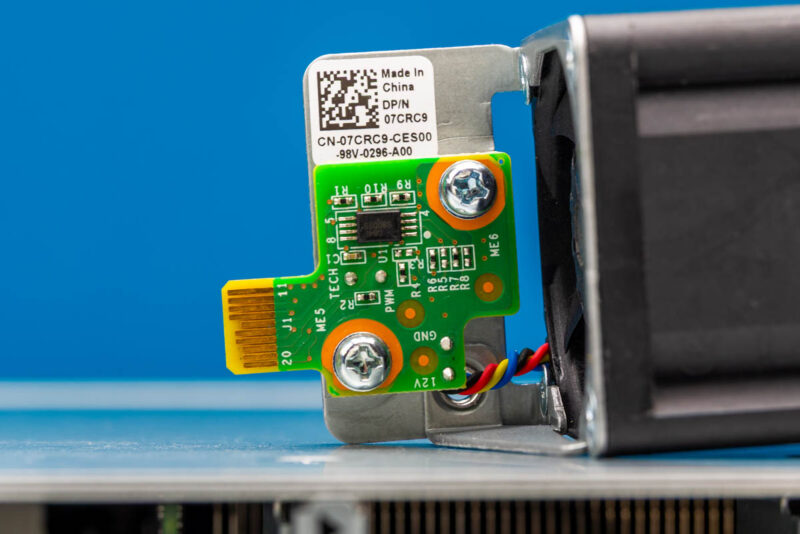
Here is a quick look at the fan hot swap PCB.
Also, and this was a big one for us, our system came with rackmount rails. These are not easy tool-less rails, but they can cost quite a bit to get if they do not come with your system. Our advice is that if you are shopping used, get them with your system or at least ask to find out.
Next, let us look inside the system to see how it works.

the only thing I find for that price is the 4-core version of this, not the 16 core
A really interesting hands-on review of the Dell VEP4600. I liked the personal perspective combined with the detailed look at its networking capabilities, making it easy to understand why this system stands out.
It looks like Dell are flogging the last few units before they are gone for good.
Nice to see home lab style kit on STH again :)
What the heck is this thing supposed to be? Is it a server or a switch or something else altogether? The article doesn’t seem to make that clear. Can somebody answer this for me? Thank you.
@Stephen either a lower power server, or more likely a router/firewall
@Stephen these boxes are made for Velocloud SD-WAN, so they’re essentially a networking appliance. In the end they are essentially servers with a switch chip linked to some of the PCIe lanes to provide additional connectivity.
So is lack of HTML5 iKVM a license issue, or is it just plain not provided in this model?