

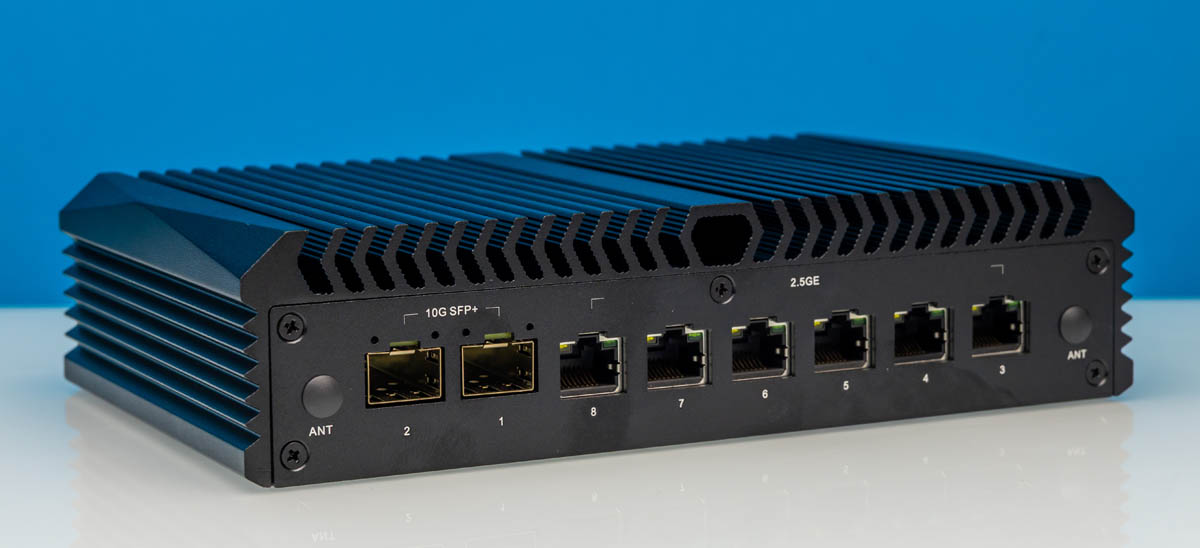
The Qotom Q30952UE is the company’s new “fanless” system. You may recall that we reviewed other Qotom items like the 10Gbase-T Mini PC with Intel N355 and the Denverton-based fanless system. Now we have something a bit different, as the Q30952UE uses a different 10GbE NIC (Intel-based) and an unexpected CPU: the Intel Core i5-8260U. For those who saw the N355 and asked why not just use a Core i5, this is the answer, so it is one we were interested in taking a look at. Six 2.5GbE ports and two SFP+ ports, all based around Intel NICs, make this a bit different.
| Qotom Q30952UE Key Specs | |
| Processor | Intel Core i5-8260U 4C/8T (3.9GHz) |
| Operating System | Pre-Installed: None (As tested: Ubuntu 26.04 LTS) |
| Memory | 8GB DDR4-2400 (1x8GB SO-DIMM) |
| System Storage | 128 SSD (PCIe Gen3 x1, M.2 2280) |
| GPU | UHD Graphics 620 (Gen9.5, 24 EUs) |
| PSU | 84W External PSU |
| Form Factor | Mini-PC |
| Dimensions | 196 x 122 x 47 mm (7.7 x 4.8 x 1.9 in) |
| Weight | 1.29 kg (2.8lbs) |
| Networking | 6x 2.5GbE (RJ45, Intel I226-V) 2x 10GbE (SFP+, Intel X710-BM2) |
| Color | Black |
| Ports | Front: 3x USB-A 5Gbps, 1x USB-A 480Mbps, 3.5mm Audio Jack, 1x Serial (RJ45), 1x HDMI 1.4, 1x DisplayPort 1.2 Rear: 6x 2.5GbE (RJ45), 2x 10GbE (SFP+) |
If you want to purchase this, here is an AliExpress affiliate link.
Qotom Q30952UE External Hardware Overview
Starting with the front, you can see that we have a “fanless” chassis. We have that in quotes because, well, there is a fan inside.
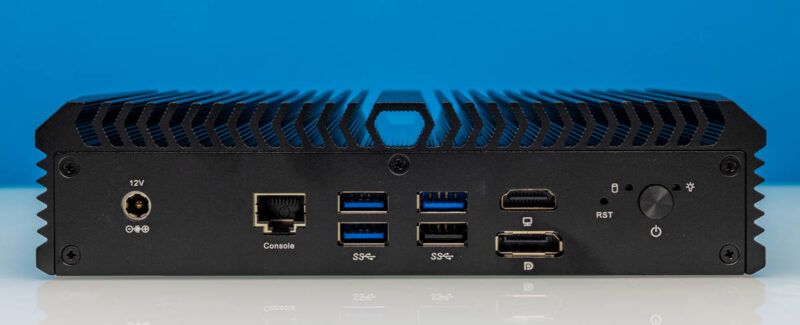
Starting out, there is an external DC power supply, so we get a 12V barrel jack input.
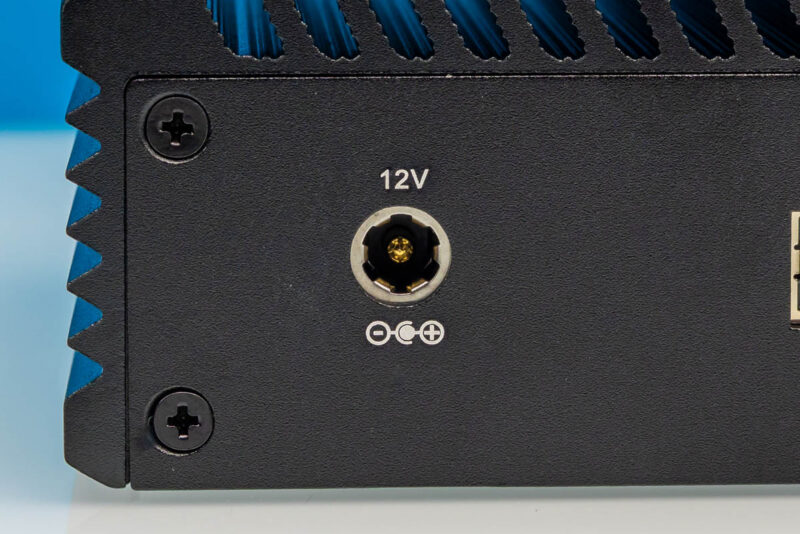
Since this is a network box, I think folks will be excited to see a console port.
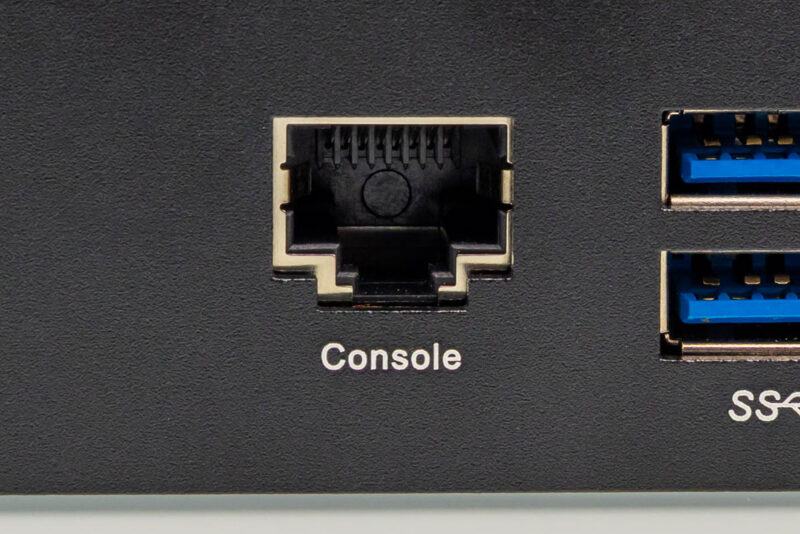
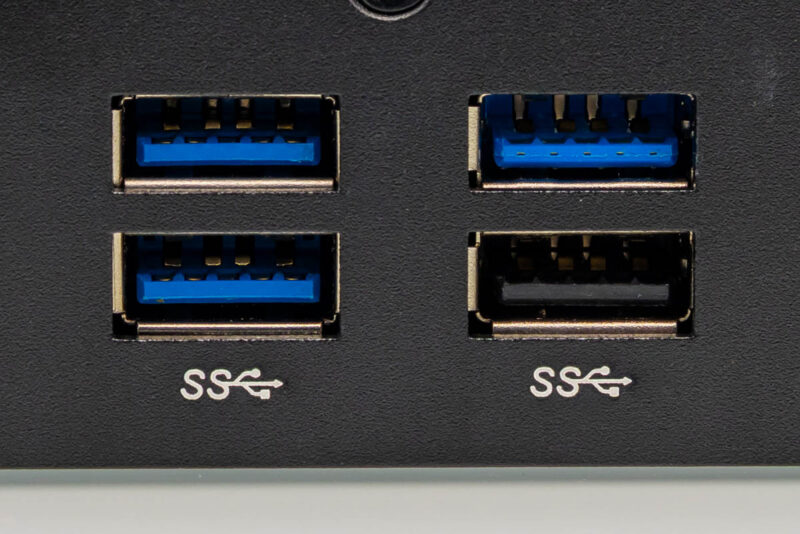
Next, there are four USB Type-A ports. Three are USB 3, one is USB 2.0.
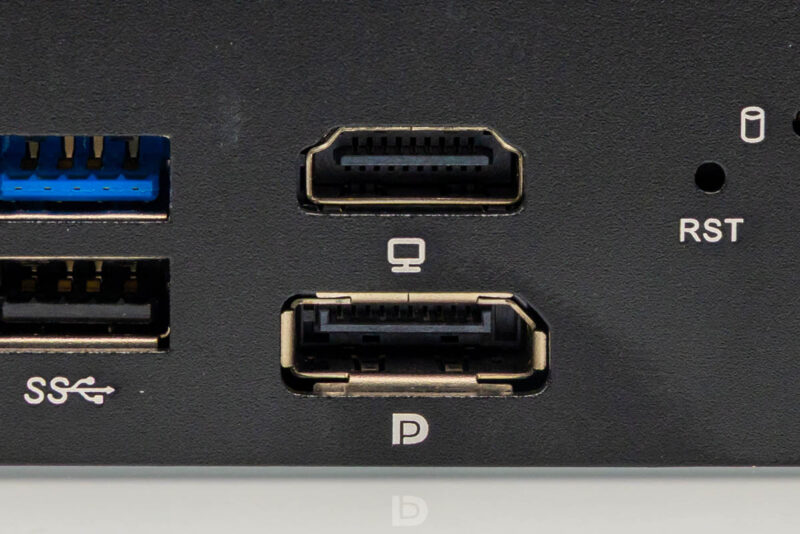
Although this is more of a network box, we get the Intel UHD Graphics 620 graphics powering a HDMI and DisplayPort.
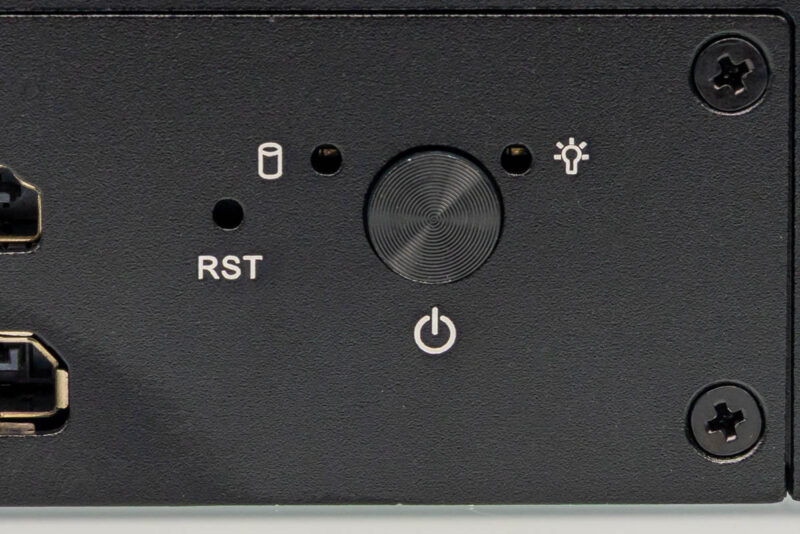
Then we get status LEDs and the power button.
Next, moving to the rear of the system, we get all of the network ports.
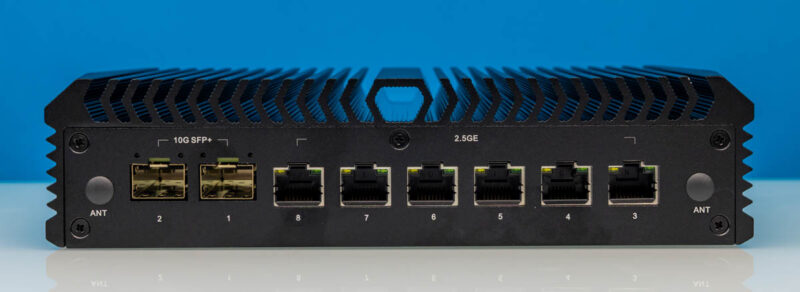
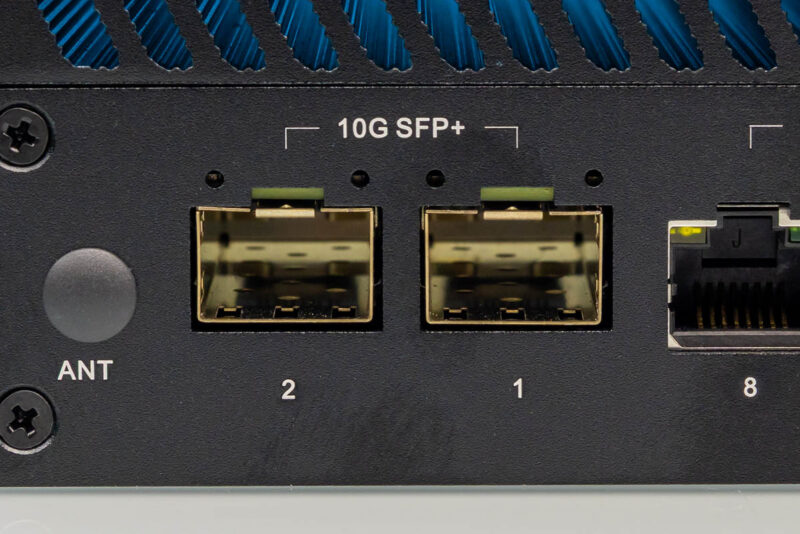
First, we have two Intel X710 SFP+ ports. When we reviewed some of the previous systems, we got feedback that people preferred SFP+, so this answers that request.
Next, there are six 2.5GbE ports based on the Intel i226 NIC.
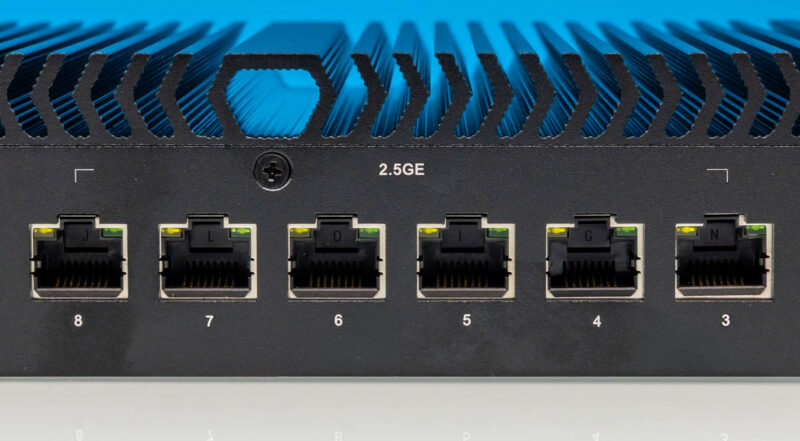
At this point, you may have noticed the port numbering. It goes 2, 1, 8, 7, 6, 5, 4, 3 from left to right on the faceplate.
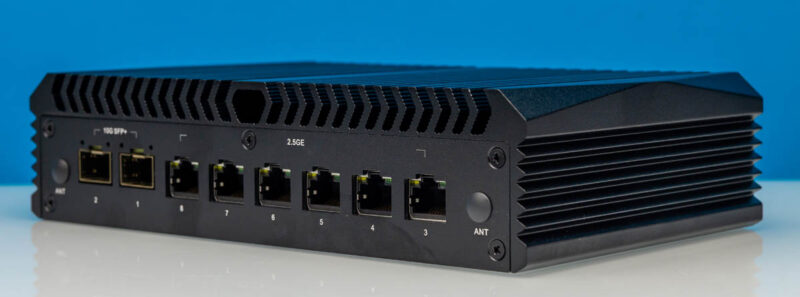
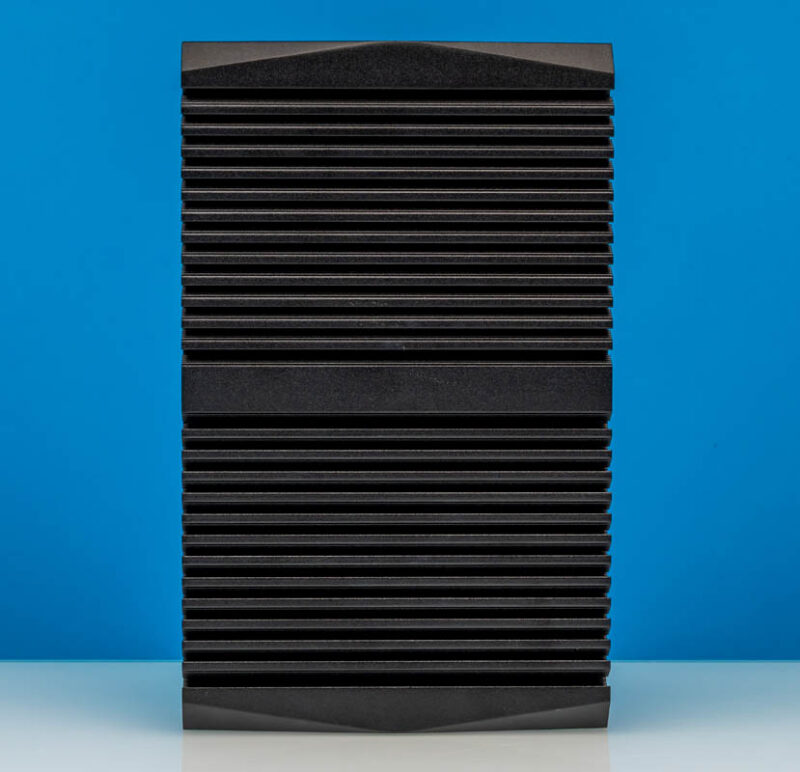
The sides just have fins.
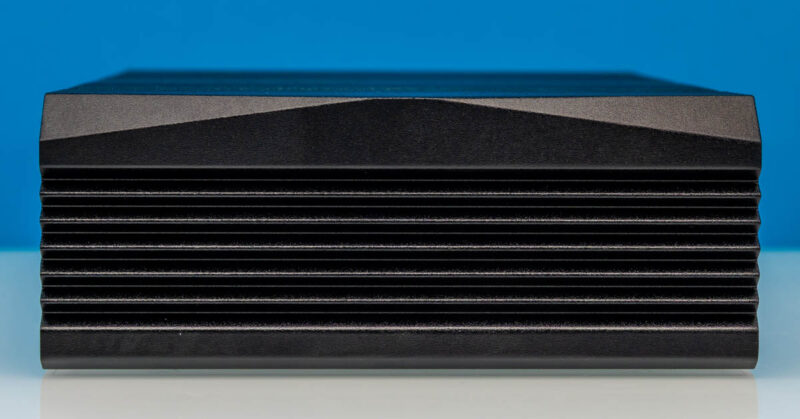
We have seen this chassis before, but it is a heavy metal chassis.
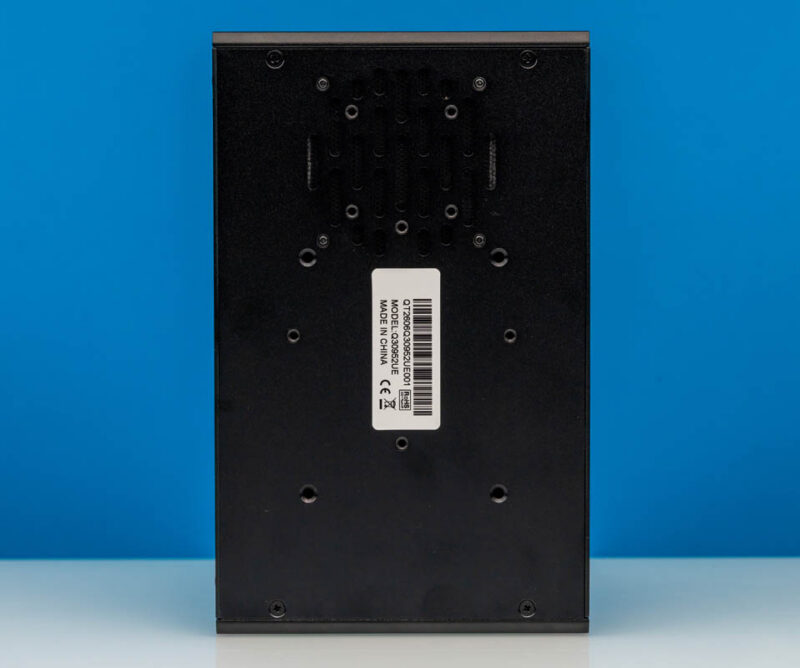
Here is the bottom, which is a bit odd, given how few vents there are. We will quickly note that there are not many safety and regulatory markings on the system.
Now, let us get inside the system to see how it works.



Your AliExpress link is currently $850 for what appears to be barebones. I found the same thing new on eBay for $500. Single SODIMM is a slight performance hit, but no ECC support. A used Edge SDWAN 640/680 system comes with name-brand industrial 32GB ECC DRAM and 256GB SATA SSD. The only advantage here is 2.5GbE, video output, and maybe 2~3x processor.
Would have been great to see some network performance testing with Vyos installed, in both standard l3 routing, and NAT + stateful firewall.
I wonder why they don’t use DMI data to name the ports,. instead of leaving it up to the slot, port, and function number naming?
If they set their DMI data correctly, they could name the ports eno1 through eno8.
I agree with Alan, this seems like a good firewall unit so some relevant benchmarks would have been great.
For me the noise is a deal breaker though, my firewall lives next to my telly.
It looks like the fan is oriented as an exhaust? If so, it will suck all the dirt through the ports, not a very good decision, but easy to rectify.
“In terms of Geekbench, here are the two Qotom systems starting with Geekbench 5 single-core results:”
This is the first time the article mentions the Q5155UT. Why are you comparing to that model, as opposed to the two other Qotom models you already reviewed (linked in the first paragraph)? Are you planning another article on the Q5155UT?
Daniel – Two reviews were done in parallel, but then got split for publishing.