

Qotom Q30952UE Internal Hardware Overview
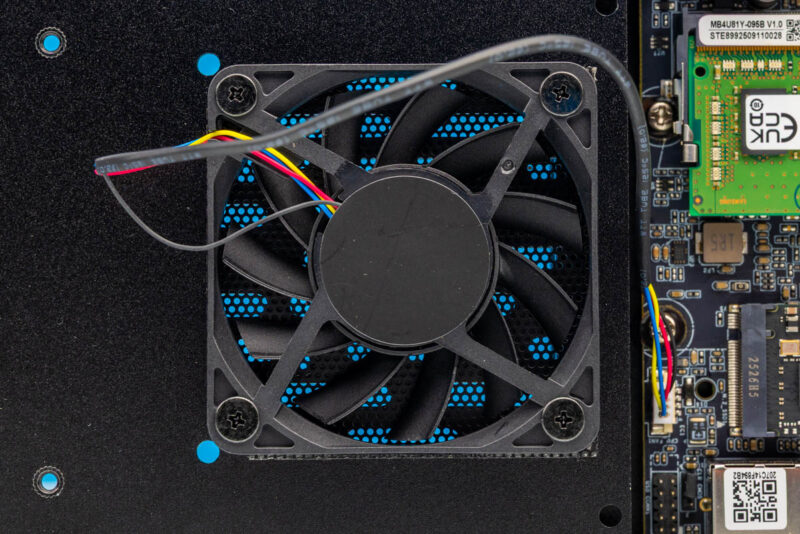
Inside the system, we can see the fan attached to the bottom panel of the chassis. The motherboard design places the CPU on the opposite side of the motherboard to take advantage of the chassis’s passive cooling.
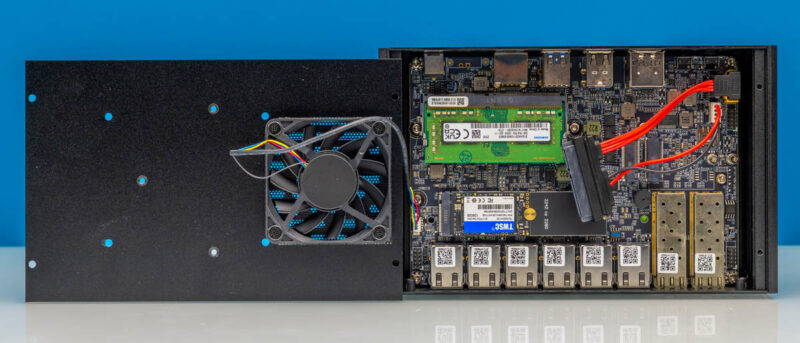
In motherboard designs like this, that can mean minimal airflow for the SSD(s) and memory. Here, Qotom fixed that by adding a fan. So the strange part is that the CPU cooling is fanless, but the memory and storage have a fan.
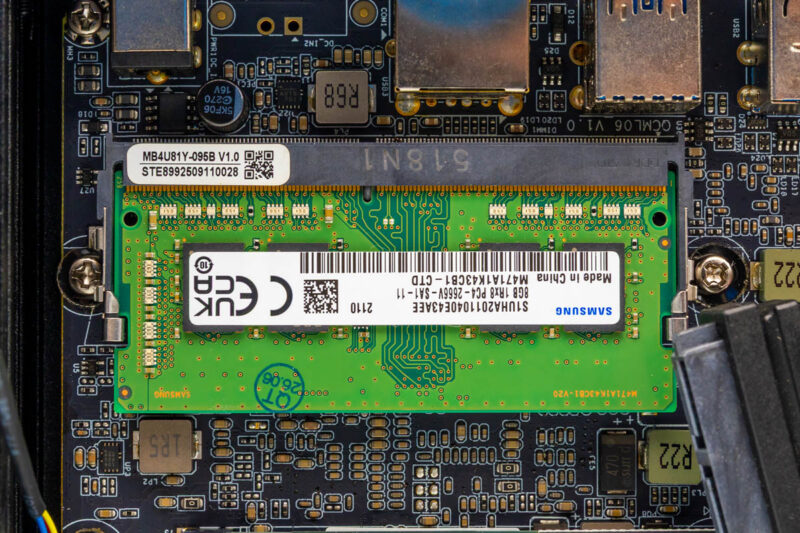
On the subject of memory, this system has a single DDR4 SODIMM slot, so that means a maximum of 32GB. On the plus side, DDR4 is less costly than DDR5 these days, so some may find this to be a major benefit.
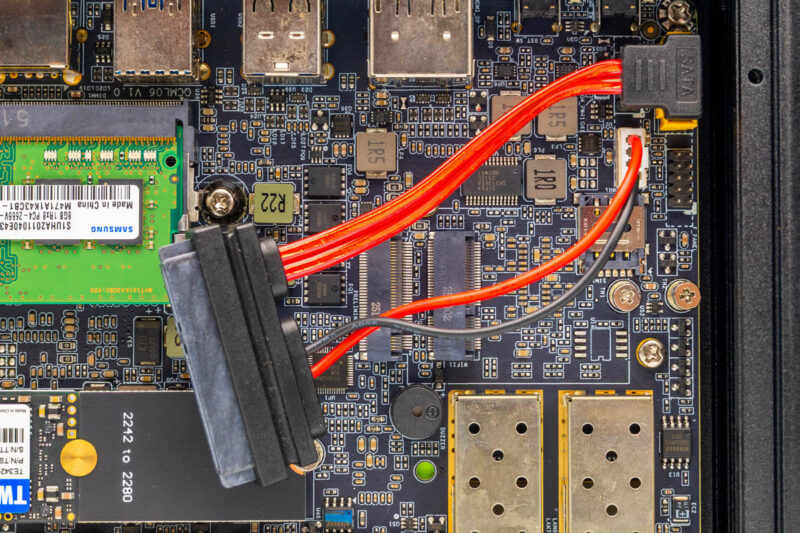
Next, there is a stack of M.2 slots. We did not populate these, but it includes an M.2 2230 E key slot for WiFi. There is also an M.2 3042/ 3052 B-key slot for 4G and 5G.
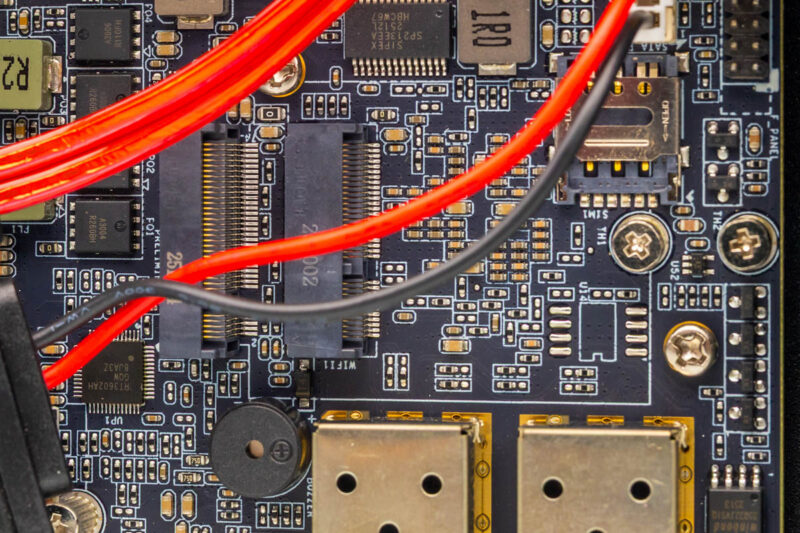
If you saw the cable, there is a SATA data and power cable for a 2.5″ SSD.
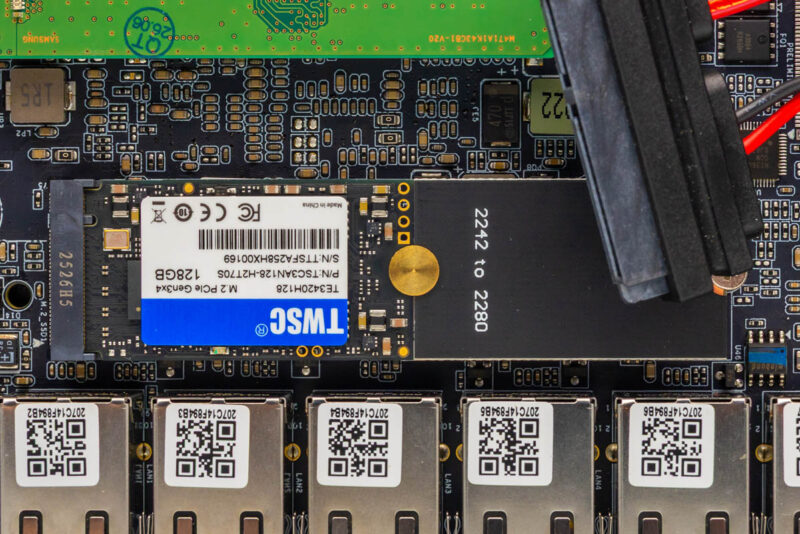
Next, you can see there is a TWSC 128GB SSD that came with ours. The M.2 slot is only PCIe Gen3 x1, so a lower-speed and lower-power/ lower-cost SSD is the better match here.
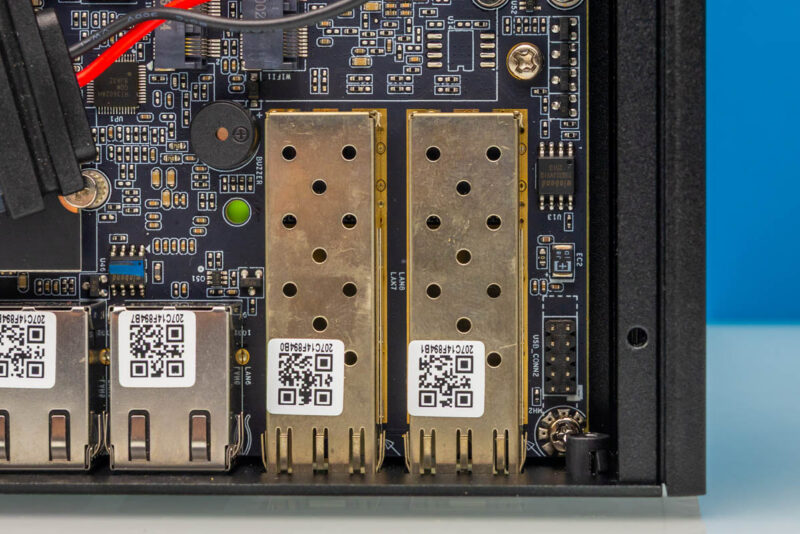
The SFP+ cages are bare, so at least the fan helps cool them a bit.
Next, let us get to the BIOS.
Qotom Q30952UE BIOS
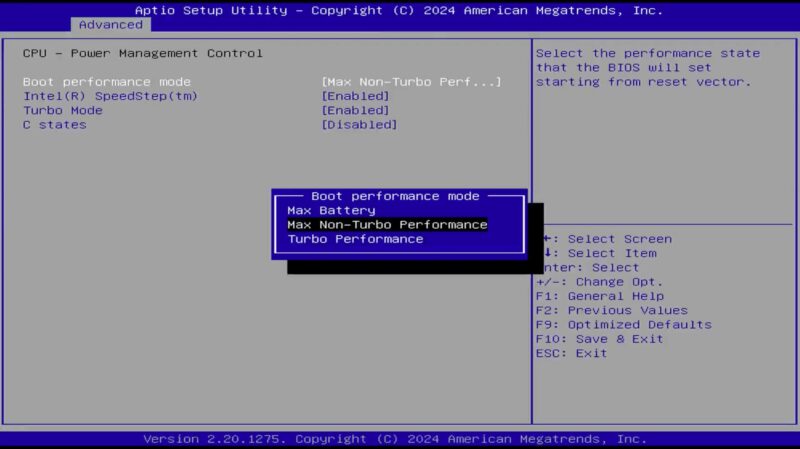
The American Megatrends BIOS that came on this is perhaps old enough to call “vintage” at this point, given the system shipped with roughly 6-7 quarter-old BIOS.
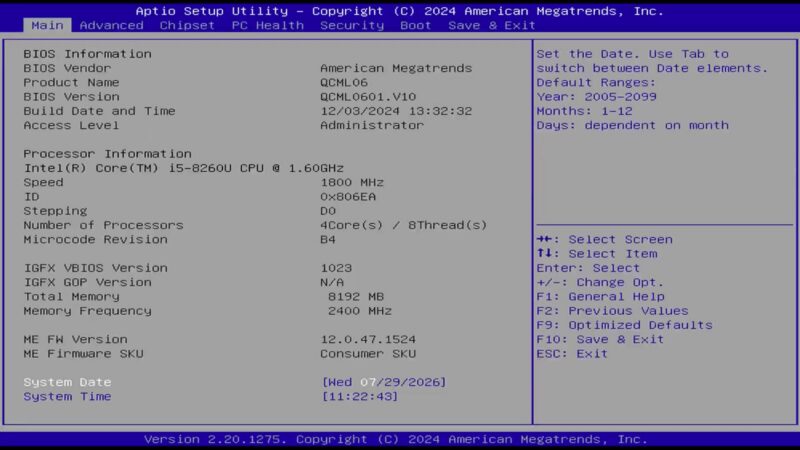
Overall, there is not too much exciting here, but you can set different performance options. One useful one is max non-Turbo performance since in a network device, especially with older CPUs, the state transitions for turbo can introduce a lot of jitter.
Next, let us get to the topology.
Qotom Q30952UE Topology
Here is the system topology, where you can see all the PCIe NICs.
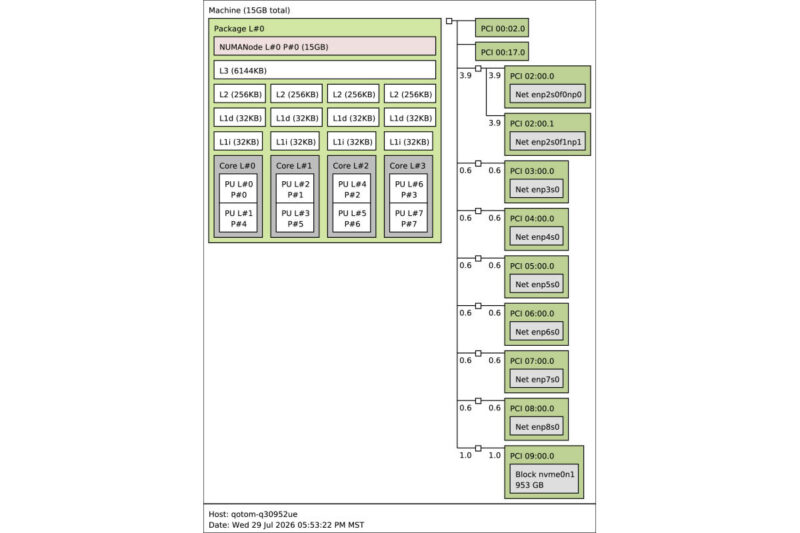
You will also notice we had to install 16GB because we needed 2GB/thread for our benchmarks. With four cores and eight threads in the CPU, it is different from the Denverton and Alder Lake-N cores without SMT.
Next, let us get to the performance.


Your AliExpress link is currently $850 for what appears to be barebones. I found the same thing new on eBay for $500. Single SODIMM is a slight performance hit, but no ECC support. A used Edge SDWAN 640/680 system comes with name-brand industrial 32GB ECC DRAM and 256GB SATA SSD. The only advantage here is 2.5GbE, video output, and maybe 2~3x processor.
Would have been great to see some network performance testing with Vyos installed, in both standard l3 routing, and NAT + stateful firewall.
I wonder why they don’t use DMI data to name the ports,. instead of leaving it up to the slot, port, and function number naming?
If they set their DMI data correctly, they could name the ports eno1 through eno8.
I agree with Alan, this seems like a good firewall unit so some relevant benchmarks would have been great.
For me the noise is a deal breaker though, my firewall lives next to my telly.
It looks like the fan is oriented as an exhaust? If so, it will suck all the dirt through the ports, not a very good decision, but easy to rectify.
“In terms of Geekbench, here are the two Qotom systems starting with Geekbench 5 single-core results:”
This is the first time the article mentions the Q5155UT. Why are you comparing to that model, as opposed to the two other Qotom models you already reviewed (linked in the first paragraph)? Are you planning another article on the Q5155UT?
Daniel – Two reviews were done in parallel, but then got split for publishing.