

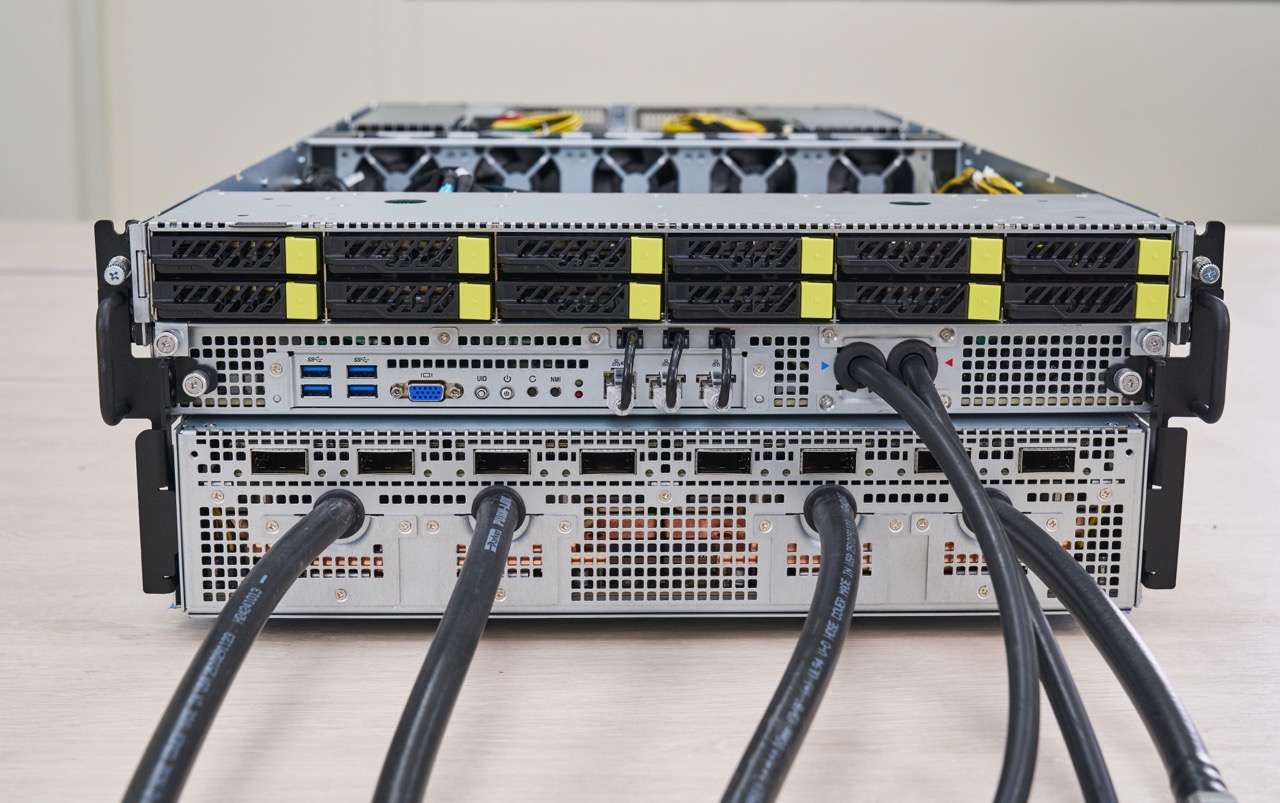
The ASRock Rack 4U16X-GNR2 is a large NVIDIA HGX B300 system. With two Intel Xeon 6 “Granite Rapids” processors, eight NVIDIA Blackwell Ultra GPUs, onboard NVLink interconnect, and more, this is a high-end GPU server for AI training and inference. The 8-GPU topology is also a very well-understood configuration that works well for many workloads. ASRock Rack offers two versions of this server, both of which we saw, and both use liquid cooling. We will primarily show the traditional DLC version in this review.
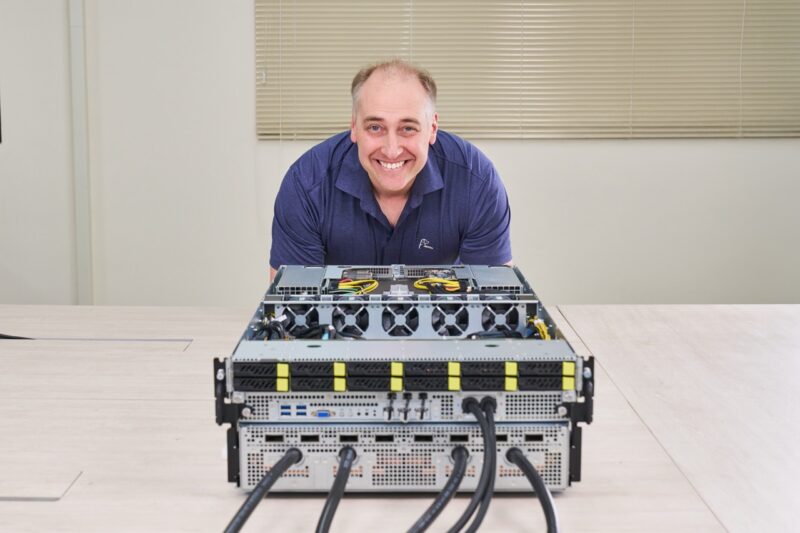
Full disclosure: We saw this and took photos in Taipei, Taiwan, during a trip earlier this year, and then ASRock Rack set us up with remote access, so we have to say this is sponsored. We also saw a ZutaCore-cooled model that day, which provides two-phase cooling for those who do not want water in their loops.
ASRock Rack 4U16X-GNR2 External Hardware Overview
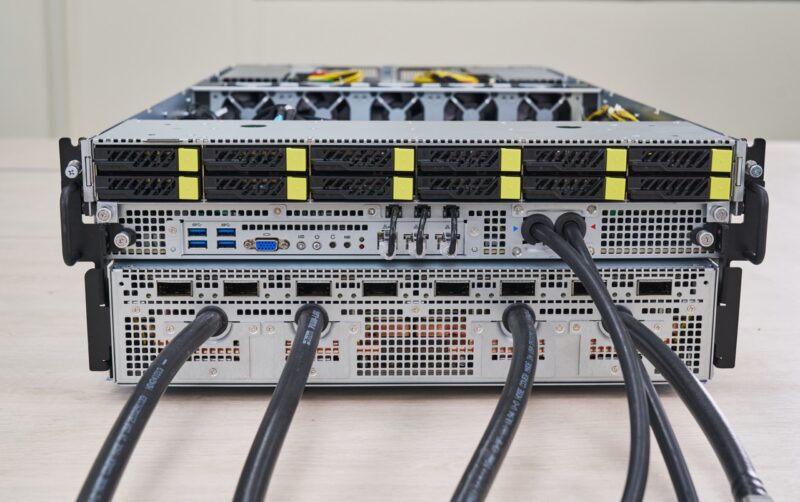
The server itself is a relatively compact 4U chassis. Some may think that 4U is a large system, but it is extremely dense compared to an air-cooled version.
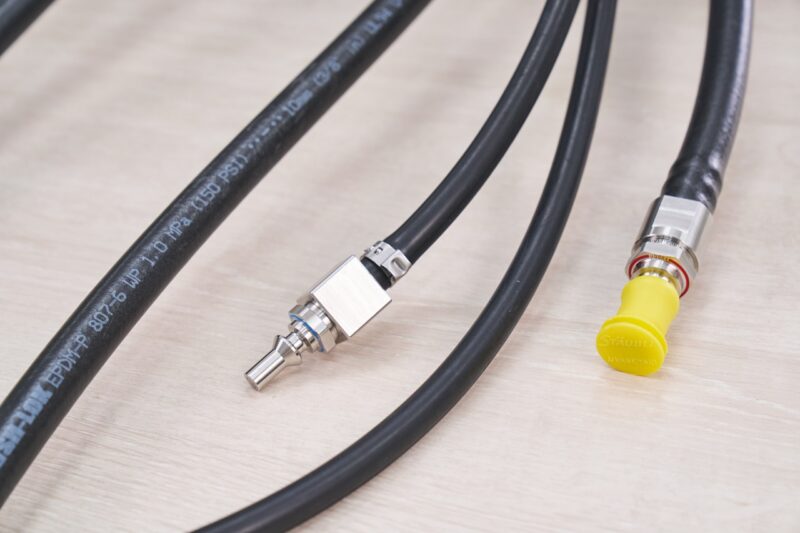
Here is a quick shot of the liquid-cooling nozzles. Blue for the incoming cooler liquid and red for the exiting, warmed liquid.
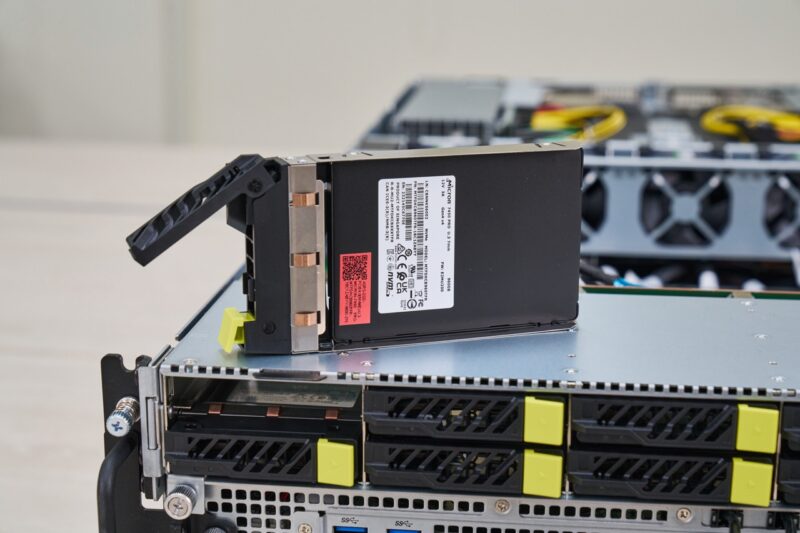
There are 12x 2.5″ U.2 NVMe bays on the front of the system. Two are connected to the CPU, while ten are connected to the PCIe switch complex.
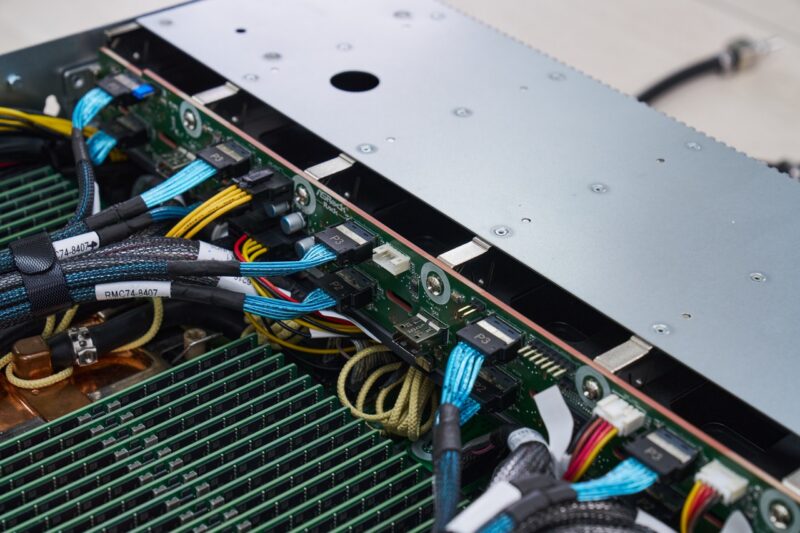
Here is a quick look at the cabled backplane for the SSDs.
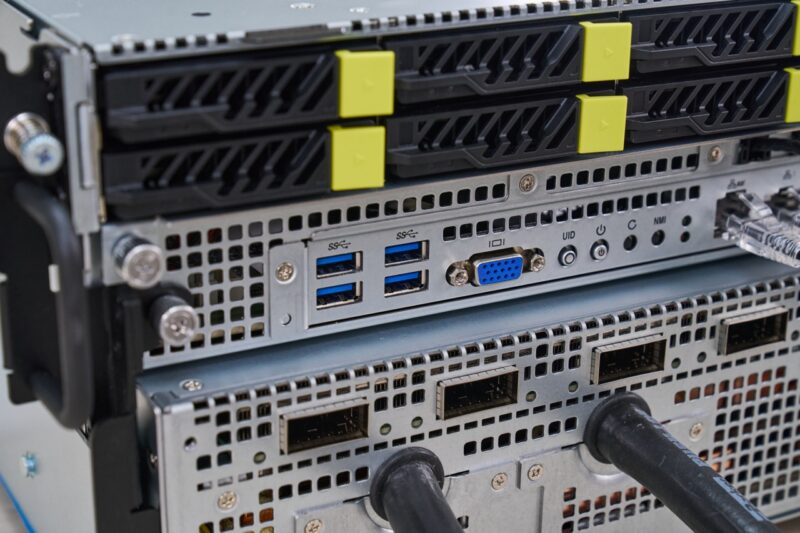
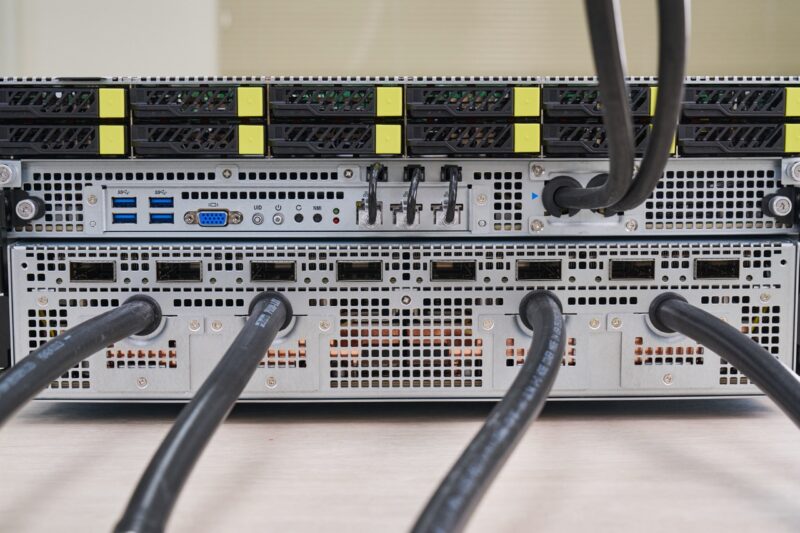
Below the storage is front I/O for the server. You can see four USB 3 Type-A ports on the front, along with a VGA port and even a power button.
Then comes one of our favorite features. ASRock has its management port along with two low-speed 1GbE ports (Intel i350-based) on the front of the system. If a customer wants these in the rear of the chassis, there are internal Ethernet cables that connect to the front of the chassis to provide connectivity to the rear ports.
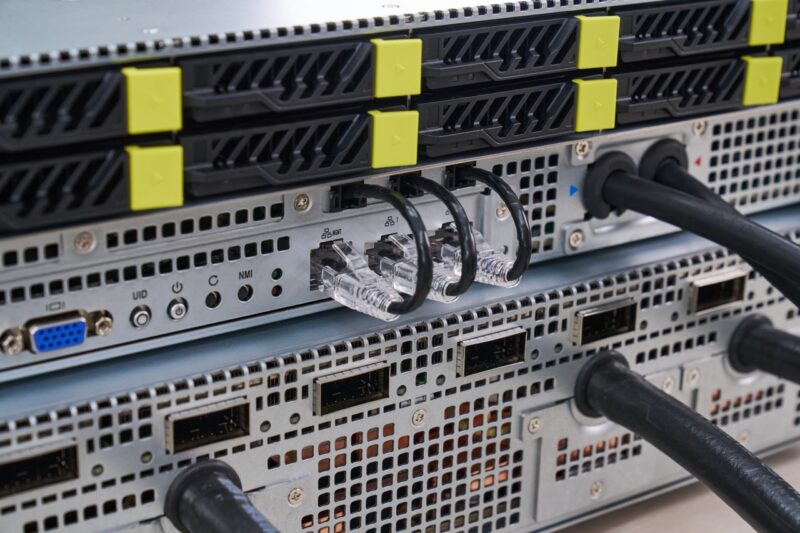
If you want a combination of these, for example, to have the management port in the front and 1GbE ports in the rear, you can insert or remove the cables. That is a simple solution that means one server version can handle many data center cabling needs without requiring a separate SKU.
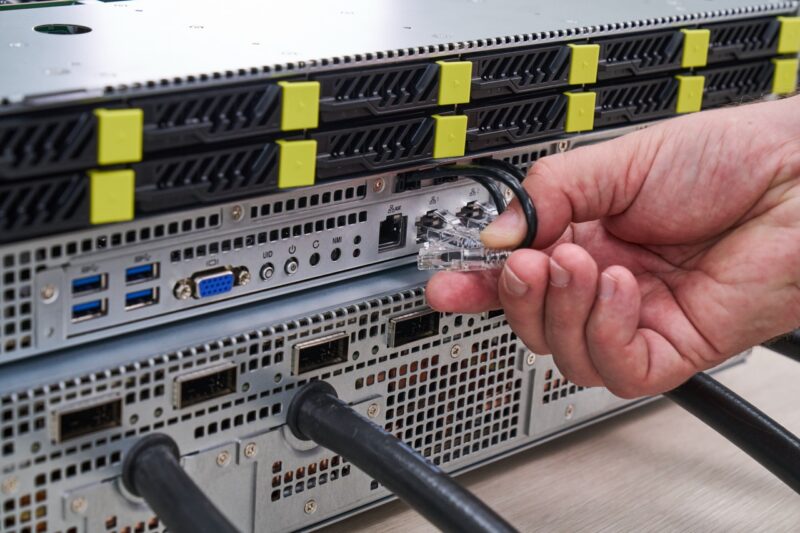
Next to those ports are the CPU liquid-cooling hose inlet and outlet. Below those ports, you can see eight OSFP 800Gbps cages. Even without adding a PCIe card, this system has over 6.4Tbps of network bandwidth on this front panel alone.
Moving to the rear, we can see where those internal network cables connect to as we see the two 1GbE ports on the left rear and the management port and more USB ports on the right rear.
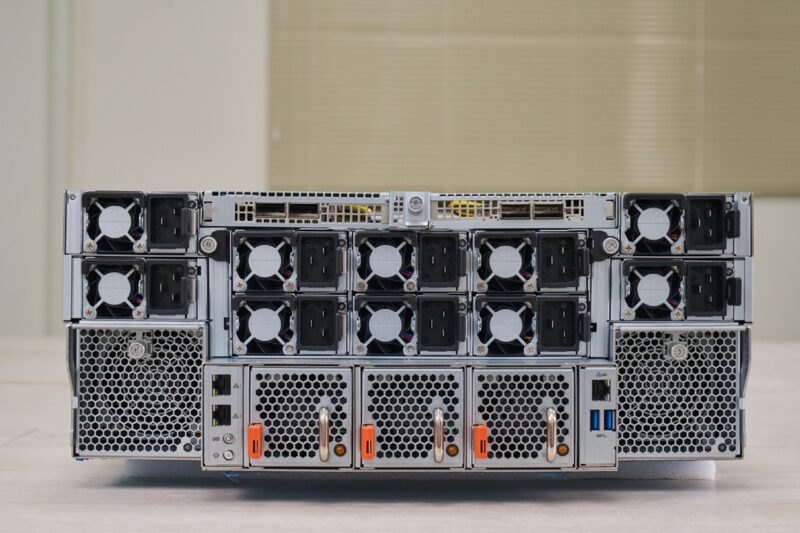
Ten 3kW 80Plus Titanium PSUs are in the rear of the system to provide redundancy.
On each side, there are a pair of large fans on carriers so that they can be hot swapped.
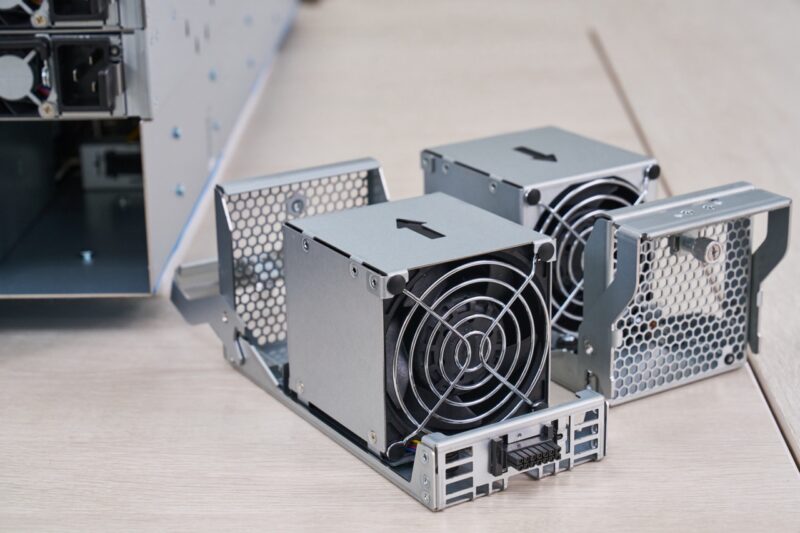
There are also three smaller fans for the lower center part of the chassis.
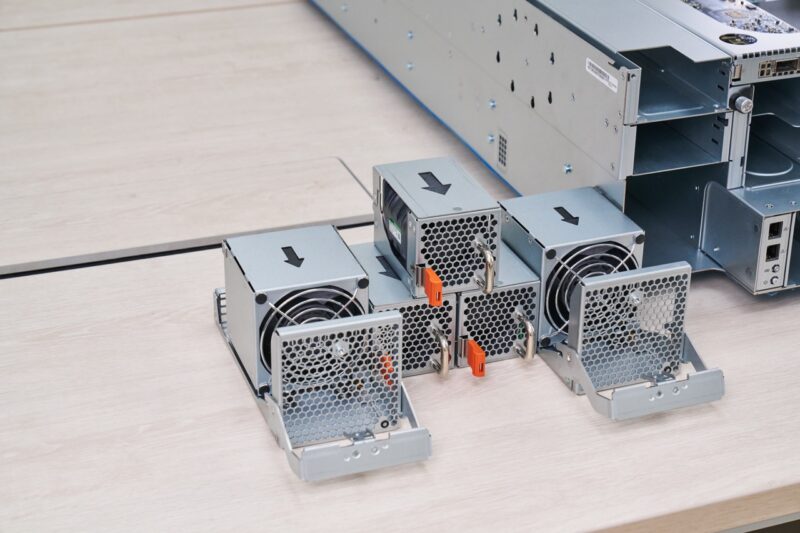
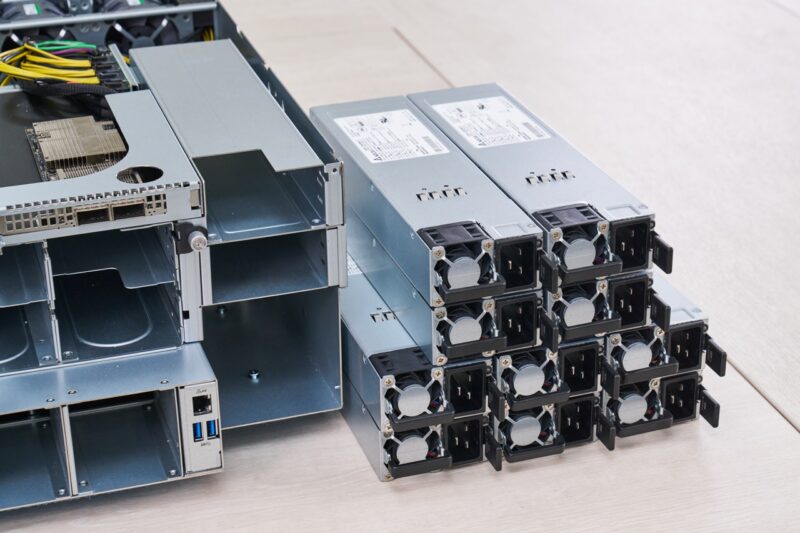
Here is a quick look at two of them out of the system.
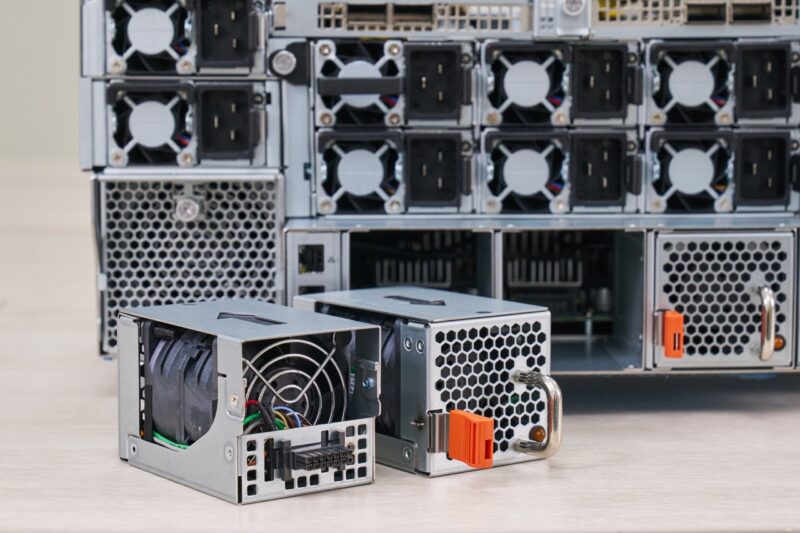
Removing the fans, you can see the airflow paths through the system.
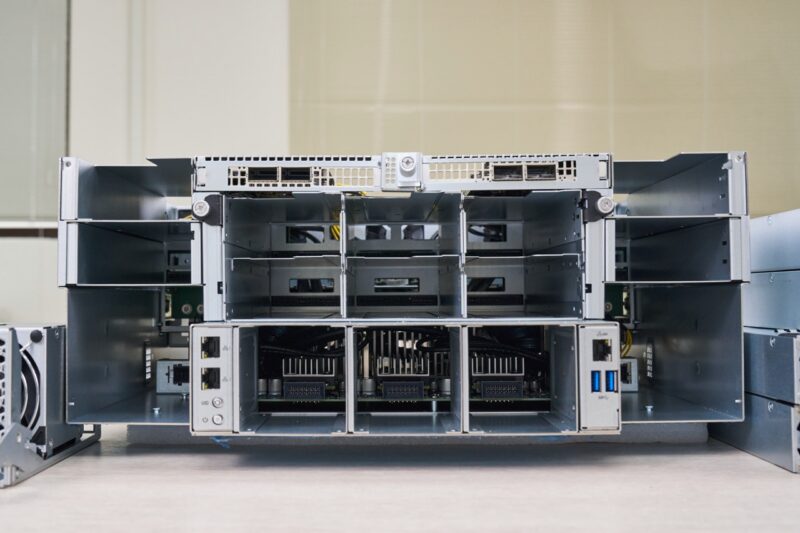
Next, let us get to the top portion of the system where the CPU and memory reside.


@ Patrick. A few corrections.
Other than these corrections, It’s an amazing piece of machine. Too bad, my rack is already full ;-)
A question. What kind of coolant is used, plain water?. Assuming some kind of additive is used for preventing corrosion, clogging etc.
Could the same kind of fluid be used as used with the Immersion Cooling method ?
That fluid is dielectric fluid which would not harm the server if there is a leak. Just a thought.
Thanks Robrt. I think those got eaten between draft and pushing it over to the main site.
Excellent in-depth review! I really like how the article goes beyond specifications and explores the server’s real-world design, cooling, networking, and AI infrastructure capabilities. It’s a valuable resource for anyone interested in next-generation GPU servers and enterprise AI deployments.