

ASRock Rack 4U16X-GNR2 Topology
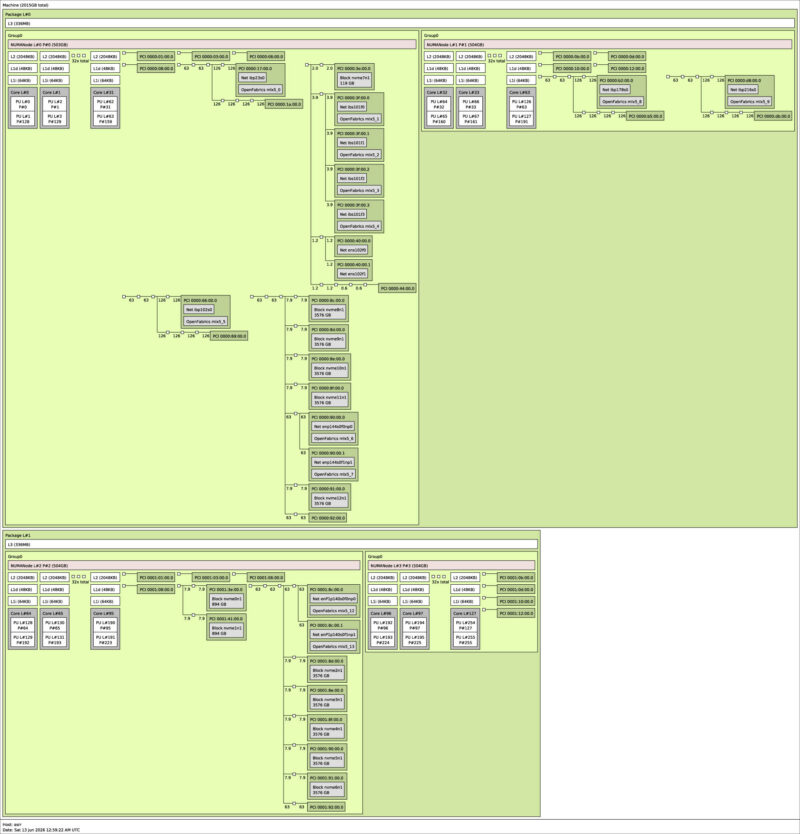
As you might imagine, with GPUs, CPUs, and NICs, there is plenty here for a robust topology diagram.
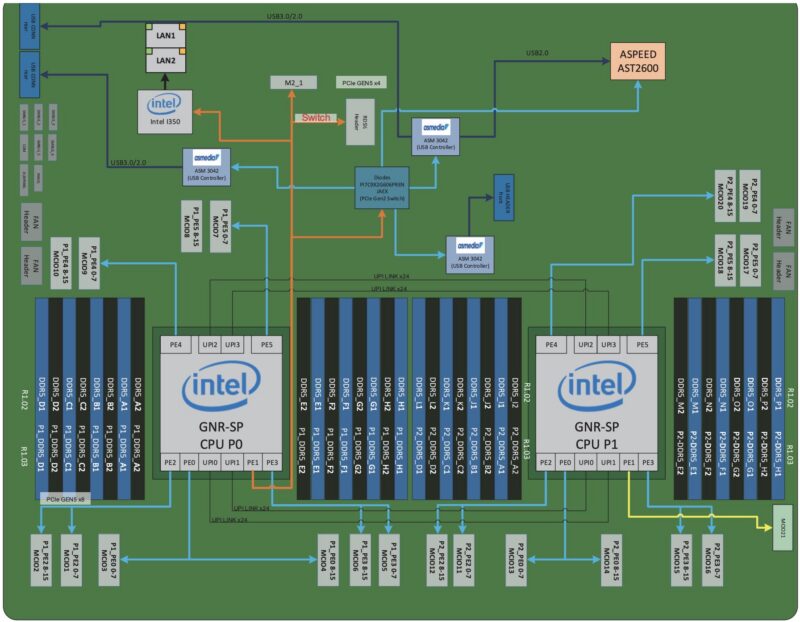
We also found a motherboard block diagram which may help explain how the various parts are connected.
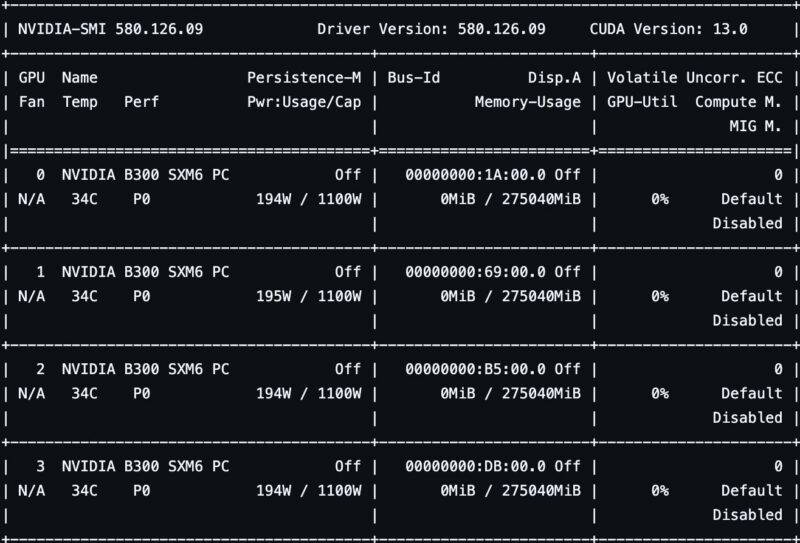
Of course, the stars of the system are its GPUs. Here we can see the NVIDIA Blackwell Ultra GPUs each with a 1.1kW power cap.
Next, let us move on to management.
ASRock Rack 4U16X-GNR2 Management
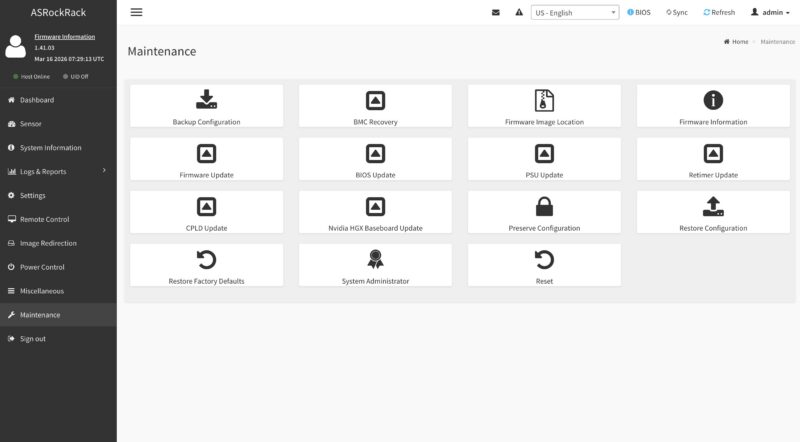
ASRock Rack appears to be using a standard SP-X management interface. Here is the IPMI dashboard.
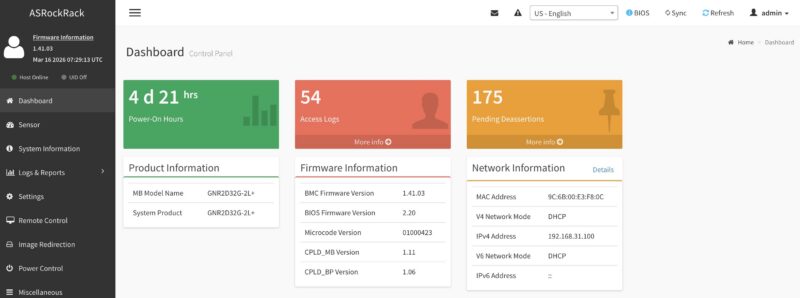
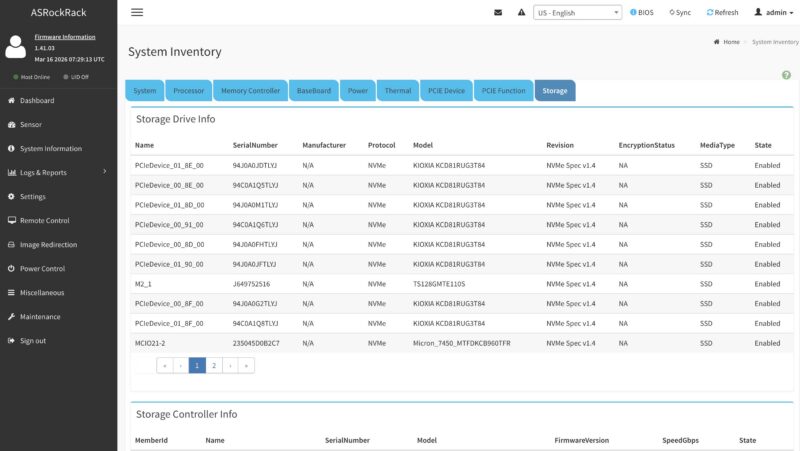
This is an industry-standard management interface that we have covered many times. Still, given the sheer volume of components in the system, even some features like being able to inventory system components is quite useful.
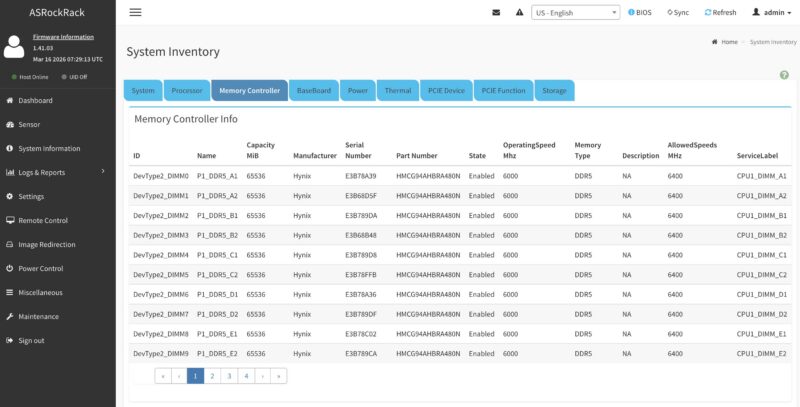
Since many people like to see their memory, here is the DDR5 inventory.
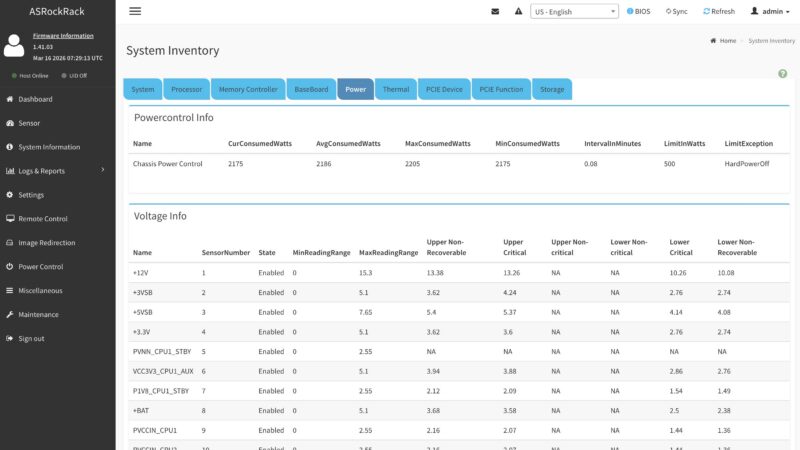
There are also various power sensors and a display for overall power consumption.
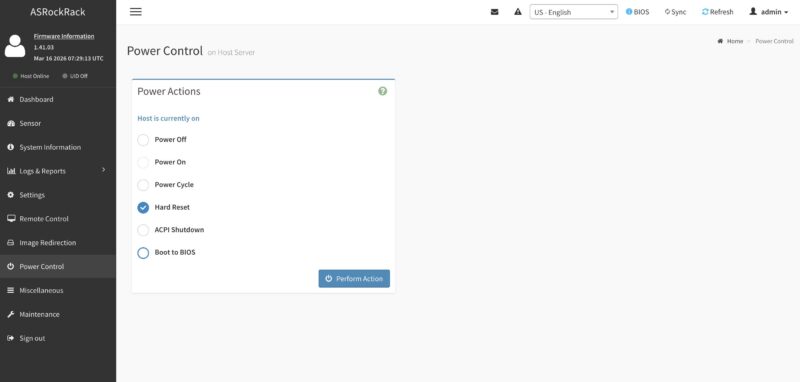
You can also perform power operations. One great feature ASRock Rack has, but not all vendors do, is the ability to select a boot target at next boot.
There is an HTML5 iKVM feature for remote console access. That includes the ability to remotely mount media. This is a simple capability some vendors actually charge for.
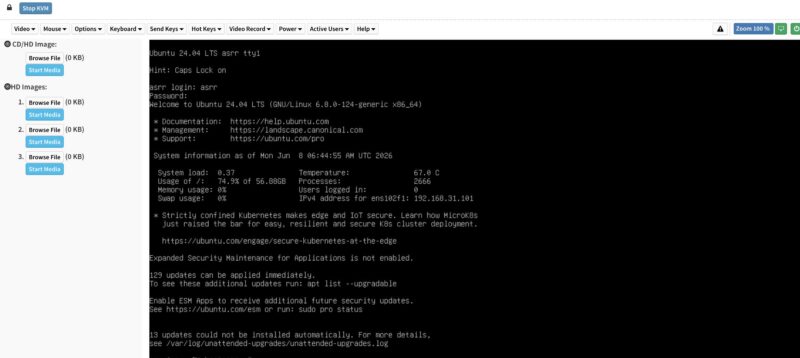
There is, of course, a lot here, but hopefully this gives you a flavor of the management interface.
Next, let us get to the performance.


@ Patrick. A few corrections.
Other than these corrections, It’s an amazing piece of machine. Too bad, my rack is already full ;-)
A question. What kind of coolant is used, plain water?. Assuming some kind of additive is used for preventing corrosion, clogging etc.
Could the same kind of fluid be used as used with the Immersion Cooling method ?
That fluid is dielectric fluid which would not harm the server if there is a leak. Just a thought.
Thanks Robrt. I think those got eaten between draft and pushing it over to the main site.
Excellent in-depth review! I really like how the article goes beyond specifications and explores the server’s real-world design, cooling, networking, and AI infrastructure capabilities. It’s a valuable resource for anyone interested in next-generation GPU servers and enterprise AI deployments.