

ASRock Rack 4U16X-GNR2 DLC Top Motherboard and CPU Area
The top of the system is the traditional motherboard with its CPUs, memory, storage, and NICs. Many of these components are low-power and thus fairly easy to cool with fans, so long as the heat from the CPUs is removed via liquid cooling.
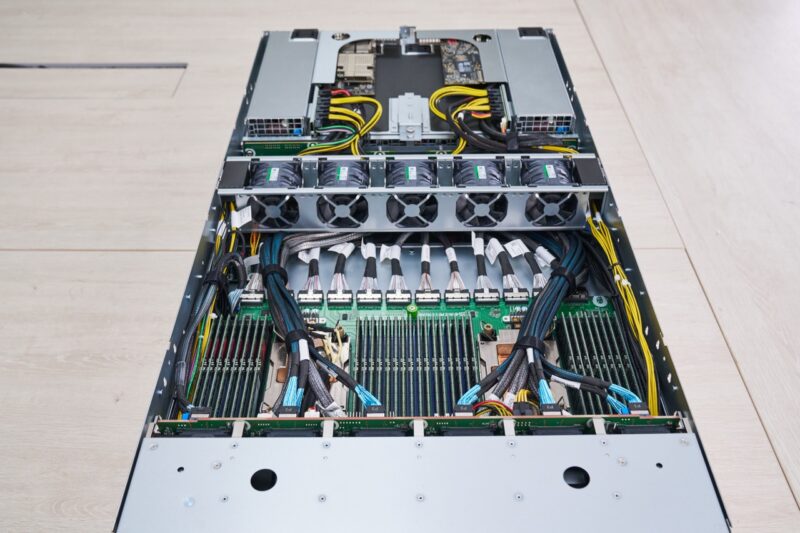
The system uses dual Intel Xeon 6700P CPUs, and if you wanted maximum cost savings potentially Xeon 6500P series processors.
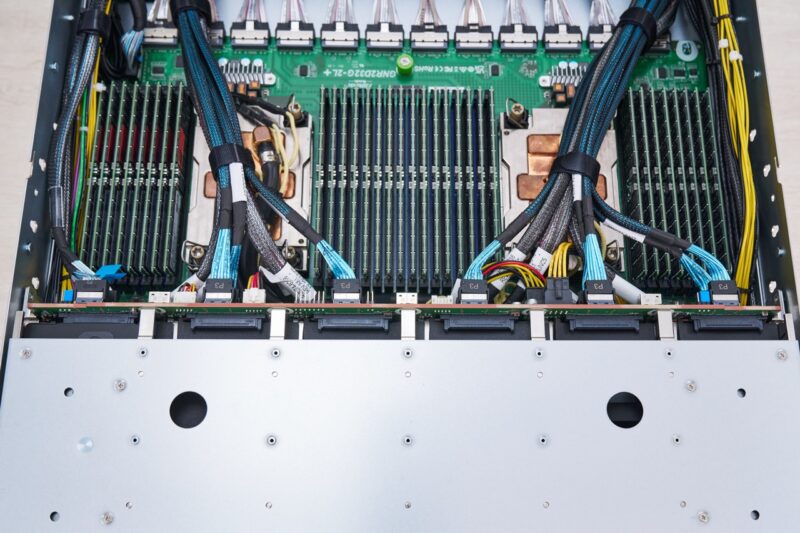
The processors are cooled not by traditional heatsinks but by cold plates. These cold plates remove heat by circulating fluid, so they do not require a lot of airflow. As a result, cables can be routed above the cold plates without fear of blocking airflow to the CPUs.
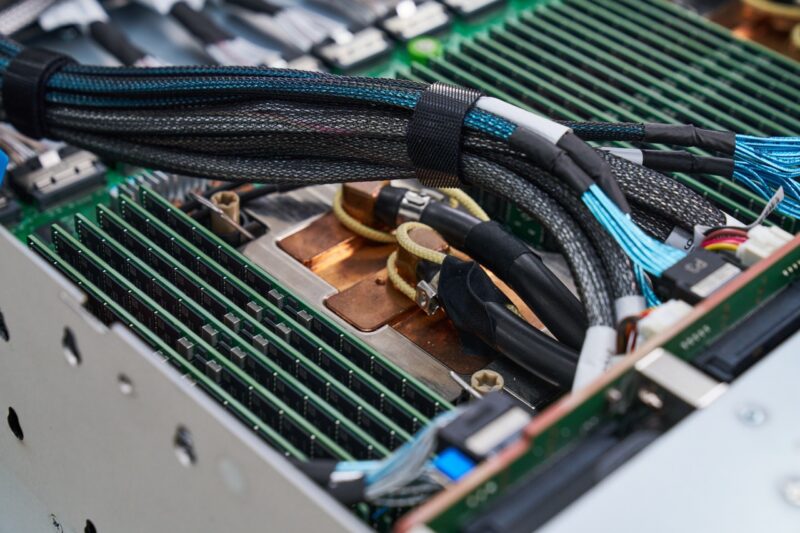
You can see that these cold plates have leak detection ribbon around the hoses, so that if the system did leak, it would be quickly detected and the system can shut down.
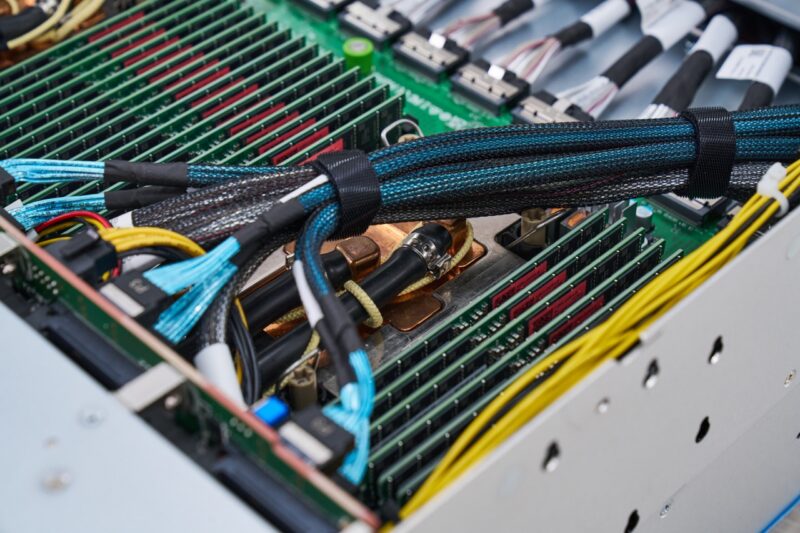
Another important aspect is that by using the Intel Xeon 6700P series, ASRock Rack is able to have 16 DDR5 DIMMs per CPU for 32 DIMMs total. This allows for more memory capacity than the Xeon 6900P series.
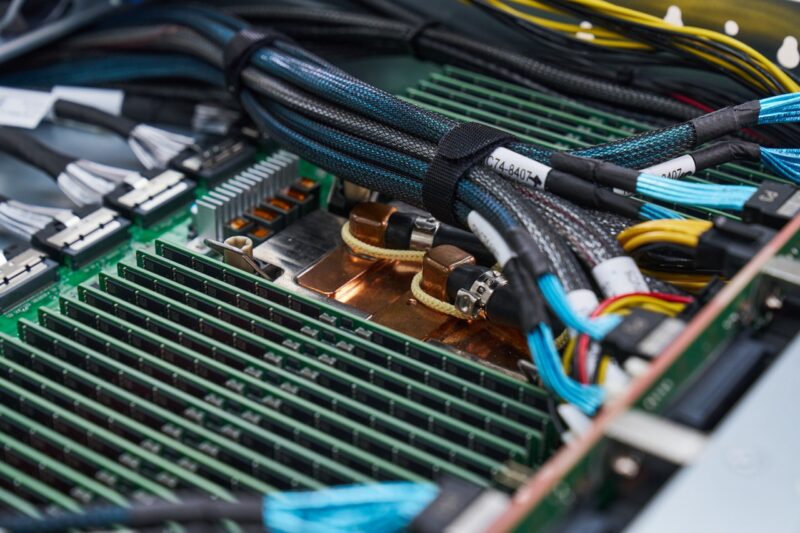
The motherboard is the GNR2D32G-2L+, which is one we have seen before. This is unique since it is specifically designed for this type of deployment. Instead of having PCIe slots, the rear is all MCIO connectors. That allows ASRock Rack to distribute PCIe lanes inside a large system. The cables for those connections run under the center fan partition.
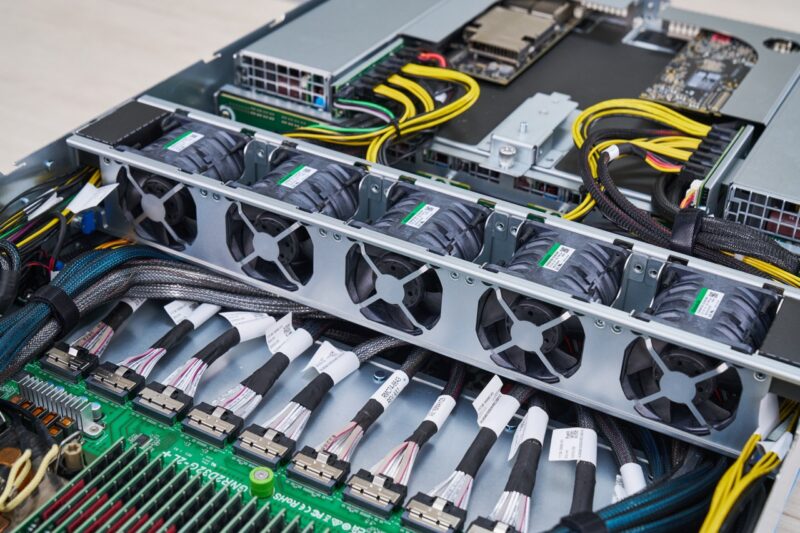
Behind the fan partition, there are two full-height PCIe Gen5 x16 slots. These will usually house north-south network links, usually being an NVIDIA ConnectX-7 or an NVIDIA BlueField-3 DPU.
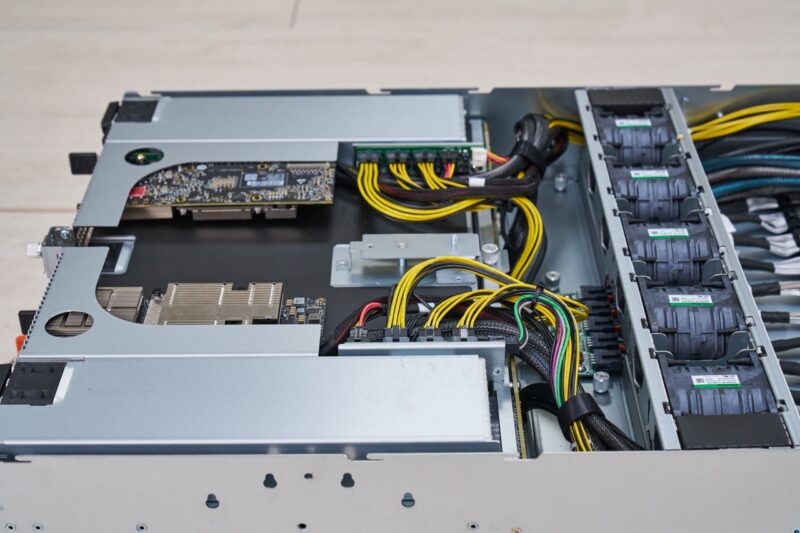
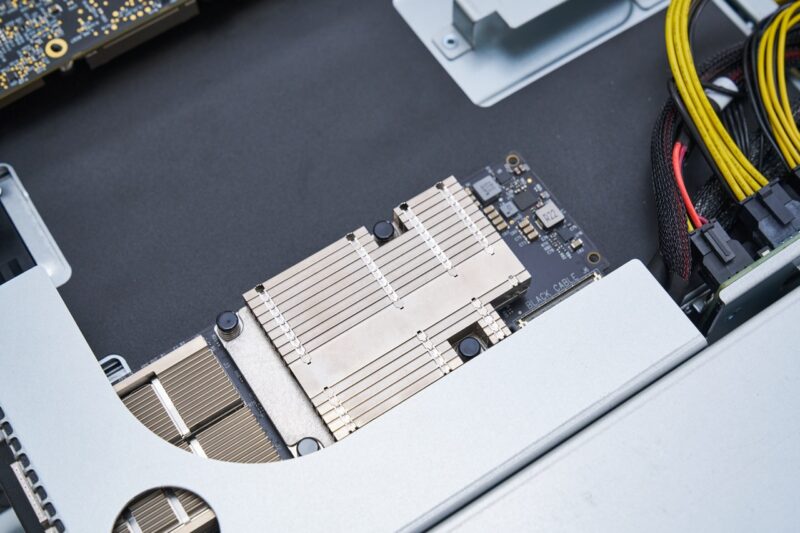
Here is a quick look from above with the NVIDIA ConnectX-7 card installed in the riser.
Next, let us get to the GPU tray.


@ Patrick. A few corrections.
Other than these corrections, It’s an amazing piece of machine. Too bad, my rack is already full ;-)
A question. What kind of coolant is used, plain water?. Assuming some kind of additive is used for preventing corrosion, clogging etc.
Could the same kind of fluid be used as used with the Immersion Cooling method ?
That fluid is dielectric fluid which would not harm the server if there is a leak. Just a thought.
Thanks Robrt. I think those got eaten between draft and pushing it over to the main site.
Excellent in-depth review! I really like how the article goes beyond specifications and explores the server’s real-world design, cooling, networking, and AI infrastructure capabilities. It’s a valuable resource for anyone interested in next-generation GPU servers and enterprise AI deployments.