

Gigabyte W775-V10-L01 IPMI with OpenBMC Management
When I first saw this platform, I was completely wrong. I thought that it was intended to be a workstation similar to how if you put an Intel Xeon workstation part or AMD Threadripper together with an NVIDIA RTX Pro 6000 Blackwell Edition GPU, but using NVIDIA’s higher-end parts. I was completely wrong. I think many will ultimately buy these systems with an NVIDIA RTX Pro 2000 Blackwell GPU to get video output, but NVIDIA did something really smart here, and built the platform with out-of-band management and a BMC like a server.
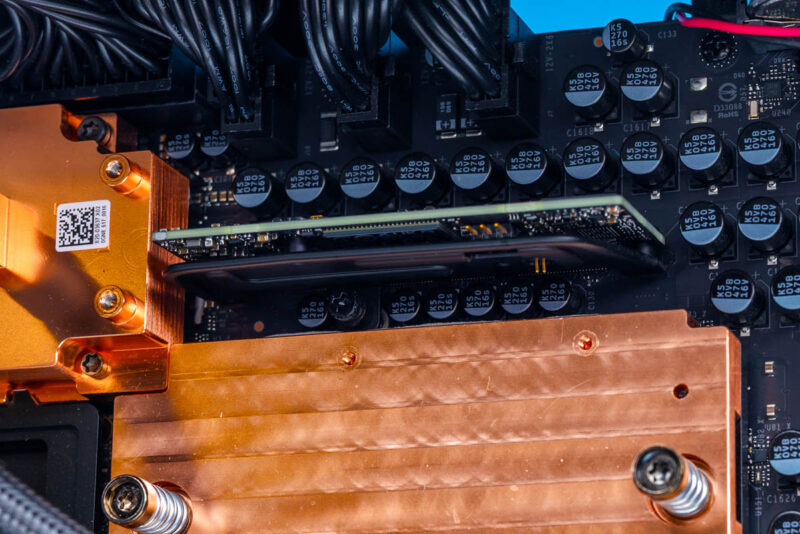
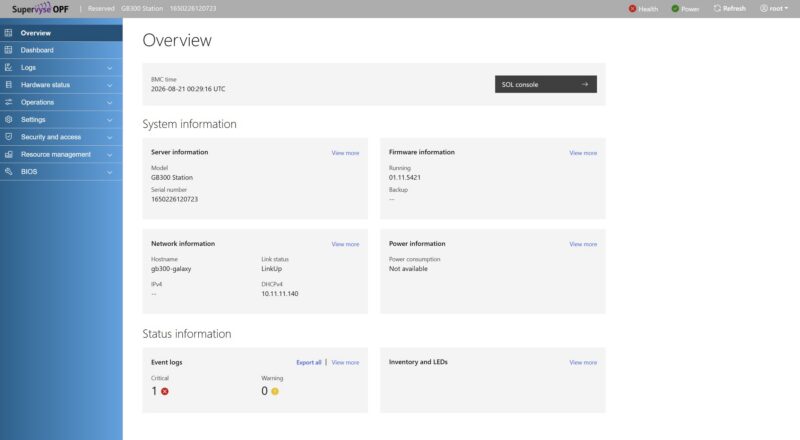
Interestingly enough, Gigabyte and NVIDIA are using OpenBMC here so it will look either very familiar or moderately familiar based on which server brands you use and their BMC implementations.
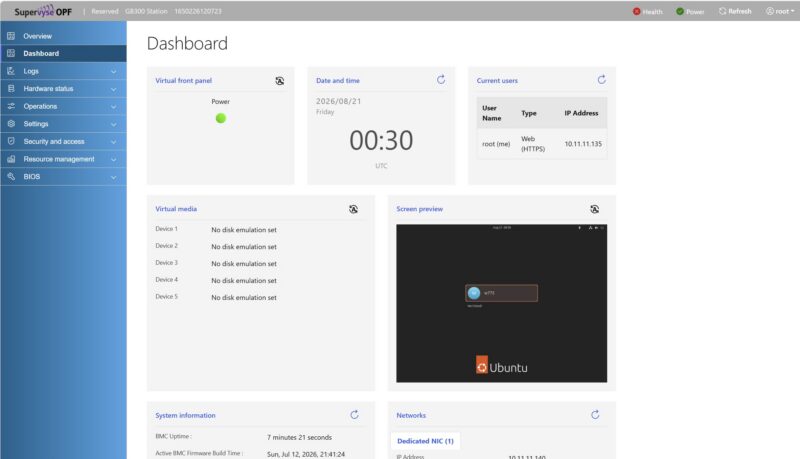
OpenBMC has been gaining in popularity and Gigabyte’s solution feels very much like an industry-standard default implementation which is great for remote management.
One nice feature is that you can go into the web UI (or API) and set parameters in the BIOS.
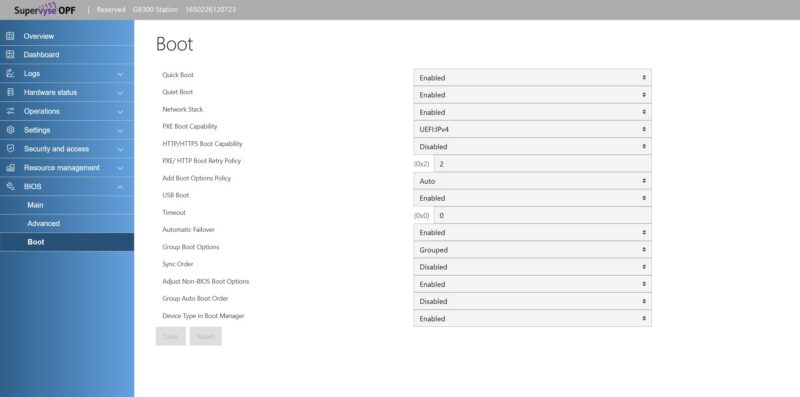
That just saves a bit of time since these have a lot of memory connected and are not terribly fast on the boot side. So having server grade hardware and being able to edit BIOS settings without having to spam keys on boot is always useful.
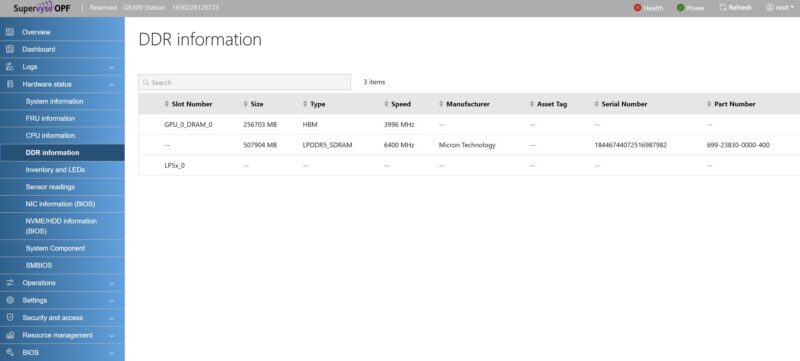
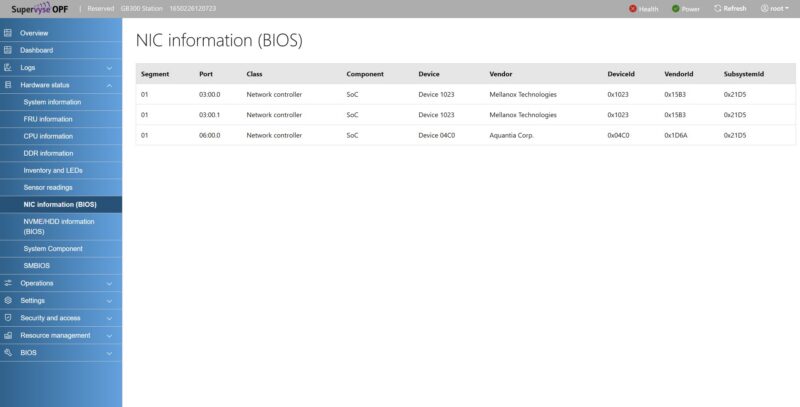
OpenBMC also has a lot of information available on the different parts of the system that you can see from an inventory perspective directly from the BIOS. This is a feature that you probably rarely use if you have one workstation or server, but if you have a fleet of them, it becomes quite useful avoiding trips to the machine.
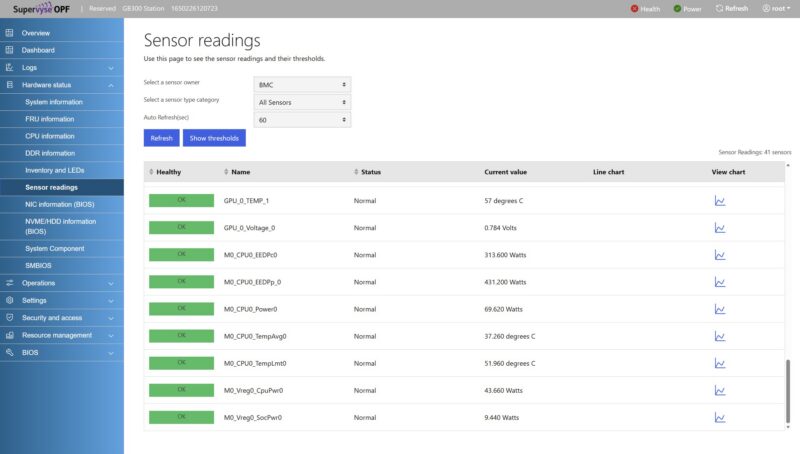
On the sensor readings side, you can see the various sensor values. I will just say that it feels a bit like NVIDIA worked with all of its DGX Station vendors to make sure that this is available, and that the machines can run 24×7 without issue. Still, given the price, I can imagine most of the buyers will be companies, and so having the ability for IT to manage these systems, like they do servers, and troubleshoot potential issues using sensor data remotely is useful.
There is also a KVM-over-IP solution with a HTML5 iKVM viewer. There is also a Java iKVM and a remote SOL feature, but usually this is the feature people want to see.
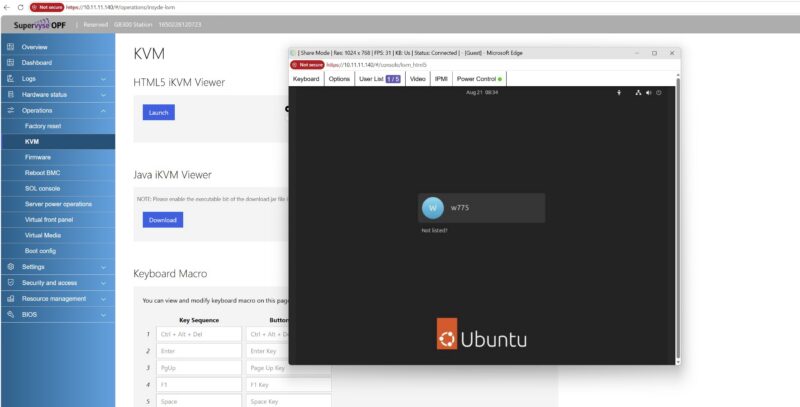
You will notice that we get the Ubuntu with NVIDIA AI Developer Tools installed on the system from the factory. That means we get a Ubuntu desktop environment to work from. Just remember that this is being powered by the BMC’s graphics, not the Blackwell Ultra GPU.
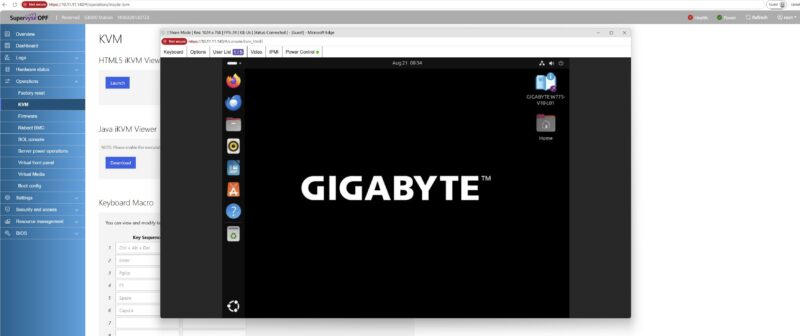
We have been testing three of these DGX Station systems simultaneously, and we even put an NVIDIA RTX Pro 2000 Blackwell in one of them. I think if you have one of these, you might use the desktop. Many who have one of these systems will manage it like a server via the CLI and the BMC. If your company is buying several of these Gigabyte NVIDIA DGX Station’s, you are more likely to manage them as servers, and so having a solid OpenBMC platform to manage the DGX Station helps when you start scaling out. It also is useful if you need to do an OS recovery which we did on one of the systems (but not this one.)
Next, let us get to the performance.



There’s so much more in here than in the early reviews that made it sound like it’s a normal workstation. I watched and read other GB30 reviews, and I didn’t know about the 229Gbps limit. It’s a prime example of why STH is the best at this today, now that Anand is done.