

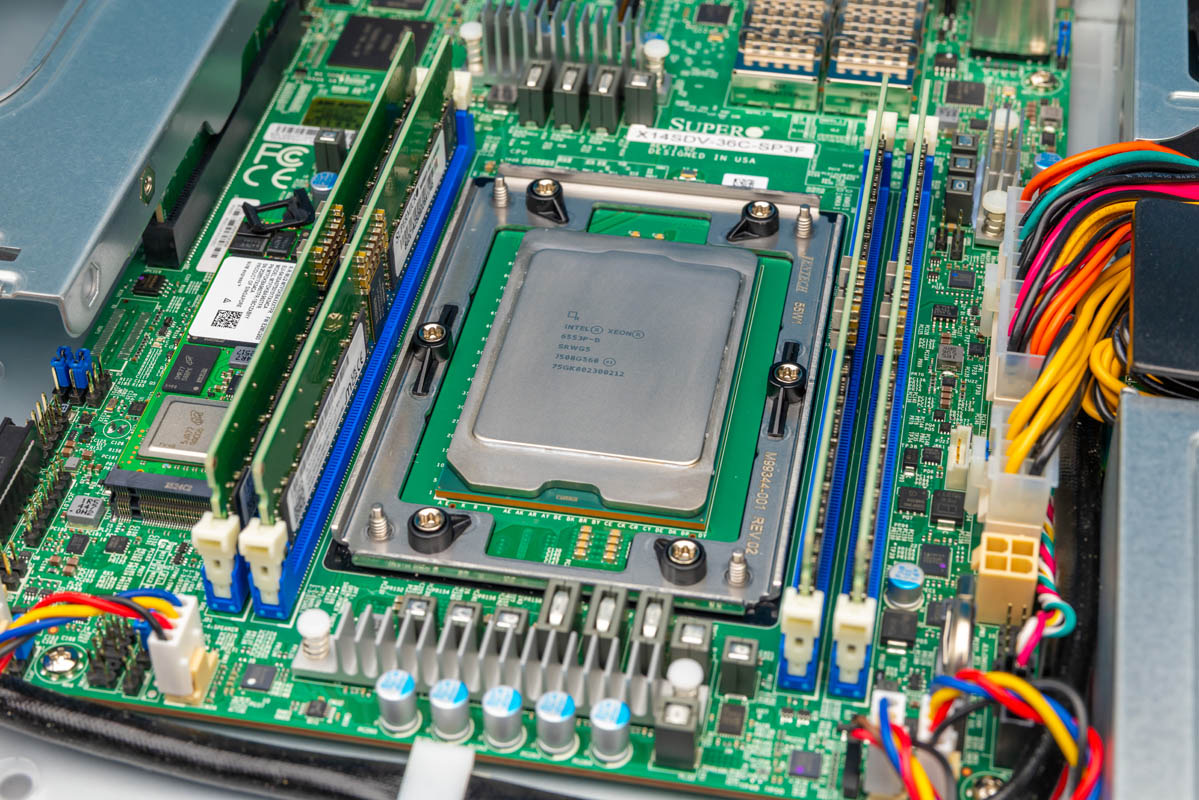
We recently looked at the Supermicro SYS-112D-40C-FN8P, a short-depth Intel Xeon 6 SoC system with eight 25GbE ports. This Supermicro SYS-112D-36C-FN3P is a similar 36-core version, but the bigger change is networking. Instead of 8x 25GbE, this platform gives us 2x QSFP28 100GbE in the same general front-I/O 1U format. With the 36-core Intel Xeon 6 SoC 6553P-B, we wanted to see what changes in terms of performance.
Supermicro SYS-112D-36C-FN3P External Hardware Overview
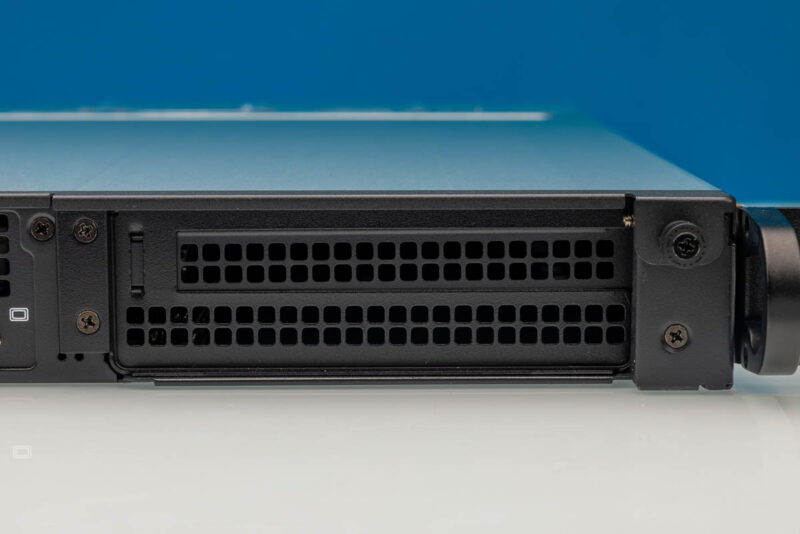
From the front, this is visibly a different layout than the 40-core (FN8P) unit we reviewed. This chassis has the primary I/O cluster on the front, along with the PCIe expansion on the right side, but the redundant power supplies are on the rear in this model.
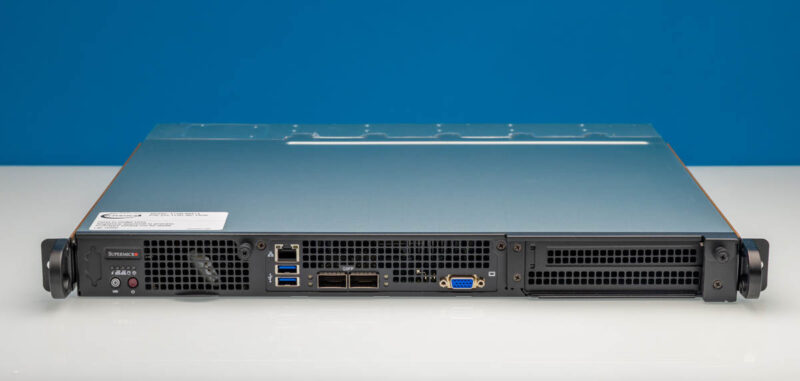
The angled view shows how compact the system is. At around 15.7 inches deep, this is not trying to be a traditional deep 1U server. It is meant for racks and cabinets where depth is an important design constraint, even though this 36C unit has components on both faces of the chassis.
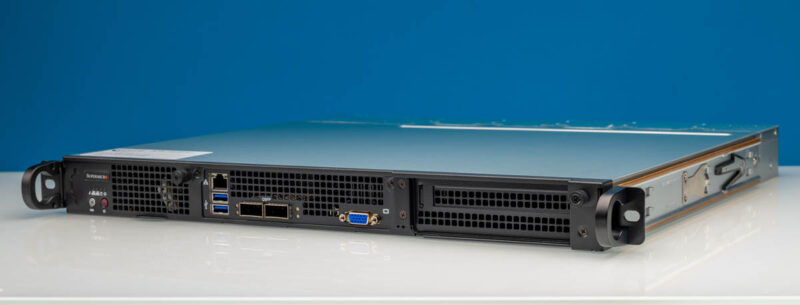
Another angle gives a better sense of the front face. The I/O section sits toward the center, while the larger opening on the right is for the PCIe expansion area rather than a front-mounted power supply.
On one side of the front panel, we have the shared management LAN area. There is one Intel i210 1GbE LAN port with IPMI shared on LAN port 1.
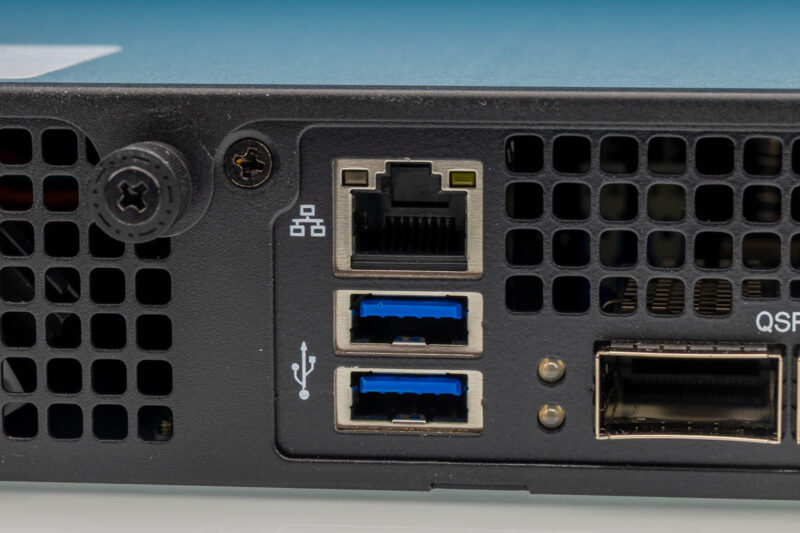
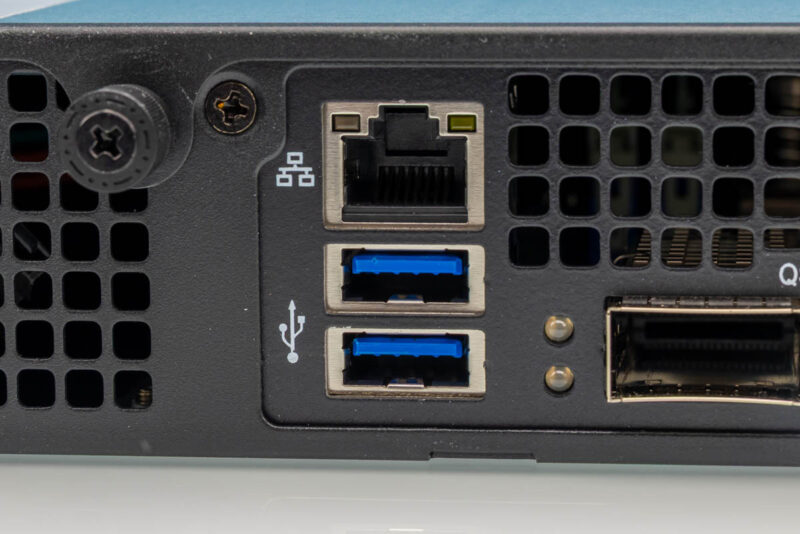
Next to that area are two USB 3.0 Type-A ports. These are useful for local installation and recovery work, especially since the system is designed for front-service access.
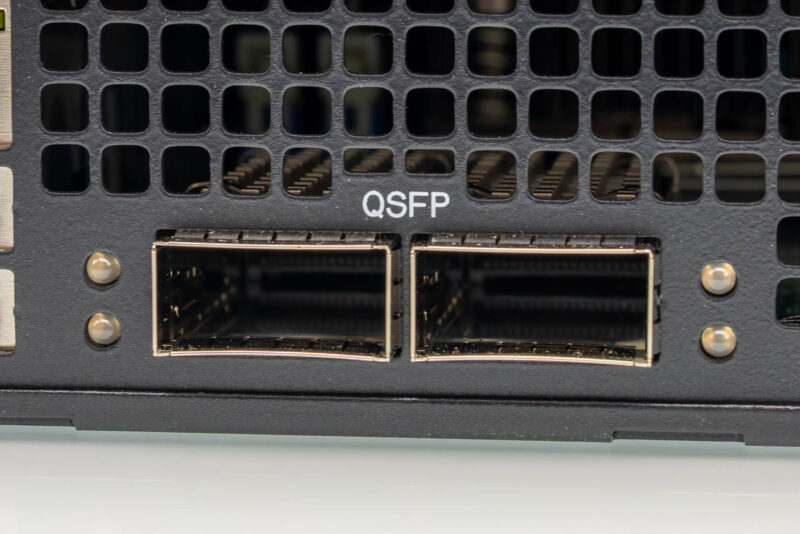
The main networking change versus the 40C model is here. Instead of eight SFP28 25GbE ports, this system has two QSFP28 100GbE ports tied to the Intel Xeon 6 SoC networking block.
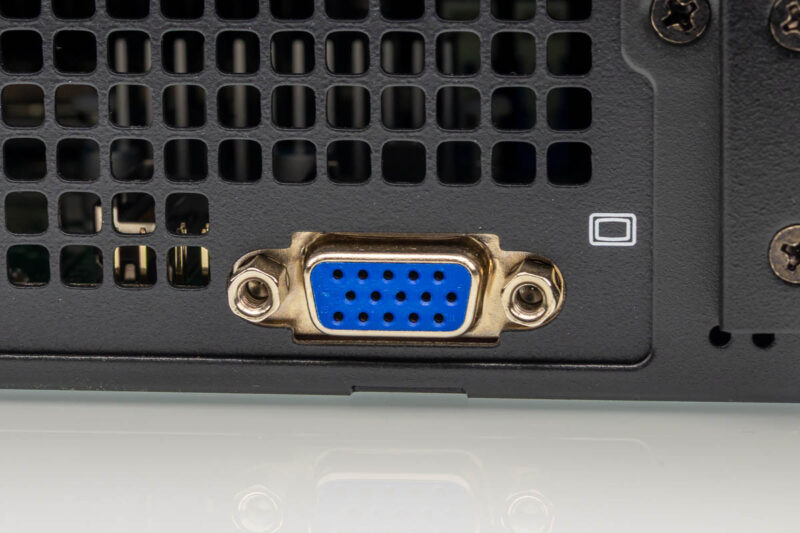
For local console access, Supermicro also includes VGA on the front panel. That is still handy when a system is in a lab rack or when remote management is not yet configured.
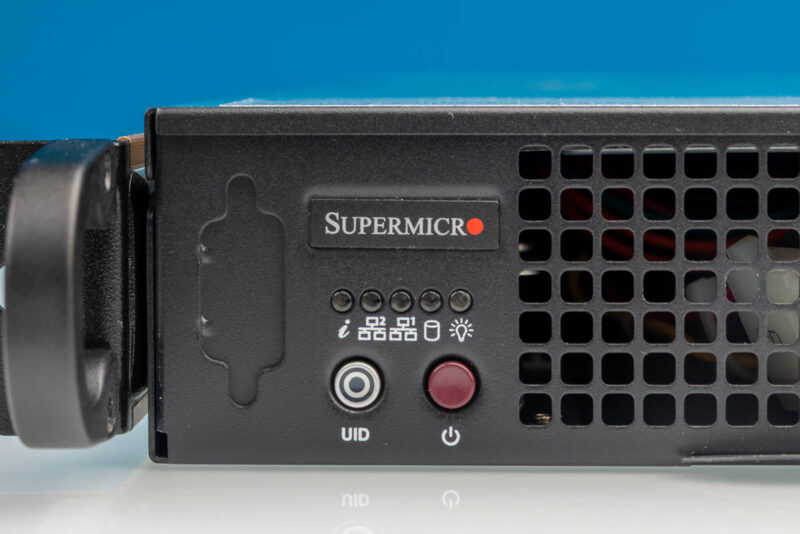
Power and status controls are also on the front.
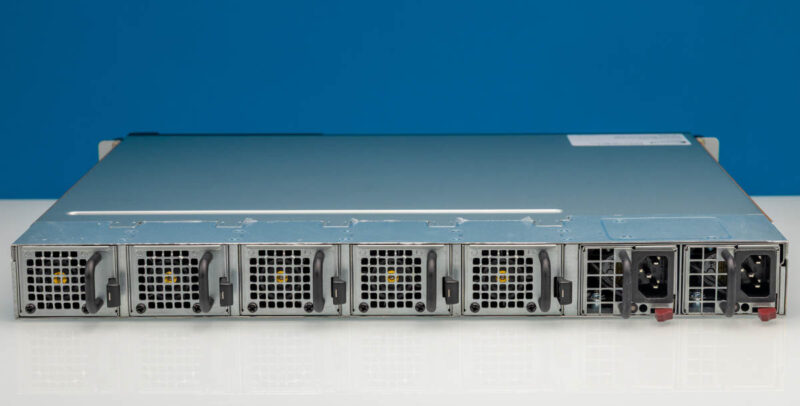
Moving to the rear, we get a very different view from the front I/O side. This side has the fan modules and the redundant power supplies.
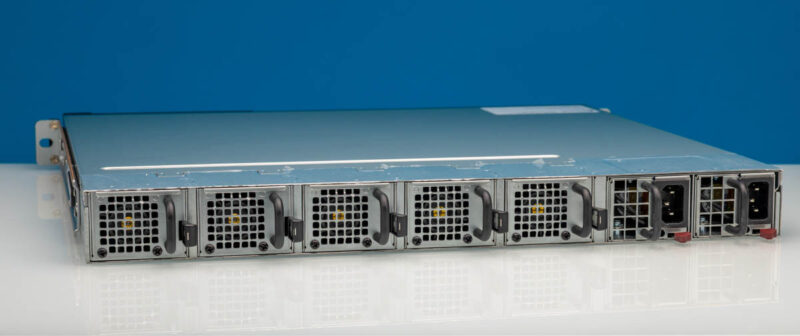
The rear angled view shows the fan wall and power supply area more clearly. If the front is where the networking and console I/O live, the rear is where airflow and AC power become the story.
Looking more closely at the fan modules, the rear side has a row of small, serviceable fans.
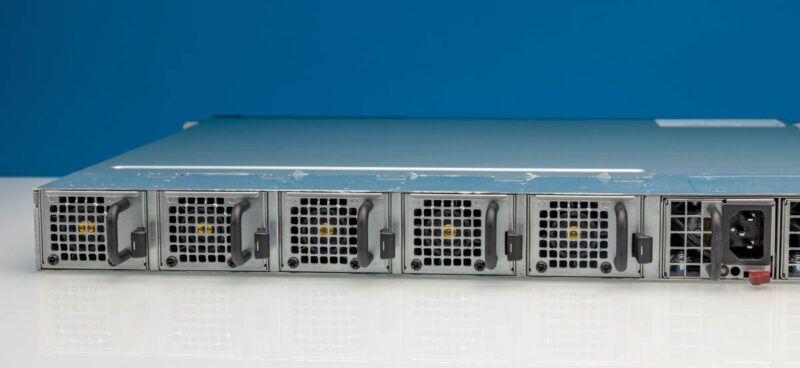
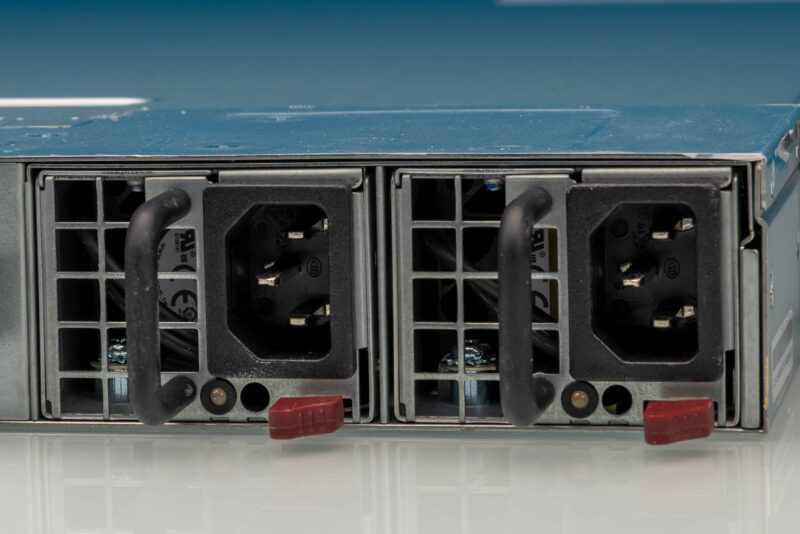
The power supplies are also rear-mounted. Some racks that these go into have rear power and so this is really the other common configuration in front I/O edge servers.
Next, let us get inside the server.

Please can you post the graphs in a lossless format – the compression makes some of the headings hard to read