

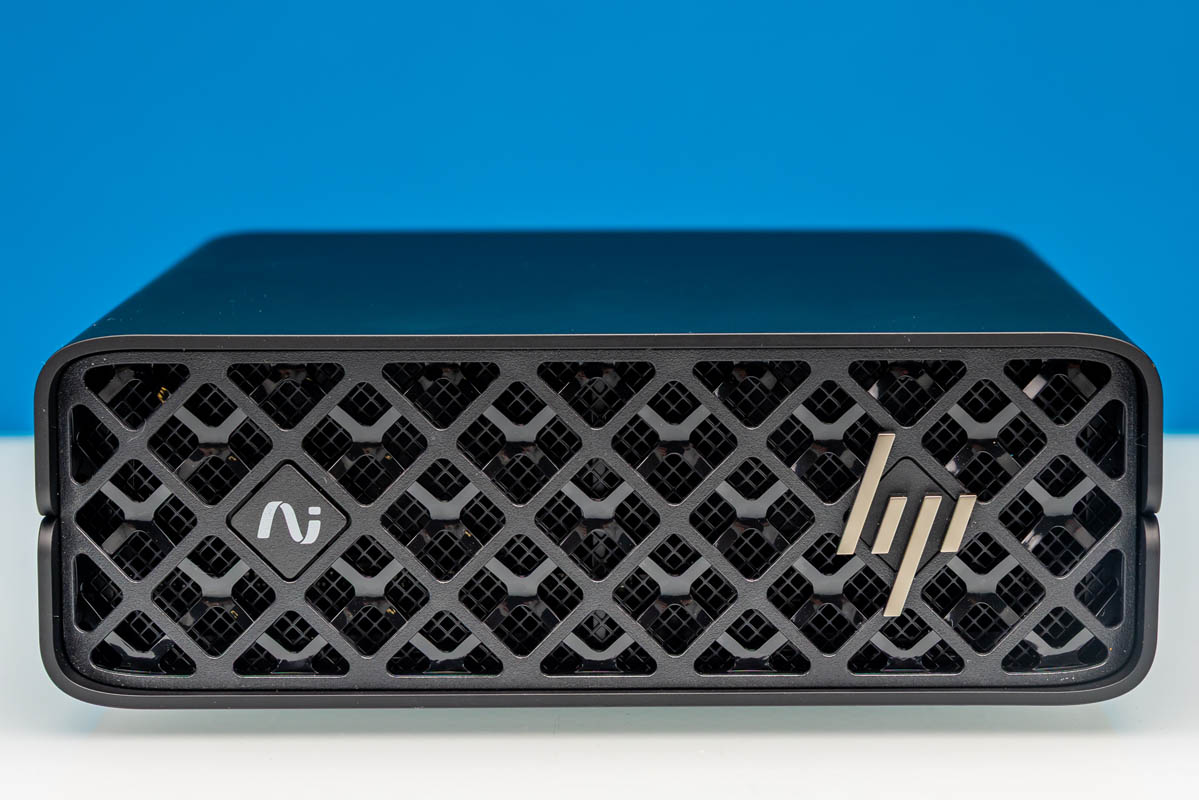
Looking at the state of the NVIDIA GB10 ecosystem several months down the line, there are a couple of things that have continued to surprise us. The first has been the sheer popularity of the small-form-factor systems, which have seen GB10 boxes from multiple vendors sell almost as fast as they can be produced for months now. The other surprise is the wide variety of vendors that have partnered with NVIDIA: it runs the full gamut from the Taiwanese OEMs to the major American corporate system builders. Everyone wants in on GB10, it seems.
HP, for its part, is no exception. The large corporate OEM already has a well-established lineup of small-form-factor systems with its EliteDesk lineup, so it is only natural that it has stepped into the AI market as well with its own GB10 box, the ZGX Nano G1n.
| HP ZGX Nano G1n AI Station Key Specs (As Reviewed) | |
| Processors | NVIDIA GB10 Superchip 10x Arm Cortex-X925 10x Arm Cortex-A725 Blackwell GB20B GPU – 48 SMs |
| Operating System | NVIDIA DGX OS |
| Memory | 128GB LPDDR5X-8533, Soldered |
| Storage | 4TB SSD (PCIe Gen4 x4 M.2-2242, TLC) |
| GPU | NVIDIA Blackwell, 1 PFLOP FP4 AI |
| PSU | 240W External Adapter, USB-C |
| Form Factor | SFF PC |
| Dimensions | 150mm x 150mm x 51mm (5.91 x 5.91 x 2.01in) |
| Weight | 1.25kg (2.76 lbs) |
| Networking | ConnectX-7 200Gbps Ethernet 10Gb Ethernet |
| Wireless | Wi-Fi 7 (2×2) + Bluetooth 5.4 |
| Color | Black |
| Ports | Rear: 4x USB-C 20Gbps (Gen 2×2) w/DP Alt mode, 1x HDMI 2.1a, 1x 10GbE (RJ45), 2x 200GbE (OSFP112) |
As with the other GB10 systems we have reviewed thus far, this is a small form factor system in the vein of NVIDIA’s DGX Spark that is aimed at the developer market. And for that development market, the theme coming from NVIDIA is standardization: with NVIDIA exercising tight control over all of these GB10 SFF workstations, the core hardware in each and every one thus far has been the same. That means a GB10 SoC paired with 128GB of LPDDR5X memory, an M.2 SSD for storage, a ConnectX-7 NIC for high-bandwidth networking, and all placed in a chassis just a bit over 1 liter in volume.
This makes all of the GB10 SFF systems remarkably consistent from one vendor to another, though the trade-off is that it leaves limited room for hardware innovation from the partners outside of cooling and selecting which SSD to install. Instead, innovation has come from the other areas, such as the support and services side of the equation. Which, in HP’s case, is their significant corporate relationships. IT departments can get a G1n and support from the same outfit they are already ordering their most recent batch of 1000 corporate laptops from.
If you wanted to find the HP ZGX Nano G1n online, here are Amazon and HP affiliate links.
HP ZGX Nano G1n External Hardware Overview
For their take on NVIDIA’s popular mini-PC platform, HP is keeping things simple here with a small black box. Like the rest of the GB10 systems, the ZGX Nano G1n is about 150mm x 150mm x 51mm in size.
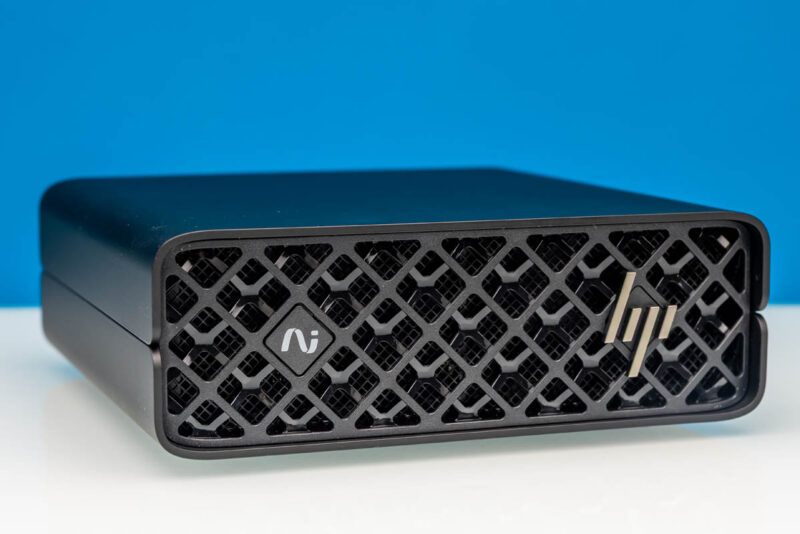
As with most other GB10 workstations on the market right now, the front of the G1n is quite plain and is basically entirely devoted to ventilation. You will not find a single port or button on the front of the system. Even the power button is in the rear. That leaves HP’s branding, including both their heavily stylized logo and their separate “AI Helix” logo, and little else. A really nice feature is that because of the sparse mesh in front, you can see an LED inside that clearly shows the unit is on. Not all of the GB10 units are easy to look at and immediately visually tell that they are powered on.
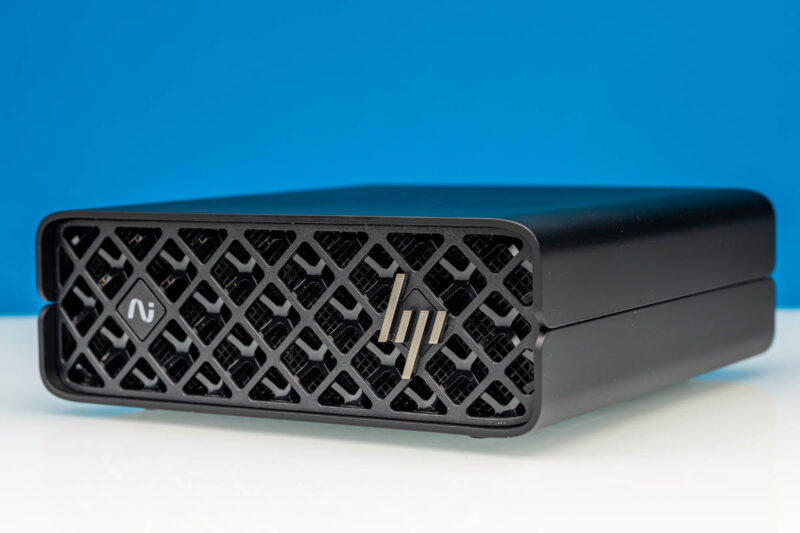
Otherwise, with dimensions of 150 x 150 x 51mm, HP’s take on the Spark concept is every bit as tiny as NVIDIA’s DGX Spark, and uses a similar front-to-back cooling design.
With nothing of substance on the sides, we will rotate around to the back of G1n to take a look at what it offers.
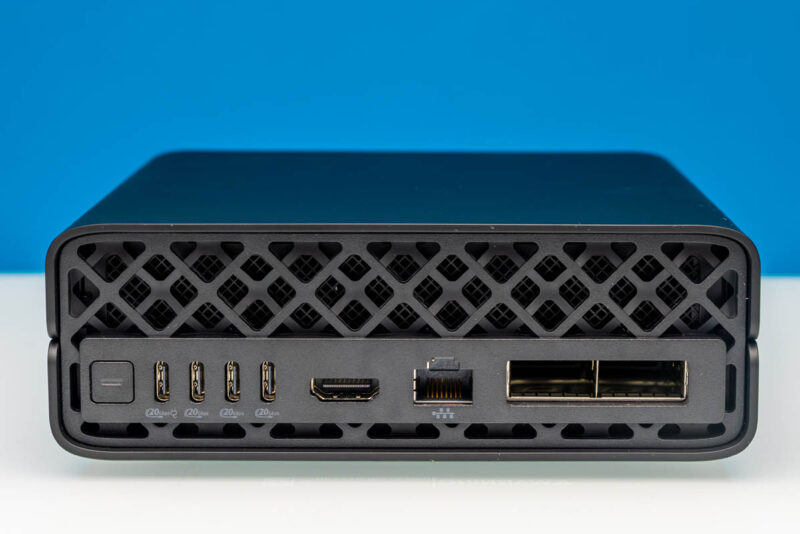
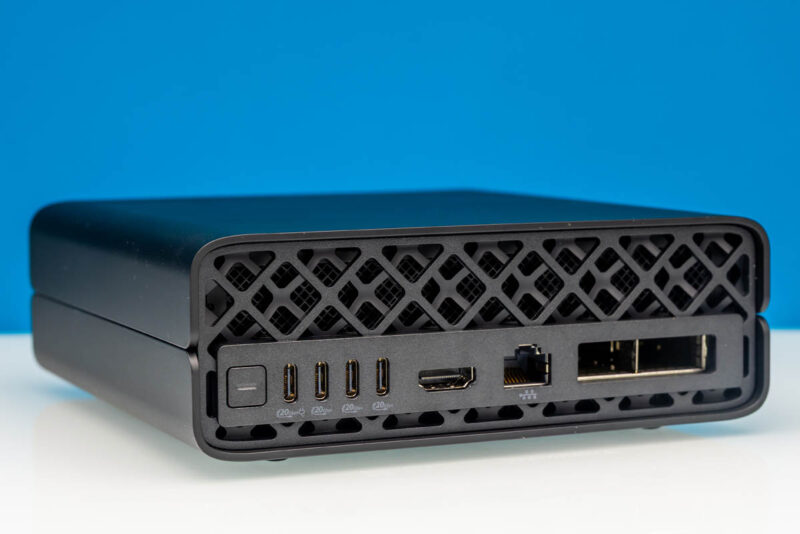
If you have seen any of our other GB10 reviews thus far, then you know what you will find here. Starting from the left is the system’s power button, followed by four USB Type-C ports. All of these are 20Gbps ports, running in USB 3.2 Gen 2×2 under the hood. The left-most port is also the power-input port for the system, taking full advantage of the 240 Watt EPR limit for USB-C. The remaining three USB ports are then for any peripherals that need to be hooked up to the system, including external displays, thanks to support for DisplayPort 2.1 via DP alt-mode for USB-C.
Compared to some of the other GB10 system designs, HP’s labeling here is excellent for their USB ports. The USB-C ports feature the USB-IF’s current generation logo, fully identifying each one of them as a 20Gbps port. The additional power logo on the left-most port is a bit non-standard, but it is a good idea regardless, as these ports are otherwise physically identical, and it would be non-obvious which port is meant for power-in.
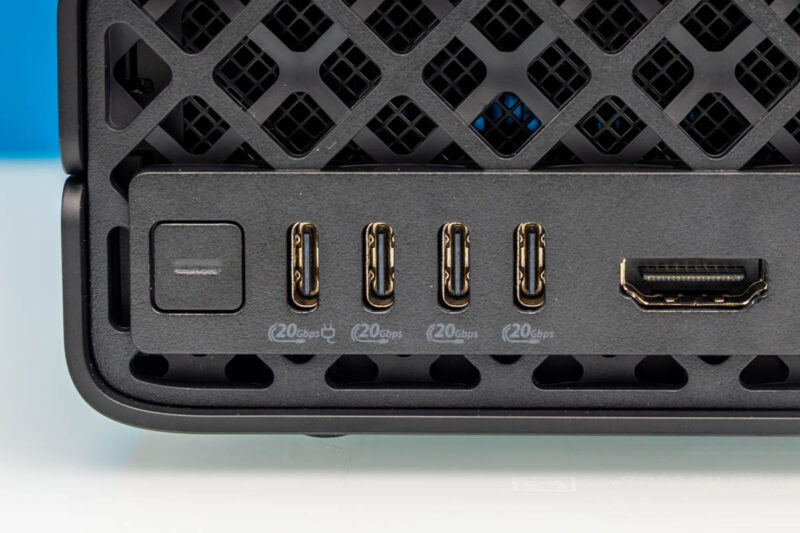
Next to the USB-C ports is the system’s sole dedicated display output: an HDMI 2.1 port.
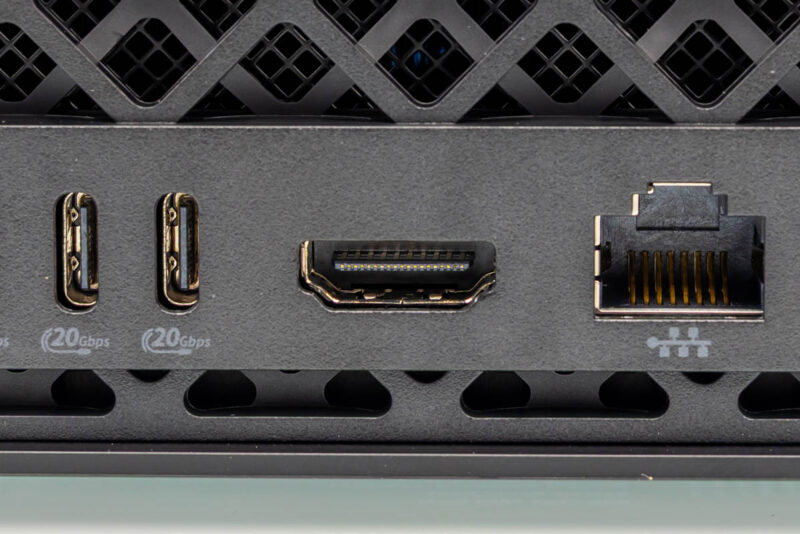
Moving to the right again, we get to where things are arguably more interesting with these GB10 systems: the trio of network ports.
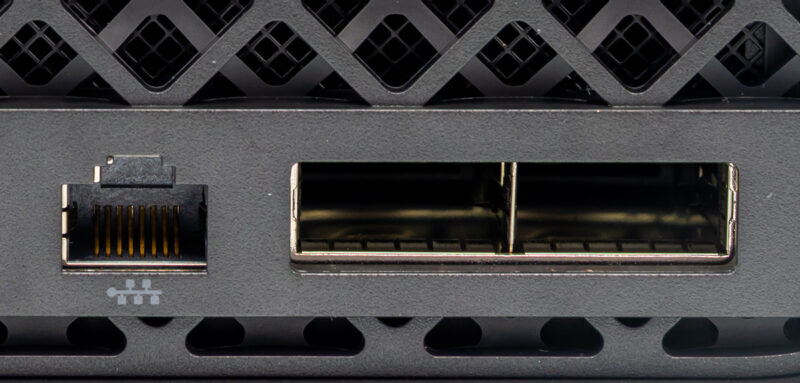
First off is a 10GbE port for local networking. In a typical mini-PC, this would be the fastest port you would find on a system, but of course, GB10 SFF workstations aim much higher.
Which is why it is rounded out by a pair of 200Gbps QSFP112 ports. Connected in turn to the mini-PC’s integrated NVIDIA ConnectX-7 NIC, the high-performance NIC is one of the marquee features of the current crop of GB10 boxes, with our own Patrick Kennedy often characterizing GB10 boxes as ConnectX-7 NICs with a really good SoC and RAM bolted on.
The internal architecture of the GB10 design does make getting the most out of these QSFP ports a bit tricky, however. As we have outlined in previous articles, 200Gbps of networking needs a PCIe 5.0 x8 connection to be fully fed, but GB10 can only provide PCIe 5.0 root ports with at most a x4 connection. As a result, the NIC is connected to a pair of x4 ports. This provides the same aggregate bandwidth as an x8 connection, but it imposes network topology restrictions due to the NIC appearing to the rest of the system as four network interfaces. In many ways, this is similar to what we saw with our NVIDIA ConnectX-8 C8240 800G Dual 400G NIC Review, having two PCIe Gen5 x16 connections and two 400Gbps ports. The GB10 is like a small version of that.
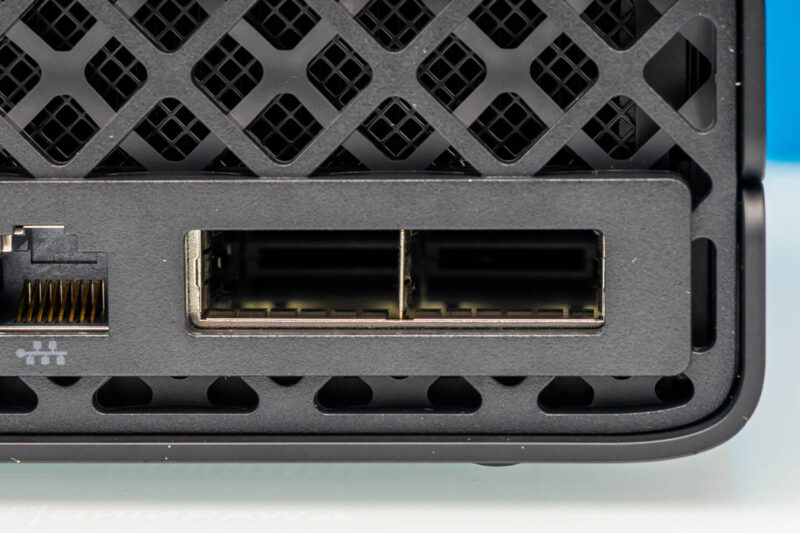
Ultimately, the purpose of including a high-end ConnectX-7 NIC is to enable GB10 boxes to scale out, similar to their big-iron brethren. 200Gbps of networking bandwidth is not nearly as much as a full-fledged GB200/GB300-based server, but it gives developers access to more processing power and a way to see how their software and models will perform on a scale-out setup. The most common setup we expect to see is a two-way system using a single cable with 200Gbps of bandwidth between GB10 systems. At the same time, with a network switch, it is possible to scale the whole cluster out to several machines.
Not pictured here, the 1n also offers one final networking option with an integrated Wi-Fi 7 (2×2) + Bluetooth 5.4 radio.
The rest of the back of the G1n, in turn, is dominated by the exhaust vents towards the top of the chassis.
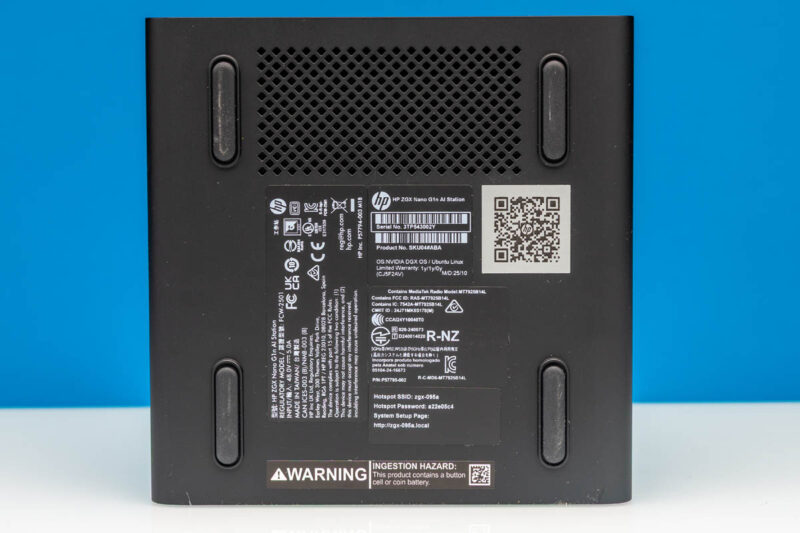
Flipping the G1n over, we also get a quick look at the bottom of the machine. HP has placed a modestly-sized intake vent near the front of the system. HP relies on 4 rubber feet to keep the system elevated and held in place. Meanwhile, you will also find the various system information stickers underneath, including the SSID and password to access the hotspot that the system creates for initial setup.
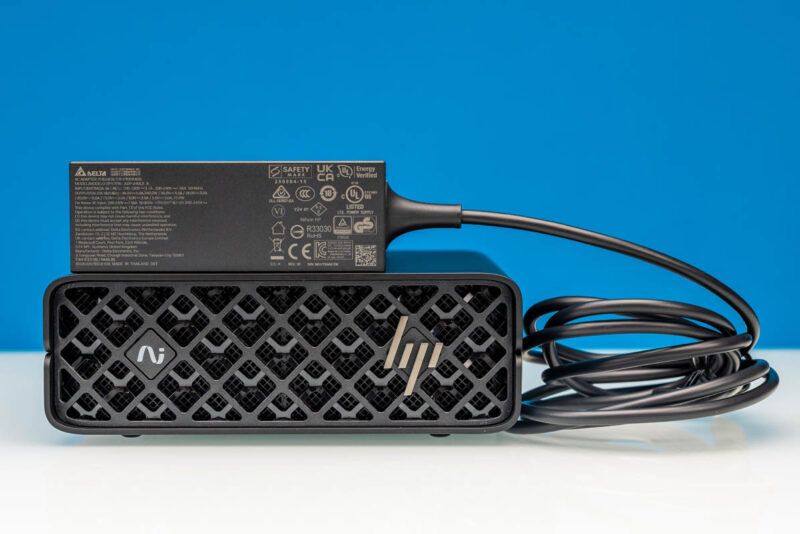
Finally, here is a quick look at the external power supply included with G1n. As with every other GB10 system, this is a powerful 240 Watt USB-C adapter. Delta is once again the power supply vendor of choice here, though it is notable that HP is using a low-profile adapter that is shorter but deeper, squared off almost like the G1n itself.
Now, let us get inside the system, or at least, as much as we can.

Why is the power port labeled 20gbps? Can you power it with a dock and use that for connectivity?
The prices of this one has been in flux quite a bit. I picked a 1TB one up at the start of the year at a retailer here in NYC for $3200, and it was the cheapest of the GB10 systems available at the time.
I wonder what HP’s pricing strategy is for this
@Jack
We haven’t specifically tested this, but that is a fully functional 20Gbps USB-C port. So if you do have a device that can pass power as well as data (such as a docking station), then it would absolutely work.
It just happens to be the only USB-C port on the PC that can work as a power input.
Is there any power indicator on the front of this box – glowing logo or otherwise or is it like the Lenovo PGX? I expected the PGX to have the glowing red LED in the ThinkStation lit up as the power indicator like it is on literally every other Lenovo machine I have and was surprised that it didn’t light up, so curious about this one.