

ZimaCube 2 Pro OS: ZimaOS Plus
On the software side of matters, the ZimaCube 2 series comes pre-loaded with IceWhale’s own home-grown Linux distribution, ZimaOS. A successor to CasaOS (itself derived from Debian), ZimaOS is IceWhale’s closed-source Linux distro for NASes that is designed for ease of setup and installation. In short, it aims to be an even more user-friendly OS than typical options like TrueNAS.
Though the system comes pre-loaded with ZimaOS Plus (IceWhale’s paid, full-featured version of the OS), the underlying hardware is little more than an x86 Intel system. So the ZimaCube 2 Pro can also be loaded up with TrueNAS, Windows, Unraid, Ubuntu, Proxmox VE, or virtually any other OS.
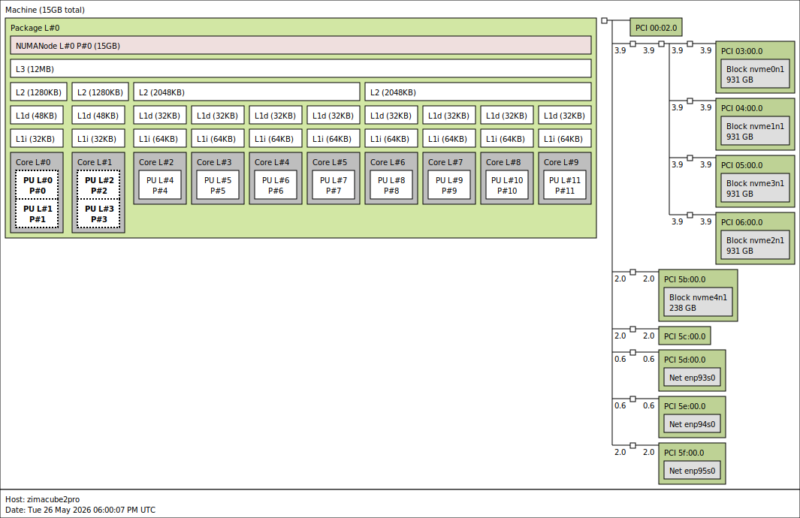
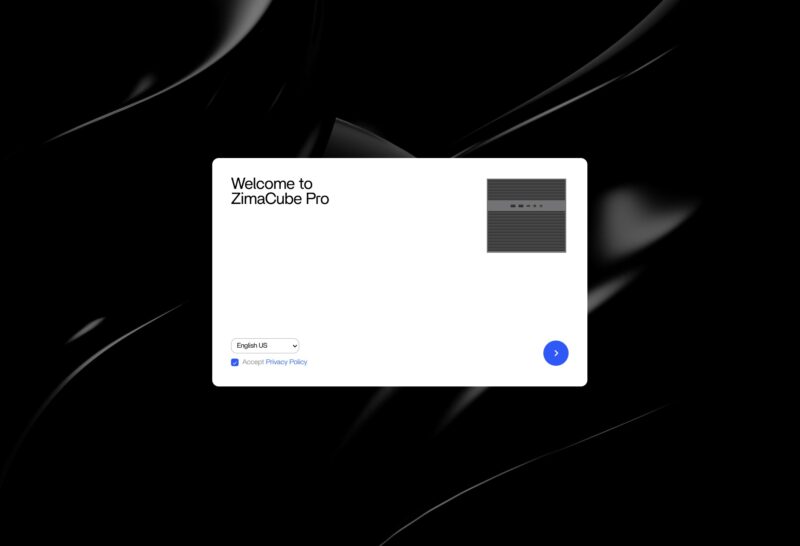
As for ZimaOS Plus itself, since it is pre-installed, it comes ready for configuration and use right out of the box.
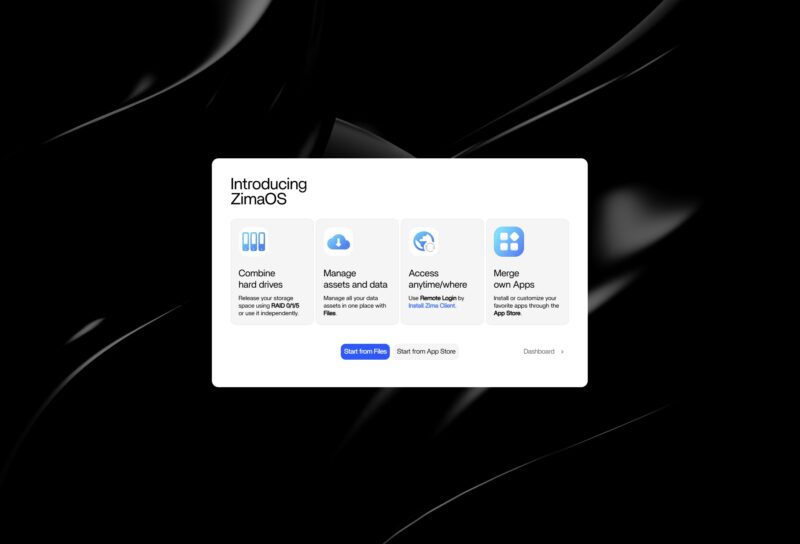
An introduction tutorial kicks things off, briefly outlining what the OS can do and giving the owner a few options.
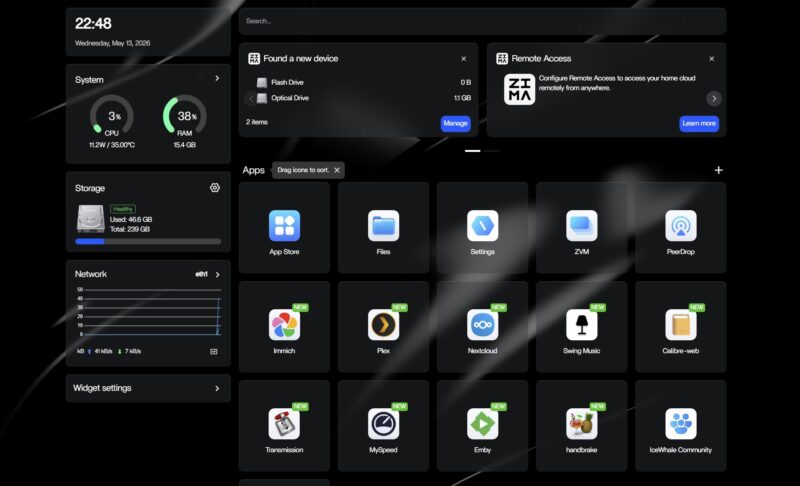
The heart of the OS is the dashboard, which offers a readout on the system status, as well as access to system and storage settings, as well as the various applications installed on the system.
ZimaOS comes with its own App Store (drawing heavily on Apple’s UI), which offers a slew of applications that can be installed, including Plex, Jellyfin, Home Assistant, and Tailscale.

Under the hood, ZimaOS’s app store is built on Docker containers, so each application is a Dockerized version that runs within a container.
Meanwhile, the settings system offers access to all of the usual options, including networking and storage settings.
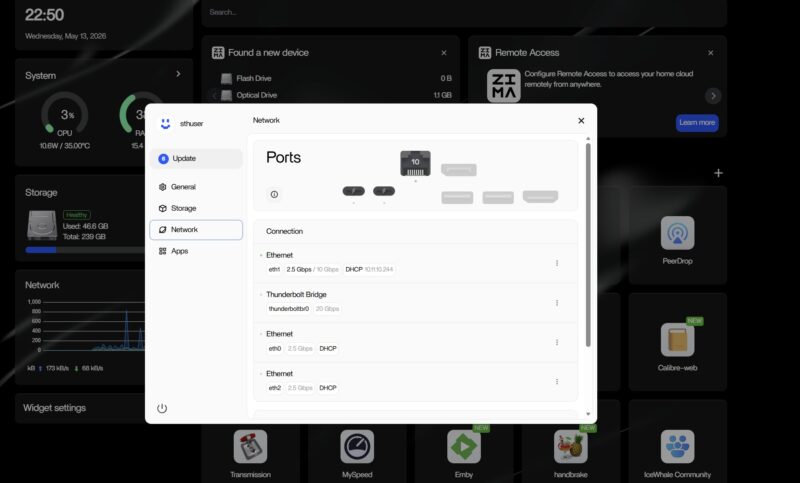
Under storage settings is where the bulk of the NAS’s power lies. Since this is built on top of Linux, multiple RAID configurations are available, including RAID 5 and RAID 6. All of which is configured through a simple, straightforward UI.
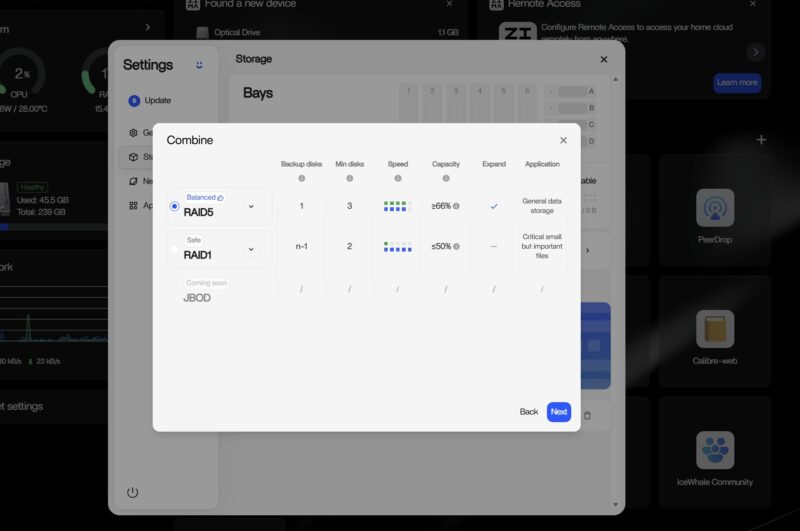
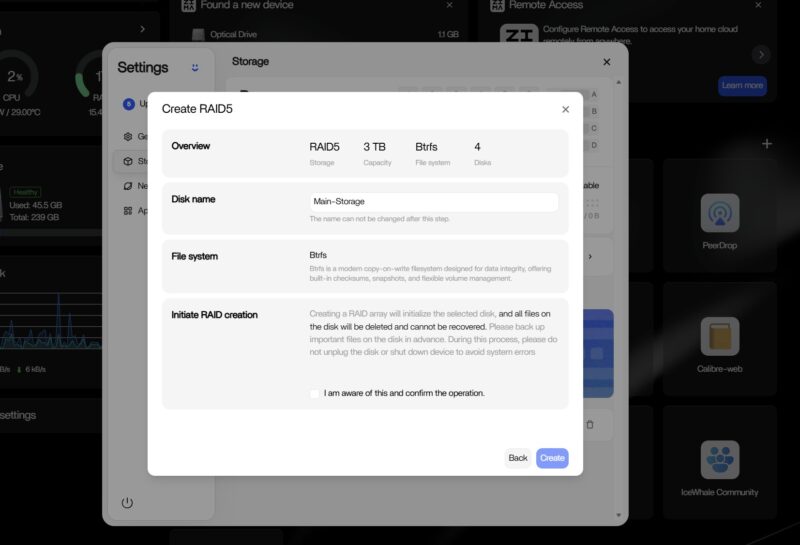
ZimaOS utilizes BTRFS by default. ZFS is supported by the OS, but it is effectively hidden by default and is not supported by the OS’s GUI tools. As a result, ZFS needs to be set up via the command line.
All of this management functionality, in turn, can be accessed either directly from the system or remotely. IceWhale offers its own client as well, ZimaClient, which can detect a new system and connect to it. Alternatively, there is a web UI accessible as well via a web browser.
Next up, let us take a look at the performance of the system.


Too bad it doesn’t seem to support ECC RAM like the Minisforum N5 Pro does.
I have a hard time understanding anyone being willing to run these branded Linux OSes. What they all have in common is small companies supporting them, with unknown or uncertain security track records.
It’s hard enough staying updated in the face of the torrent of vulnerabilities using a well-supported distro (Ubuntu, Fedora, whatever); depending on some unknown small company for this seems foolhardy.
Of course this hardware supports other OSes, so you might well still want it for that, assuming the pricing is sensible.
No SAS HDD support? Another off shoot custom Linux? Not for me.
For what this offers, putting one together yourself with off the shelf parts just as easy, cheaper, better parts and self-satisfaction of doing it open source.
Off topic, this what I expected STH to be reviewing, not the big corp stuff costing tens of thousands of moolah, site has lost it’s way !
what’s up with the ESP32 soldered to the NVME expansion card? What is it good for?
Tubz is right
@Tete There is some RGB lighting in the SSD bay. The ESP32 is what controls it.
The branding makes me think I should be able to get this from the liquor store for $10.
StH needs to include a Nessus scan and the OS build info if you’re going to keep reviewing these no name one off imports.
“Thanks to the low-power Intel SoC… ”
Intel Core i5-1235U consumes 45W and the 13. generation Intel Core i5-1235U only 15W !
Edit: 13. generation Intel Core i5-1335U
Both the i5-1235U and i5-1335U have the same base TDP of 15 Watts. This being standard for the U-series SKUs of that era.
I’d liked to have seen the i3 with 10GbE. The 800$ would be quite fine.
Also support for ECC (DDR5) would have be nice.
But everything come with a cost.
Unfortunately while IceWhale and their Zima series of products look good on paper, my experience with their Zimaboard PCs left me unimpressed. I managed to crowbar the first one I purchased by inadvertently trying to plug a USB-C cable into the Displayport. OK, my bad but that shouldn’t have taken out the power supply. I bought a replacement because it did fit my needs. However, the new one managed to take out the USB ports on a keyboard and mouse I plugged in (these were a Microsoft keyboard and Logitech mouse, not cheap stuff).
I have come to the conclusion that IceWhale is a young company with good basic designs but needs to up their game when designing robust products.