At STH, we test a lot of systems. As a result, just cycling through platforms takes a considerable amount of time. To help aid this, we have been using open test bench chassis for some time. Indeed, recently we just purchased two more Open Benchtable setups to use. While the OBT’s are great, they are also $199 and take over a week to arrive. As memory/ SSD prices have increased, we need to find a way to save on lab items, so it was time to start looking. That is when we got to browsing Amazon and found the JOYJOM Stackable PC Test Bench (model number PS091) for $36.99, which arrived overnight. We purchased two, and may end up getting a few more because they are stackable. We thought it was worth just doing a quick look for folks because there is often very little information on these.
Here is an Amazon Affiliate Link to where we purchased both of ours.
JOYJOM Stackable PC Test Bench
Each of these comes in a box that is optimized for saving space while shipping. As a result, the dimensions of each part are designed to pack as flat as possible.
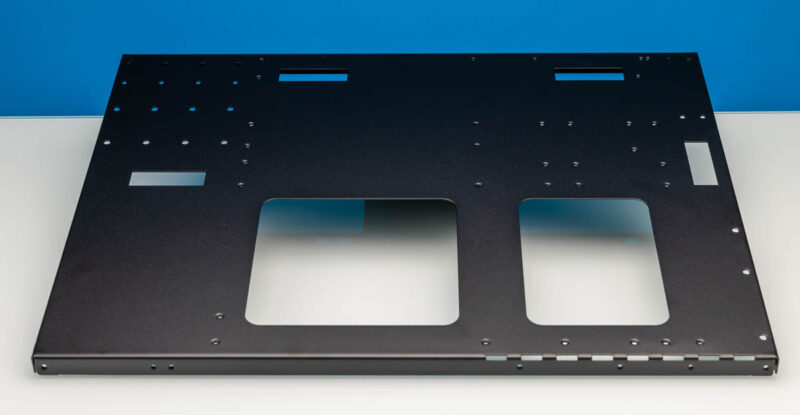
There is a large bottom section where you are supposed to mount the motherboard and power supply.
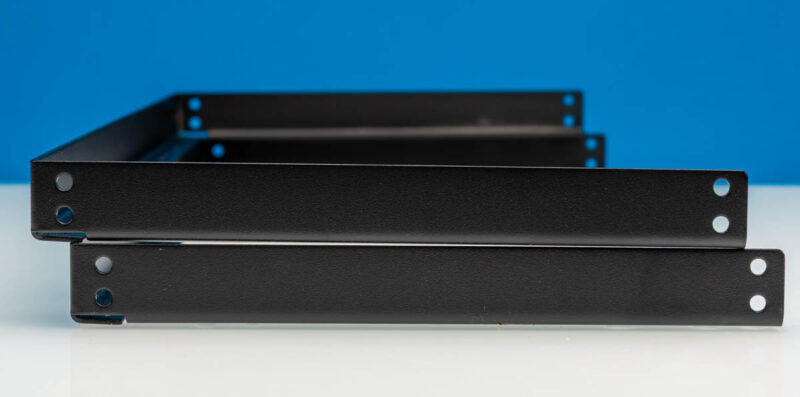
There are also two C uprights that provide the four pillars and two top crossbars.
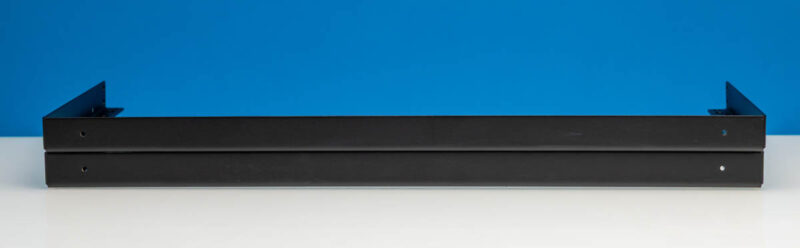
Here is one of the crossbars.
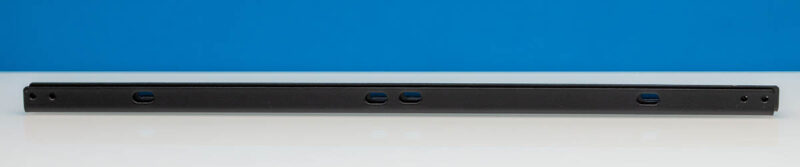
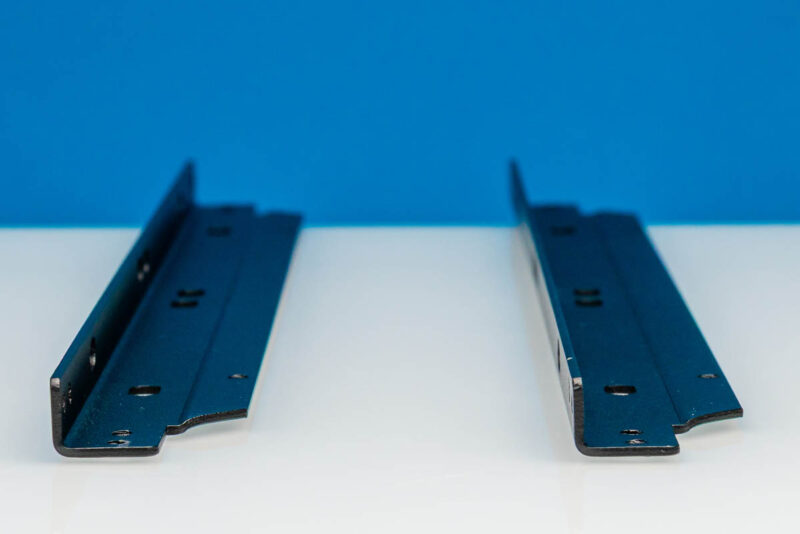
Here are both side by side. The little lip allows you to secure a second unit atop another unit. This is not fancy and requires screws, but it is roughly effective. Just trying these, they roughly fit and stay in place, but this would not be something I would sit on.
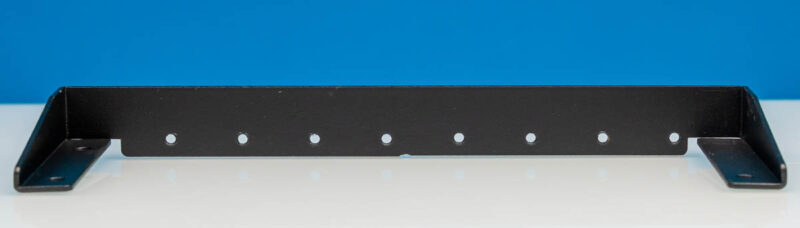
Then there is a bar to use in securing the top of PCIe cards.
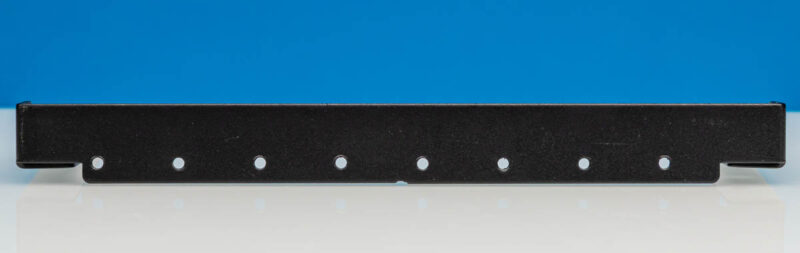
Here you can see the screw holes for that mount.
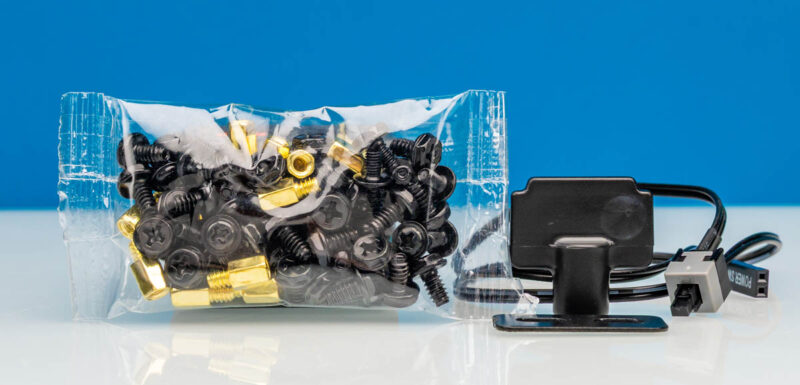
Then there is the additional hardware. You get a big box of screws with standoffs. I will just note we had one screw between our two units that just sheared off and got stuck in the chassis. Again, this is not a fancy setup. One slightly fancy item, however, is that you get a little power button that you can affix to the motherboard.
When put together, it looks like this.
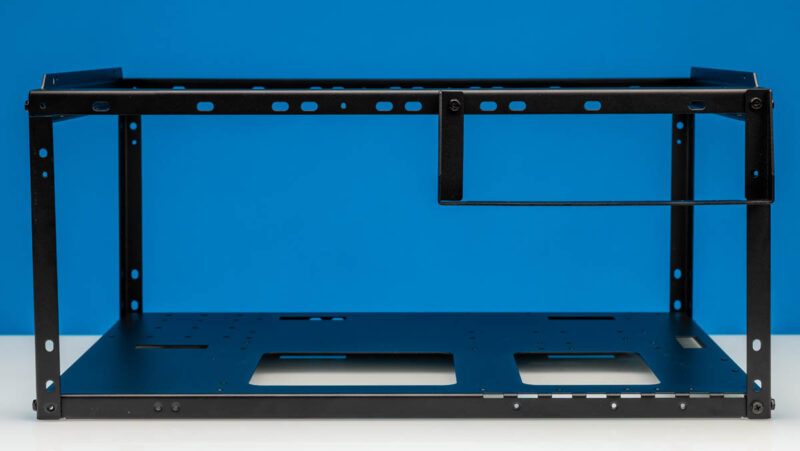
Here it is from another angle, so you can see how the top crossbars on either side are used to connect to the bottom of other units.
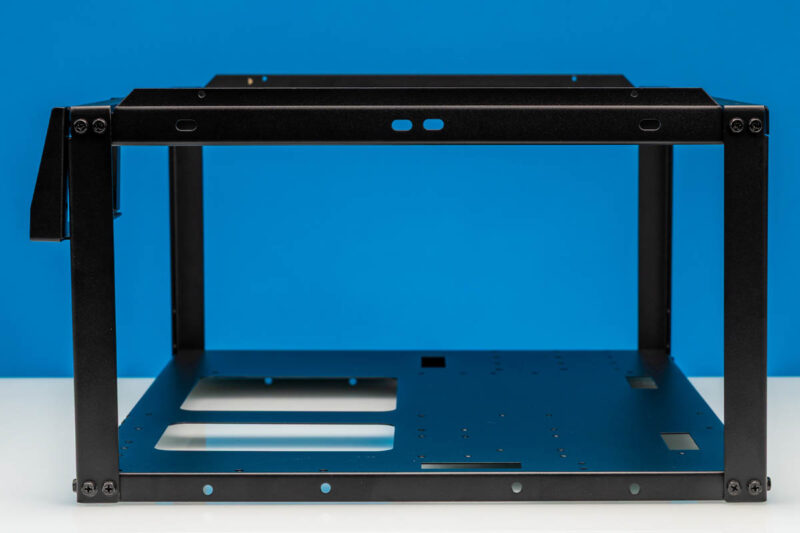
Here is a look from the front side.
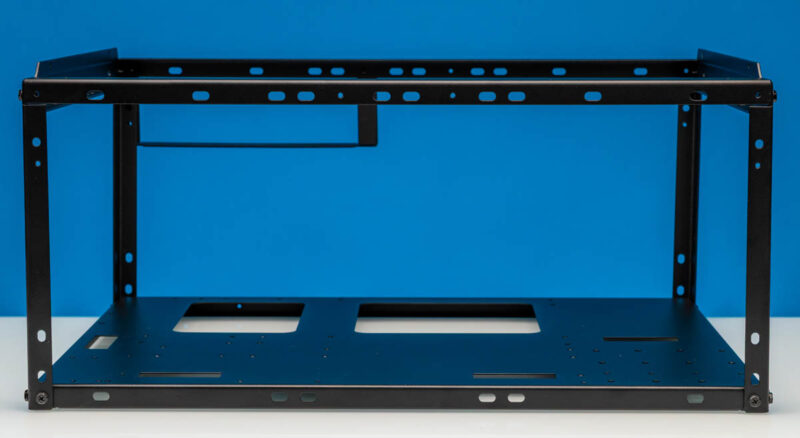
For good measure, here is the other angle.
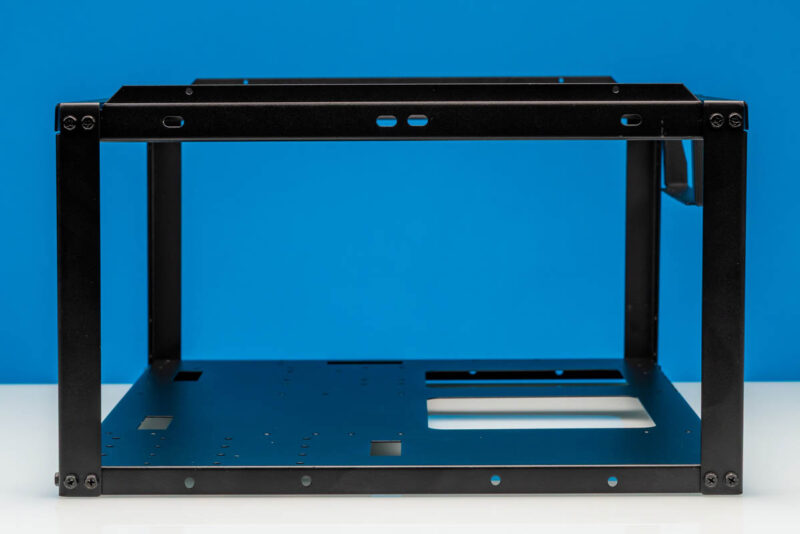
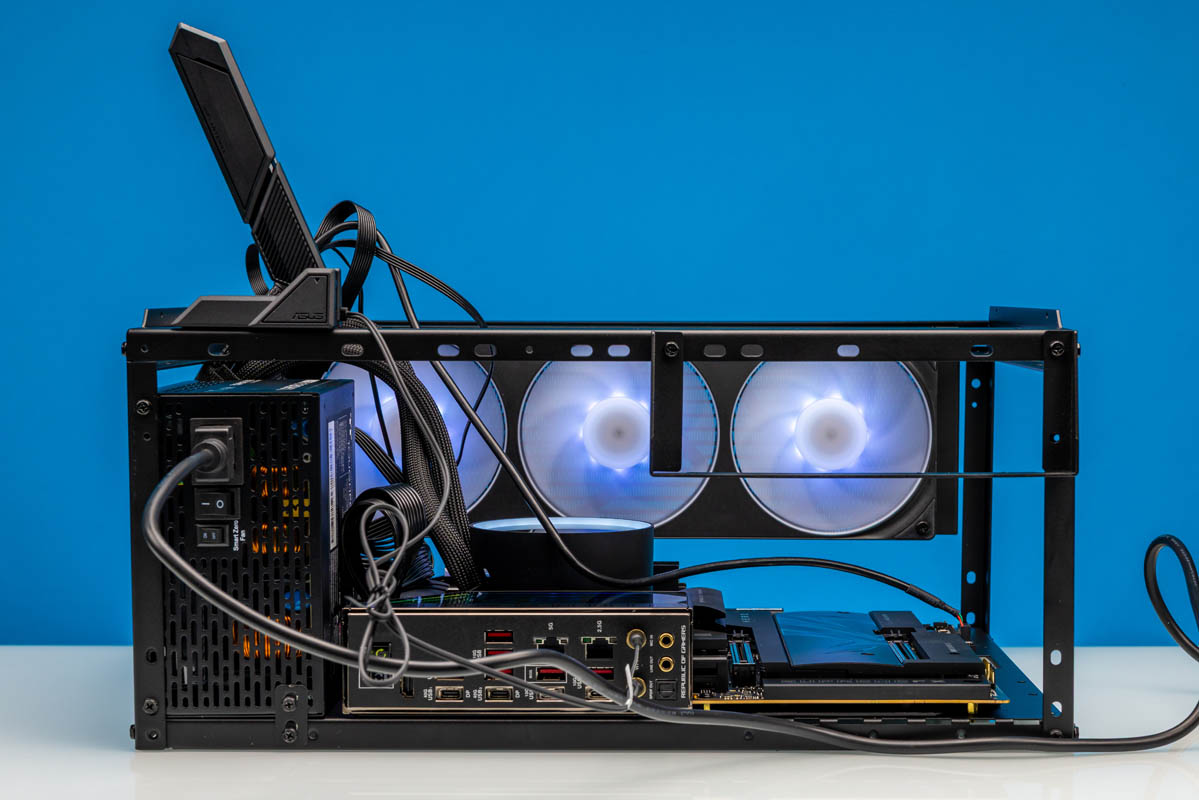
We installed a setup with an ASUS ROG Crosshair X870E Hero AMD AM5 Motherboard and the AMD Ryzen 9 9950X3D2 Dual Edition. Getting the motherboard and PSU installed simply involves using the right stand-offs and then screwing everything in. Stand-off positioning will vary based on the motherboard.
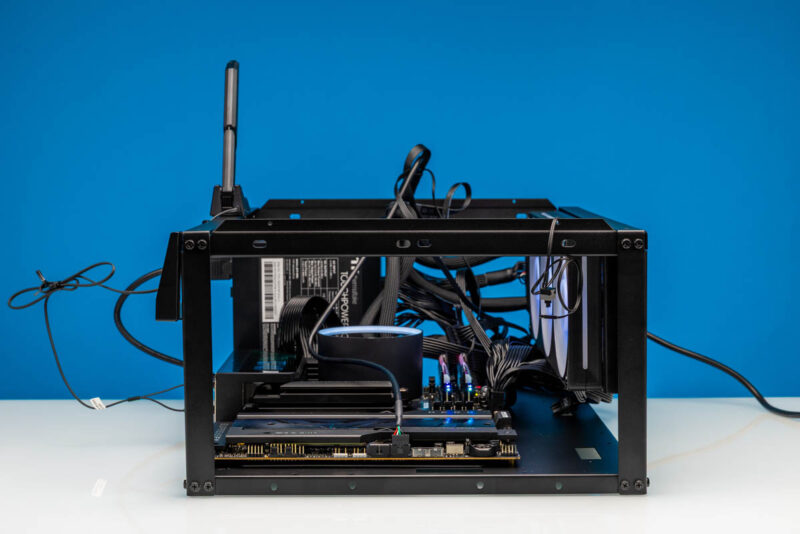
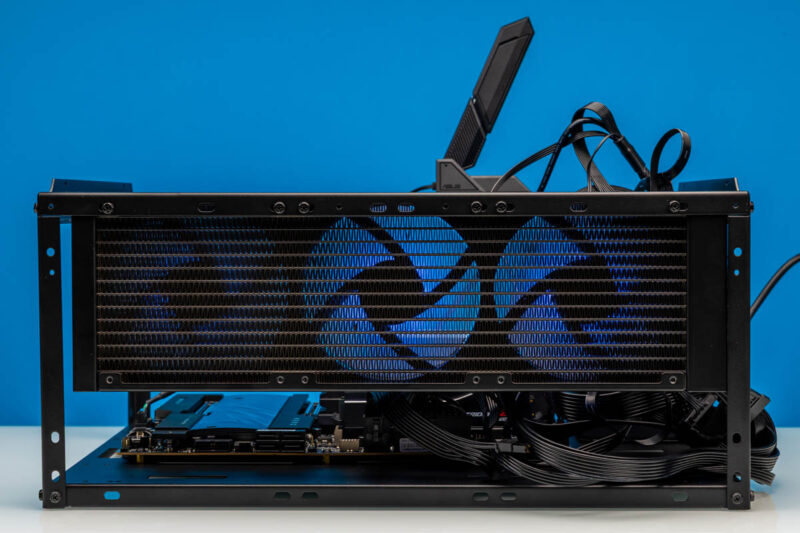
There is space on the crossbars to install a triple-fan radiator without issue.
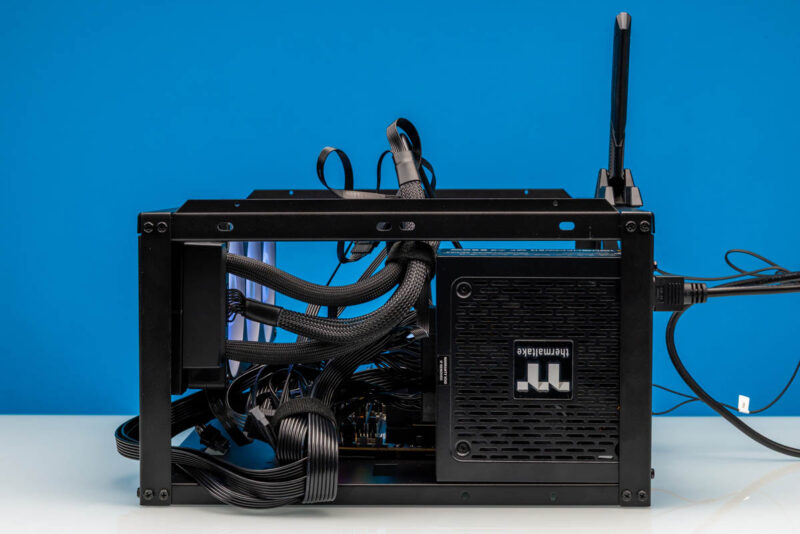
Here is a look from the PSU side. With an open test bench, your cables and liquid cooling tubing are on full display, so be warned about that. On the other hand, for a quick test bench setup, sometimes all we need is for it to be functional rather than pretty.
Here is the exciting side. You can see that we have the WiFi antenna attached with its magnetic mount to the frame. The PSU has a small bracket so that it can have three screw points to the chassis.
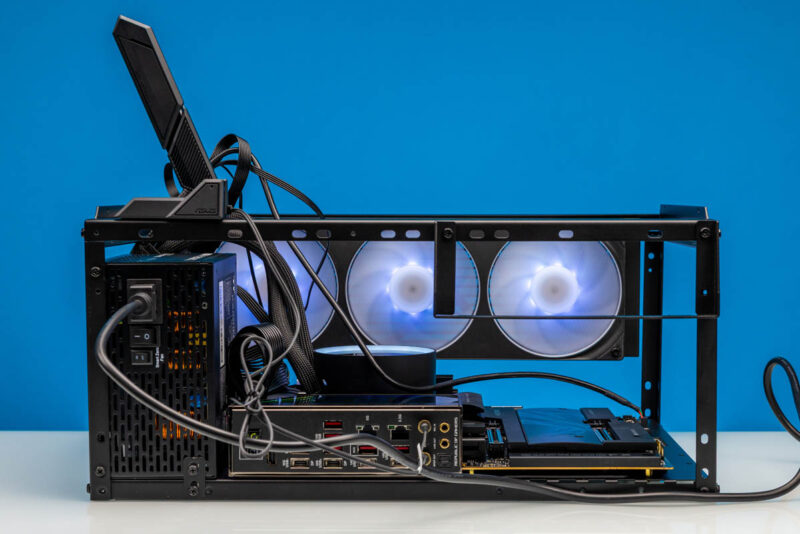
Also, you can see how the PCIe retention bracket lines up with the expansion slots.
Final Words
The reason I got to build this one is that Patrick did not want to screw it together. He saw it and said, “Too many screws.” When I snapped the screw head off while adding the PCIe support bracket, we had a discussion about the quality, which was worth mentioning. The Open Benchtables we have are much nicer than this. Still, if one of these has an issue and they are $37 each, you can buy two and still end up way ahead if something breaks and you have to buy an extra.
This is one of those products that at $100 or $150, would be a no-go. At $35-40 with quick shipping, it can be a useful tool for some of our readers. We know many run motherboards bare, and this is certainly a step up from running everything on a motherboard box. Quality-wise, this does not feel like an Apple product, but in this price range, it is not really meant to be a luxury item.
Where to Buy
Here is an Amazon Affiliate Link to where we purchased both of ours.