

Lenovo ThinkPad P16 Gen 3 Power Consumption
While we are looking over the P16 G3, here is a quick look at Lenovo’s included power supply for the laptop.
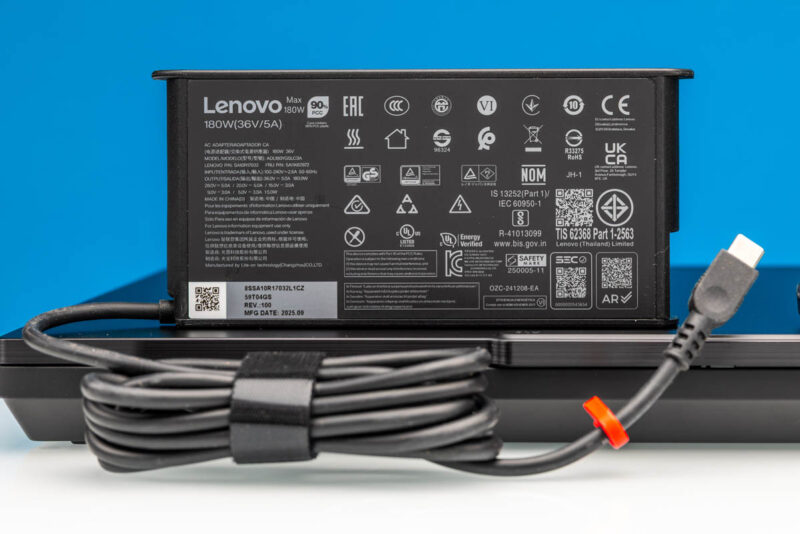
Lenovo ships the system with a rather high-powered USB-C extended power range (EPR) power supply. This specific model is able to drive 5 amps of power at up to 36 volts, for a total capacity of 180 Watts. The EPR spec allows up to 240 Watts, but Lenovo’s 180 Watt limit seems to stem from the laptop itself. Presumably, it cannot accept and/or cannot cool more than 180 Watts.
The power supply itself is not terribly large. But it is not small, either, as the large laptop it is sitting on helps to hide some of its bulk. This is the trade-off for delivering so much power on the go.
Speaking of power, we also rigged up the P16 to measure its power consumption at idle and under load. While it is fundamentally based on desktop hardware, the laptop’s idle power consumption is reasonable, ranging from 8 to 17 Watts. Meanwhile, under load, the laptop will get up to 170 Watts. This applies to both pure CPU and CPU + GPU workloads. CPU workloads burst to 170W before settling at around 140W, while combined workloads are steadier and readily fluctuate between 155W and 170W. Overall, this underscores both how power-hungry the individual chips can be and how they are having to share a limited power budget.
Final Words
The ThinkPad P16 Gen 3 is designed to be Lenovo’s single most powerful business laptop, and its construction and performance make that focus clear. By building a laptop around desktop-class hardware from Intel and NVIDIA and incorporating features such as Thunderbolt 5, Lenovo has left no stone unturned. Even the display is top-tier here, thanks to the HDR-capable tandem OLED panel. Lenovo has seemingly packed in the best version of every piece of hardware at its disposal.
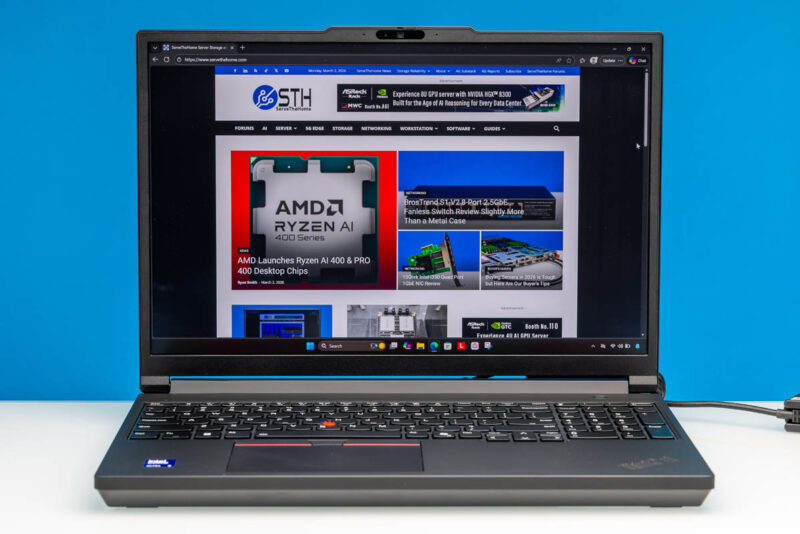
Even with this heavy focus on performance, Lenovo has had to walk a very fine line with its P-series laptops overall. The company’s performance-oriented professional machines are positioned as mobile workstations, so they need to deliver on both aspects. The P16 Gen 3 is the largest of these laptops and certainly the most workstation-y, but Lenovo has still made efforts to keep it reasonably portable and not just let it be a luggable laptop. In fact, the company has shaved off nearly a pound compared to the P16 Gen 2, underscoring how the balance between performance and portability has shifted over the last couple of years.
The end result is a very powerful laptop that does make some trade-offs in the name of portability. The tighter power and cooling limits on a lighter laptop mean the P16 Gen 3 does not quite deliver the full performance of its constituent chips. Instead, the P16’s design has been optimized to still deliver a great deal of performance in a reasonably portable form factor.
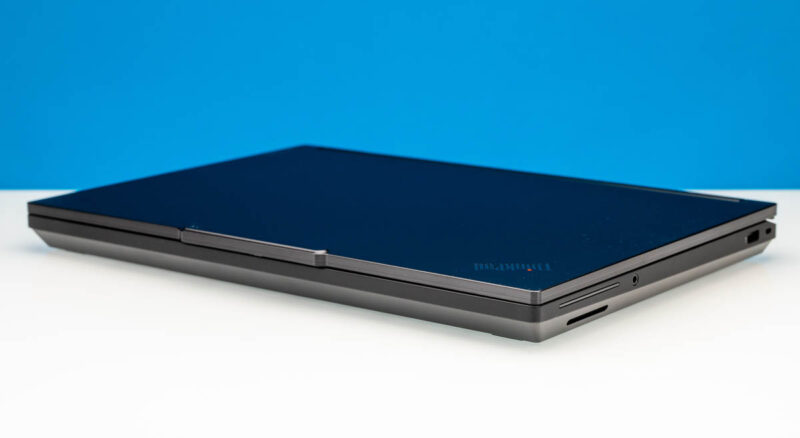
For mobile workstation users, then, the ThinkPad P16 Gen 3 certainly warrants a look. While flagship hardware does not come cheap (the current flagship configuration costs several thousand dollars), the combination of performance and portability makes a compelling case.
Where To Buy
If you wanted to find the Lenovo ThinkPad P16 Gen 3 online, here is an Amazon Affiliate link.


I tried searching for full size SD Express cards and couldn’t find any for sale. I hope that the reader also supports the slightly older UHS-II cards at full speed, because that’s what many cameras use and thus that’s what would actually be of some use today.
I have the older T15g gen 2 with a mobile Xeon and ECC RAM. I would really love Thunderbolt 5 and the flexibility of USB-C power delivery. In this DDR5 era, I don’t suppose I’ll ever see another option for ECC RAM though, and, as a Linux user, I’ve had a lot less trouble with AMD graphics, but that’s another option I’ll probably never see.
@Chris
While our review sample didn’t come with ECC memory, according to the spec sheet for the laptop it does support the tech. So you could configure a modern P16 with ECC if you’d like.
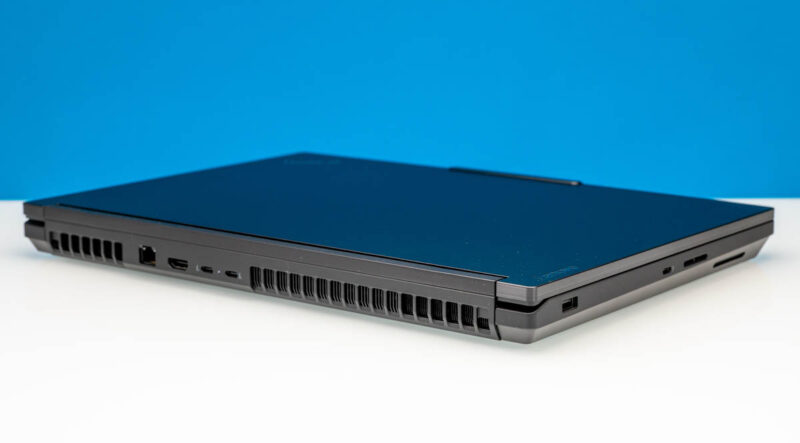
Removal of the beefy “Slim Port” and shifting to USB only charging on this latest generation of ThinkPad workstations means those of us who spend the majority of the time connected to mains power have effectively lost the use of a USB port. At least on this one you still have four free ports. But on the slimmer P1 with a charger and mouse receiver, you’re down to two. Yikes!
The only worry is those rear Thunderbolt 5 ports failing, and the
way USB-C ports can be fickle and brittle. And there have been
numerous issues with USB-C ports over the years. They are a known
weakness in many different models whenever they are soldered to
the motherboard.
It’s such an unnecessary weak point for such an impressive product that
the P16 Gen 3 is. They should really have given it proper thought and
mitigation, not rush it.
A problem with the TB5 ports leaves you without a computer, can have
you lose the whole machine because apparently, the whole motherboard
has to be replaced just because of a TB5 port which leaves you with no
way to charge the machine.
It should have a traditional barrel tip charging port alongside the TB5
as well for piece of mind. There should be insistence on Lenovo to correct
this.
Or there should be a version without TB5, with only TB4 together with
the traditional barrel tip charging port because there are many who absolutely
don’t need the massive data capacity of TB5, but need the peace of mind that
comes with replaceable/modular unsoldered TB4 and barrel charging ports.
Other than that, it’s a great piece of equipment.
Personally I would happily have that tradeoff for peace of mind and wait for a
solution that makes TB5 ports modular, not soldered.