

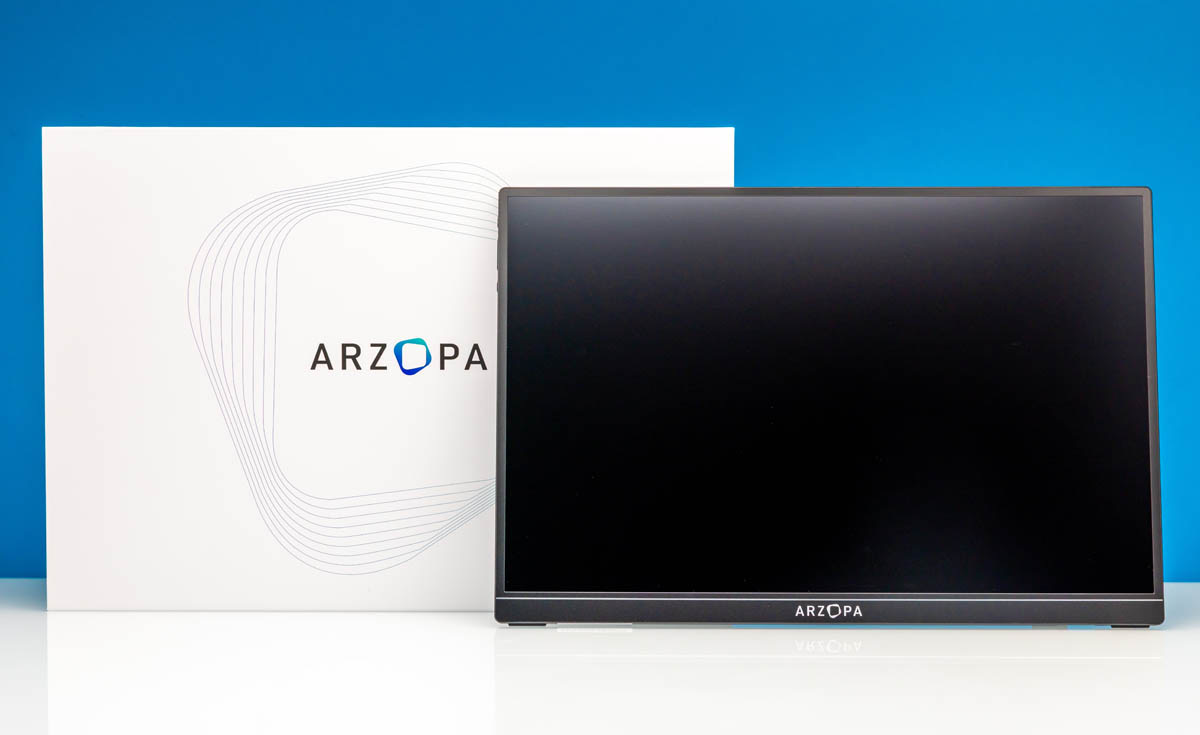
Today we are taking a look at Arzopa’s Z1RC, a 16-inch 2560×1600 16:10 portable monitor that is aimed at buyers who want a mid-range 2.5K resolution display for productivity work. It offers both USB-C and Mini HDMI inputs, and it delivers a surprisingly accurate image for a portable monitor that ships without factory calibration. We purchased this one for around $109, making it one of the more affordable mid-range options that we have tested thus far.
If you just want to pick one of these up, here is the Amazon affiliate link to where we purchased this unit.
Arzopa Z1RC Hardware Overview
The Arzopa Z1RC is a 16-inch portable monitor housing a 2560x1600px (WQXGA) resolution IPS panel. The monitor is primarily aimed at productivity users, which is underscored both by its 16:10 aspect ratio panel, as well as its unoptimal-for-gaming 60Hz maximum refresh rate.
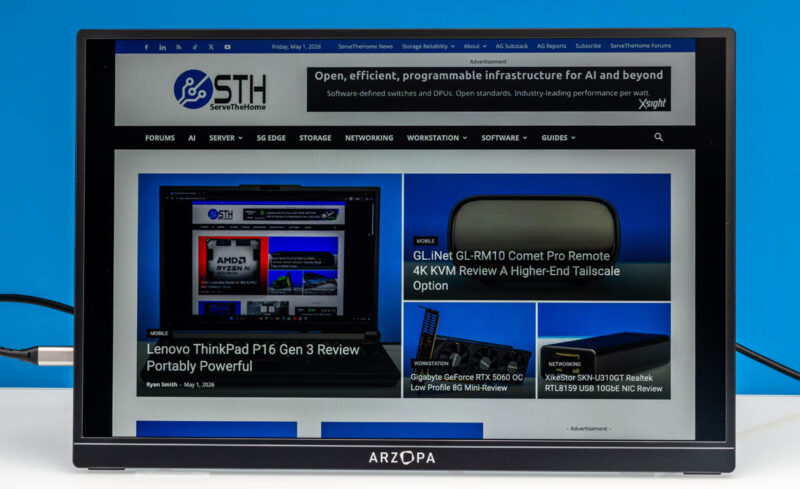
The display itself is a clean, bezel-framed display with a matte finish.
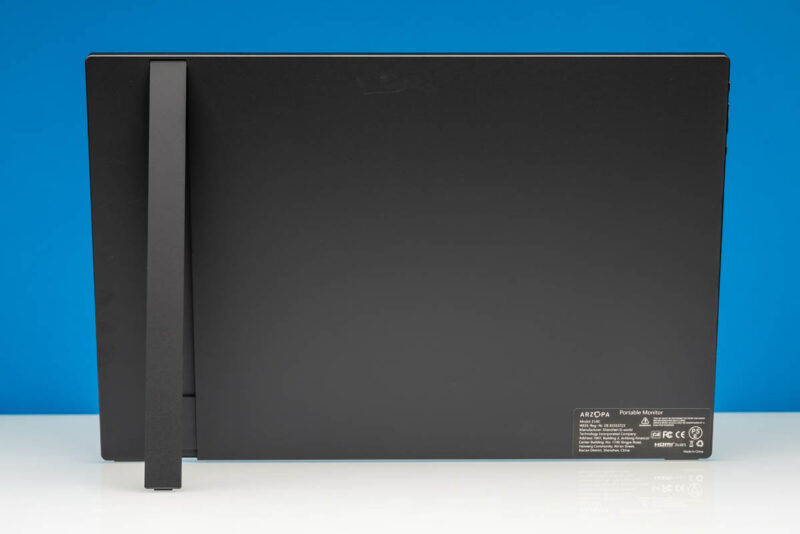
On the back of the display, there is a variable kickstand mechanism that allows for viewing at varying angles.
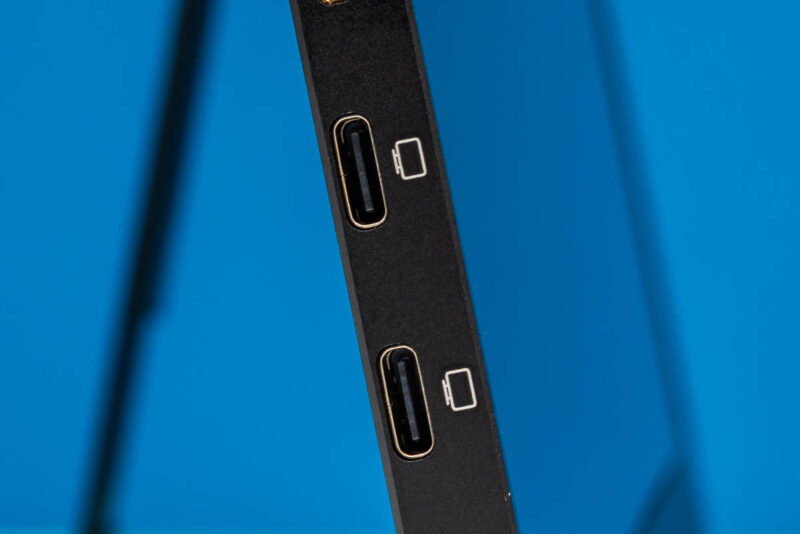
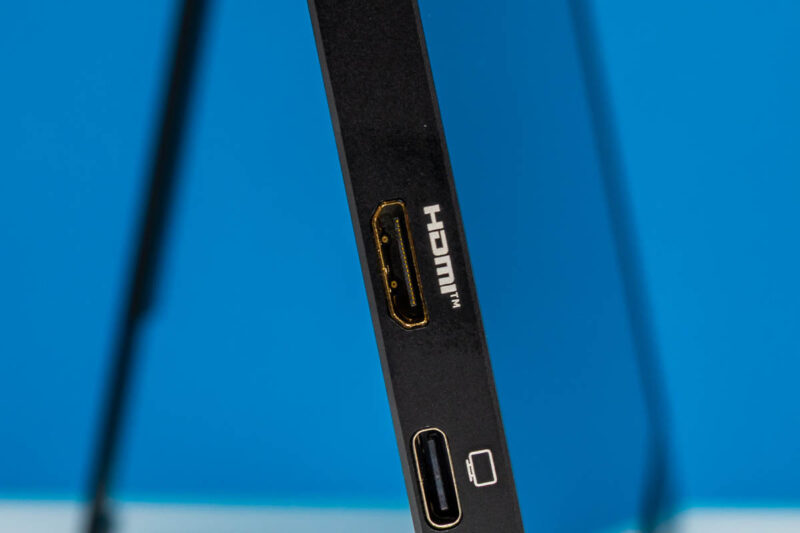
As noted earlier, the Z1RC offers both USB Type-C and HDMI inputs. USB-C is the cleanest option for laptop connections, particularly when the host can provide enough power for the display alongside the DisplayPort signal, allowing the monitor to be driven via a single cable. The Arzopa Z1RC has two USB-C ports overall, with the second port to allow for a dedicated USB-C power adapter when needed.
The Z1RC uses a Mini HDMI port rather than a full-size HDMI connector, which is worth noting if you are planning to use it with a console or a laptop without a Type-C video output.
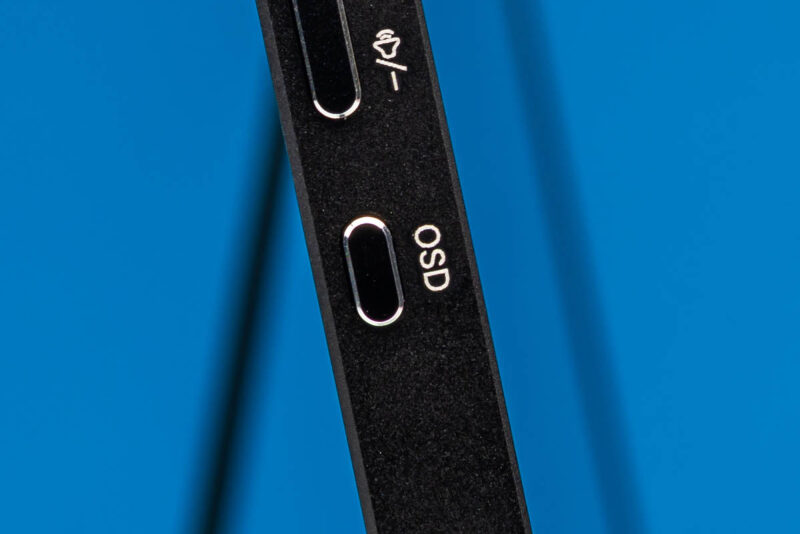
OSD controls are handled by a single button on the side panel. It cycles through menu options for brightness, contrast, input selection, and color presets. It is a simple approach that works for basic adjustments but requires some button pressing to navigate.
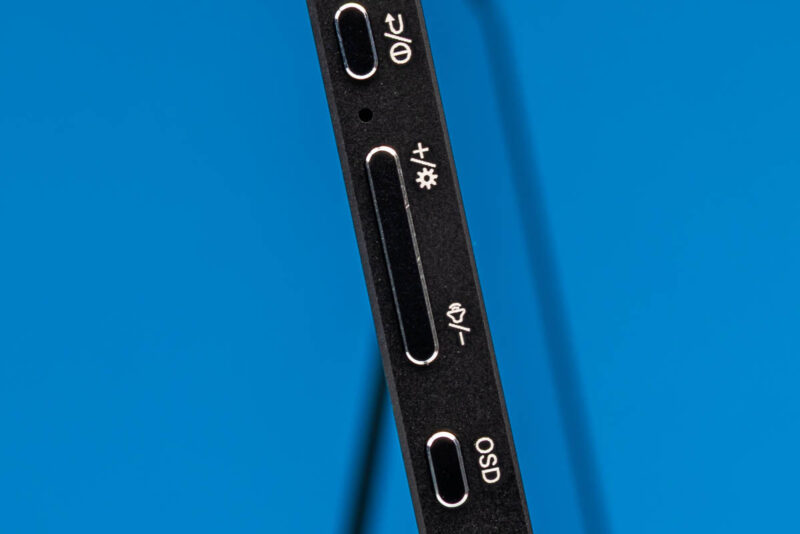
Volume and brightness are adjusted via dedicated buttons on the monitor, which is a welcome detail. Some portable monitors require you to dig into the OSD menu for these common adjustments, but the Z1RC keeps them accessible.
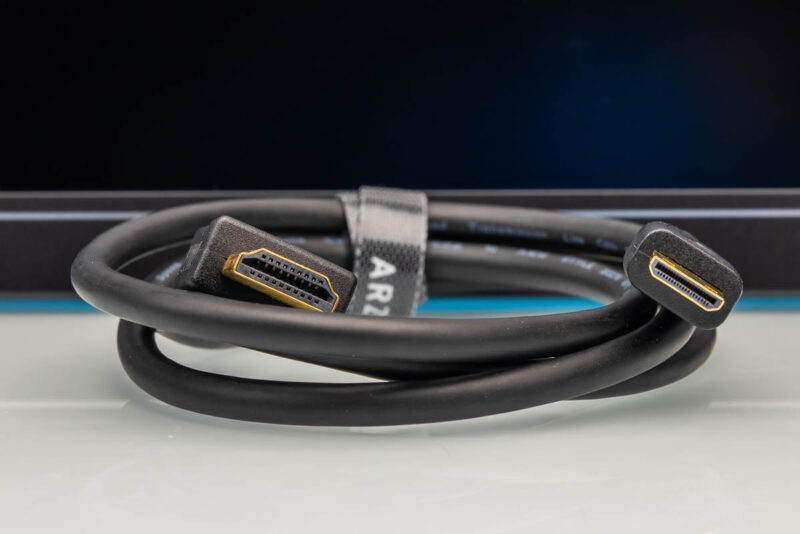
Included is an HDMI to Mini HDMI cable which allows to connect to most laptops and consoles without needing a separate adapter. It is a short cable, which is fine for desktop use but may limit you if your laptop is some distance away from the monitor.
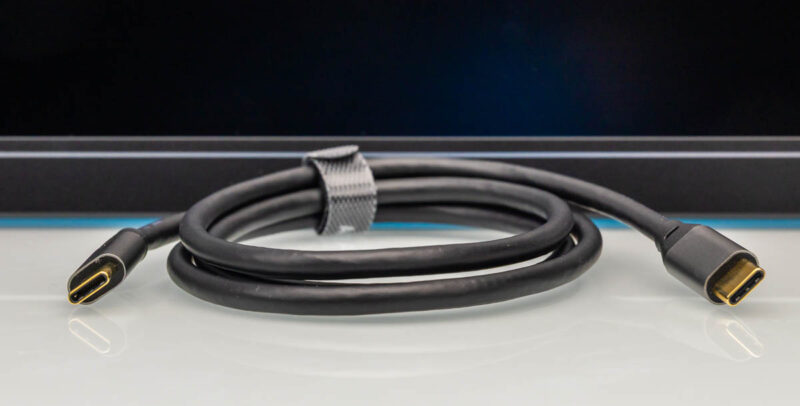
A USB-C to USB-C cable is included for display and/or power input.
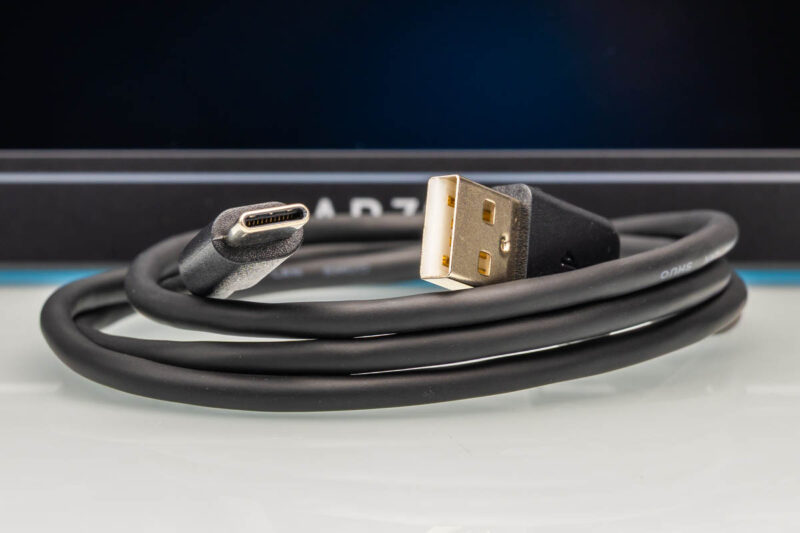
It also comes with a USB-A to USB-C cable for powering the monitor off of older USB-A power adapters.
Next, let us see how the Arzopa monitor performs.


What a horrible “stand”. Just like the horrible stand on the original N Switch but with extra crack when torn off. I only buy ASUS and ViewSonic portable monitors which have great stands. No-name garbage invariably chintzes out on everything they can. Buy garbage chuck garbage.
Thank you for following SANE naming convention and calling a monitor with 2560 lines “2.5k”.
I think it’s stupid that we call 3840 lines “4k”, but if they are going to do it anyway, they have to KEEP doing it.
If 3840×2160 is “4k”
then 1920×1080 is “2k”
because that is how numbers work…
Calling 1440p “2k” is literally wrong.