

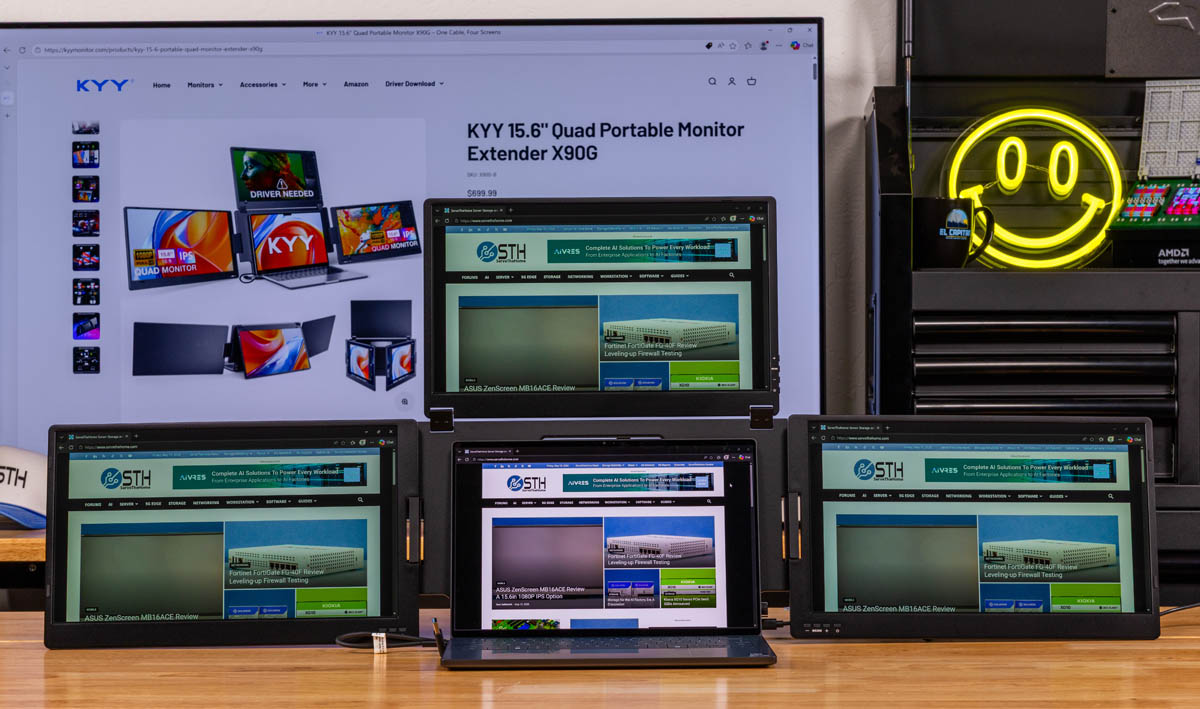
The KYY X90G “Quad” portable monitor is a somewhat misleading label for a surprisingly useful tool. We have looked at a few portable monitors before, like the KYY K3 15.6in Portable Monitor, and they share a similar format. You just pop the stand, connect a USB Type-C cable to a compatible port, and you are off and running. This, however, is wholly different. This is three monitors with a heavy-duty frame to surround your notebook’s main monitor. “Quad” comes from three monitors, plus your laptop, and this is absolutely massive. It is also super cool to use, since if you are on the road, you can have four screens. It is not cheap (normally at $479) unless there is a sale. Still, if you thrive on having many screens, this is much cleaner than trying to fashion something yourself.
If you want to purchase this or check pricing, here is an Amazon affiliate link.
KYY X90G “Quad” Portable Monitor Overview
When you pull it out of its box, the monitor almost looks like a normal monitor at first, perhaps with two giveaways. First, you do not see a screen in its folded state. Second, this is listed at 1.6kg or just over 3.5lbs. We had this paired with the Dell XPS 14 2026, which is a great thin-and-light laptop, and the weight difference was readily apparent. This is closer to the weight of maybe a 14″ Apple MacBook Pro. It ended up in a carry-on suitcase rather than in a briefcase, as we would do with other portable single monitors. By not having an outward display surface, there is some protection built into the design, which is nice.
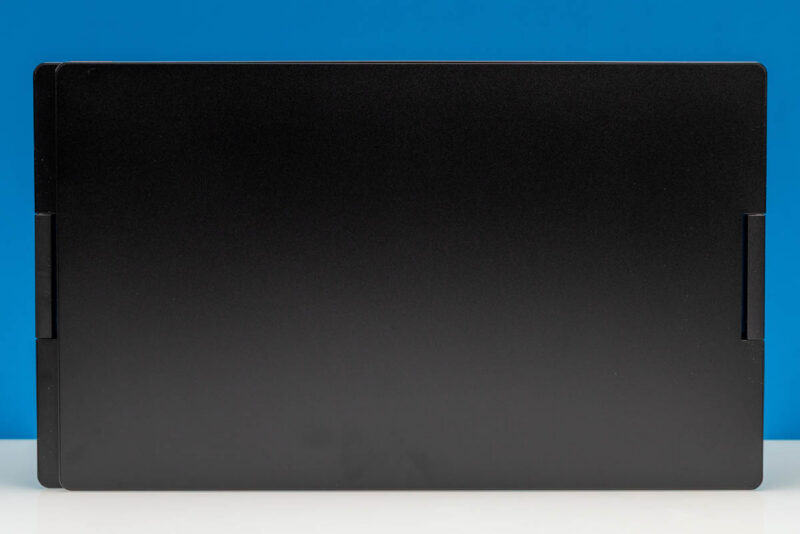
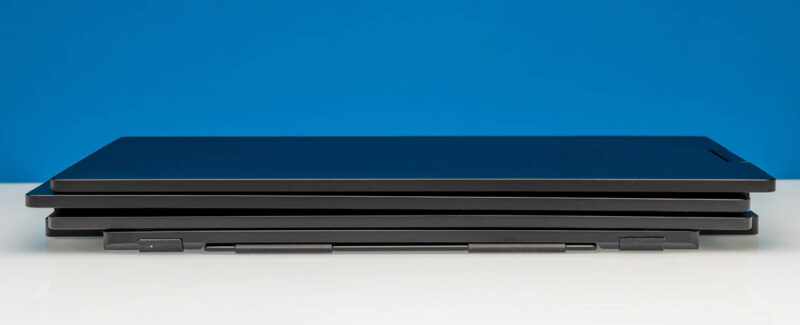
The above shot was probably sandbagging the complexity because here is what it looks like from the profile view.
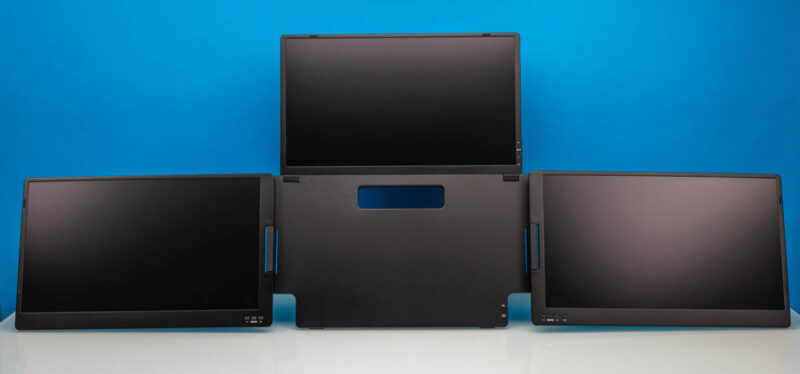
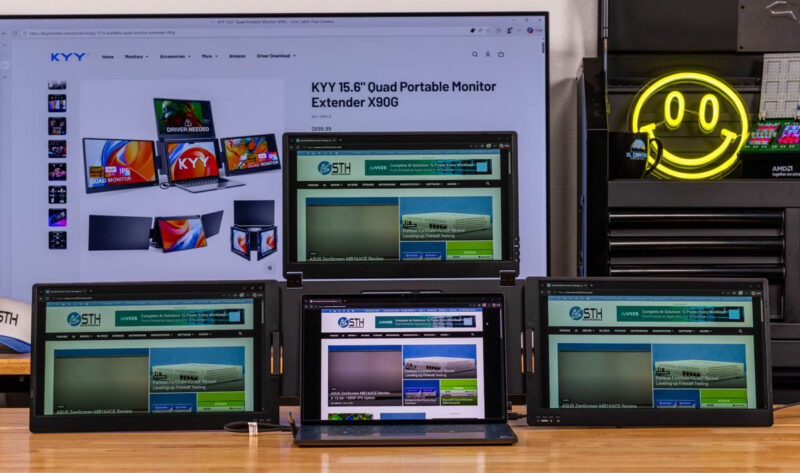
You open up the three panels, pop open the kickstand, and there you go, three 15.6″ 1920×1080 60Hz IPS displays to surround your notebook.
Here it is all fired up. You can see that this is absolutely massive.
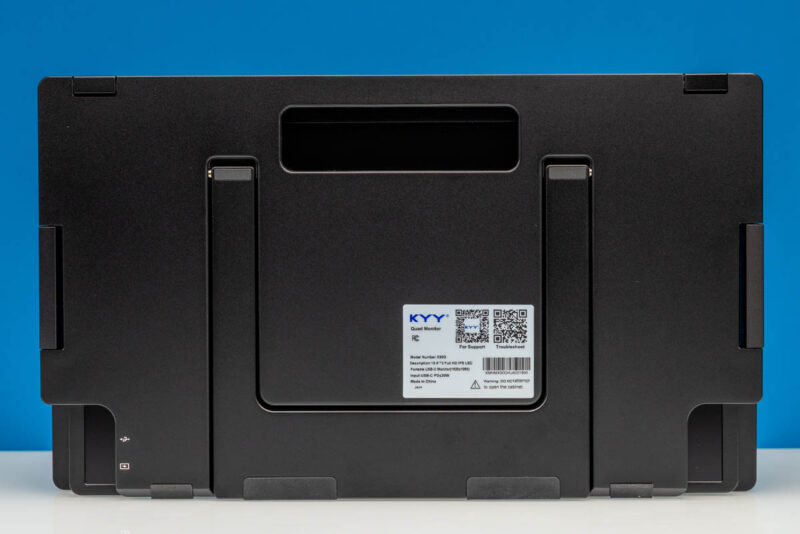
Here is the back with the kickstand and the handle. Importantly, you have to be a bit careful when setting this up because the monitors are so big and heavy that they can tip the entire assembly if you do this incorrectly. KYY’s product pages have other orientations. I could see using it this way, perhaps if you wanted to present and use this as a central monitor for a coffee shop pitch meeting.
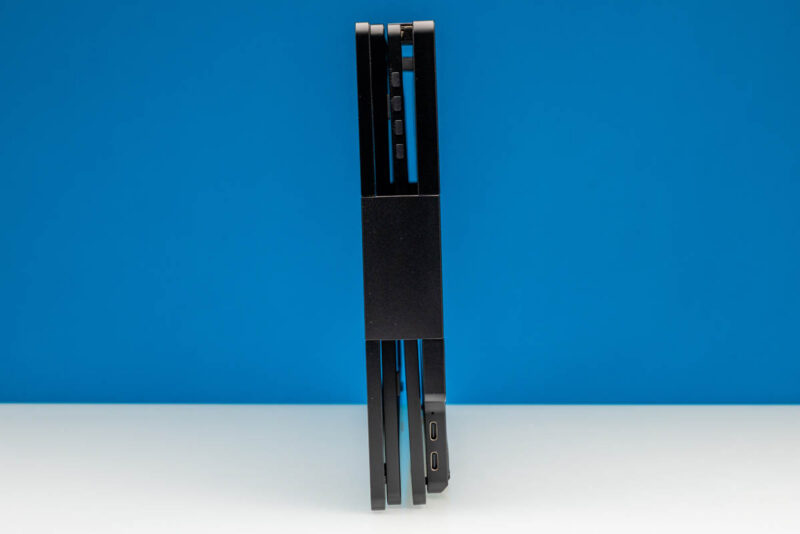
Here is a side view. Note the control buttons, hinge, and the two Type-C ports.
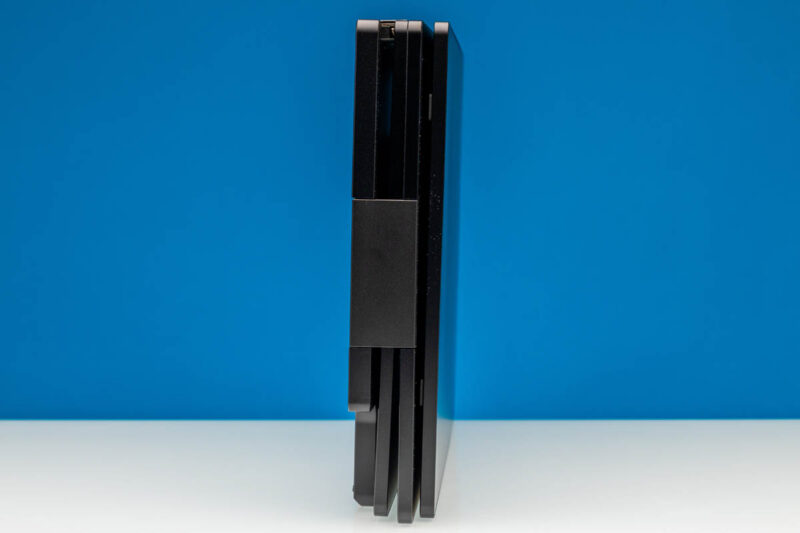
Here is the other side.
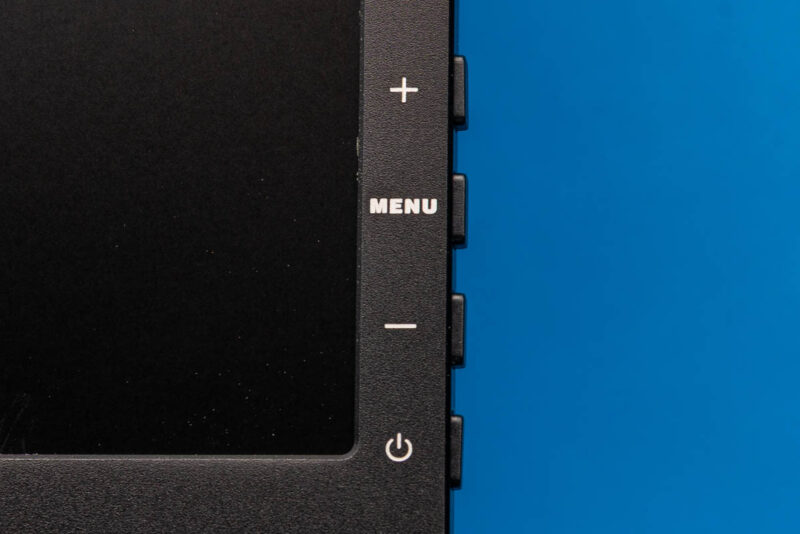
Each monitor has its own set of controls. If you wanted to have a bright monitor, and two dim monitors for some reason, you could do that. Each has its own on-screen display.
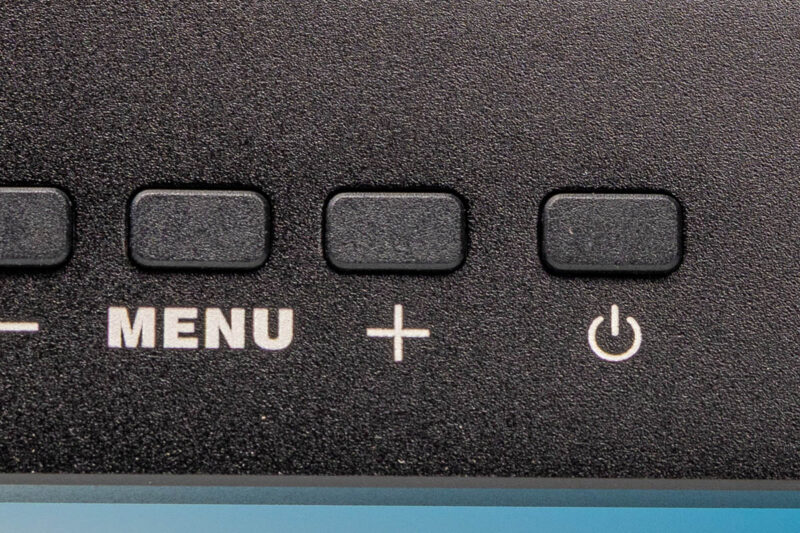
Think of these as three distinct monitors rather than one cohesive set managed centrally.
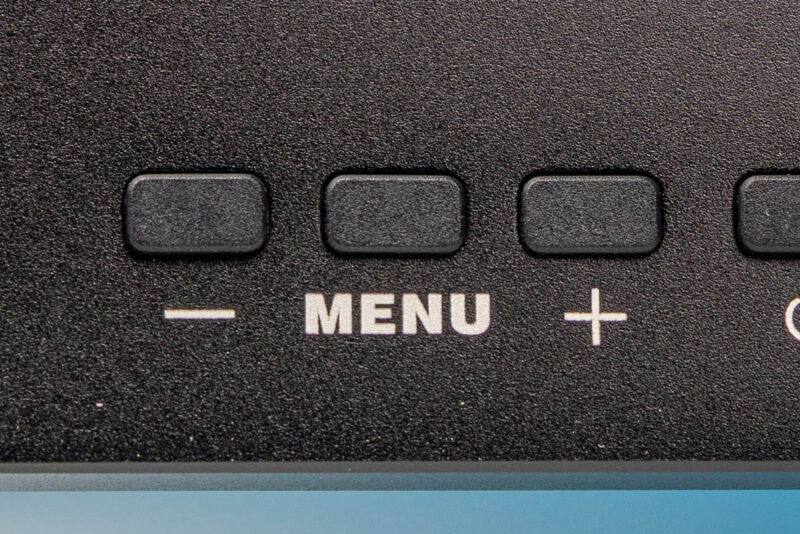
The buttons are similar, but are in different places based on which monitor you are trying to control.
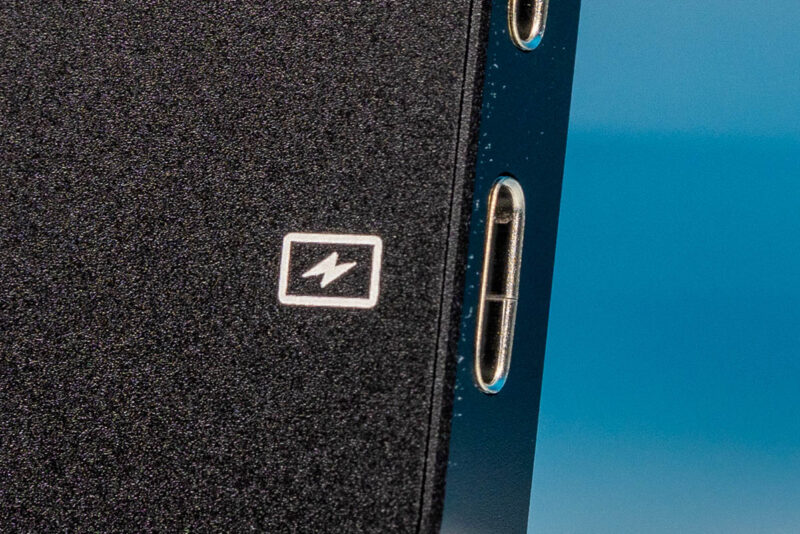
In the center section there are two ports. One is a multi-function port.
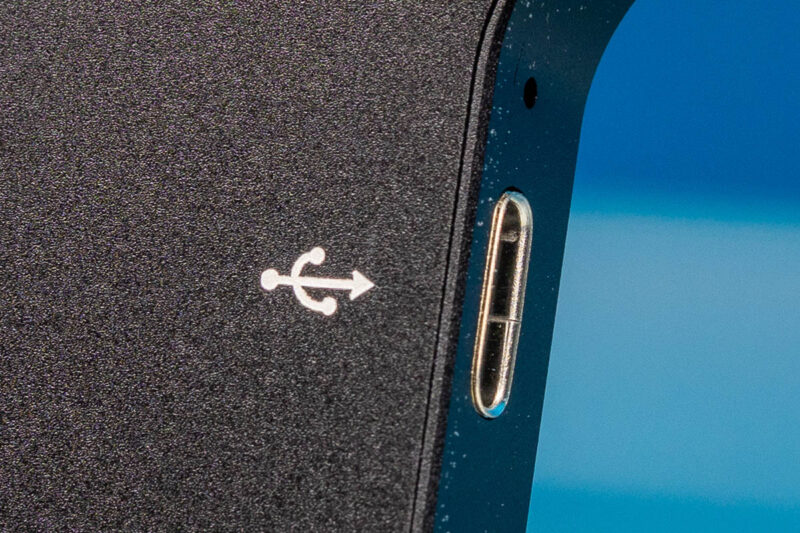
The other is a power port. We were not having much luck getting this monitor to work with a single cable connection because it draws quite a bit of power. That was a bummer.
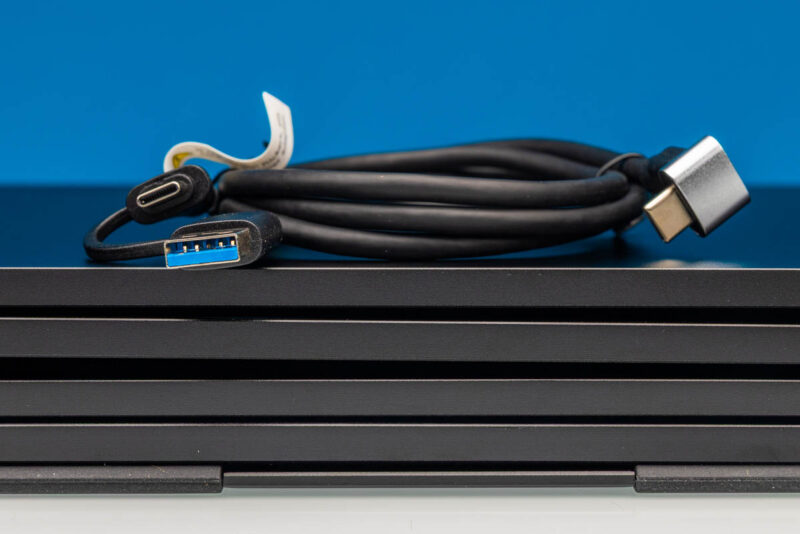
Included, you get two cables.
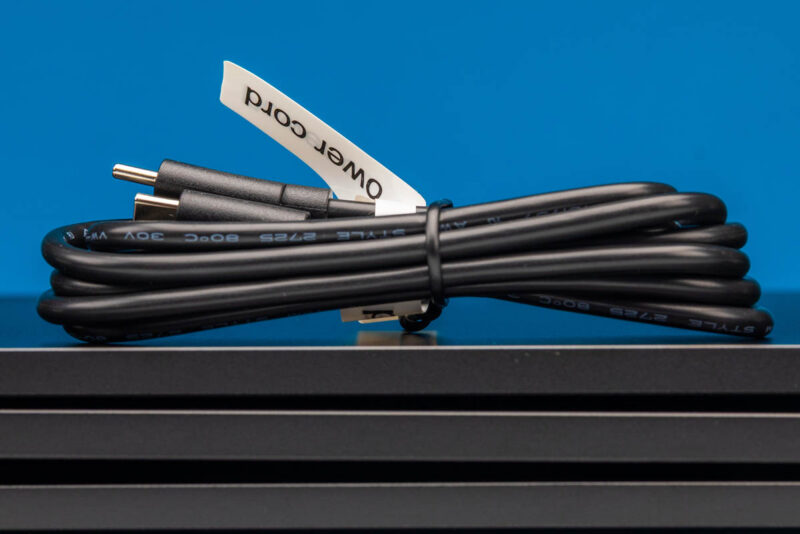
One is clearly labeled as the power cord.
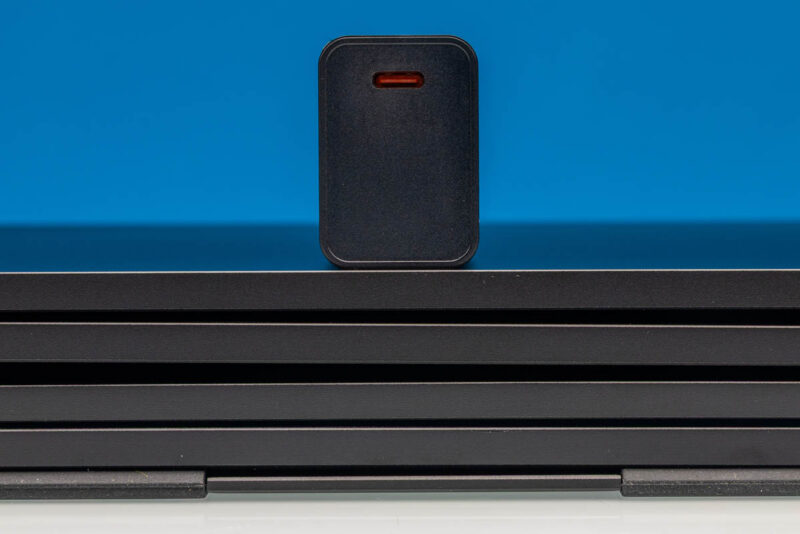
Here is the power adapter.
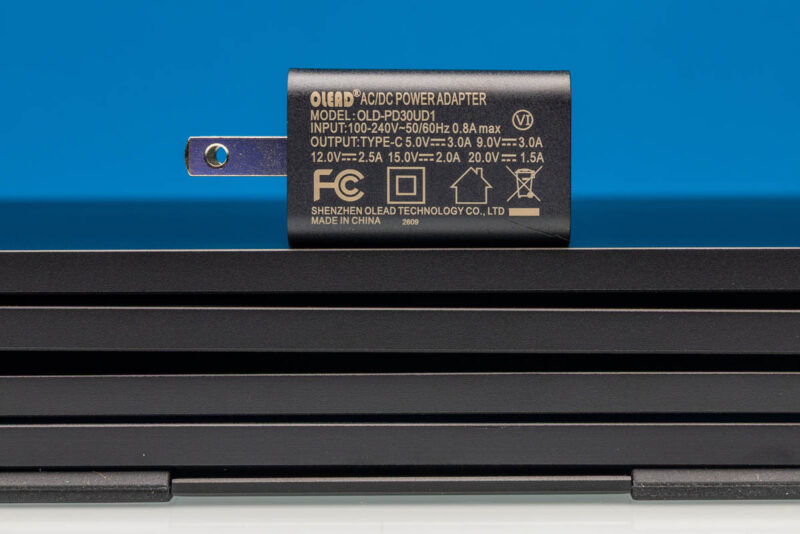
It has a single Type-C port.
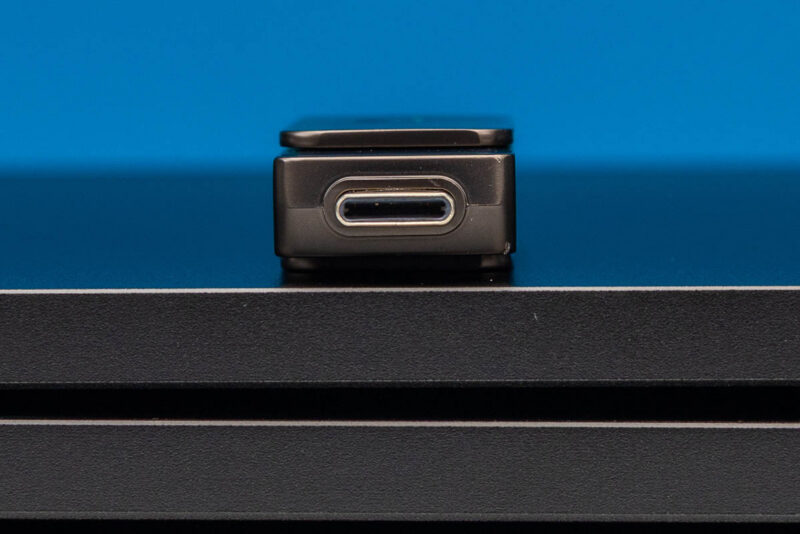
The monitor also came with a USB drive. We did not use this, but it likely comes with the Silicon Motion utility we had to use for the MacBook to connect to all three screens. It was a bit more than just a plug-and-play experience, which was frustrating.
Next, let us get to the performance.




This is the perfect gadget for AI roadshow demo where on screen #1 you show the AI backend (i.e. local LLM, agents), on screen #2 you show the code being generated and execution (i.e. VScode), on screen #3 you show the final application UI, and on the main laptop screen you show your product slide or company website or software stack architecture.
Who needs this? Do the places you go not have TVs or monitors capable of displaying?
Why would I want to lug an extra 6 pounds of monitor monstrosity?