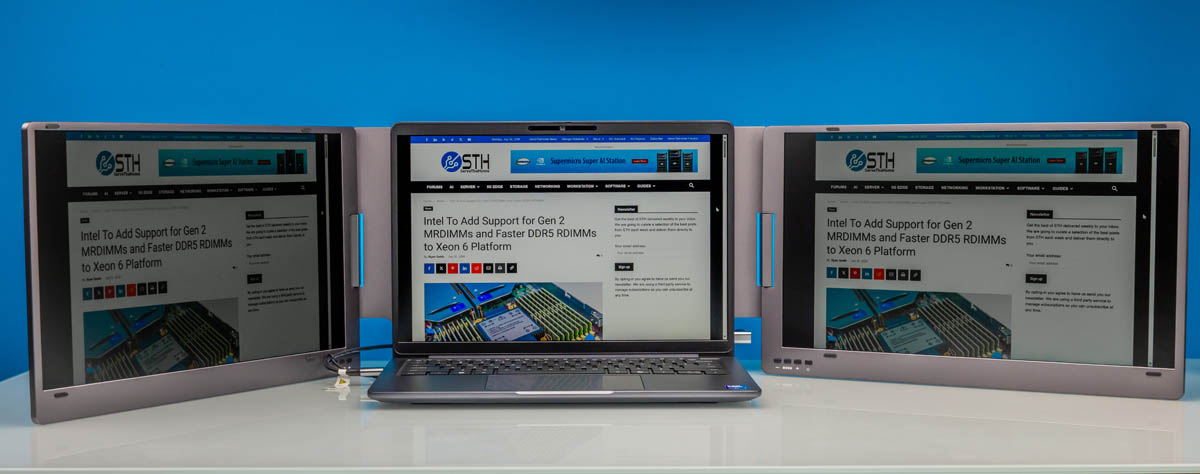
The KYY X90D “Triple” portable monitor is a somewhat misleading label for a surprisingly useful tool. We have recently looked at the, KYY X90G “Quad”, and they share a similar format, the latter giving you one more monitor. This monitor is vastly different from most we have tested. The KYY X90D “Triple” portable monitor gives you two additional monitors, the “triple” coming from your laptop. The package itself is fairly heavy compared to a “normal” portable monitor, but it also folds up very neatly. It costs $250, unless there is a sale. If you have the need for many screens, this is a much easier setup than trying to build something yourself.
If you want to purchase this or check pricing, here is an Amazon affiliate link.
KYY X90D “Triple” Portable Monitor Overview
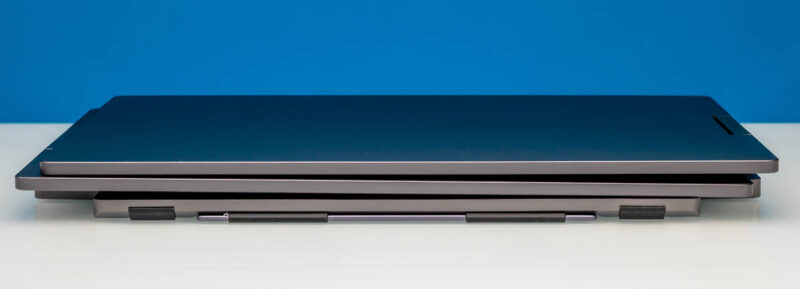
At first, it looks like a normal monitor when taking it out of the box. It is packaged in its folded state, so when opening, you do not see either of the monitors. This folded design is nice for travel, as the case protects the monitors. This design does make for additional consideration when traveling, because a traditional portable monitor would easily fit into a briefcase or backpack. This, on the other hand, is significantly heavier and may alter your bag selection.
Here is what it looks like from the profile view.
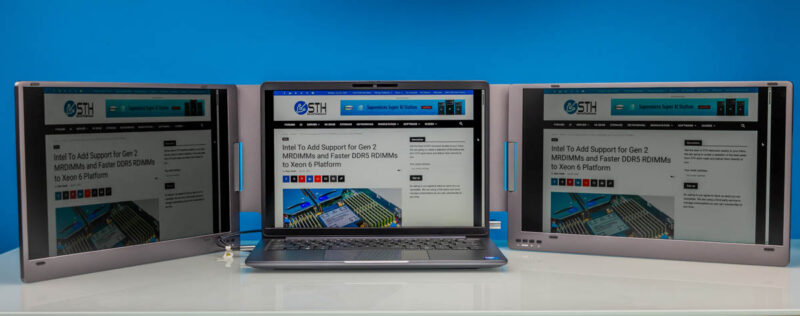
When you open up the panels, pop open the kickstand, you see the two 15.6″ 1920×1080 60Hz IPS displays with a 1200:1 contrast ratio surrounding your notebook.
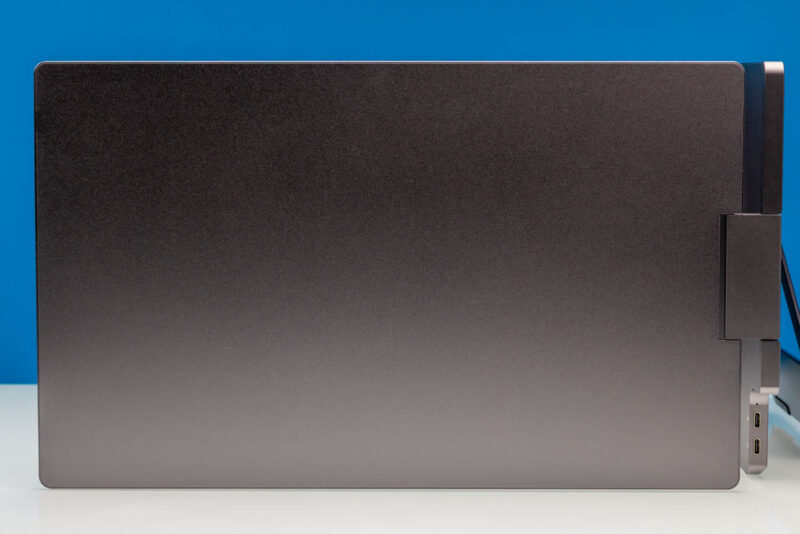
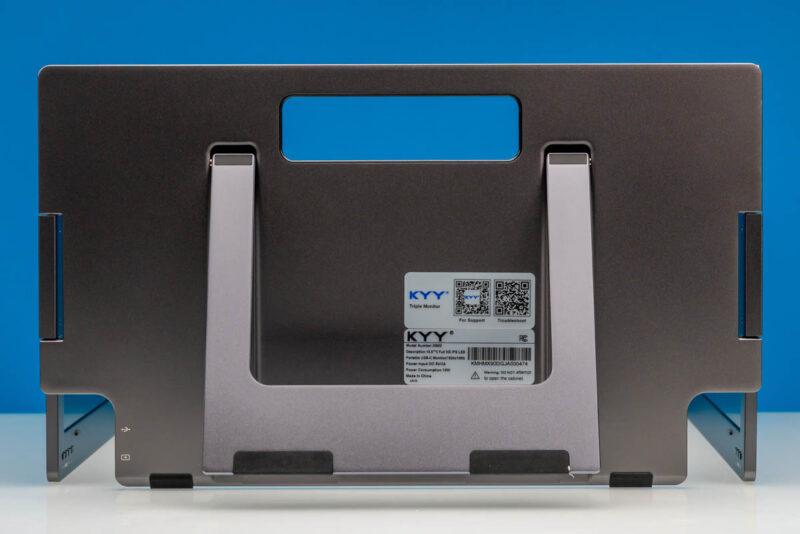
Here is the back with the kickstand and the handle. It is important to note that you have to be a bit careful when setting this up because the monitors are so big and heavy that they can tip the entire assembly if you do this incorrectly.
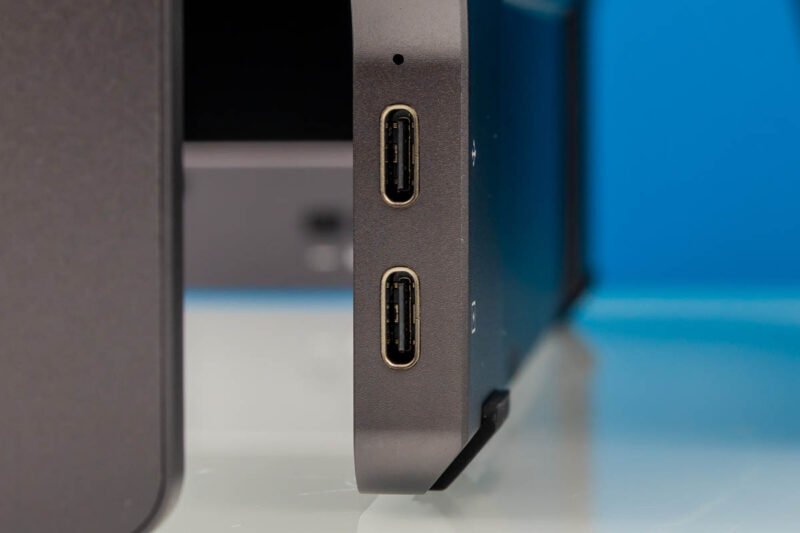
Here is a side view. Note, the two Type-C ports are on the middle partition.
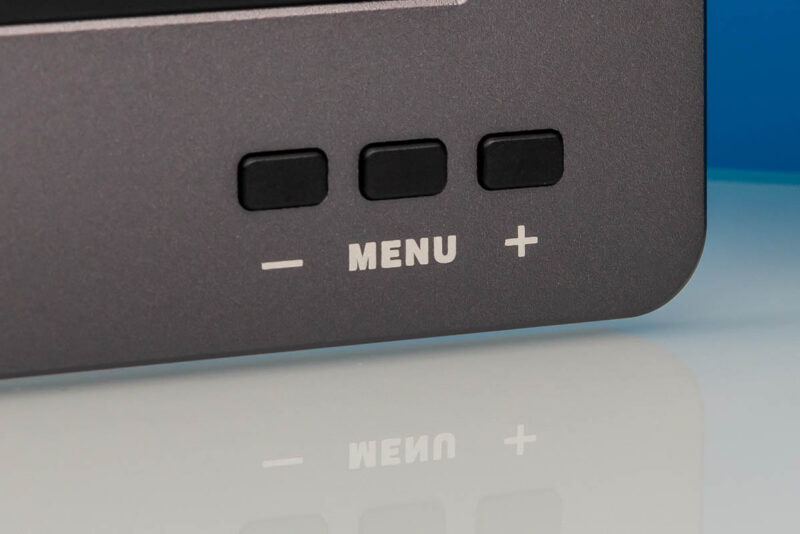
Each monitor has its own set of controls. Giving you the option to give each screen a different display.
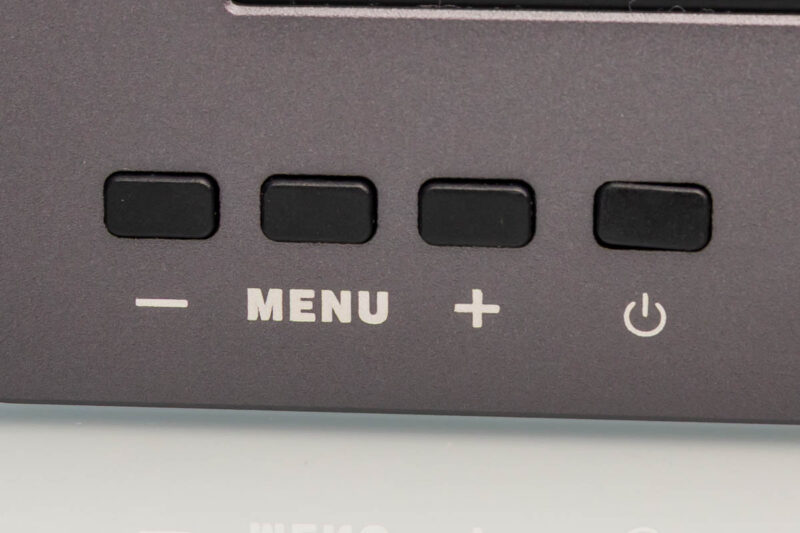
The left monitor.
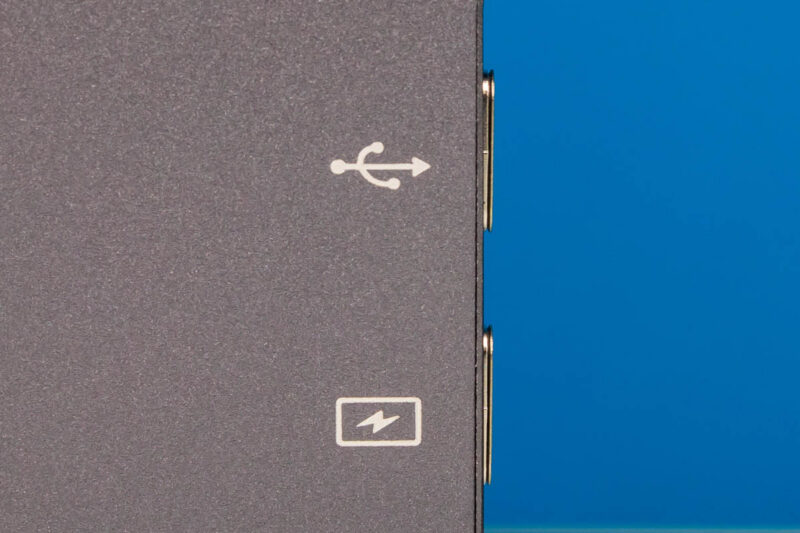
In the center section, there are two ports. One is a multi-function port.
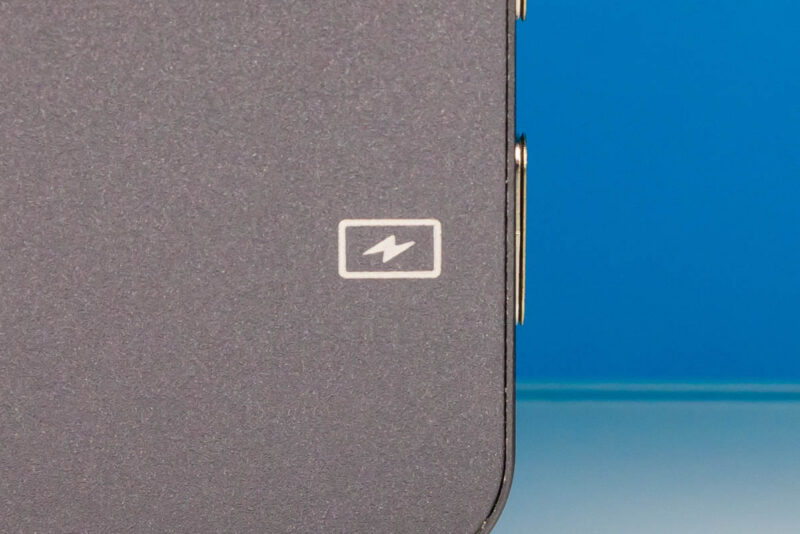
The other is a power port. Unlike the KYY X90G “Quad,” we were able to power up both displays using the Dell P514260 with one cable and no need for an additional power adapter.
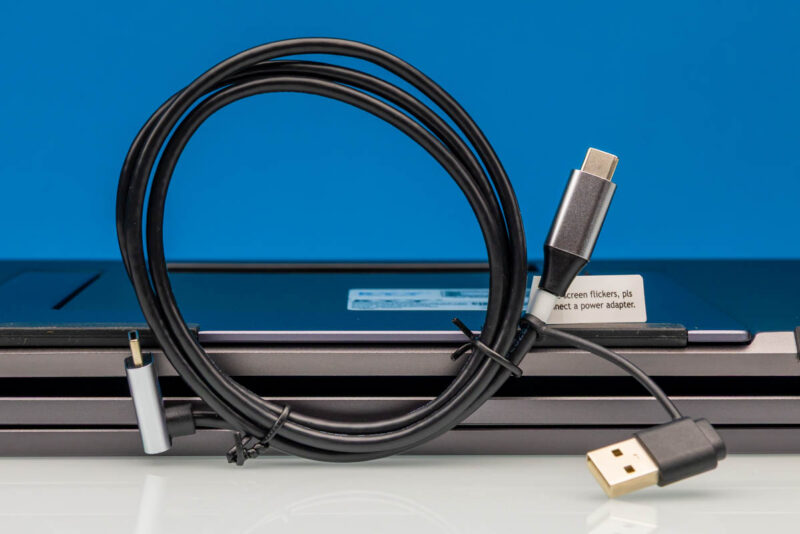
Included, you get two cables. The first is a USB Type-C to USB Type-C / USB Type-A cable.
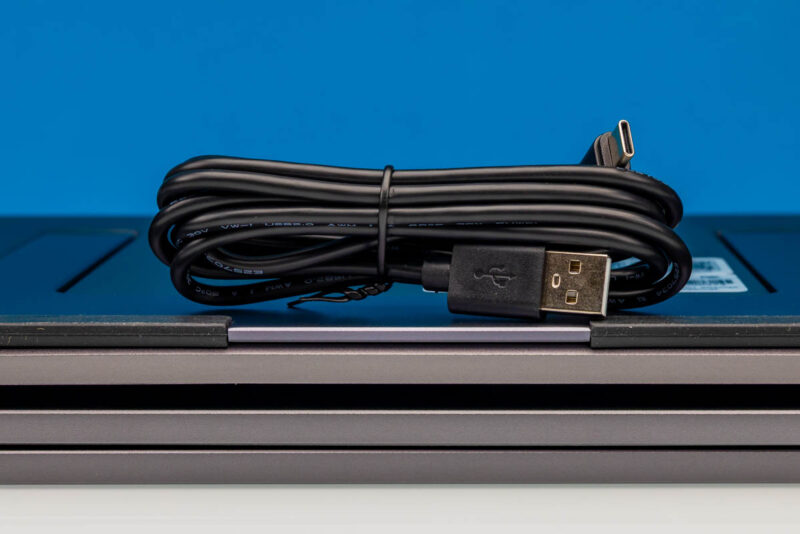
The second is a USB Type-C to USB Type-A cable
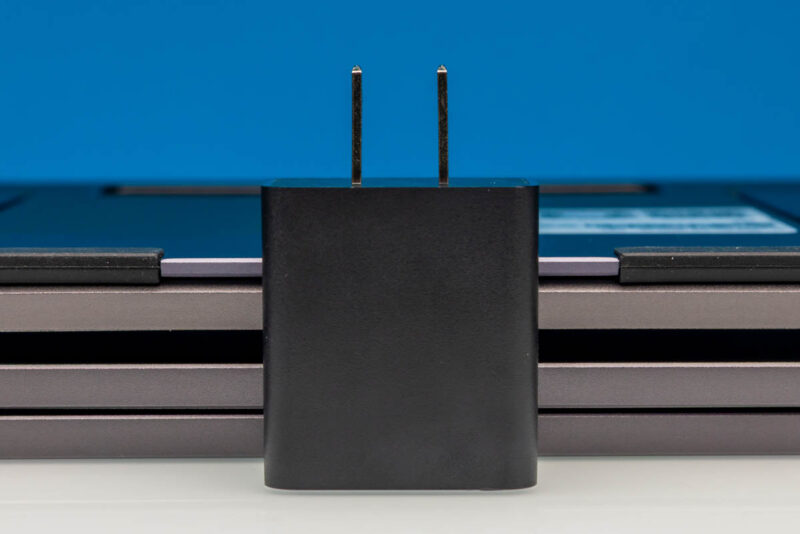
Here is the power adapter, which has a USB Type-C input.
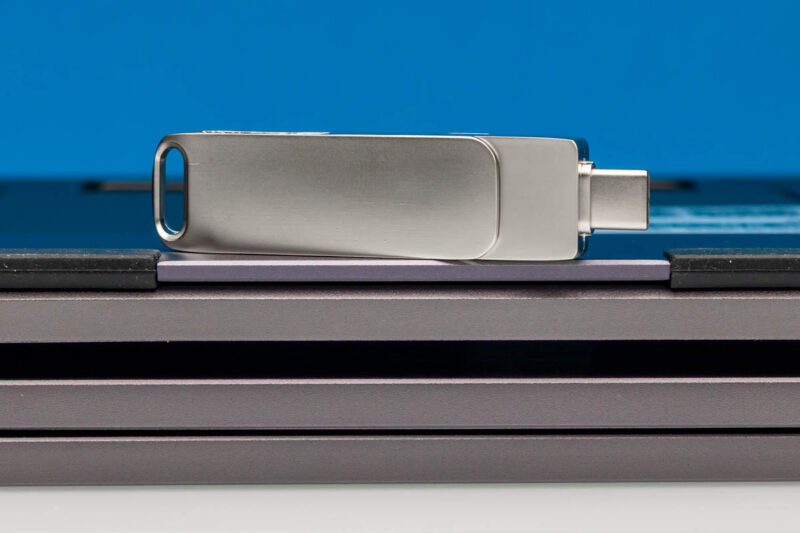
The monitor also came with a USB drive. We did not use this, but it likely comes with the Silicon Motion utility we had to use for the MacBook to connect to all three screens. It was a bit more than just a plug-and-play experience, which was frustrating.
Next, let us get to the performance.