

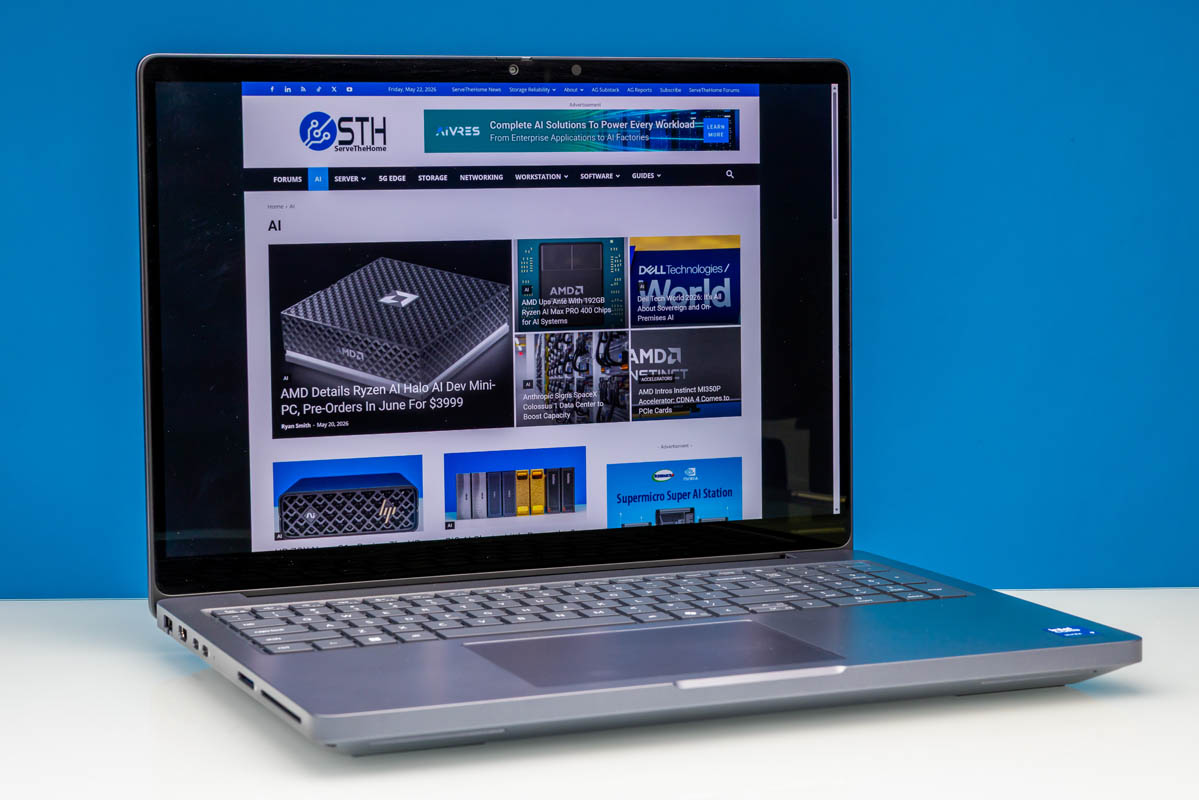
Though Dell’s laptop lineups have certainly gone through their ups and downs over the last few years, one of the more consistently credible offerings has remained their high-end workstation laptops. Going under the Dell Pro Max Plus name these days, after Dell’s system branding changes, Dell’s workstation laptops continue to be tasked with a simple goal: be big, go fast, and spare no expense.
The end result is a family of laptops that, from a performance perspective, is Dell’s flagship laptop line for professional and corporate customers. With 16 and 18-inch display options, a plethora of ports, and add-in accelerator options ranging from all flavors of NVIDIA video cards to even Qualcomm discrete NPUs, the Pro Max Plus lineup is intended to be Dell’s power play for mobile users.
Today, we are looking at the smaller of these two laptops, the Dell Pro Max 16 Plus. Officially classified by Dell as a desktop replacement-class laptop, the Pro Max 16 Plus aims to pack as much powerful hardware as possible in a laptop that is still just small and light enough to be portable.
| Dell Pro Max 16 Plus Key Specs (MB16250) | |
| Processors | Intel Core Ultra 9 285HX, 8P + 16E (5.5GHz) |
| Operating System | Windows 11 Pro |
| Memory | 128GB DDR5-6400 (Dual-Channel CAMM2 Module) |
| Storage | 2x 1TB SSD in RAID 0 (PCIe Gen5 x4, M.2 2280) |
| GPUs | Intel Graphics (Xe-LPG, 4 Xe cores) NVIDIA RTX PRO 5000 Blackwell |
| Display | 16-Inch, 3840×2400 OLED, 120Hz VRR, 500nits Max Brightness, 100% DCI-P3, Touch-capable |
| Battery | 96Wh, 6 Cell |
| Form Factor | Laptop |
| Dimensions | 360 x 258.6 x 29.4 mm (14.17 x 10.18 x 1.16 in) |
| Weight | 2.55 kg (5.63 lbs) |
| Wireless | Wi-Fi 7 + Bluetooth 5.4 (Intel BE200) |
| Color | Magnetite (Gray) |
| Ports | Left: 2x USB-C/Thunderbolt 5 120Gbps w/DP Alt Mode, 1x HDMI 2.1, 1x 2.5GbE (RJ45), SD card reader, Smart card reader Right: 1x USB-C/Thunderbolt 4 40Gbps w/DP Alt Mode, 2x USB-A 5Gbps, 3.5mm Combo Audio Jack |
With so many superlatives in the name of the laptop, Dell all but promises by name alone that the Pro Max 16 Plus is going to be as fast as laptops get, and they are certainly aiming to get there based on the specifications of the laptop. The configuration of our review sample is comprised entirely of flagship-grade hardware, from the Intel Core Ultra 9 285HX CPU to NVIDIA’s RTX PRO 5000 Blackwell video card. Even the PCIe Gen5 SSDs are in a RAID stripe configuration. As far as high-end laptops go, it does not get any higher-end than this for a 16-inch laptop.
If you wanted to find the Dell Pro Max 16 Plus (MB16250) online, here is a Dell affiliate link.
Dell Pro Max 16 Plus External Hardware Overview
Starting things off with a look at the laptop hardware itself, Dell officially classifies the Dell Pro Max 16 Plus as a desktop replacement-class laptop. And while its power consumption is certainly up there – this thing ships with a 280 Watt power supply – the size and the styling of the laptop are a bit more forgiving. Housing a 16-inch display and weighing 2.55kg, it is not a small or light laptop by any means. It is also smaller and much lighter than the 18-inch versions of the Dell Pro Max Plus lineup, which start at 3.25kg. So, as far as portability goes, this is at least a bit more portable than the kind of luggables that typically come to mind when you hear about a desktop-replacement laptop.
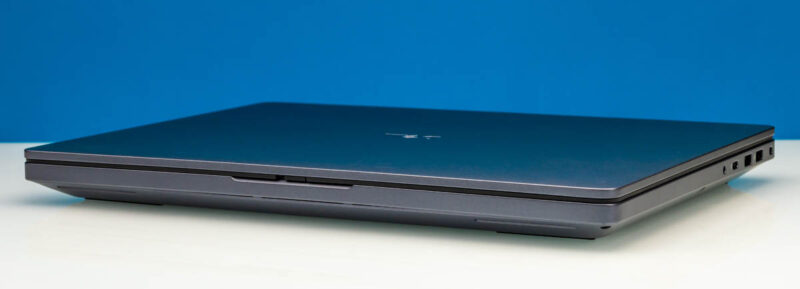
In any case, this is a laptop designed to house and cool some rather powerful chips, and Dell does not go out of its way to hide this. The gray chassis has a very industrial (and slightly plasticky) look to it. The overall design of the laptop is ever so slightly tapered, with the front being just a bit thinner than the rear. Still, it is 29.4mm at its thickest point.
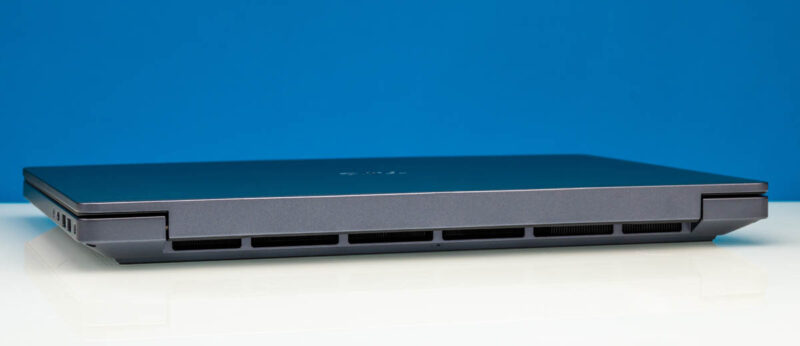
The rear view of the laptop pretty much tells you everything you need to know, with large vents running the width of the body to provide ample room for exhausting hot air.
Opening up the laptop, we have a pretty typical setup for a large laptop. Alongside the backlit keyboard, Dell has managed to fit a proper numeric keypad here as well. Meanwhile, the trackpad has been slightly offset to accommodate this, shifting it to the left.
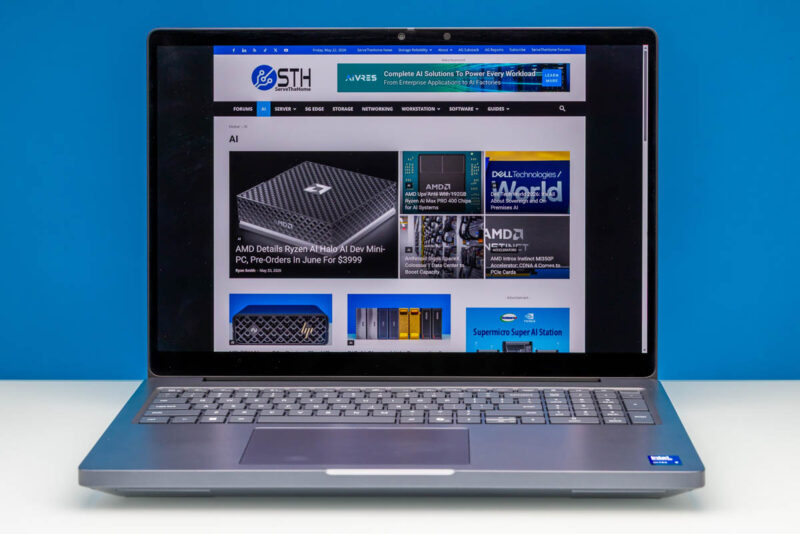
As for the 16-inch display that the rest of the chassis is built around, Dell offers several options within the overall Pro Max 16 Plus lineup. As a pro-grade laptop, Dell is using 16:10 displays here, offering some extremely helpful extra vertical space.
Our specific review configuration included Dell’s high-end option for this laptop family, a 3840x2400px (UHD+) OLED panel. The display is rated to deliver up to 500 nits of brightness and covers 100% of the DCI-P3 color space. The display is also VESA True Black 1000 certified, which is the standard organization’s latest and highest-end spec for OLED displays. With regard to refresh rates, the panel runs at up to 120Hz and supports variable refresh rates when the included RTX PRO Blackwell video card cannot keep up. This is also a touch-screen display. In fact, it is the only display option for the laptop that supports touch.
Alternatively, for users who want a more traditional (and easier to drive) LCD panel, Dell offers a couple of options. Dell’s mid-end option is a 1920x1200px (WUXGA) LCD panel that, other than its relatively low resolution, features similar support for 100% of the DCI-P3 color gamut and variable refresh rate support for rates up to 120Hz, though it is not an HDR panel. And at the bottom of the list for cheap configurations, Dell offers another 1920x1200px LCD without any variable refresh rate capabilities and a rather narrow sub-sRGB color gamut.
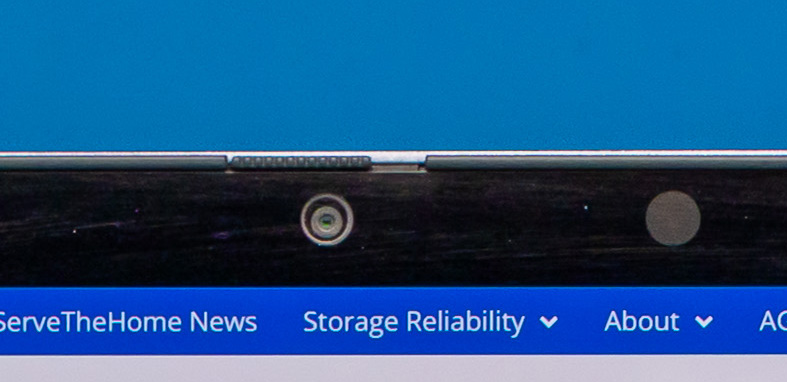
Along the top edge of the display are Dell’s included cameras. Since this is aimed at the Pro market, these are optional for BTO configs, but with the OLED panel, the sole option is an 8MP + IR camera setup, which provides relatively high image quality and enables Windows Hello support. This configuration also includes a privacy shutter, allowing users to block the camera when not in use.
For audio, Dell keeps things simple with a pair of 2 Watt, downward-firing speakers that are installed along the front of the chassis.
Shifting our view to the left side of the laptop, here we find most of the Pro Max 16 Plus’s important I/O ports. The immediate stand-out is a slim, collapsing RJ45 jack for 2.5Gb Ethernet support. To the right of that is an HDMI 2.1 port that connects to the Core Ultra 9 285HX’s integrated GPU.
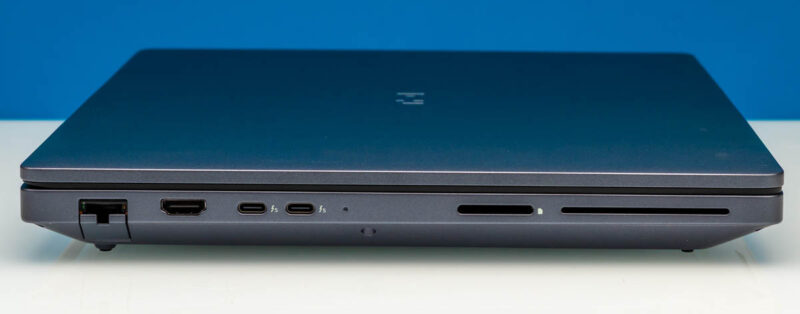
Dell has taken advantage of the ample space afforded by the large Pro laptop to install a Thunderbolt 5 controller, upgrading the laptop to support the latest Thunderbolt and USB specs. These ports support 80Gbps and 120Gbps data rates in both Thunderbolt and USB4 v2 modes and are otherwise full-feature ports, allowing laptop charging and DisplayPort Alt Mode output to drive additional external displays. And, even with the laptop’s high power consumption, these are how the Pro Max charges, as well.
Finally, farthest to the right is a non-Express SD card reader. And next to that is a smart card reader.
On the right side of the laptop, we have a few more ports. Dell has included two USB-A ports on this laptop, each offering 5Gbps data rates and supporting its PowerShare device charging feature. To the left of that is the third and final USB-C port, a 40Gbps Thunderbolt 4-capable port that connects to the Arrow Lake SoC. This port can also be used to charge the laptop, so it can be charged from either side of the body.
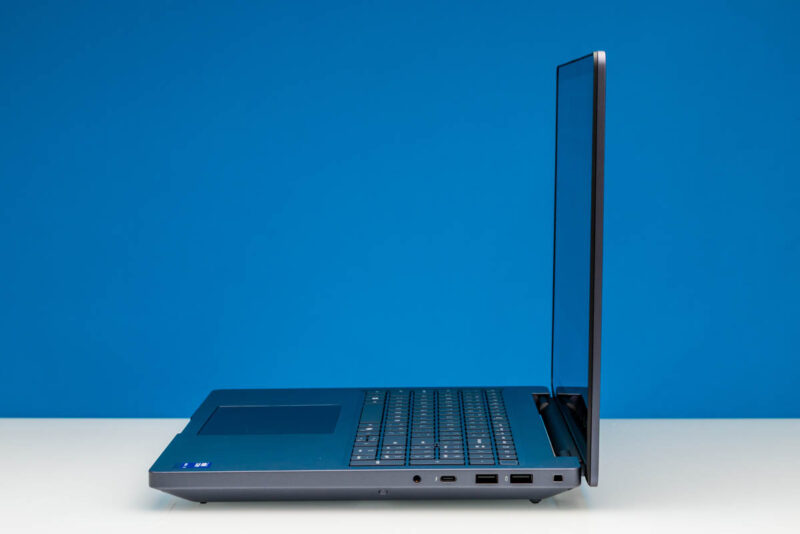
Last but not least, Dell has included the obligatory 3.5mm combo audio jack for headsets.
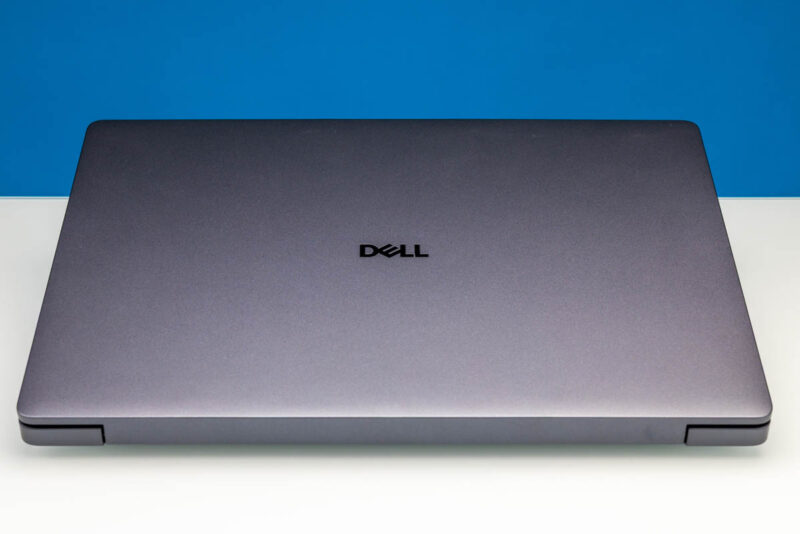
Taking a quick look at the top of the laptop, we find the familiar Dell logo.
Finally, flipping the laptop over to check the bottom, we find a pretty straightforward setup with the magnetite chassis imprinted with the Pro Max branding, as well as Dell’s various serial numbers and support QR codes. A rubber strip runs most of the width of the laptop towards the rear, while a pair of strips are located near the front. Both are there to help hold the laptop in place while also elevating it to provide better cooling clearance. Speaking of which, almost 50% of the bottom cover is open as a grate, allowing ample airflow to cool the laptop and underscoring that this is not a low-power device.
Now, let us go ahead and take a look at the internals of the Pro Max 16 Plus.



Is that an OEM panel gap on the center of the bottom chassis in the “ Front Angled 1” shot? Absolutely brutal for $15,000.
I have Dell Pro Max 16 for almost one year with Core 7, 32 GB RAM and Nvidia 2000 Blackwell. During this time, I have 5 replacements of motherboard, two replacements of power board and one replacement of GPU card. This laptop series is not reliable as previous models and maybe this is the reason why Dell brings back Precission naming of newer laptop/workstations.
Who needs all of this in a laptop???
This thing is overpriced and too huge/heavy to be reasonable.
Its the cybertruck of laptops.
All 3 of the SSD slots are PCIe Gen5 x4. Slot 0 seems slightly slower than the others (I see up to 12.5 GB/s from slot 0 but up to 14.5 GB/s from the other slots.) The GPU runs at x8, not x16, so two of the SSD slots appear to be using the other 8 lanes.