

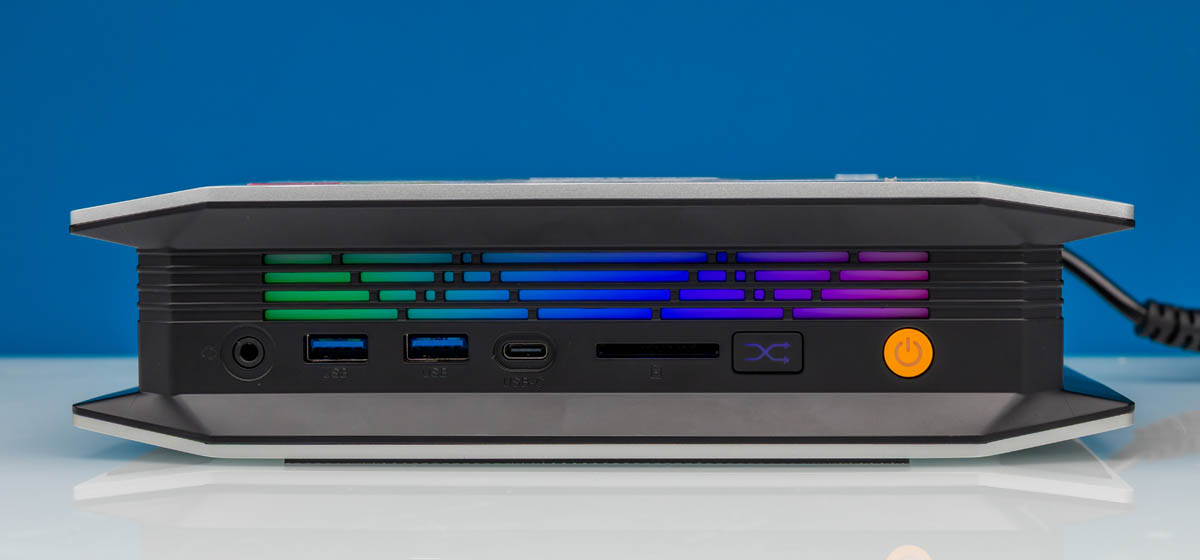
Today we are looking at the Bosgame M5. This is an AMD Ryzen AI Max+ 395 system with 128GB of memory. You may have seen that we have been reviewing a number of these platforms, and so we see things. Let us start with the key value proposition: this is between $500 and $1,100 less than the AMD Ryzen AI Halo machine (depending on the sales channel, promotions, and so forth), with the same CPU and 128GB of LPDDR5X memory. Also, while reviewing this system, we noticed something that looked very familiar, which made for a fun video.
If you want to pick one of these up, here is an Amazon Affiliate link, and here is another Amazon Affiliate link to a different seller.
Bosgame M5 External Overview
The general consensus in the STH studio is that this machine looks cool. It has an angled design and has an easy way to mount vertically.

The system comes with a metal stand that you can use to mount it vertically.

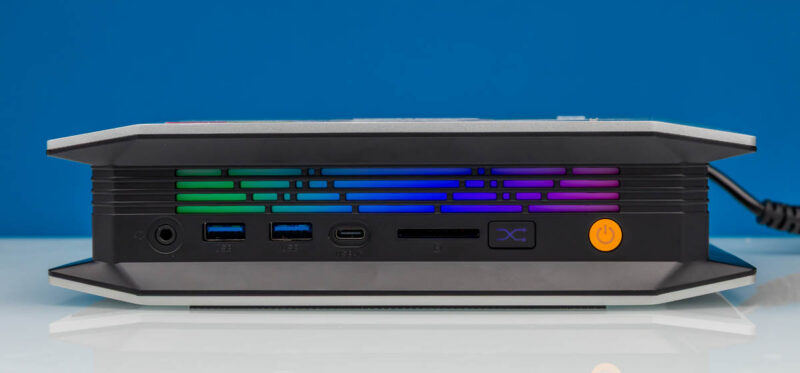
Here is the front of the system, with the ports slightly recessed under the top and bottom overhanging edges. There is a front audio jack, which is not present on all of these systems.
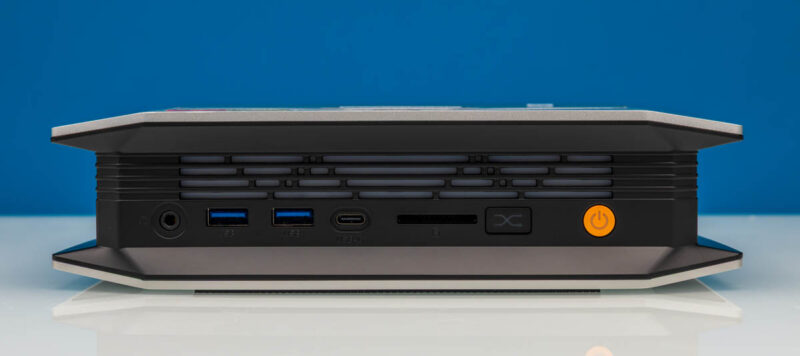
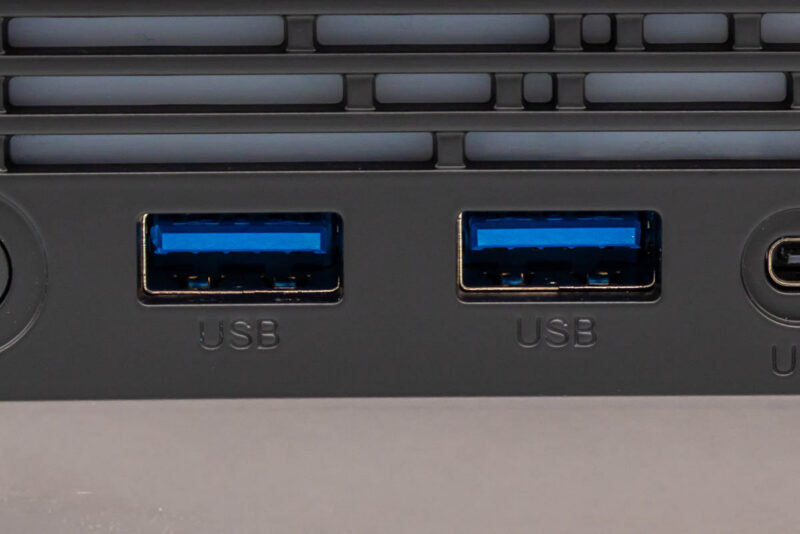
The front two USB Type-A ports are USB 3.2 Gen2 10Gbps ports.
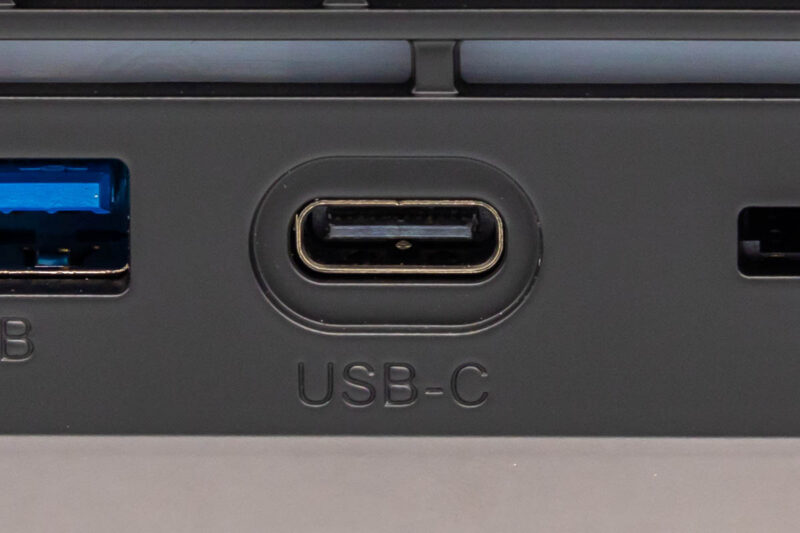
There is also a USB4 port on the front.
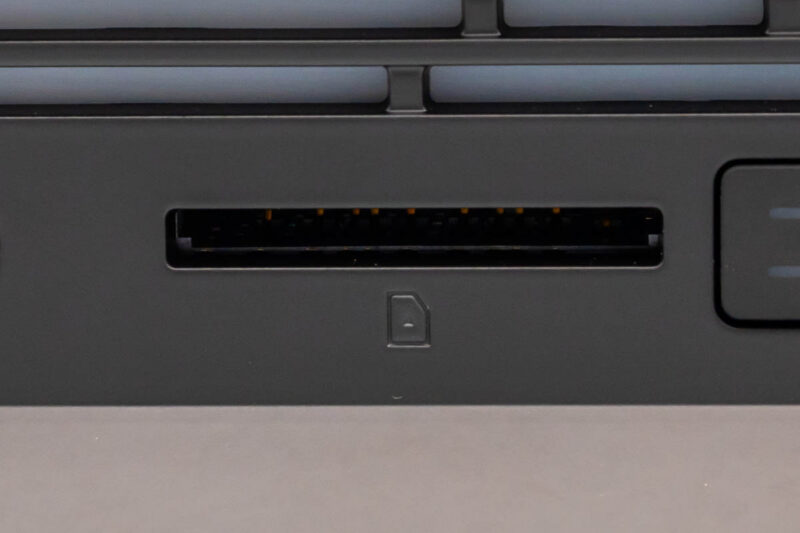
Another nice feature you may want to use if you are using this as a desktop is the SD card reader.
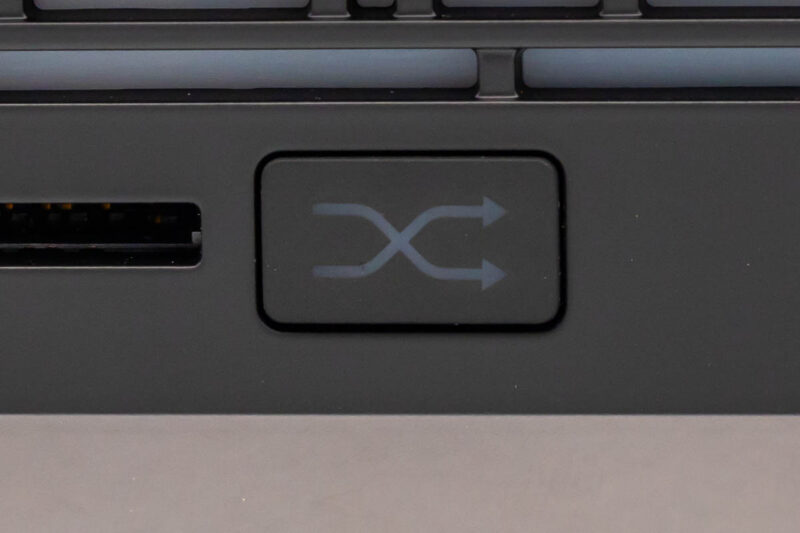
Next to that, there is a performance mode button. We will discuss this more later, but it allows you to select one of three options, from a quiet low-power mode to a higher-power mode that generates more noise.
Also, there is this light strip which just looks cool when it is turned on. I am not much for RGB, but this one was neat.
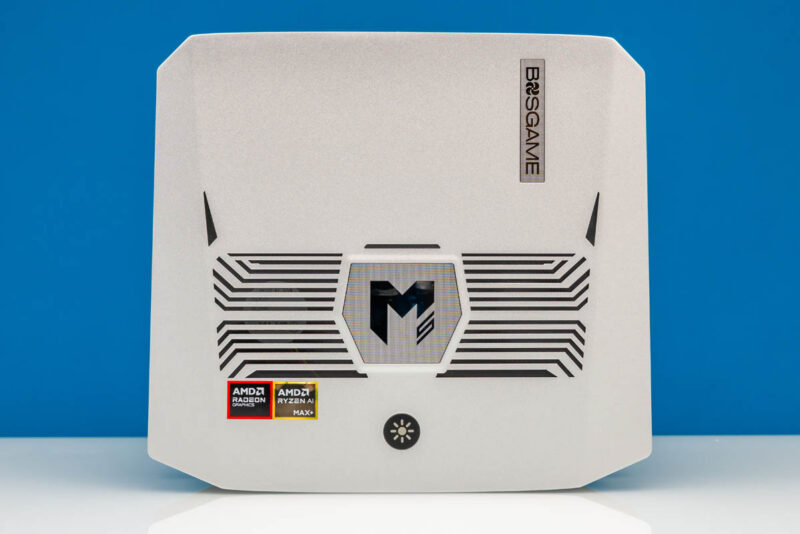
On the top, we get an aggressive vent design and AMD stickers. Perhaps the most important fact is that there are vents here so you would not want to stack something atop this unit.
On the bottom we get more vents, an access hatch, and then four big rubber feet. Somewhat strangely, the rubber feet include two big ones on sides that angle up, so they do not normally make contact with the desk when it is in a horizontal orientation.
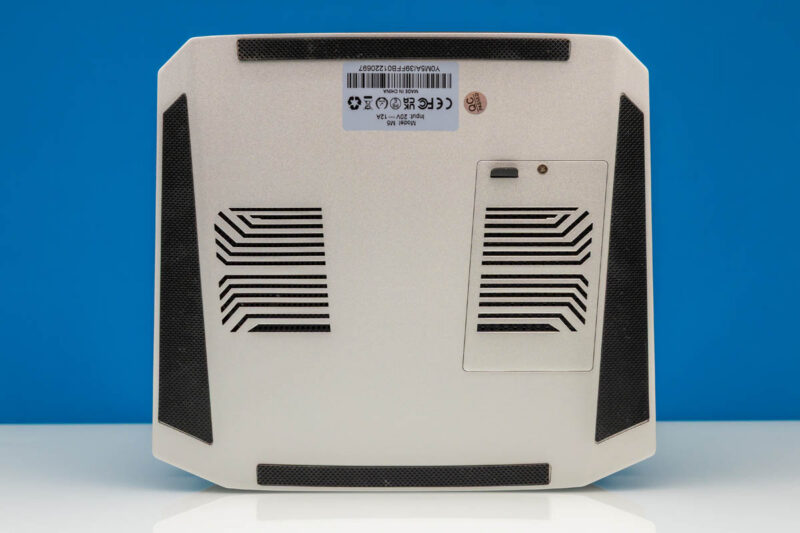
When we were making the video, the idea was that these two rubber pads might be useful if you were trying to pull an ollie with the system. It at least looks neat.
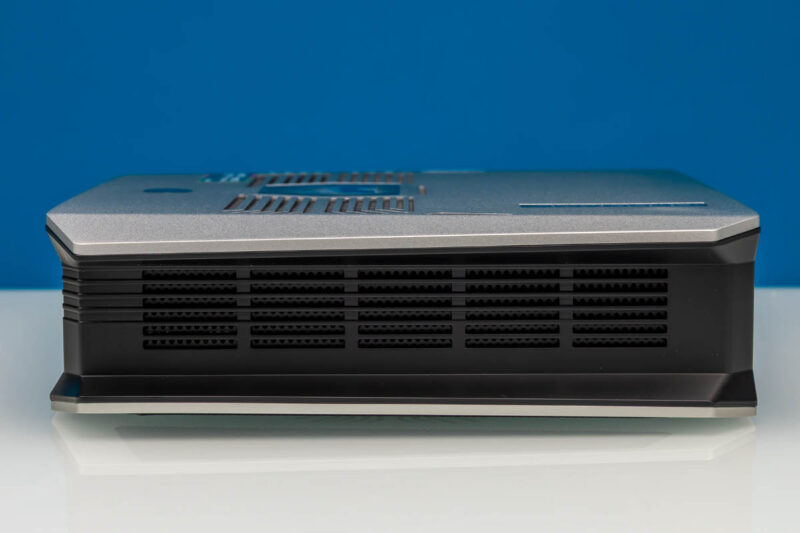
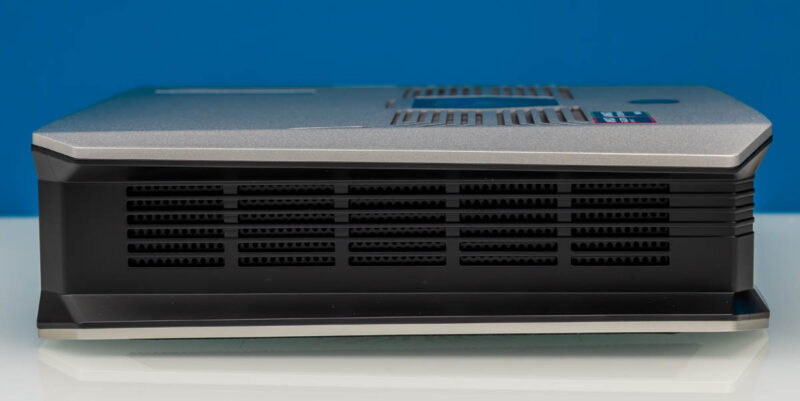
On the sides, we get more vents.
On the rear, we get more ports. Unlike the NVIDIA DGX Spark/ GB10 systems and the AMD Ryzen AI Halo system, you do not lack ports here.
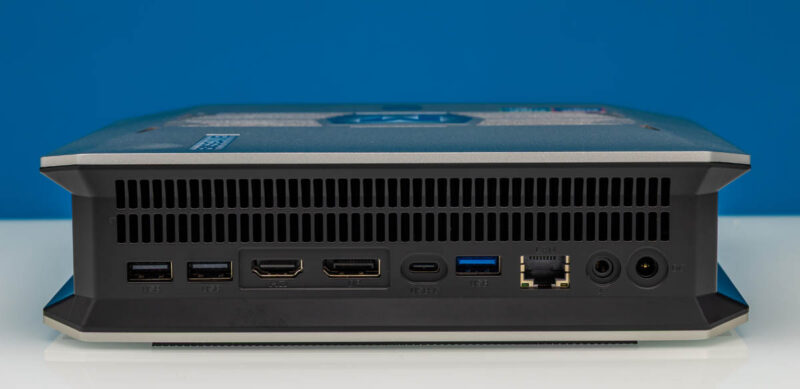
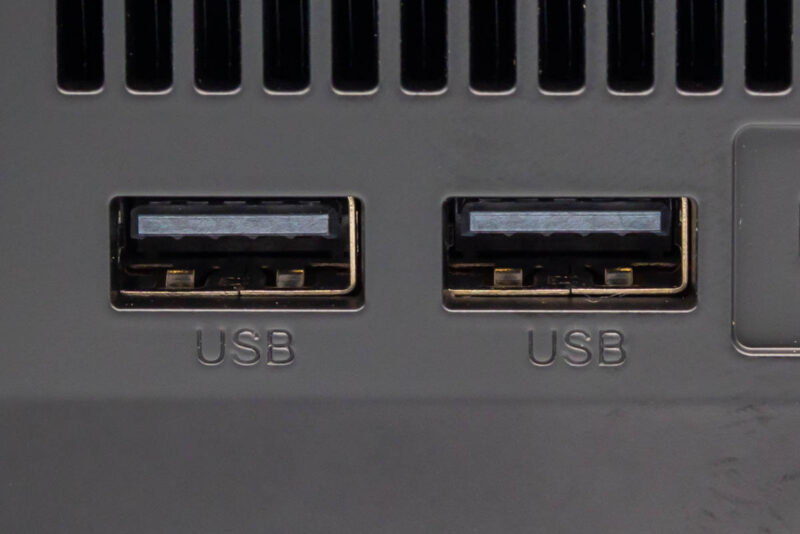
First, we get two USB 2.0 Type-A ports for your keyboard and mouse. As an aside, we use these on another Strix Halo Linux system to plug in USB-to-serial converters and set up networking gear. So even if you are not using this as a desktop, having extra ports is nice.
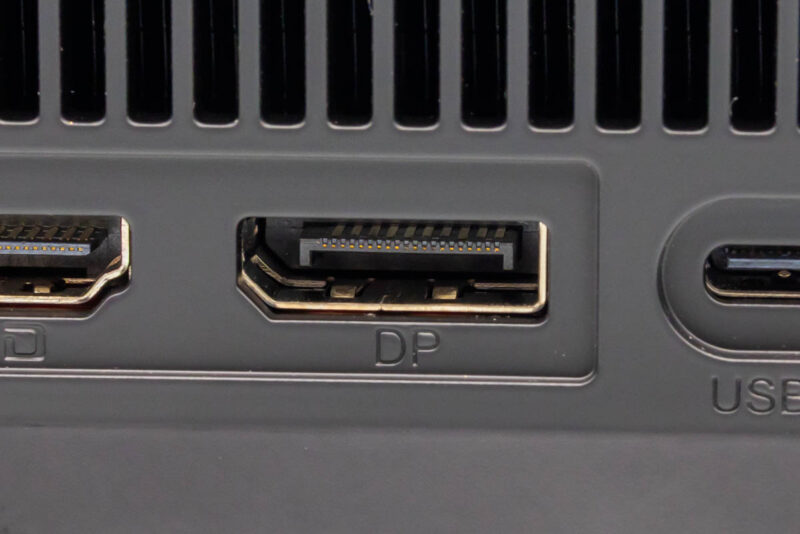
Next, we get an HDMI port and a DisplayPort. Followed by another USB4 port.
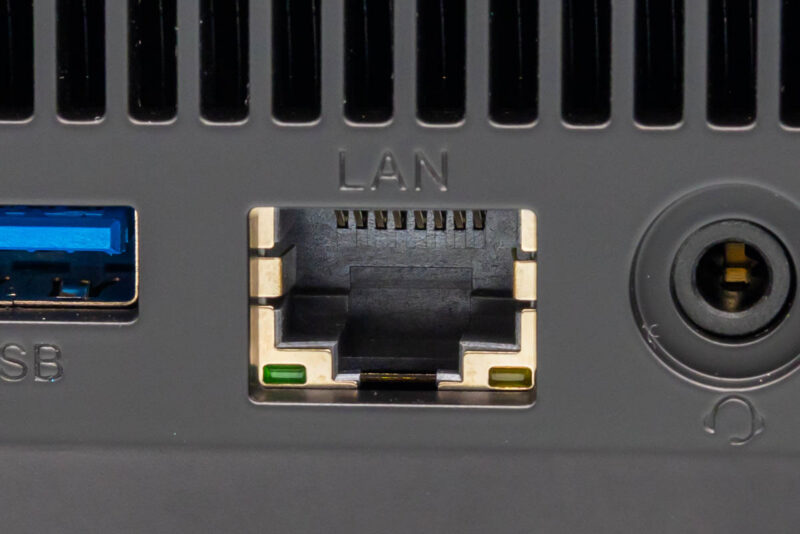
Then there is a USB 3.2 Gen2 Type-A port. The LAN port, to us is the one to talk about. It is a Realtek 2.5GbE port. This feels like the biggest miss of the system. If it were a 10GbE port, then it would compete even better on specs with other Strix Halo systems. It just feels like this should be a 10GbE port. Someone pointed out to us while doing the review that if you really want, you can get something like the XikeStor SKN-U310GT Realtek RTL8159 USB 10GbE NIC for faster speeds. That is fair, but then you are using a USB port for that.
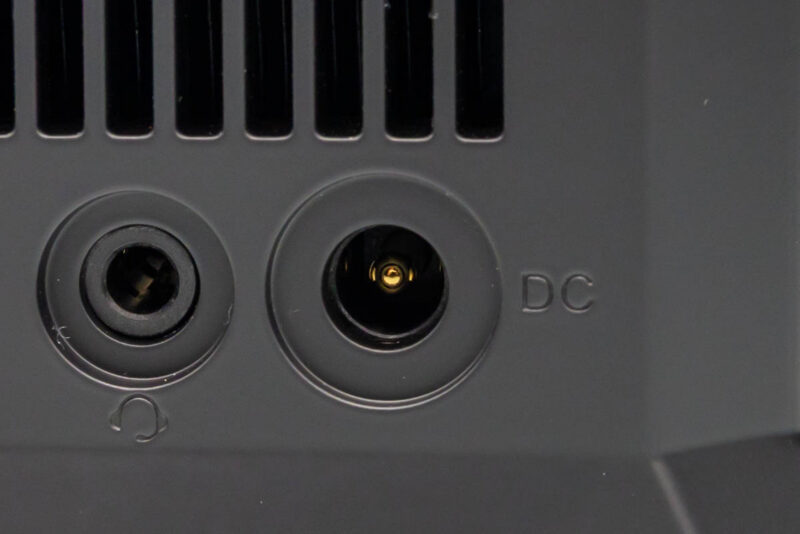
Next, we have another audio jack and then a DC input.
Next, let us get inside the system.




Bought this machine from Bosgame and they wouldn’t honor the sale when they wanted more money for it. If the emails reflect their customer service … be warned.
Did the GMKtec also have so many missing capacitors?