

Bosgame M5 Internal Overview
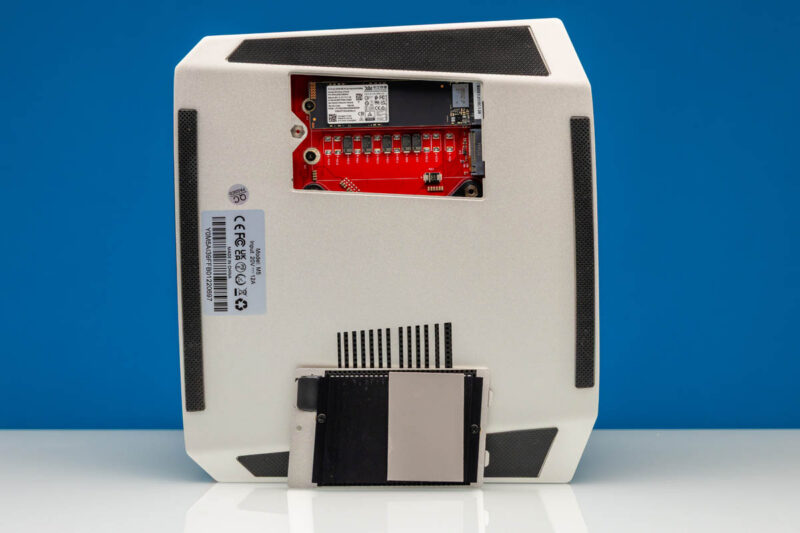
First off, there really is not much you should ever need to service because the system has soldered memory and CPU. Really, this little access hatch to get to the M.2 slots is about all that most will ever need to service. It is an easy way to get to them, so great job, Bosgame, on this design.
Taking off the bottom panel means removing many screws.
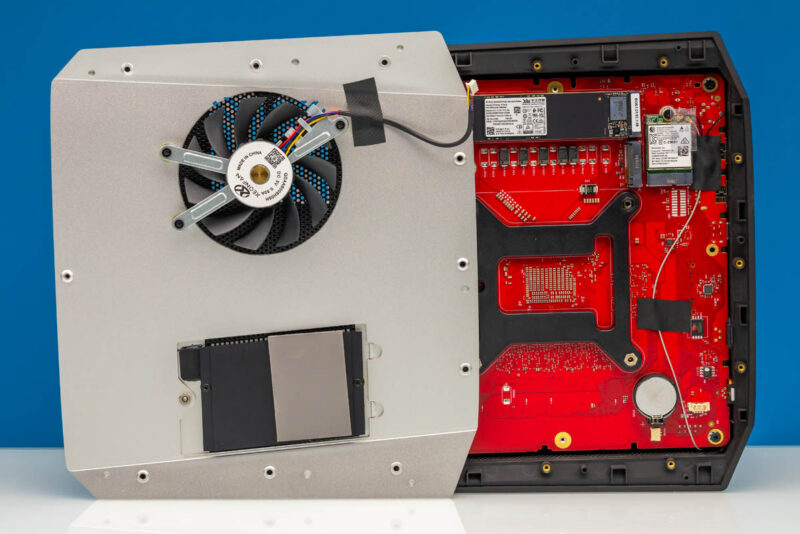
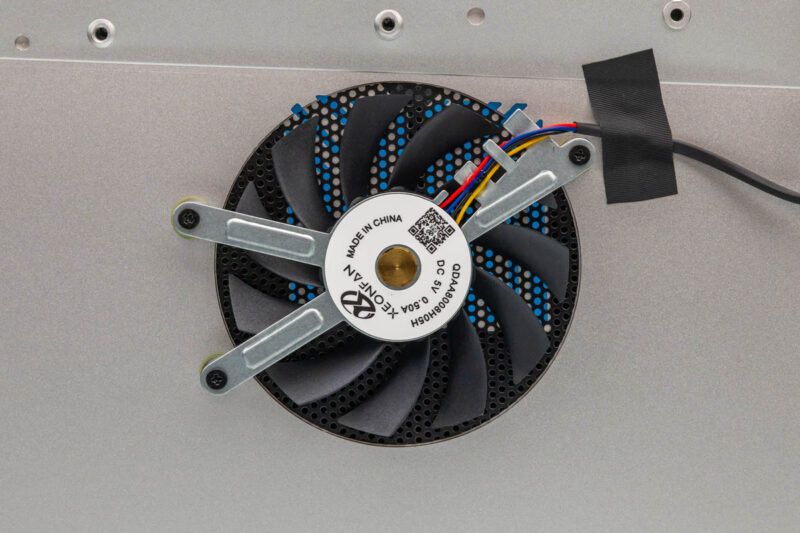
There is a fan inside which helps provide airflow. That is a good design, since some mini PCs skip this because SSDs are low-power. We prefer small and quiet fans to keep air moving.
Here is the PC41Q 2TB PCIe Gen4 x4 NVMe SSD. It is powered by YMTC NAND.
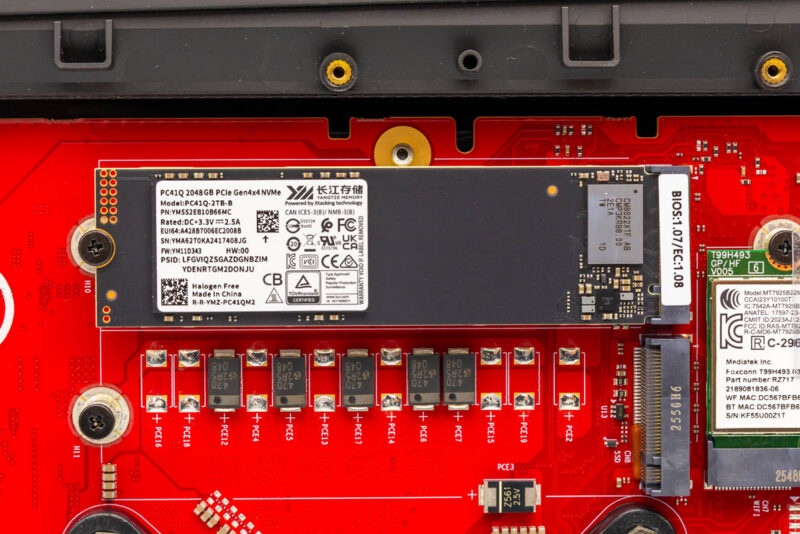
There is a second M.2 slot, and that would be good for a second SSD, or even for an M.2 NIC if you really wanted.
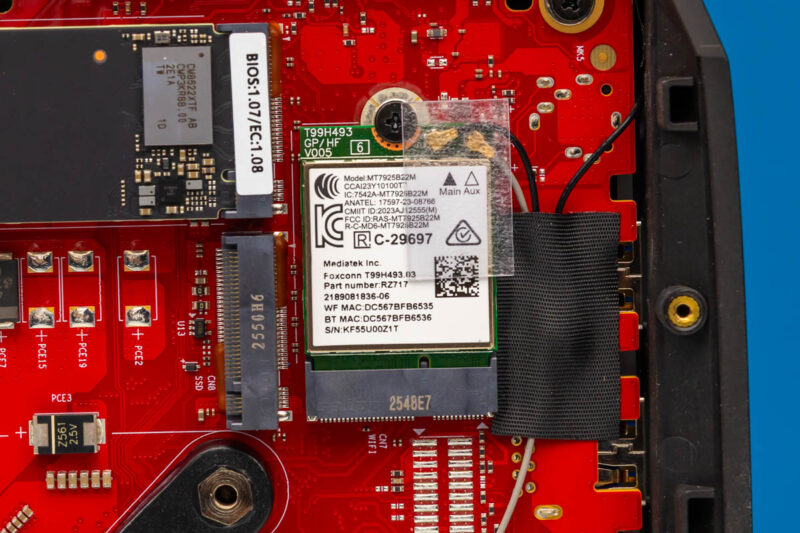
WiFi 7 is provided by the Mediatek RZ717 which is common in AMD systems.
Next, we have a quick note on Windows.
A Quick Word On the OS
The system came pre-installed with Windows 11 Pro.
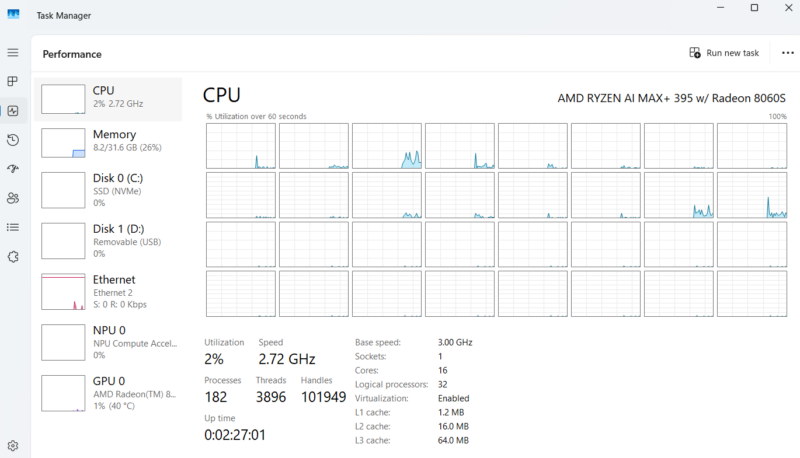
I think there will be some who prefer Windows 11 Pro since, if you do want to game on it (it is capable), then that gives you an easy path. Also, for many office productivity applications, you will want Windows. Many these days have swapped to Linux because you can play a bit more with the CPU/GPU memory allocation, and Linux tends to be the better option for running LLMs. Maybe this is just a case where it is nice that if you want Windows, it is pre-installed. On the other hand, we have Ubuntu 26.04 LTS Linux running on the GMKtec EVO-X2, which is a similar platform, so if you want, you can install that instead.
Next, let us get to the performance.




Bought this machine from Bosgame and they wouldn’t honor the sale when they wanted more money for it. If the emails reflect their customer service … be warned.
Did the GMKtec also have so many missing capacitors?