

ASUS XA NB3I-E12 Block Diagram
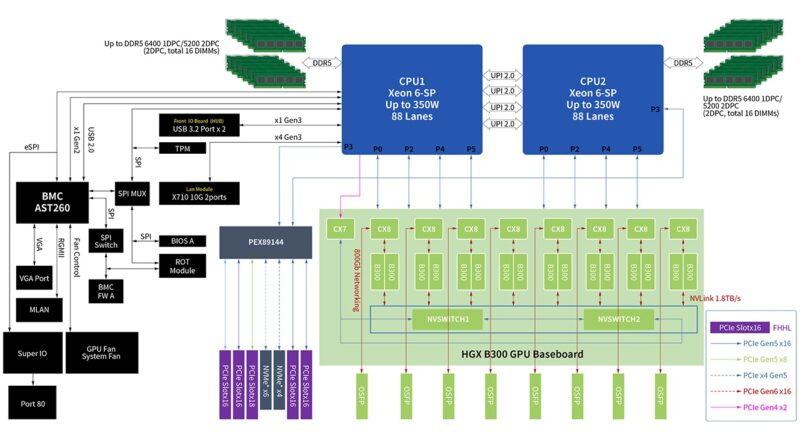
Since this is a larger system, the block diagram is quite interesting. Here you can see the NVIDIA HGX B300 GPU baseboard along with the PEX89144. Having a large 144 lane PCIe switch helps a lot with connectivity, but it also means that those PCIe slots and NVMe drive bays are handled through the switch.
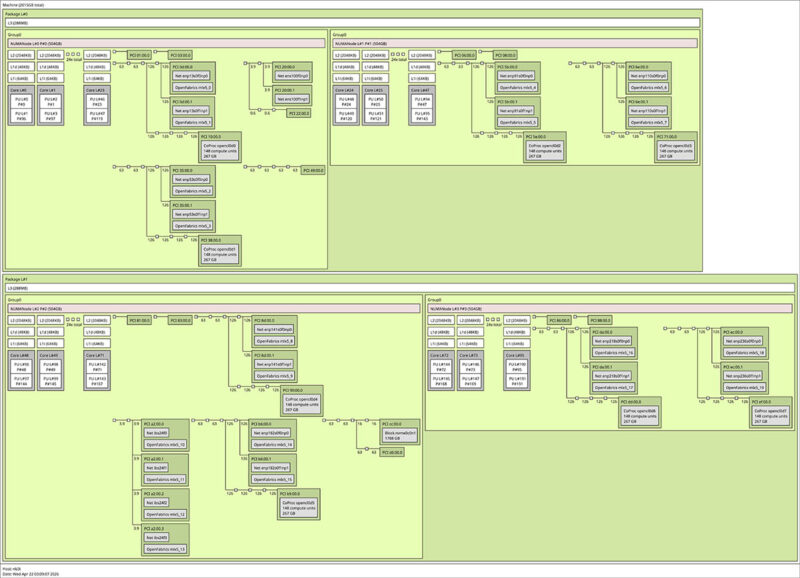
Here is the topology of the running system in case you want to see that.
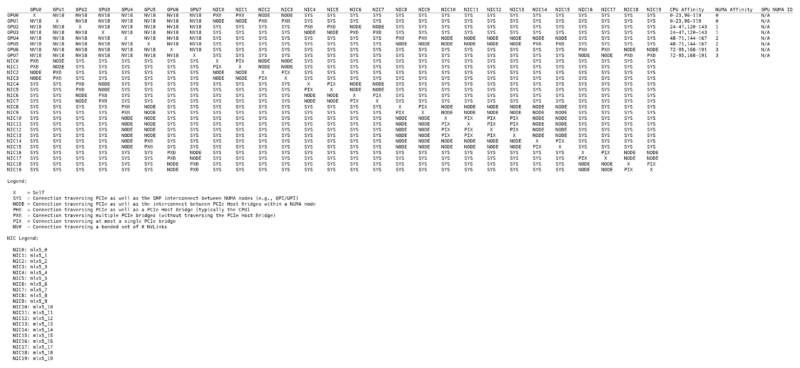
The server topology is one thing, but if you want to see the NVIDIA topology between GPUs, here is what that looks like:
Next, let us discuss the management.
ASUS XA NB3I-E12 Management
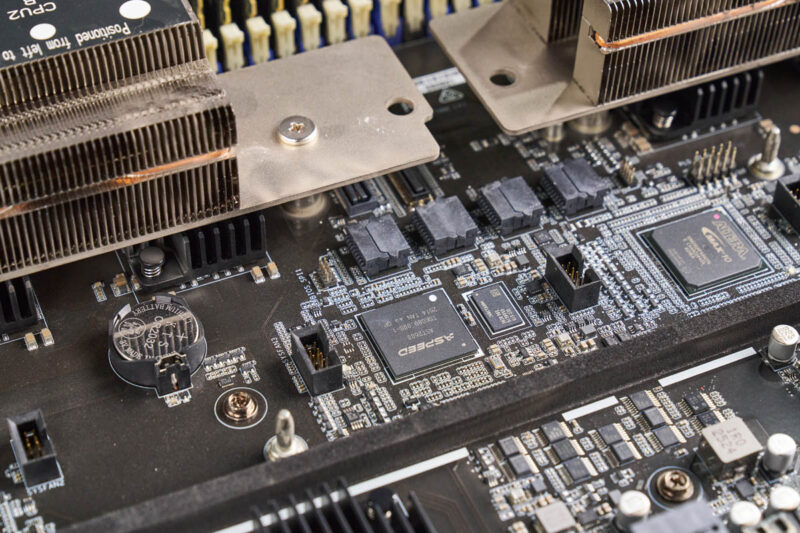
In this system, ASUS is using the ASPEED AST2600 BMC.
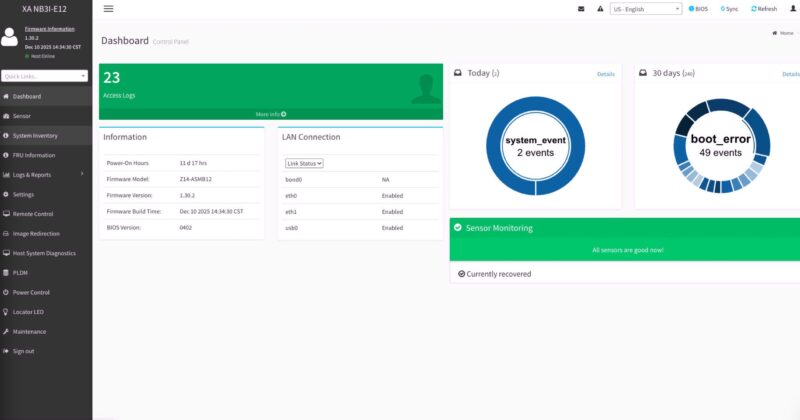
The management firmware is based on the MegaRAC SP-X firmware, and so we can see an industry-standard dashboard.
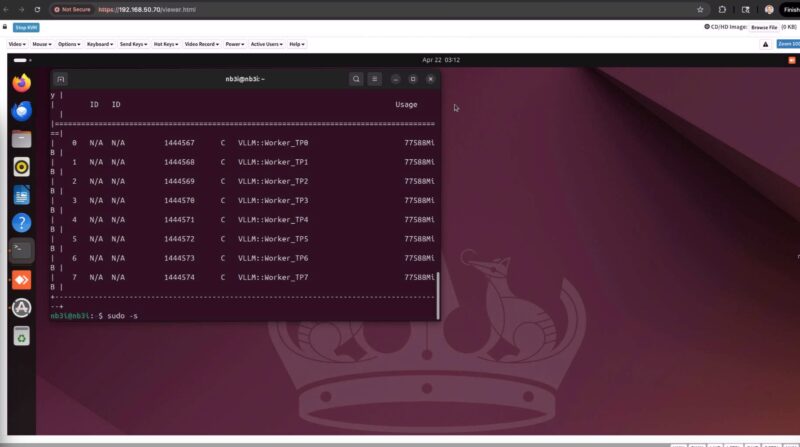
One important feature for many server buyers is an HTML5 iKVM with remote media. These GPU servers are not ones that you want to spend a long time standing next to, so having remote management instead of having to roll a KVM cart is greatly preferred.
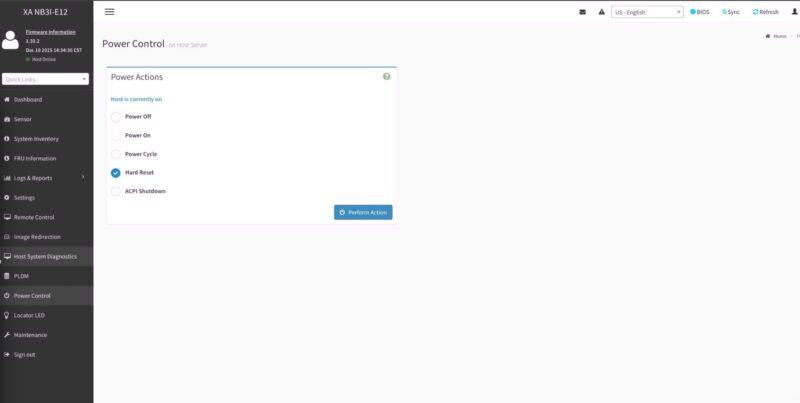
As one might imagine, there are items like Power Control, the ability to set users and permissions, and all of the other standard IPMI capabilities.
Something that is important with these servers is the ability to monitor power consumption both at a total system level and on a per-PSU basis.
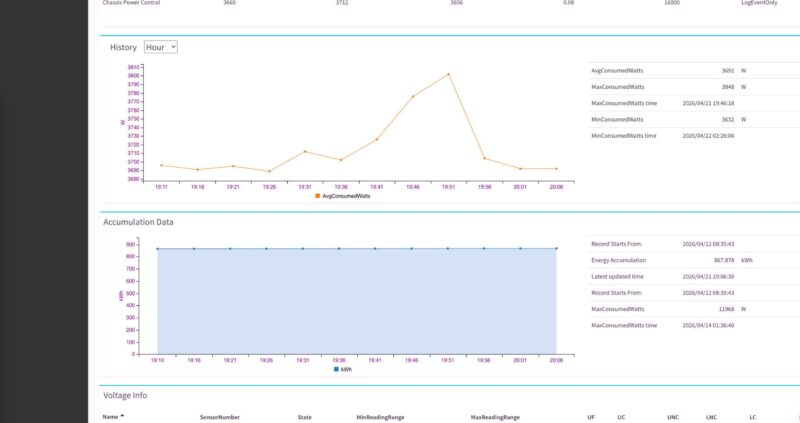
ASUS also has various logs. We figured we would stay consistent and just show you the power log feature for the system.
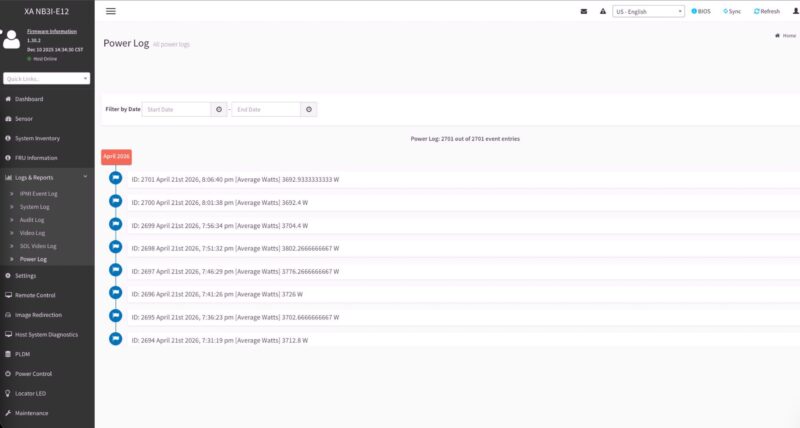
Overall, this is all very standard fare for a modern server. Still, it is great that ASUS is using an industry-standard management interface since that is what AI data centers expect.
Next, let us get to the performance.

Deepseek v4 Pro numbers would have been interesting to see on that beast.
Also power per token would have been a very interesting benchmark to see, maybe one for future articles.
I swear whenever I see one of these GPU servers, all I can think about is how heavy they must be fully loaded with GPU’s, heat sinks, power supplys and etc…
My knees and back ache just thinking about it.
@mashie – I think we did the testing for this before Deepseek V4 Pro was out.
@MobileJAD – VERY HEAVY. “In the old days” I could solo lift the 80-100lb 8x GPU servers into a rack. Now, it takes 4 people to lift. A huge portion of the server is heatsink and steel.
@Patrick Kennedy, how about measuring energy per token on the various platforms you try out going forward? Fast and power hungry Vs slow but efficient would be a very interesting metric for comparison.
@MobileJAD: We use hydraulic scissor jack lift tables to rack these things up, like the guys in auto shops do to lift and drop engines and transmissions.