

ASUS XA NB3I-E12 Hardware Overview – Rear
Here is a quick look at the rear of the server without the fans and the CPU tray.
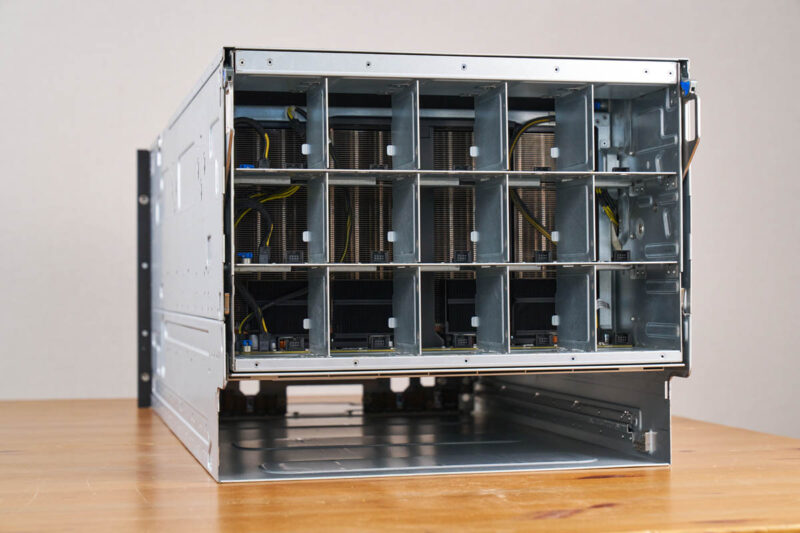
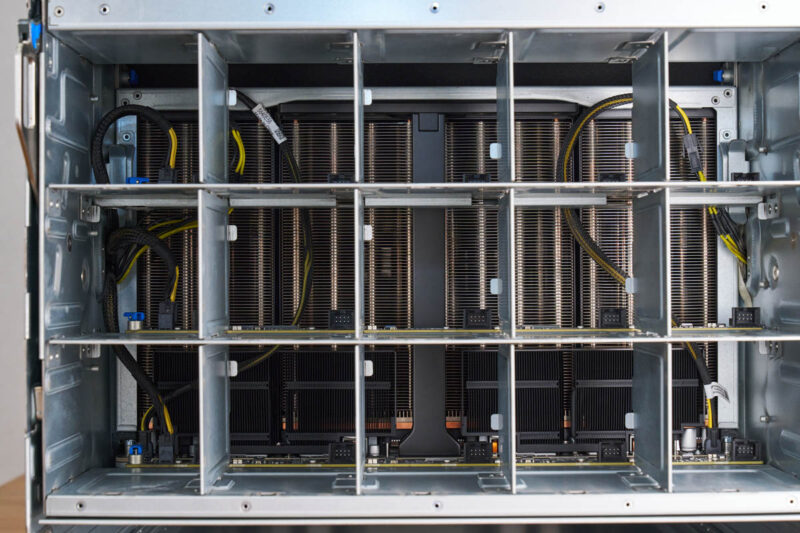
Again, with the fans removed, you can see the giant GPU heatsinks.
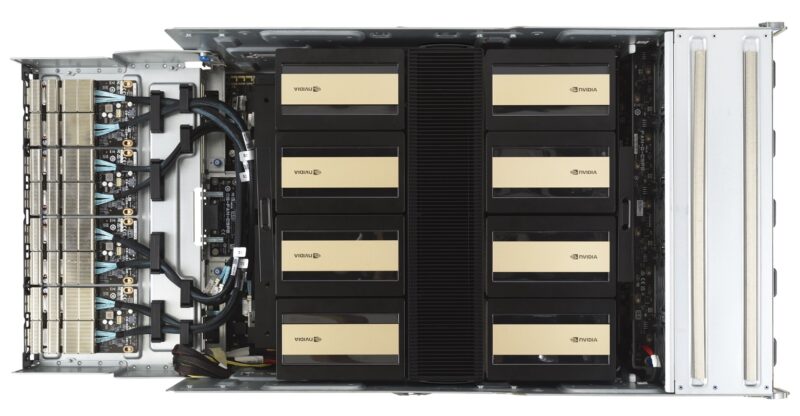
Here is what the giant GPU tray looks like going from the front OSFP cages to the NVIDIA Blackwell Ultra GPUs.
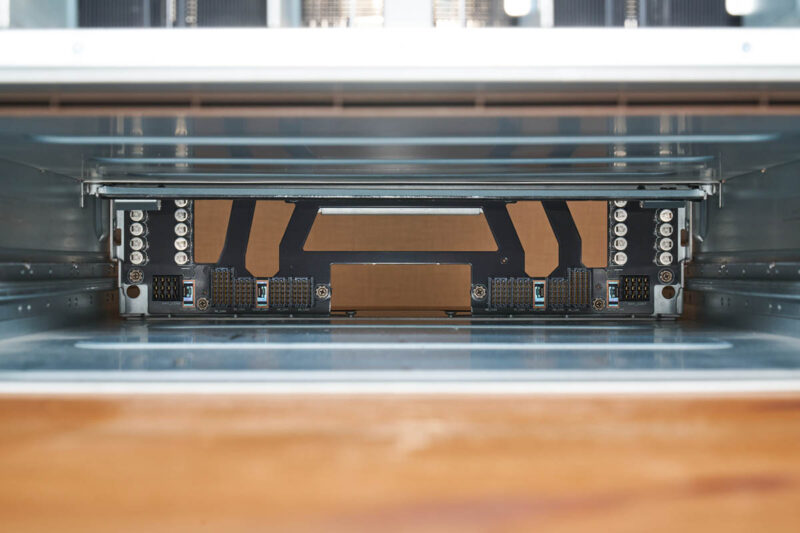
Here is a quick look through the bottom of the system.
We removed all of the fans and power supplies from the rear. That is fifteen fan modules and ten PSUs.
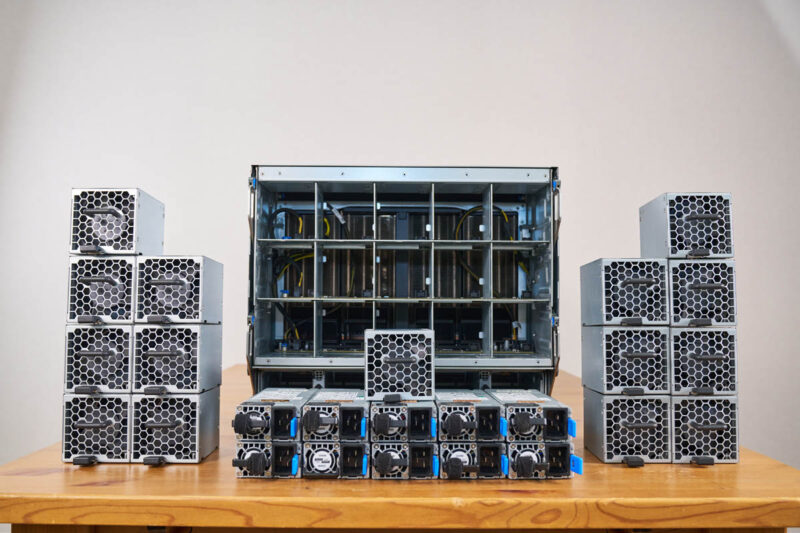
The fifteen fan modules have their own metal casings.
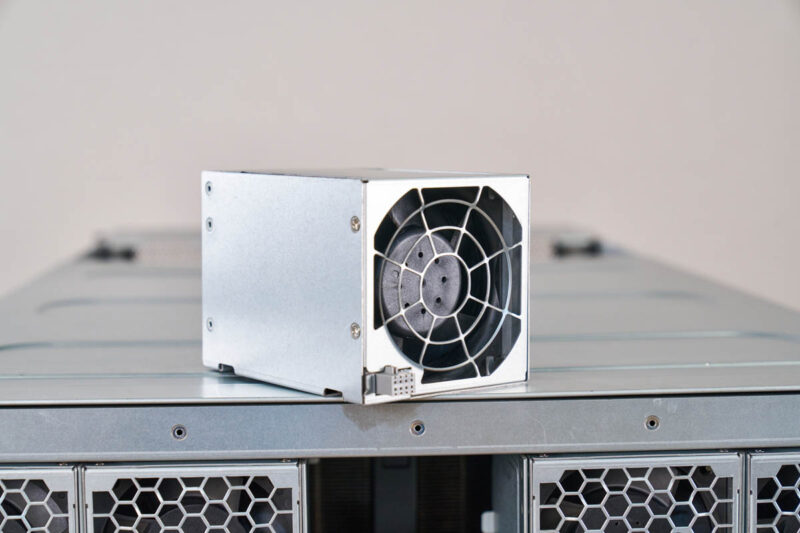
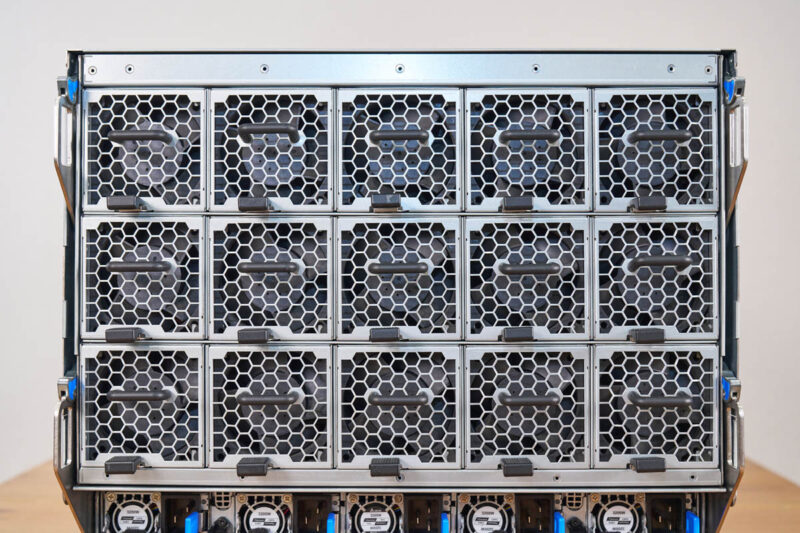
They are installed into the back of the big GPU tray.
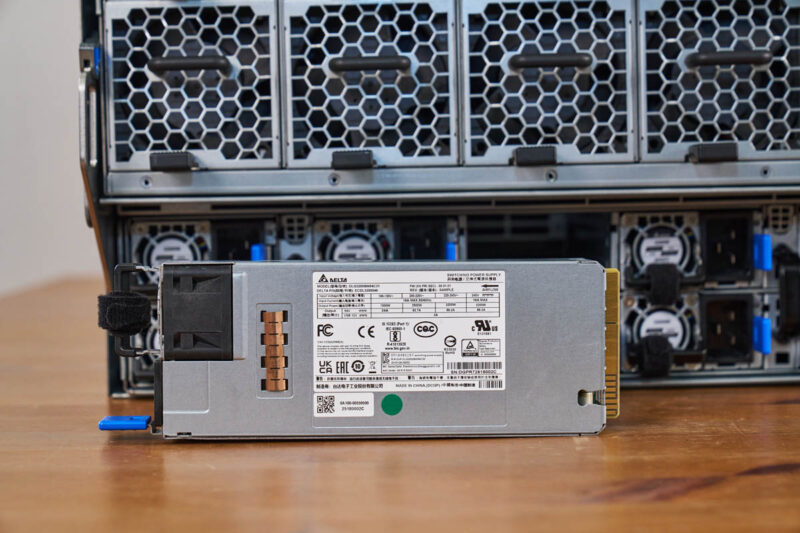
On the bottom, installed into the CPU tray, are the ten 3.2kW Delta power supplies.
Here is a family photo with the huge set of power supplies.
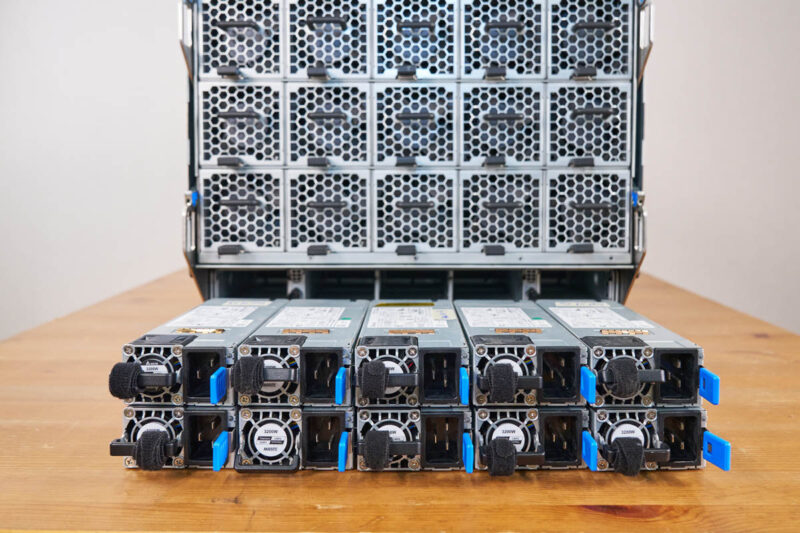
Here they are installed.
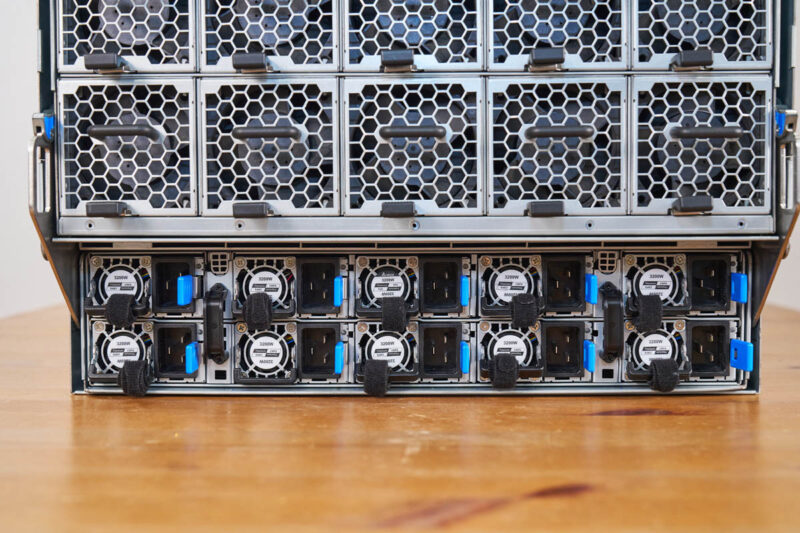
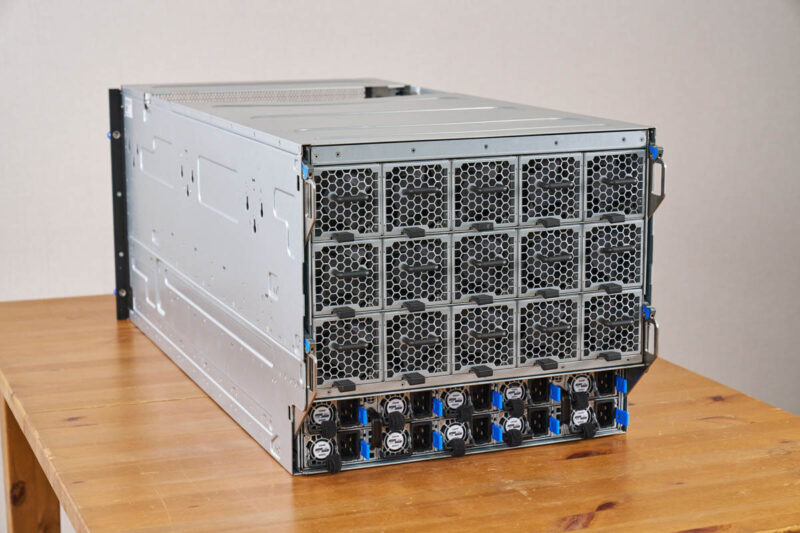
With everything installed in the rear, here is what the system looks like.
Next, let us get to the block diagram.

Deepseek v4 Pro numbers would have been interesting to see on that beast.
Also power per token would have been a very interesting benchmark to see, maybe one for future articles.
I swear whenever I see one of these GPU servers, all I can think about is how heavy they must be fully loaded with GPU’s, heat sinks, power supplys and etc…
My knees and back ache just thinking about it.
@mashie – I think we did the testing for this before Deepseek V4 Pro was out.
@MobileJAD – VERY HEAVY. “In the old days” I could solo lift the 80-100lb 8x GPU servers into a rack. Now, it takes 4 people to lift. A huge portion of the server is heatsink and steel.
@Patrick Kennedy, how about measuring energy per token on the various platforms you try out going forward? Fast and power hungry Vs slow but efficient would be a very interesting metric for comparison.
@MobileJAD: We use hydraulic scissor jack lift tables to rack these things up, like the guys in auto shops do to lift and drop engines and transmissions.