

ASUS XA NB3I-E12 Hardware Overview – CPU Tray
Turning the server around, you can again see the huge GPU heatsinks once we remove the fans. On the bottom, there is another easily removable tray.
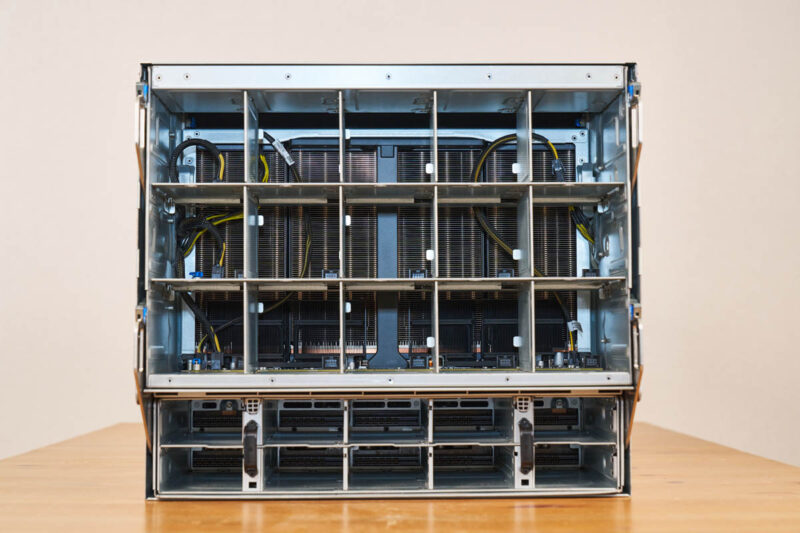
Pulling on those levers, the entire CPU tray pops out.
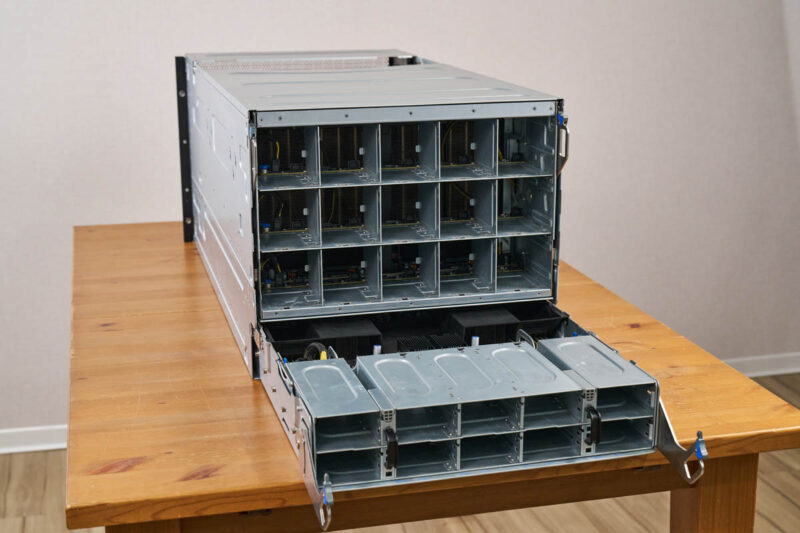
Here is the CPU tray with the airflow guides over the CPUs and memory.
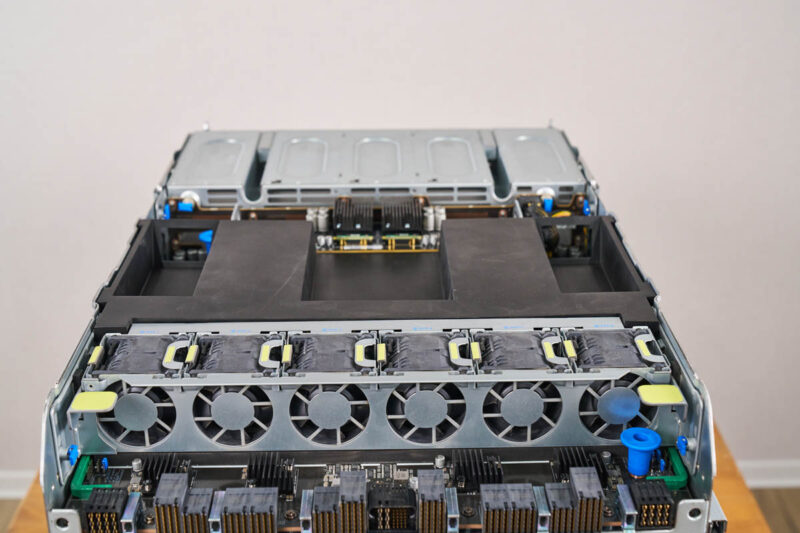
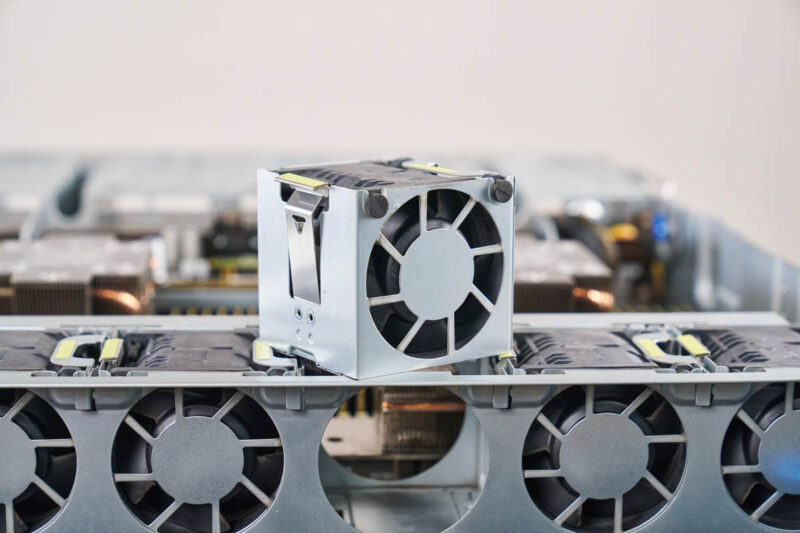
This section includes the CPUs, power supplies, and an internal fan partition.
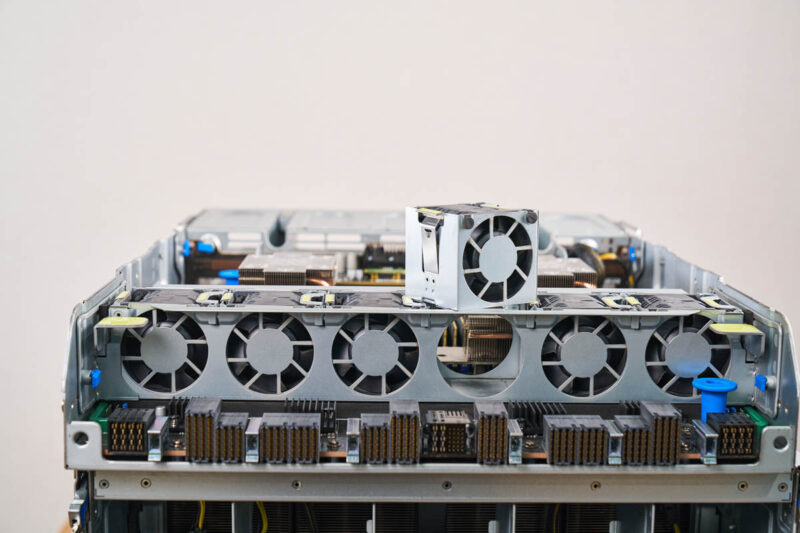
Both the fan partition and the fans pop out for easy servicing.
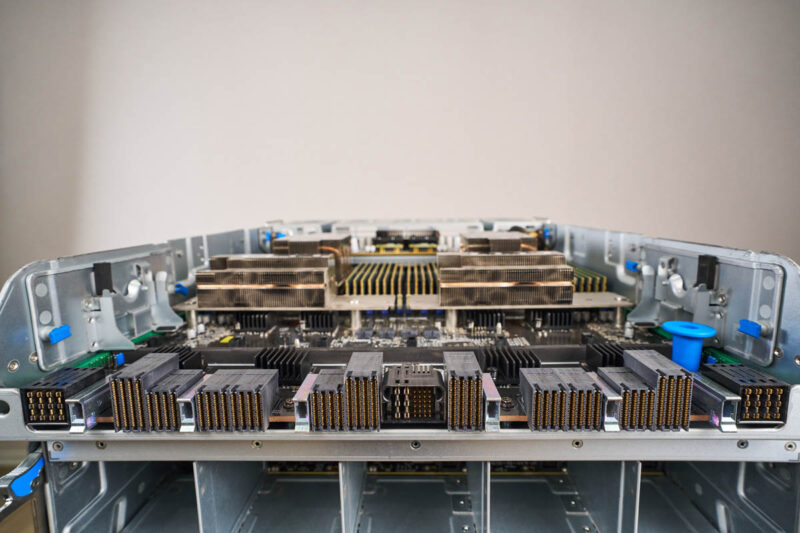
Here is a quick shot of all of the connectors at the back of the board with the fan partition removed.
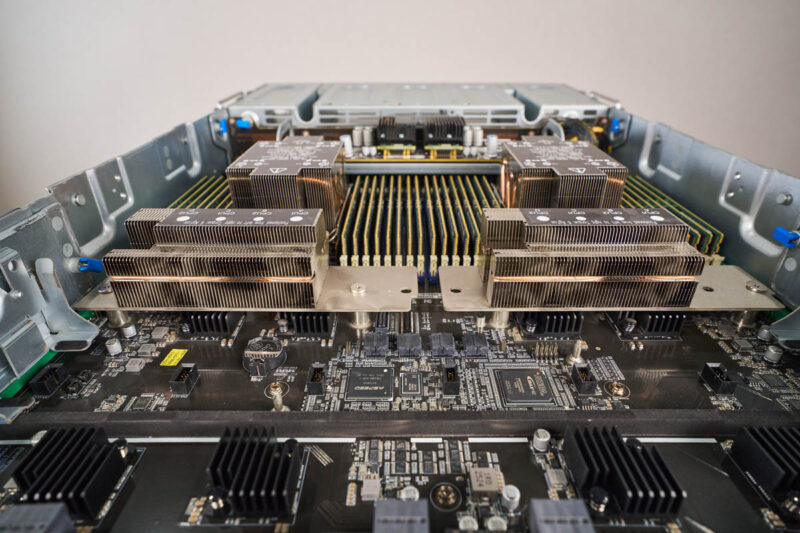
Here is another view of the CPU tray.
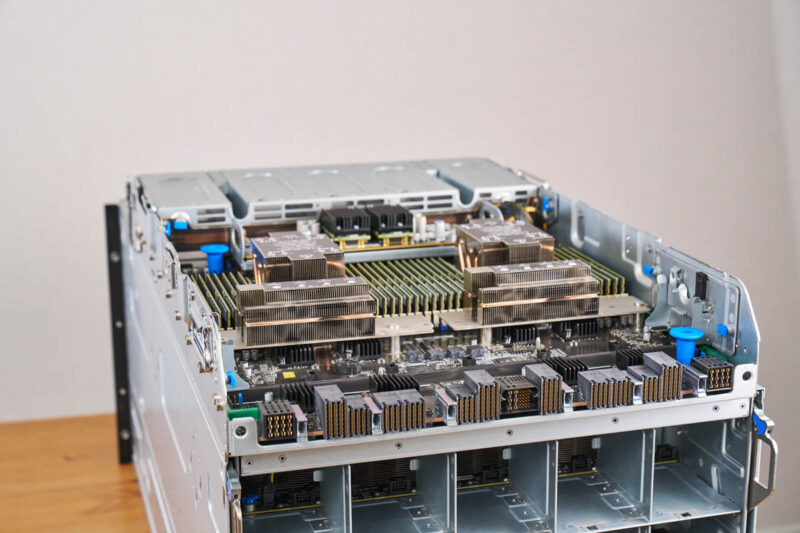
In the center, there are two Intel Xeon 6700 series processors, and a lot of DDR5.
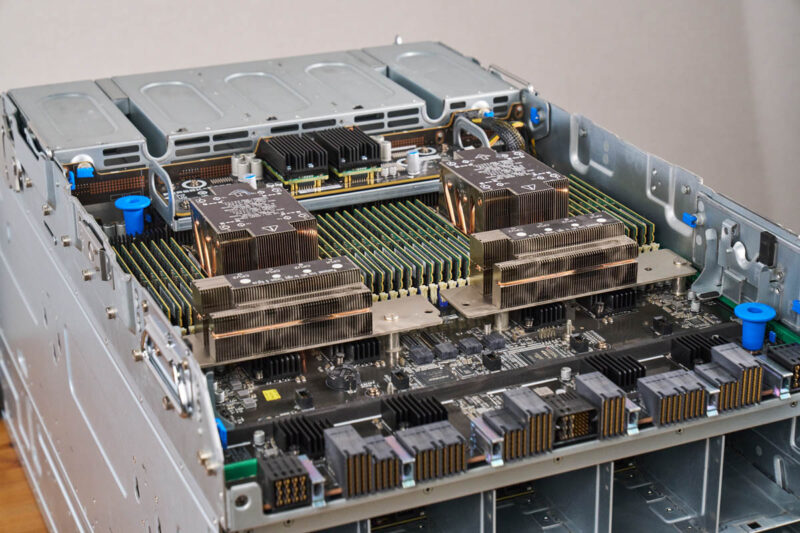
You can use various Xeon 6 processors in here, but most will pick higher-end Intel Xeon 6700P processors with up to 350W TDP.
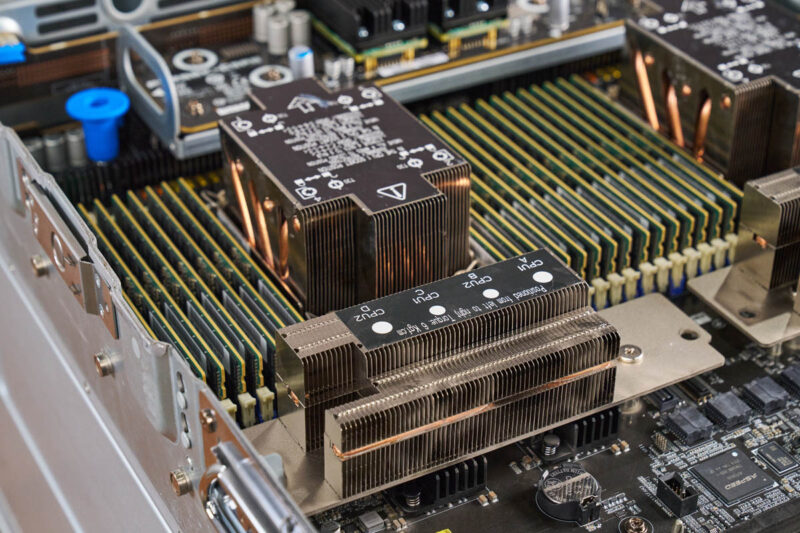
Something neat is that the heatsinks have heat pipes that extend the heatsink beyond just the processor socket’s footprint.
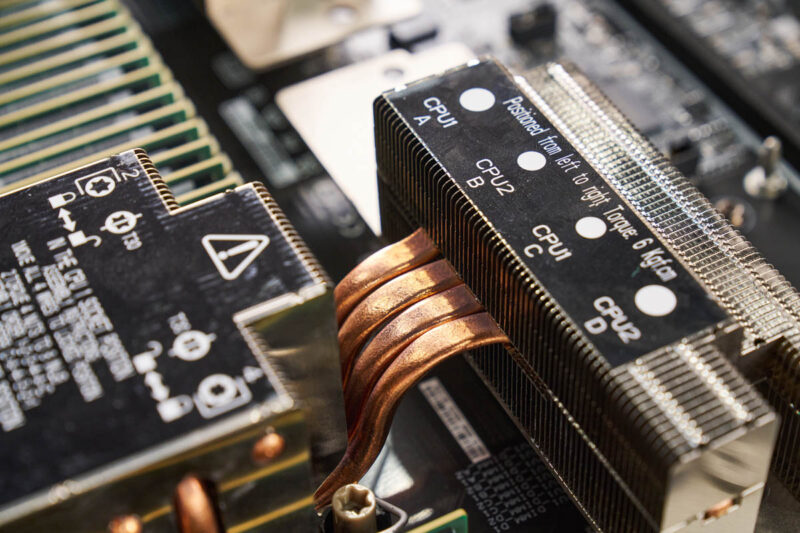
That helps keep the processors cool and running at boost speeds even in this dense 2U bottom section.
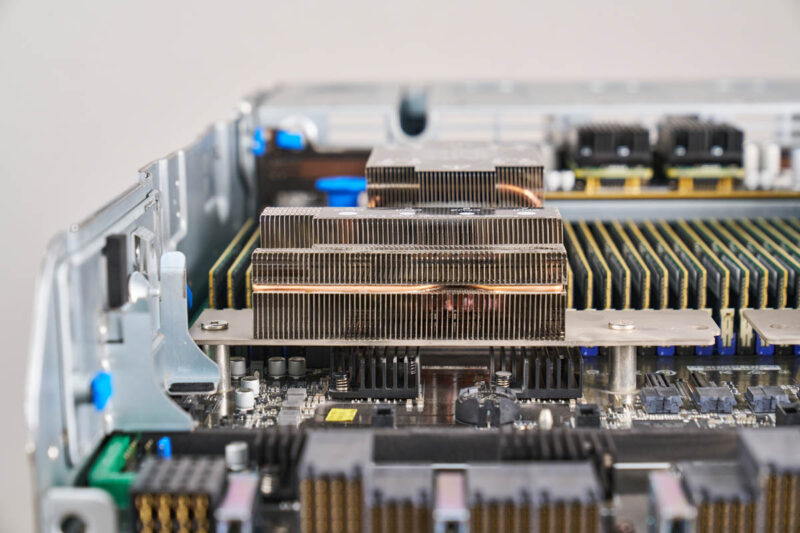
Since these are Intel Xeon 6700 series processors, we get eight-channel memory in each socket.
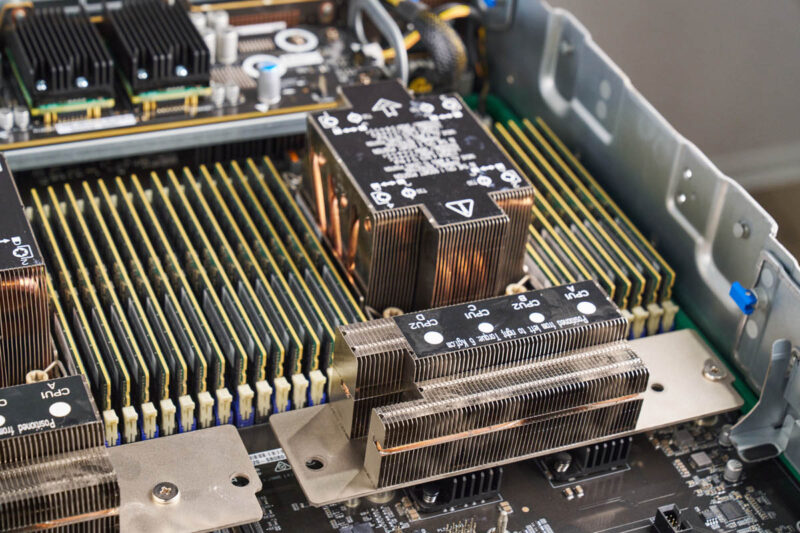
One advantage of using the Xeon 6700 series instead of the Xeon 6900 series is that the smaller socket can fit 16 DDR5 RDIMMs per socket and 32 DDR5 RDIMMs in the server. Oftentimes, you want significantly more system memory than GPU memory, and with eight 288GB HBM3e GPUs, you need well over 2TB of system memory. Simply having more DIMM slots helps with this.
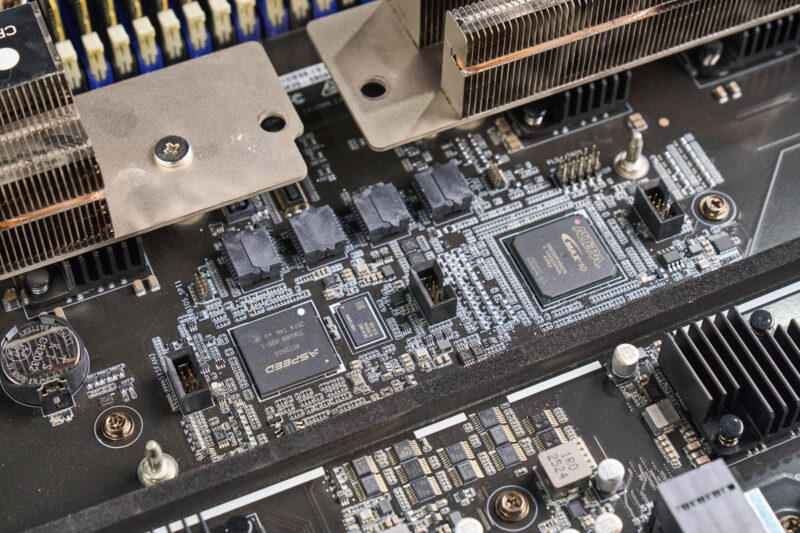
Also of note, there is an ASPEED AST2600 BM and an Altera MAX10 FPGA in the system.
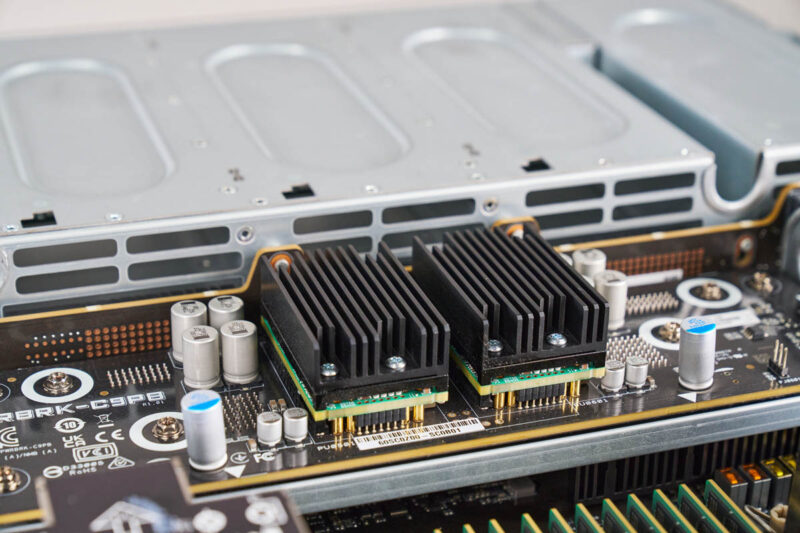
If you saw when we pulled the system out, this bottom tray also houses the power supplies. There is a small power distribution board for the CPUs on this tray as well.
Next, let us get to the rear of the server where this all plugs into.

Deepseek v4 Pro numbers would have been interesting to see on that beast.
Also power per token would have been a very interesting benchmark to see, maybe one for future articles.
I swear whenever I see one of these GPU servers, all I can think about is how heavy they must be fully loaded with GPU’s, heat sinks, power supplys and etc…
My knees and back ache just thinking about it.
@mashie – I think we did the testing for this before Deepseek V4 Pro was out.
@MobileJAD – VERY HEAVY. “In the old days” I could solo lift the 80-100lb 8x GPU servers into a rack. Now, it takes 4 people to lift. A huge portion of the server is heatsink and steel.
@Patrick Kennedy, how about measuring energy per token on the various platforms you try out going forward? Fast and power hungry Vs slow but efficient would be a very interesting metric for comparison.
@MobileJAD: We use hydraulic scissor jack lift tables to rack these things up, like the guys in auto shops do to lift and drop engines and transmissions.