

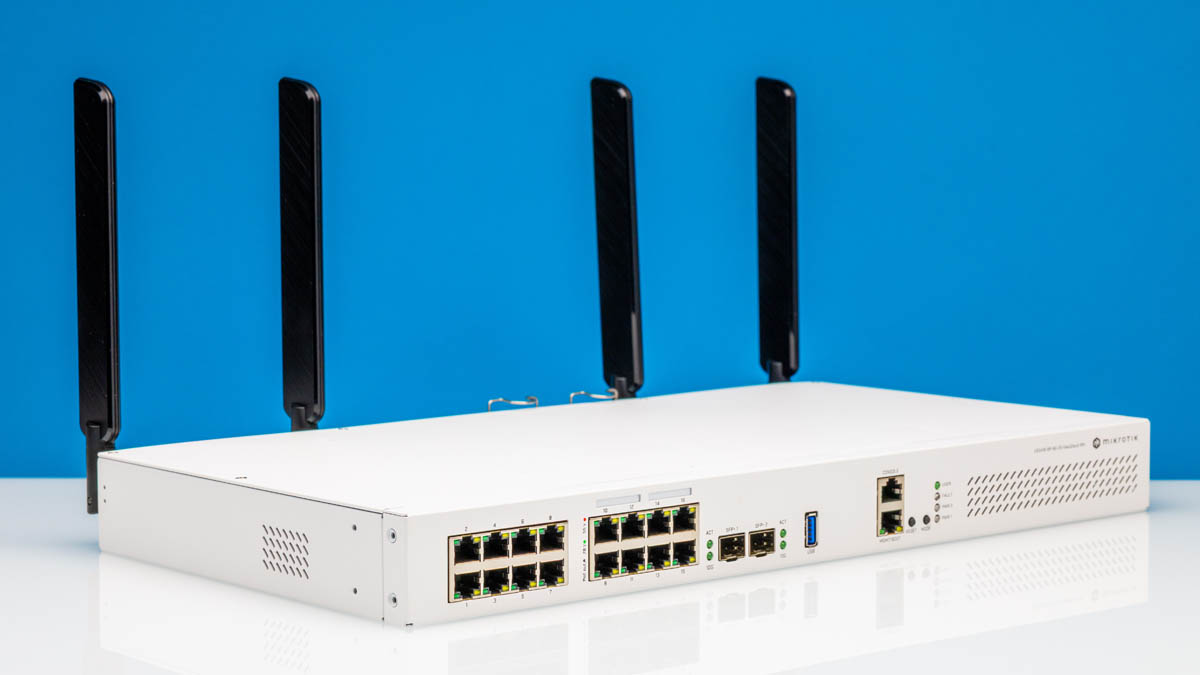
The MikroTik CRS418-8P-8G-2S+5axQ2axQ-RM is a 16-port 1GbE switch with two SFP+ 10G ports. What makes this more interesting, however, is that MikroTik added a decent Qualcomm Arm-CPU to the Marvell Prestera switch chip, and then added PoE+ to the device on top of that. That means that it can both power downstream devices and act as a router for those on reasonable (but not super-fast) connections.
MikroTik offers a few similar switches to this one, most notably the standard CRS418-8P-8G-2S+RM, which we have previously reviewed. The key difference between these models is that the 5axQ2axQ version we are looking at today also adds wireless capabilities, primarily dual-band WiFi 6 with 4×4 MIMO. This has the potential to make it an even better all-in-one solution for deployments where you want not just a dozen-plus Ethernet ports for switching, but built-in wireless access point functionality as well. You can check out the video for this one here:
The addition of WiFi is useful enough that, for many, we expect that the WiFi model will be the better device given the integrated wireless capabilities. Still, from a feature perspective beyond WiFi, they are almost identical save for the additional radio hardware and slightly higher power consumption from running said radio hardware.
Here is an Amazon affiliate link for the switch.
MikroTik CRS418-8P-8G-2S+5axQ2axQ-RM External Hardware Overview
The CRS418-8P-8G-2S+5axQ2axQ-RM switch itself is a 1U unit that looks very MikroTik with a white metal rackmount chassis. The form factor is nearly identical to the non-WiFi model, with one notable exception: the antennas on the rear.
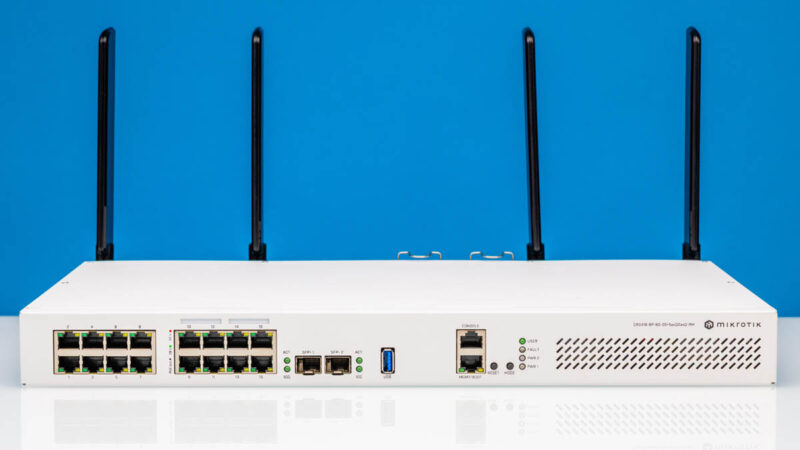
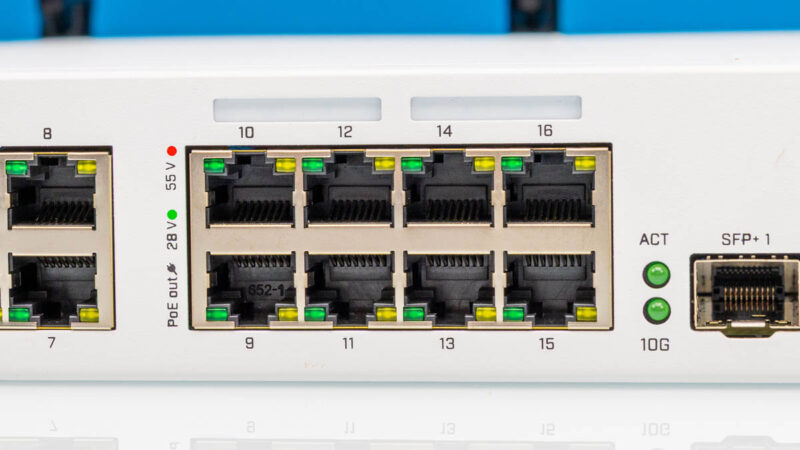
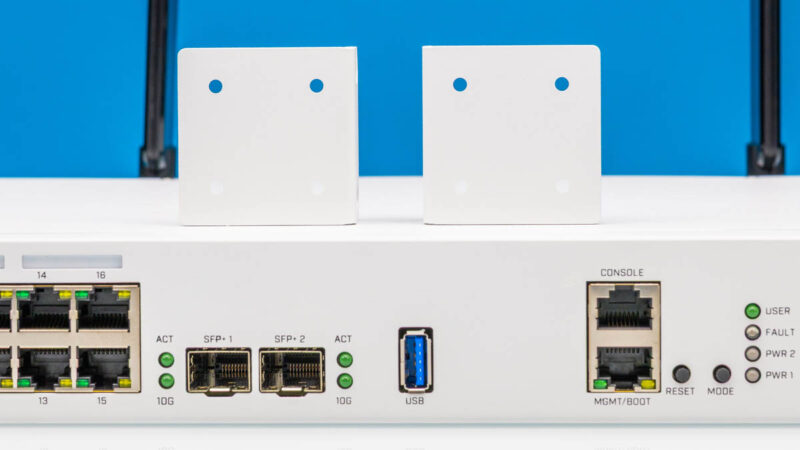
On the left front, we have sixteen 1GbE ports. We noted in our review of the non-WiFi model that many readers would be more interested if this were a 2.5GbE switch instead. That is probably fair given how many devices are now coming with 2.5GbE. On the other hand, for common PoE devices like cameras, 100M is still sufficient, so 2.5GbE would add needless expense.
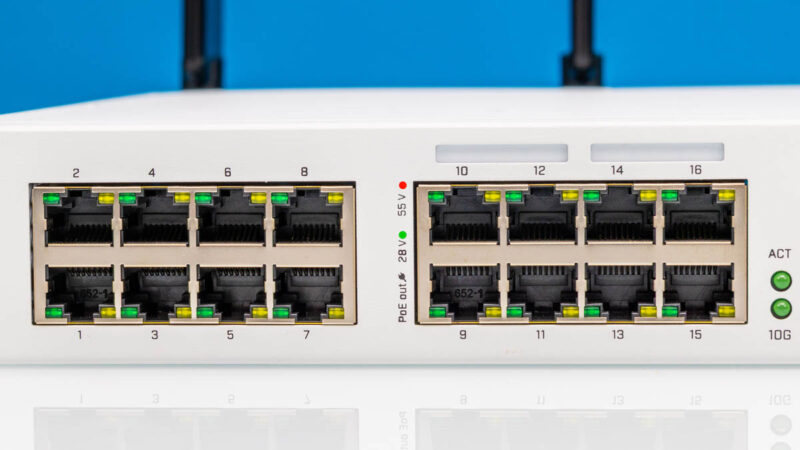
The first eight are standard 1GbE ports.
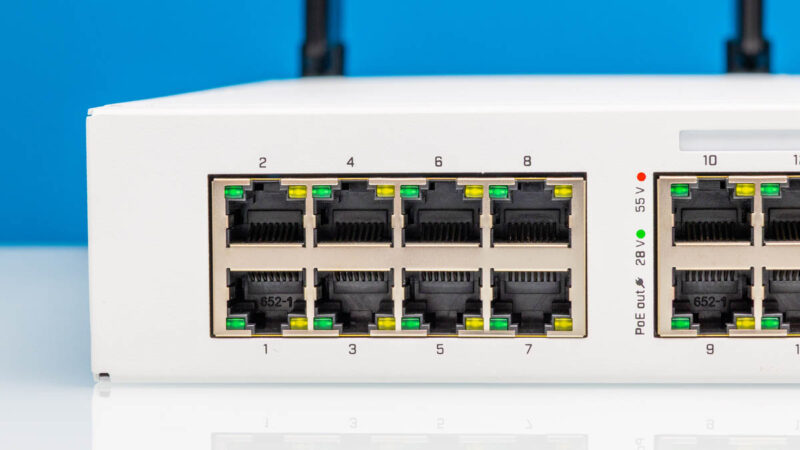
The next eight are PoE+ ports with a total power budget of 150W between them. This is the same configuration as the non-WiFi model.
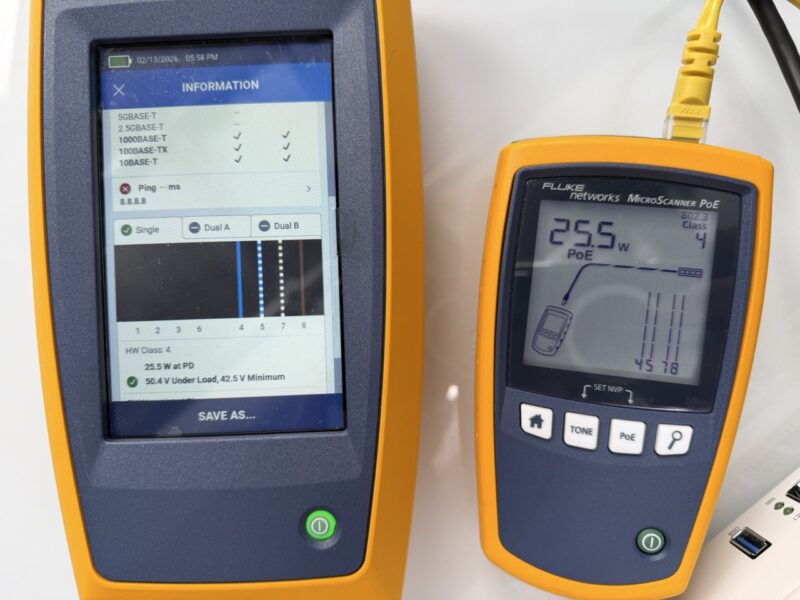
We tested PoE+ power output using both the Fluke LinkIQ-Duo and the MicroScanner PoE. Both showed results as we would expect from a properly functioning PoE+ switch.
Next, we get two SFP+ ports that are 10Gbps ports. As shown in the block diagram, these are on the switch with the 1GbE ports, which differs from some other switch designs where 10GbE ports are hanging off a management processor.
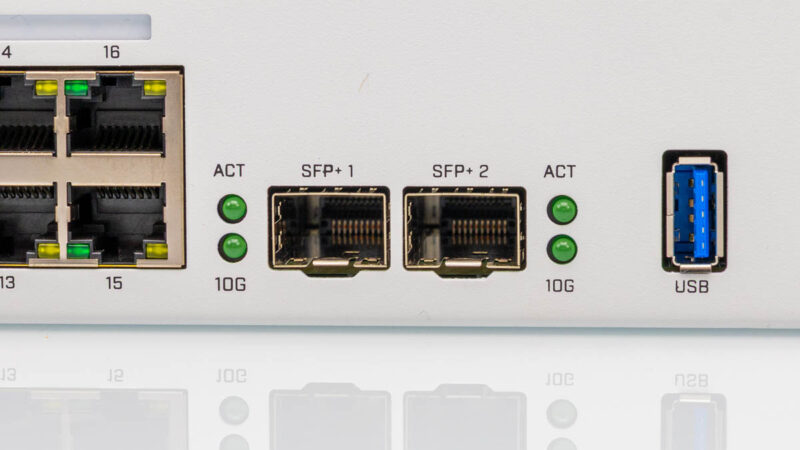
There is also a USB port that can be used for configuration and storage.
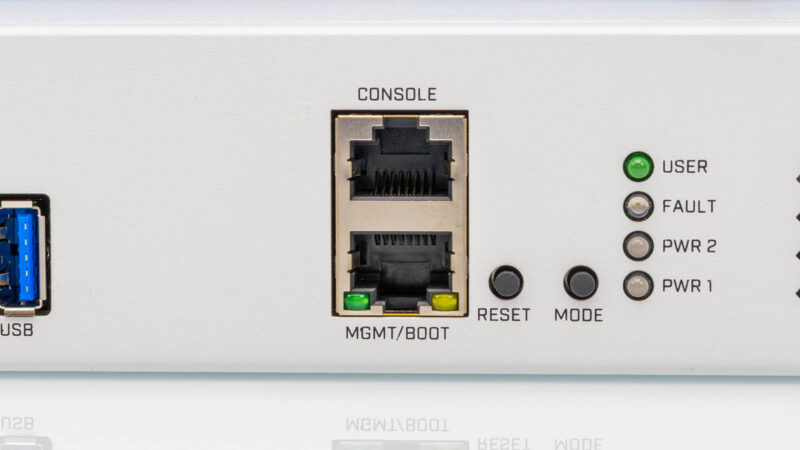
Next, there are two more ports. One is the console port, and one is a management port.
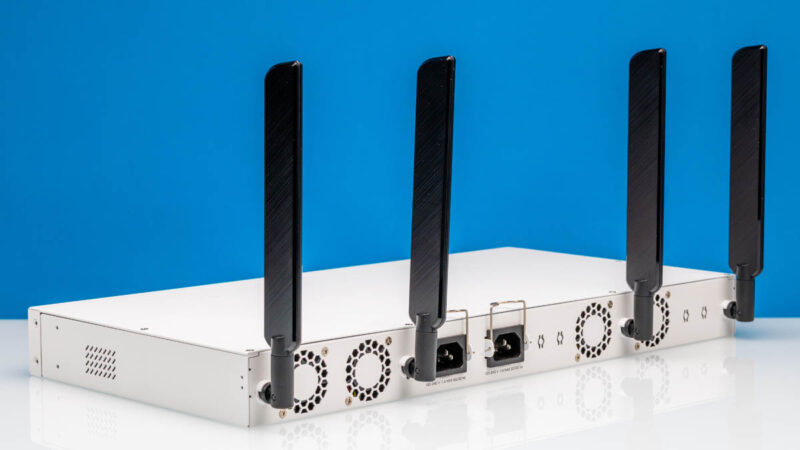
The most obvious external difference between this model and the non-WiFi version is on the rear. Instead of just having fan vents, this model also has four RP-SMA antenna connectors protruding from the back. MikroTik includes four antennas in the box, and they screw into these connectors. These are positioned to provide reasonable wireless coverage even from a rackmount position.
MikroTik also includes dedicated holes in the back for pigtails, so if you need even better wireless coverage, you can place antennas outside the case or run longer cables to position them optimally. This addresses one of the common issues with rackmount devices: they are not typically known for great wireless coverage.
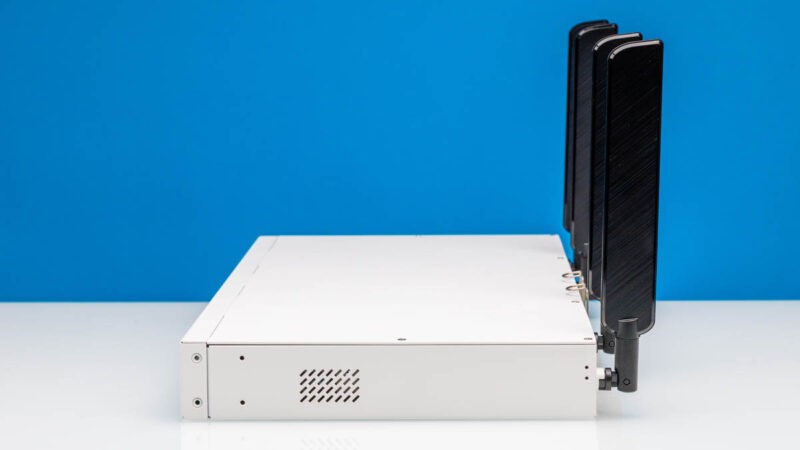
On either side of the chassis, there are vents for cooling.
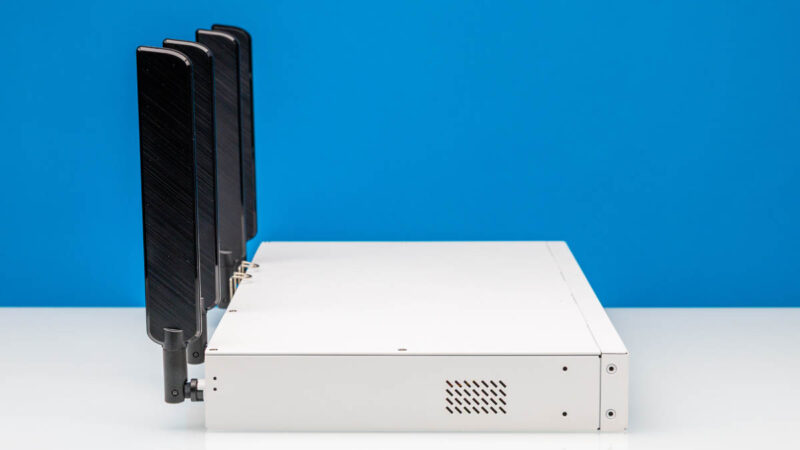
On the rear, we get fans and power inputs.
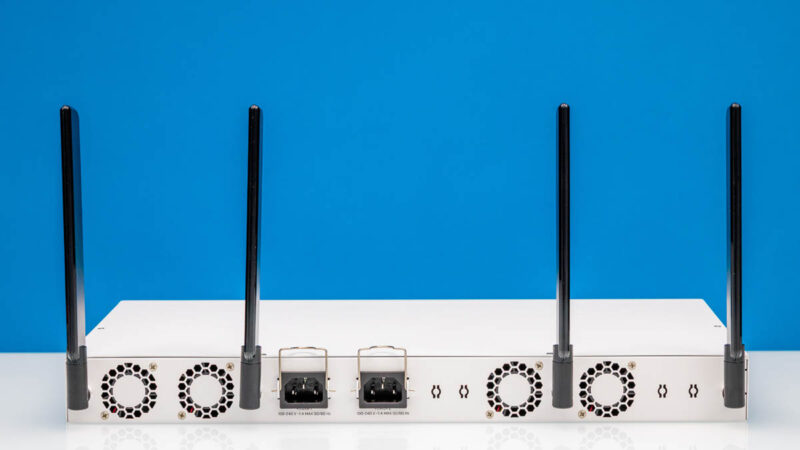
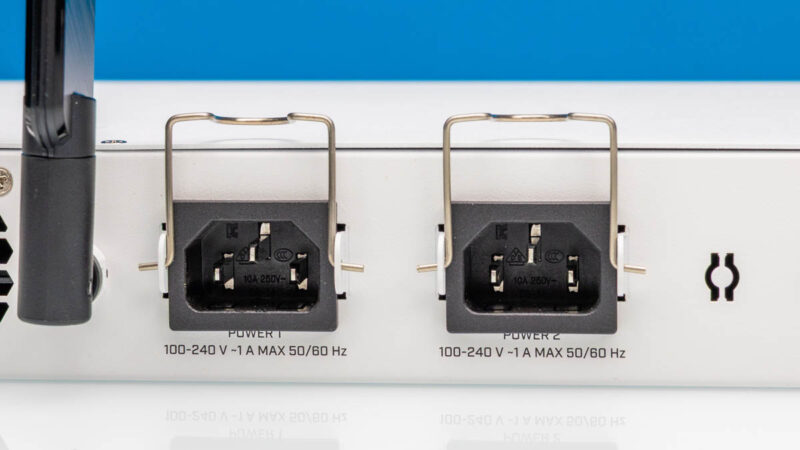
There are two AC inputs for the dual internal power supplies. MikroTik has wire retention clips to keep the power cables secure.
There are four fan vents in the rear as well. The fan configuration is identical to the non-WiFi model.
As you might imagine, the switch also comes with rackmount ears. The addition of antennas on the back does not interfere with standard rack installation since they are positioned to be clear the rear rails.
Next, let us take a look inside.

1G ports come on its 2026 not 1996, yes still a lot of low bandwidth equipment that this will happily serve but for most people minimum 2.5G and really 10G when the price over capabilities and flexibility isn’t that much. 16x10G ports may be enough for a lot of SOHO or home labs and the SFP’s for expansion.
For who is this device made? Why add wifi to it? I don’t see the target audience at all.
L3 hardware feature support: https://help.mikrotik.com/docs/spaces/ROS/pages/62390319/L3+Hardware+Offloading#L3HardwareOffloading-CRS3xx:Switch98DX3xxxand98DX2xxxSeries
I’ll repeat my question from the non-WiFi model review. Have you turned on the L3 HW offload on the switch when testing routing?
“Next, there are two more Ethernet ports. One is the console port…”
I seriously doubt that’s Ethernet. I’d expect that to be the Cisco-style serial over RJ45 mentioned in the block diagram.
Did you try it?
My guess is that the target audience for the WiFi is for admins to have WiFi access when in the network room, rather than burning a port for an access point. However not having some 2.5Gbps ports makes it somewhat less interesting.
are the wifi antennas actually removable?? they look permanently attached with the micro-coax going straight into the back. I don’t believe there’s an RP-SMA there.