

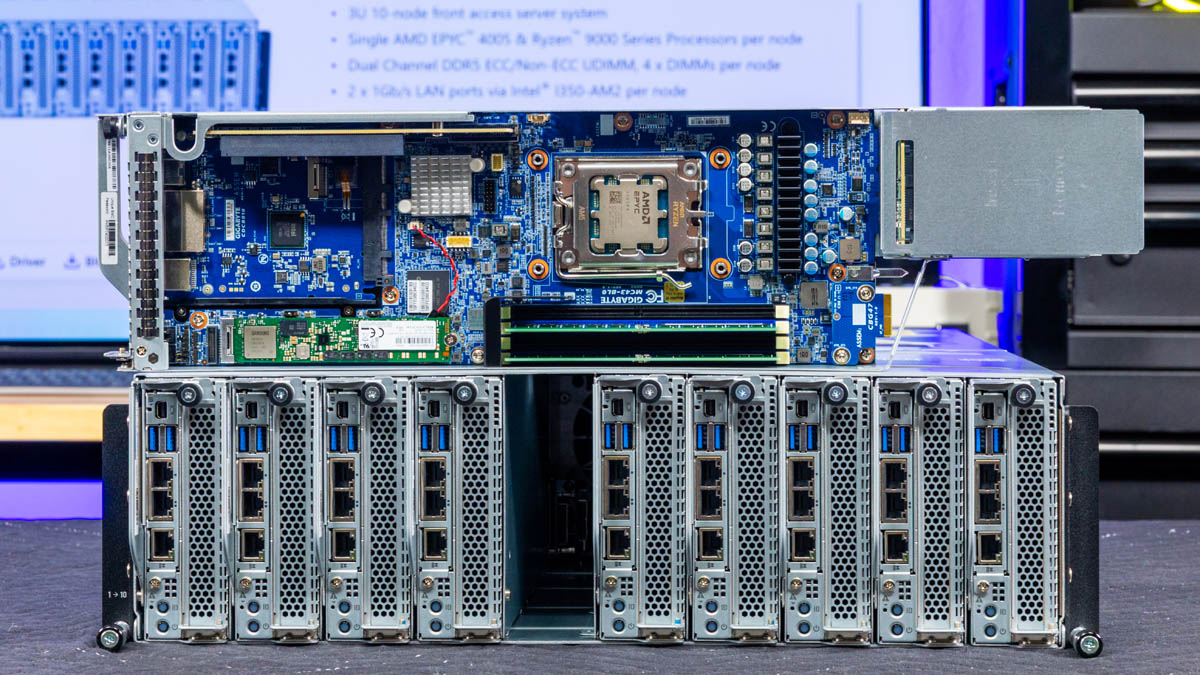
The Gigabyte B343-C40-AAJ1 is really neat. It houses ten AMD EPYC 4005 (or Ryzen 9000) nodes in a 3U chassis. What is more, each node has a lot of functionality, mirroring a full node, just in a much more compact form factor. What is more, Gigabyte is doing something neat with the networking that further lowers the cost of deploying these nodes. Let us get to it.
Gigabyte B343-C40-AAJ1 External Chassis Overview
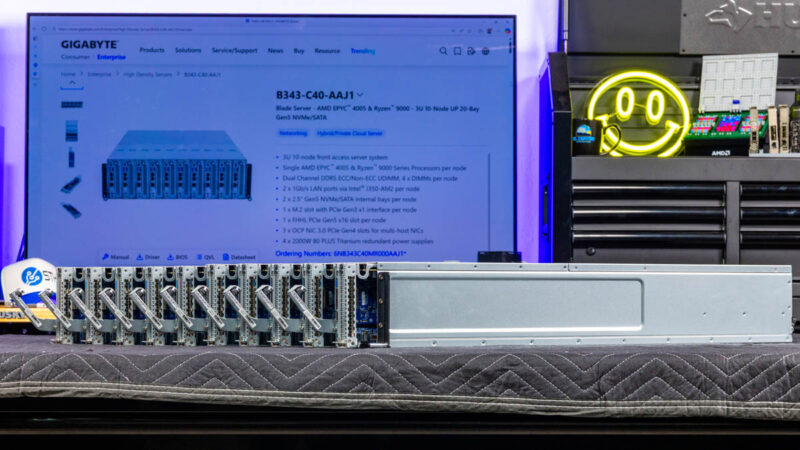
The chassis is a 3U tall and only 770mm or just over 30in deep. When you compare that to ten 1U servers, this is much more compact while still fitting in many lower-cost shorter-depth racks.
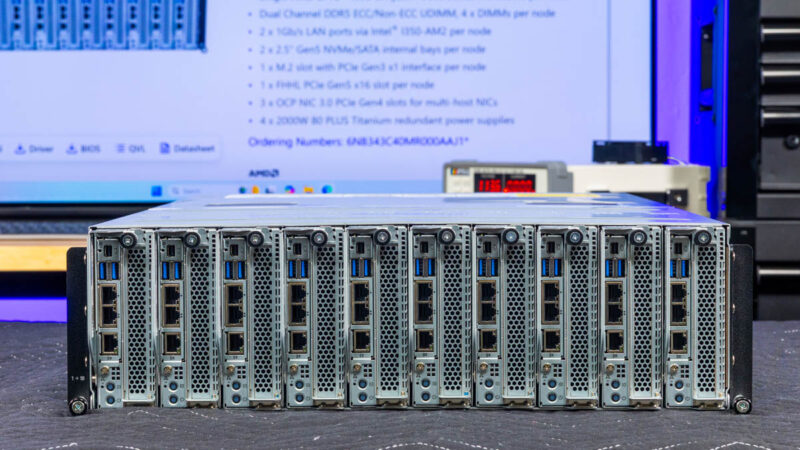
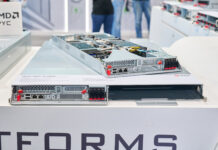
The front is solely focused on the ten nodes. We will focus on those after we get through the chassis.
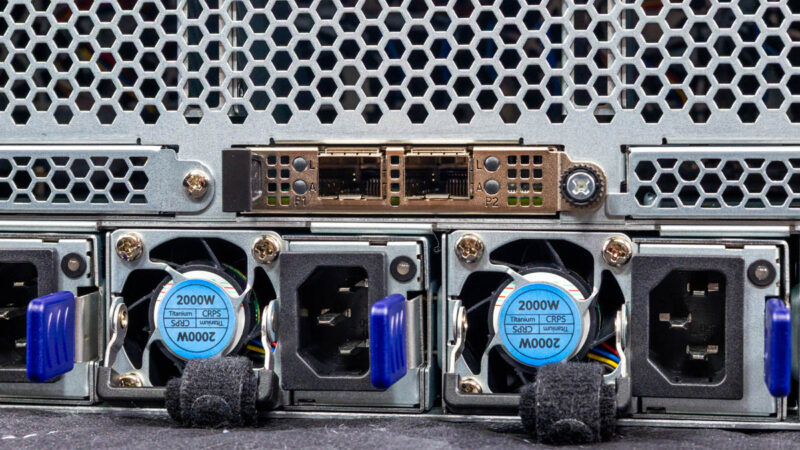
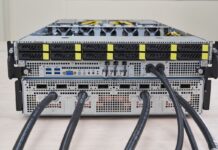
On the back of the chassis, we get a lot of venting for airflow, but then four power supplies, two management ports, and OCP NIC 3.0 slots.
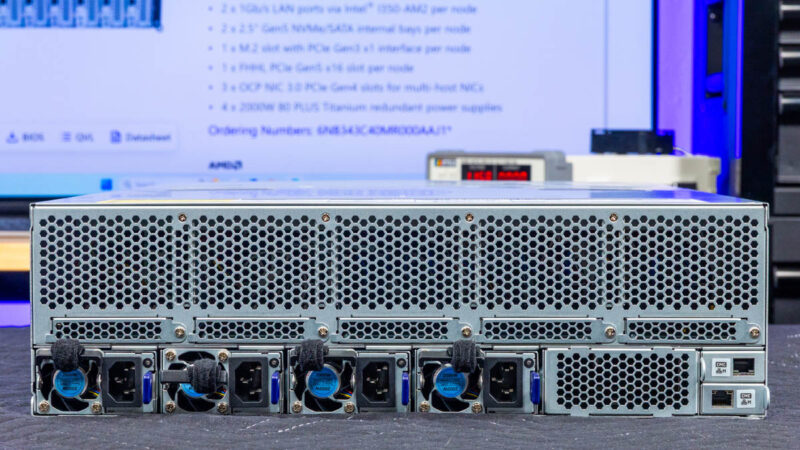
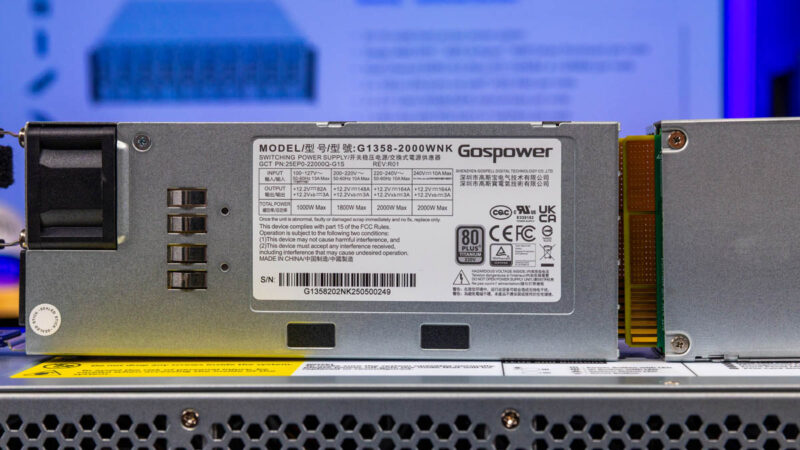
The power supplies are 2kW Titanium rated power supplies. If you were to have single node per 1U servers instead, these save a lot of components. Ten servers with redundant power supplies would mean twenty power supplies. That also means twenty PDU ports. Instead, we have four power supplies for ten nodes, or one fifth as many.
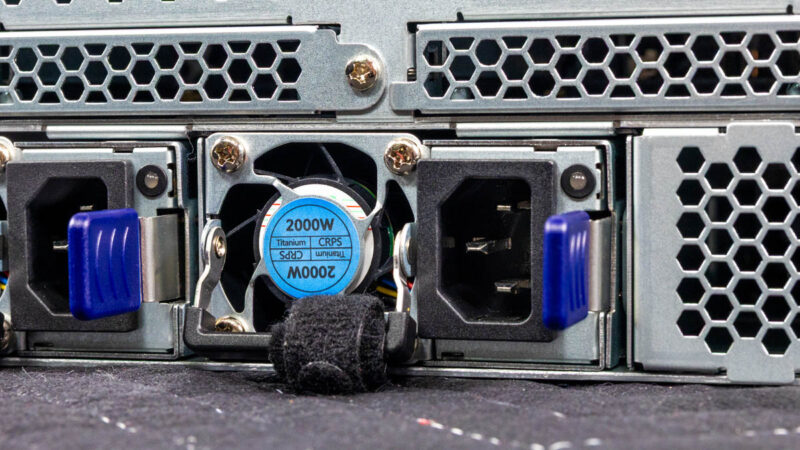
Here is a quick look at the Gospower power supplies.
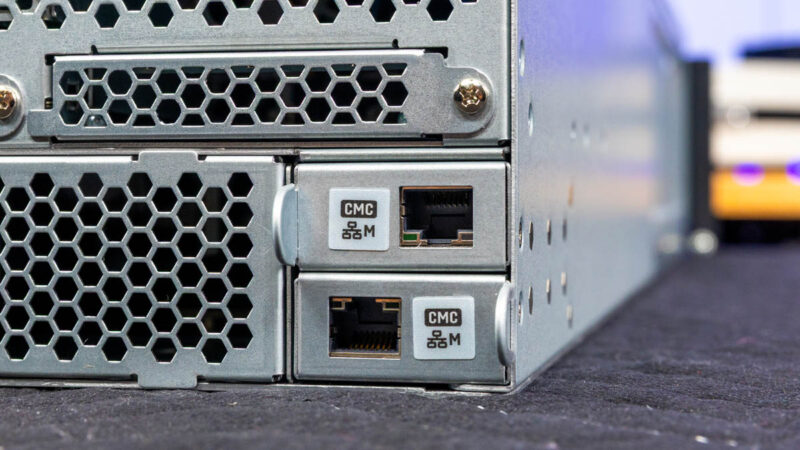
Here are two CMC ports. As we have seen on Gigabyte 2U 4-node servers previously, Gigabyte has a feature to have a shared management interface on multi-node systems. This may not seem like a big deal at first, but instead of ten management ports, this allows Gigabyte to require fewer management switch ports.
Then there are the OCP NIC 3.0 slots.
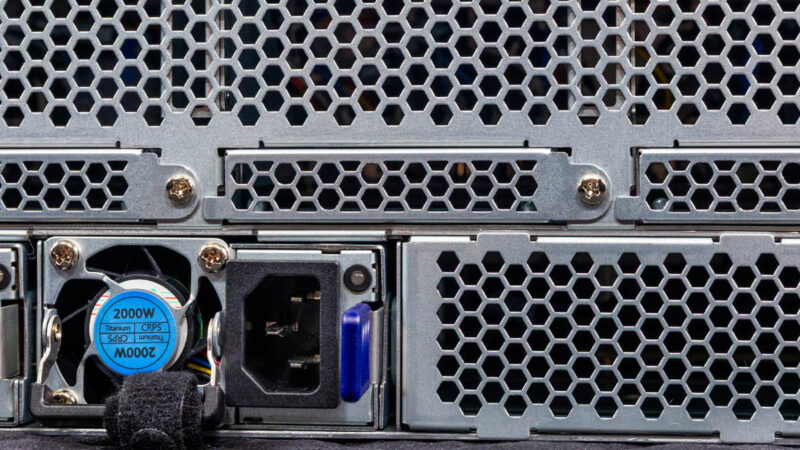
Three of these take OCP NIC 3.0 multi-host adapters. This is a really neat feature since it allows you to add three higher-speed NICs and service all ten nodes. Just like the power and management savings on ports and cabling, using three higher speed NICs instead of putting 10GbE NICs in each node.
Next, let us get inside the system to see how the ten nodes are connected.
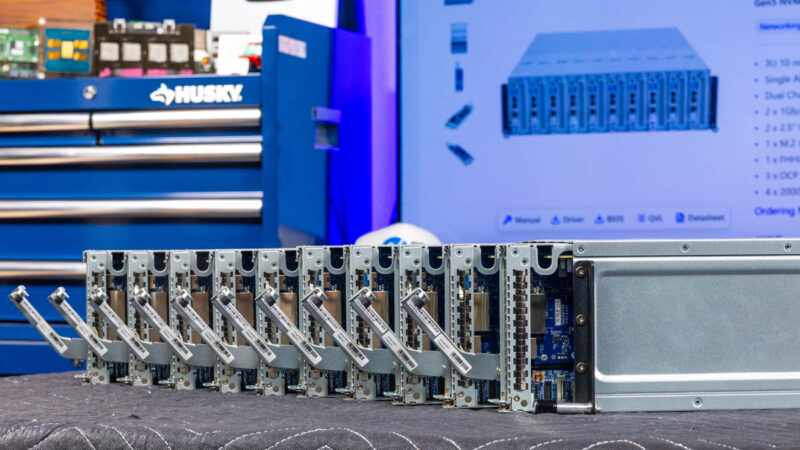
Here is what the system looks like from the rear of the nodes, through the fans, to the OCP NIC 3.0 slots, and then to the rear of the chassis.
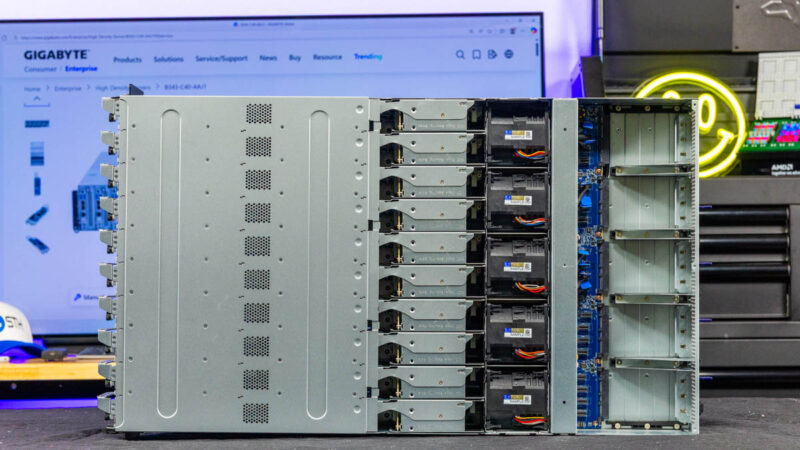
Here is the rear of the nodes where the 2.5″ SATA drives are located.
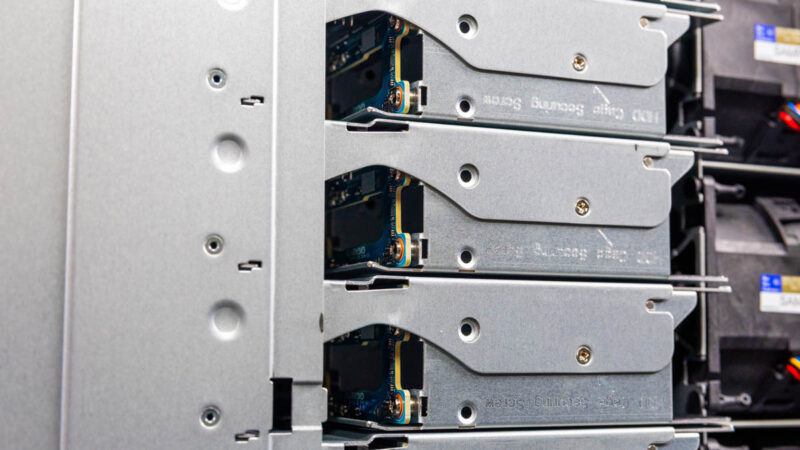
Behind those, we have the fan modules. This shared chassis design also massively reduces the need for fans.
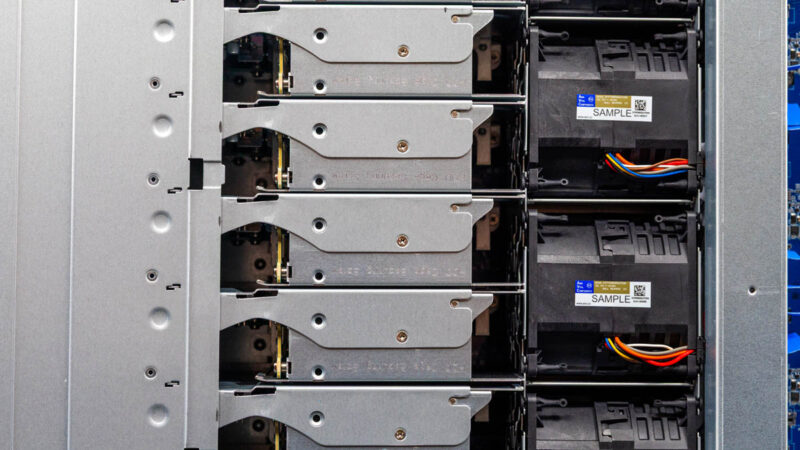
Behind the fans we have the connectors for the OCP NIC 3.0 slots.
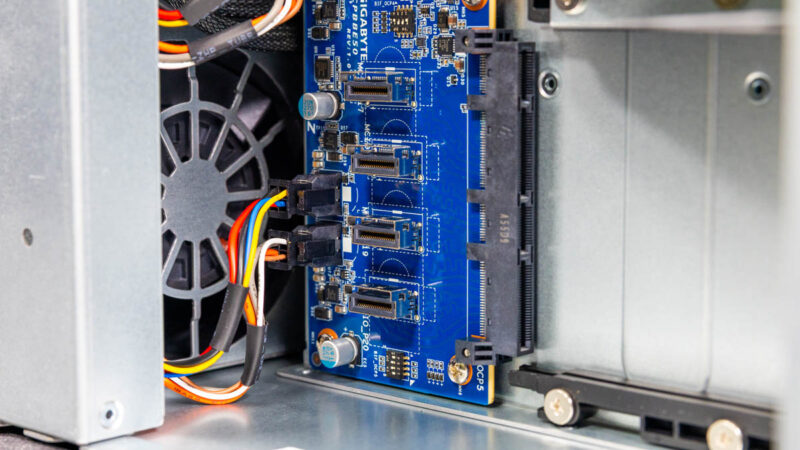
These cabled connections provide x4 lanes to the PCIe Gen4 slots.
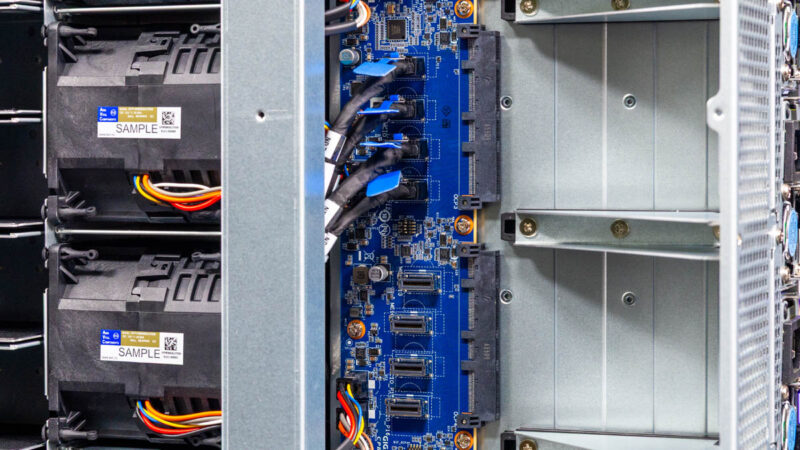
Here you can see the other slots. Something to keep in mind is that only three of the five slots are connected in this chassis.
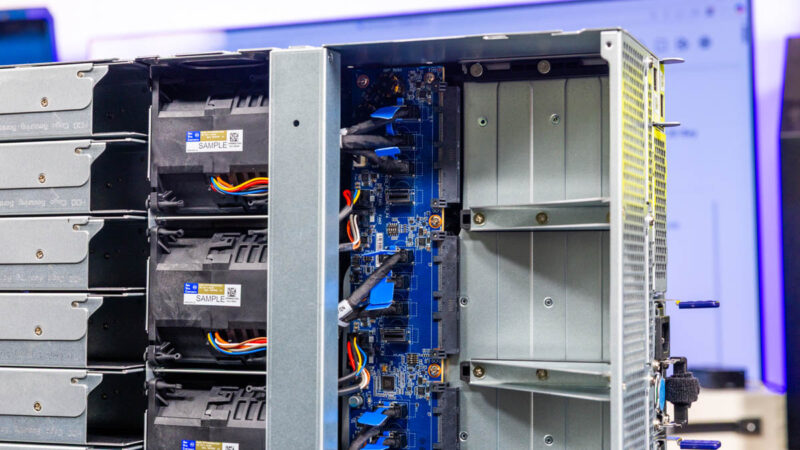
Next, let us get inside and look at the nodes.

I can totally see a server like this being filled with 9800X3D’s for hosting top-performance Minecraft servers.
How do the rear OCP slots work shared with the nodes?
I am wondering both physically and logically? If each one of those needs 4x 4X PCI-E cables for full bandwidth, how do these get connected?
@George these will require OCP NIC from the 3.0 standard with multi host capabilities like a Connect-X 6, you get one or two physical connections into the NIC and then the NIC has vSwitch/vRouter capabilities that present a separate NIC to the intrrnal hosts, typically 4 per card (that’s why you need 3 for 10 nodes)
Notably, each node seems to only have a Gen4 x4 connection to the multi-host NICs, and it’s from the B650 chipset, not direct from CPU. That means you’re capped at 60 Gbps, and it’s shared with all the other chipset functions. I also wonder if it will impact things like SR-IOV & VFIO (because of iommu groups).
Ten individual separate PCs in one box. Each PC can be leased (rented?) to a user who logs in to an online cloud hosting service and remotes into their own online cloud PC. Ten users at once, each to their own respective PC. The one box requires less power to operate than ten separate boxes, each with its own PSU and corresponding PDU socket to do the same job. Makes sense to me. I like it!
Also, it’s a physical hardware PC, so fewer issues with setting up virtualization (although that’s possible here too). Very neat server design. I can see this being useful for businesses running their own federated cloud PC services to users who need to have a separate work computer but maybe can’t afford to buy a whole new system on their dime.