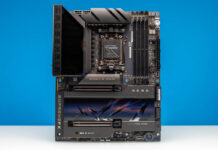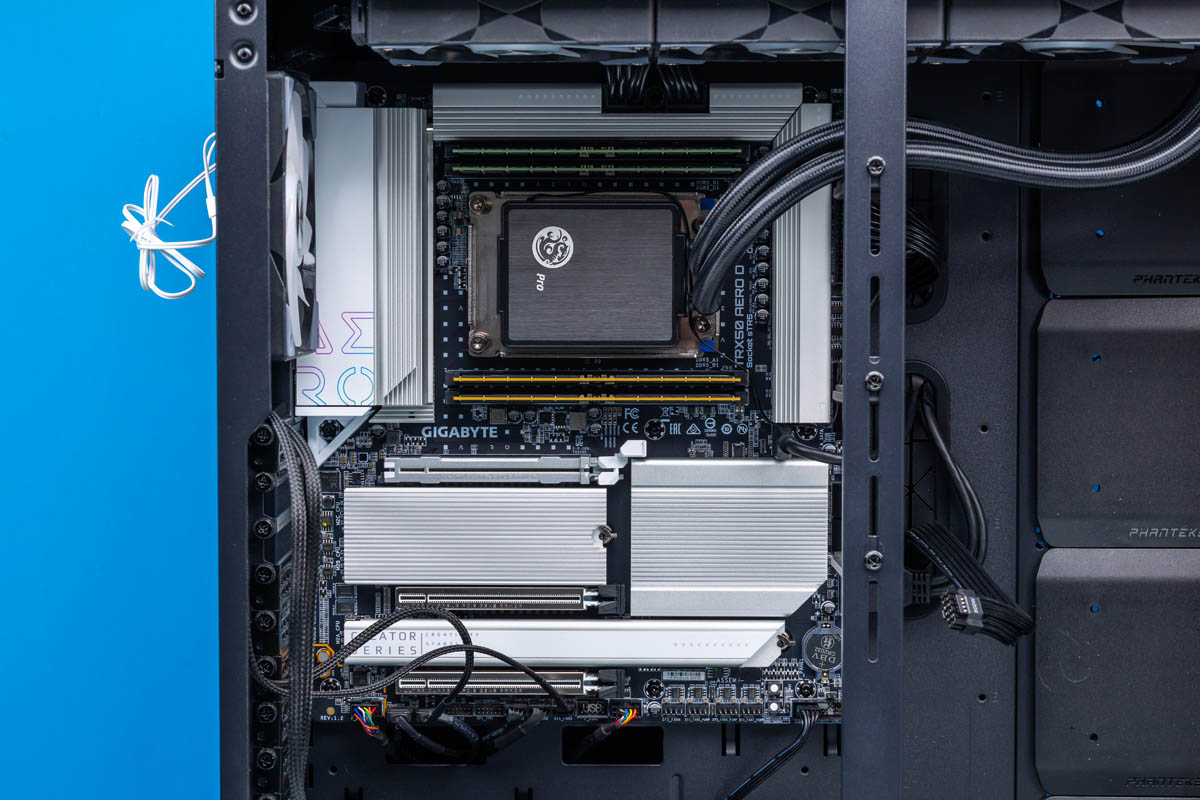
Although the high-end desktop (HEDT) market is not nearly what it once was, the need for high-end systems incorporating larger and more powerful chips from servers still holds on. In Intel land, HEDT is effectively dead, with the company having fully bifurcated into consumer and workstation hardware. However, in the AMD ecosystem, the HEDT market still exists in a reduced form as part of the company’s Threadripper CPU lineup and the associated TRX50 chipset.
Today we are looking at one of those TRX50 motherboards, with Gigabyte’s TRX50 AERO D board. Coming in as part of Gigabyte’s overarching AERO brand, the TRX50 AERO D straddles the line between a consumer and professional product, with Gigabyte aiming it at a mix of gamers, content creators, AI developers, and other professionals. Or to frame things more pragmatically, as the company’s only conventional TRX50 chipset motherboard, it is aimed at all of the markets the TRX50 platform is designed for: chiefly, customers who need a more powerful system that sits between AMD’s consumer (Ryzen) and workstation (Threadripper Pro + WRX90) offerings.
| Gigabyte TRX50 AERO D Key Specs | |
| Processor Family | Ryzen Threadripper & TR Pro 7000/9000 |
| Socket | sTR5 |
| Chipset | TRX50 |
| Memory | 4x RDIMM Slots (1DPC) |
| PCIe Slots | 2x PCIe x16 (Gen5 x16 Electrical) 1x PCIe x16 (Gen4 x16 Electrical) |
| Storage | 3x M.2 22110/2280 (Gen5 x4) 1x M.2 2280 (Gen4 x4) 8x SATA 6Gbps |
| Ethernet | 1x 10GbE (Marvell ACQ113C) 1x 2.5GbE (Realtek RTL8125) |
| Wireless | Wi-Fi 7 + Bluetooth 5.3 (Qualcomm QCNCM865) |
| Rear USB | 2x 40Gbps USB-C 4x 10Gbps USB-A 4x 5Gbps USB-A |
| Front USB (Headers) | 1x 20Gbps USB-C 2x 5Gbps USB-A 4x 480Mbps USB-A |
| Audio | Realtek ALC4080 |
| Form Factor | EEB (E-ATX) |
In this regard, the TRX50 AERO D is a board that has been clearly designed to match the overlapping needs of its target markets. Besides the eponymous TRX50 chipset and associated sTR5 socket, Gigabyte has equipped the board with a solid selection of internal and external expansion options, leveraging the Threadripper platform’s bounty of PCIe lanes to outfit a trio of full PCIe x16 lanes, four M.2 SSD slots, and USB connectivity up through and including 40GB USB-C ports. Coupled with official support for AMD’s EXPO memory, the AERO D is a board that is a jack of all trades for the Threadripper market.
If you wanted to find the Gigabyte TRX50 AERO D online, here is an Amazon Affiliate link.
Gigabyte TRX50 AERO D Hardware Overview
With both the TRX50 and WRX90 chipsets/platforms supporting AMD’s Threadripper Pro processors, the TRX50 is effectively AMD’s budget offering for this segment. While the chipset and sTR5 socket can be used with either the vanilla Threadripper or more powerful Threadripper Pro processors, the motherboards themselves support a reduced feature set: chiefly 4 channels of DDR5 memory and 80 lanes of PCIe from the host CPU. This significantly reduces the number of high-speed signaling traces that need to be routed through the motherboard.
Consequently, while TRX50 motherboards are aimed at the HEDT market, the boards themselves are generally more constrained, with fewer extravagant, workstation-level features that end up being reserved for the workstation-grade WRX90 platform.
The upshot to TRX50 motherboards is their wide range of processor support. These are the only boards that support both vanilla Threadripper processors and the more powerful Threadripper Pro chips. And better still, these boards can be used with the 7000 series (Zen 4) and 9000 series (Zen 5) processors, giving it access to all four lines of AMD’s recent Threadripper processors overall.
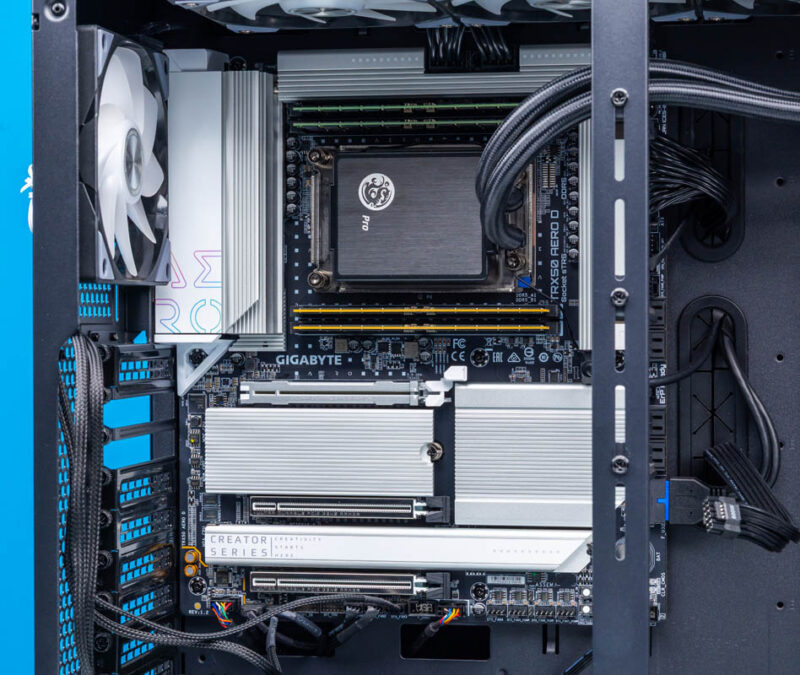
The combination of PCIe slots, M.2 slots, the sTR5 socket, and the memory channels means that Gigabyte’s TRX50 AERO D is a sizeable board. Gigabyte has gone with a slightly shortened implementation of the EEB (E-ATX) form factor, with the AERO D measuring 12-inches by 10.4-inches, and packing the board with a variety of slots and sockets.
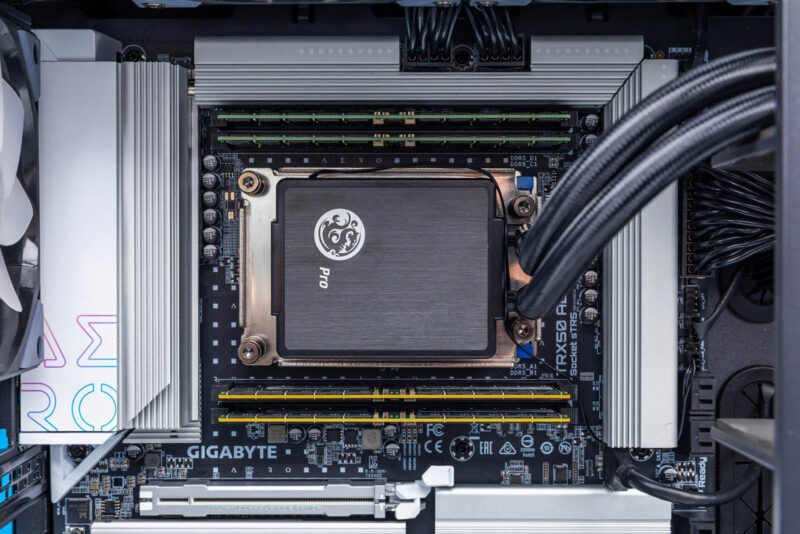
A good chunk of that space is dominated by the CPU socket and RDIMM slots, and for obvious reasons. The sTR5 socket is massive on its own thanks to the large number of I/O and power pins it contains (4844). The quad memory channel support of the TRX50 platform simplifies this somewhat, as Gigabyte only needs to route 4 channels of DDR5 memory, placing two above the CPU socket and the other two below.
TRX50 does not support 2DPC configurations, which also helps to keep things pretty straightforward: the only (correct) way to populate the AERO D is to fill all four of the RDIMM slots. Being limited to 1DPC operation also lets Gigabyte fully support AMD’s factory overclocked EXPO memory, which can support memory clock speeds higher than the DDR5-6400 speeds that contemporary JEDEC memory tops out at. Gigabyte advertises support for speeds as high as DDR5-8000, though as always with overclocking, your mileage may vary.
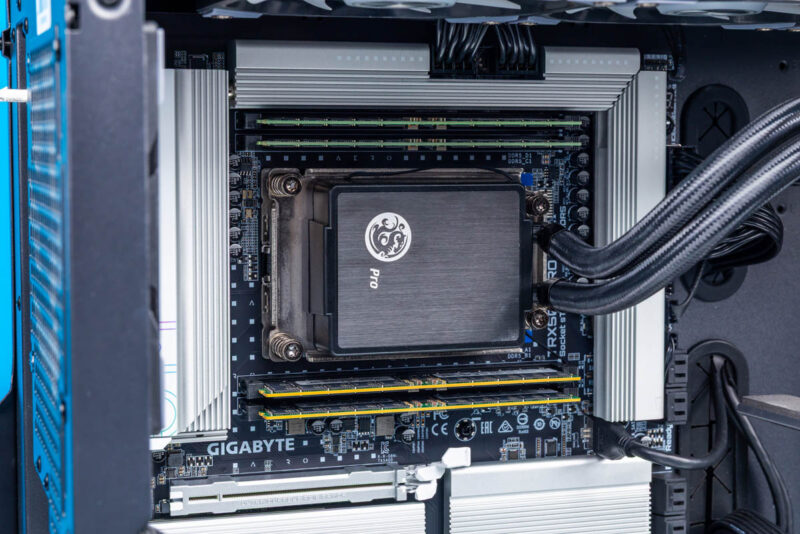
Flanking the socket and memory is a rather significant VRM/MOSFET arrangement, with Gigabyte running 16 phases for the CPU vCore alone. Meanwhile, another 8 phases are dedicated to the SOC (I/O dies) for the memory and other systems hanging off of the IOD. Finally, another 4 phases help power the PCIe slots and other miscellaneous features. Gigabyte does support the entire lineup of Threadripper and Threadripper Pro processors here, so the AERO D needs be able to support CPUs with a base TDP of 350 Watts, as well as providing a significant amount of headroom for further memory and CPU overclocking.
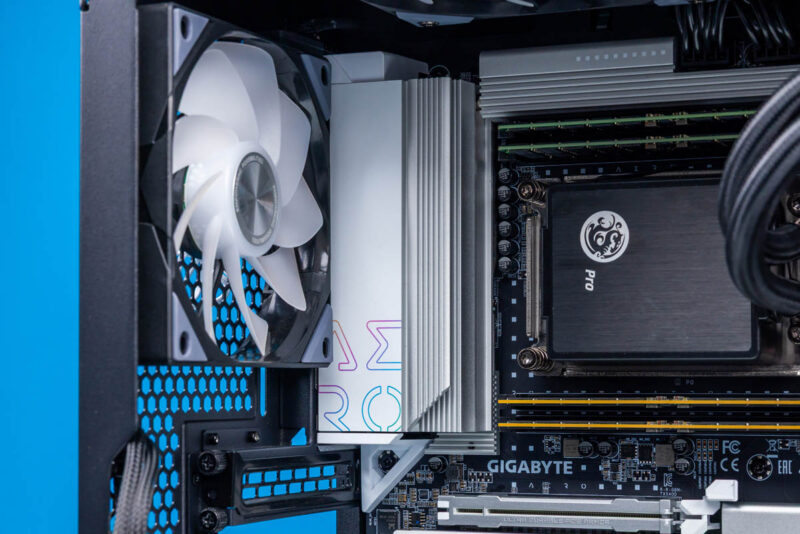
The power needs are not so great that the VRMs require active cooling. But Gigabyte has covered all of the MOSFETs with a significant heatsink running around three sides of the socket to keep things cool. An 8mm heatpipe is further embedded into the heatsink to help transfer heat to the heatsink itself.
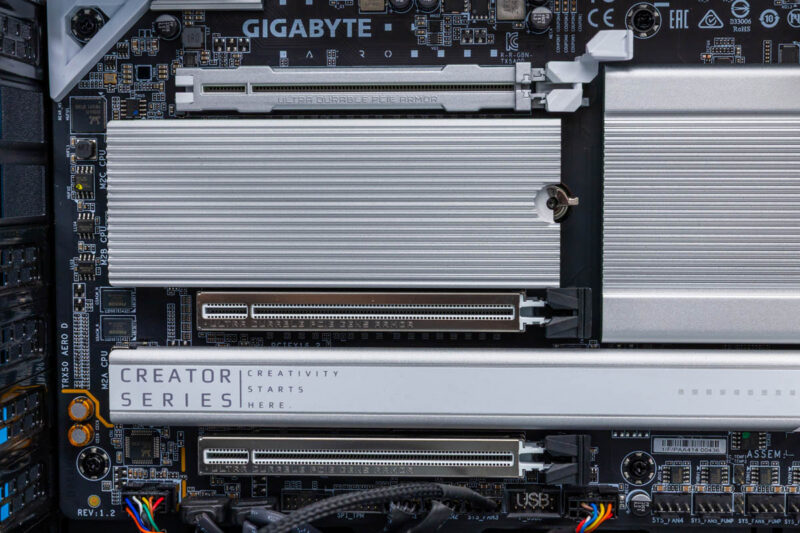
Moving on, let us talk about I/O. For the AERO D, Gigabyte has taken a somewhat conservative route with their board design, installing just 3 PCIe x16 slots. The Threadripper platform provides enough PCIe lanes for at least one more x16 slot, but Gigabyte has designed the board around the expectation that users will be installing multiple high-power PCIe cards (e.g. video cards), opting for fewer slots with more room between them. Furthermore, the company has used the space in between the PCIe slots to put some of its M.2 slots, so the space itself is claimed, even if not all of the CPU socket’s PCIe lanes are spoken for.
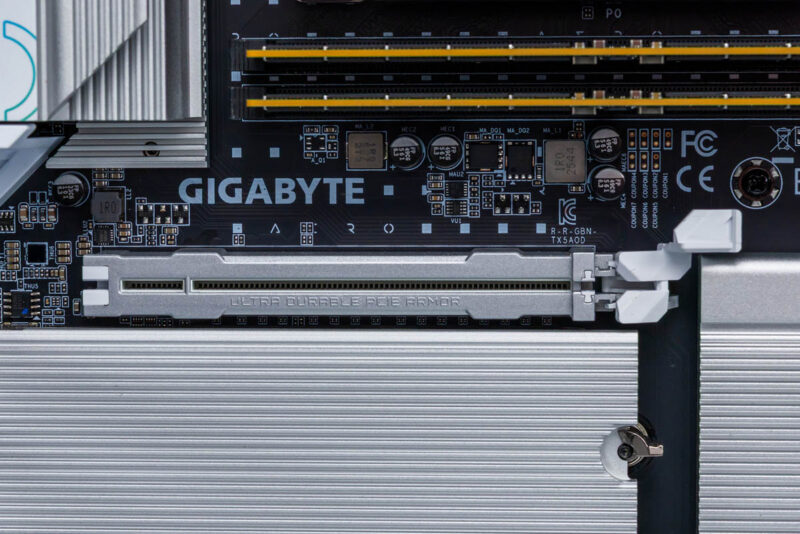
Altogether then, the top two PCIe x16 slots are full PCIe Gen5 x16 slots. The top slot in particular is a heavily reinforced “ultra durable” slot with a simplified latch release mechanism. These are the two slots that Gigabyte intends for video card users to opt for, especially given their spacing.
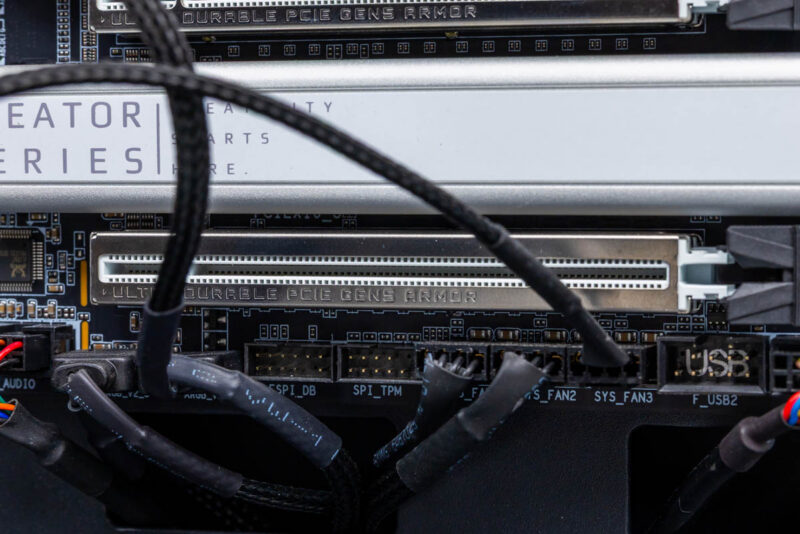
Elsewhere, at the bottom of the board we find a third PCIe x16 slot. This runs as PCIe Gen4 speeds since non-pro Threadrippers provide a mix of Gen5 and Gen4 lanes, and combined with its spacing it is intended for more mundane expansion cards that still need a lot of bandwidth, but not so much room for cooling.
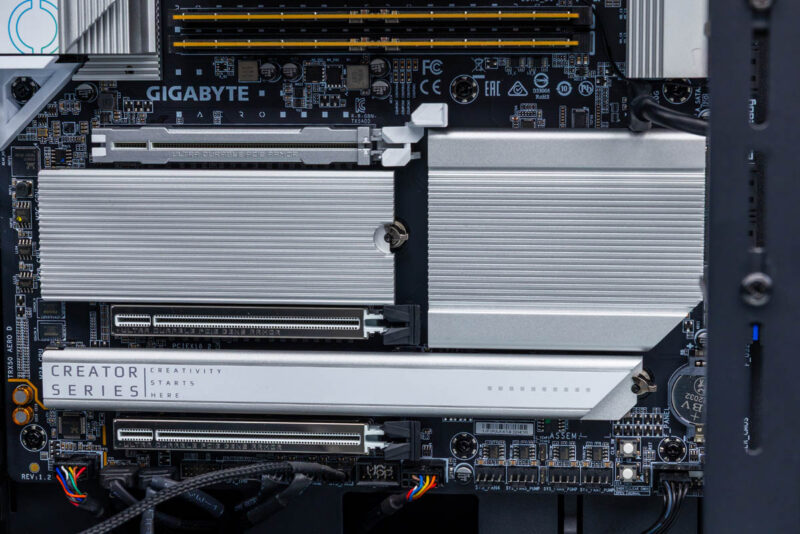
Meanwhile, this configuration leaves ample PCIe lanes available for the board’s M.2 slots. Gigabyte has equipped the AERO D with 4 M.2 slots altogether, placing them in between and behind the PCIe slots. All of the slots are covered by heatsinks, with a heatsink for each pair of slots.
Three M.2 slots are PCIe Gen5 x4 slots, offing the best bandwidth the Threadripper platform can afford. For increased compatibility, Gigabyte has used M.2 22110+2280 fittings here, allowing even the largest M.2 SSDs to be installed. Flanking these three slots is the final M.2 slot, which is a Gen4 x4 slot that is also a bit more conventional in size, offering space for a standard M.2 2280 drive.
Other than the PCIe slots, these M.2 slots are the only connectivity offered for high-speed internal storage. You will not find any MICO or SlimSAS connections here for larger drives, especially as most of non-Pro Threadripper’s 80 PCIe lanes are already spoken for here.
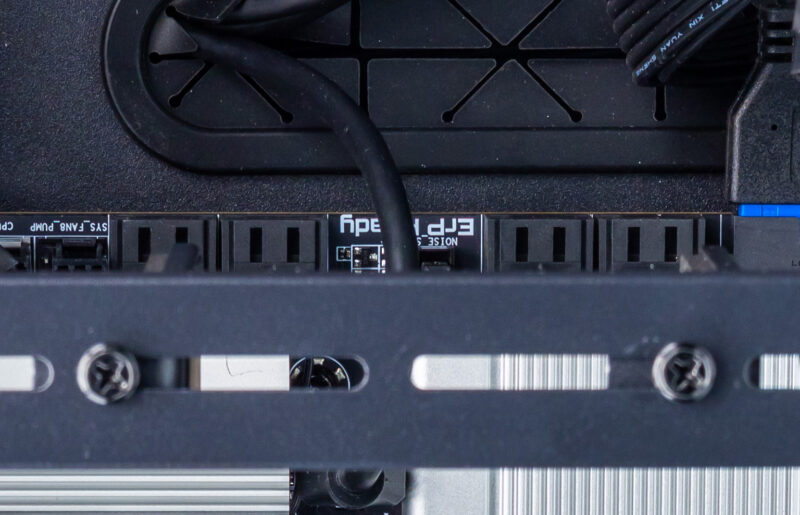
For any other storage needs, Gigabyte is taking full advantage of the native SATA capabilities of the Threadripper platform by equipping the board with 8 SATA 6Gbps ports. These come from a combination of the CPU and the TRX50 chipset.
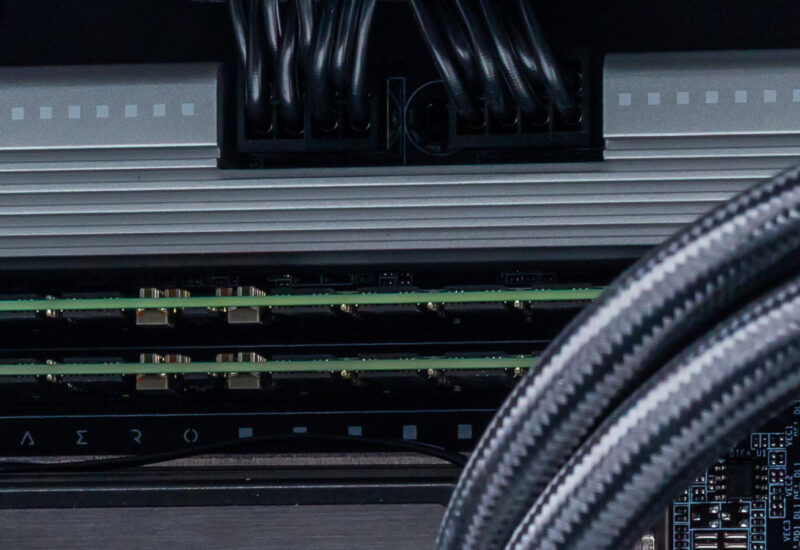
Powering this collection of hardware is a pretty straightforward collection of power connections. Along with the standard 24-pin ATX connector, Gigabyte has placed two 8-pin 12V ATX sockets along the top edge of the board.
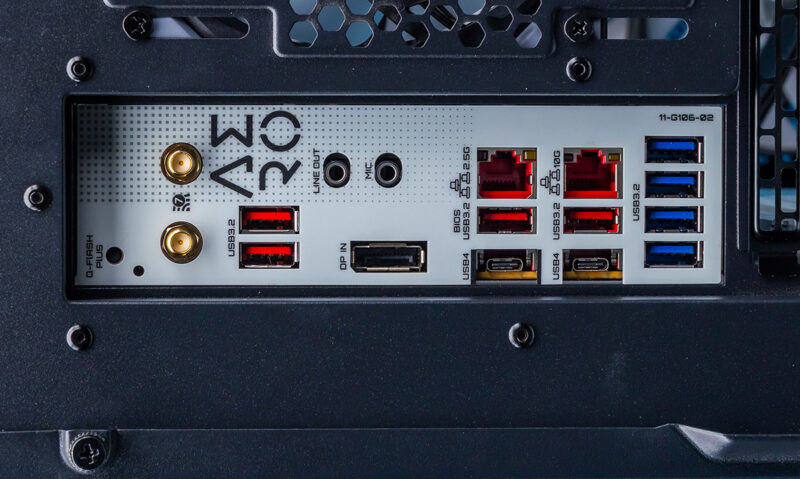
Moving on, taking a look at the rear I/O panel of the AERO D, we find a collection of ports consistent with a HEDT motherboard.
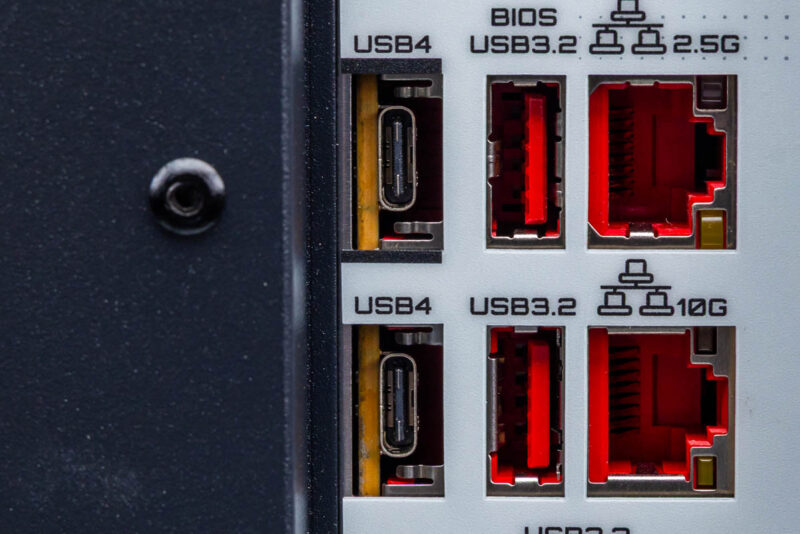
Altogether, there are 10 USB ports across the rear I/O panel. The fastest of these are a pair of 40Gbps USB-C ports, which are situated along the bottom of the board behind ill-fitting I/O shield cutouts that were clearly originally designed for more USB-A ports. But what they lack in looks they make up for in connectivity; since the TRX50 platform does not have native USB4 support, Gigabyte is driving these ports with Intel’s JHL8540 controller. Unusually, Gigabyte did not opt for Thunderbolt 4 certification here despite the Intel controller, so officially these USB-C ports only support USB4 data, with the left port also supporting DP Alt Mode video out.
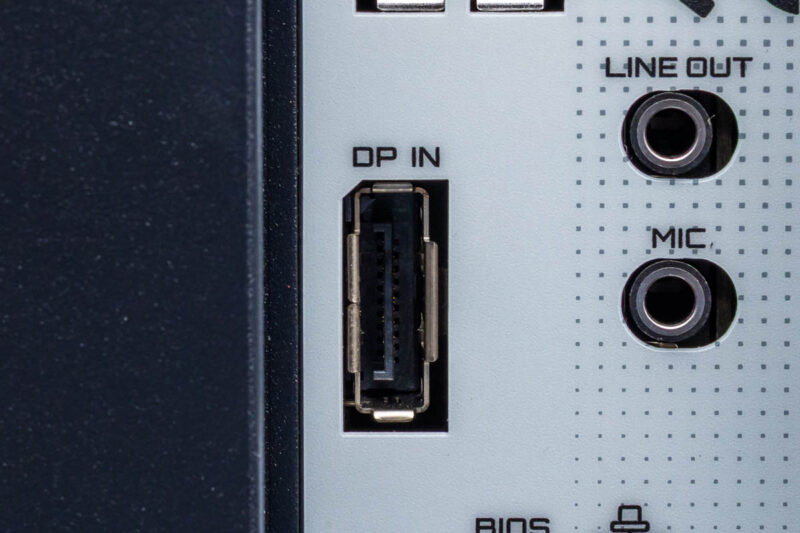
Speaking of which, as the Threadripper processors do not have native display capabilities, the board offers a single full-size DisplayPort as an input from a discrete video card to drive the DP Alt Mode capabilities.
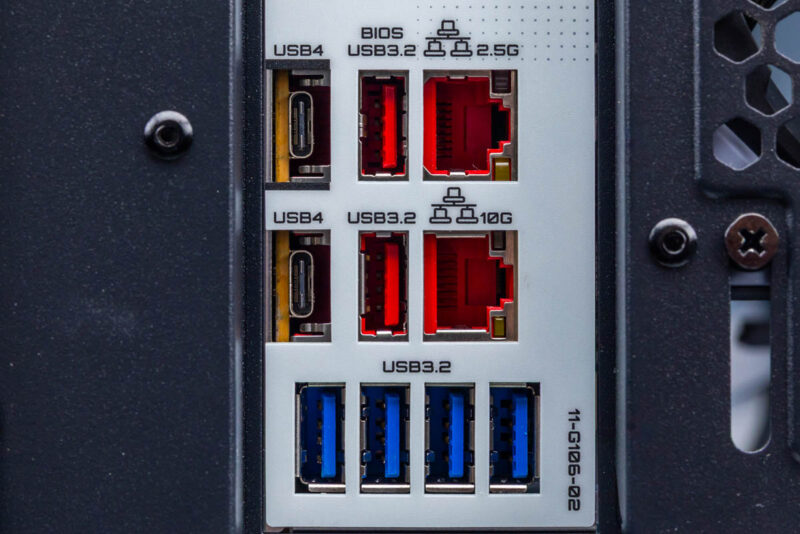
Otherwise, the four red USB-A ports are all 10Gbps (USB 3.2 Gen 2) ports. Enthusiasts will want to note that only 3 of these ports hang off of the CPU; the final port comes from the TRX50 chipset. Meanwhile the four blue USB-A ports are 5Gbps ports that are meant for general I/O use. These ports sit in front of a USB hub, so they all share the bandwidth of a single root port back to the CPU.
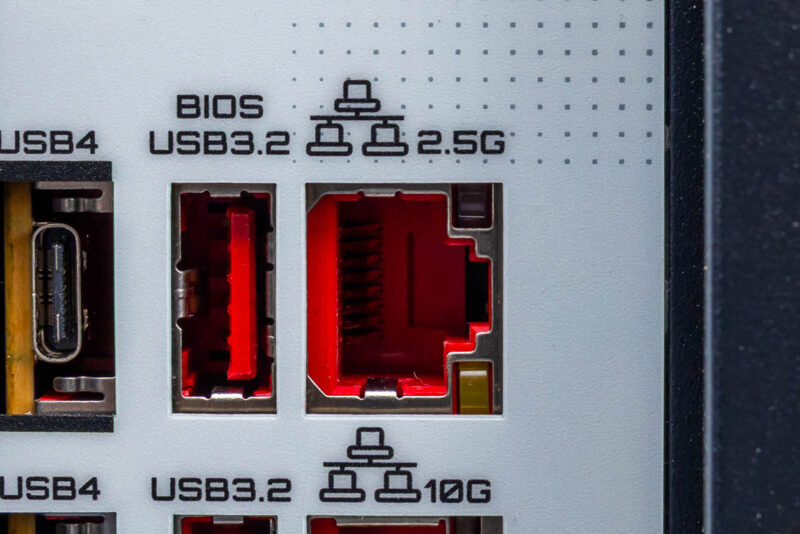
Elsewhere, near the top of the motherboard there are a pair of RJ45 ports for Ethernet connectivity. Gigabyte has gone for a mixed 10GbE/2.5GbE configuration here: the left jack is a 2.5GbE port being driven by a Realtek RTL8125 controller, while the right jack is a 10GbE port driven by Marvell’s AQC113C controller.
Being that this is close to a HEDT board than a workstation board, you will not find a BMC or its telltale Ethernet and display connections here.
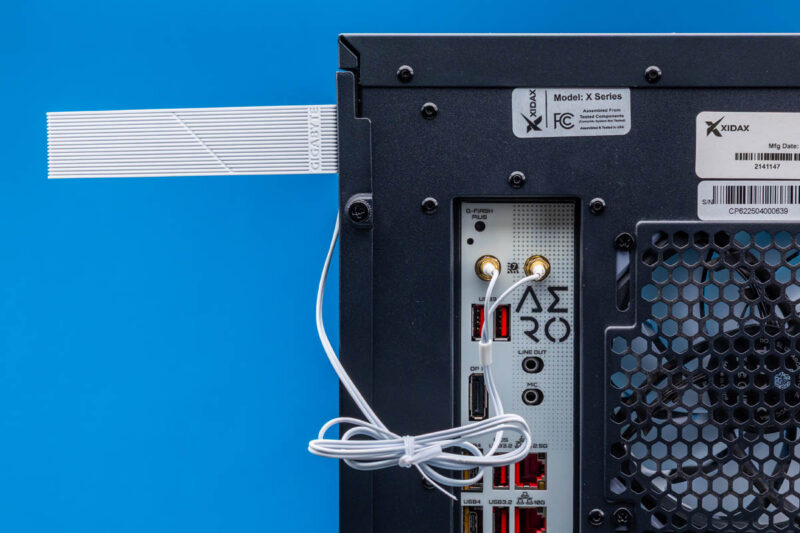
What you will find, however, is wireless connectivity. Gigabyte has integrated Qualcomm’s QCNCM865 controller into the motherboard, giving it Wi-Fi 7 and Bluetooth 5.3 capabilities. The two antenna connectors are located along the top corner of the rear I/O panel, and Gigabyte includes the necessary antennas.
Finally, Gigabyte has equipped the motherboard with basic audio capabilities via Realtek ALC4080’s controller. With a single line-out jack and a microphone jack, this is a simple 2 channel audio solution. Elsewhere, we find a small, recessed button for Gigabyte’s Q-Flash Plus feature, which can trigger a BIOS flash off of a USB drive.
As for internal connectivity, Gigabyte has equipped the board with the usual collection of front panel connectors. This includes audio (driven by an ALC897) as well as a single 20Gbps (3.2 Gen 2×2) USB-C header, a dual-5Gbps USB-A header, and a pair of dual-480Mpbs USB-A headers.
Next, let us get to the block diagram and performance.