
Supermicro SYS-E103-14P-H Internal Overview
Opening the chassis reveals the mainboard alongside a smaller secondary board attached beneath the cover via a flat cable. Thermal contact pads are visible under this cover.
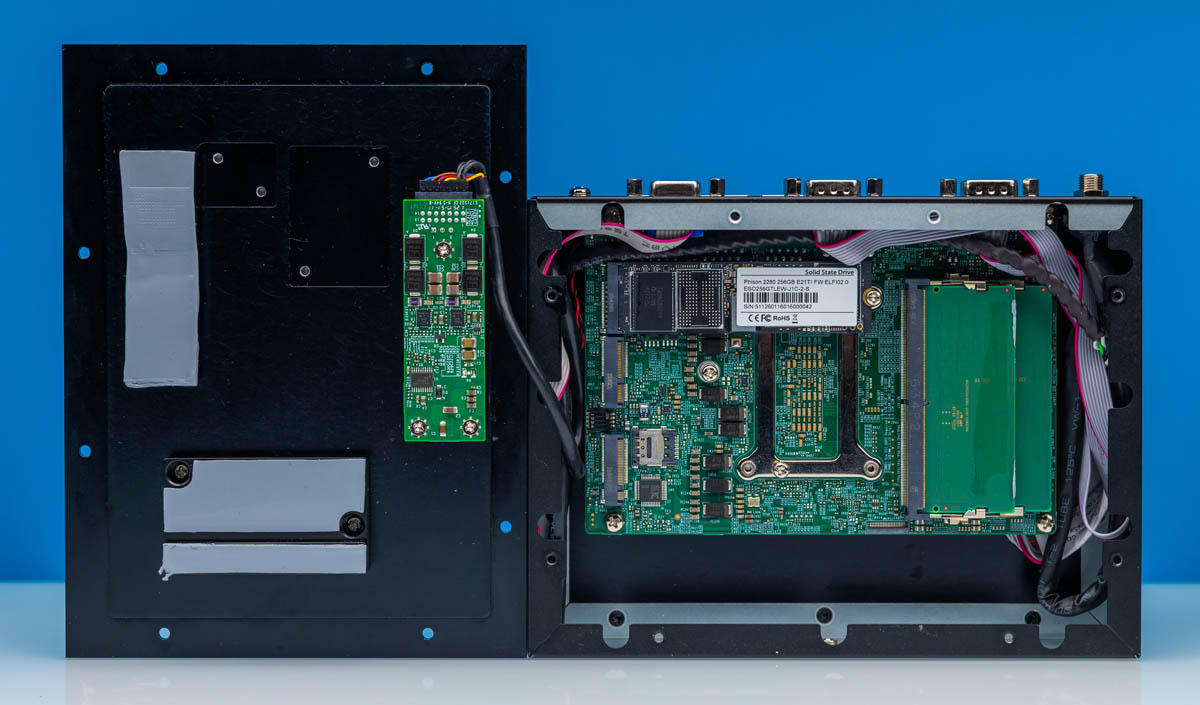
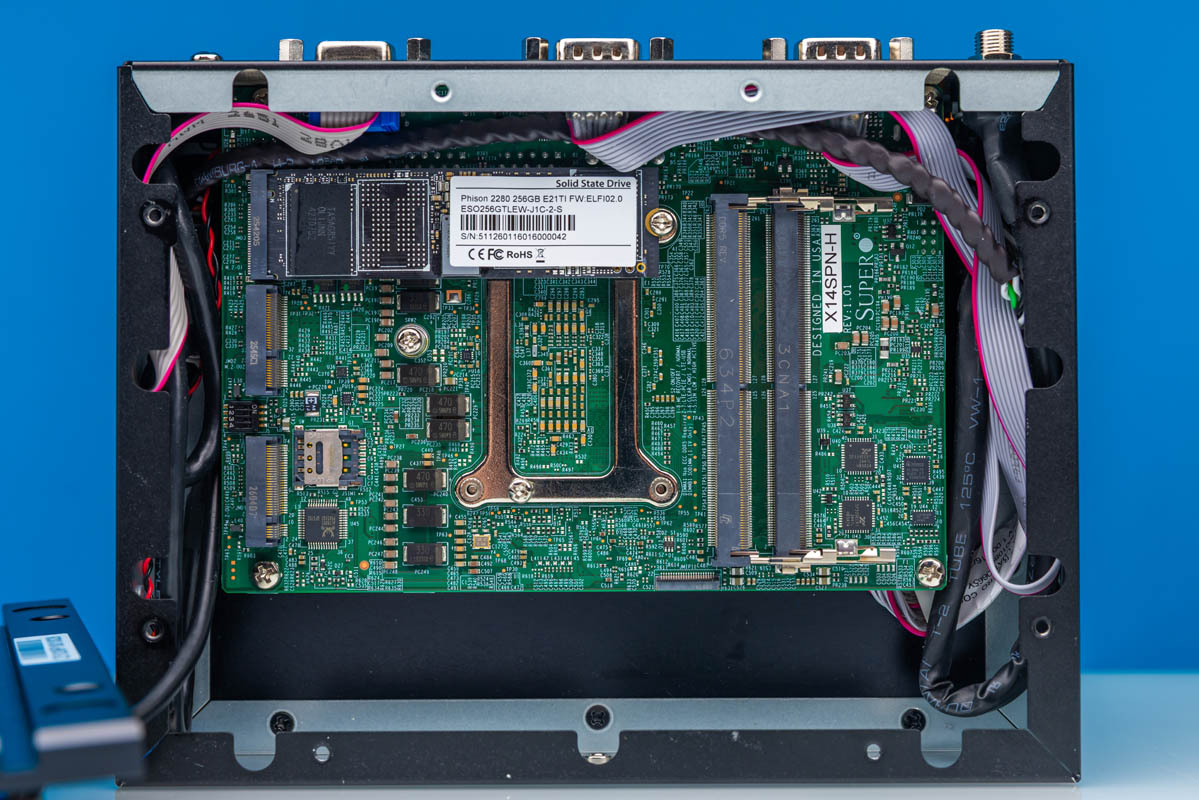
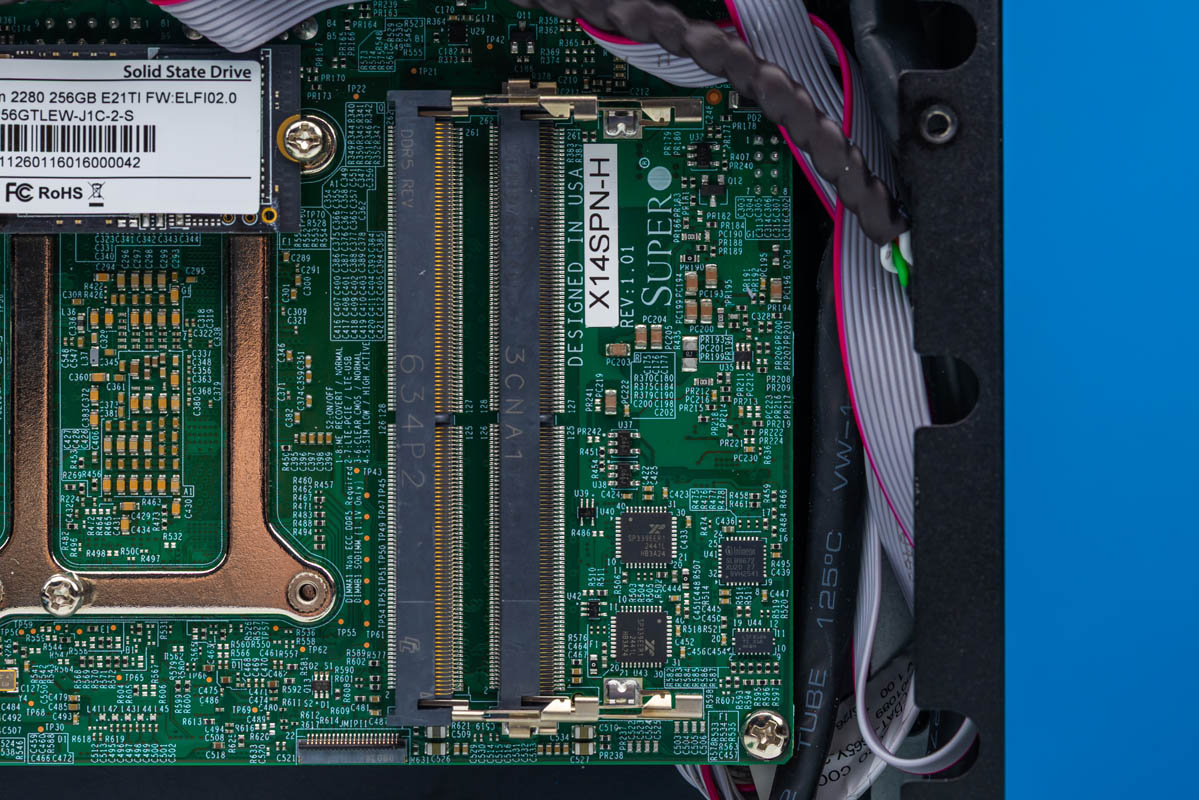
Inside, the mainboard shows two SODIMM positions on its right side with an M.2 SSD installed near the top. A four-screw metal plate occupies the center area, and ribbon cables run around the board edge.
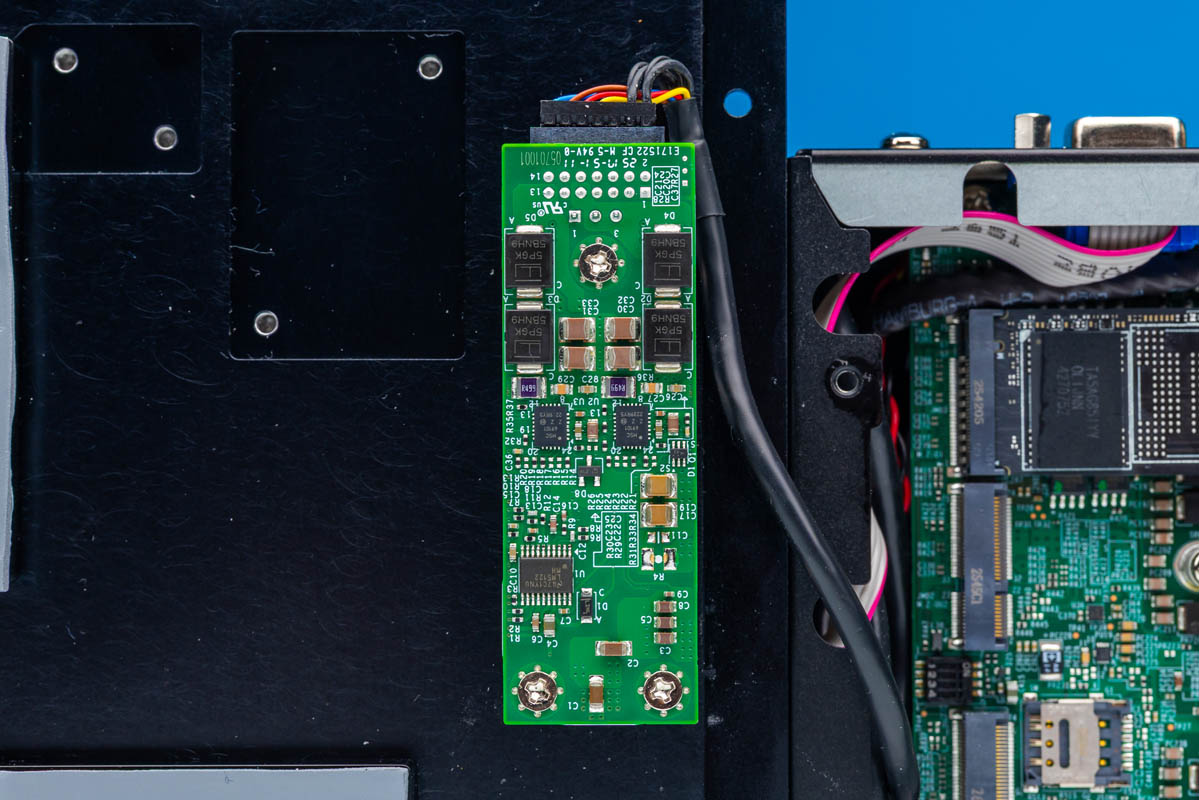
A small green board attaches beneath the removed cover next to the mainboard. Visible components, fasteners and a connecting flat cable are all part of this secondary assembly.
The unit tested has two replaceable SO-DIMM slots on the right side of the mainboard, populated with two 16GB Samsung DDR5 modules at 5600MT/s for a total of 32GB. This configuration is what produced all scores.
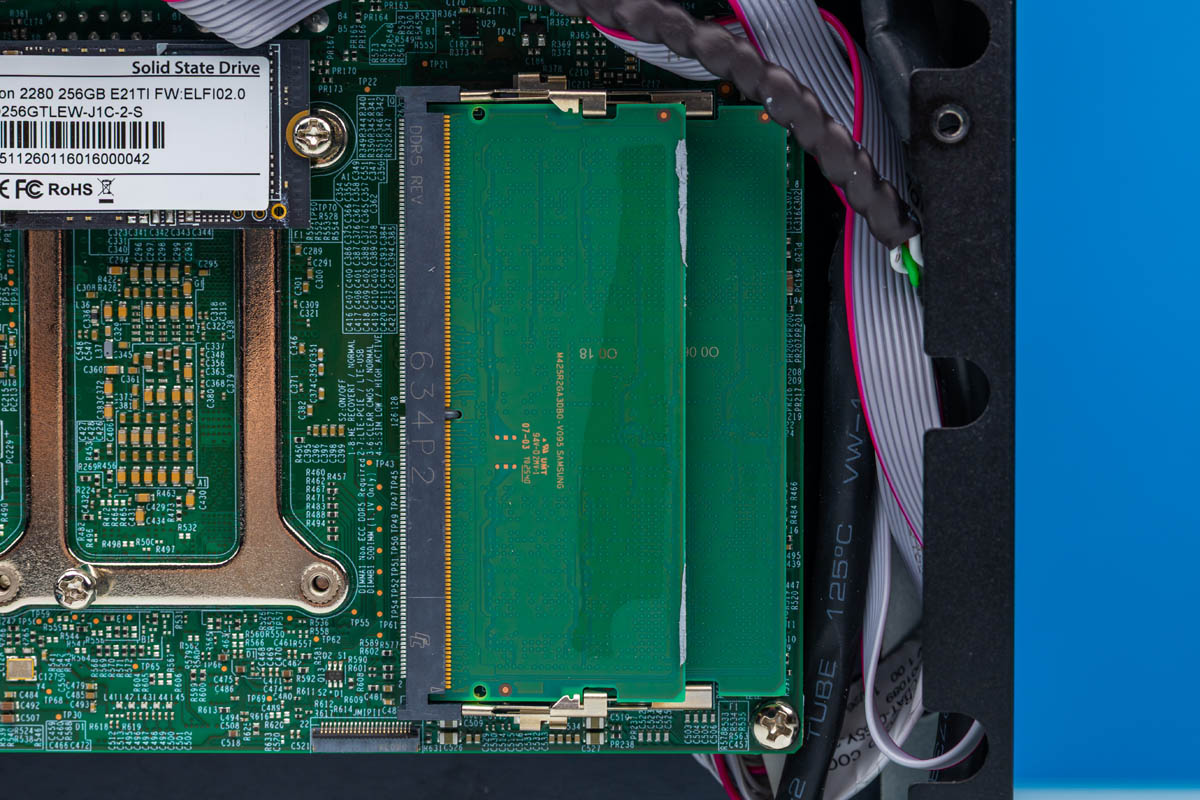
The green backs of installed memory modules sit beside an adjacent board area here. Two SO-DIMM slots with their retention hardware hold the DDR5 modules in place on this side.
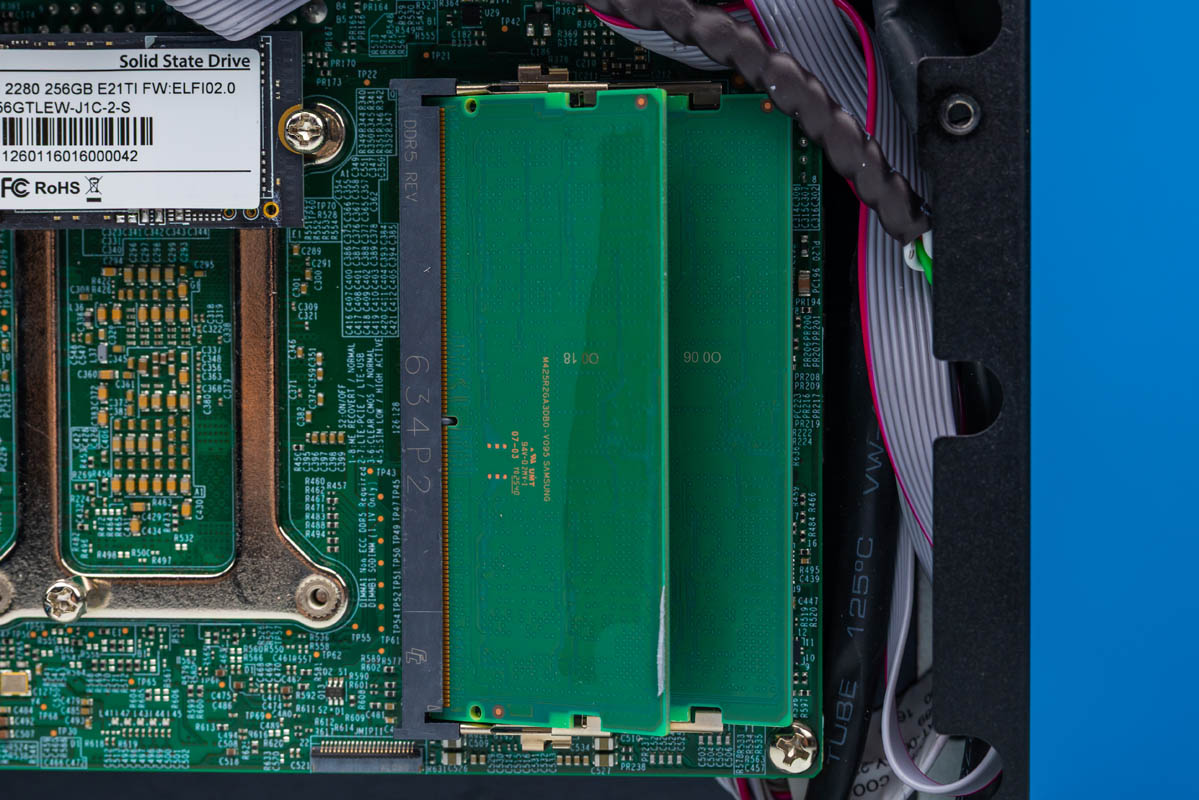
A Kingston label is visible on the populated module pictured here, alongside mainboard markings. This differs from the separately tested Samsung kit used for benchmark results.
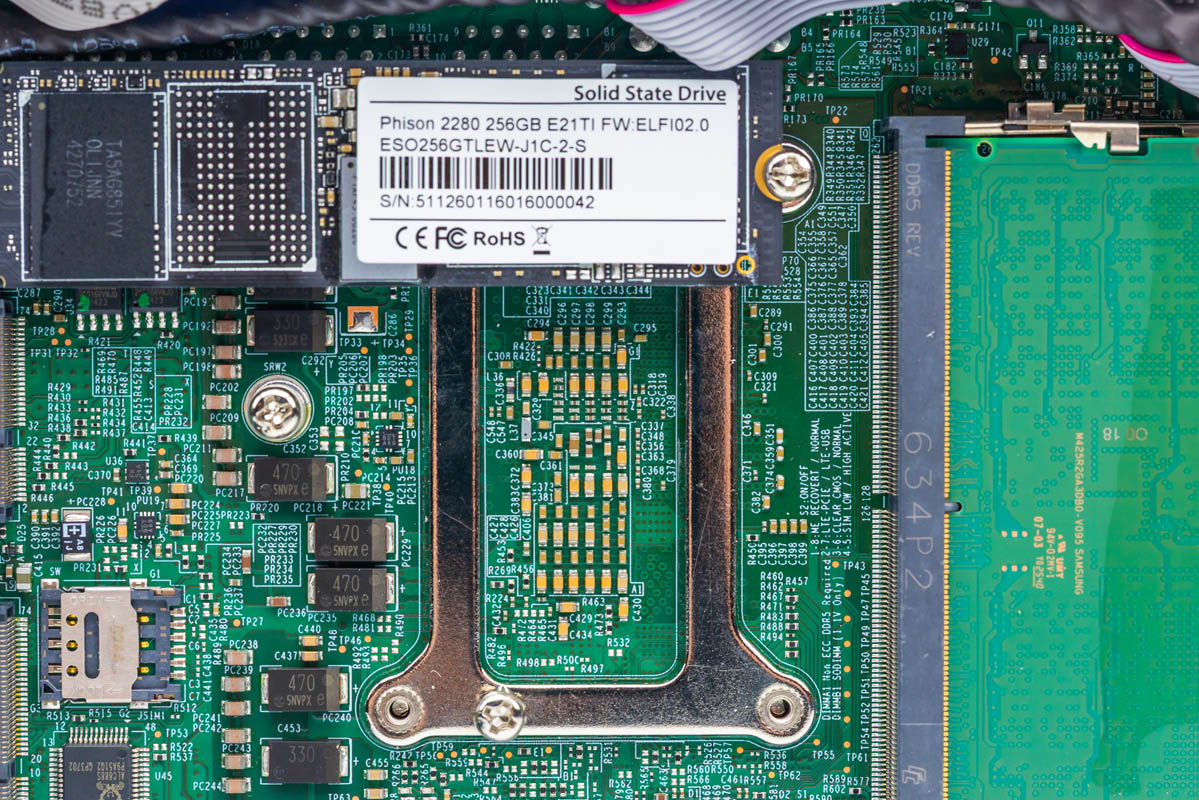
The installed drive is a Phison E21T1 256GB SSD using a PS5021-E21 controller. Linux reports this device as nvme0n1 with 238.5GiB of usable space against its nominal 256GB capacity.
The negotiated connection runs at Gen4 x4, which aligns with the drive’s endpoint maximum specification. However, the root port itself supports Gen5 x4 capability.
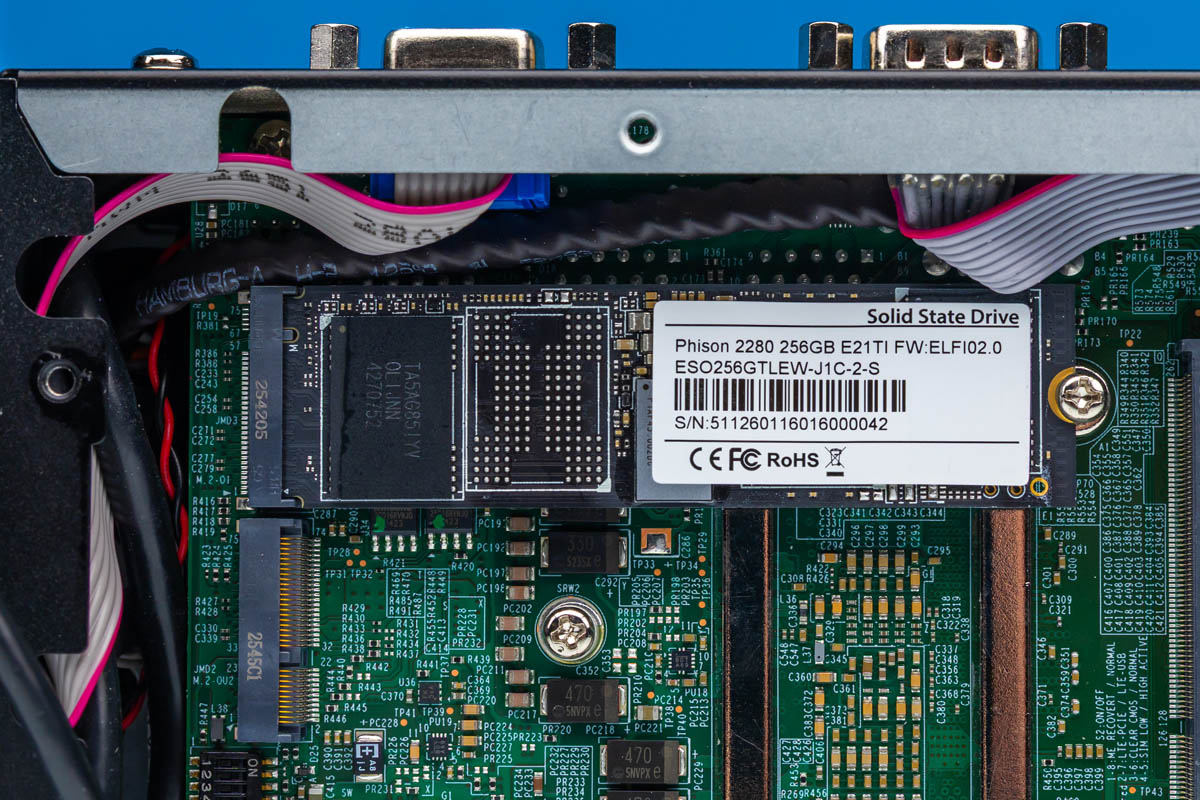
The installed Phison SSD carries its label above the mainboard center with SO-DIMM modules adjacent to it. Additional M.2 positions are visible nearby on this board.
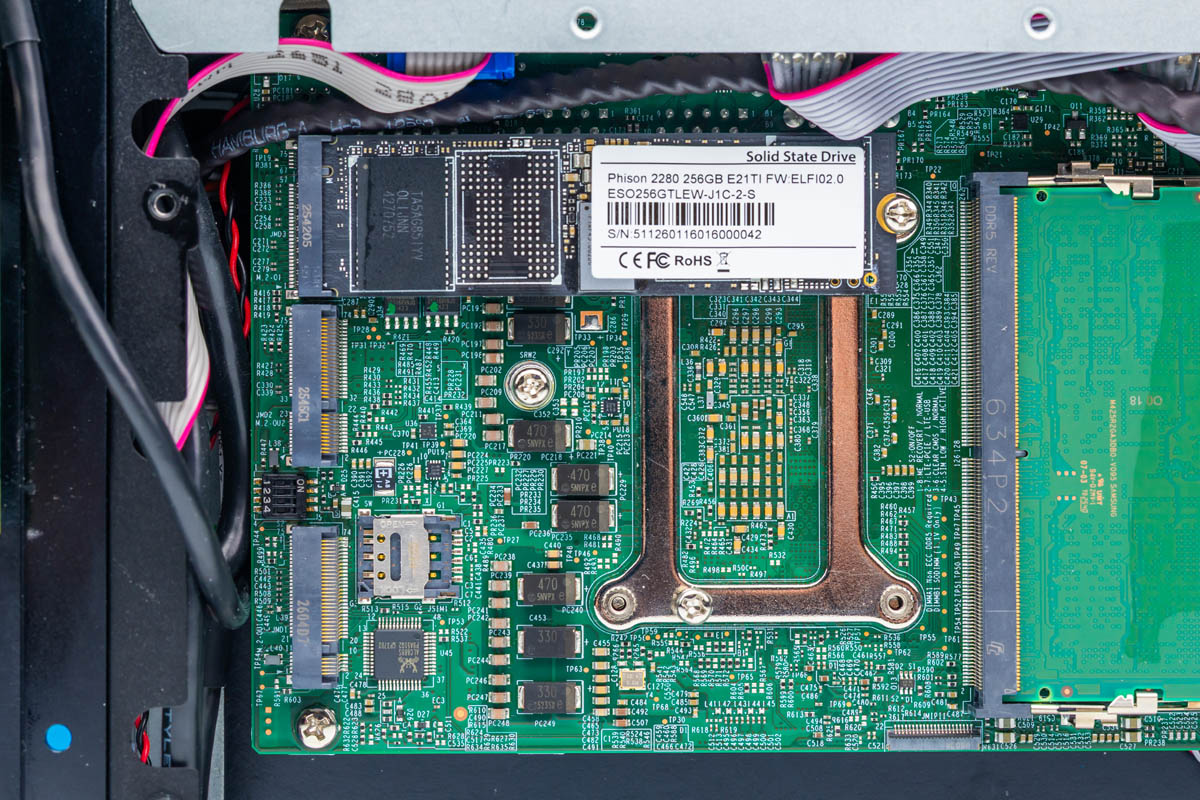
There are additional M.2 mount points visible near the populated slot. Supermicro’s datasheet lists multiple M.2 options including an E-key 2230 socket for wireless and a B-key socket that can take 2242/2280 drives or a 3052 WWAN module with nano SIM support.
The rear of the mainboard shows a four-screw plate in the CPU area. This is not a user-upgradeable CPU socket; it is the backplate for the soldered FCBGA-2540 processor on the opposite side. The Core Ultra X7 368H is BGA-mounted, so what you buy is what you get for compute.
With the internal layout mapped out, we moved to software configuration. The next section details how Ubuntu 26.04 LTS sees this heterogeneous processor topology and its specific core counts.