

Miscellaneous Controller Mounting
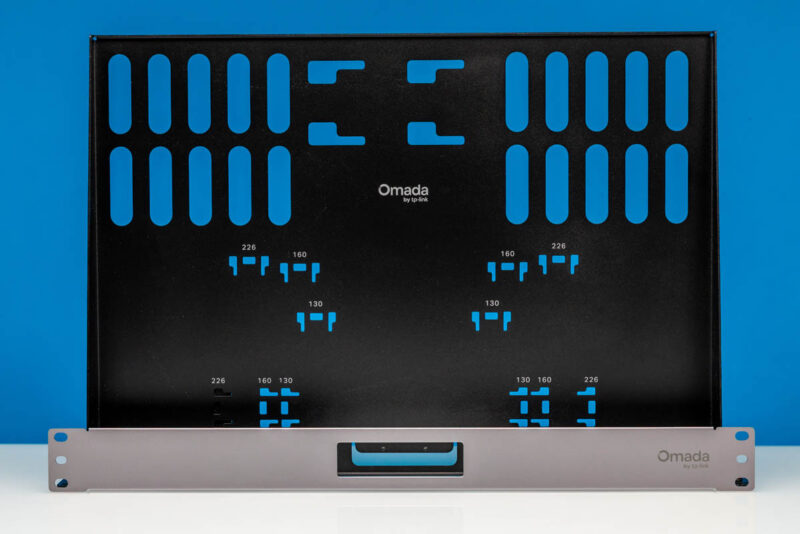
Also, in the big box from Omada, we got a few mounting options. For example, there was a 1U shelf for the controller.
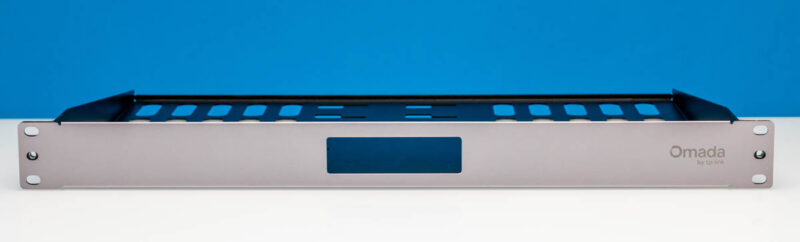
The shelf had plenty of room for tie-downs to keep gear secure.
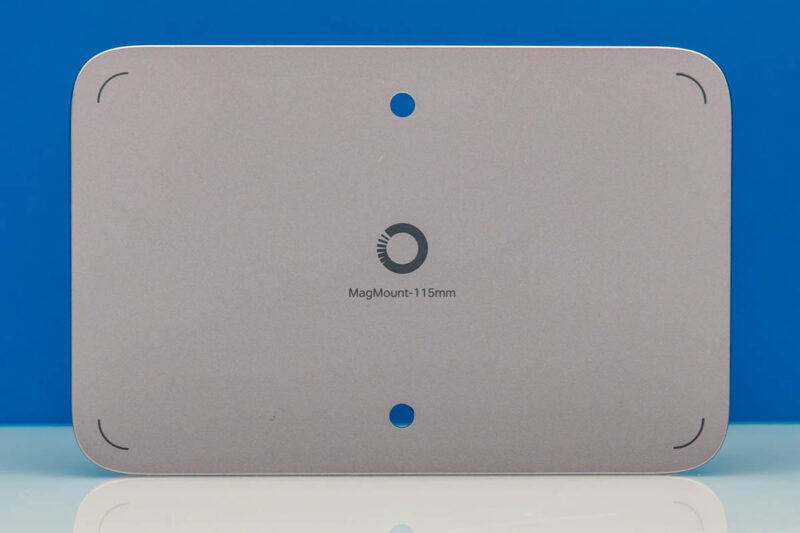
Since they are popular, Omada also has a magnetic mount for the Fusion Gateway 2.5G.
Let us now get to the switch.
Omada SG2210XMP-M2 8-port 2.5GbE PoE+ and 2-Port 10G SFP+ Switch
If you have seen our The Ultimate Cheap Fanless 2.5GbE Switch Buyers Guide you will have seen us test many switches over the years. The Omada SG2210XMP-M2 is a form factor that would fit in well there, but it also has a 160W PoE+ capacity, which is a frequently requested feature.
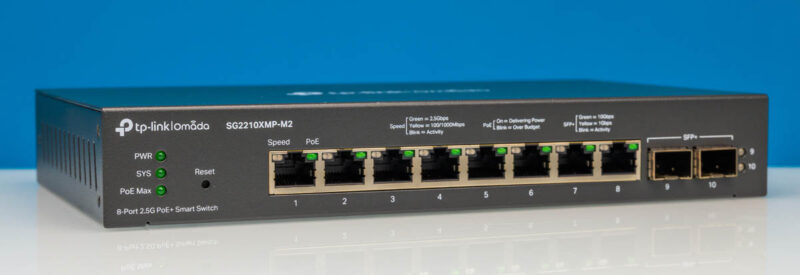
The main network ports are 2.5GbE, with all eight having PoE+ capabilities. The idea is that you use one as a backhaul to the Fusion Gateway 2.5G, and then can hang client devices, NAS units/ servers, and primarily Wi-Fi 7 access points off of these ports.
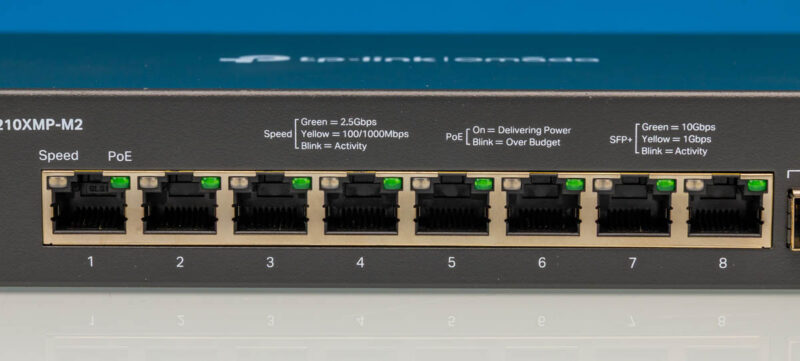
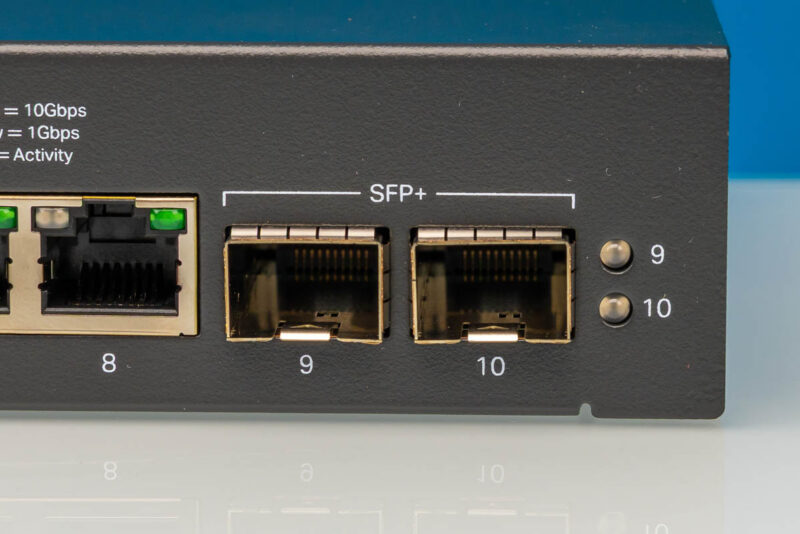
Perhaps more for the servers/ NAS devices, and potentially future gateway upgrades there are two SFP+ ports.
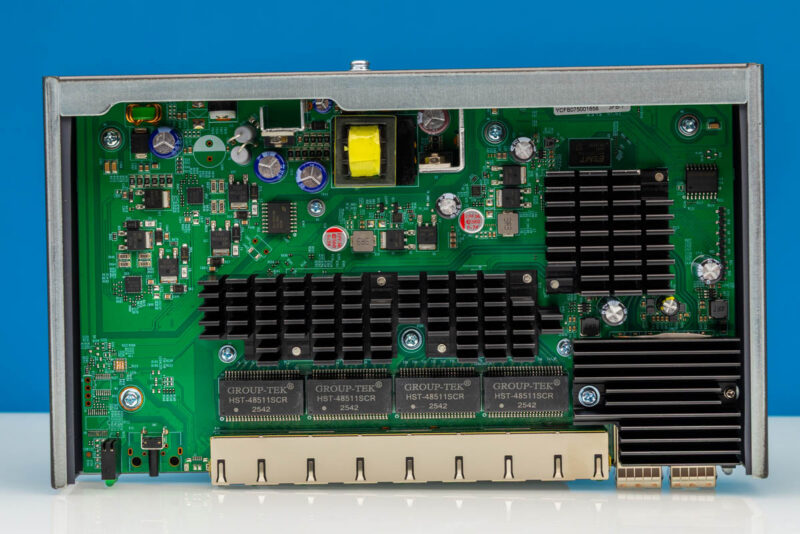
Since I know many of our readers will be dying to see inside, we opened it up so you can get a sneak peek.
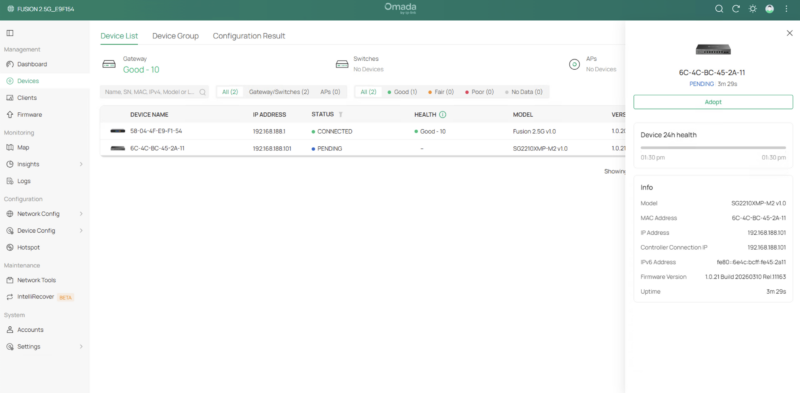
Instead of logging into the switch to set it up manually, we just plugged in power and a cable to the Fusion Gateway 2.5G, and within a few seconds it booted and appeared on our client device list, ready to be adopted by the controller.
The really useful case for this is connecting Wi-Fi 7 APs. Here you can see three Wi-Fi 7 APs connected. A neat little feature is that the switch actually shows the product icon above the switch port so you can visually see which Omada device is connected to each port.
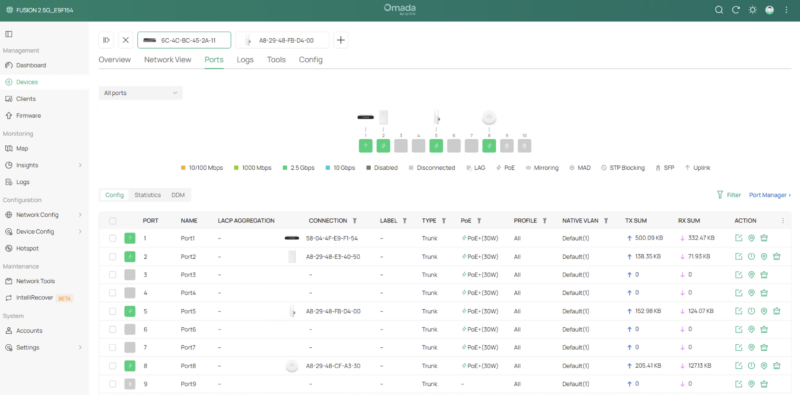
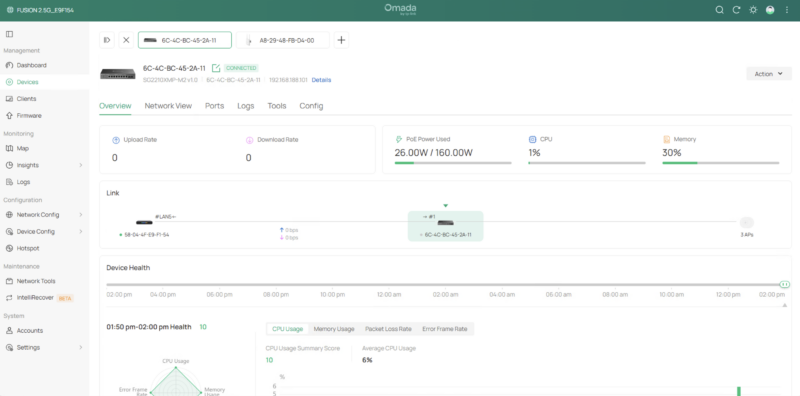
You can also see traffic through the switch and information like how much power is being used of the 160W PoE+ power budget.
Next, let us get to the APs.


The amazon link takes you to a UbiQuiti UCK-G2-SSD page :D
It seems odd that the article and video do not mention this Omada is TP-Link’s controller managed line.
For posterity, the Omada controller is also available as a downloadable software application for Linux or Windows. (For people who don’t have the gateway or a dedicated hardware controller).
I agree with the above – this is a slightly weird review! IME the Omada software is excellent. Looking at the price of ~$150 I would say it compares favourably to a cheap mini PC and OPNSense for example. As someone who already has 3 EAP772 WAPs I’m tempted…
A couple of things to add – there is a larger (PoE, 8 Ports) version and a smaller (1gbe) version. Looks like only this version is available at the moment. Disappointingly none of them can be powered by PoE themselves.
Really curious how this stacks up with the UniFi UCG Max in terms of performance, and eventually testing the Fusion Pro and how it fairs against the UCG Fiber…