

Omada 7 Pro (EAP772) Ceiling Mount AP
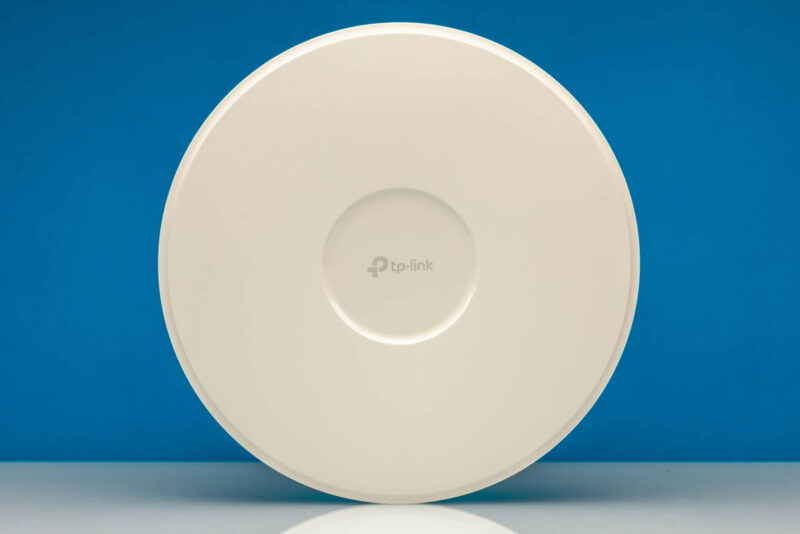
Now that we have looked at the Fusion Gateway 2.5G controller and the PoE+ switch, the next part to look at is the three Wi-Fi 7 APs. Here you can see the Omada 7 Pro (EAP772) ceiling mount AP in a classic round form factor.
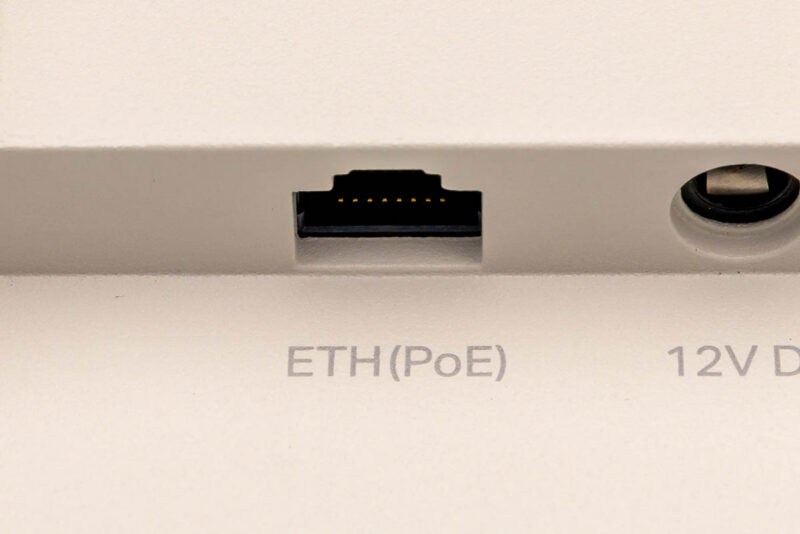
On the back, you can hook up a 2.5GbE PoE+ port and power the AP using a single cable, but there is also a 12V DC power input.
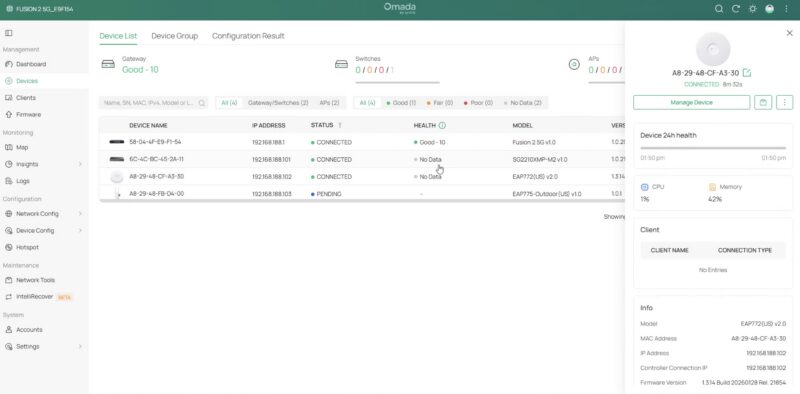
Once powered on and connected, it appears in the device list and is ready to be adopted.
Here you can see the device online with the ability to tweak specific wireless channels. The AP also supports EAP which helps enahnce its 6GHz signal strength.
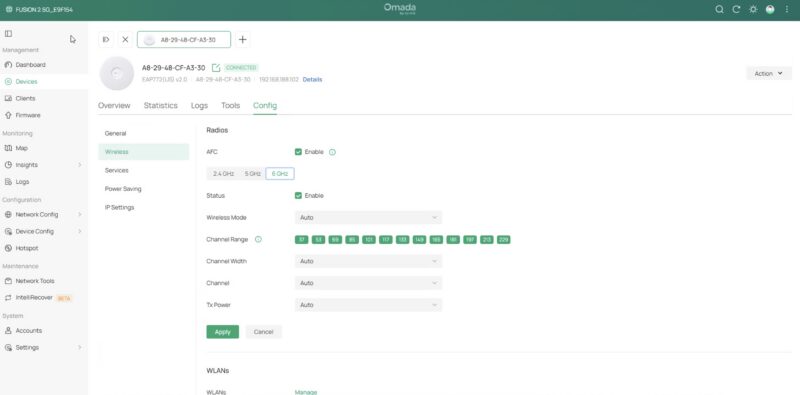
Again, that is the power of the controller. Instead of having to set this one up individually, the base “set up” is just to adopt it on the controller, and then a few seconds later, it is available with the campus Wi-Fi SSIDs.
Omada 7 Pro Outdoor (EAP775-Outdoor) IP68 AP
While we had seen Omada Wi-Fi indoor APs before, the Wi-Fi 7 BE11000 takes advantage of 2.4GHz, 5GHz, and 6GHz channels to provide six-stream performance on APs like the Omada 7 Pro Outdoor (EAP775-Outdoor).
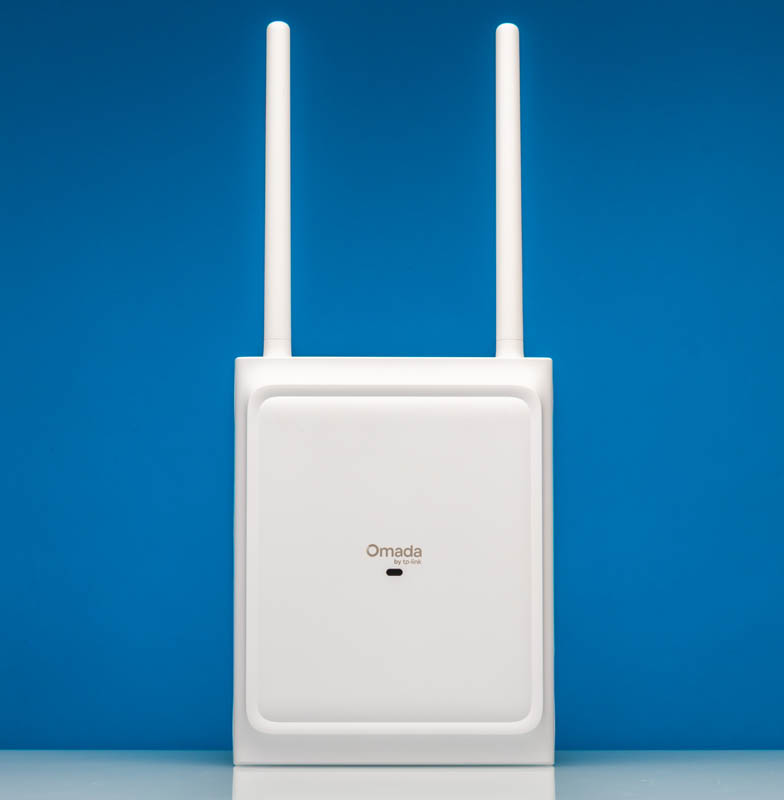
This is an outdoor AP with an IP68 rating. The idea is that you can put it outside a building and get more coverage for patios, parking lots, and other areas.
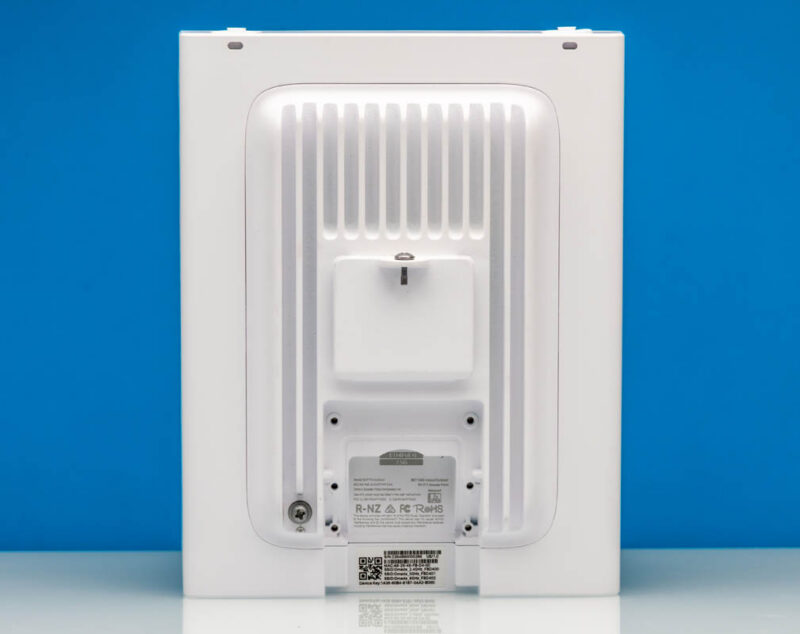
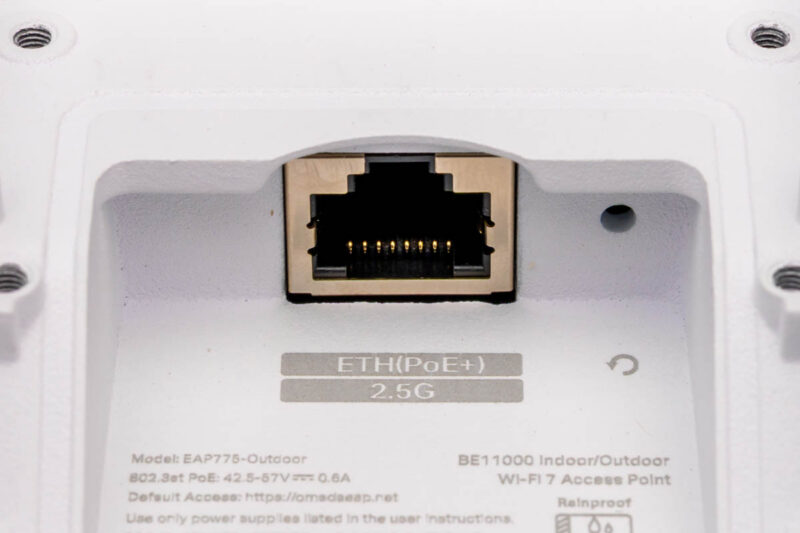
This can be powered by a single 2.5GbE PoE+ connection so you do not have to source power outside as well.
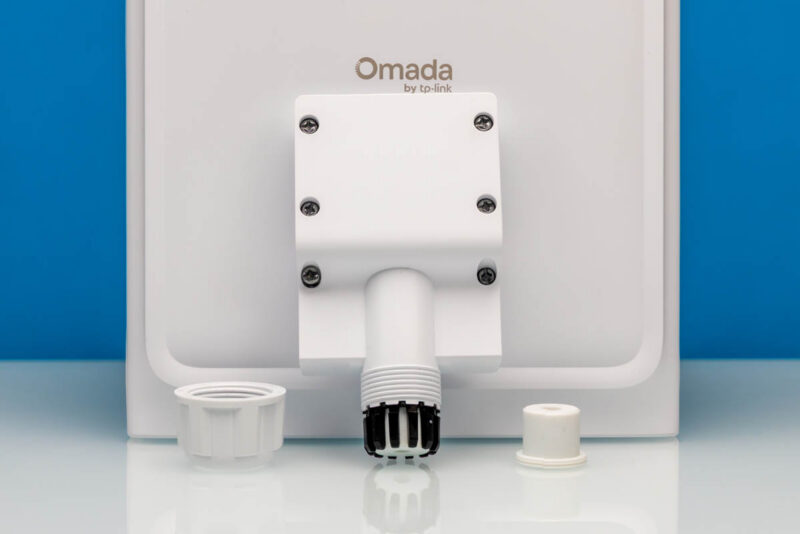
Omada includes mounting hardware and bits you need to keep water and dust largely out of the AP. You probably cannot tell this from the pictures, but the EAP775-Outdoor feels notably heavier than the EAP772 indoor unit.
This one can also be adopted via the Fusion Gateway 2.5G’s local controller.
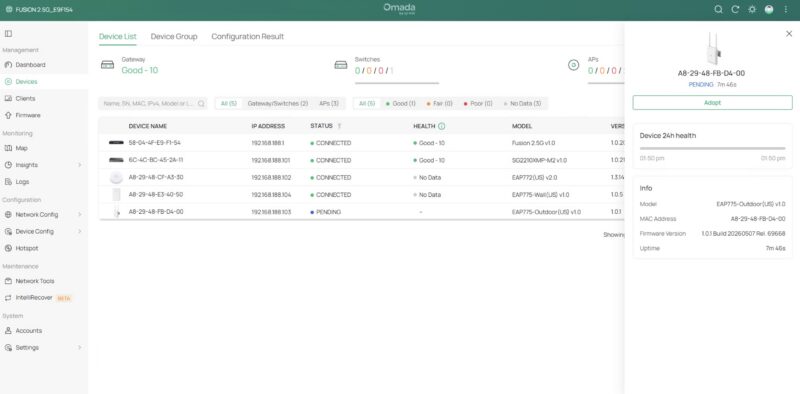
Settings cascade again from the centrally managed controller to the APs. One neat feature is that this supports switching between direction and omnidirectional antennas. That includes automatic antenna detection.
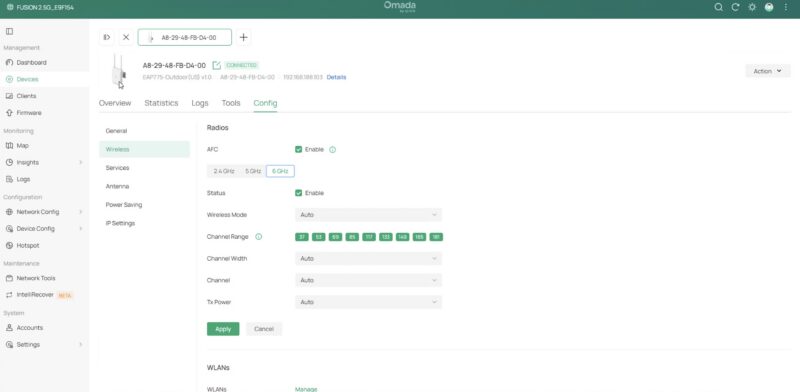
That may not seem huge, but again, this solution covers indoor and outdoor APs.
Omada 7 Pro Wall (EAP775-Wall) Plate Mount Wi-Fi 7 AP
One final one that Omada included in the box was the Omada 7 Pro Wall (EAP775-Wall) Plate Mount Wi-Fi 7 AP.
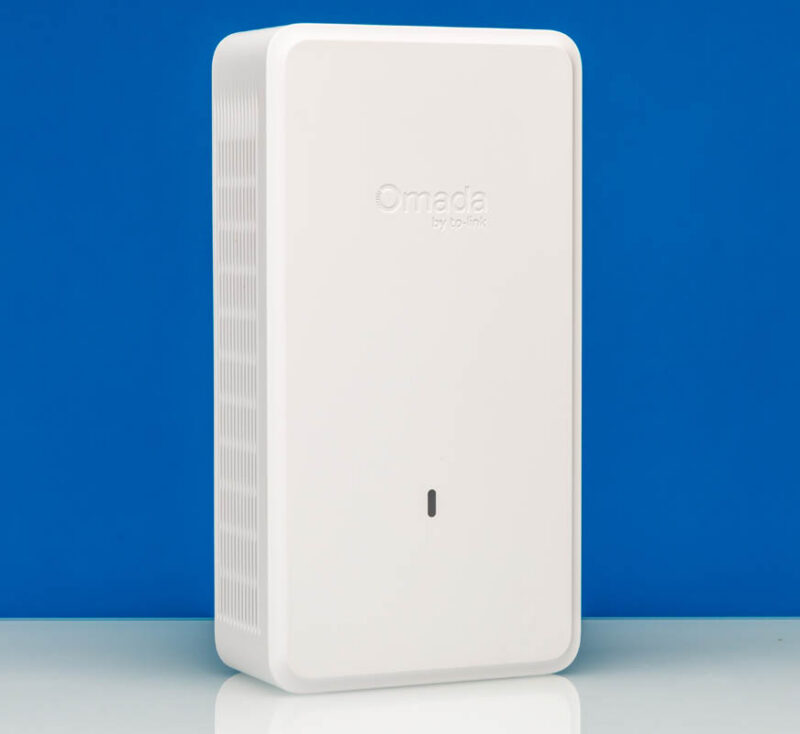
As the name suggests, you can mount this BE11000 Wi-Fi 7 AP on a standard wall plate, giving a clean installation look.
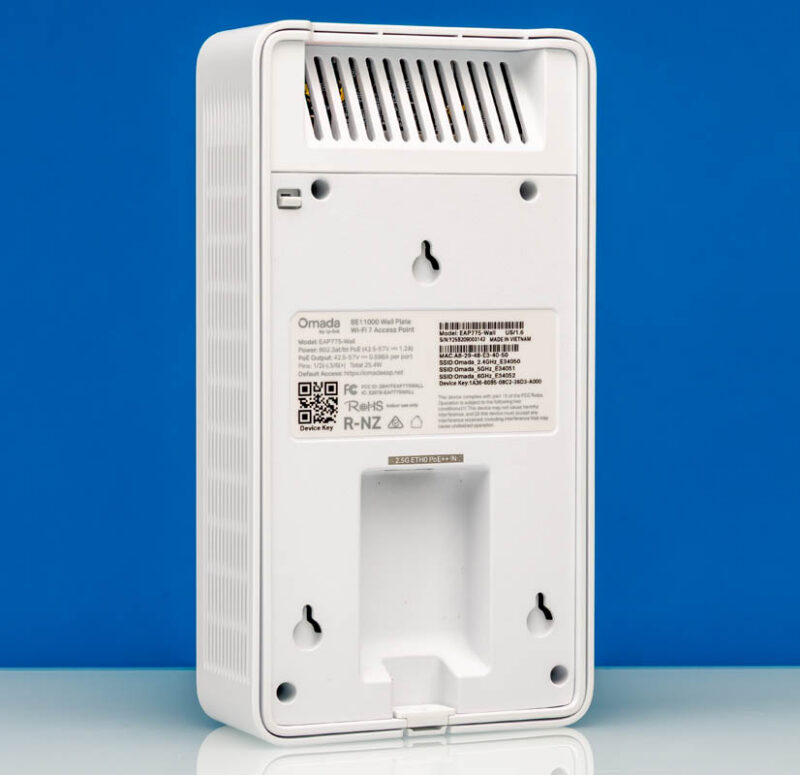
This one can also accept a 2.5GbE connection and PoE+ or PoE++ for power.
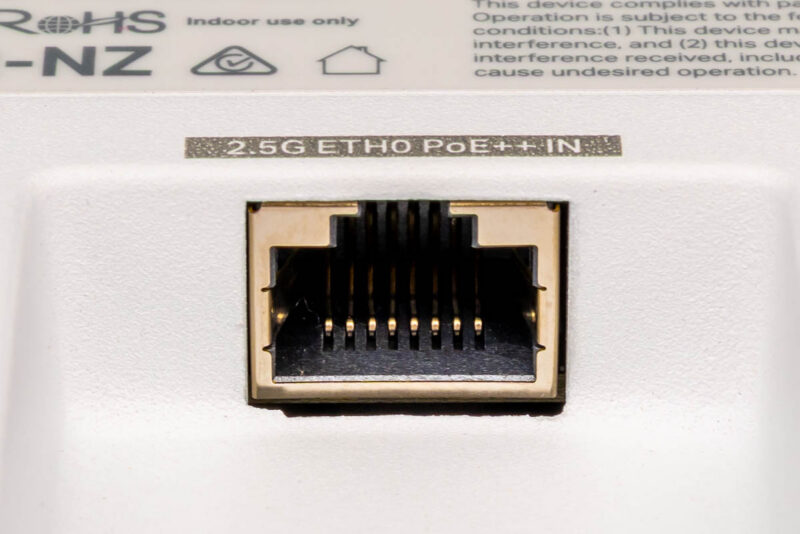
At first, we thought this was just another AP. Then we looked at the bottom side, and there are many ports. You can even use 802.3bt on the main 2.5GbE port, then use one of the three 1GbE ports as PoE+ out, or have two 1GbE PoE outputs.
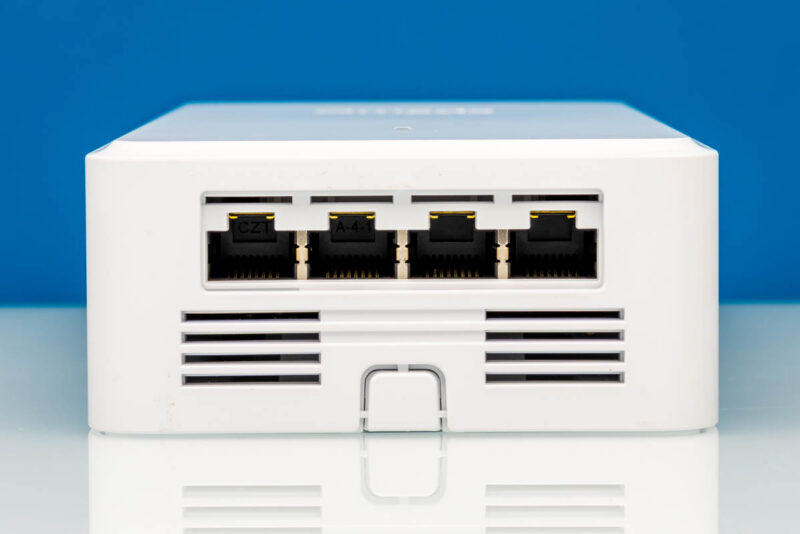
That adds a neat dimension to this because it means you can do things like power downstream cameras directly from this AP.
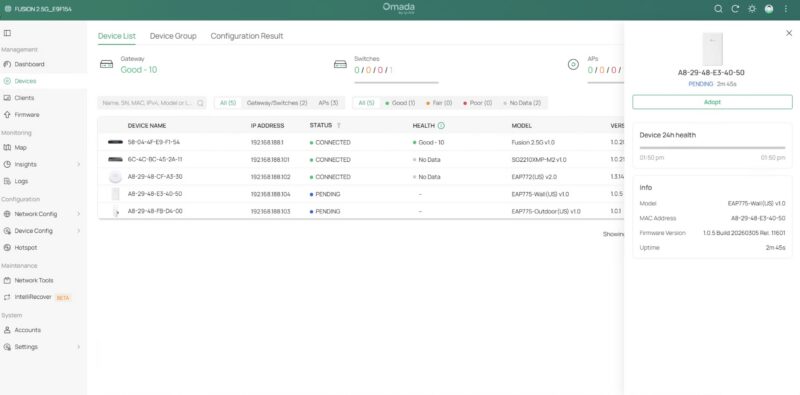
Again, everything, including the additional ports, is managed by the Omada Fusion Gateway 2.5G local controller.
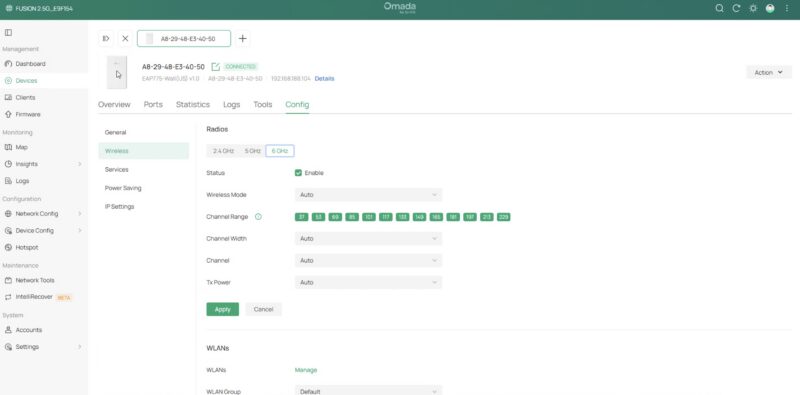
This was a surprisingly neat little AP.
Final Words
At this point, we have used most of the devices and management solutions out there. The idea of having a cloud option is not new, nor is a local controller. Still, in an era where more of these devices are being pushed to a subscription model, there is something nice about buying hardware and then being able to use a local controller without a subscription.

When the box arrived, we were not really sure what to expect. After we set this up, it was surprisingly easy to deploy. The next step is really testing the performance of these devices, but I wanted to at least show folks what everything looks like put together, because that is not necessarily going to come through if we just look at the gateway or just the switch in isolation. The next step is putting these through CyPerf and IxNetwork testing.
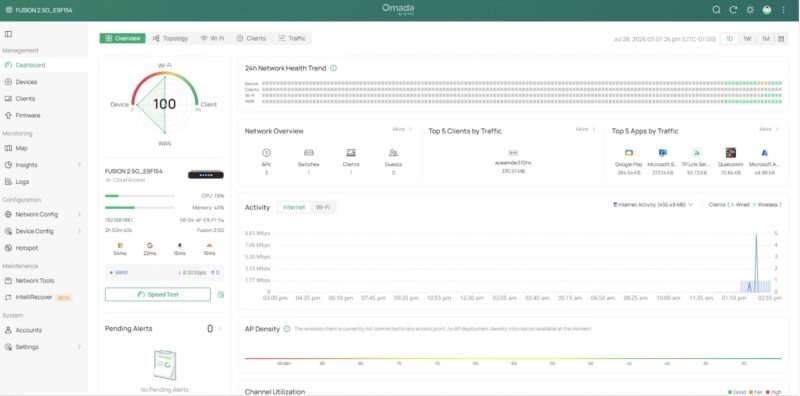
Overall, however, Omada’s local management solution on the Omada Fusion Gateway 2.5G was really easy to use. Compared to a few other solutions we have been testing recently, the delta is very noticeable. Also, we heard that this is one of what will be a family of Fusion 2.5G gateways, so if you want an internal SSD version or a PoE version, stay tuned.
Where to Buy
If you want to buy these, you can check out the Omada store, or here are some Amazon affiliate links:
Just a note: there is currently an offer for a free Fusion Gateway 2.5G when you spend $399 on other products, but that may change over time.

The amazon link takes you to a UbiQuiti UCK-G2-SSD page :D
It seems odd that the article and video do not mention this Omada is TP-Link’s controller managed line.
For posterity, the Omada controller is also available as a downloadable software application for Linux or Windows. (For people who don’t have the gateway or a dedicated hardware controller).
I agree with the above – this is a slightly weird review! IME the Omada software is excellent. Looking at the price of ~$150 I would say it compares favourably to a cheap mini PC and OPNSense for example. As someone who already has 3 EAP772 WAPs I’m tempted…
A couple of things to add – there is a larger (PoE, 8 Ports) version and a smaller (1gbe) version. Looks like only this version is available at the moment. Disappointingly none of them can be powered by PoE themselves.
Really curious how this stacks up with the UniFi UCG Max in terms of performance, and eventually testing the Fusion Pro and how it fairs against the UCG Fiber…