

Power and Battery
Power comes from the external USB-C adapter supplied with the notebook. The adapter keeps the charging hardware outside the chassis and connects through the same USB-C standard used by the Thunderbolt ports.
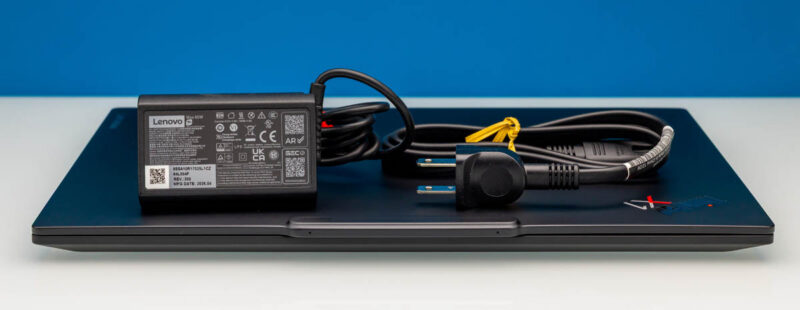
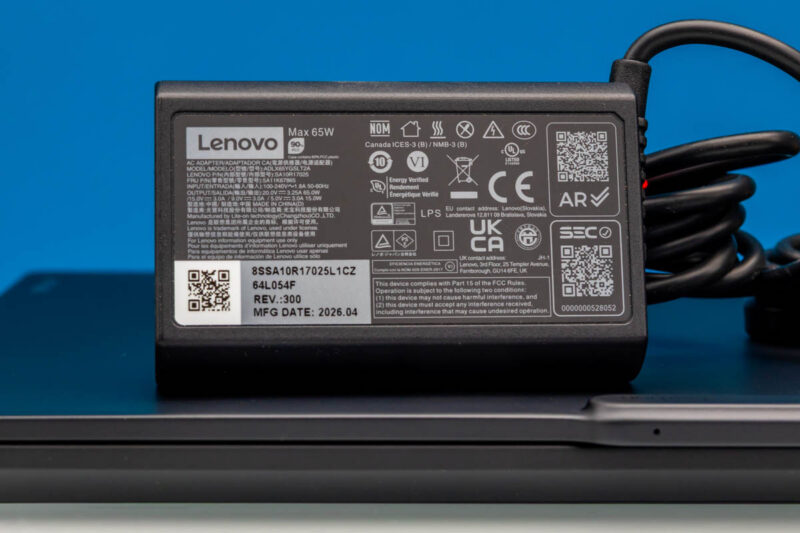
Its printed label carries the 65W rating, confirming Lenovo’s USB-C Power Delivery 3.0 spec.
Inside, Lenovo lists a 58Wh battery. With the 65W adapter, Lenovo rates Rapid Charge to reach 80 percent in an hour. That is a manufacturer claim rather than an STH measurement, and the same distinction applies to Lenovo’s MobileMark 30 figures. Lenovo’s published results range from 19.2 hours with a WUXGA ePrivacy panel to 11.4 hours with the 2.8K OLED option. We saw our system running between about 8W and 40W for the vast majority of the time we had it. Your results will vary based on usage, but we will let those with more mature battery testing suites go into those numbers.
Final Words
The ThinkPad X1 Carbon Gen 14 starts below 1kg, which is awesome if you travel a lot. Three USB-C Thunderbolt 4 ports sit alongside USB Type-A, HDMI, and a headset jack, offering a lot of external connectivity flexibility. Still, inside all that, you might get to change is probably the single M.2 SSD. Having to step down to a lower-power processor to get a lighter system sacrifices not just expandability. It also means we lose some performance. Still, in many tests, we were seeing roughly 9 to 10 percent lower single-core Geekbench 7 scores than on larger laptops with more power and cooling, and 26.6 to 35.8 percent lower multi-core scores. If you sit at a desk and never move your laptop, getting something bigger probably makes sense. Still, that level of performance hit is one that many will gladly trade for extreme portability. Our Editor-in-Chief, Patrick, still tells stories about how much he loved getting his original X1 Carbon when he was doing big-firm consulting, just because of its portability.
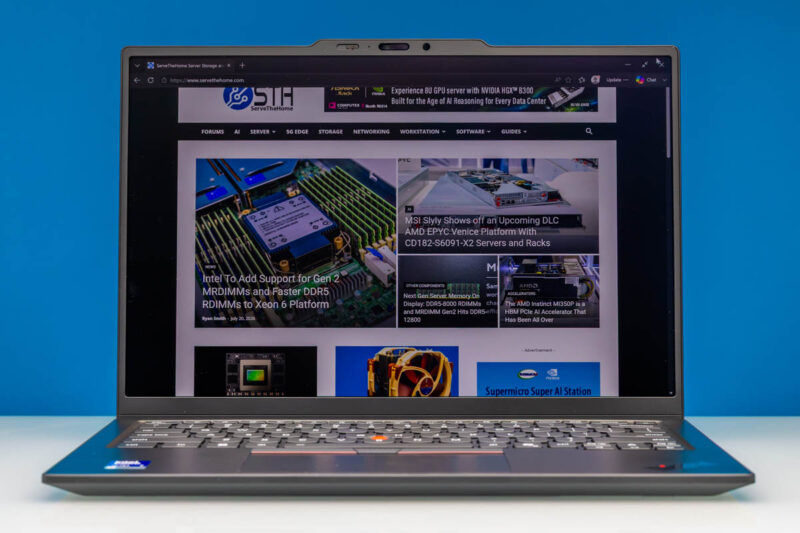
The Lenovo ThinkPad X1 Carbon Gen14 lands its defining priority squarely. This is the system you want if you are an executive on the move and use your notebook mainly to access company applications and share presentations and data at meetings. If you want to do heavy local AI development, this is probably the wrong class of systems, but if you are always on the move, there is a good chance you have used an X1 Carbon before.



Still feels like the biggest let-down here is the software – the PTSD inducing crapshoot that Microslop has put together and we know as windows11. I would love to see some tests done on latest Ubuntu.
Looking at reddit – reports on this machine – not working still: Camera, Mic, headphone jack
I don’t understand why Lenovo sends review units with 7 355, LCD, Gen 4 nvme across all tech reviewer.
My X1 Carbon has X7 358H, 64GB, OLED(touch), crappy Chinese Gen4 nvme which I’m trying to replace with WD_Black SN8100 2TB, but can not lift the magnesium bottom cover because of the middle clip, and no one shared the trick on the internet yet. Lenovo service couldn’t help they don’t even know there is a difference between the OLED magnesium and LCD aluminium.
It runs Fedora 44 KDE, everything including camera work out of the box.
Kernel driver in use : intel_ipu7
Kernel modules: intel_ipu7
imx471 [libcamera]
Driver vers: 7.1.5