

Gigabyte G893-ZX1-AAX2 Power
In terms of power, the system used 3kW Delta power supplies.
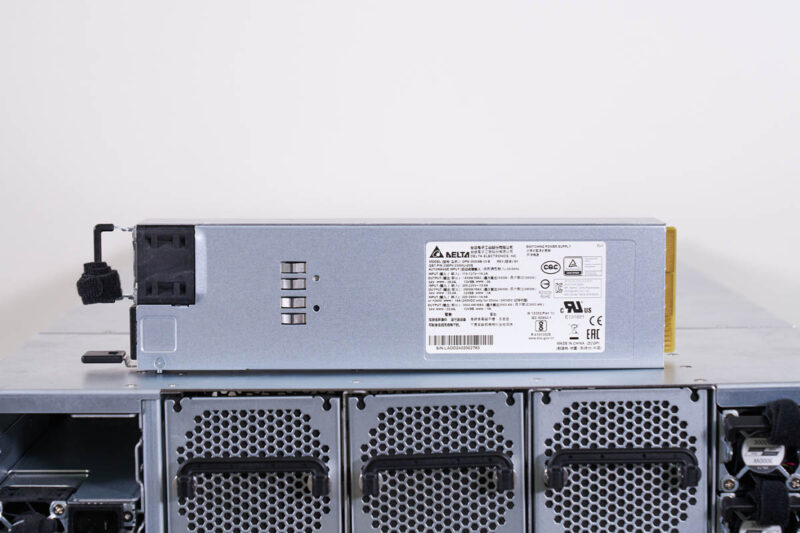
There were, however, twelve of these in the system. This is really to provide enough power to redundantly operate the system off of A+B power so it is not just to keep the system up on an individual power supply failure.
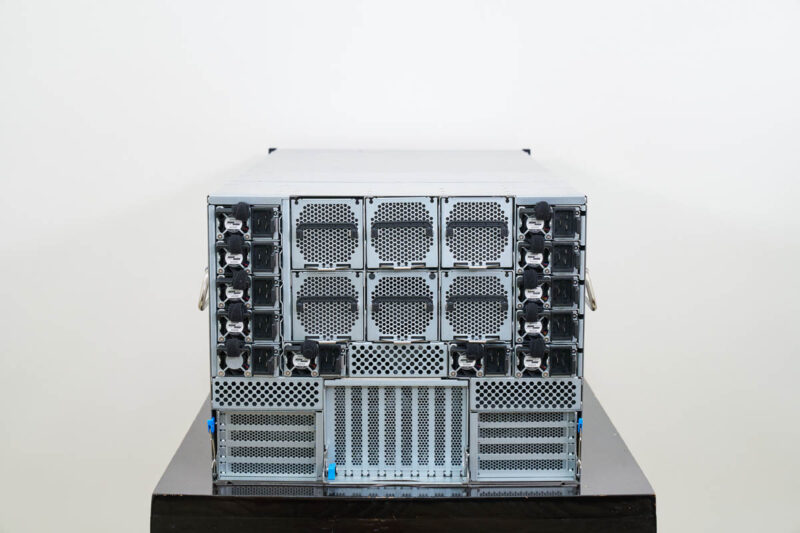
At idle, just the GPUs alone were using over 1kW, and we were well over 12kW total during testing, likely with room to go up from there. These are absolutely massive systems.
STH Server Spider: Gigabyte G893-ZX1-AAX2
In the second half of 2018, we introduced the STH Server Spider as a quick reference to where a server system’s aptitude lies. Our goal is to start giving a quick visual depiction of the types of parameters that a server is targeted at.
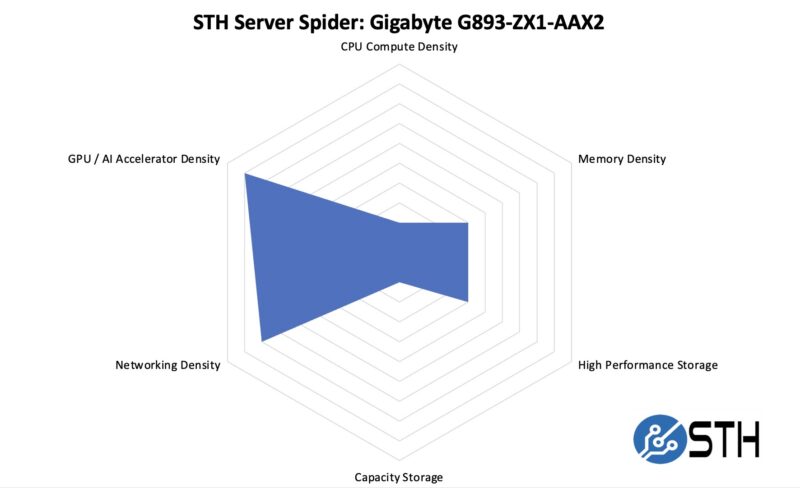
A system like this is focused on maximizing the GPUs and networking installed in a rack. The CPUs and system memory are in many ways there to feed the GPUs. Since this is a density chart, we needed to note that although these 8U 8GPU systems are dense with high-power GPUs, liquid cooled systems are denser.
Final Words
The Gigabyte G893-ZX1-AAX2 is a neat system. The configuration we used with dual 192 core AMD EPYC CPUs, eight AMD Instinct MI325X GPUs, and then all of the other components to make them work makes for a packed system. It was also neat to see how Gigabyte used PCIe switches to expand the topology of the system.
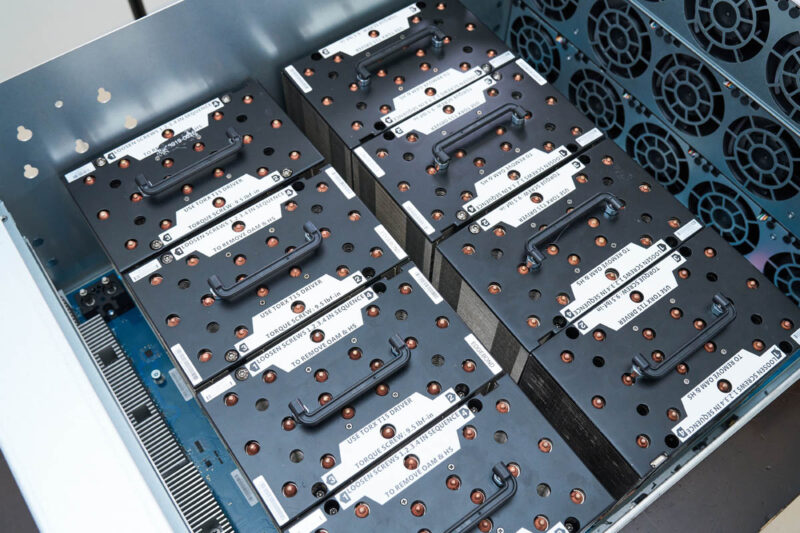
Overall, it is easy to get excited about systems like the Gigabyte G893-ZX1-AAX2. These are high-end AI systems that are designed to take NVIDIA platforms on with 2TB of HBM3E memory across the eight accelerators.


 with dual AMD EPYC CPUs works)
Is there any concern with regards to performance when using these pci switches?
ex. Any potential for oversubscribing and causing congestion avoidance protocols to kick in?
How does this topology compare to a typical dgx system regarding the issue above?
Is there the same potential for oversubscription with similar Nvidia based servers?
The motherboard without components actually has dual socket SP6 with 32 DIMM slots.
Kawaii, the unpopulated motherboard has different layout too. Most obvious is the m.2 slot adjacent to the middle bank of DIMMS on the unpopulated board.