

Gigabyte G893-ZX1-AAX2 Motherboard Tray
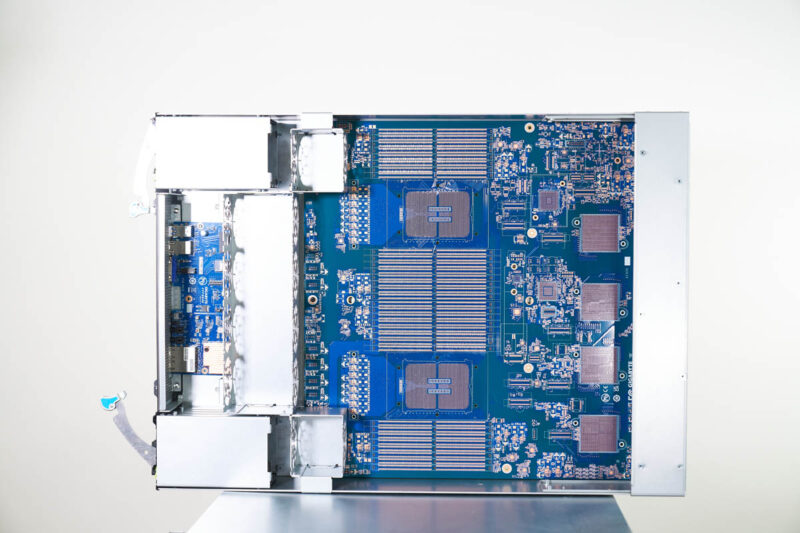
Since we were at Gigabyte, we had the ability to hunt for some fun views. We found the motherboard tray without the components placed which was neat to find and it makes it slightly easier to see what is going on.
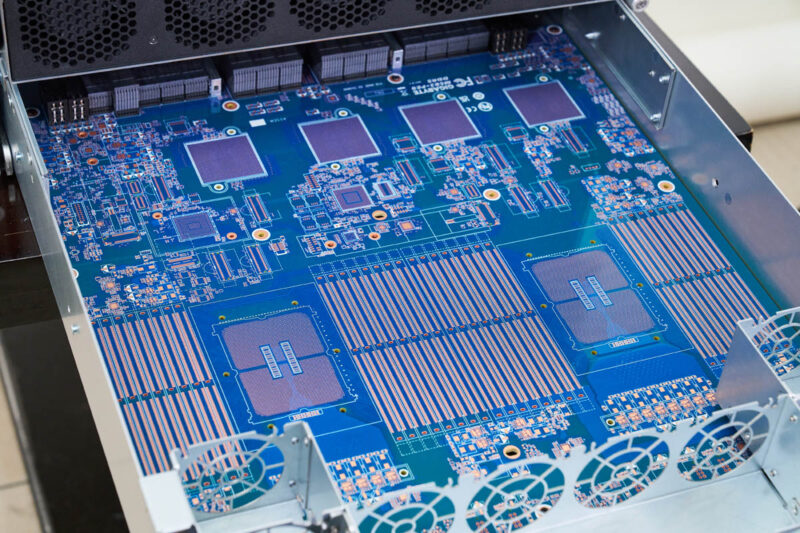
Here we can see the placements for the dual AMD EPYC SP5 sockets, each with 12 DDR5 DIMM slots for 24 total. Then we can see the pads for the MCIO connectors for PCIe and at the rear, the pads for the Broadcom PEX89104 PCIe switch chips.
For a look at the tray with the fans, cables, DIMM slots, CPU sockets, PCIe switches, and heatinks all installed, here is a look at that:
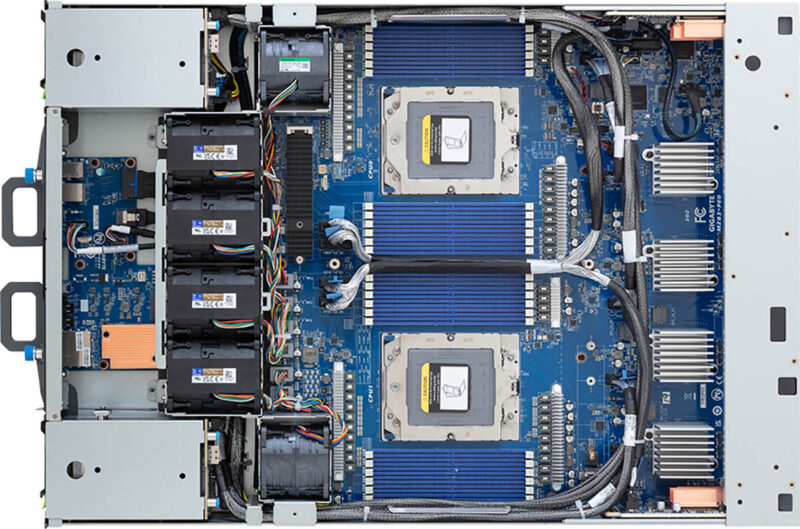
It is always neat to get to see both versions of motherboards, especially with boards that are complex like this one where we have the four Broadcom PCIe switches placed on this PCB (and two Broadcom PEX89048 on the sides for the side NIC trays.)
Gigabyte G893-ZX1-AAX2 AMD Instinct MI325X OAM Board
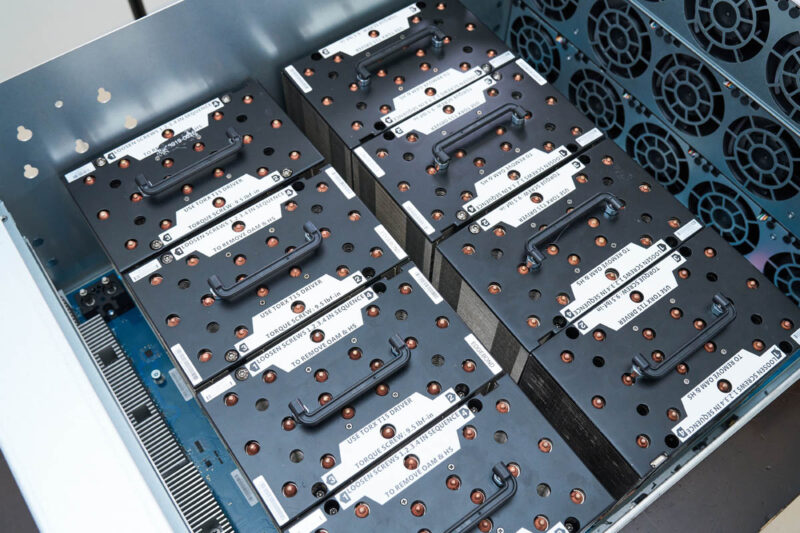
The OAM assembly is always neat. This houses the eight AMD Instinct MI325X GPUs. Each GPU can use up to 1kW of power, so the air coolers are quite dense and heavy.
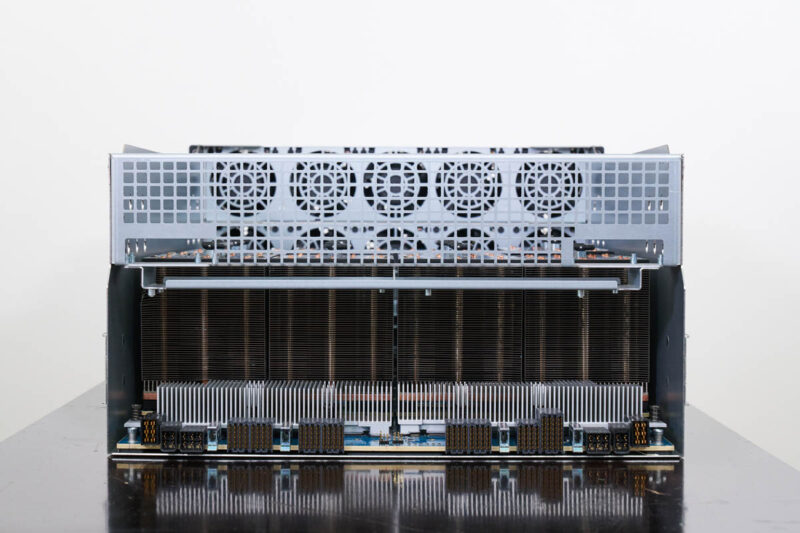
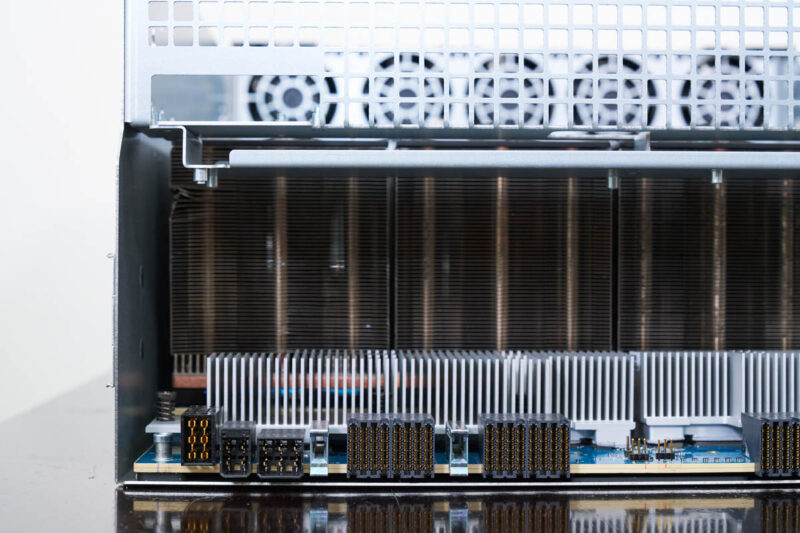
On the universal baseboard (UBB) for the eight OAM GPUs, we also have PCIe retimers.
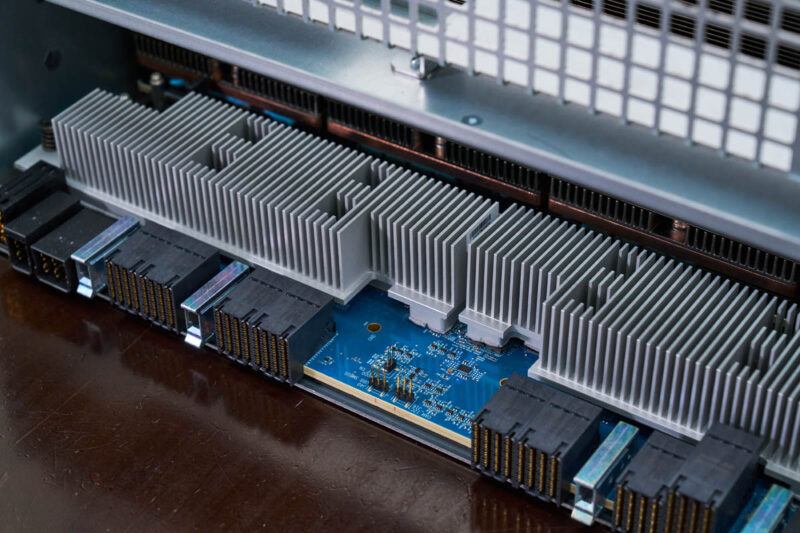
There are connectors for the power and the data connections.
Each of the 1kW AMD Instinct MI325X GPUs has a little handle on the heatsink to help in its removal and installation.
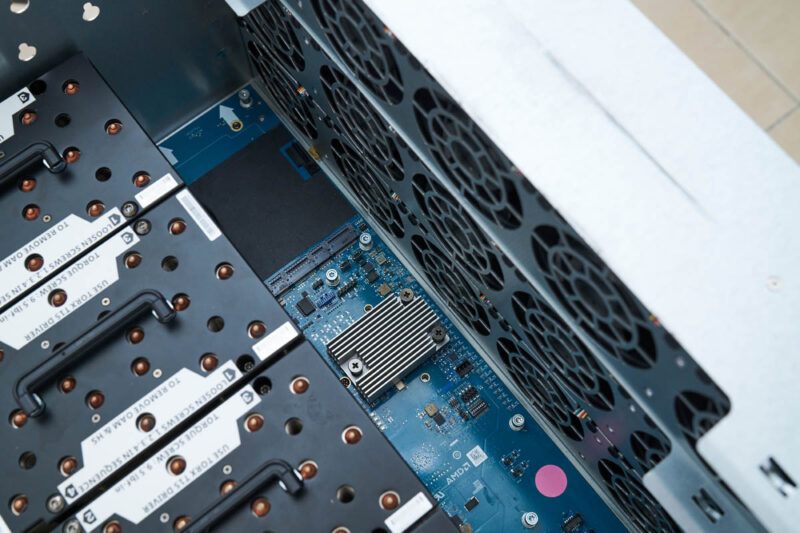
We also covered this recently, but there is an AMD SMC for its Instinct UBB here albeit the system we are taking photos of did not have this installed.
At this point, you might be wondering how this is all connected, so let us get to the topology and block diagram next.


 with dual AMD EPYC CPUs works)
Is there any concern with regards to performance when using these pci switches?
ex. Any potential for oversubscribing and causing congestion avoidance protocols to kick in?
How does this topology compare to a typical dgx system regarding the issue above?
Is there the same potential for oversubscription with similar Nvidia based servers?
The motherboard without components actually has dual socket SP6 with 32 DIMM slots.
Kawaii, the unpopulated motherboard has different layout too. Most obvious is the m.2 slot adjacent to the middle bank of DIMMS on the unpopulated board.