

Dell Precision 3240 Compact Internal Hardware Overview
Once that lid is removed, we have two zones. One has the SSDs and expansion. The other has the CPU and memory.
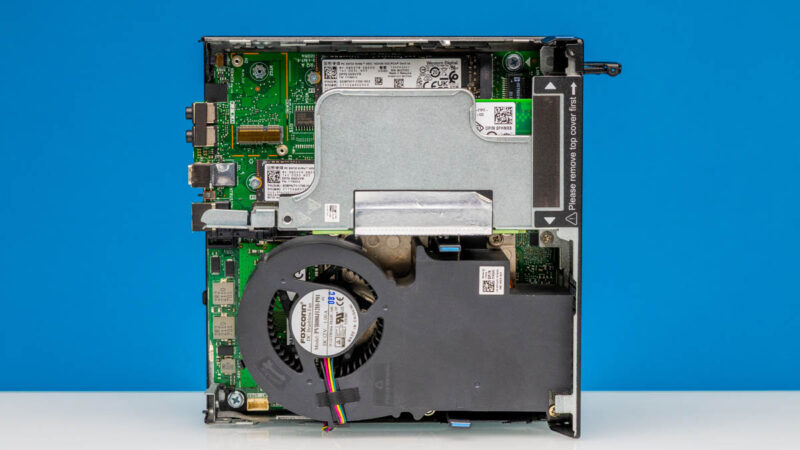
Here we have removed the PCIe riser that came in our system. We will talk about that in a bit.
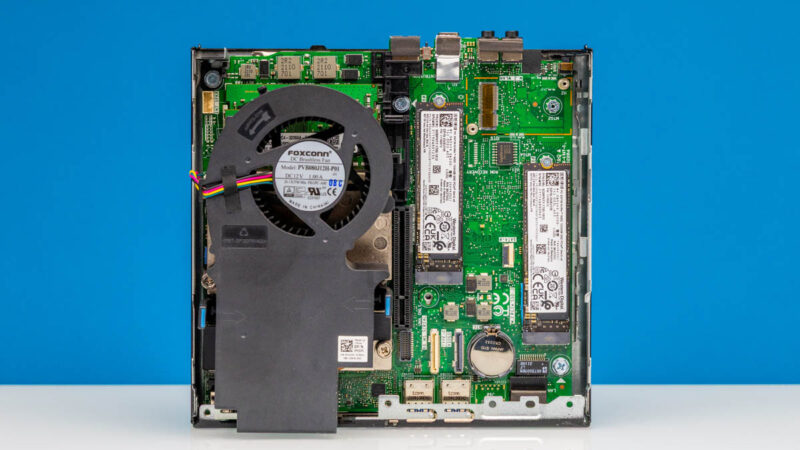
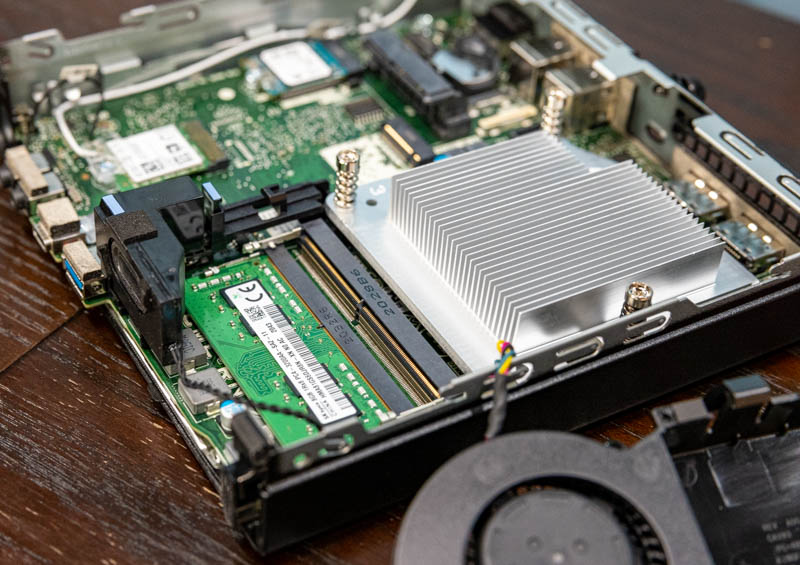
Here is a look at the CPU fan and airflow guide assembly. Something to note here is that this is very focused on the CPU, the SSDs and expansion card do not get their own cooler here by default.
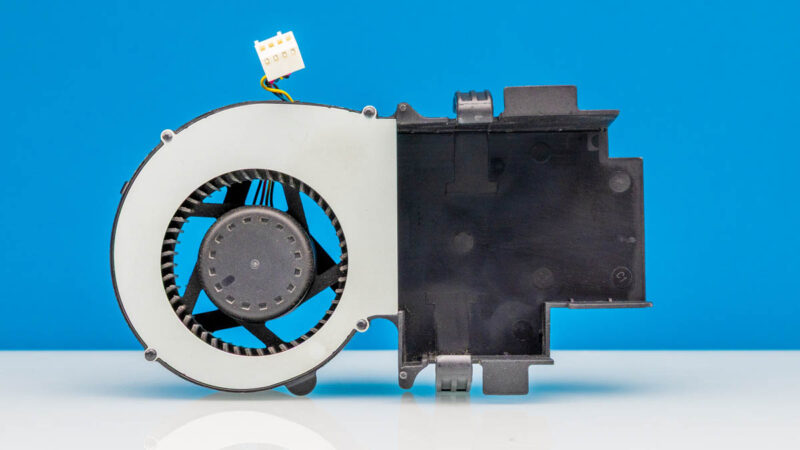
This is what the system looks like without the CPU fan and the PCIe riser.
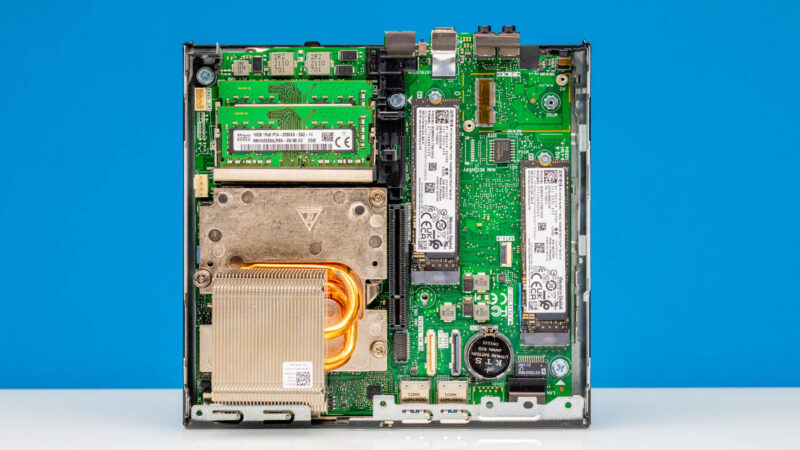
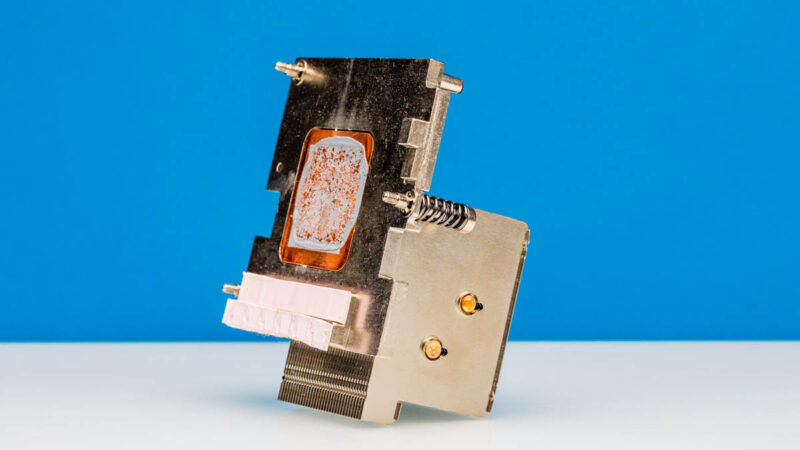
We have a larger heatsink in this unit since it is the Intel Xeon W-1250 system. Although it will be a familiar socket that also supports the Core 10000 CPUs (or just Comet Lake) the cooling is custom to Dell.
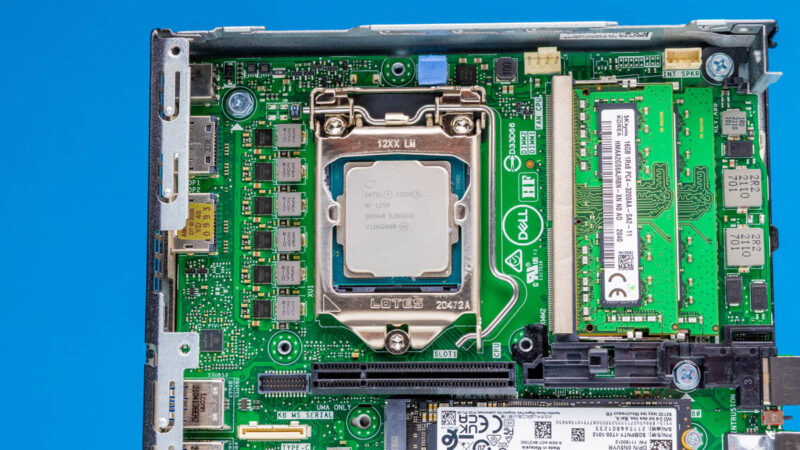
Here is the Intel Xeon W-1250. In the video we also have an Intel Core i5-10500 system but they look otherwise very similar so we are just using the Xeon W system for our review.
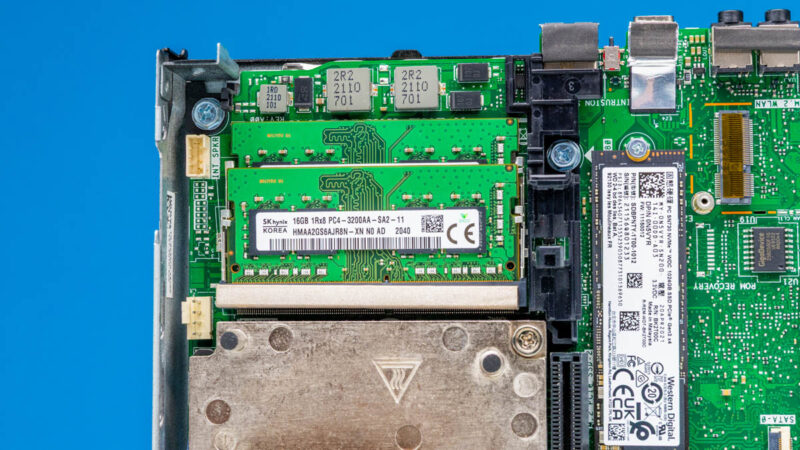
We also get two DDR4 SODIMM slots. With the Xeon processors, the systems can support ECC memory which is a feature that many ask for.
There is a M.2 WLAN card slot that is not filled in our chassis. Neither of our systems came with WiFi.
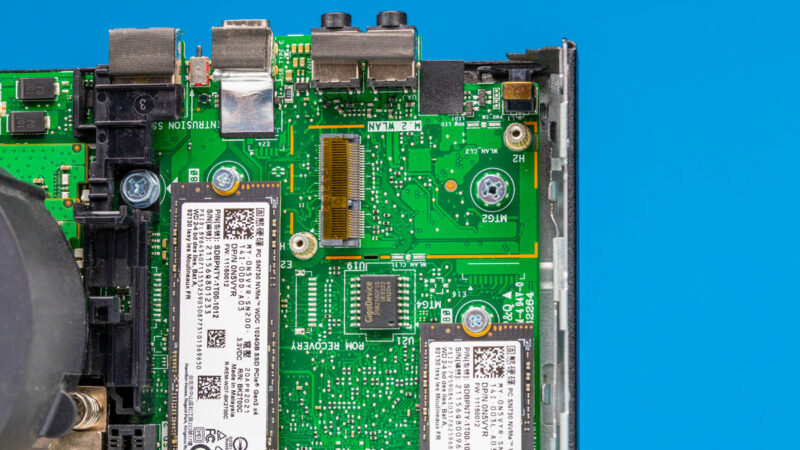
Below that we get two SSDs. In this case, we get two 1TB WD SN730 SSDs. We also shoehorned in an IOCrest 5GbE M.2 Adapter into the second system which gave us higher-speed networking.
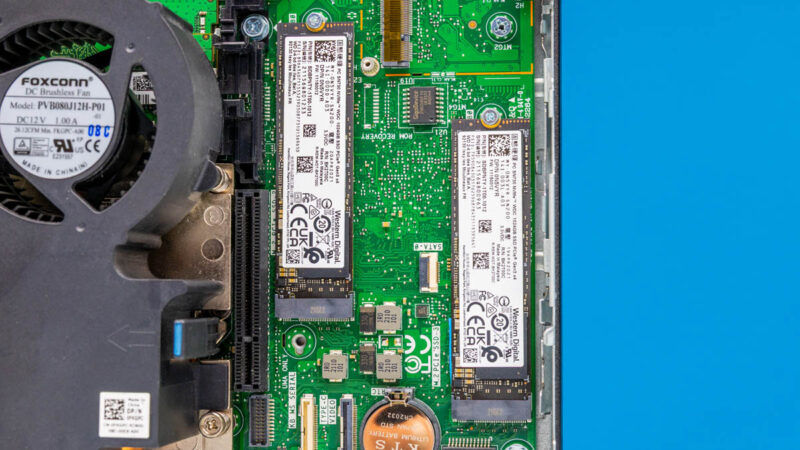
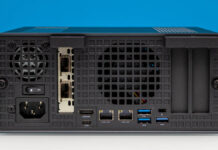
We did not have an optional port, but there are various options for different rear I/O and there is even a SATA expansion port here. We did not have these options, but Dell’s spec pages have lists of them.
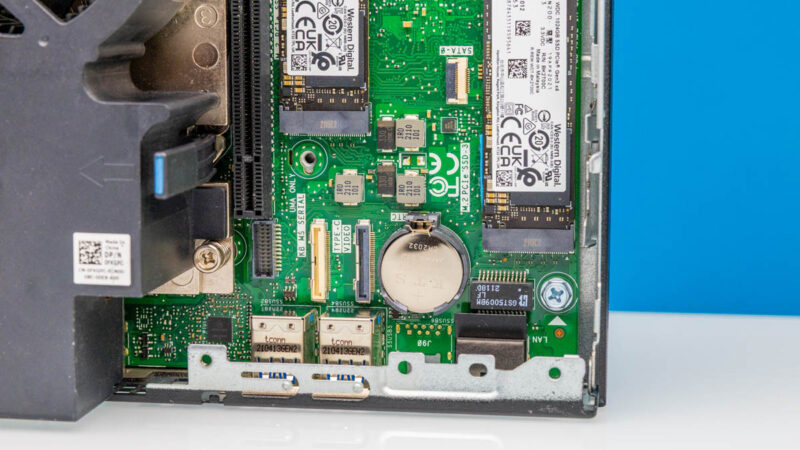
The big one for us, and perhaps the big reason to get this over a 1L PC of this era, is the PCIe card slot.
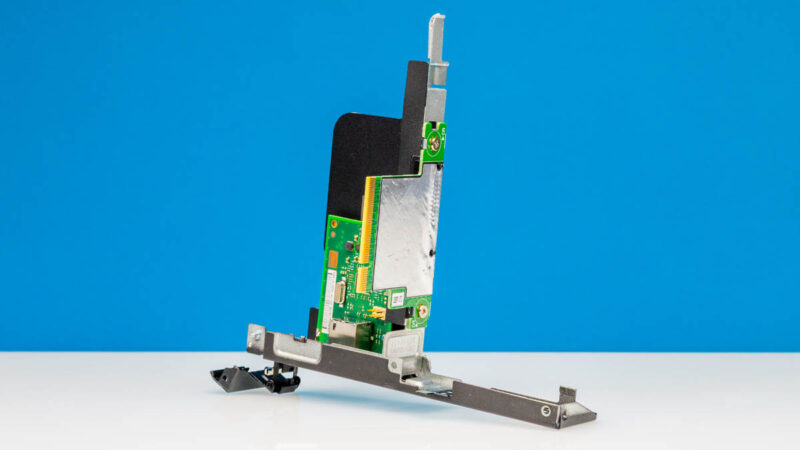
Both of our systems had the slot installed, but you might get a system second hand without it as a quick warning. This is a half-length PCIe Gen3 x8 low-profile card slot.
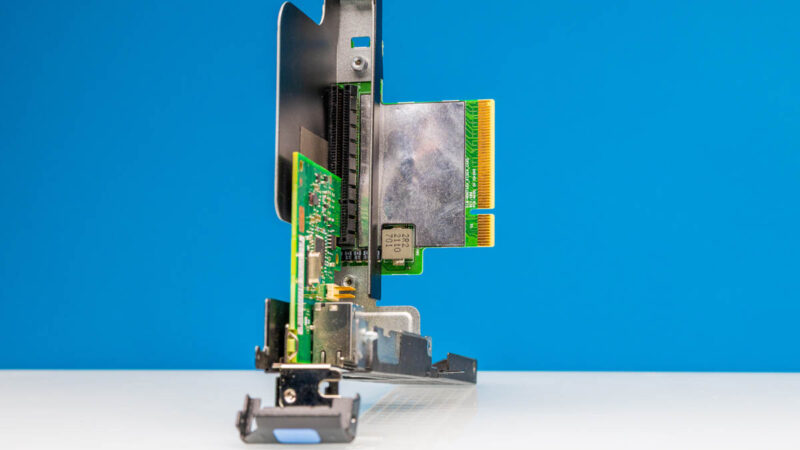
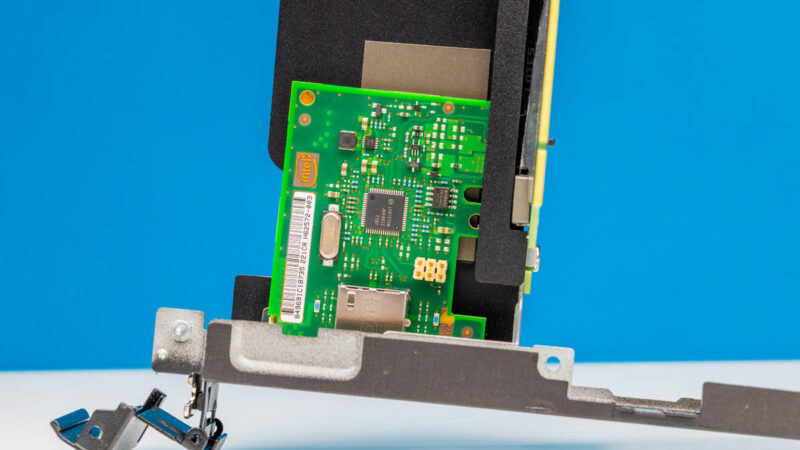
At first, we thought we purchased this system from a STH reader viewer, as has happened before, when we saw the NIC. We thought it might be a neat 10Gbase-T adapter. Instead, it is actually the Intel i210-T1 NIC option from Dell. Dell also had Aquantia 2.5GbE/ 5GbE options and other cards. In our Core i5-10500 system, we got a NVIDIA Quadro P620 2GB card that adds display outputs, but we were underwhelmed by. We will talk about that more in the performance section. Still, there is a card slot here, you just need to make sure you are using something that can be cooled in the system so you will want an actively cooled card if you add something hot.
Without all of the height for the PCIe card slot, this looks a lot like a 1L OptiPlex Micro PC from Dell.
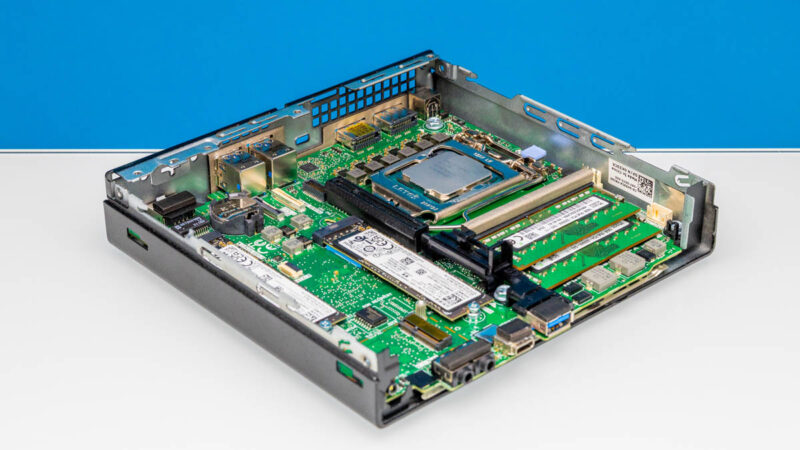
There is a lot of wisdom to getting one of these versus the Dell OptiPlex 7080 Micro. You will notice a lot of similarities between the systems, but some big differences in things like the PCIe card slot, SATA connection, and WLAN card slot. Still, looking at the front/ rear I/O and overall layout, it is hard not to see parallels.
Next, let us discuss performance.


Great review, I’ve been slowing researching lower cost “home lab” nodes that I can use for more compute heavy applications but will not require a full rack space setup. I appreciate the depth of research here!
I think the best graphics card “officially” supported is a Dell-branded RTX 3000. It’s a double slot low-profile card but the PCIe bracket is actually a single slot, so that it can fit into the 3240. I happen to have one and am sure it works.
You know, for articles like this it would be nice if you included a bit more information about the system in the opening blurb for those of us who don’t want to google it. Saying that it’s an “older generation system” with “Intel Xeon” isn’t very useful. Just including the year of release would be much better.
I also went searching for the CPU model used.
Just got a couple of these. One thing to note: I don’t think the x8 PCIe slot supports bifurcation. I tried a 2 NVMe adapter and it only saw one drive.