

Dell N2224X-ON Management
If you have never set one of these up and are stepping up from something like a Netgear, they are a bit different. Instead of having the web management interface immediately available on the out-of-band management port, you instead need to go into the serial interface. There, Dell has a quick start wizard that does the initial configuration. It takes about a minute, and the big hint is 115200 baud rate on the serial port. Once you are done, you get to the web management interface.
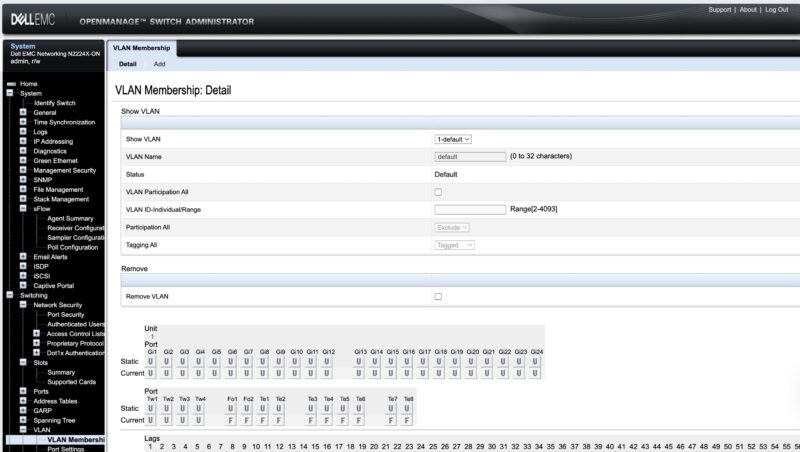
Here there are a lot of features and many that are frankly higher-end than the lower-cost L2+ 2.5GbE switches or smart switches that you see on the market.
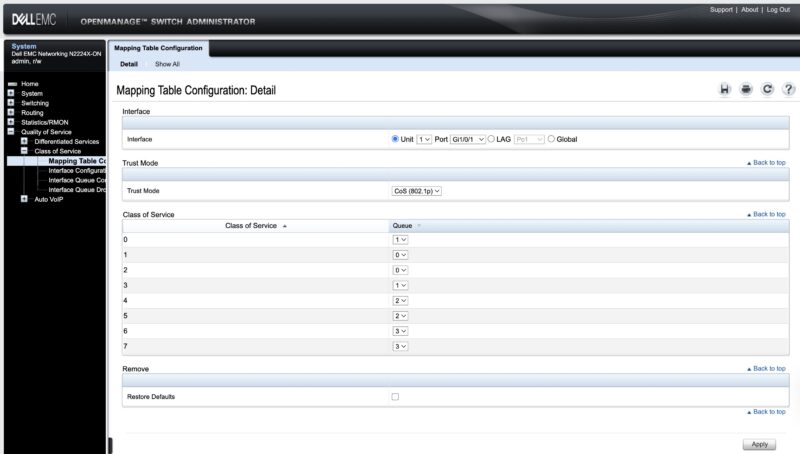
An example is that if you want to use several of these, there is a MLAG feature.
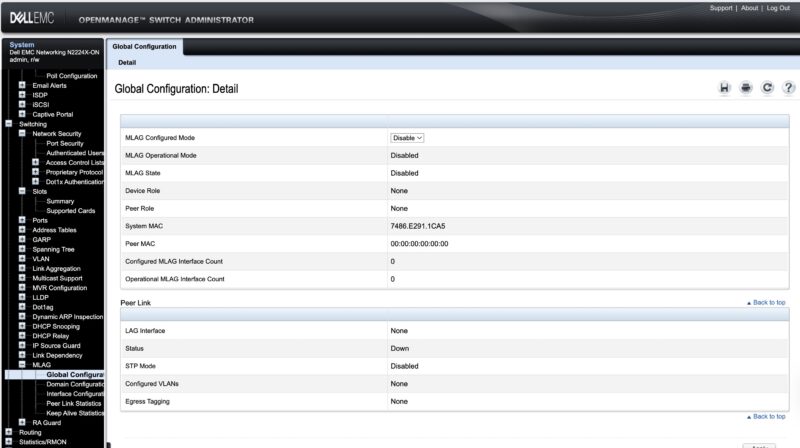
Since it is built on a nice Broadcom switch chip, we also get IPv4 and IPv6 routing.
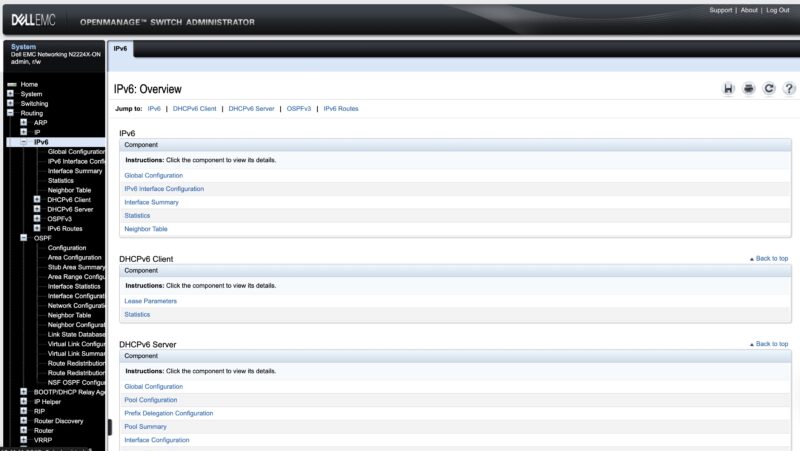
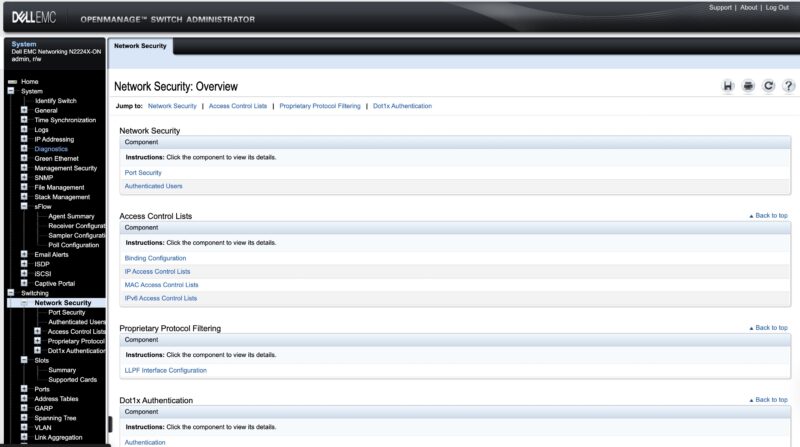
There are also a number of security settings. For all of these settings, we are just showing you one page. You can tell by the left navigation panel, plus the horizontal menu options that there is a lot exposed in this web management interface.
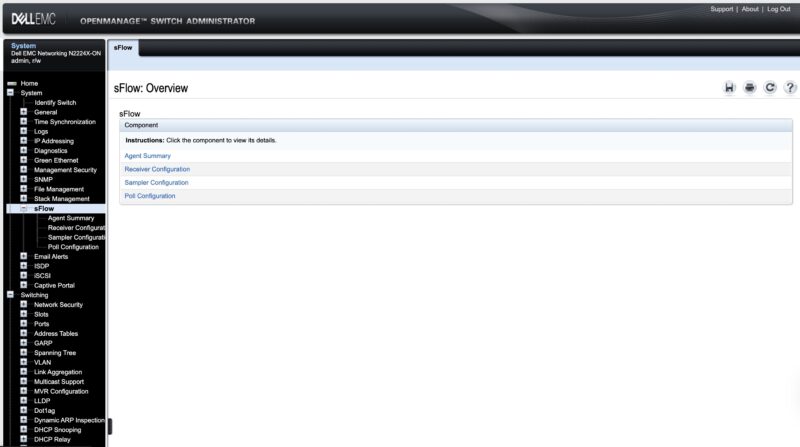
Sometimes folks ask for sFlow, and this is an example of a switch that has it.
Of course, if you just want to use the CLI, that is an option as well. At the same time, for many SMB/ SME users they perform infrequent switch configurations. As a result, the web management interface is very handy, especially since it covers such a broad surface area of functionality. The downside, of course, is that as an older switch that is no longer sold we are not expecting updates.
Next, let us get to the performance.
Dell N2224X-ON Performance
Here is the older chart using iperf3:
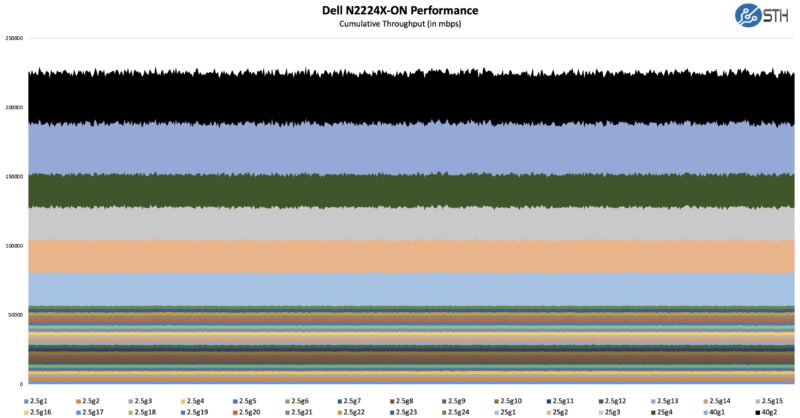
Overall, that is what we would expect from a switch like this. It is also not easy to generate these charts since it requires running 30 ports at three different speeds. Luckily, our lab has expanded to the point where we can do this.
As a quick note, we are also using this switch to test our new high-end Keysight CyPerf setup, but it is likely we are going to start with router/ firewall/ VPN gateways and then bring the tool to switching after that.
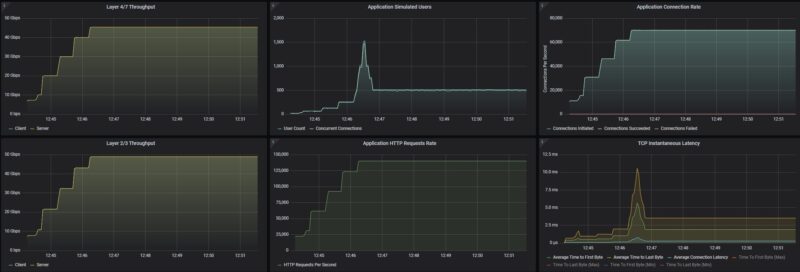
Update: Just so folks can see what the Keysight CyPerf tool looks like, here are two 25G ports connected, stepping up to 50Gbps of HTTP traffic total in 10Gbps increments, and then holding 50Gbps at line rate between the two ports. Here is holding that rate after the users/ connections per user values were optimized.
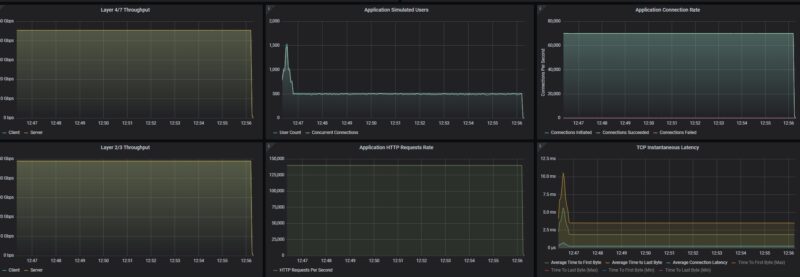
This is a super-simple configuration using simple traffic flows, but it shows where we are going.
Dell N2224X-ON Power Consumption and Noise
Our test switch has a single 550W 80Plus Platinum power supply.
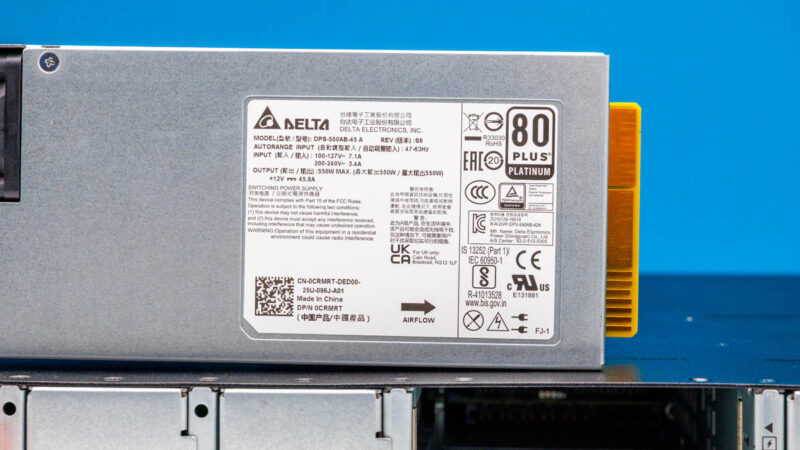
At idle, we saw 48-55W as the switch moved between power states. We never got close to 550W. Dell rates typical at 115W and a maximum of 238W.
The noise was good, but not great at 42-44dba at idle in our 34dba noise floor studio, but the fans can ramp depending on how much is hooked up. When we brought it over to our 1.8Tbps CyPerf rig, it performed flawlessly, but it was also quite a bit louder, albeit not as loud as the load generation box.
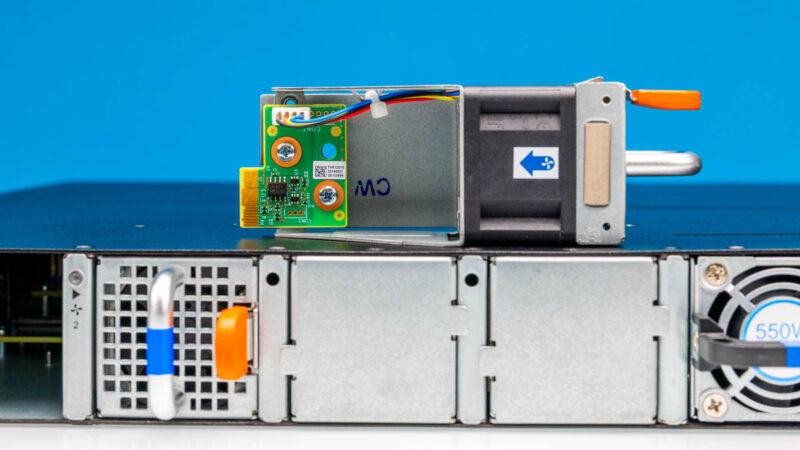
We normally do not go into the noise of larger switches, but it seemed relevant here. That is because both of the test units we purchased came with rubber feet like a desktop switch.
Final Words
2.5GbE networking is an important segment. While this is far from the newest switch, it is also one that works relatively well, and that can now be purchased at very reasonable pricing. Having both the 40Gbps stacking ports that can be split into 10Gbps ports and the 25GbE is quite useful. There are quite a few businesses out there that would be more than fine with just this as a switch (perhaps adding PoE injectors.) For those who just want low-cost switches, this is a neat 2.5GbE option.
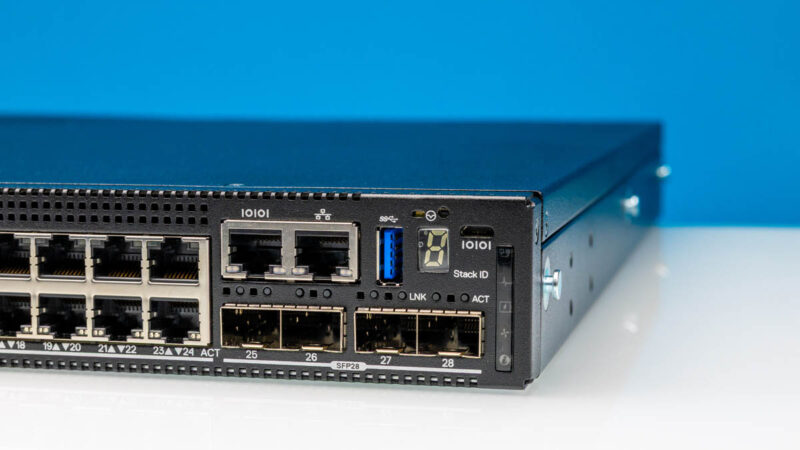
Overall, this was a really neat switch and Dell’s team did a great job on it.
We also have a member started fourm thread on these for those who want to share with other STH forum members.
Where to Buy
We purchased ours on ebay where there are a number of sellers in the $200-400 range. Here is an affiliate link.




I think its important to know / call out that Dell has completed ended the Nxxxx switch families. Existing customers are supposed to receive their full support terms and security patches but no new feature work will be done.
I think its a shame because OS6 is very Cisco-language-friendly and this family was a nice alternative to Cisco switches for somewhat budget conscious enterprise.
This model doesn’t support multi-speed optical ports. All ports are limited to either 10 or 25 Gbps. And yes, this model is no longer supported by Dell.
Can you please post official link from Dell where they mentioned ending support for the Nxxxx switches.
Can the SFP28 ports be used with 10Gbase-LR SFP+ modules?