

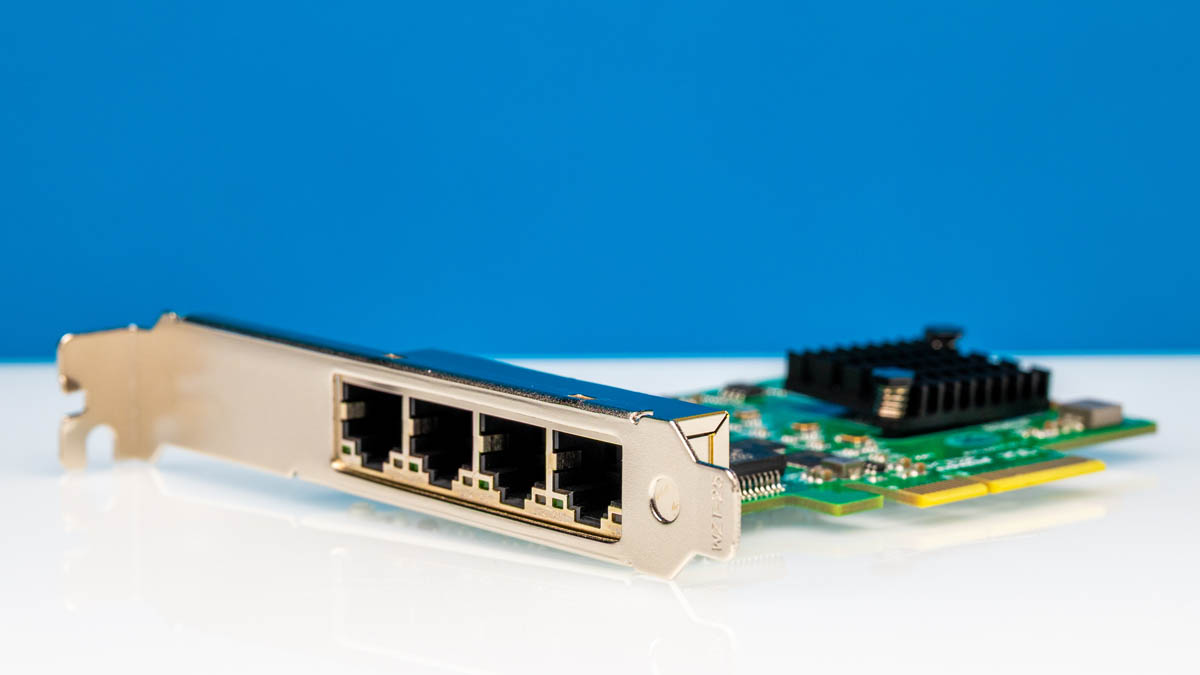
We recently purchased a 10Gtek quad-port 2.5GbE Realtek RTL8125 NIC. This is an interesting one since it is not a single controller. Instead, there are four Realtek RTL8125BG NICs on a single card. To make it work, there is an ASMedia ASM1812 to allow the four NICs to be used on a single PCIe root without bifurcation. This made it an interesting card to test, so let us get to it.
Here is an Amazon affiliate link to the card we purchased.
10Gtek Quad Port 2.5GbE Realtek RTL8125 NIC Hardware Overview
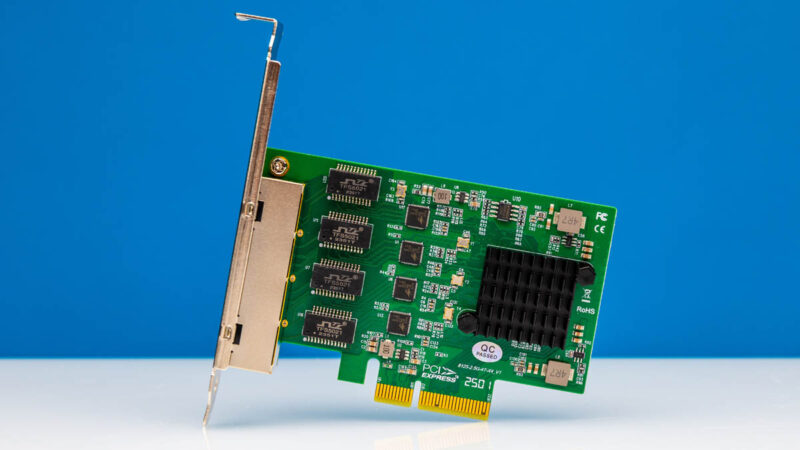
The card is a fairly simple and small low-profile card. Unlike many of the other NICs we review, instead of the heatsink covering the NIC, the heatsink here is covering the ASMedia ASM1812 PCIe hub.
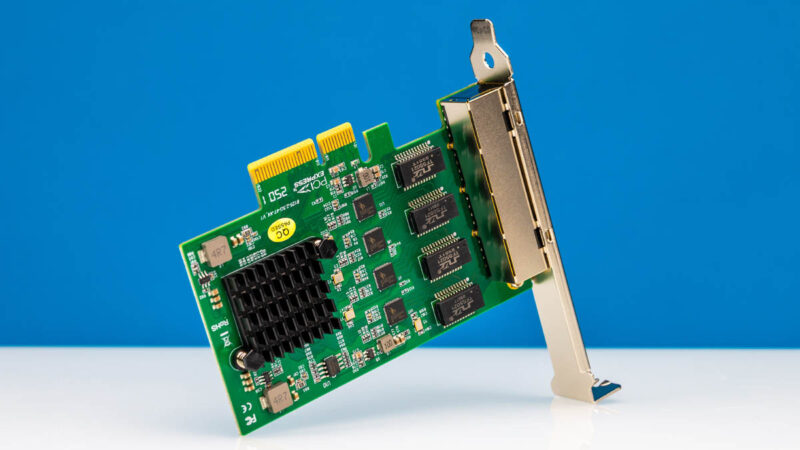
Something else a bit different is that this is a PCIe Gen2 x4 card.
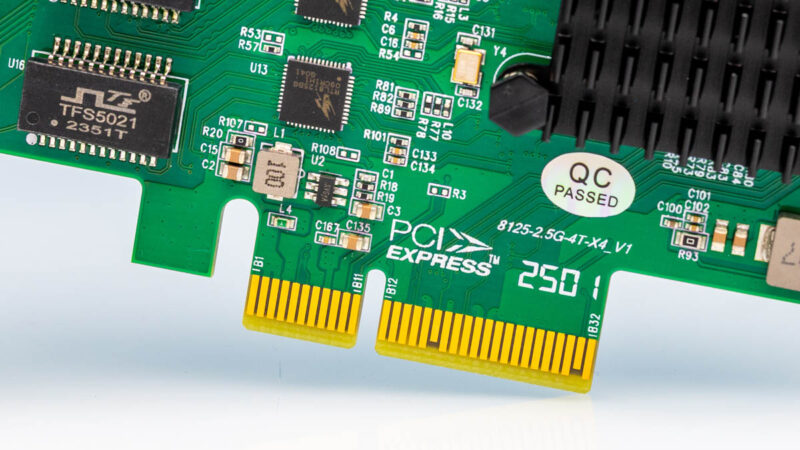
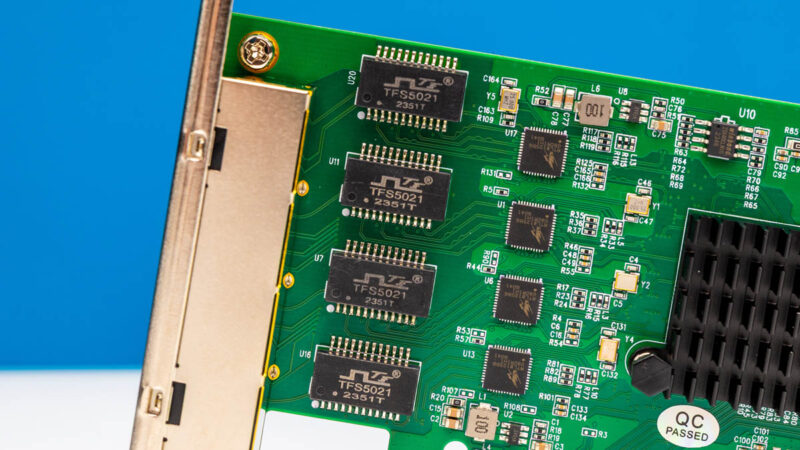
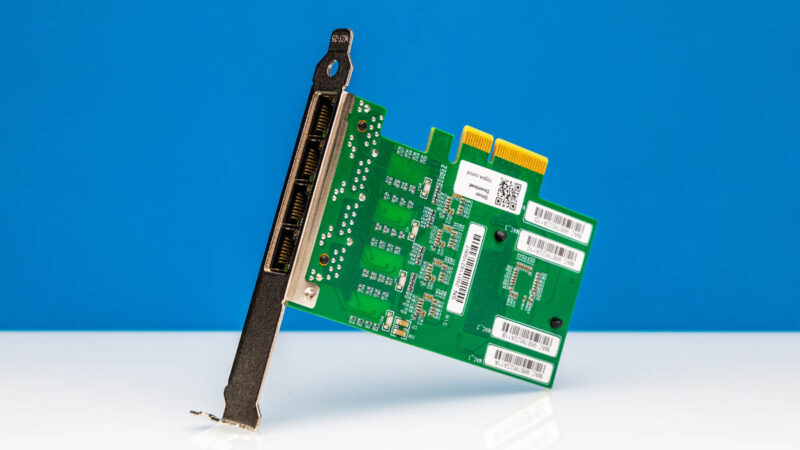
Here are the transformers and four small RTL8125BG NICs.
On the rear, we mostly just get labels.
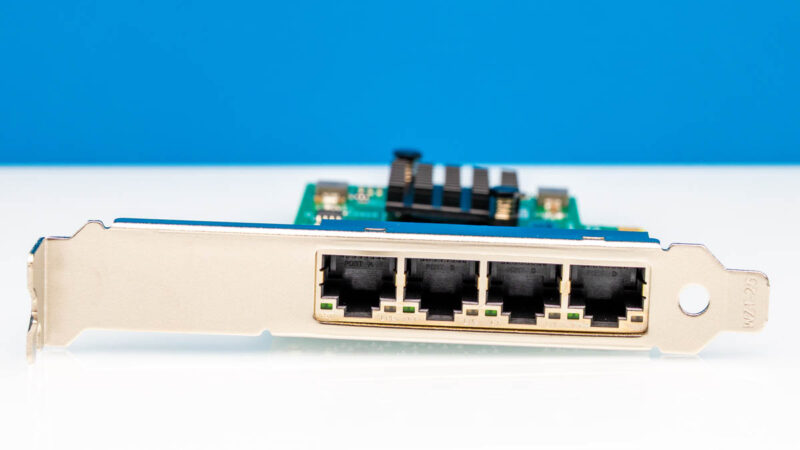
The big feature, of course, is the four 2.5GbE ports.
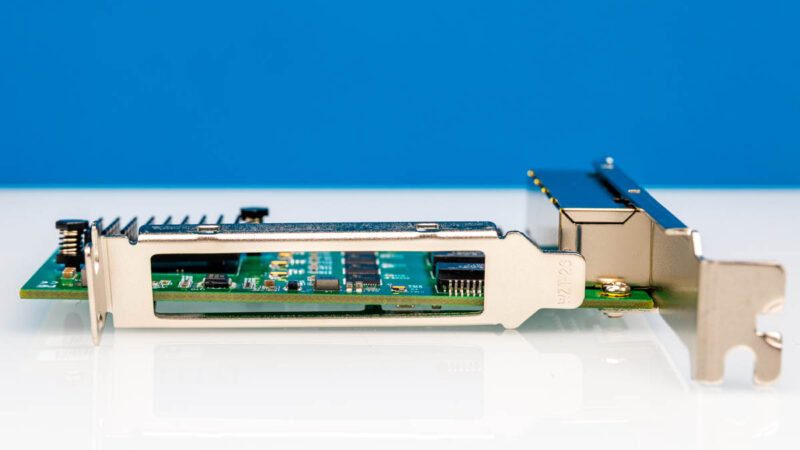
The card also comes with a low-profile I/O bracket.
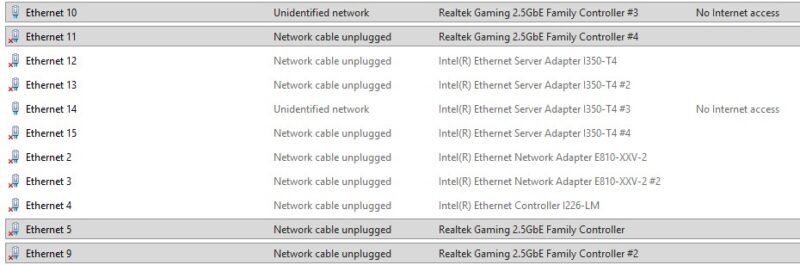
The card shows up with four Realtek 2.5GbE NICs in the system.
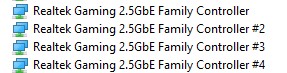
Something strange is that, like another 10Gtek quad port card we looked at recently, when we plugged a cable into the end port, instead of getting a link on the first or fourth enumerated NIC, we got one on the third.
This is a small thing, but one that can just be annoying. Next, let us get to performance.
10Gtek Quad Port 2.5GbE Realtek RTL8125 NIC Performance
We just used our iperf3 test setup for this one:
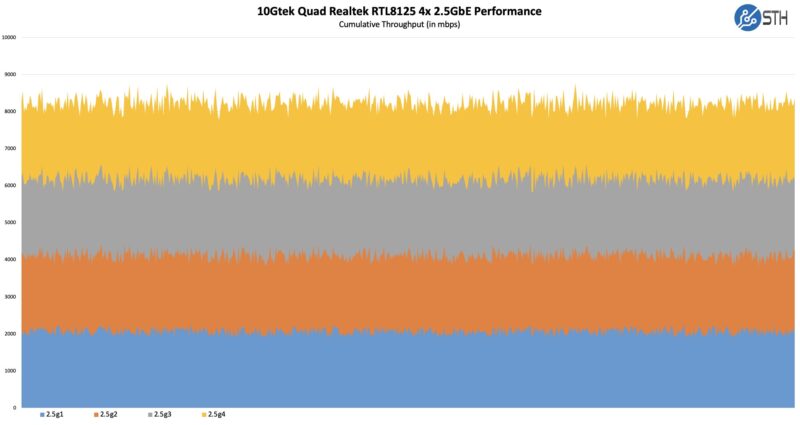
Performance was not ideal. This is probably because of the ASM1812 sitting on the PCIe Gen2 x4 link. The Ethernet ports ran at full speed when pushing two to three of them as hard as we could, but the challenge came with the test harness and running all four. On the other hand, even with this, we were running well above 2Gbps speeds per port.
Final Words
The Realtek RTL8125 has been around for some time, and this is a relatively inexpensive way to get four on a card. You are still better off with a 10GbE card for raw throughput, but sometimes you just need extra network interfaces. If your options for $45-60 are either a quad-port 1GbE NIC or a quad-port 2.5GbE NIC, there are reasons to just go with the higher throughput option, even if you do not get four ports running at full speed simultaneously. There are still reasons to prefer cards like the Intel i350-t4 instead of this type of setup. At the same time we just wanted to see what this card offers.
Overall, it worked reasonably well, but it is probably not the cleanest solution of all of the quad-port cards we have ever tested.
Where to Buy
Here is an Amazon affiliate link to the card we purchased.

“ when run 2-3 hard” running?
“ There are still reasons prefer cards”
We? To?
I’ve been using these exact cards for a few years in servers and for pfsense (you’ll need to install the realtek drivers first) and they’ve been rock solid. So much so that when we needed a virtualization host to be built quickly I went with these instead of gigabit nics and we ran the school where I work for a year on these exact cards. They’re solid.
Are you sure this is using an ASM1812 and is uplinked by PCIe 2.0 x4? The traces on the board look like there are only 2 PCIe lanes going to the switch chip, and the 8 Gbit/s bandwidth limit you hit is exactly in line with PCIe 2.0 x2.
10GTek taking the name *very* literally with 4×2.5G slipping in *just* under the wire.
(I know they don’t really only do 10G, just trying to have fun.)
@Alex
Thanks. Fixed.
@Chris S, exactly, looks like the pins are just connected to a big copper ground plane. But i guess 10Gtek would say it is physically a x4 card ;-)
Besides pfsense an vm stuff what can these 4 port cards be used for? I’ve never understood the need in a home environment.
Also I’ve seen poor performance from the realtek 8125B chips on older machines, 3rd gen i5 boxes and even an i5 10th gen dell. Which makes me wonder what was used for testing. Your article does not say.
PCIe 2.0 is 2.5GT/sec so literally that’s 10gbe max. Are you guys saying 20% is being used for overhead? In ypur 8Gb results? If so that’s a lot hmmm
In a world where 10 gb nice are cheap, even dual port ones, my question is why. 2.5 gb is so odd ball still I would never invest in it for even my home lab.
Michael: Switches cost money. 10gbps switches cost a bit more than 2.5gb, etc. (2.5gbps switches are relatively cheap now thanks to Sodola, Nicgiga, Mokerlink, etc.) Also, mini pcs, etc. come with 2.5gbps nics built in, so having something that can do full 2.5gbps is nice over 1gbps. (and this is coming from a guy who just bought a fistful of x520s on ebay for cheap. I think 2.5gbps definitely has a place.)