

Dell N2224X-ON Internal Overview
Dell’s switches are very different than its servers. Instead of a quick latching mechanism, getting inside took something like 32 screws, plus another four to get the cross chassis brace installed. It was very different from the average piece of gear we review these days.
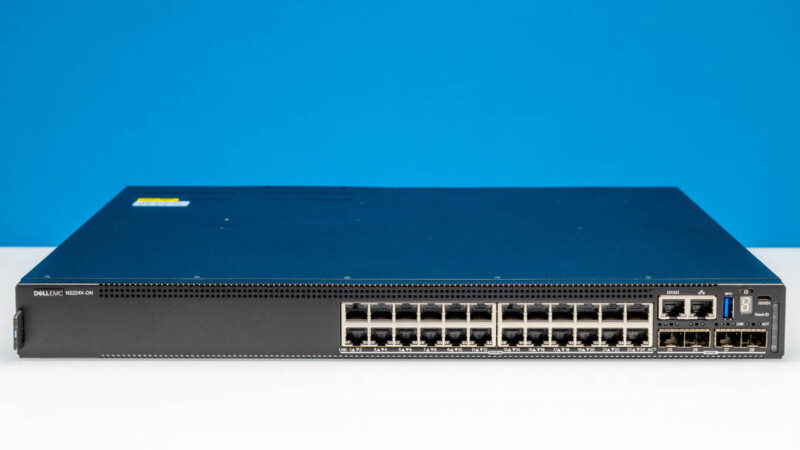
After those 36 or so screws were removed, we were finally inside and ready to take a look.
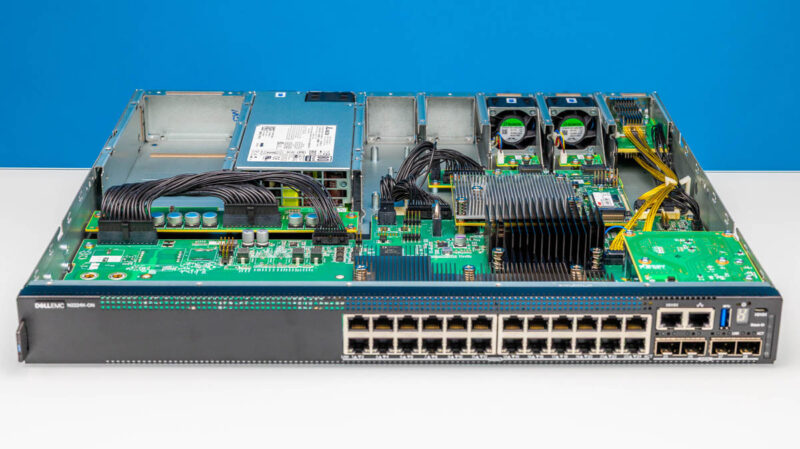
The board is well laid out with all of the heatsinks and even the battery laid out for front to rear airflow.
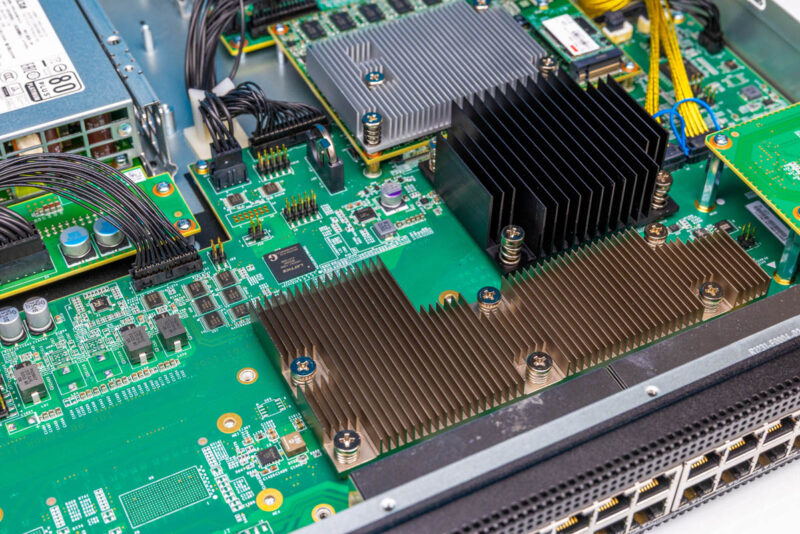
2.5GbE PHYs are not known for being the hottest devices, but the heatsink here was neat.
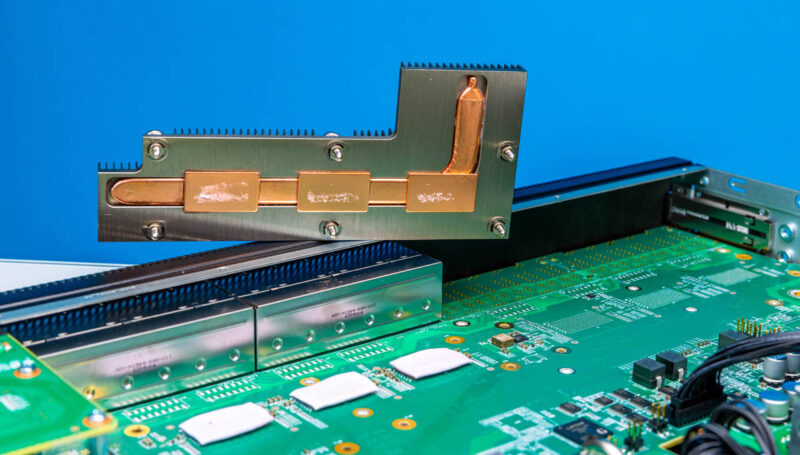
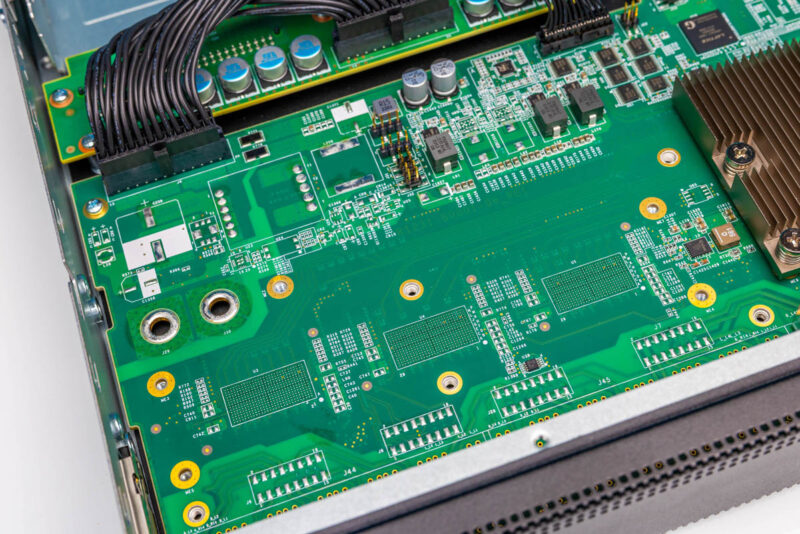
Next to that we have unpopulated pads that would be popualted in the 48-port version.
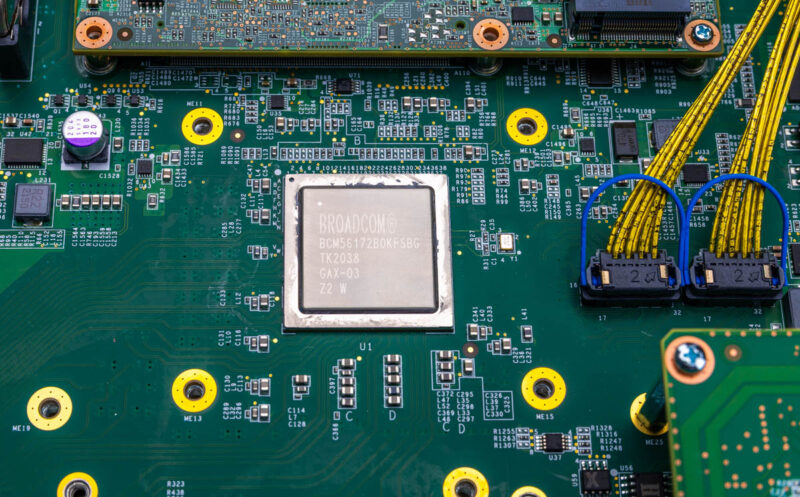
We found the main switch chip which is a Broadcom BCM56172 also known as the Hurricane3-MG series.
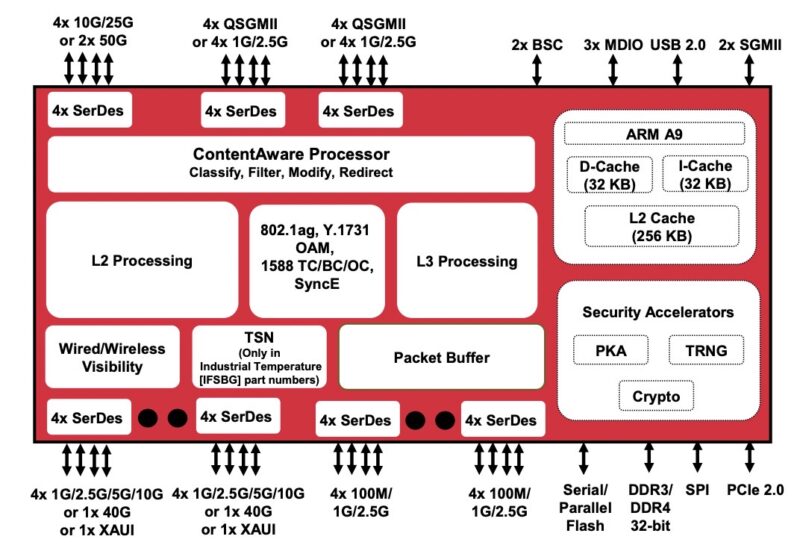
This is a non-blocking architecture built for relatively higher-end switches in this segment. While it is a 350Gbps line rate non-blocking switch, it also supports higher end features like PFC, VxLAN, and Broadcom’s HiGig stacking.
Next, we saw the management board with Micron NAND in an ECC configuration and an Innodisk 8GB M.2 storage device.
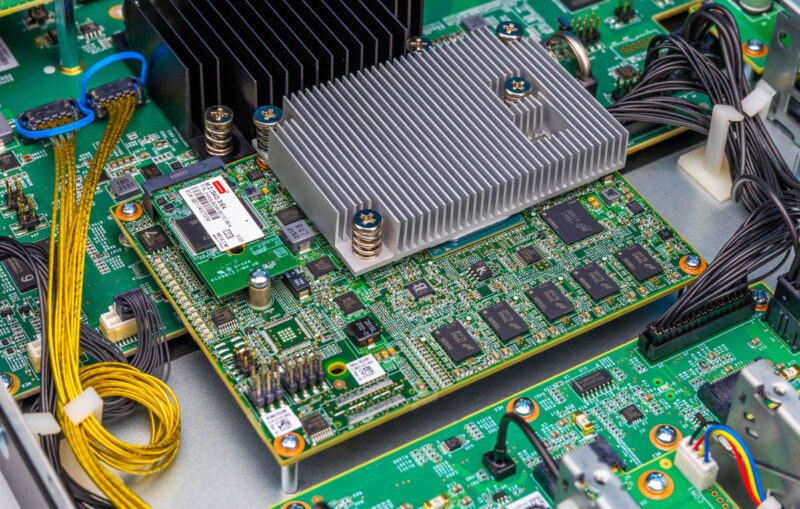
Under the heatsink we found a Denverton Intel Atom C3336 CPU.
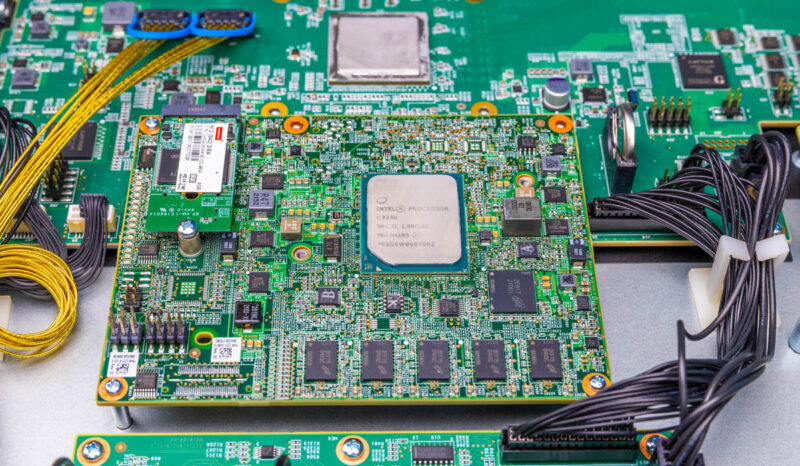
You may see the yellow cables.
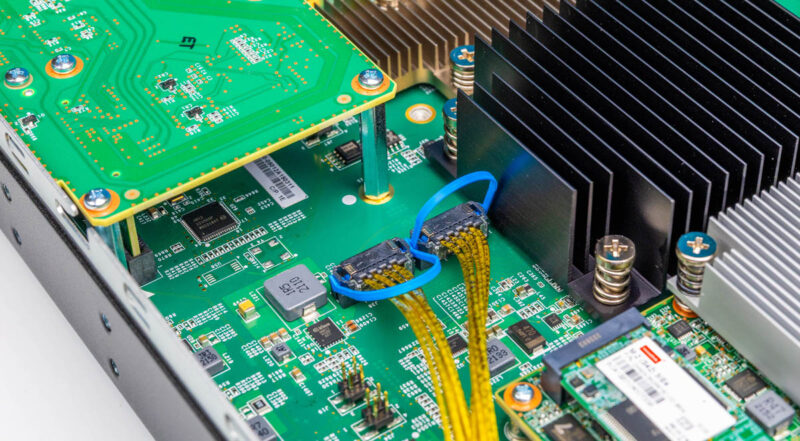
These provide connectivity to the rear 40Gbps stacking ports that also have ample heatsinks on them. This type of cabled connection versus a PCB connection is becoming more common in higher-speed switches, so it was neat to see on a lower-speed 40Gbps port.
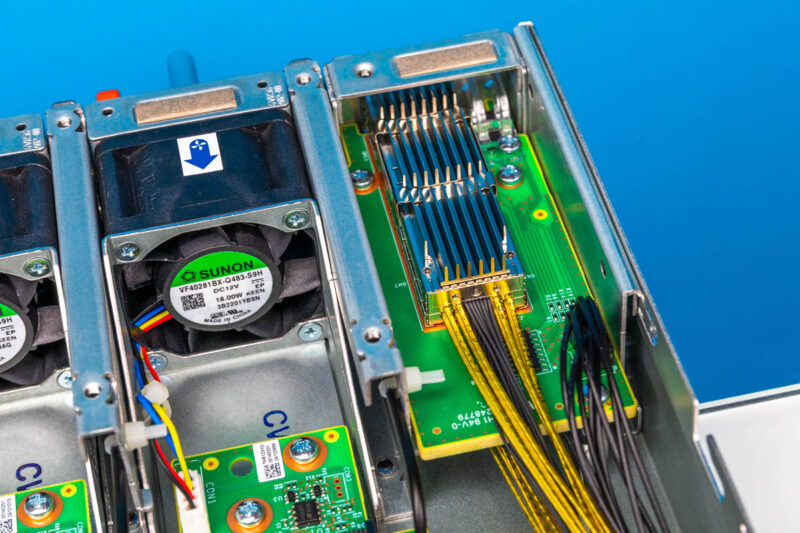
In the rear, we also have our two hot-swap fan modules. You can see the system has spaces for additional fans that are blanked off in our switch.
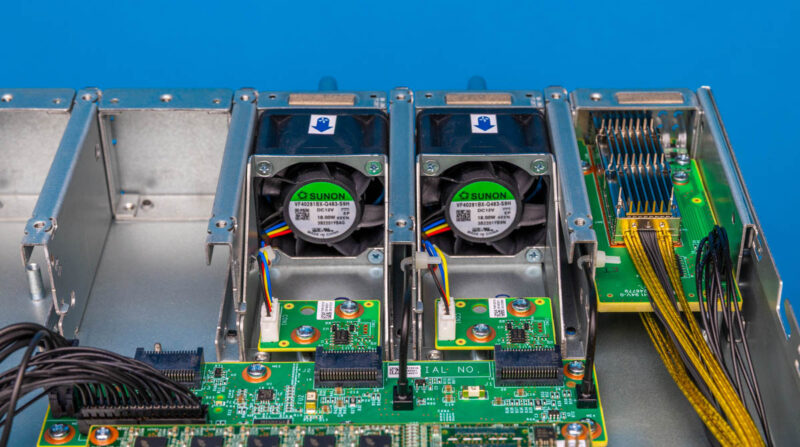
On the left hand side, we get our power supplies and a power distribution board.
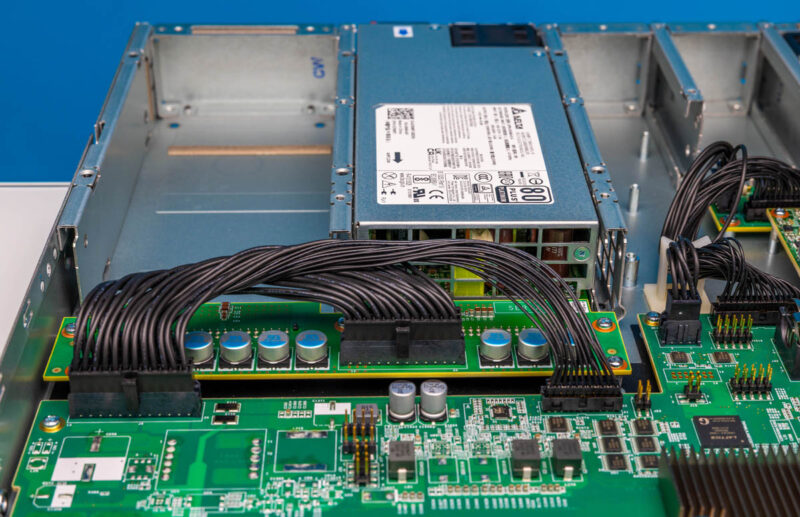
This design is in the style of a more robust and higher-end switch rather than low-end switches that are completely cost-optimized.
Next, let us get to the management.




I think its important to know / call out that Dell has completed ended the Nxxxx switch families. Existing customers are supposed to receive their full support terms and security patches but no new feature work will be done.
I think its a shame because OS6 is very Cisco-language-friendly and this family was a nice alternative to Cisco switches for somewhat budget conscious enterprise.
This model doesn’t support multi-speed optical ports. All ports are limited to either 10 or 25 Gbps. And yes, this model is no longer supported by Dell.
Can you please post official link from Dell where they mentioned ending support for the Nxxxx switches.
Can the SFP28 ports be used with 10Gbase-LR SFP+ modules?