

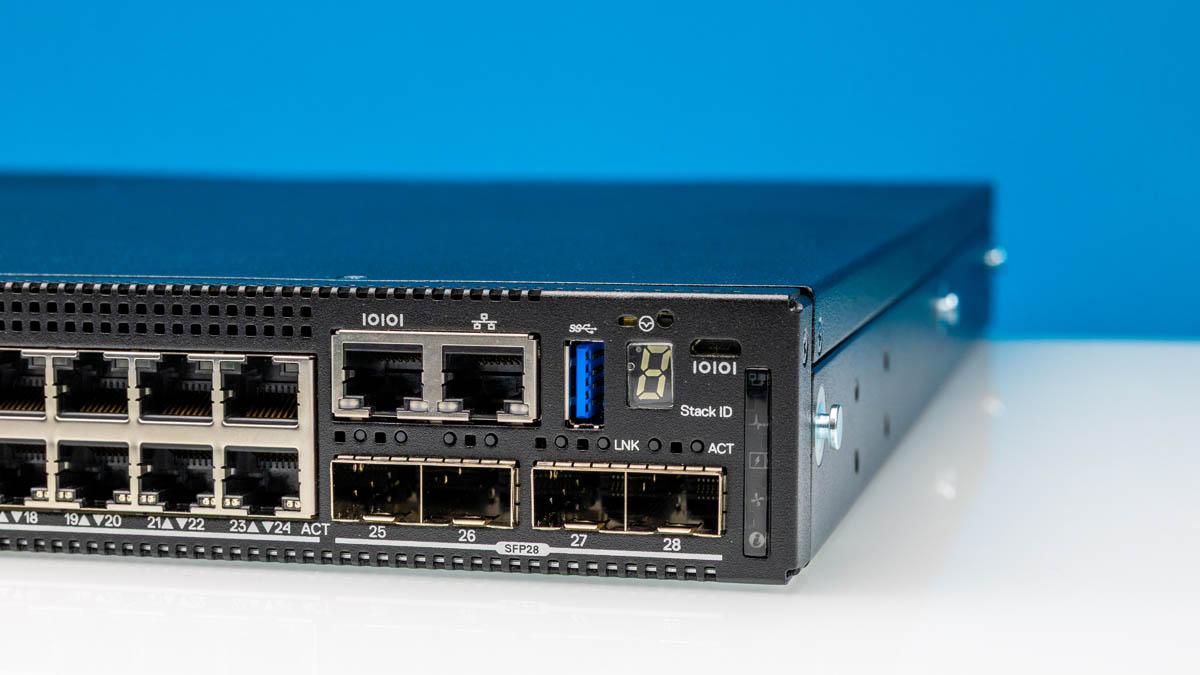
The Dell N2224X-ON is a 24-port 2.5GbE switch with four 25GbE ports and two 40GbE stacking ports, offering extensive connectivity. For those who want to step up from unmanaged or low-cost L2+ switches, these provide a unique value proposition and are built very well. Since in the SME space many folks do not want to learn CLIs or have other management tools, the switch also has a web GUI management option, making it very accessible.
We were alerted to this switch from a STH fourm thread members started as they were getting great deals on these after Dell ended sales. We purchased ours on eBay, where there are several sellers in the $200-400 range. Here is an affiliate link.
Dell N2224X-ON External Overview
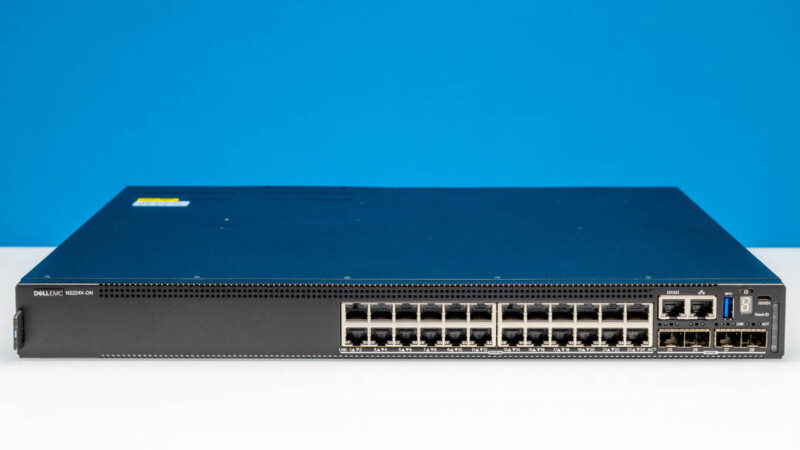
The switch itself is a standard 1U switch. We are reviewing the 24-port 2.5GbE non-PoE version. There is also a 48-port version. Both 24-port and 48-port versions have PoE variants available. On the front of the switch, you can see the additional faceplate area set aside for the 48-port variants.
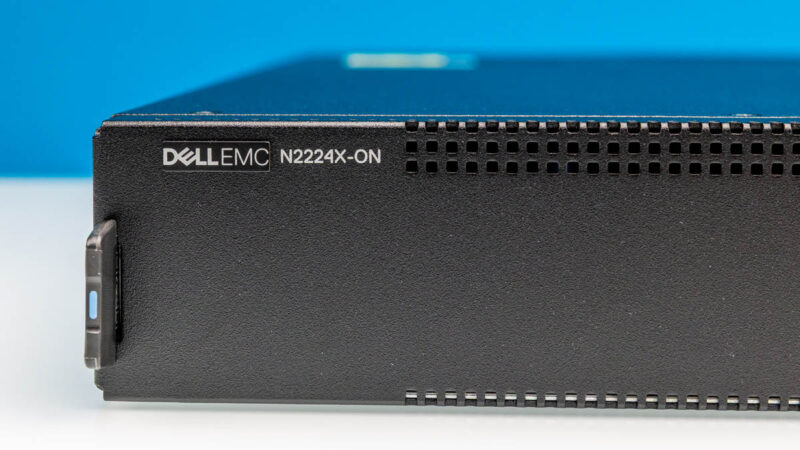
Since it is not new, it still carries the Dell EMC logo.
Here is an angled view of the switch.
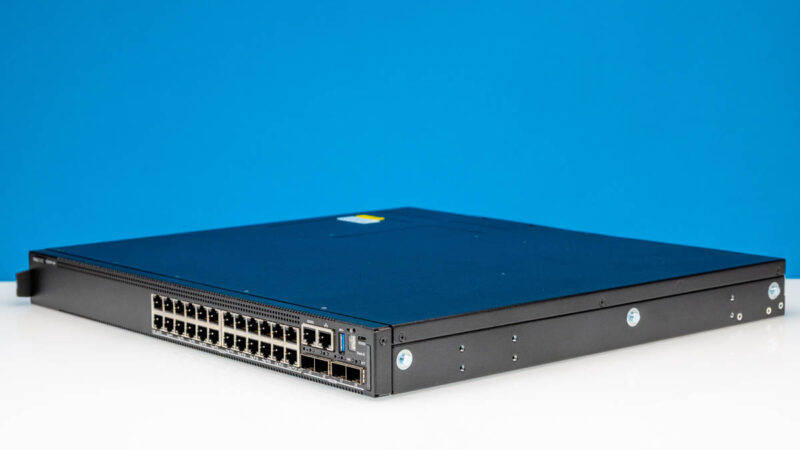
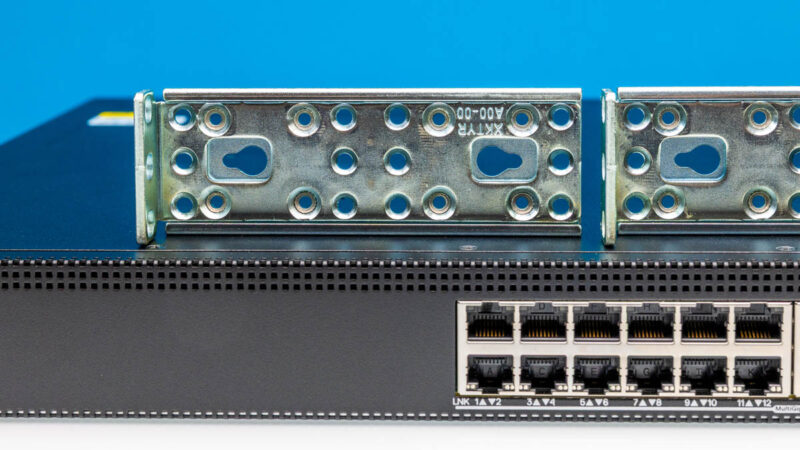
Instead of rails, we got heavy duty rack ears.
On the right side, there is a lot going on. We get a serial console port and an out-of-band management port. There is a USB 3 port for loading updates and other management functions. Then, there is a stacking button. We also have a USB serial console port and ours came with a USB cable for this so we were able to quickly get the switch online.
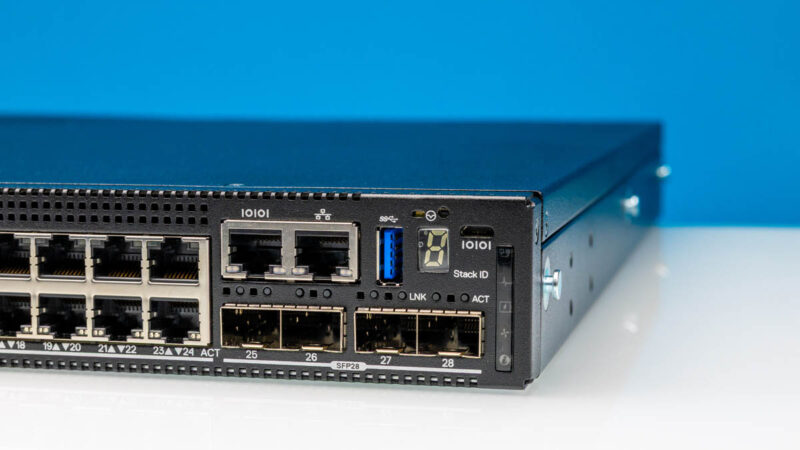
Another huge feature are the four 25GbE ports. These provide modern connectivity to higher-speed networks.
Moving to the rear, we have more ports, fans, and the power supply.
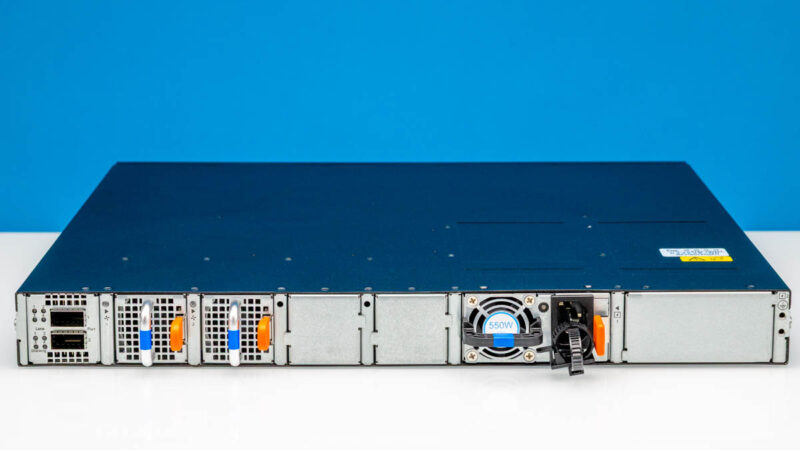
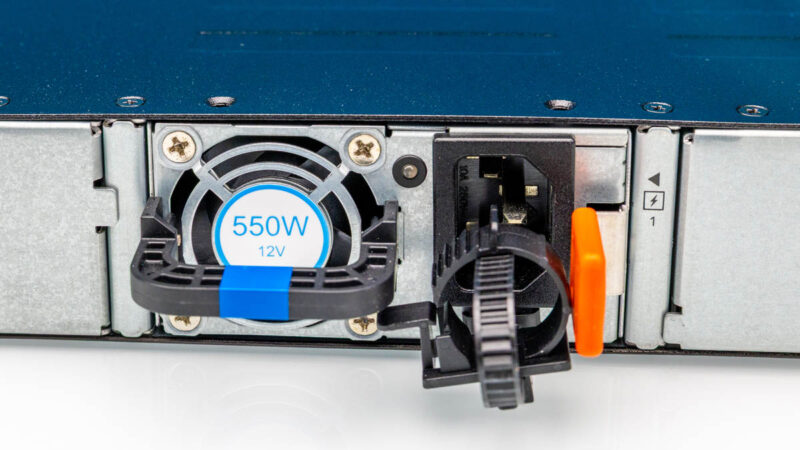
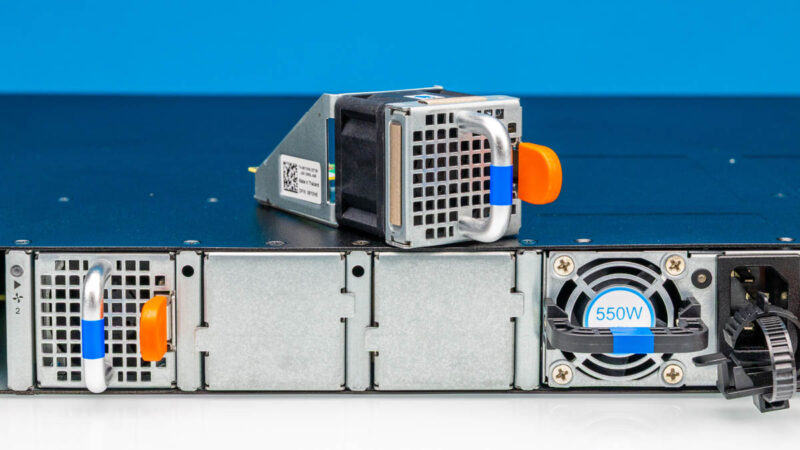
That power supply is a 550W hot swappable unit, and there are room for two power supplies, albeit one spot is blanked off.
The fans are on hotswap fan modules. We have two of four modules that came in this configuration.
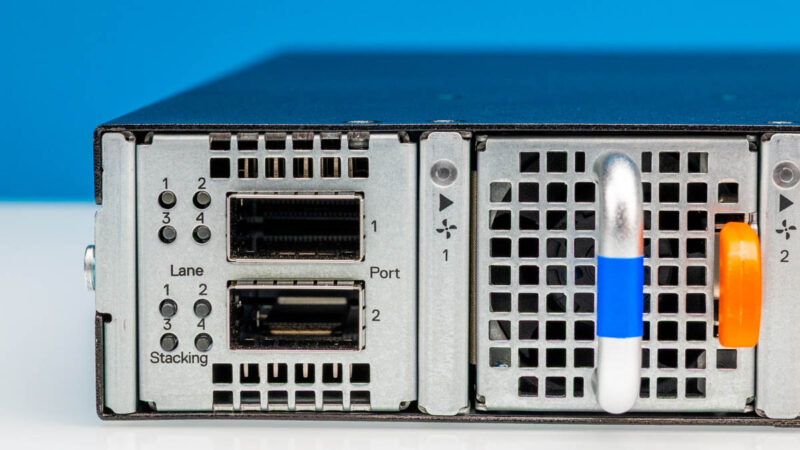
On the left rear, we have two QSFP ports for 40GbE. These 40GbE ports can also be split into four 10GbE ports each. While many will use them for stacking, we can certainly see the appeal of breaking out these ports for 10G SFP+ connectivity in smaller setups.
Next, let us get inside the switch to see how it all works.




I think its important to know / call out that Dell has completed ended the Nxxxx switch families. Existing customers are supposed to receive their full support terms and security patches but no new feature work will be done.
I think its a shame because OS6 is very Cisco-language-friendly and this family was a nice alternative to Cisco switches for somewhat budget conscious enterprise.
This model doesn’t support multi-speed optical ports. All ports are limited to either 10 or 25 Gbps. And yes, this model is no longer supported by Dell.
Can you please post official link from Dell where they mentioned ending support for the Nxxxx switches.
Can the SFP28 ports be used with 10Gbase-LR SFP+ modules?