

Cisco Catalyst C1300-16XTS Management
The Cisco CLI is well-known, so we are going to focus on the web management here just to give folks who do not want to go to the CLI, a view of what the management looks like. Cisco’s documentation on where to find the management interface often has the cisco / cisco default password, but we did not see the 192.168.1.254 default IP in some of the quick start materials.
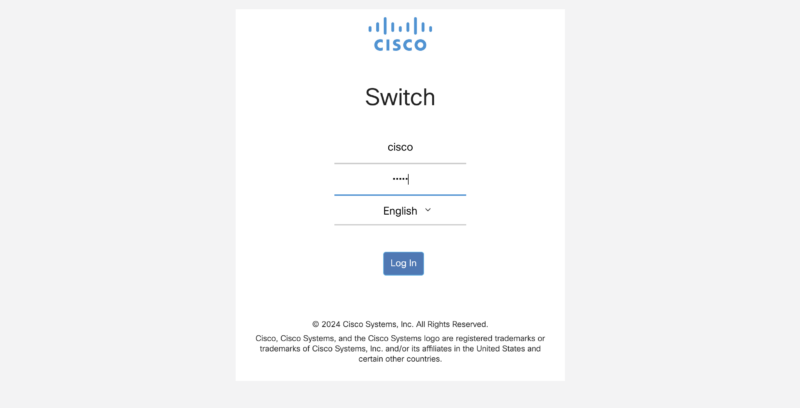
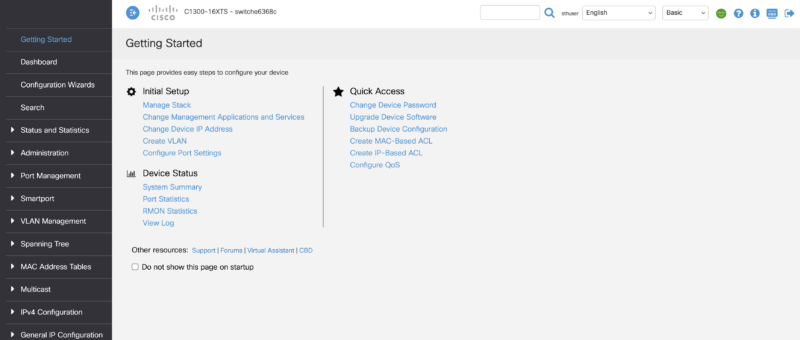
After setting a new login, Cisco does something different. In the industry, you typically log in and are taken to the dashboard. Cisco has a “Getting Started” page to get you up and running quickly (you can also choose not to go here in the future through a checkbox.)
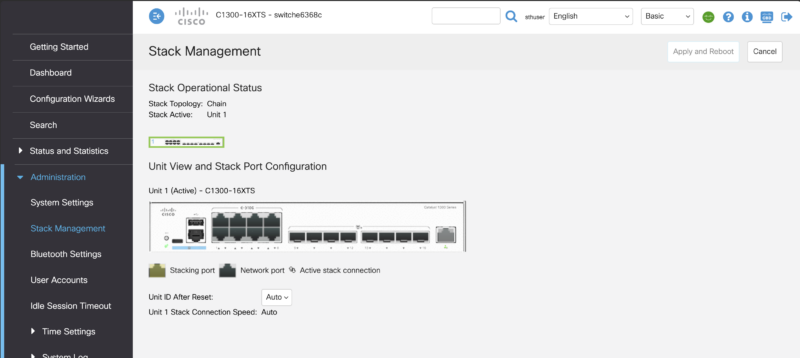
Cisco lets you stack switches using front-panel stacking. This is not common in lower-end switches.
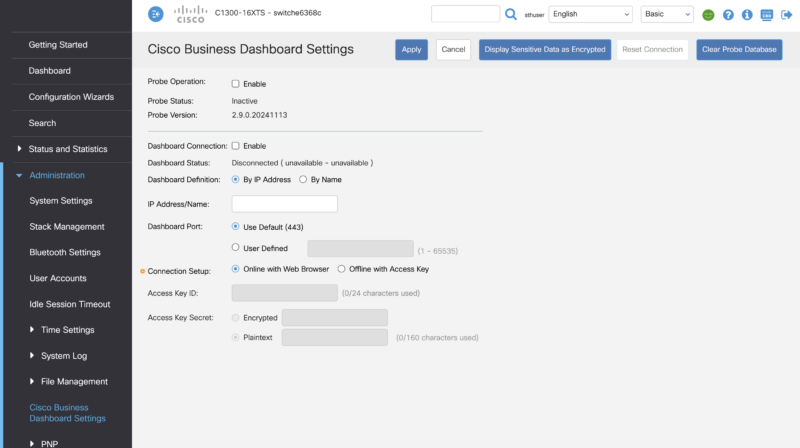
Cisco has the Business Dashboard. Hopefully, one day we get to show you this.
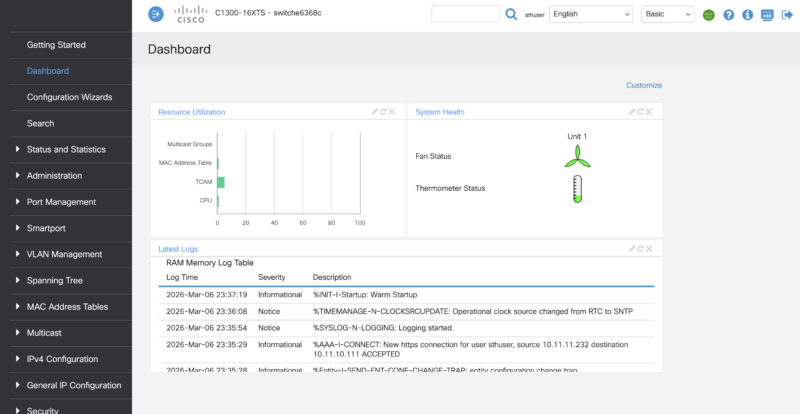
Here is the dashboard, which, admittedly, looks different from some of the other vendors as it focuses on logs and system status rather than ports.
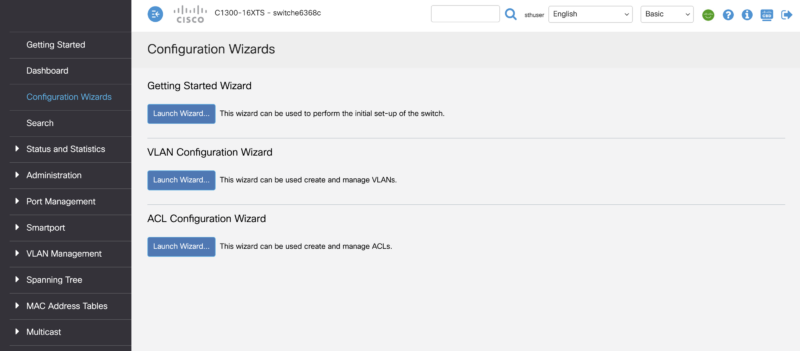
Another really neat feature that Cisco has is its configuration wizards. There is one for getting started, one for VLANs, and one for ACLs. This is just a great way to help those who are not Cisco-certified to get up and running on the switch.
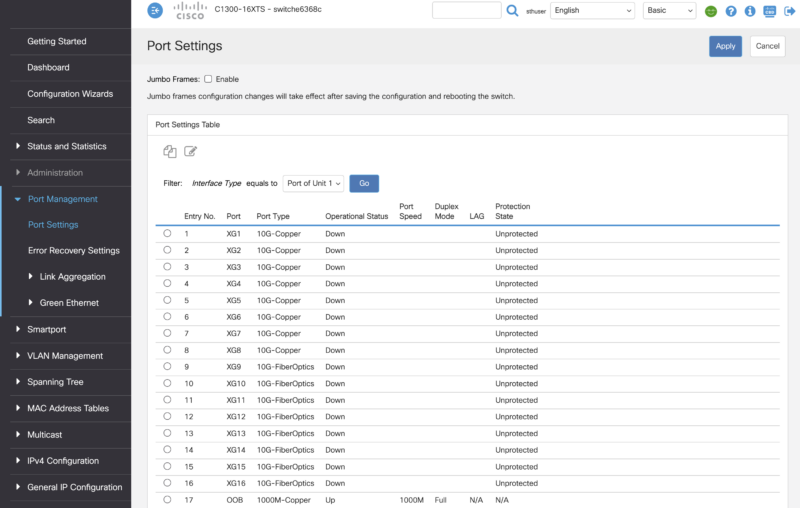
Of course, there are still port settings.
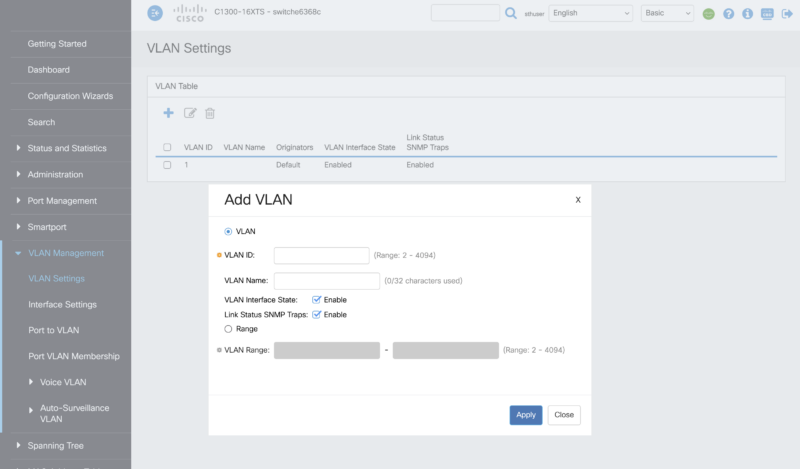
The ability to add and set VLAN configurations.
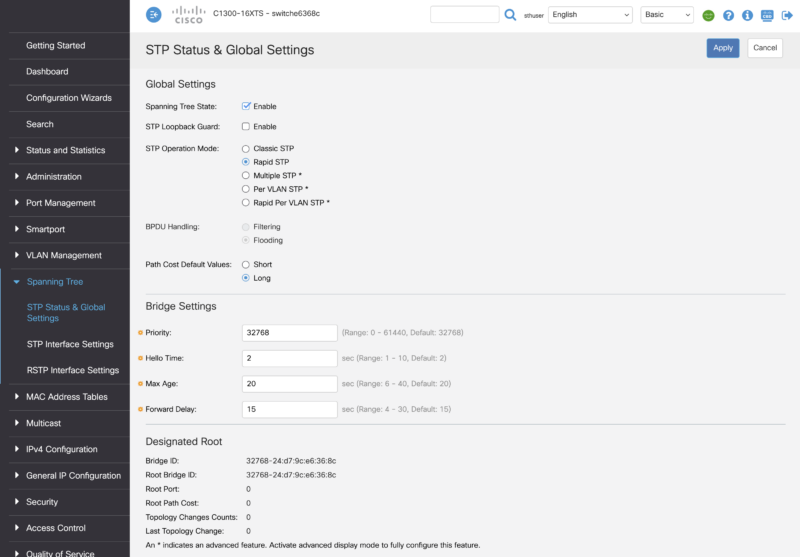
Cisco also has a fairly robust spanning tree setup compared to lower-end switches.
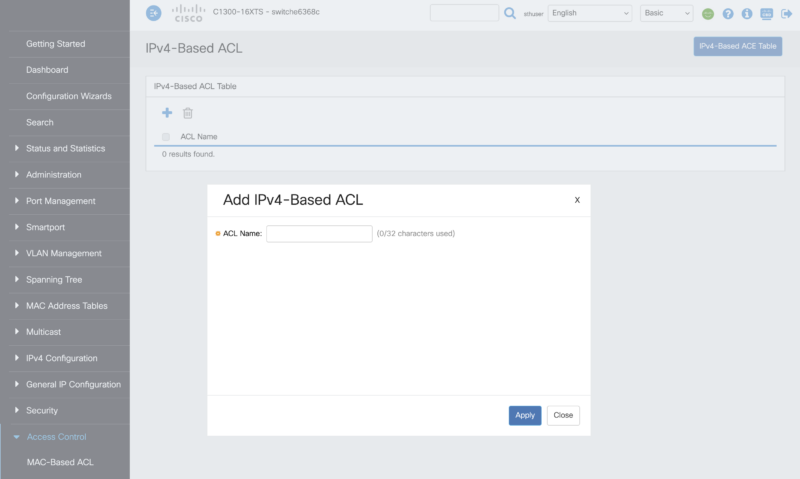
There are ACL settings that are also fairly robust.
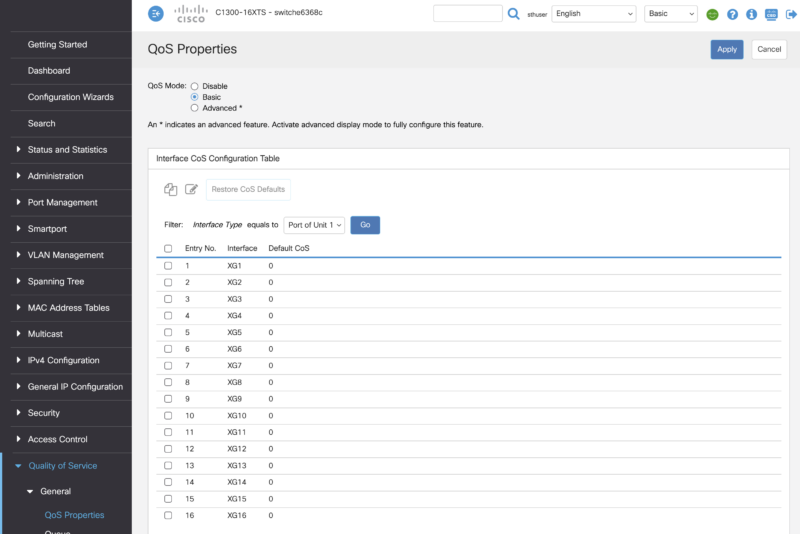
Cisco has Quality of Service settings.
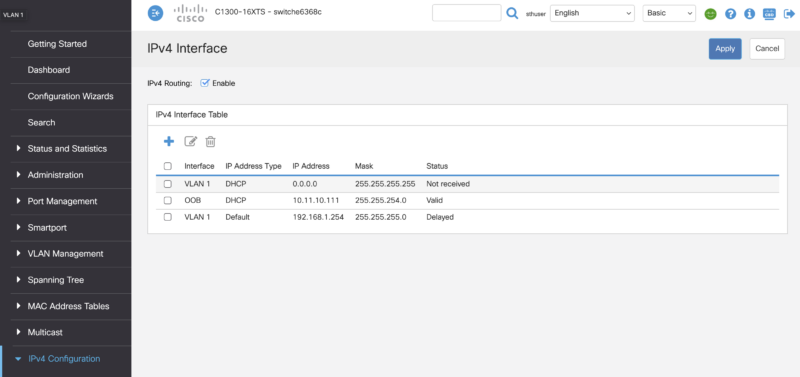
You can also set the IP settings to access the switch.
On that note, let us hook this up to our high-end network testing setup to see how the switch performs.

Any chance we could get a confirmation on the 10G-BaseT Copper ports supporting 2.5g/5g? Also I didn’t see any noise numbers in the review?
Cheap?! The switch is over 2k new…FYI you never mentioned the price or the noise levels.
@Switch Gears: Where in the article did they say it was cheap? They kept talking about how expensive it is. The price was in the Amazon link in the second paragraph.
Finally a company who designed a switch for the future.
we all are evolving from UTP to SFP+, but still the need POE , which is missing on the UTP ports.
So we still have to split the between a SFP+ and a separate UTP POE+ switch to cover all your needs. also price wise
Why is it sooo difficult to make a switch covering all needs in ONE.
SFP+ plus Min 8 UTP POE(+) Ports for $500
Cisco, a POE version of this, please. Please please olease
If you change the drop down in the gui from basic to advanced you’ll get to see more configuration options.
This is supposed to have (some) L3 functionality. Can you not test that, routing etc?