Leveling-up the AI Storage Cluster Network
At this point, we realized that we wanted all-flash. The performance hit of having to hit hard drives was just too much. Replicating models on 10+ local AI machines did not make much sense given the cost. Constantly shifting models to local SSDs would cause us to spend a lot more on each machine for storage, and managing models on a lower-cost 1TB local storage standard was a pain since the models we were working with took up >5% of the local SSD capacity. The challenge was really that we needed to go faster, a lot faster. At the same time, we did not want to pull out the NVIDIA SN5610 51.2Tbps switch that uses 800Gbps ports (getting down to 10Gbps/ 25Gbps is a nightmare), and uses 900W-2kW in typical operation. Those high-end switches have all of the features we could want for high-end AI clusters, but they are not what you want to sit next to your desk for NVIDIA GB10, NVIDIA RTX Pro 6000 Blackwell/ 6000 Ada, AMD Ryzen AI Max+ 395, or Apple Mac Studio AI clusters.
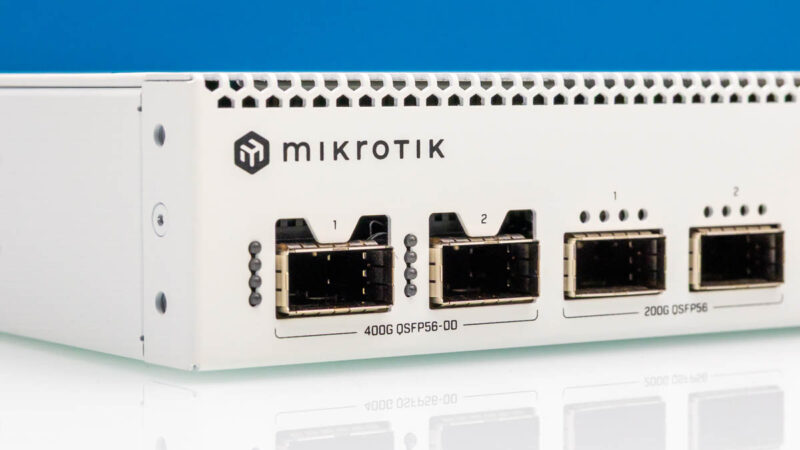
This all brought us to the MikroTik CRS812-8DS-2DQ-2DDQ-RM. This is a reasonably priced switch, not much more than the QNAP, but it has the advantage of using higher-end switch silicon as a 1.6Tbps class switch. This means we could break-out the 400GbE ports (faster than the PCIe Gen4 x16 slots in our NAS) to 200Gbps ports for our NVIDIA GB10’s.
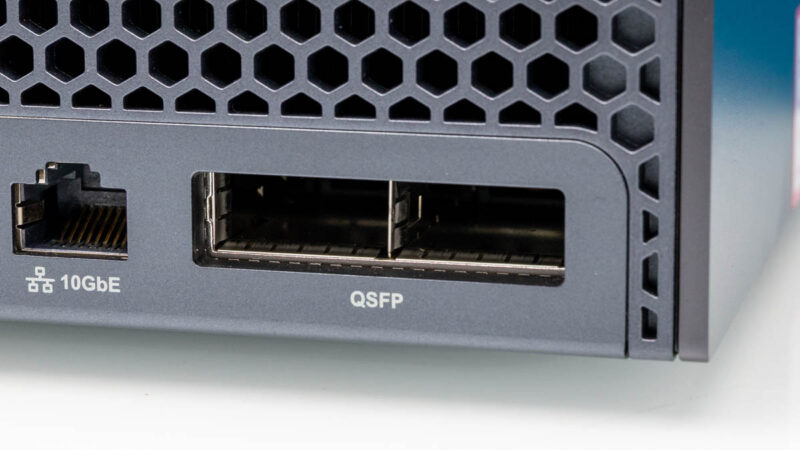
We could then upgrade to using the NVIDIA ConnectX-7 Quad Port 50GbE SFP56 adapters in our high-end GPU workstations. Those are only PCIe Gen4 x16 cards, so we are limited to 200Gbps total on the card, but importantly we can do that in two SFP56 ports. While it is possible to do 100Gbps using QSFP28 or four SFP28 NRZ channels, it is a more efficient use of ports to use fewer lanes of PAM4 signaling on the network side.
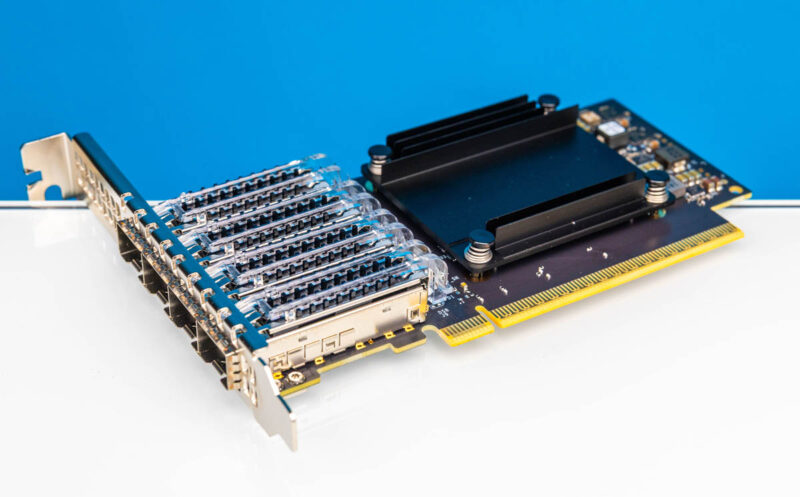
The advantage would be that we would then have single connections to the switch, and could dedicate the NVIDIA GB10 10Gbase-T ports to application and management traffic. To be clear, we can already use the CRS812 using slower signaling, but this is an awesome capability as it gives us a low-cost option for today, then an onramp to higher-speeds for our edge AI agent cluster in the future.
Perhaps the most exciting part about this is that we could get high-speed and high-capacity storage, for an edge AI cluster, in a box that is relatively low power and quiet. In the data center, companies like VAST Data and others are using high-capacity SSDs for massive storage tiers for high-end AI clusters. A challenge has been scaling that down to a smaller cluster where the total cost may be closer to one or two data center GPUs.

Having the Solidigm D5-P5336 SSDs and QLC NAND was really the game-changer here. We originally built the AI storage based on a ZFS hard drive NAS, and while we could get into the 5-10Gbps of performance from that, and the form factor worked, in terms of the overall workflow, we were losing a lot of performance whenever we tried to do a task like running a prompt in one model, then unloading that model from memory, and trying it with a different model. Folks are doing this all the time especially when results are not coming back optimally.
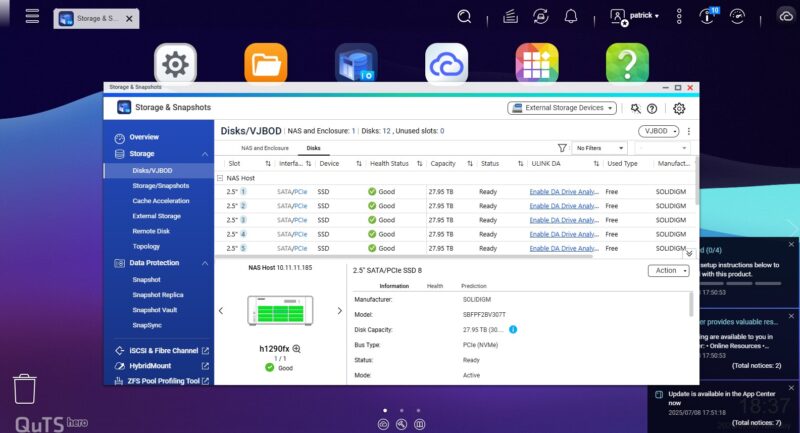
Just to give you some sense of the impact of the solution that we had, we ran some workflows on some of the systems we had on hand, and the performance delta was palpable. Models would load anywhere from 30 seconds to 4-5 minutes faster than on our disk-based QNAP NAS all due to the storage throughput. A few minutes here and there adds up, especially when you are waiting for a model to load.
Even with the fast networking, however, we still needed to address another part of this edge AI cluster, the low-speed path.