Going Fast(er) with an All-Flash Local NAS for our AI Agent Machines
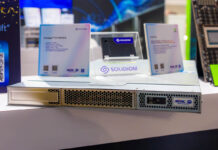
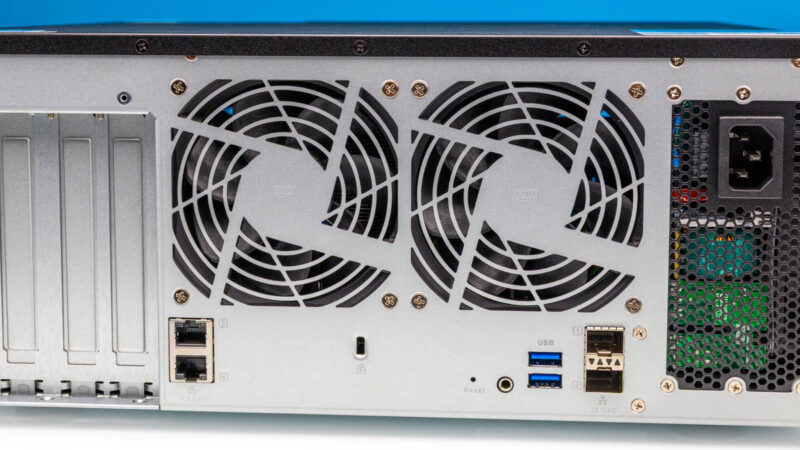
As a quick recap, a big reason to use this particular QNAP TS-h1290FX NAS was that it supports high-end U.2 SSDs, like the Solidigm D5-P5336. It also has an onboard NVIDIA ConnectX-6 dual port 25GbE NIC. From a noise perspective, it is one of, if not the only, system in this class that has this level of performance, but is also quiet enough we can have it in a studio. For any organization that is running lots of small AI agent machines in an office setting, there is a huge benefit to not having a big and loud system.
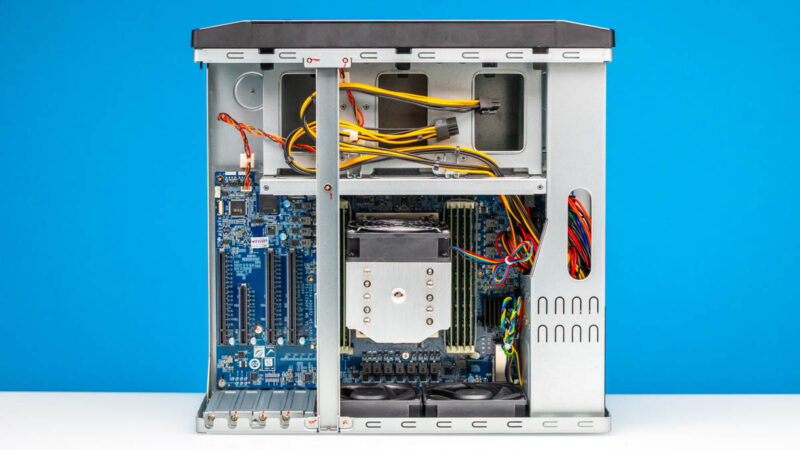
Inside, the system uses an AMD EPYC processor, but as an exciting point, it also has various PCIe Gen4 card slots.
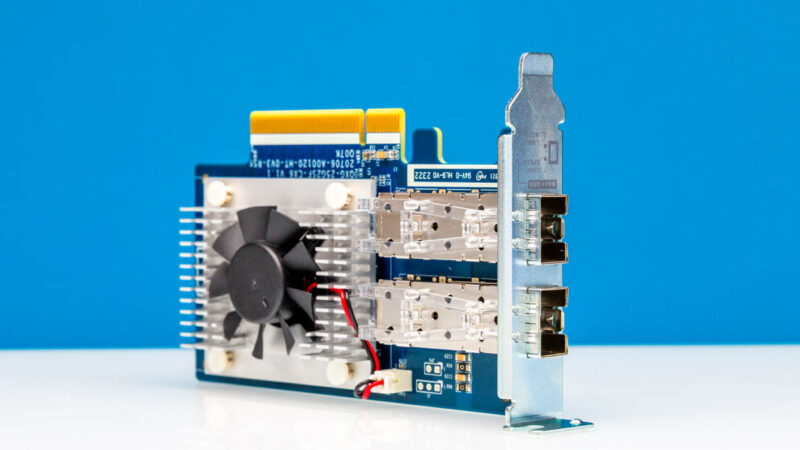
We also reviewed the QNAP QXG-25G2SF-CX6. We are using an extra dual port 25GbE card with NVIDIA ConnectX-6 onboard to give us a total of 4x 25GbE ports, and that is our base configuration. 100GbE total is roughly a PCIe Gen5 x4 SSD worth of speed. Since we are using the 30.72TB Solidigm D5-P5336 SSDs which are PCIe Gen4 x4, it gives us roughly twice the interface bandwidth of the SSDs.
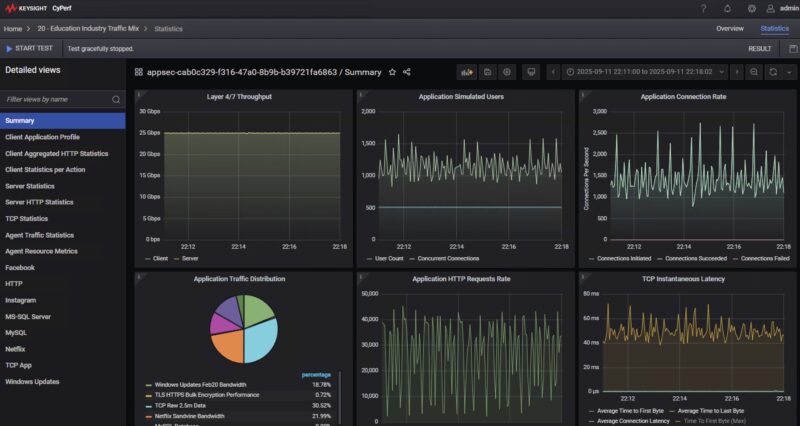
What is more, we found that we could push the cards to actually run full 25GbE speeds using our high-end Keysight CyPerf setup, even when running a mix of real-world application traffic, not just generic packets.
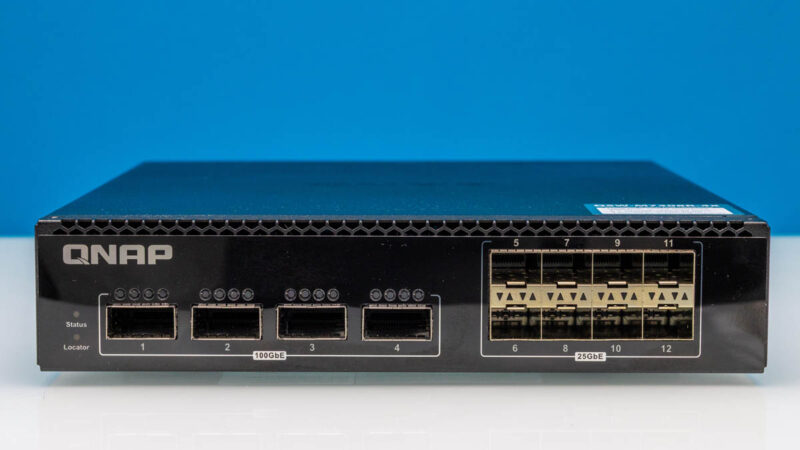
Our original plan for this (and we should note it works) was to use a pair of low-power edge switches like the QNAP QSW-M7308R-4X. These have four 100GbE ports and eight 25GbE ports.
Key to setting up performant AI cluster storage, even on smaller nodes, is to get RDMA and RoCEv2 working. For that, you need features like Priority Flow Control, or PFC.
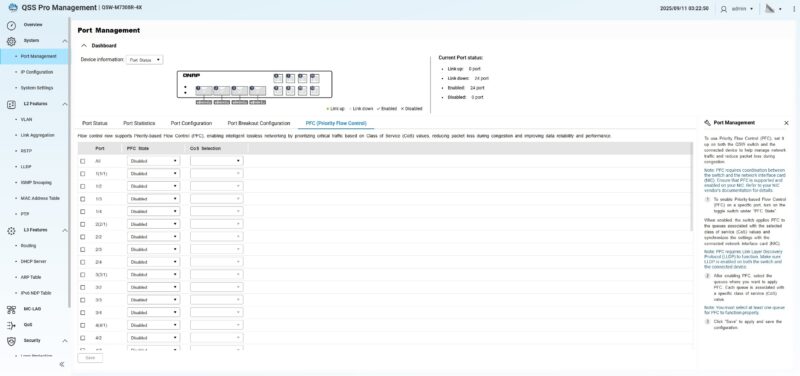
ECN or Explicit Congestion Notification was another feature that this particular switch has, that we need for RoCE v2 networking.
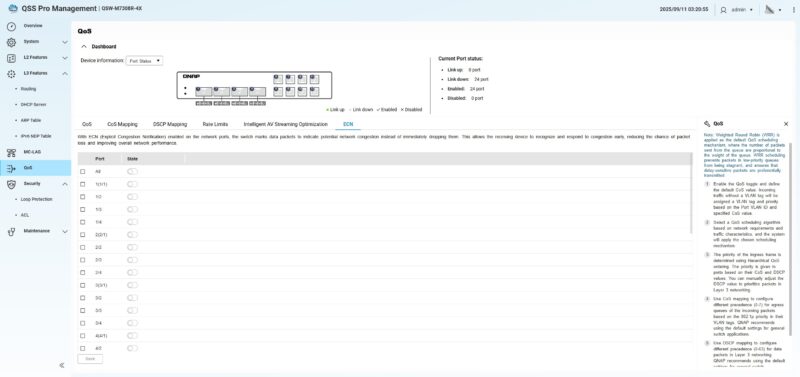
This actually worked decently well. We had four 25GbE ports connected between the NAS and the switch. Another four of the QSFP28 ports for connecting the NVIDIA GB10 systems like the Dell Pro Max with GB10 and NVIDIA DGX Spark. The GB10 networking is really funky as we went over in detail in The NVIDIA GB10 ConnectX-7 200GbE Networking is Really Different. We could use a second switch for 100GbE RDMA networking between the GB10’s for an East-West GPU communication network, and then the original switch for the more North-South storage network. There is a lot of wisdom to setting this as a single network, but this setup allowed us to also hook up four additional systems using 25GbE adapters to the storage network, and just use that as mostly a storage back-end network to hold models.
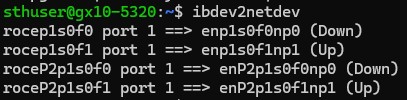
To be clear here, we were very happy with this, $2000 of switches, a few DACs and low-cost optics, and we got great performance to access our 360TB pool of storage. Then we started to get the itch to do a bit more with our setup.