

AMD Ryzen AI Halo Topology
On the topology side, here is what the system looks like.
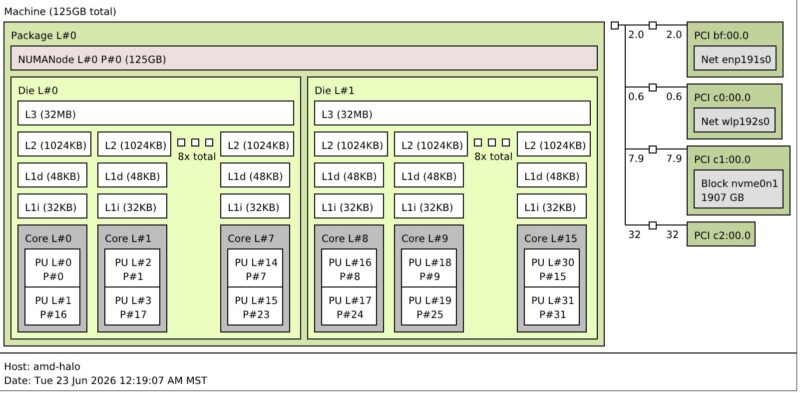
This is not overly exciting, but you can see the 16 cores here and then the 2TB NVMe SSD, 128GB of LPDDR5x memory, and the NICs.
AMD Ryzen AI Halo Developer Experience UEFI Firmware
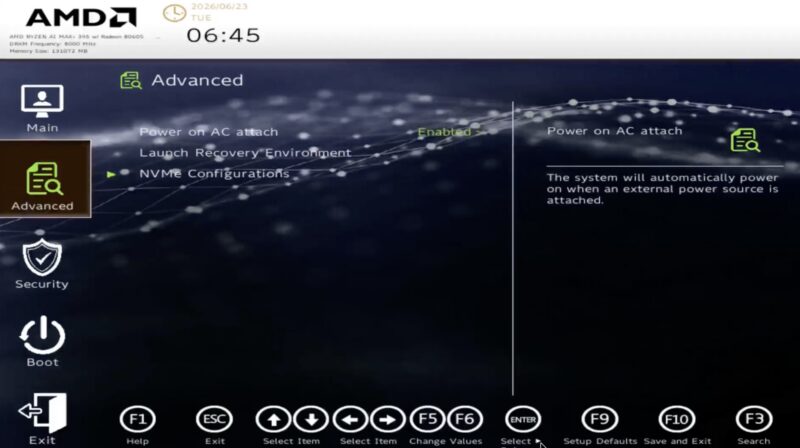
Just a quick one, since we recommend changing a specific BIOS option, here is a quick look at the UEFI firmware.
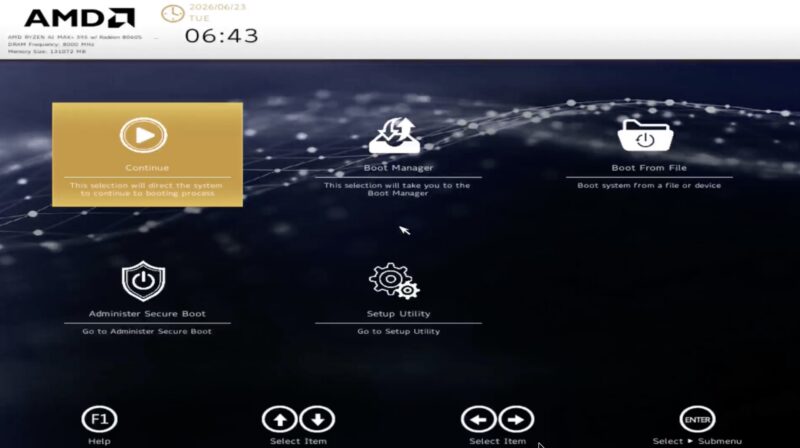
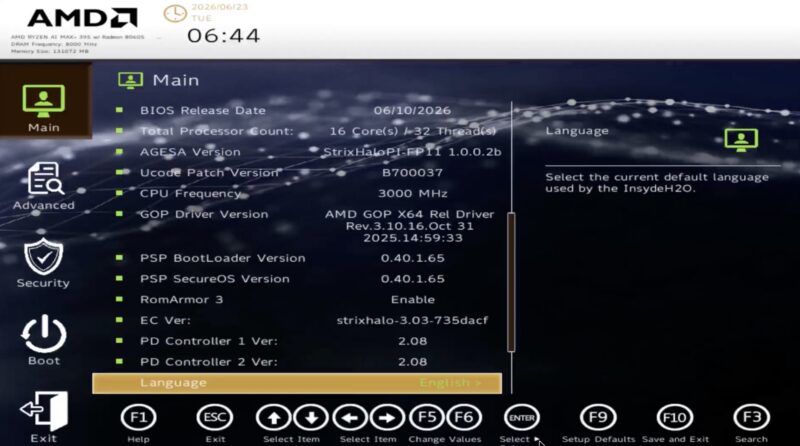
Here is the main screen. This looks more consumer than server.
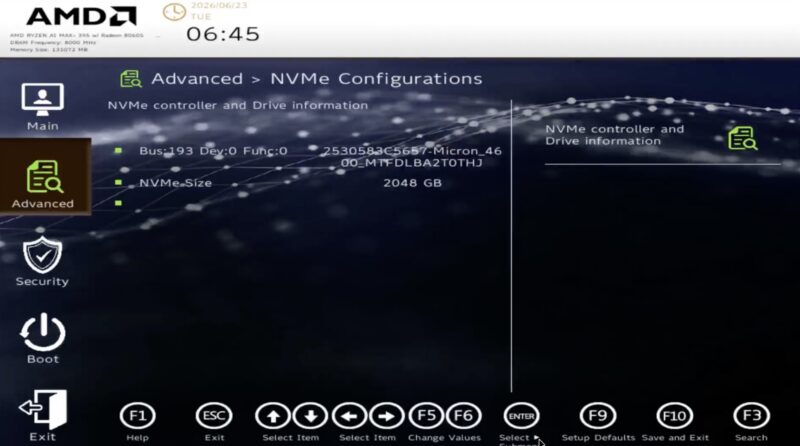
Here is the M.2 SSD information.
Here is the Advanced tab. This is where the “Power on AC attach” option is. You will likely want to change this to Enabled so that you can manage it with a remote PDU, or even just to avoid the power button issue we had.
Next, let us let the system boot.
AMD Ryzen AI Halo Developer Experience Setup
Booting the system, AMD has Debian 12. NVIDIA DGX OS is more of an Ubuntu base, so they are both similar, but a little different. For example, when you install Tailscale for remote access, the default installer script errored out for us because it did not understand AMD’s flavor of Debian.
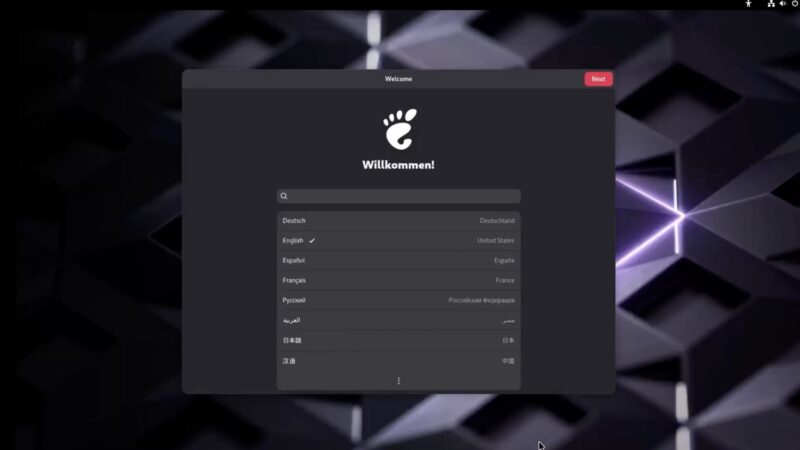
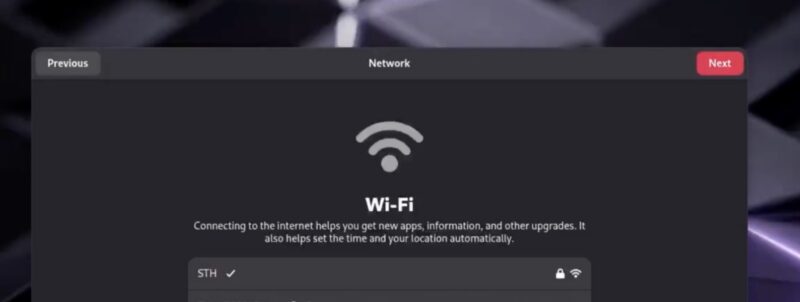
You are asked to join WiFi, even if you have a wired connection.
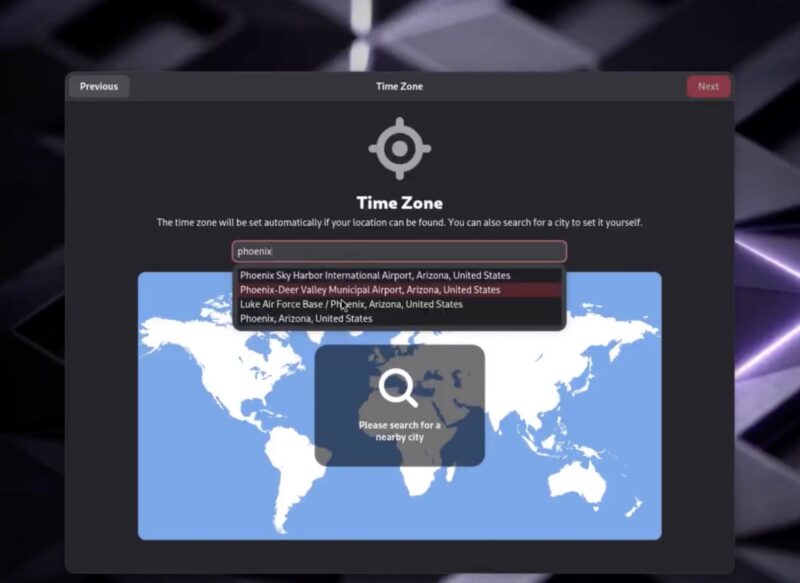
Time zone is another setting to select.
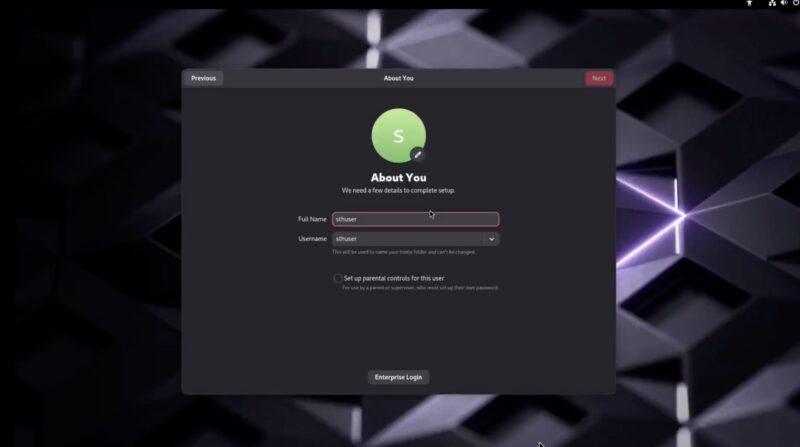
Username, password, and so forth are next. If you ever have setup a Debian or Ubuntu box, this will be an easy workflow.
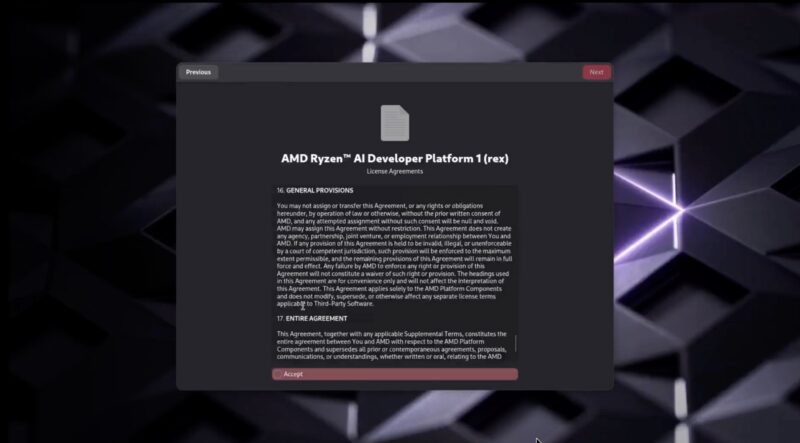
Of course, you get a EULA that we are sure many of our readers will spend hours reading in great detail.
Once this was done, we rebooted, just to get into the main workflow starting with the login.
Once logged in, we can see our Radeon 8060S GPU, 16-core AMD Ryzen AI Max+ 395 processor, and the 2TB SSD.
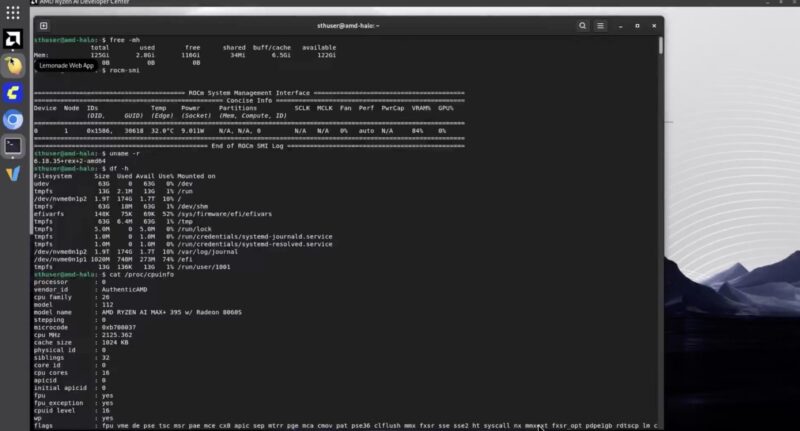
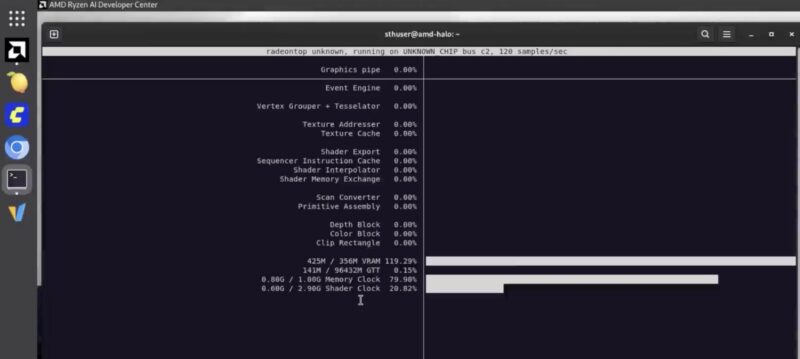
We got radeontop working even if it was not installed by default.
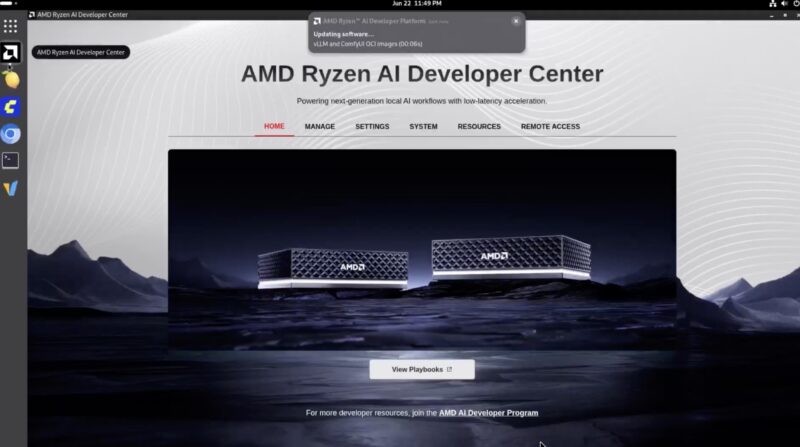
The big differentiator, however, was the AMD Ryzen AI Developer Center. AMD is not just selling this as a hardware platform. Instead, this is being pitched as an easy way to get onboarded to AMD’s AI workflow.
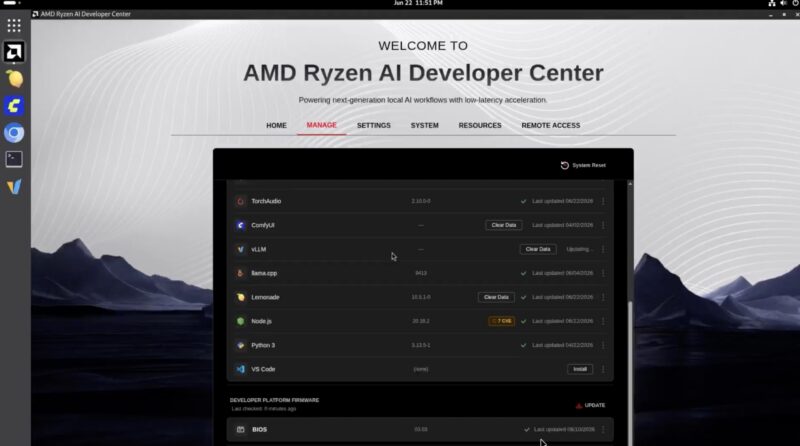
Something neat is that AMD has the ability to install vLLM, ComfyUI, llama.cpp, VS Code, and more directly from here. Many will install Lemonade, which is AMD’s easy way to get started with AI models.
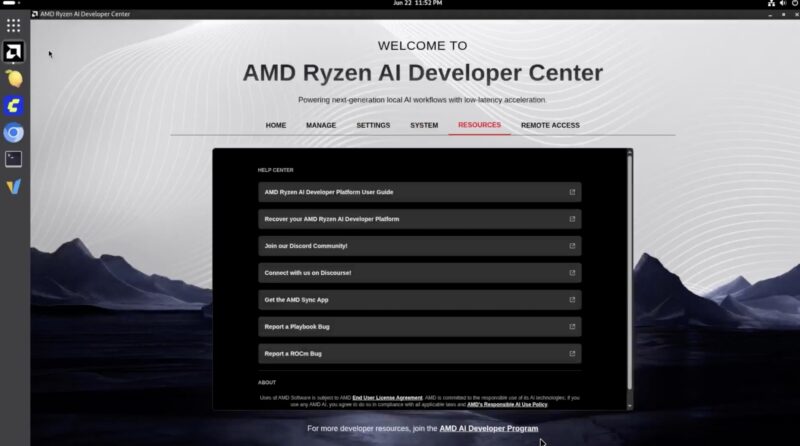
In addition to those, there is also a Resources tab that has guides.
AMD also has a remote access feature. Again, many will want something like Tailscale, but this is a nice touch.
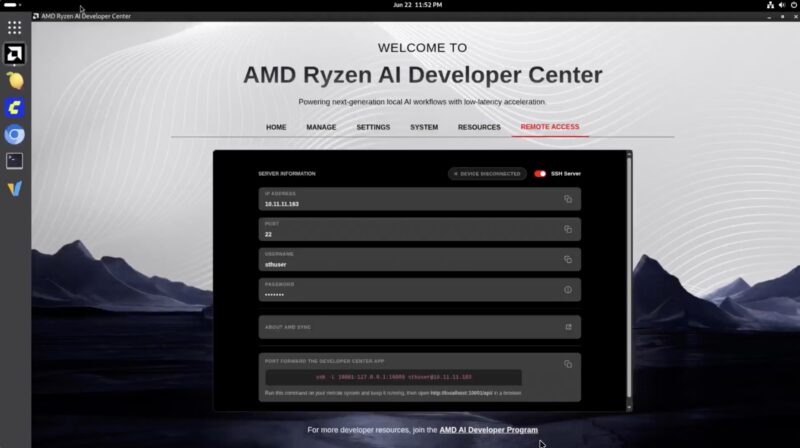
AMD’s big thrust with this platform is that it is not just a mini PC. Instead, it will support AMD’s AI development platform. While we tested this using Linux, there is also Windows support, just given it is an AMD Ryzen x86 system.
Next, let us get to the performance.




Does AMD really even have a >10Gb NIC that they can put into these at a reasonable price point, even if they had enough free lanes? I see that they make a AMD Pensando Pollara 400, but they’re not really available on the open market so I can’t tell if it makes sense to put one into a $4k computer. The only one that I can see for sale anywhere is $3,500 on eBay. The bulk of the >100G NICs that get announced these days are DPUs, which really don’t make much sense in this context, and I just can’t see AMD shipping a Mellanox or Intel NIC in this sort of thing.
I really wish they’d included a PCIe slot or, better yet, an OCP slot for BYONetworking. That would let them enable clusters without having to force the connectivity cost onto every customer that doesn’t use it. Does Strix Halo have spare PCIe lanes or is it so narrowly focused that it only allows for an NVMe or two?
It would be nice to compare benchmarks with medium size (20B-50B) dense LLM on this thing to similarly priced Apple offerings with M4 MAX, M5 Pro and/or M5 MAX, alongside a GB10.
I couldn’t see from the pictures, but is the power USB-C wired up for data? My dream device would be compatible with a dock so I could move it around to different sites and only plug in a single cable. I know there was some AI box (one of those DGX Spark boxes, maybe the HP one) that actually listed a data speed on the power port, but I don’t have one to test it with a high power dock.
I couldn’t see from the pictures, but is the power USB-C wired up for data? My dream device would be compatible with a dock so I could move it around to different sites and only plug in a single cable. I know there was some AI box (one of those DGX Spark boxes, maybe the HP one) that actually listed a data speed on the power port, but I don’t have one to test it with a high power dock.
To reinforce Frank’s comment: What would have made this review really useful is a performance comparison with Apple and nVidia boxes.
I’m going to go a step further than Frank and justsomeguy and say that this review is actually useless without performance comparisons against other hardware.
and when you decide to add comparative llm inference benchmarks, may I suggest that you use MLX on Apple hardware, CUDA on NVIDIA and both ROCm and Vulkan on AMD (the results can sometimes be surprising)?
IMHO, this box is a little bit weird, I guess they’re testing the waters for Gorgon Halo and they can do a respin. But releasing a reference platform a year into production is weird. Just buy a Bosgame, GMKTEC or Minisforum, or wait for Medusa Halo.
@Scott Laird
Broadcom do a respectable line of >25G NICs, although they wouldn’t be cheap, or there’s Marvell DPUs.
Or be really weird and follow the methodology of the Mikrotik CCR2004 which is a switch chip with PCIe.
The other Strix Halo machines had dual NVMe, so there’s upto ~40G of PCIe bandwidth available.
This was an amazing review, the hardware part is fantastic and so brave. I don’t care for RGB but if I messed up that flat cable I would cry! 3999 USD for 128GB of ram pretty much. I don’t see how it’s any better than the mini pcs with the same specs.