

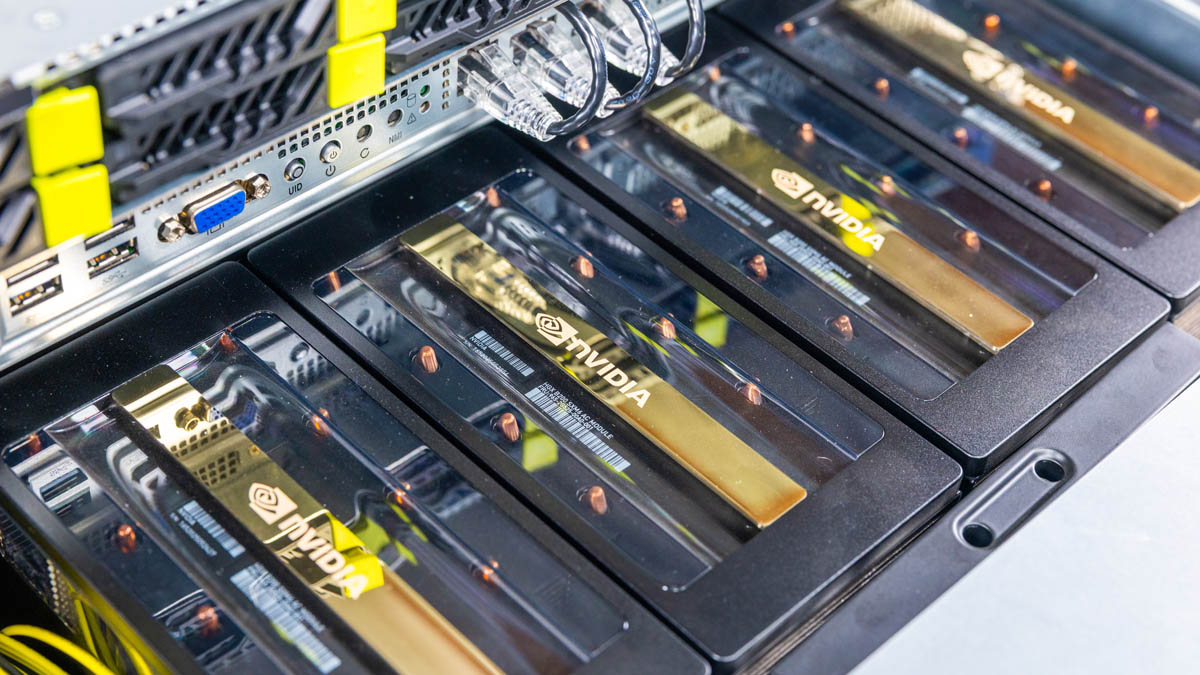
The ASRock Rack 8U8X-GNR2 SYN B200 is a new AI server powered by Intel Xeon 6 processors and the NVIDIA HGX B200 8-GPU Blackwell GPU platform. As such, it is a thoroughly high-end AI server. This is not just a follow-up to the ASRock Rack 6U8X-EGS2 H200 server we reviewed previously. Instead, this is an even bigger server that has been upgraded to support the new silicon generations. Still, it is an ASRock platform, so there is still some cool engineering that we have seen in the company’s servers since the 3U8G-C612 we reviewed back in 2015. Now, with over a decade of making 8-GPU servers, we have the latest NVIDIA B200 generation for review.
This is set to be around three times the number of images of our standard server review. As a result, we are breaking this up slightly differently for our hardware overview sections. Of course, we did not buy this system. ASRock Rack is loaning us the system, so we need to say this is sponsored. We cannot buy systems that cost this much for reviews.
ASRock Rack 8U8X-GNR2 B200 Front and Interior Hardware Overview
Starting off, this is an 8U server. While that fact alone may not be overly exciting, it is important because ASRock Rack has effectively taken the previous generation 6U platform and added 2U of power and cooling to accomodate the NVIDIA HGX B200.
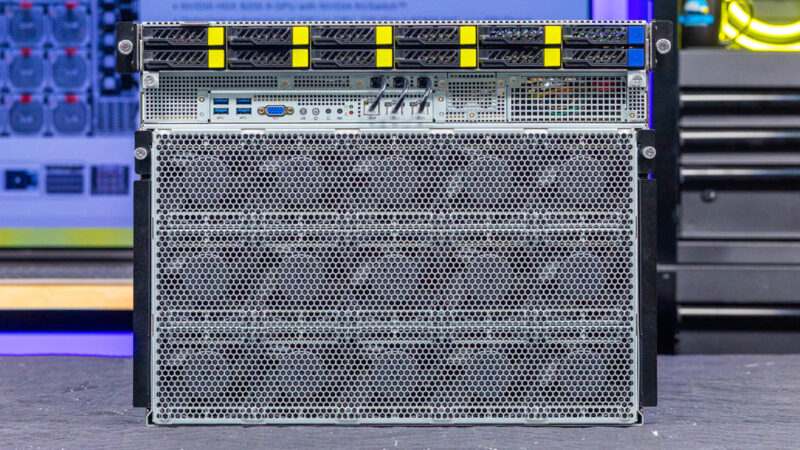
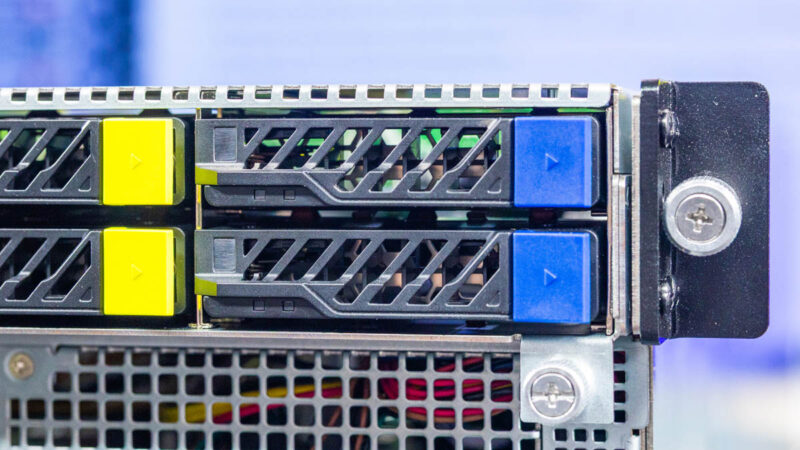
On top, we have drive bays. The first eight are for the GPUs while the next two are for boot media.
The drive trays are easy tool-less models and we can see our Kioxia SSD for our direct attach storage.
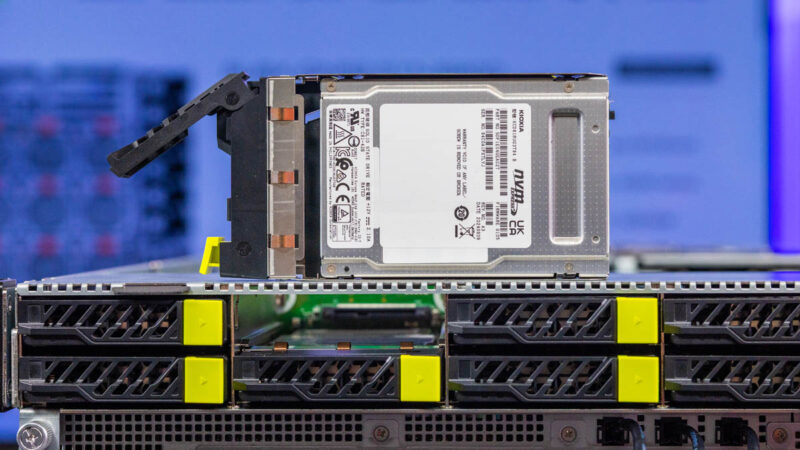
Of the twelve drives, we have ten NVMe. Eight are for GPUs and two are for boot, then there are these two drive bays that are not used in our system.
Here is a quick look at the storage backplane in front of the CPUs. While there is a M.2 slot under this front section, the big change is that there is no PCH under here as the newer Xeon 6 platforms no longer have PCHs like we saw in the previous NVIDIA HGX H200 systems based on 4th and 5th Gen Intel Xeon Scalable processors.
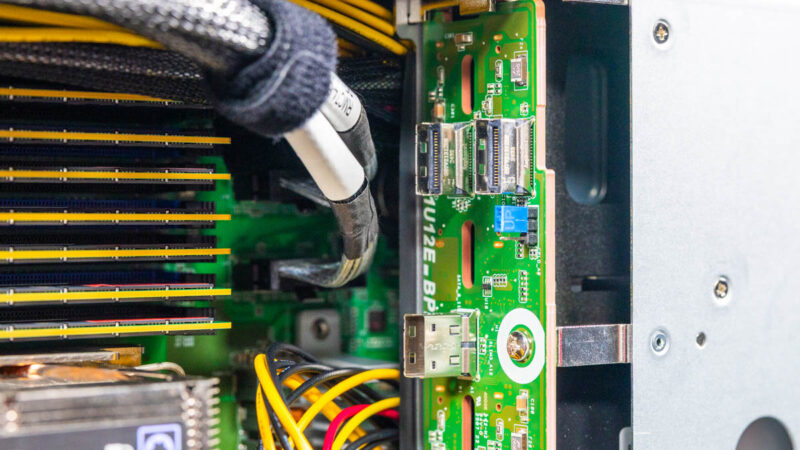
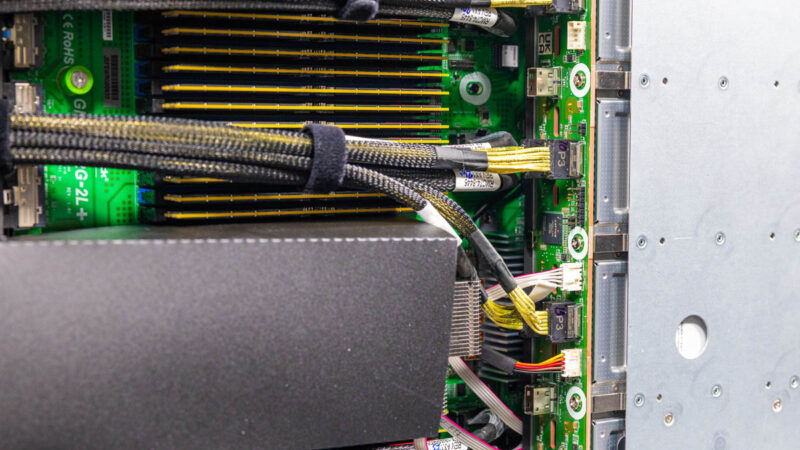
These systems have huge cabled PCIe runs.
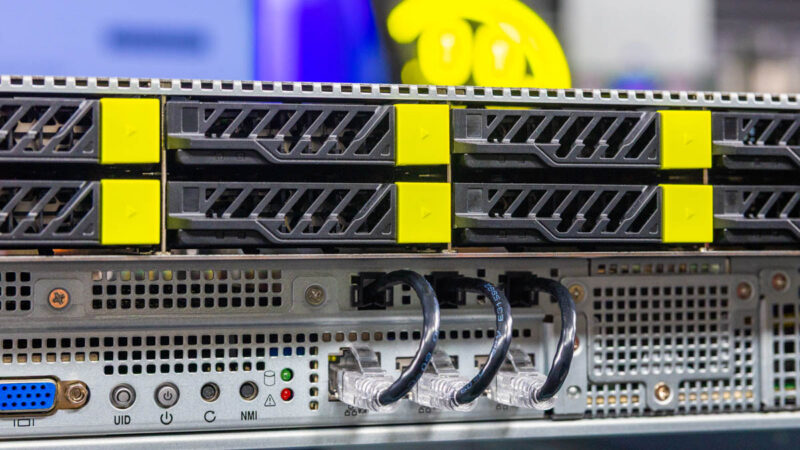
Below the front U.2 bays, we have our I/O. There are four USB ports.
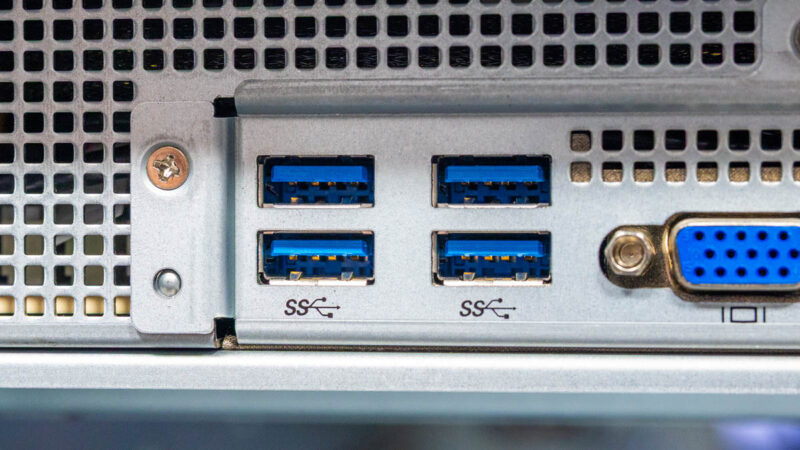
Then we get a VGA port. This is a great setup since it provides lots of connectivity for local access.
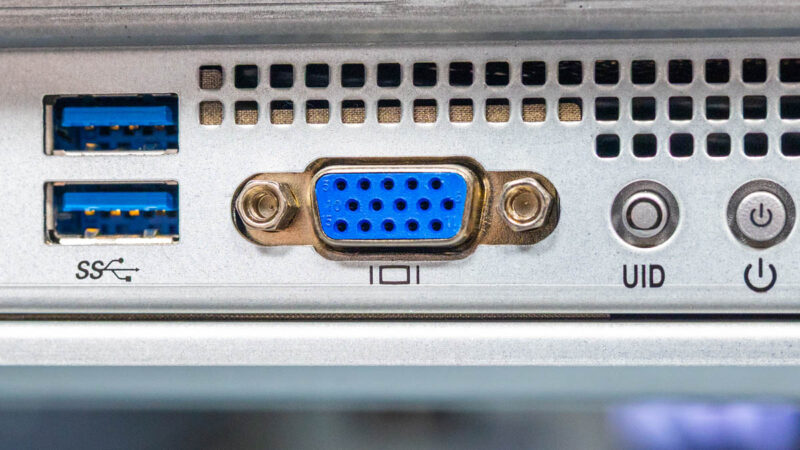
We also get the power button and status LEDs on the front.
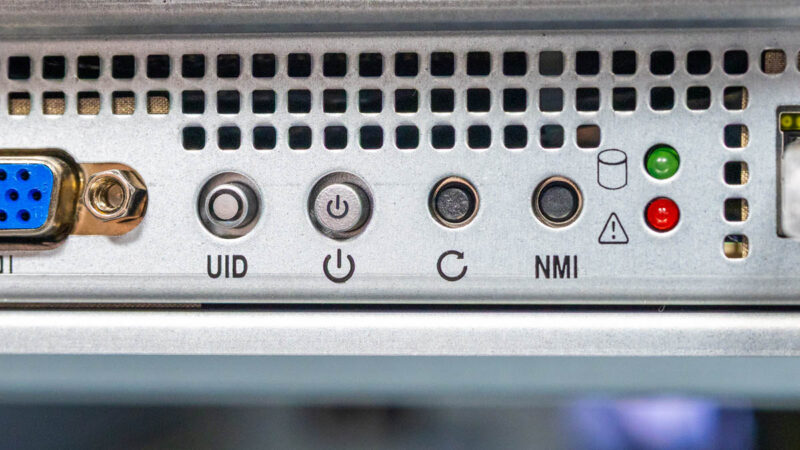
Then we get to some more fun ASRock Rack design flair. ASRock Rack continues its tradition of having the 1GbE and management ports all in front. There are Ethernet cables that bring the signal to the rear. In the photo below, you can see the rear configuration.
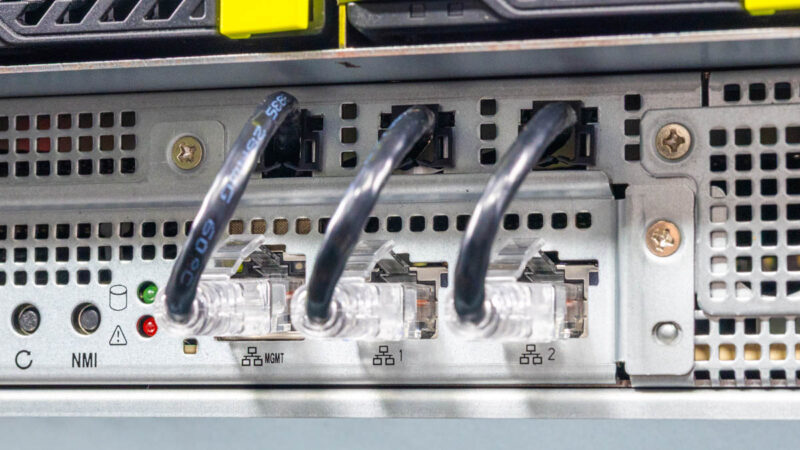
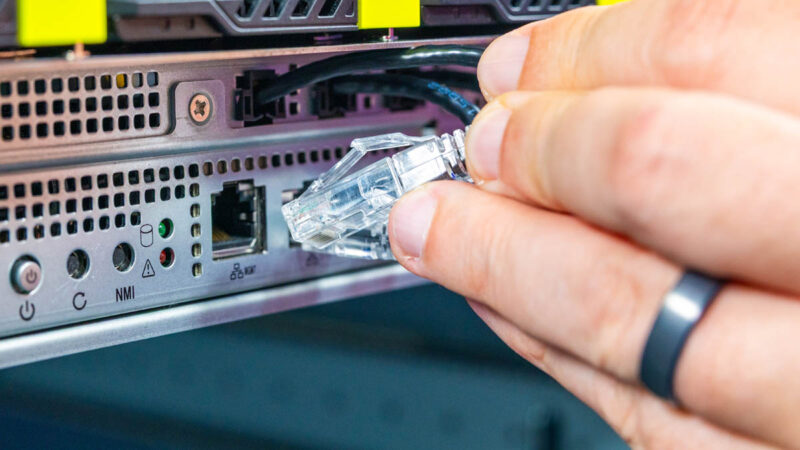
If you instead want to use these for front I/O, you can simply pull the Ethernet cables.
Underneath this is the NVIDIA HGX B200 8 GPU tray. This is one we will dedicate an entire section to on the next page.
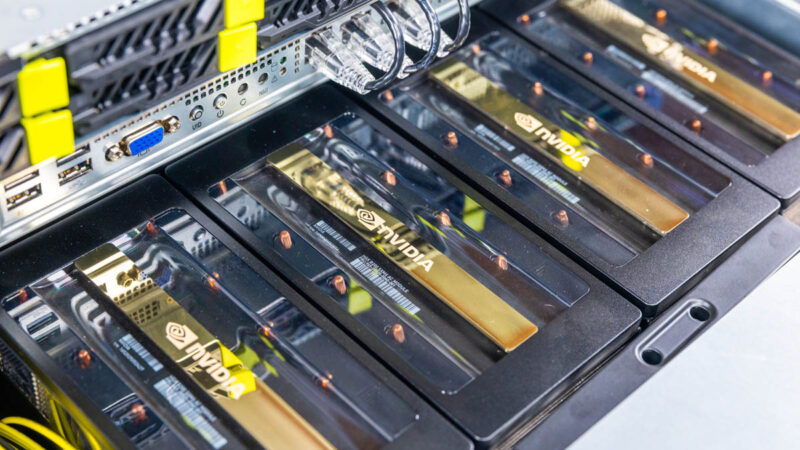
That assembly plugs into a PCIe switch board that sits at the bottom rear of the system. ASRock also has added blind mate power connectors as well.
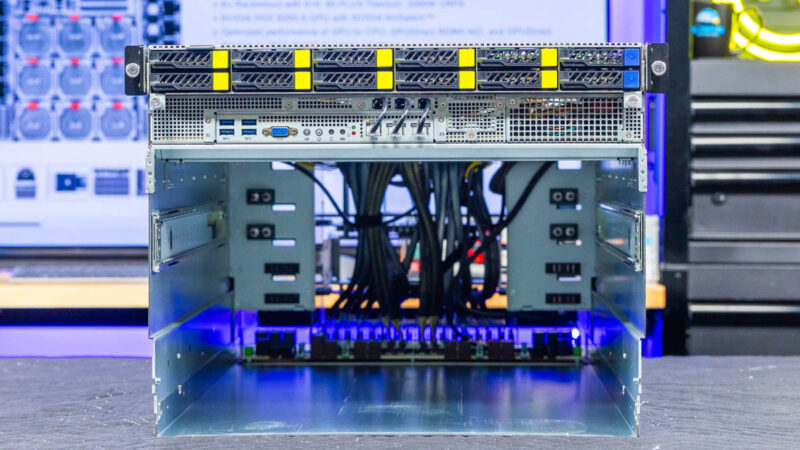
Here is what that bottom area looks like, including the internal rails that keep everything in place.
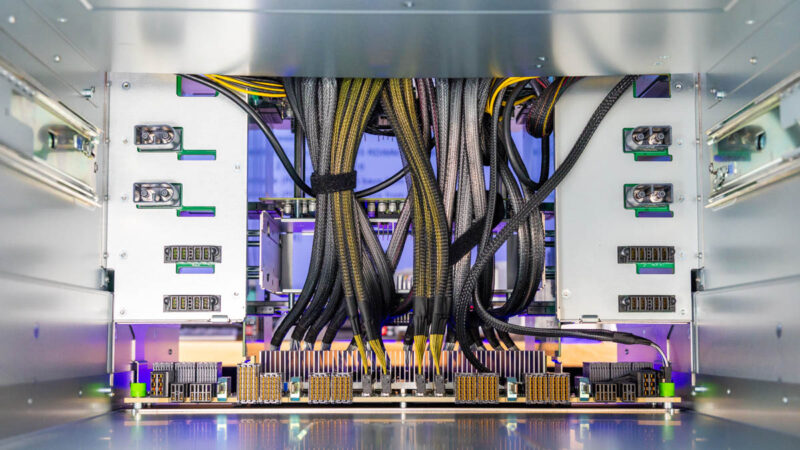
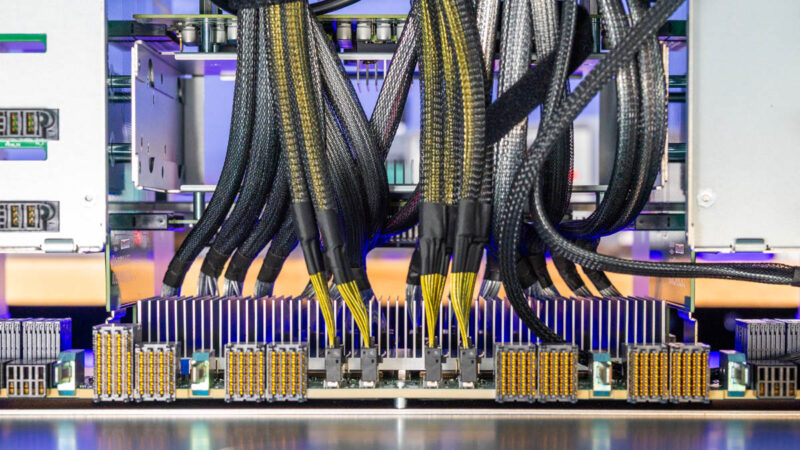
When we say there are a lot of cables running through the system, we mean it, and you can see them here.
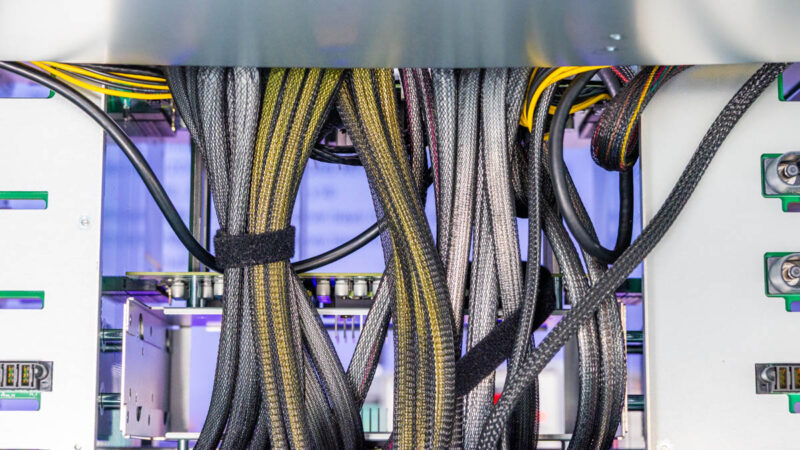
Here is a quick look at the PCIe switch setup, under the heatsinks. The switch PCB has MCIO cables that go to the motherboard and the front drive bays via MCIO cables. The NVIDIA HGX B200 board plugs into this side, and then the NVIDIA ConnectX-7 NICs connect into the other side of this board.
The system contains the GPU and main NIC section in the bottom 6U, but the top is like a 2U server with storage in front, then the CPUs and memory, midplane fans, and then some I/O in the rear. We are going to work from right to left.
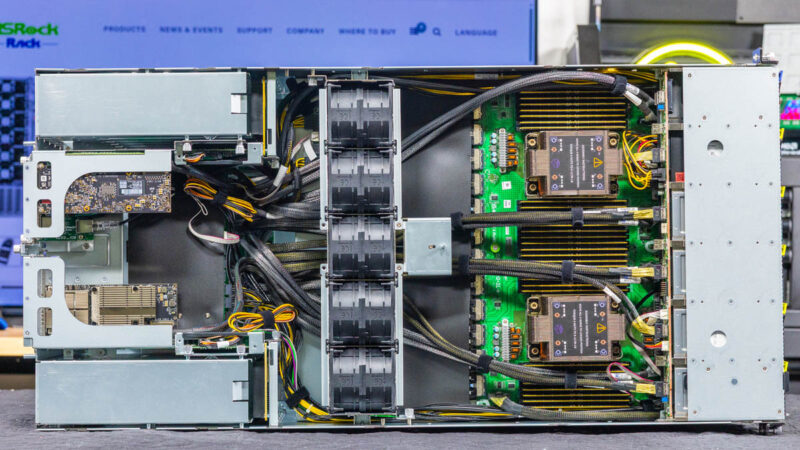
In the front of the system we get two Intel Xeon 6 CPUs, specifically for the Xeon 6700P, 6500P, and even the 6700E series.
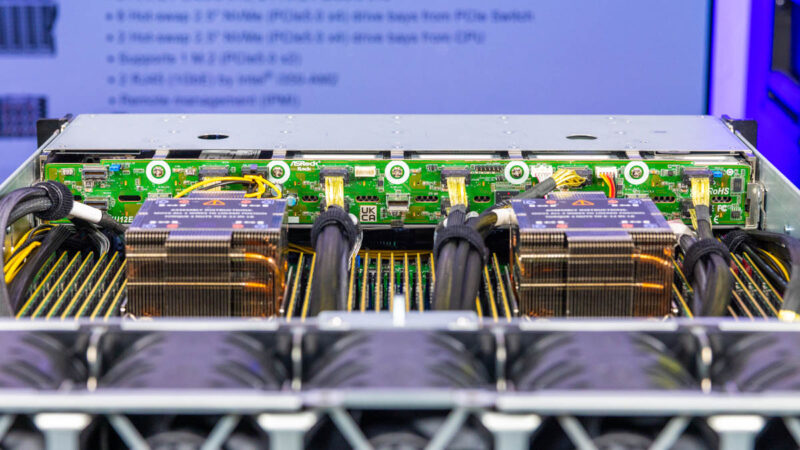
An advantage to these processors, over CPUs like Granite Rapids-AP and AMD EPYC is that they have 8 channel 2DPC memory configurations. Practically, that means there are 16 DDR5 DIMMs per CPU and 32 DIMMs total. When you have over 1.4TB of GPU memory, 2TB of system RAM is not even a 2:1 ratio. Having more DIMM slots means more capacity without having to use higher capacity (and more costly) DIMMs.
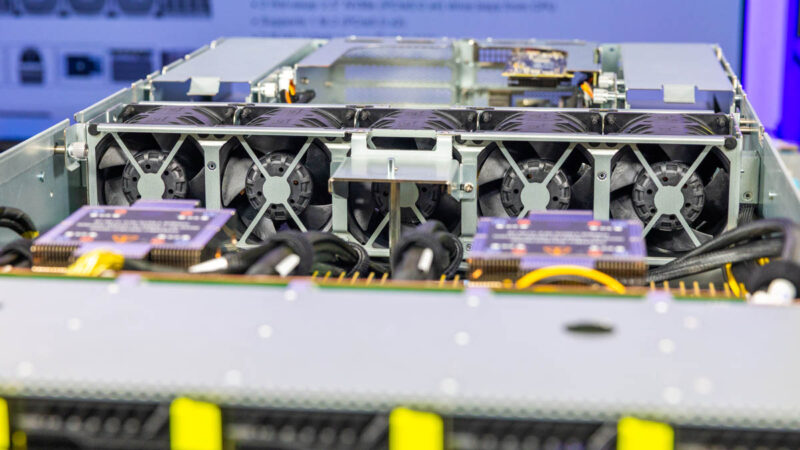
Cables are tied into bundles, but they are everywhere here.
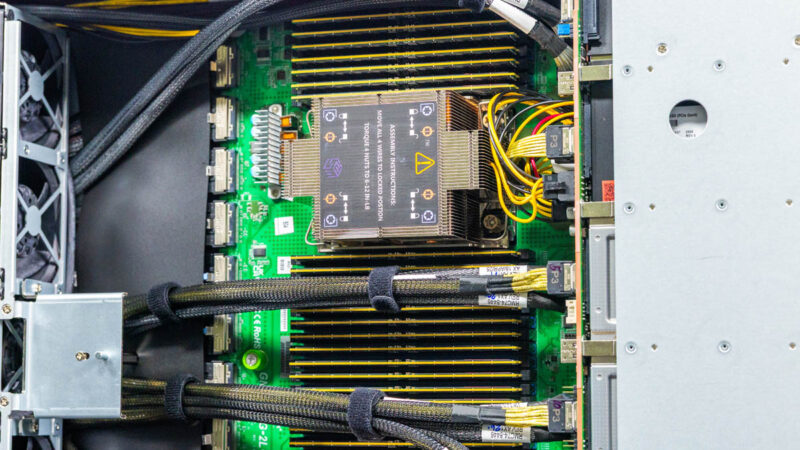
Getting to the DIMMs here was not perfectly clean since some cables routed over the DIMM slots, but there was enough play to make servicing the DIMMs not particularly challenging.
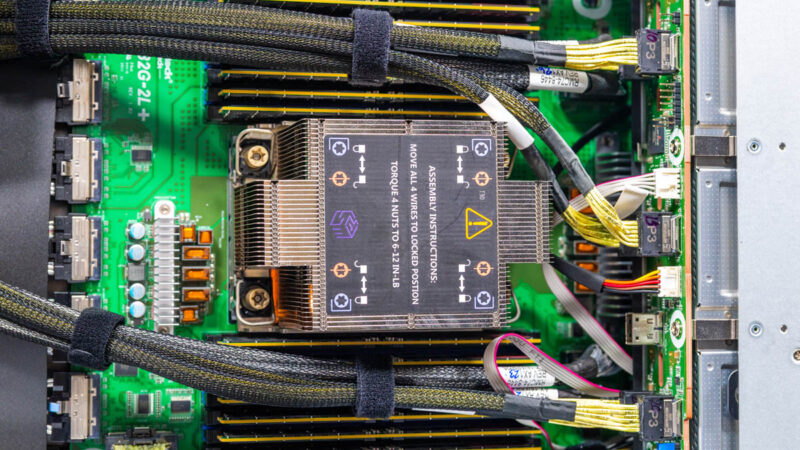
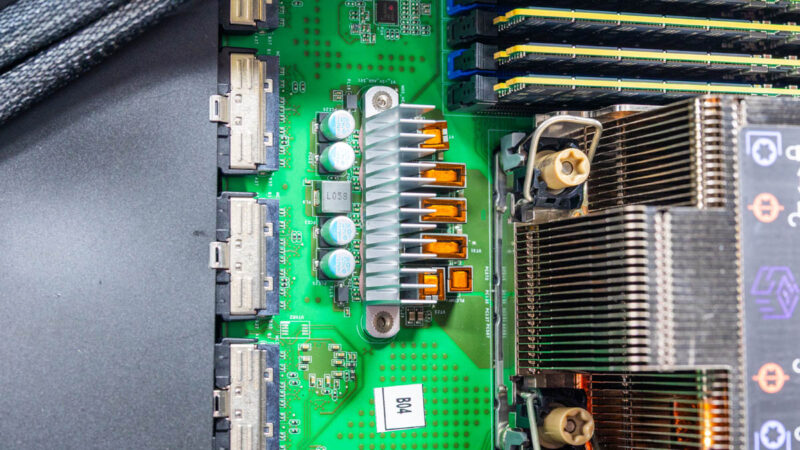
Behind the CPUs and memory, instead of rear I/O and perhaps an OCP NIC 3.0 slot, instead we get all MCIO connectors. This is a custom motherboard design to help minimize the main PCIe runs down to the PCIe switch, GPU, and NIC area at the bottom of the chassis.
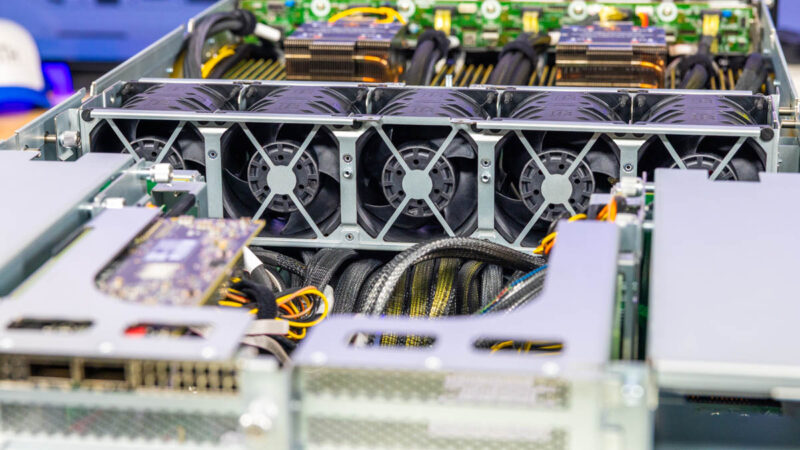
In the top section, we had large dual fan modules moving air through components.
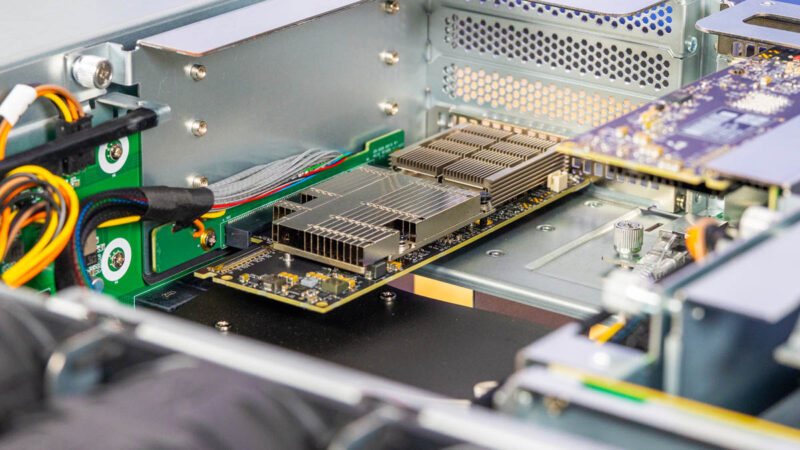
In the rear of the system, we have risers that take MCIO cable inputs. Here is the right rear x16 riser. This would be for a NIC like the NVIDIA ConnectX-7 NIC or a NVIDIA BlueField-3 DPU for our North-South network in an AI cluster.
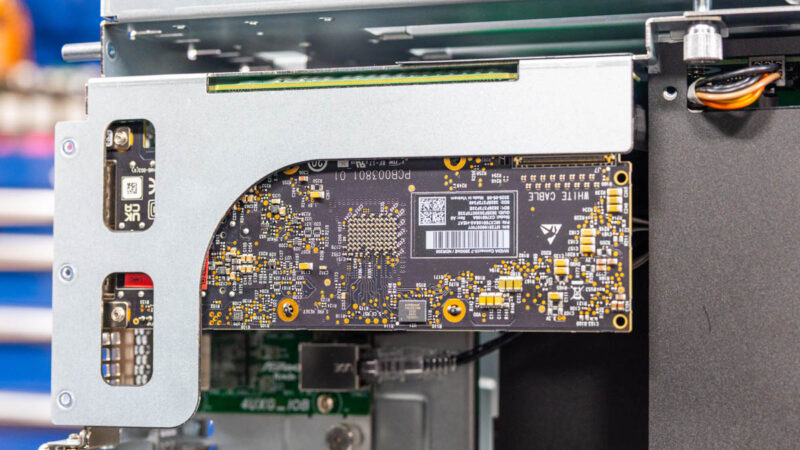
Here is the left rear riser again with MCIO connections and a second NIC.
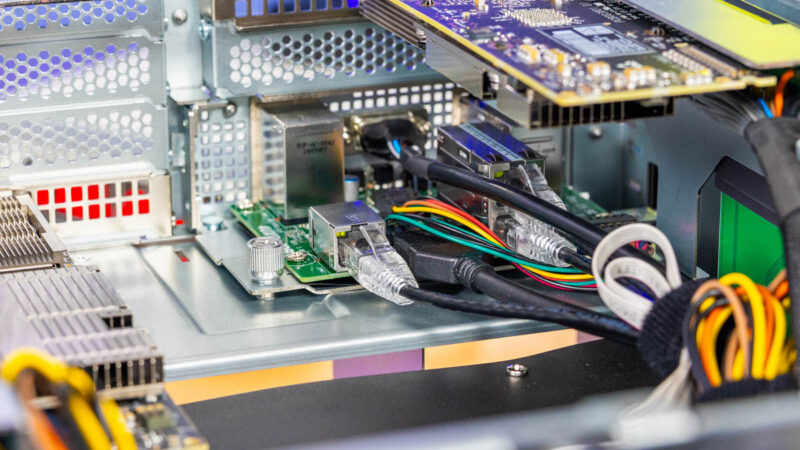
That sits just above the rear I/O board or the ASRock Rack 4UXG_IOB.
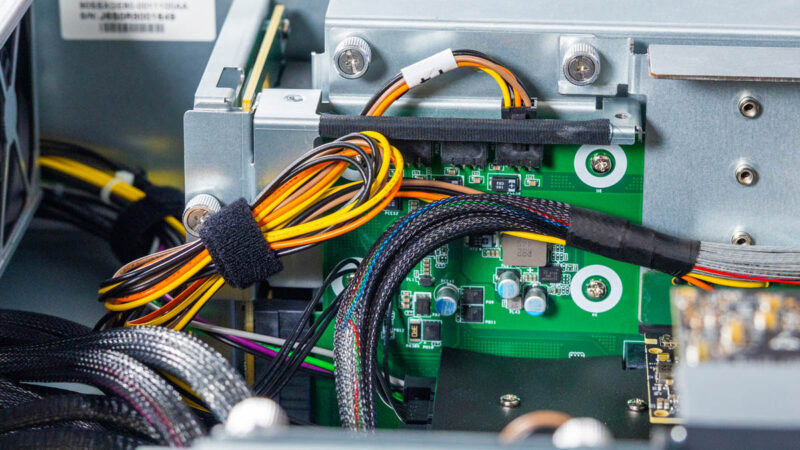
There is also a little power distribution board since these risers may need power.
Next, let us take a look at the NVIDIA HGX B200 assembly.


The sytem from Pegatron looks exactly the same.
The delta over 5 years (Fall? 2020) in the cost, power usage, capability of the 8-way Nvidia servers is quite impressive (along with a $5T market cap.)
Toward the end of my IT career I installed two dual X86 (Xeon or Epyc?) eight A100 based Nvidia servers (vendor: Lambda). My circa 2019 racks supported < 10 KW iirc. The servers (one per rack) were perhaps 4U and cost just one Starbucks coffee < $100K each.
Change is happening quite fast. These things are practically outmoded 2 years are being installed (H100 hourly rental costs 2024 vs 2025)…