

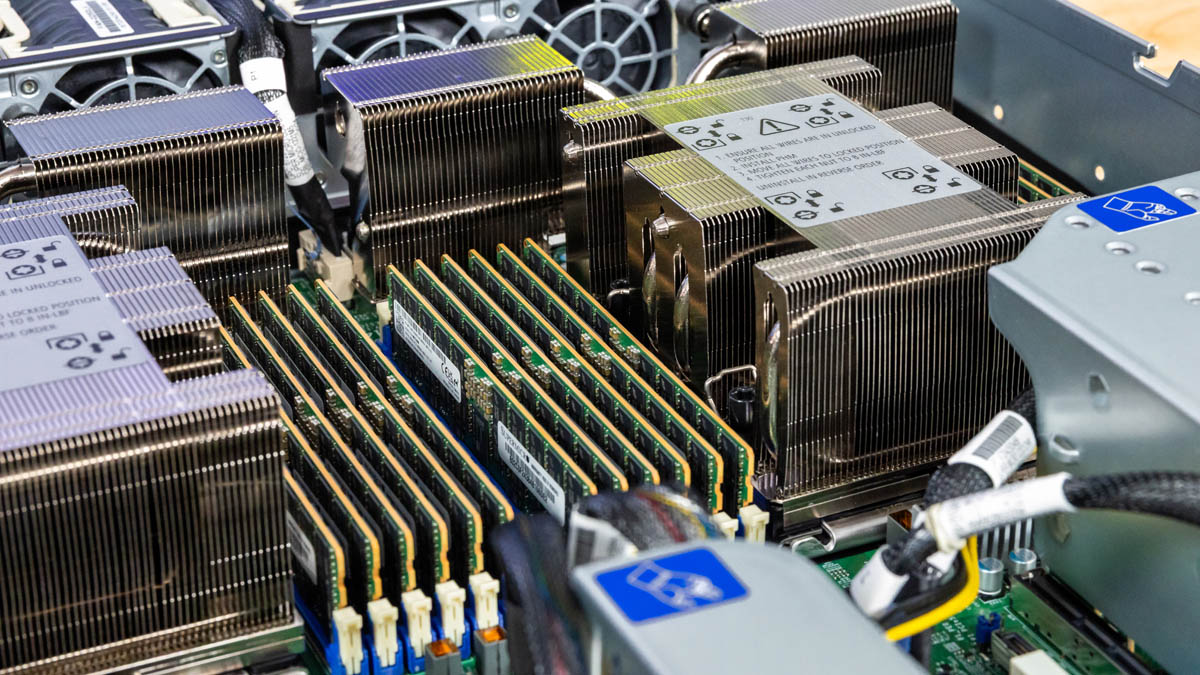
Today we are taking a look at the Supermicro Hyper SuperServer SYS-222HA-TN. That is a substantial model name for a substantial server. Inside, we have dual Intel Xeon 6900 series CPUs along with the ability to run ultra-high-end MCRDIMMs and plenty of expansion. Let us get to the hardware.
Note we did not purchase this server. We must say this is sponsored. Also, you will see this being used in our Keysight CyPerf setup, which we will use for high-throughput network testing, and we did a motherboard deep-dive in our Why Server Motherboards Ditched ATX Form Factors with the Supermicro X14DBM-AP Example.
Supermicro Hyper SuperServer SYS-222HA-TN External Overview
The server itself is a 2U system from Supermicro’s “Hyper” line of servers. That is the higher-end line with more configurability. It is 31.74″ or 806.2mm deep, making it a fairly standard depth these days.
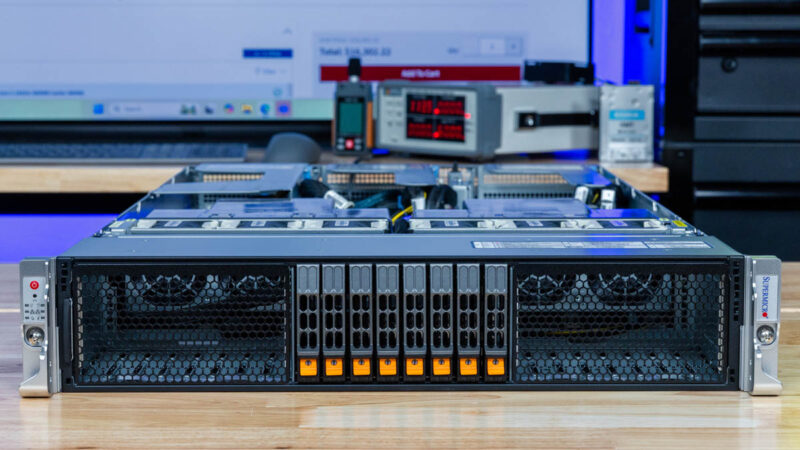
On the left rack ear, we get a power button and status LEDs. There is also a giant vent on each side of the storage. This type of design is not just used by Supermicro, but it is common on modern servers, especially those with higher-power CPUs and GPUs.
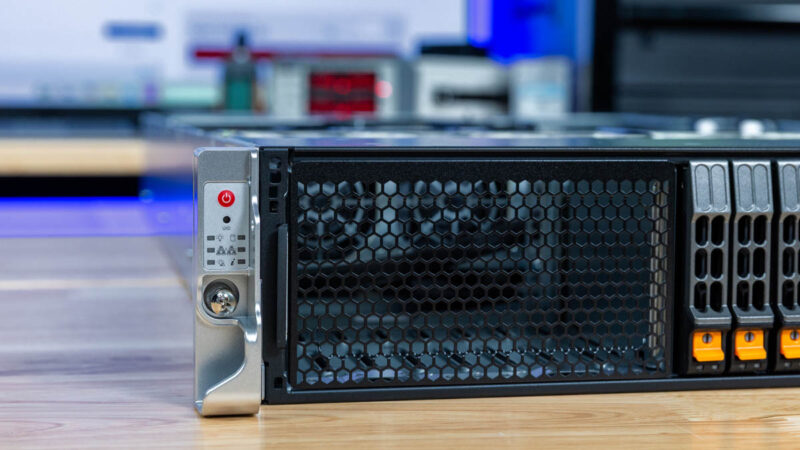
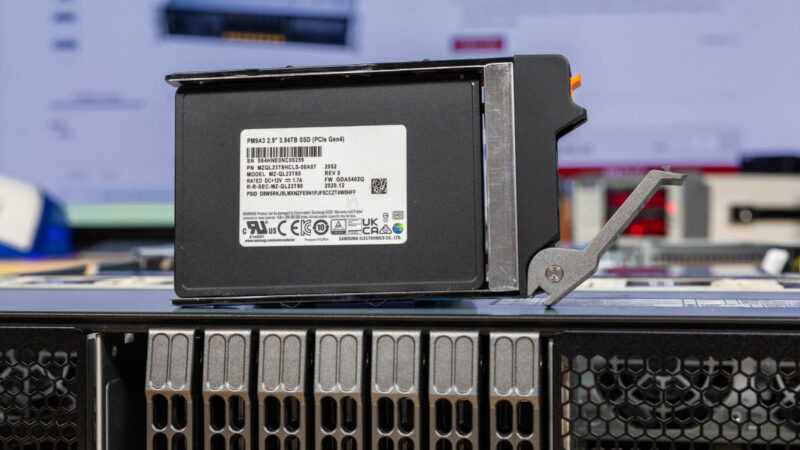
In the center, we get 8x PCIe Gen5 enabled 2.5″ NVMe drive bays.
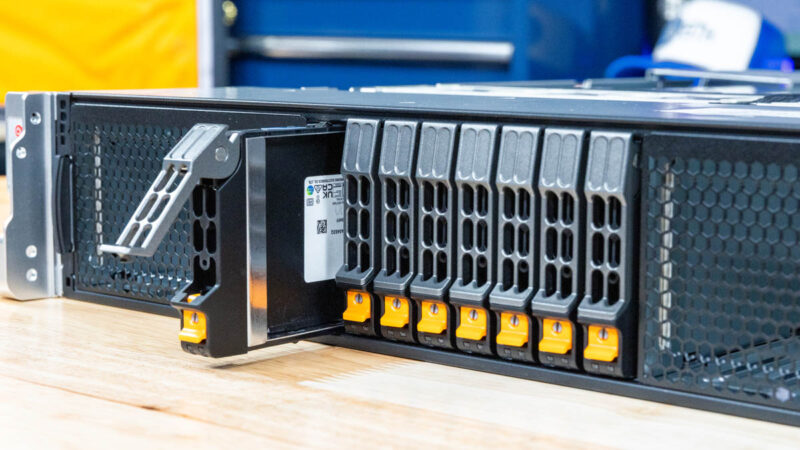
As this is a higher-end server, we get tool-less 2.5″ drive trays. This might not seem like a crazy amount of drives, but with modern 61.44TB drives like the Kioxia CD9P or huge drives like the Solidigm D5-P5336 122.88TB NVMe SSD we reviewed, eight drives is now capable of handling between roughly 0.5-1.0PB. Many of our readers have been around long enough to remember when a Petabyte of storage was not just a third of a 2U chassis and instead was a dedicated 8-10U of storage servers or even a rack.
On the rear, we get a fairly classic Supermicro Hyper design.
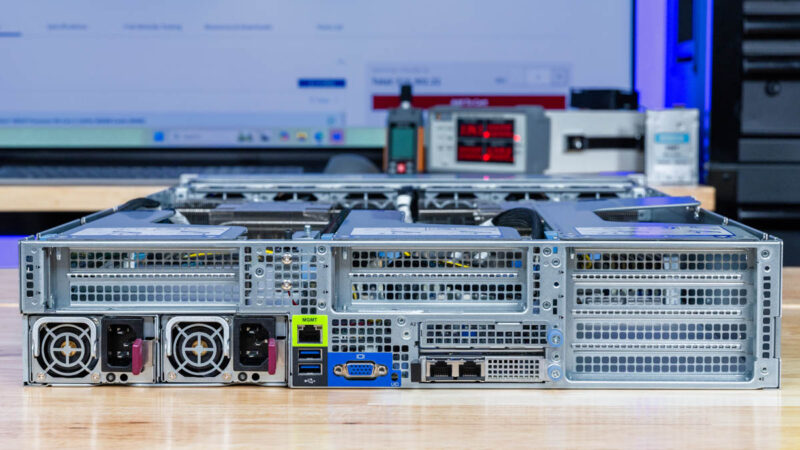
On the left rear we get redundant power supplies and a riser block.
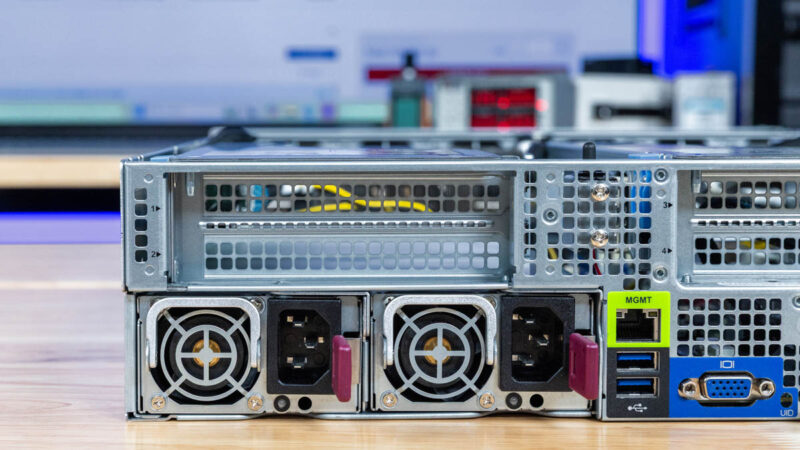
The redundant power supplies are hot swappable as one might expect on this class of server.
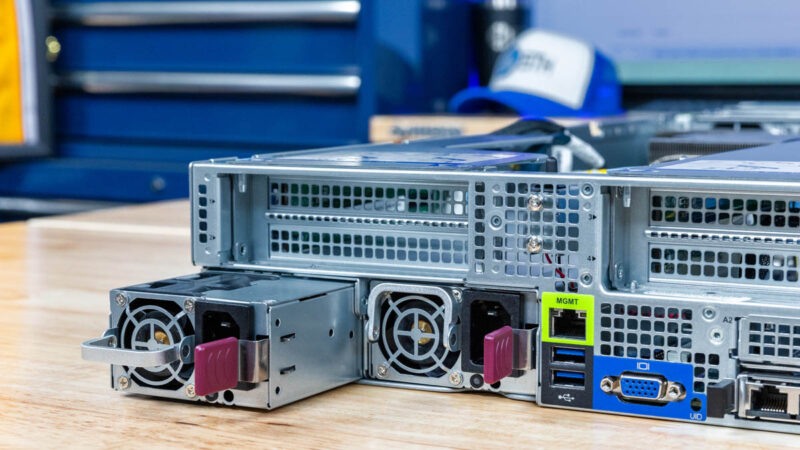
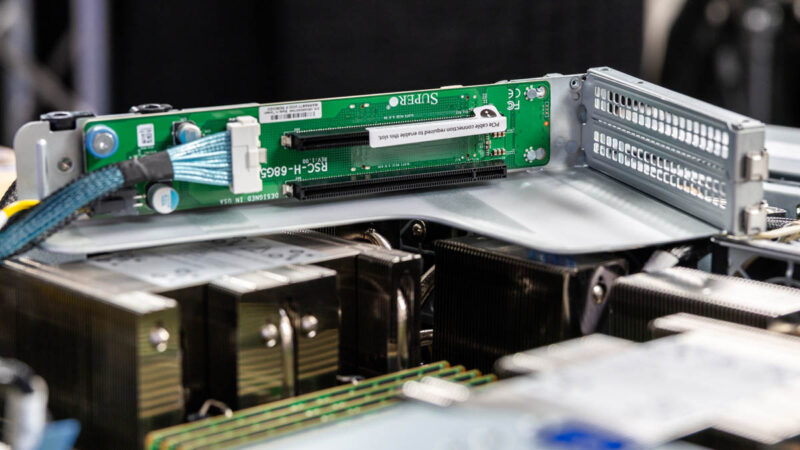
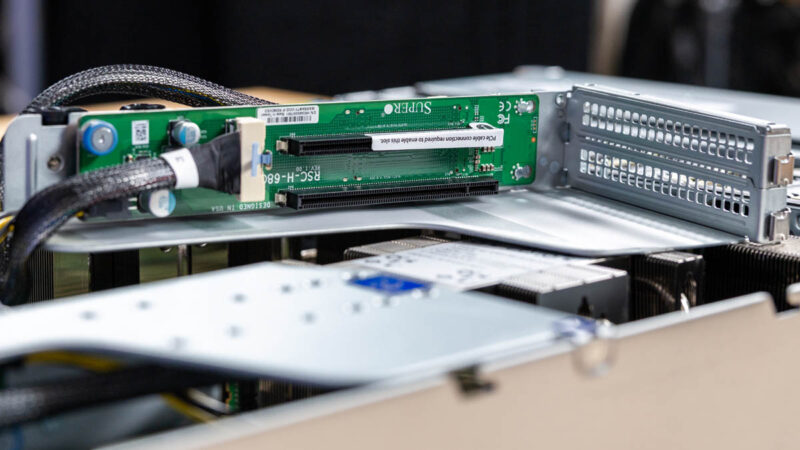
The risers in this server can either support two slots, or a single slot double-width GPU. Next week we are going to show these servers with GPUs, but you can put up to four double-width GPUs in this server.
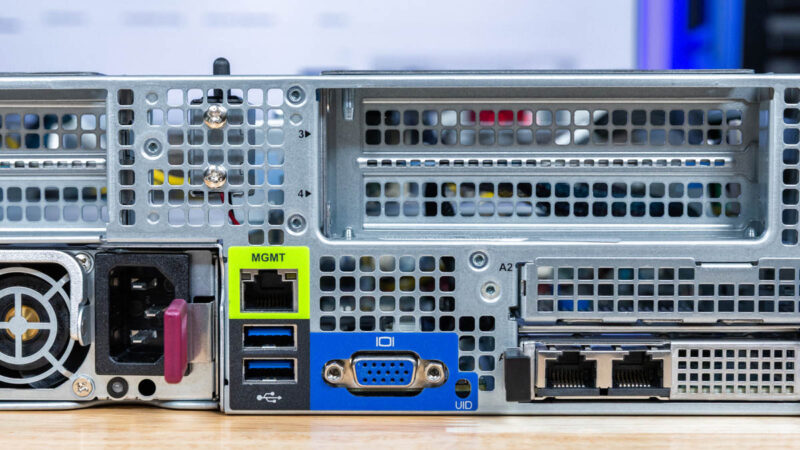
In our center I/O, there is an out-of-band management port, two USB 3 ports, and a VGA port.
Above the rear I/O we get another one of the dual slot risers.
Below those center risers we get two AIOM/ OCP NIC 3.0 slots. Our server does not have the kit to make this happen, but you can get a kit to allow you to stack a second AIOM/ OCP NIC 3.0 card above the base card we have populated here.
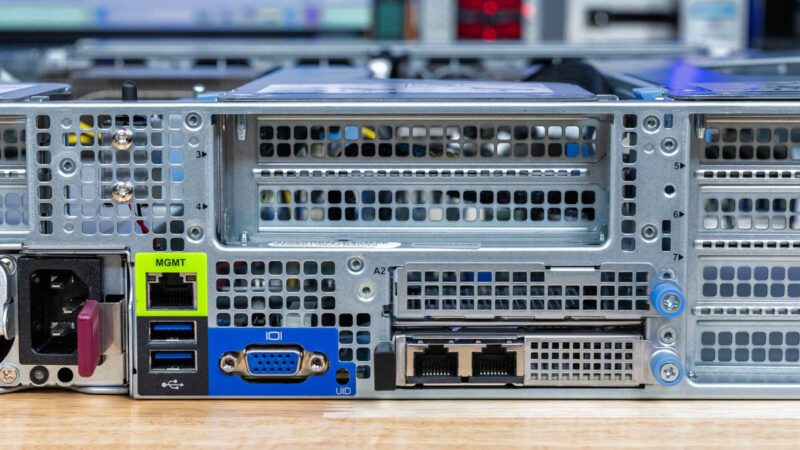
On the right side, we have four expansion slots.
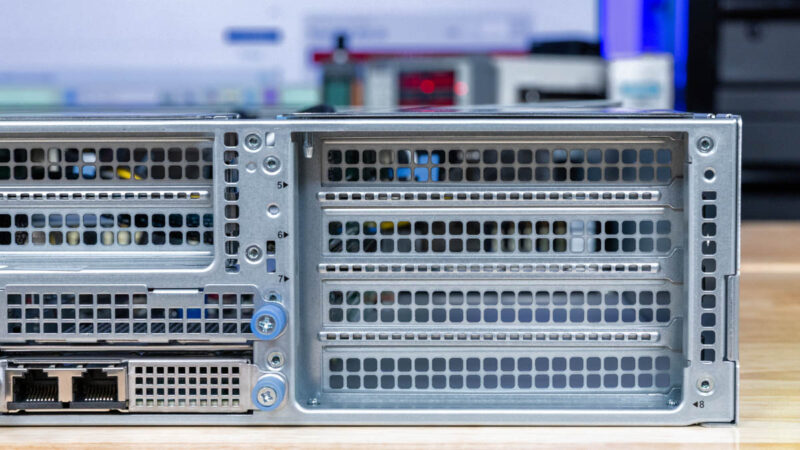
Our riser configuration is setup for two double-width GPUs to be added so one of the risers has a slot that is not populated. Of course, this is all designed to be flexible and configurable.
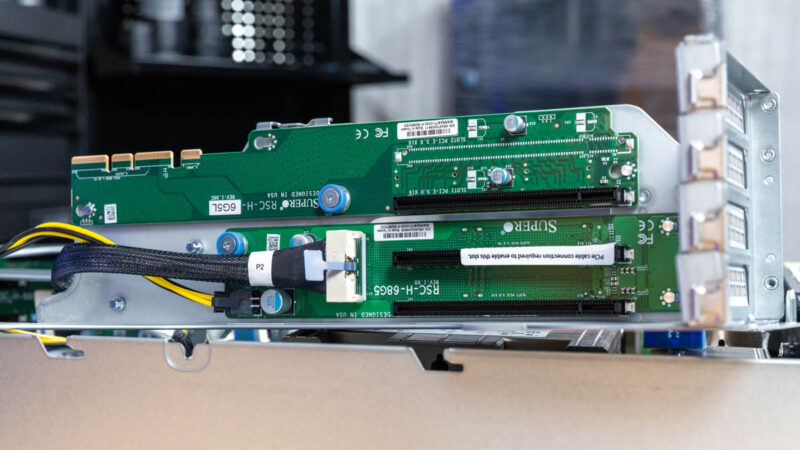
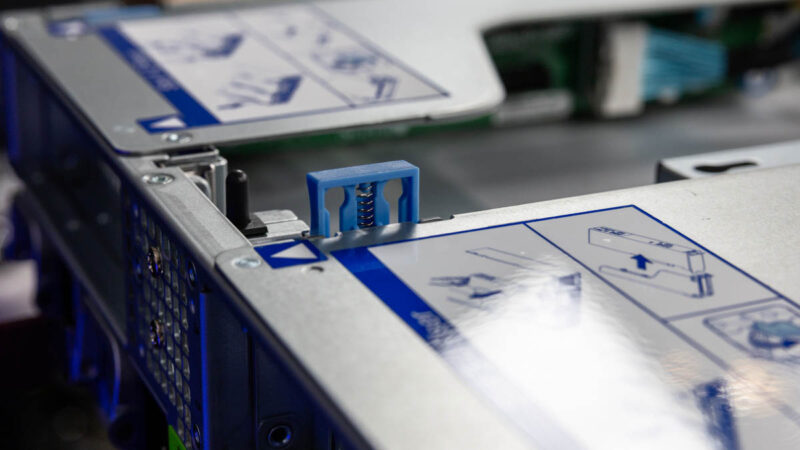
The risers have one of Supermicro’s newer latch mechanisms but they are still tool-less in this generation.
Overall one can configure combinations of two AIOM/ OCP NIC 3.0 slots and eight full-height slots. We have one configuration here, but this is just one of the options.
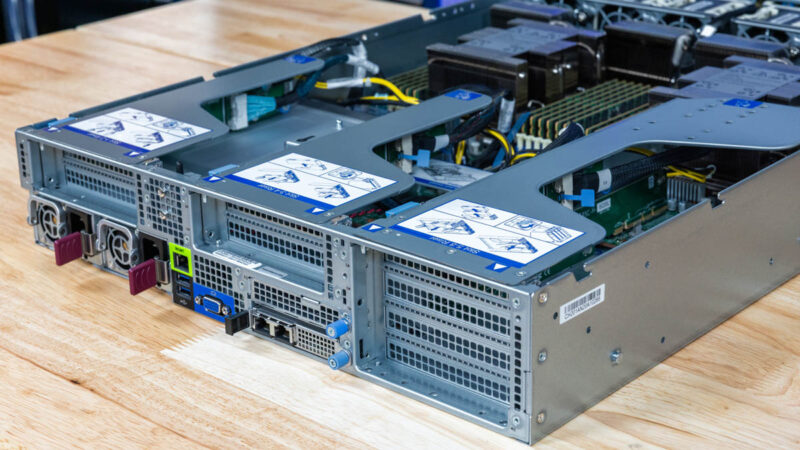
Next, let us get inside the server to see how it works.


I dislike when companies reuse their marketing keywords and the features introduced in the prior usage no longer seem to apply.
Example: “Hyper” (as used by SuperMicro) used to mean ‘enterprise (safe server) overclocking’, now it seems to mean: better front and rear I/O, PCIe 5.0 NVMe SSDs, and AIOM.NICs.
It doesn’t seem to include what was mentioned in this STH article: “Supermicro Hyper-Speed Server BIOS”.
Not STH’s fault.
Comments are closed.