

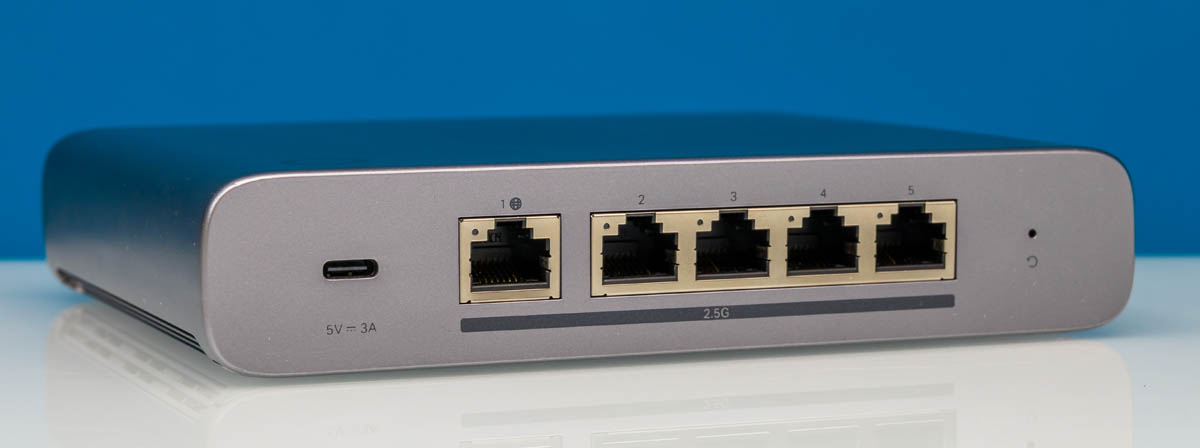
Omada has a new gateway device, and it is not what we were expecting. The Omada Fusion Gateway 2.5G is the company’s take on a business gateway device, launching with a different management experience. Instead of managing this device at an individual device level, it is much more of an integrated management experience with a local subscription-free controller. It is a 2.5GbE device on every port, making it a better fit for more modern WAN connections in the 1-2Gbps range.
Omada sent us not just this gateway, but also a PoE+ switch, a few APs, and mounting options for everything. The idea was that we would be able to test this as a solution rather than just as an individual device. We have to say this is sponsored. We will have more details on the individual devices soon, but we wanted to give folks a sense of what the solution looks like because I had no idea before testing these. Instead of doing a full deep-dive in subsequent pieces, I thought we could just have a guide to reference later.
If you want to buy these, you can check out the Omada store, or here are some Amazon affiliate links: Omada Fusion Gateway 2.5G, Omada 2.5GbE and 10GbE Switch, Omada EAP775-Wall, Omada EAP775-Outdoor, Omada EAP772 Indoor.
Omada Fusion Gateway 2.5G
The Omada Fusion Gateway 2.5G is a compact device with a surprisingly nice little color touchscreen on the front that can help you view diagnostic data.

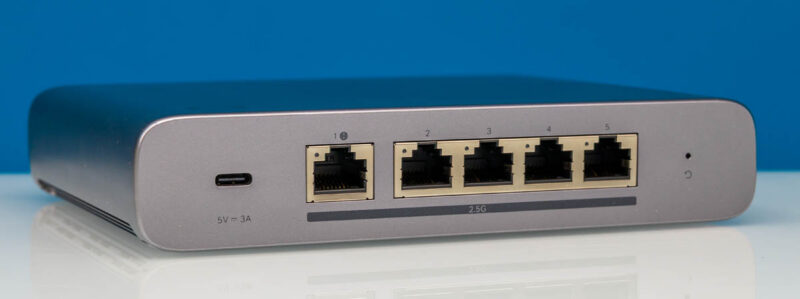
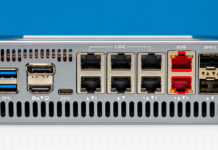
On the rear, we have a USB Type-C port and five 2.5GbE ports.
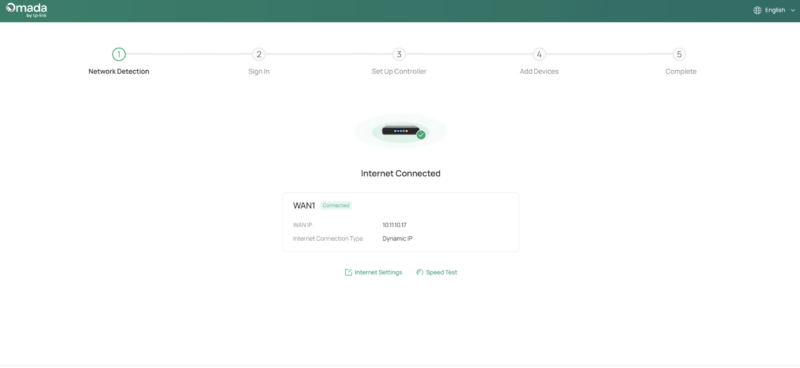
You can set up the device via a Bluetooth app, or just log in at 192.168.188.1, the default gateway IP. To be fair, this is much less painful a setup than something like a Fortinet or a SonicWall, but a part of me would also love to have had a console interface as an option. I think this is designed for ease of use, but not much serial console automation as a design direction.
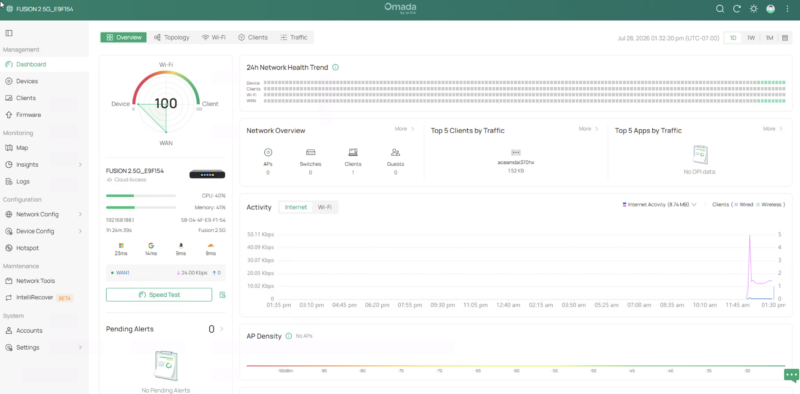
Once you get done with the setup, you have a nice GUI and dashboard. If you have used something like Ubiquiti UniFi, then this is going to be a comparable GUI. Both have unique features, and a bit more on how they do things, but that is the ease-of-use experience that Omada is targeting.
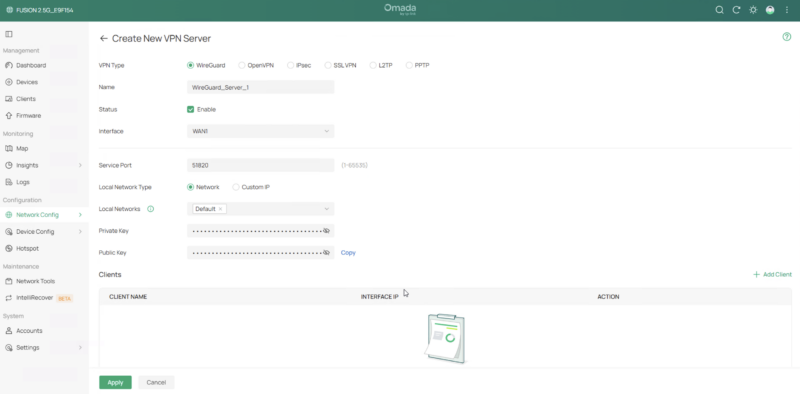
Here you can set up VPN access and manage different types of VPNs. There are even options on the WAN side to set up multi-WAN, so you could have, like, a VPN on a WAN link, or have a backup 5G or Starlink WAN along with a wired ISP. There are a lot of options there. There is even an option for the company’s LightLink VPN, which is its easy VPN from anywhere solution.
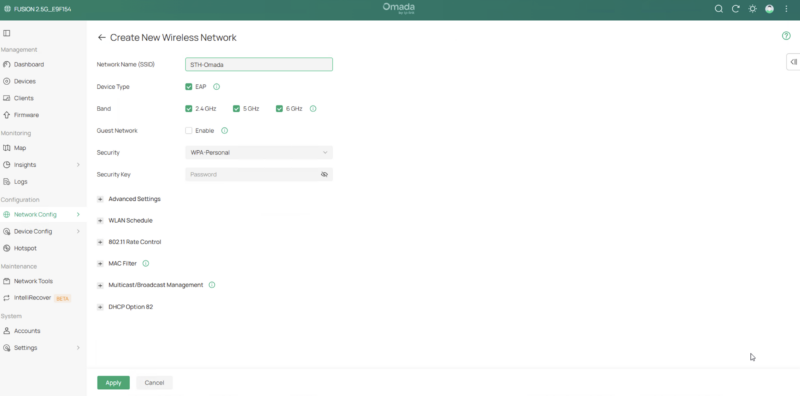
You can set up a WLAN in the settings, as well as configure guest networks, change the radio frequencies used, and so forth. The idea behind the gateway is that it integrates a local controller, so you can set up the wireless on the controller, and then it will cascade the configuration to Wi-Fi APs.
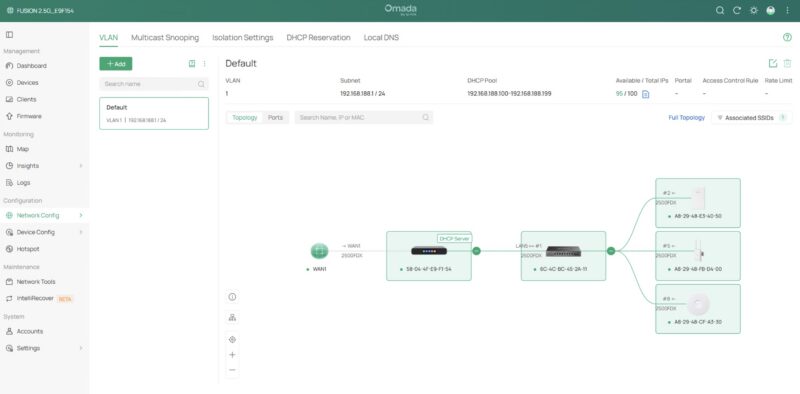
Here is a look at the LAN side with a nice little topology chart.
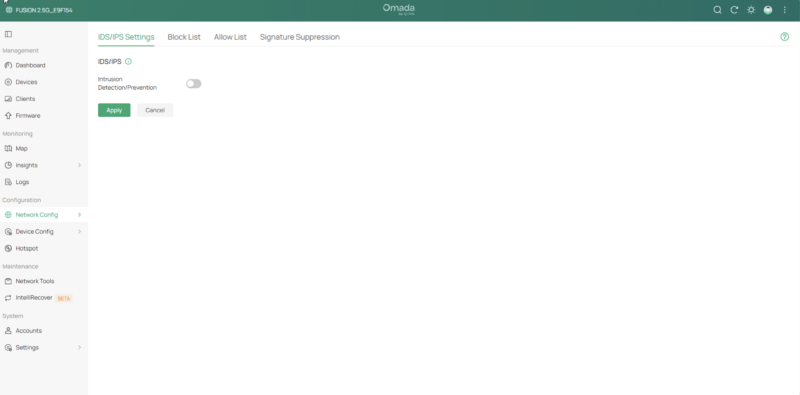
You can set up IDS/IPS, content blocking, and more here as well. We will do this when we run this through our Keysight CyPerf setup.
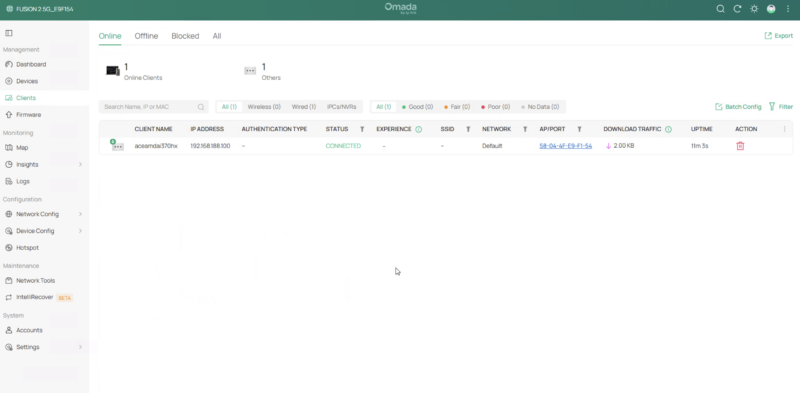
There is a list of clients with information, including their connections.
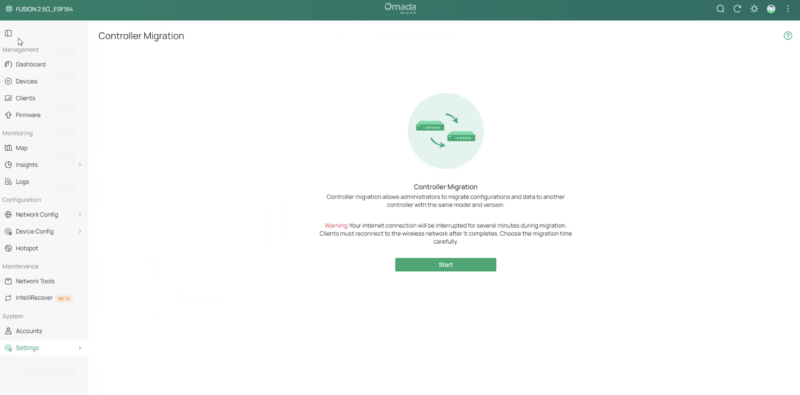
We found a few other neat tools, like a console migration, for when you may need to upgrade the unit. Having a backup/ rescore feature is fairly common, but an actual migration assistant is a neat function. We did not get to test this, but it is there in the UI.
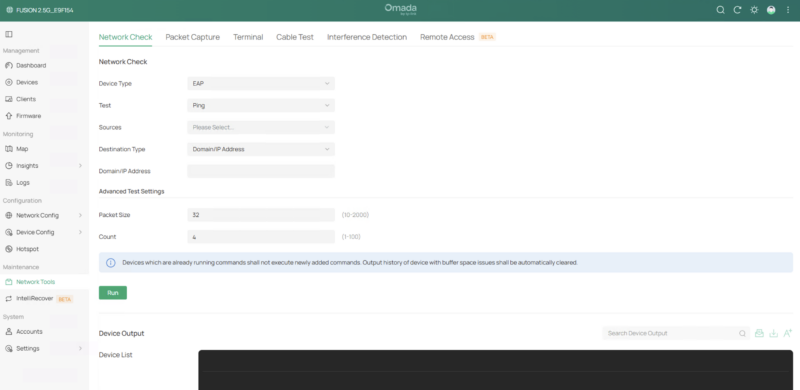
There are also a number of fairly standard network tools so you can ping from devices, do packet capture and such.
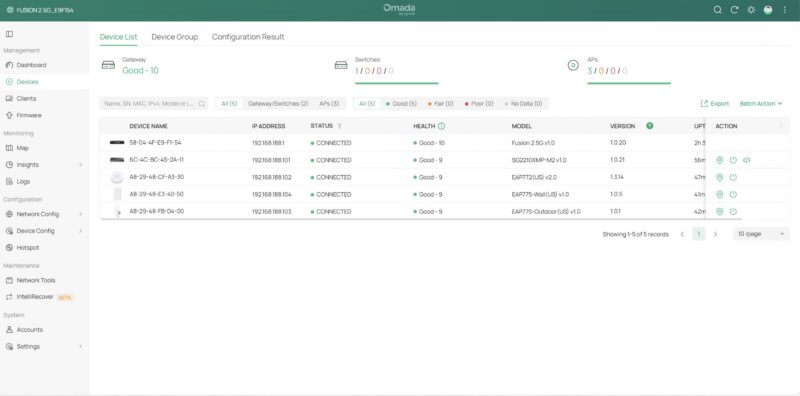
Perhaps one of the big powers of this is that you can use other Omada devices and manage them from the controller. This is the reason we got a big box from Omada, because the gateway by itself feels like it needs Wi-Fi APs, and a PoE+ switch to power those APs. If you were to ask why you might want to use this over other solutions, the ability to centrally manage VLANs, WLANs, guest networks, and so forth is a huge time saver. There are quite a few folks out there running small-to-medium businesses who have relied on maybe an ISP router/Wi-Fi combo, or perhaps that plus an individual AP. Moving to a centrally managed solution is an enormous upgrade in ease of use.
Next, let us get to rackmount and magnetic mounting options, and then to the 2.5GbE/ 10GbE PoE+ switch.


The amazon link takes you to a UbiQuiti UCK-G2-SSD page :D
It seems odd that the article and video do not mention this Omada is TP-Link’s controller managed line.
For posterity, the Omada controller is also available as a downloadable software application for Linux or Windows. (For people who don’t have the gateway or a dedicated hardware controller).
I agree with the above – this is a slightly weird review! IME the Omada software is excellent. Looking at the price of ~$150 I would say it compares favourably to a cheap mini PC and OPNSense for example. As someone who already has 3 EAP772 WAPs I’m tempted…
A couple of things to add – there is a larger (PoE, 8 Ports) version and a smaller (1gbe) version. Looks like only this version is available at the moment. Disappointingly none of them can be powered by PoE themselves.
Really curious how this stacks up with the UniFi UCG Max in terms of performance, and eventually testing the Fusion Pro and how it fairs against the UCG Fiber…