

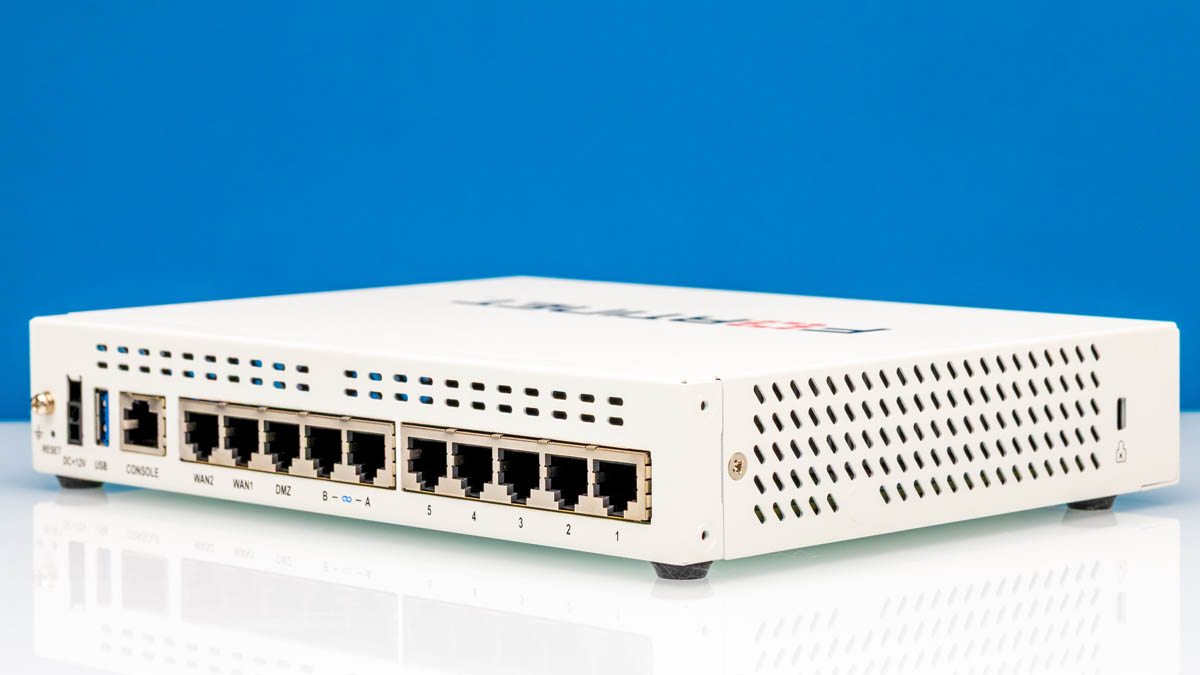
A few weeks ago, we published our Fortinet FortiGate FG-40F Review: Leveling Up Firewall Testing. At the same time, we were testing it with the Fortinet FortiGate FG-60F in back-to-back mode. Perhaps unsurprisingly, the units are similar in many ways. Still, many have not seen inside these boxes, so we thought we would open one up and show you how it is built, then plug it in and run high-performance Keysight CyPerf workloads across the gateway. We were not entirely sure what to expect, but, looking at the data, I think our results make sense.
You can purchase this on Amazon (affiliate link), but make sure you get the license and term bundle you need if you decide to purchase an FG-60F.
Fortinet FortiGate FG-60F External Hardware Overview
Like the FG-40F, the FG-60F is in a fanless white desktop chassis.
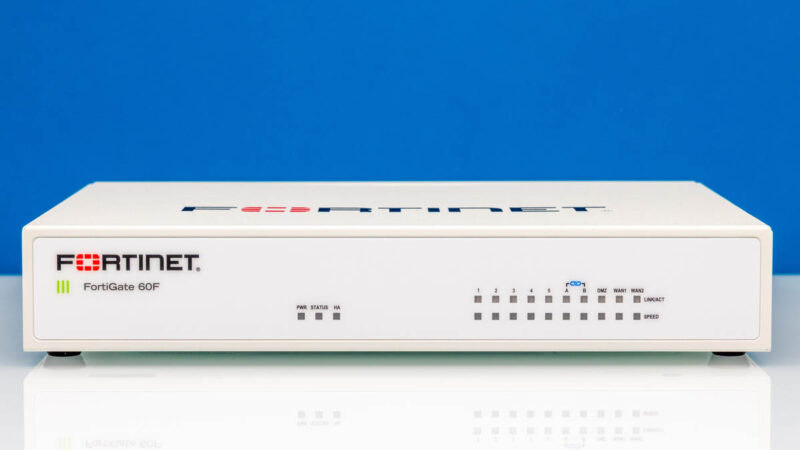
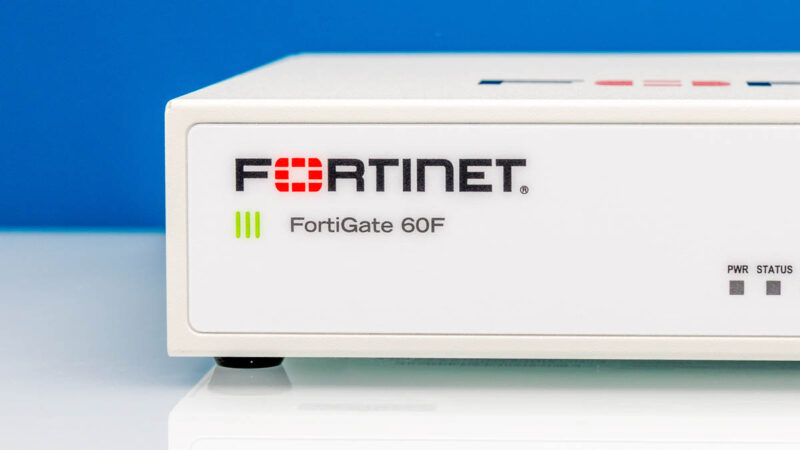
On the front left, we get the logo and model.
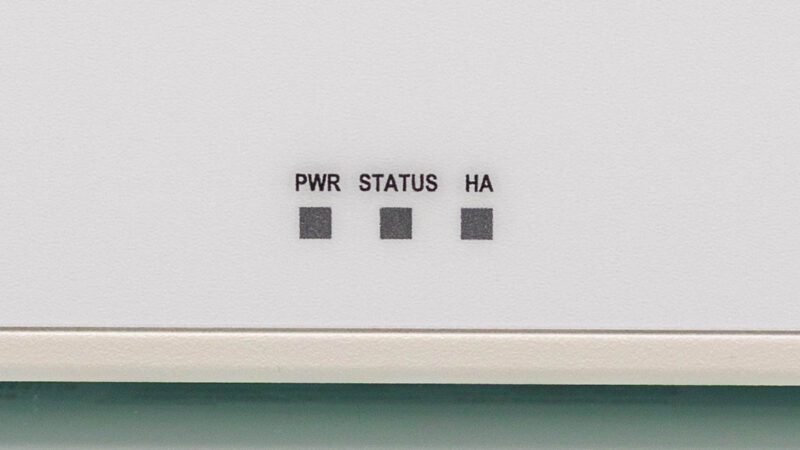
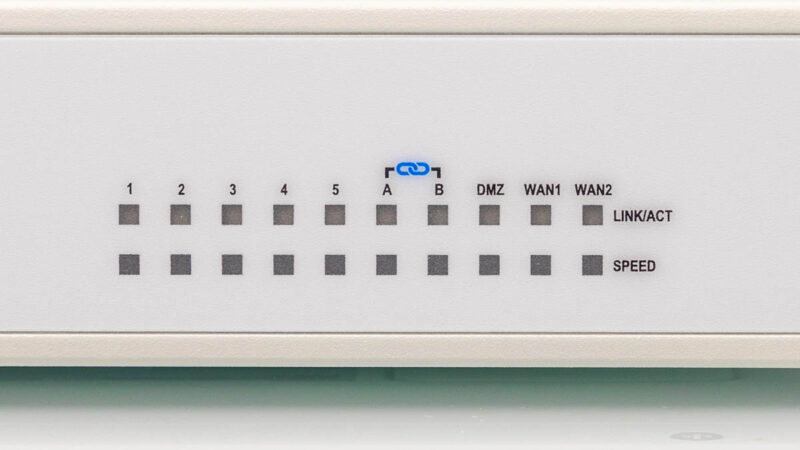
One neat little feature is that we get not just power and status, but also an HA status LED indicator on the front.
Then we get the port status LEDs on the front.
Flipping this around, you can see the implication. When this is running, the ports and status indicators are on opposite sides. Some love this while others do not, but usually folks have strong experiences.
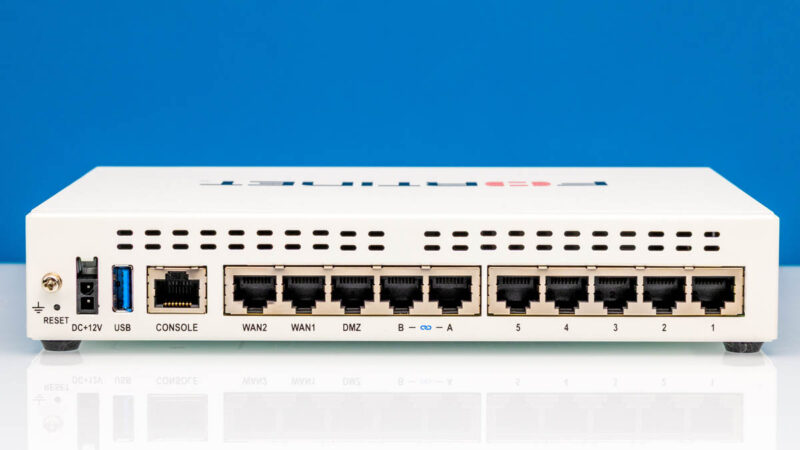
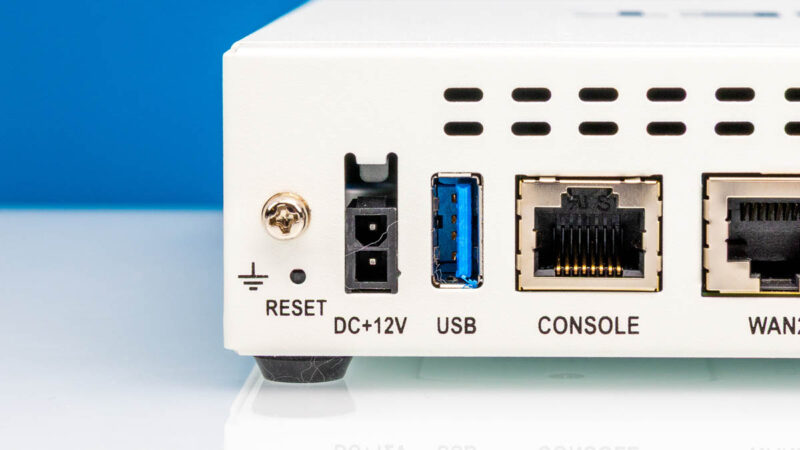
On the left side, we get a reset button and the DC power input. This is a nice feature that companies like Fortinet and Sonicwall use, where the 12V power input has a latch to secure it.
There is also a USB and a console port. We had a firmware update get stuck, so we connected via the console to interrupt the boot during the recovery process.
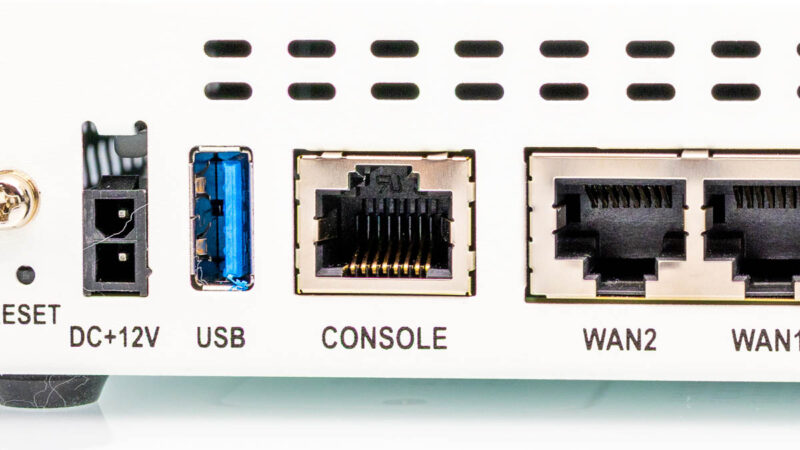
Next, there are labeled WAN2, WAN1, and DMZ as part of the ten total Ethernet ports.
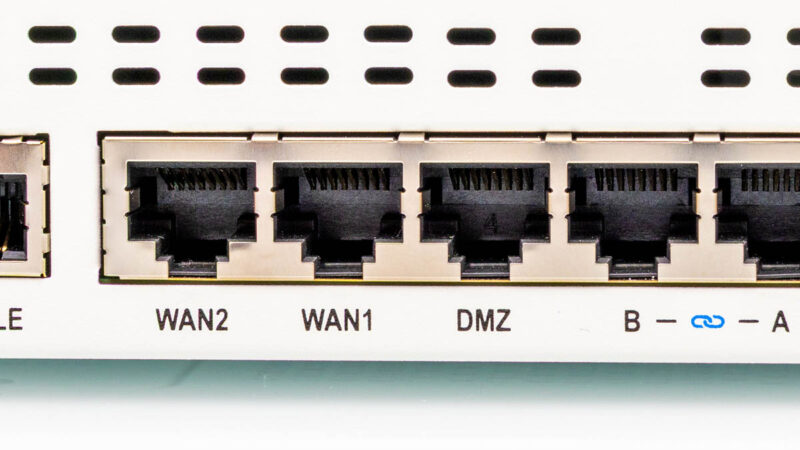
There are two designated FortiLink ports.
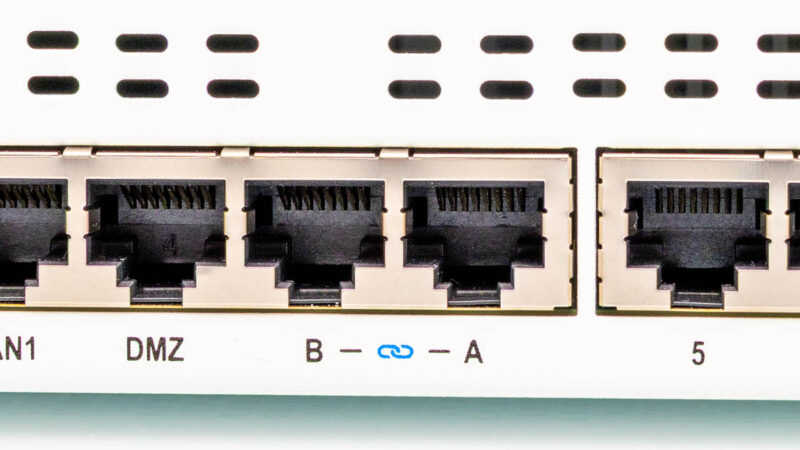
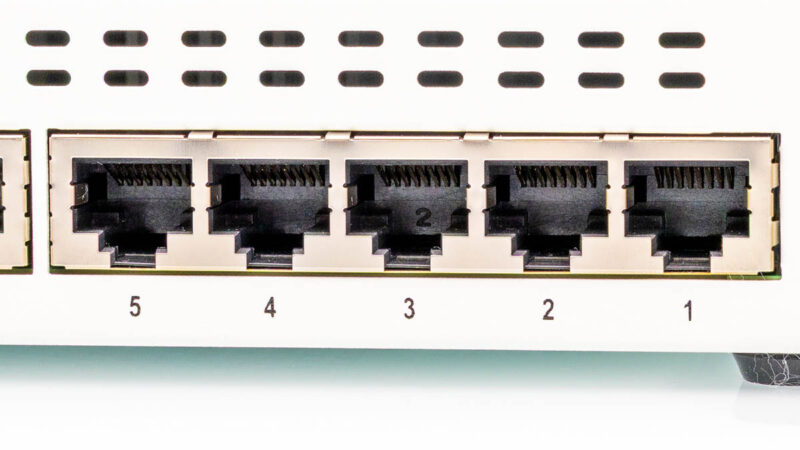
Then there are five labeled LAN ports. Of course, you can configure ports, but there is a good variety of ports already labeled on the chassis.
On the side, there is a vent.
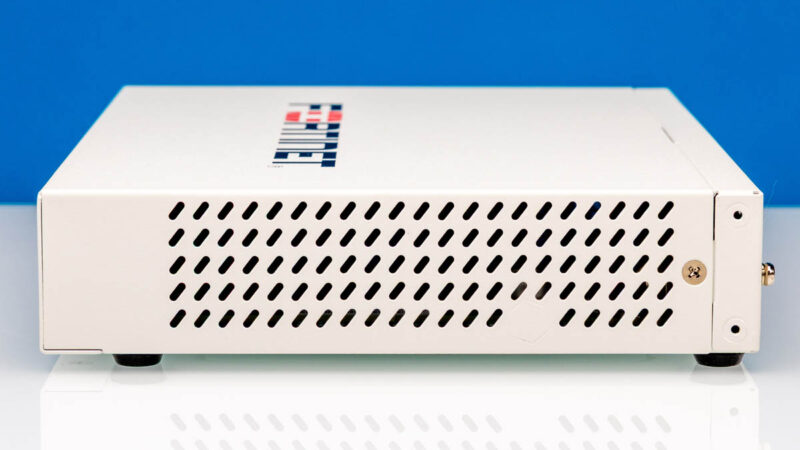
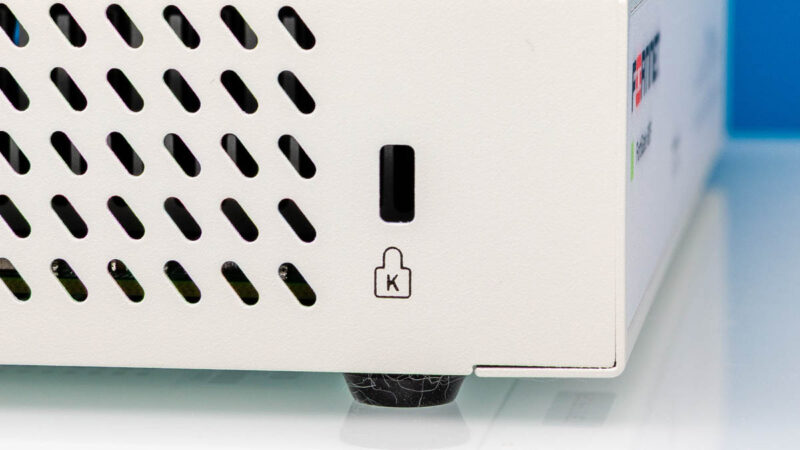
On the other side, there is a vent with a lock point.
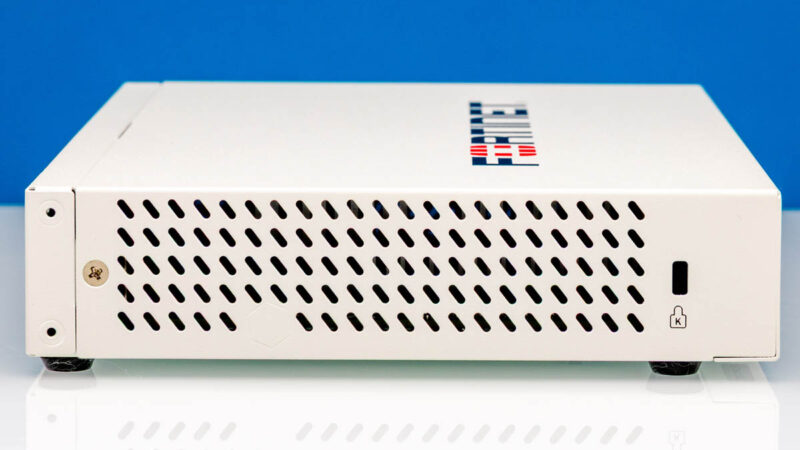
For a smaller form factor like this, designed for edge deployments, physical security is a thing even at the level of keeping the box in the building.
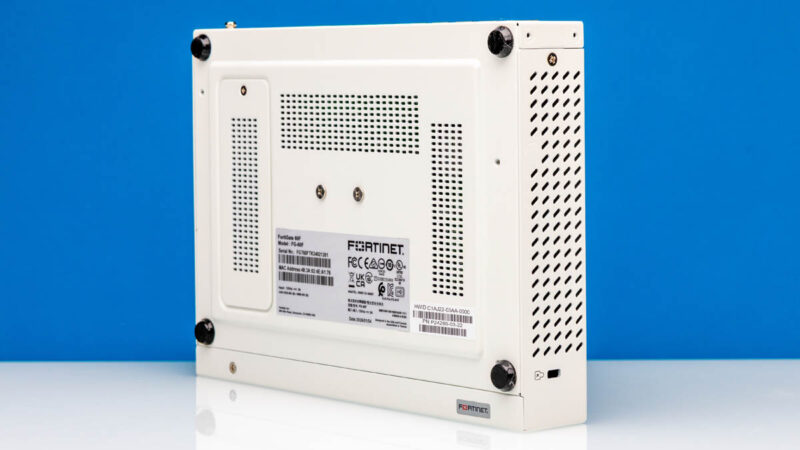
On the bottom, we get rubber feet and vents.
On the top, we get a big Fortinet logo.
Next, let us get inside, since that is probably more interesting.

Speaking of updates, fortigates can’t be directly updated to every version – you have to go in their required sequence. The ideal use case for the 60F might be, in addition to the extra ports, the ability to do a couple more things unlicensed than the 40F does. If you maintain a license, it matters less, of course. But then if you’re buying new, maybe you’ll be considering the G series anyway. And for other purposes you might jump directly to a used 100F or something depending on what you want. BTW the connector these and the sonicwalls use is a known standard which I’ve forgotten, but while YMMV I have found it to be cross compatible. Saves cost if you’re buying used ones and running unlicensed.
It’s rough timing for this review when every other security news article is about the Fortibleed campaign happening against the Fortigate firewalls out in the world.
really appreciate the high resolution photographs of the unit’s internals.
Thank you for including them in your reviews of these units.
I use a Fortigate 60F at home, and kept it licensed for 4 years until it didn’t seem to be worth paying the money anymore. It’s a very capable unit and the “NGFW” (app control + IPS) feature set is well worth it over any enthusiast self-built homelab firewall. The selling point for me was the ASIC – turning on those features didn’t slow things down much, like your performance tests show. Those features slow down any general-purpose appliance that uses a standard x86/ARM CPU.
Like the graphs show, though, the perimeter antivirus feature is not worth it. And deep-packet inspection for TLS seems necessary to catch botnet/malware but it is hard to use without installing root certs on every endpoint. So in the end I gave up on even trying to use those in a home environment.
Why are you reviewing outdated models? These have been out for over 6 years now and there are updated G series that have replaced them such as the 30G, and 50G.
I am also curious as to why the review of such older models. Also, having spent a considerable portion of my career performance testing firewalls from all of the major enterprise vendors, including Fortinet, I’d be very curious to see more about your testing methodology including the firewall policy and logging configs. FWIW I also use a fortigate at home and have been happy with it. To the person who gave up on home TLS inspection, what do you imagine the point of having such a robust and feature rich firewall is when you’re not looking at over 90% of the traffic?
Excellent review with plenty of real-world testing instead of just listing specifications. I really appreciated the detailed performance benchmarks and hardware teardown, which make it much easier to understand where the FG-60F fits in different network environments. This is a valuable resource for anyone considering a FortiGate firewall for their business.
It’s a pity that the state of open support for specialized network accelerator hardware is comparatively weak. It’s very attractive to tick on some of the more sophisticated traffic munging options without beating the CPU to death or taking a massive hit to speed; but from a security perspective the idea of running a fortinet firmware on an internet-exposed device is absolutely terrifying. They aren’t alone there(Hey Ivanti, how’s it going? Citrix Netscaler! So good to see you!); but the state of things in fancy edge network widget land is frankly terrifying vs. relatively normal linux or BSD systems.
I don’t understand the people complaining about reviewing older models. Sure the G series is out for some models but not all of them. The 60F is still current gen with the bonus that they can be picked up for cheap AND are still supported.