

Solving the 800G NIC in a PCIe Gen5 Server Challenge
NVIDIA Grace, Intel Xeon 6, AMD EPYC Turn, and Ampere AmpereOne (M) servers are PCIe Gen5. As a result, a Gen5 x16 root that is found on the card is only capable of driving a 400G network link. While that matched the NVIDIA ConnectX-7 400GbE NICs well, with ConnectX-8, we need twice the host bandwidth.
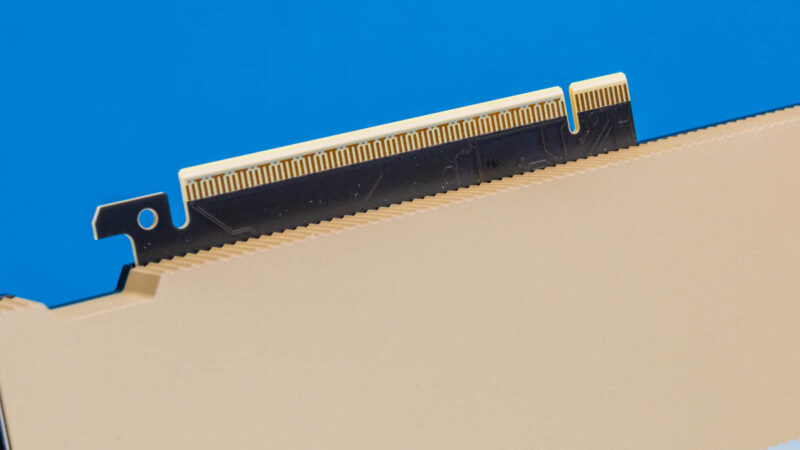
The answer was the connector at the rear of the card. While you might glance at this and see a MCIO x16 connector, it turns out that the MCIO x16 connector found on many server motherboards is too wide to fit on the low-profile ConnectX-8 card.
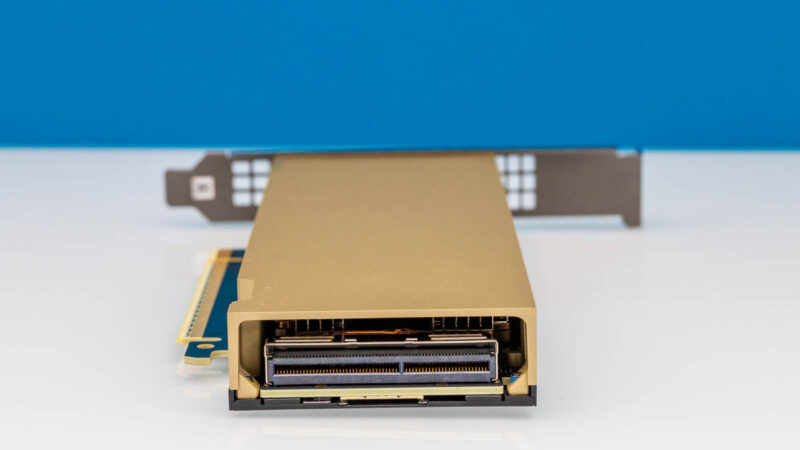
As a result, NVIDIA sells a PCIe auxiliary card kit. We have been trying to get one for months, and finally, a STH reader let us borrow one for this review.
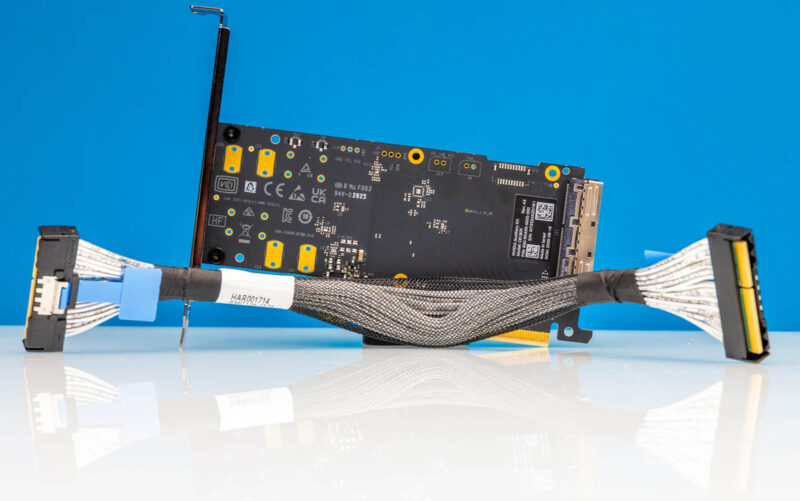
The NVIDIA ConnectX-8 side terminates one end of the cable.
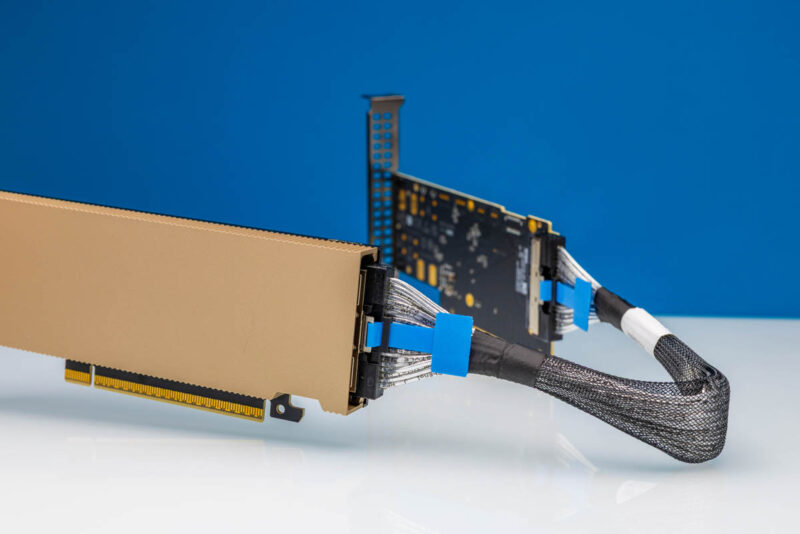
That card has an expansion card that goes into a PCIe x16 (riser) slot and connects using a cable connection to the rear of the SuperNIC.
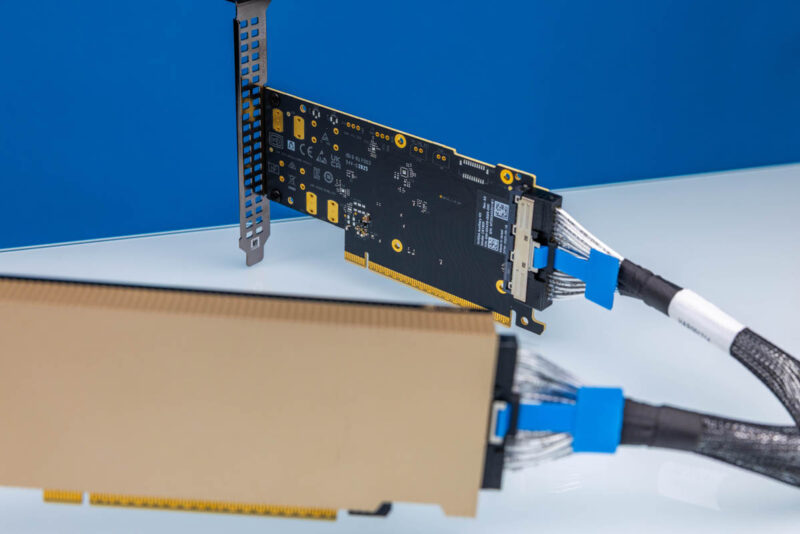
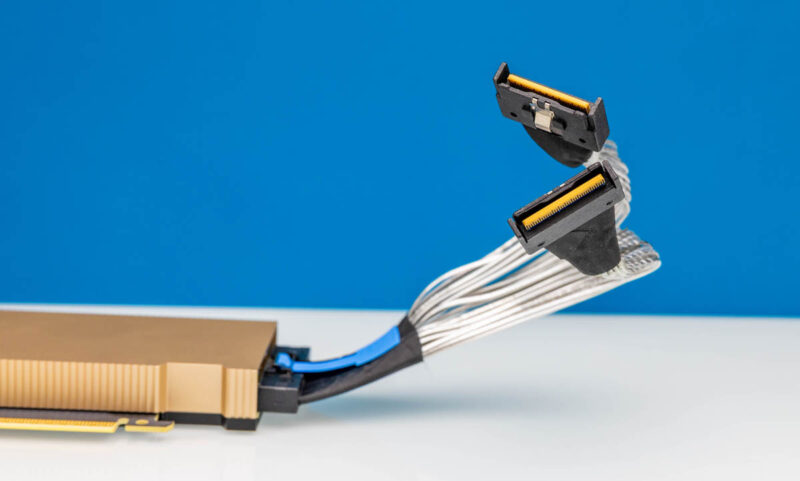
While this is a great solution, we ran into a practical challenge. We had only so many PCIe Gen5 x16 slots, and modern server CPUs generally have more lanes than PCIe slots. We obtained the Lenovo kit that goes from the special connector on the back of the ConnectX-8 NIC to two MTK x8 connectors in compatible Lenovo ThinkSystem V4 servers.
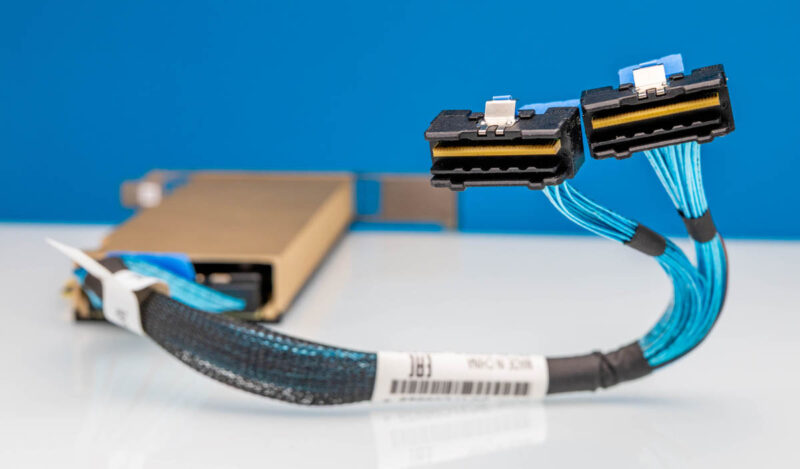
Supermicro uses more industry-standard MCIO x8 connectors, so the Lenovo MTK kit did not help. Instead, custom 2x MCIO x8 to the ConnectX-8 NIC cables were built. These allowed us to connect additional MCIO connections beyond the x16 slots in the server so we could use a single x16 slot and get 32 lanes of PCIe Gen5 to it. While this may sound trivial, the folks working on this went through a monumental effort to make this happen.
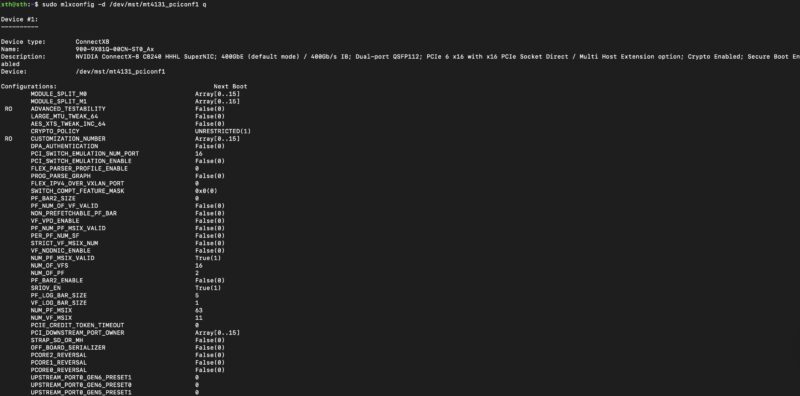
Now that the physical connectivity was done, we have a quite different configuration. There are instructions on how to do these, but the mlxconfig options are wild.
Also, we have mentioned how the setup looks a lot more like the NVIDIA GB10 networking. This is a great example with two NVIDIA C8240’s installed in a single system, yet we have four RDMA devices per and tied to different NUMA nodes.

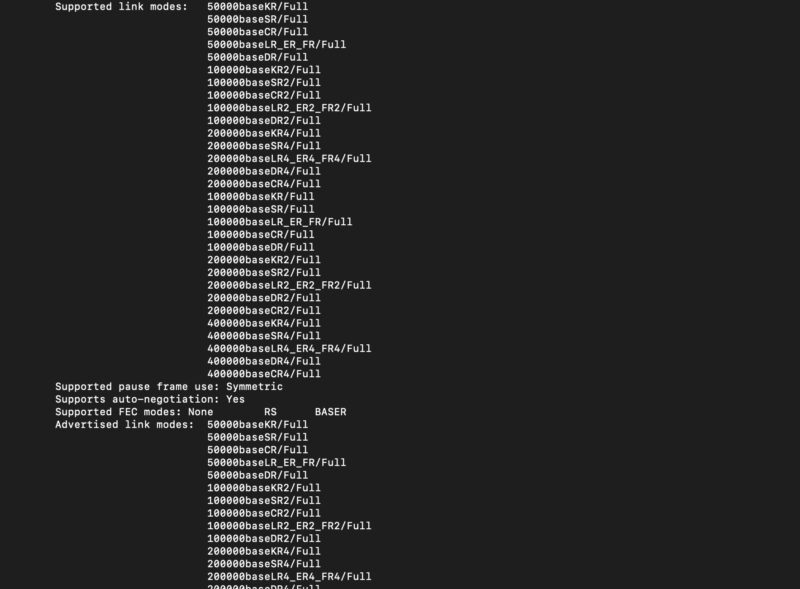
Before we move on, here is a fun one. In ethtool we see 400G speeds, 200G, 100G, and 50G, but not lower speeds. If you were to look at something like the NVIDIA ConnectX-7 Quad Port 50GbE SFP56 adapter we reviewed, that goes from 50G to 1G speeds.
Next, let us get to the fun part, the performance.



$300 switch $50 switch $3000 NIC. Talkin’ about the gamut
Too bad there isn’t much about the actual power consumption in the article.
Out of curiosity: I assume that this would mostly be not preferred in dual-socket systems, since CPUs have purpose-built interconnects for chatting with one another; but if you are using one of these in a multi-node chassis or similar can the two hosts connected to the NIC communicate directly across the PCIe switch host-to-host; or is it purely a mechanism for exposing the NIC to more than one root complex?
I expect that you would want it to be very obvious whether or not that was enabled, to avoid unexpected lateral movement; but conceivably not having to go out the switch and back could be handy. There have been HPC systems that used PCIe as a node interconnect in the past.
@fuzzyfuzzyfungus Yes and no. The two sockets cannot communicate across the ConnectX-8’s PCIe switch as PCIe endpoints per se because each socket does not see the other as an endpoint. What does happen, however, is that the two network interfaces (one for each node) can communicate as network nodes via the embedded e-switch without going out to the external network switch.
Very useful article, recently researching traffic testing of 800G OSFP.