

Minisforum N5 Max Internal Hardware Overview
Minisforum builds the N5 Max around a slide-out motherboard bay, so getting to the compute assembly is much easier than in a typical small NAS. Popping the screws out allows us to pull the bottom tray out.
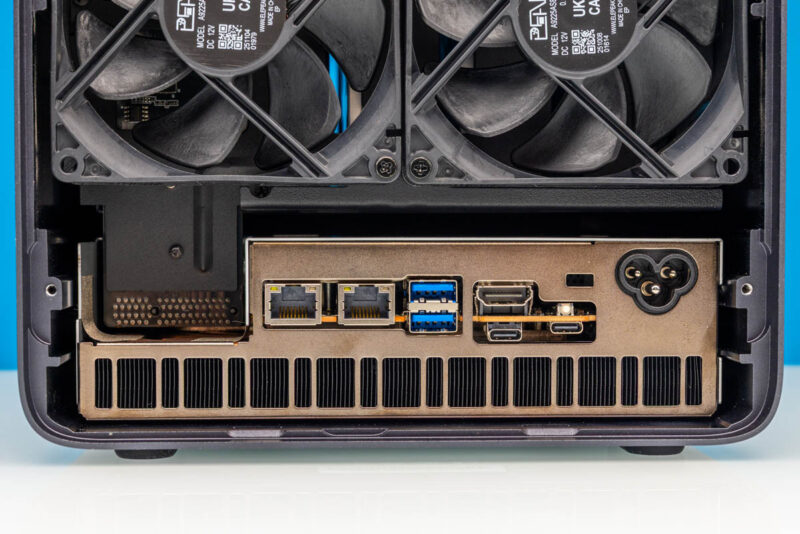
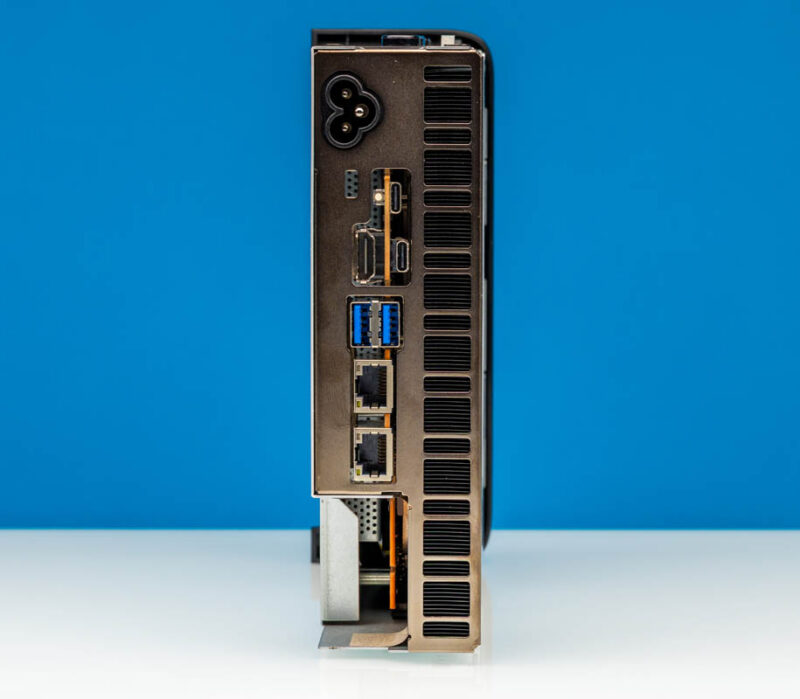
Below the pair of chassis fans, the full rear I/O spreads out, from the dual 10GbE ports through the Type-A, HDMI, and Type-C connections to the AC inlet and the long exhaust grille. You can see the PCIe style connector that goes from the motherboard to the SATA backplane.
Here is the tray pulled out where you can see that PCIe connector from the motherboard side.
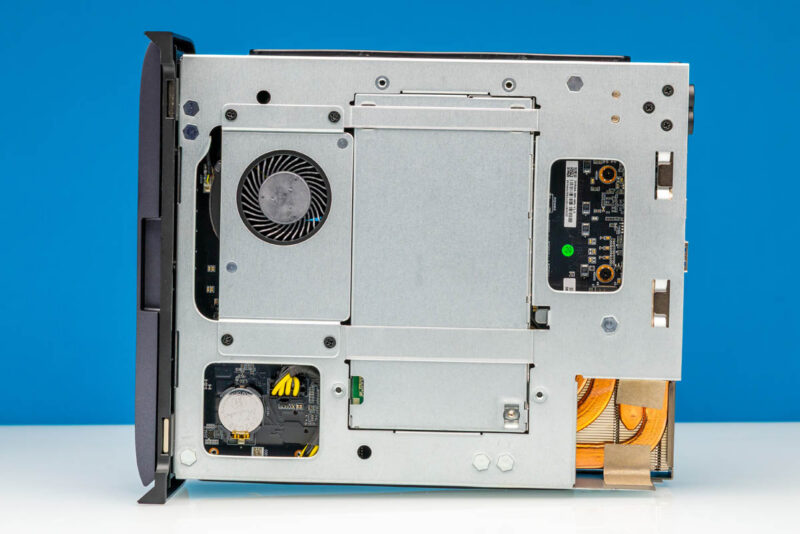
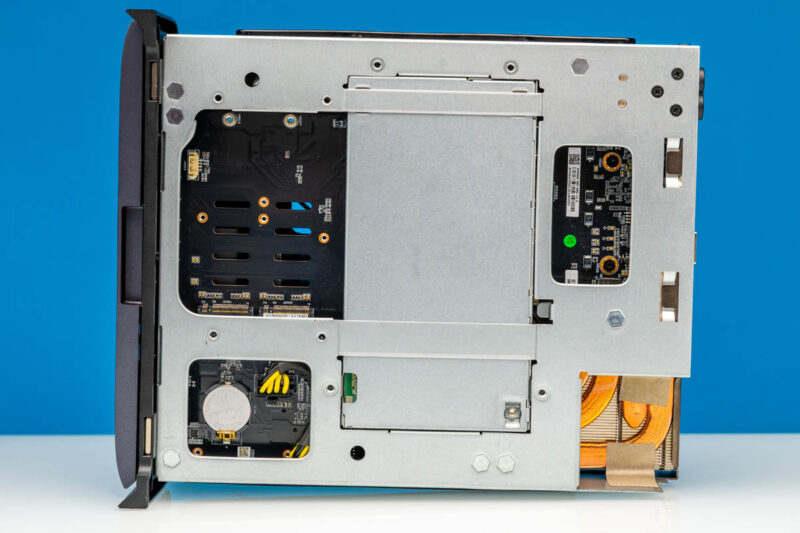
With the metal structural cover still in place, cutouts in the interior expose a blower, part of the storage board, the coin-cell battery area, and the copper heat-pipe assembly.
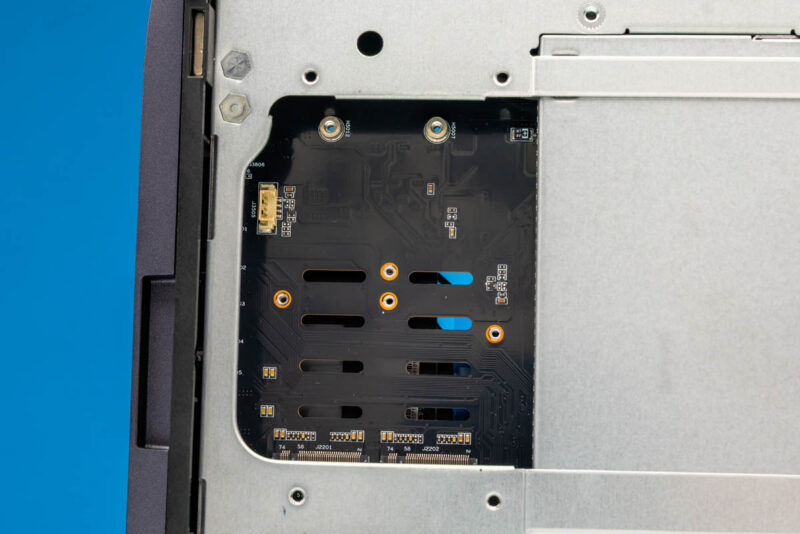
After the blower cover comes off, the M.2 connectors and mounting positions sit fully exposed.
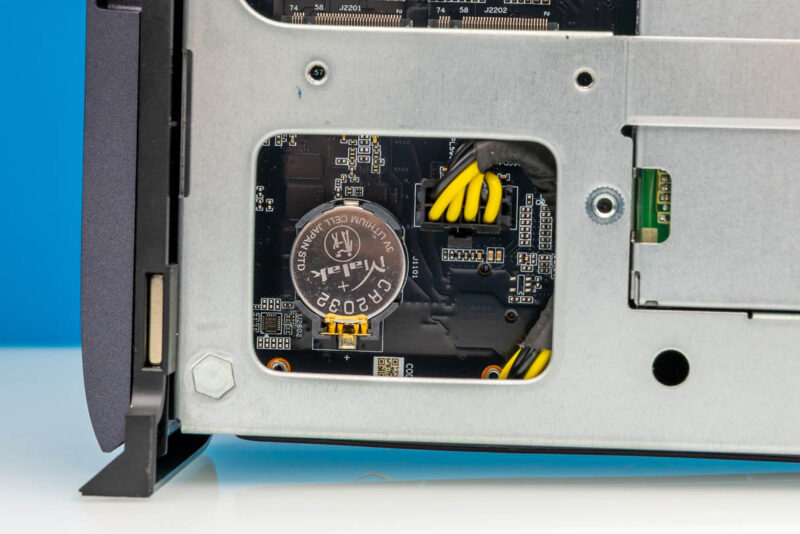
Through a chassis cutout, the CR2032 coin-cell battery and its nearby power wiring are visible.
An unpopulated dual M.2 NVMe area adds to the expandability of this system.
On the opposite internal side two centrifugal blowers sit between the large fin stacks for the processor and storage cooling zones.
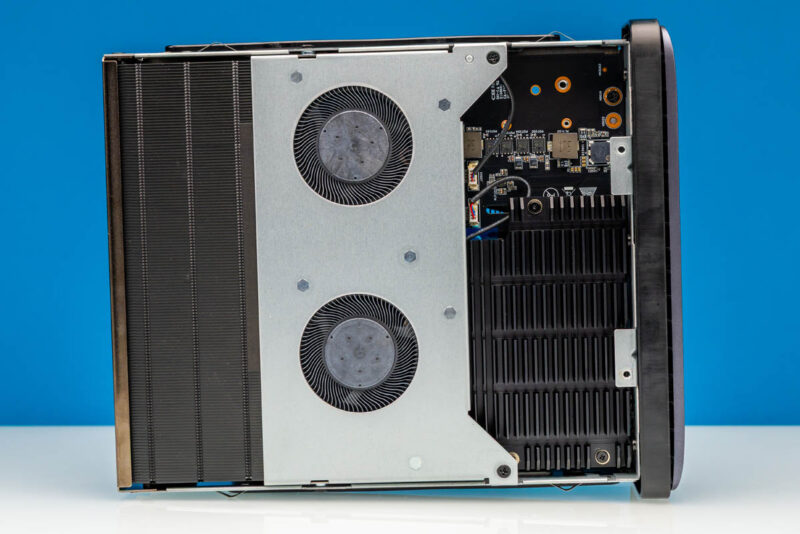
Removed from their cover, the two blower modules are from “Chiprotect” and are rated as 12V 5.76W each.
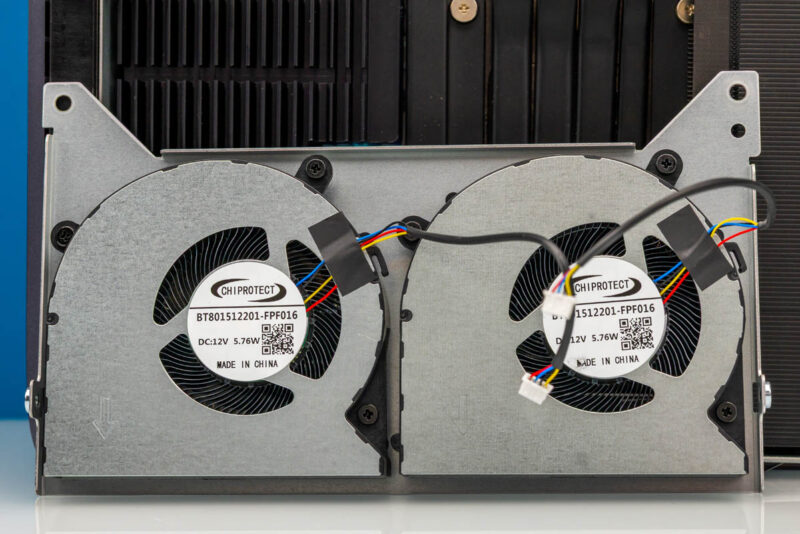
Here, the large fin stack and the multiple black heat pipes spanning the board make up the main cooling assembly.
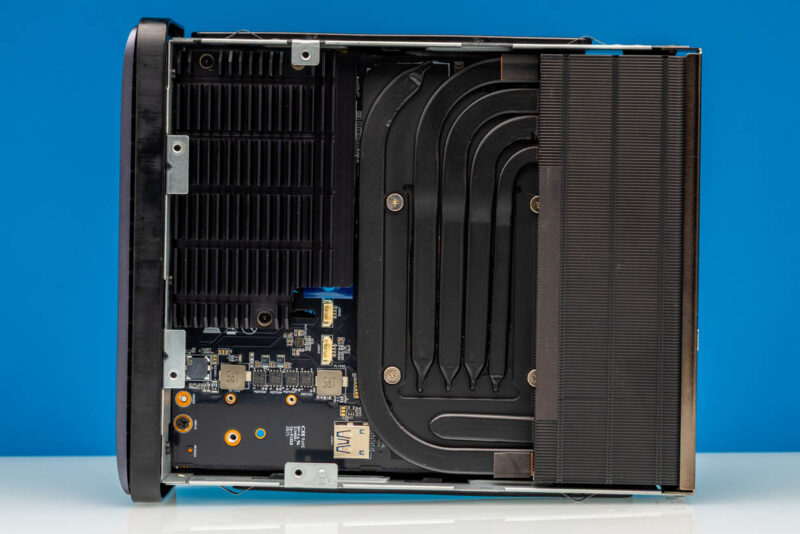
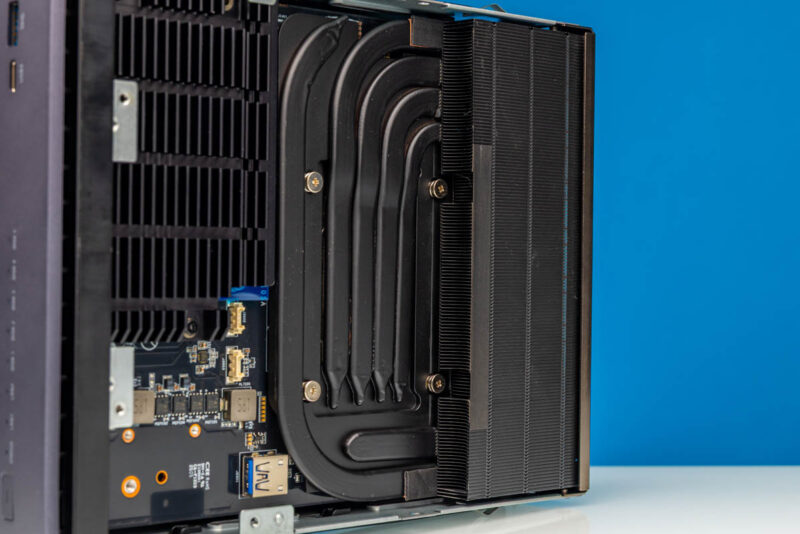
Another angle Sam snapped focuses on the dense fin stack and the heat pipes feeding into it. Underneath, there is an AMD Ryzen AI Max+ 395 16-core processor, which we have seen several times before. The memory is soldered rather than socketed. Minisforum ships the retail N5 Max with 64GB LPDDR5X unified memory on the board, a step down from the 128GB prototype Patrick saw at CES 2026, and the lack of SO-DIMM slots means the configuration you buy is the one you keep. That unified LPDDR5X pool is shared between the CPU and the Radeon graphics in the APU, which is what gives local AI workloads the memory bandwidth they need, but it also locks capacity at purchase time.
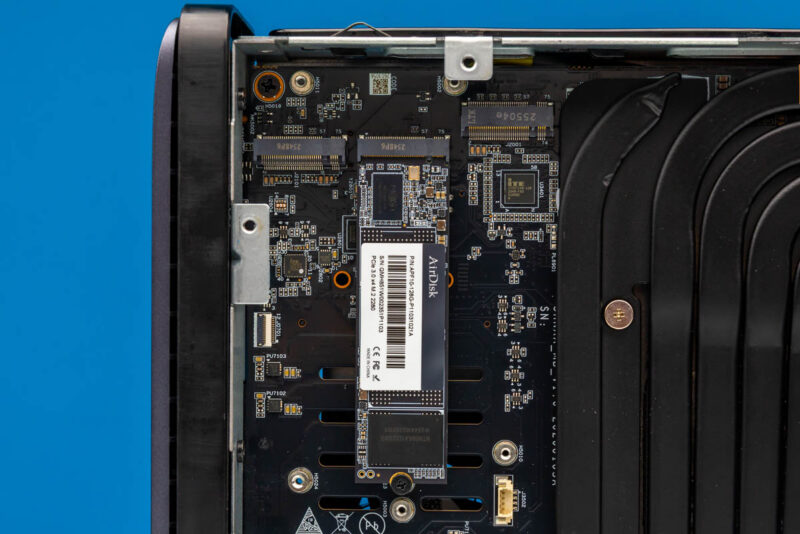
Pulling off the big M.2 heatsink, we can see an AirDisk M.2 2280 SSD installed on the board flanked by two other M.2 slots. There are a total of five in this system, but four of them are x1.
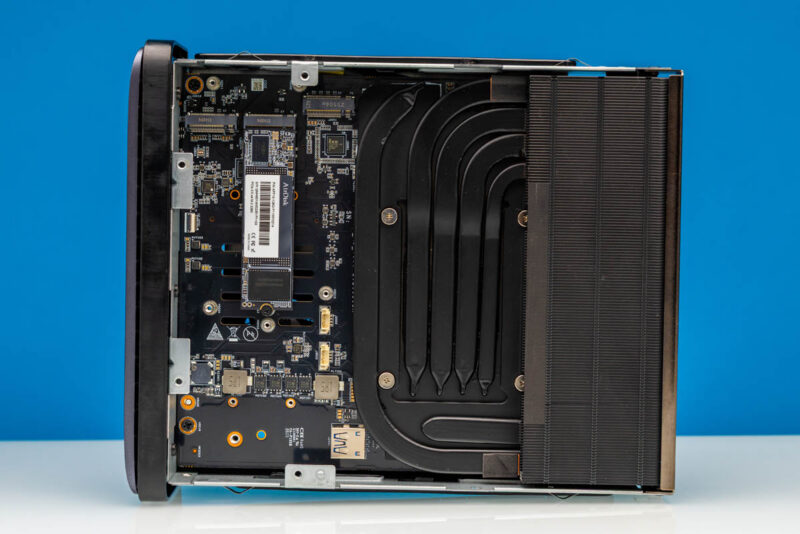
Over the NVMe storage area sits a separate finned heat sink.
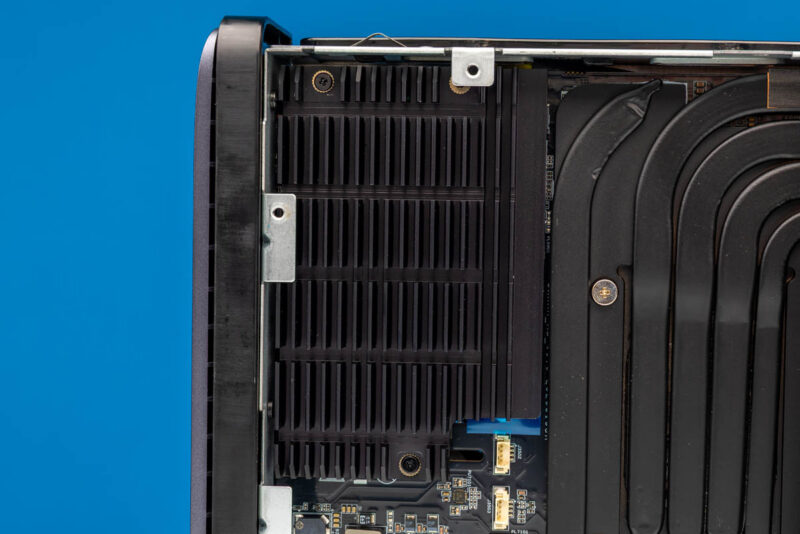
A wider shot takes in the AirDisk M.2 SSD, the surrounding board, and the adjacent processor heat-pipe assembly.
Up close, the installed AirDisk M.2 2280 SSD is framed by the surrounding M.2 connectors and controller components.
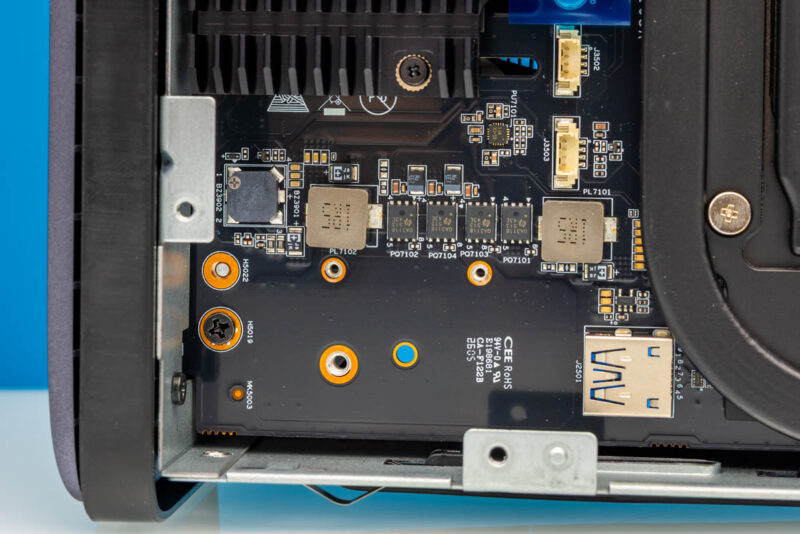
Under the M.2 slots, you may have noticed another feature. There is a USB Type-A header for those who still run OSes or license keys off of it.
Next, let us get to the software and setup.
Minisforum N5 Max Software and MinisCloud
Unlike other Minisforum mini PCs, the Minisforum N5 Max comes with a pre-installed MinisCloud application. If you plug in a keyboard and HDMI display, you can get to the BIOS as you would a normal system.
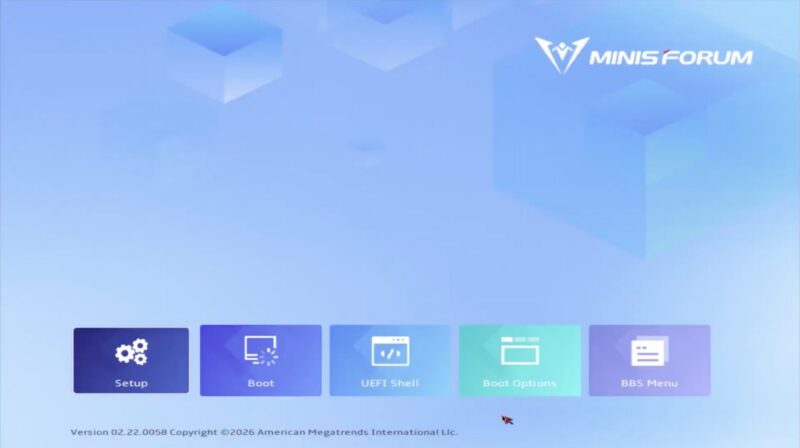
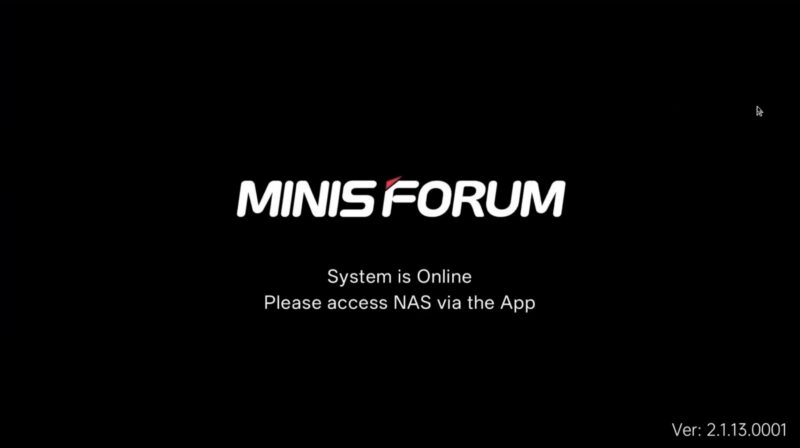
Once it boots, however, you get the Minisforum splash screen, with the only way to access the OS being via an application. There is no web interface here. You need an app.
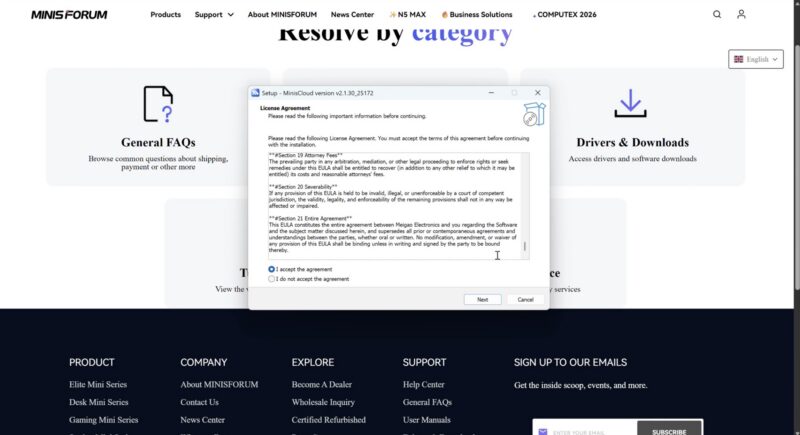
We covered this in more detail during the Minisforum N5 Pro Review but that MinisCloud app is blocked by Windows Defender. If you do download it, then it installs.
Then it presumably tells you it needs to update.
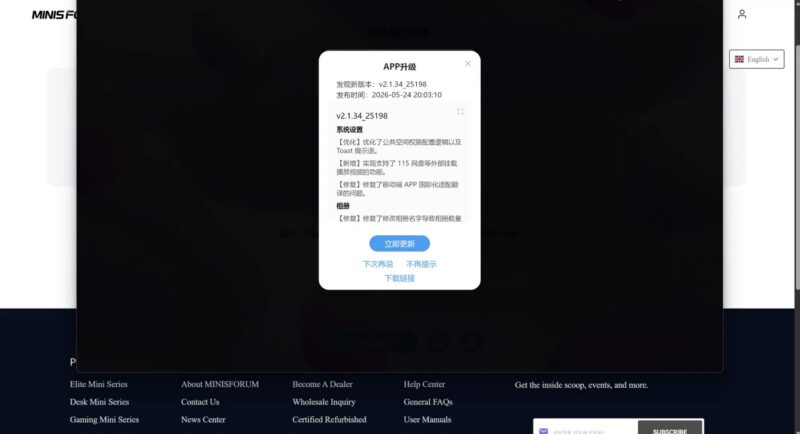
Here I pulled out the phone to get Google Translate because there was not a language dropdown.
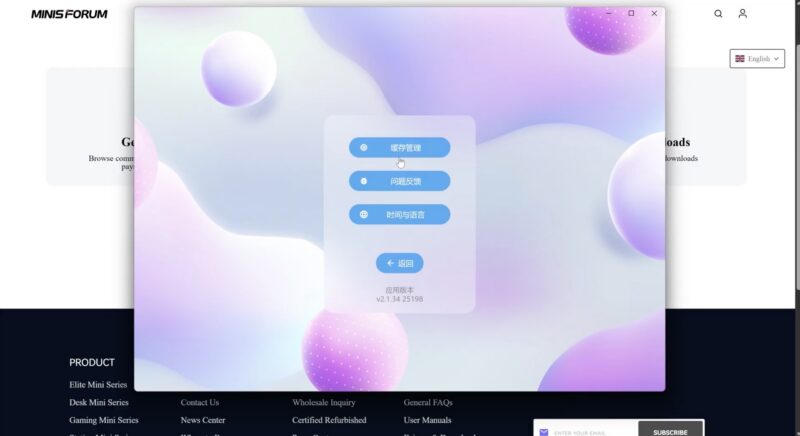
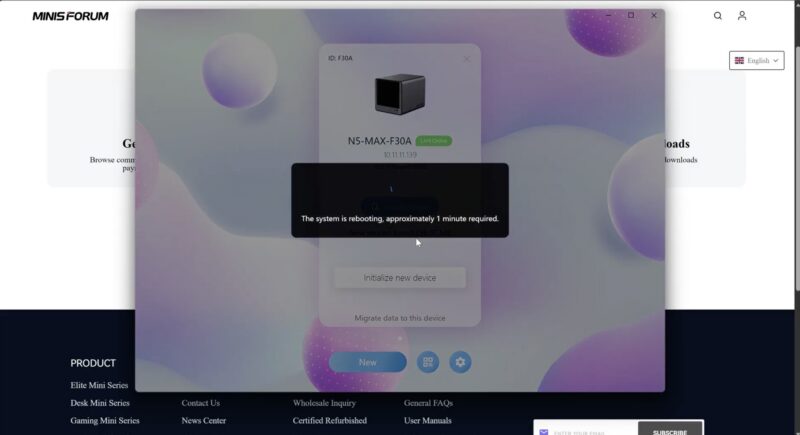
At some point the local app finds the NAS and updates it.
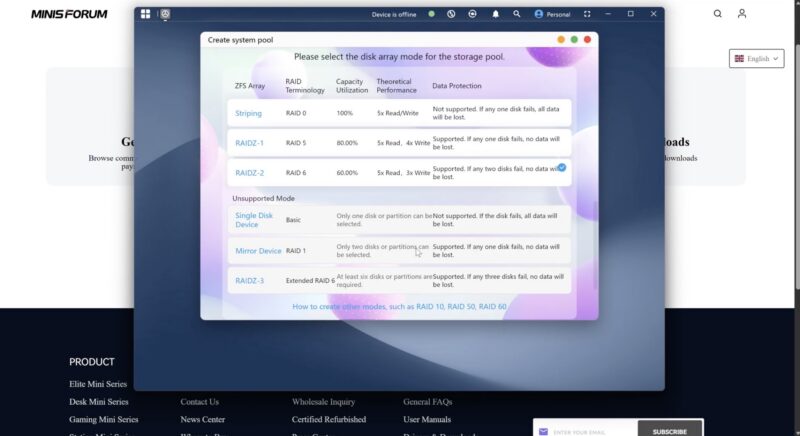
Like other NAS OSes, you then select a RAID configuration including ZFS.
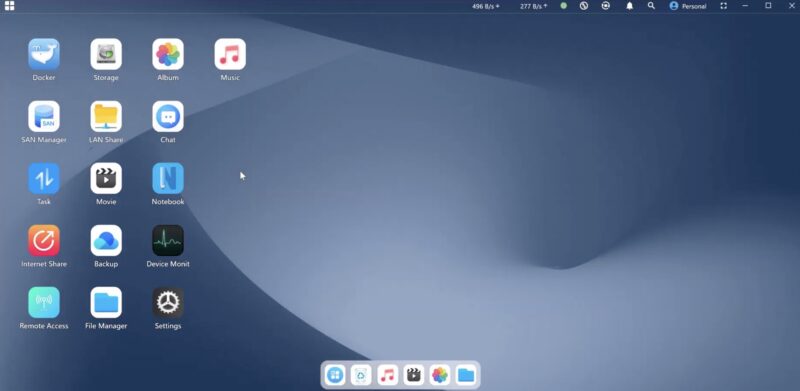
You get a nice desktop, like you would with many other NAS systems. One big difference is that this is app not HTML5 based.
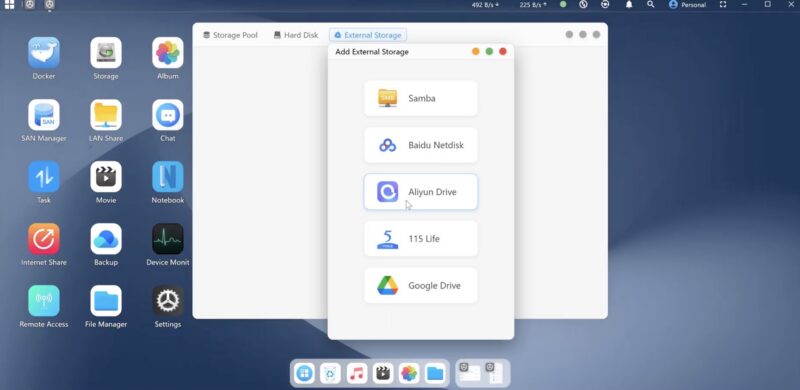
There are features for things like setting up external drives, but there are no options for Microsoft shops, as an example.
MinisCloud has a nice app store, however, with many useful applications pre-packaged.
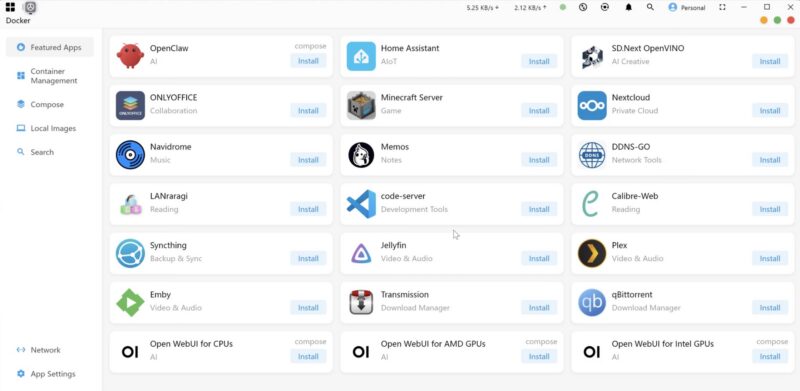
Installing an app like Open WebUI with Ollama felt like a Docker Compose function which is good.
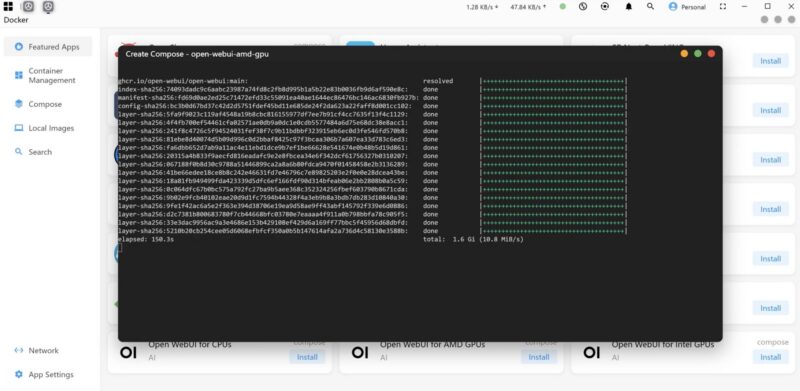
It also seems like Minisforum is doing some customization here.
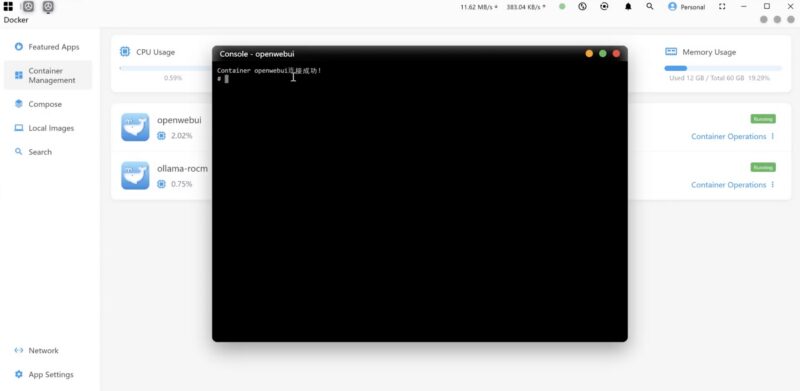
Still, we could get Qwen3.6 up and running quickly.
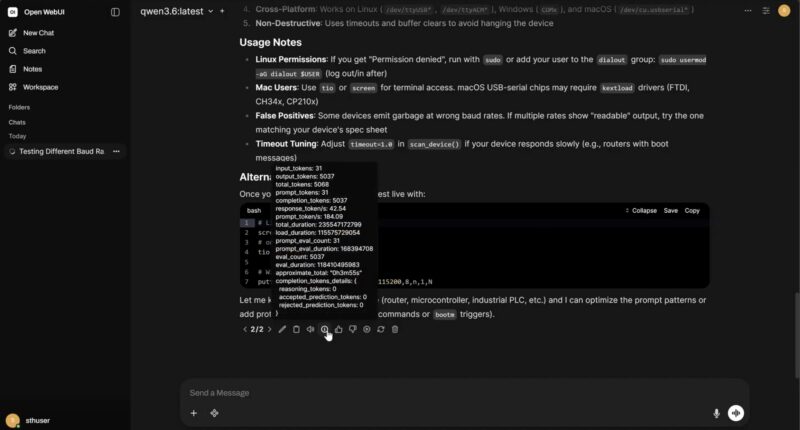
Overall, though, our suggestion is to just install Ubuntu and start from scratch. You lose the GUI of Miniscloud, but the idea of having to install a local app that gets blocked by Microsoft Defender, to join a more proprietary OS that you do not manage locally, just does not make sense. I understand what Minisforum is doing with this OS, but if you are reading STH, just install Ubuntu, Proxmox VE, or another OS and start from there.
Next, let us get to how the Ryzen AI Max+ 395 64GB LPDDR5X pool performs.

This will still make a killer lab server regardless of the AI shortfalls
A fascinating review of the Minisforum N5 Max. It’s impressive to see how much performance can be packed into a compact system, especially with the Ryzen AI Max 395. The combination of CPU performance, AI capabilities, and small-form-factor design makes this an interesting option for power users and homelab enthusiasts.
Strix Halo is made to run large AI models and if anything these require a large storagepool so having one right out of the box is not a bad idea.
35W idle and with disks spun down? Isn’t that a bit too much?
I take a different view to the previous speakers. I think this device is too specialized and will therefore probably not find many buyers.
There are many reasons for this; let’s just take the noise level, for example. Who would want a device with lots of built-in hard drives sitting on their desk? As far as I’m concerned, a noisy NAS belongs in a separate room.
Furthermore, there are already many companies in the NAS sector that handle this area much better and have more to offer in terms of both hardware and software. This includes, among other things, more RAID levels, iSCSI, and a wide range of services.