

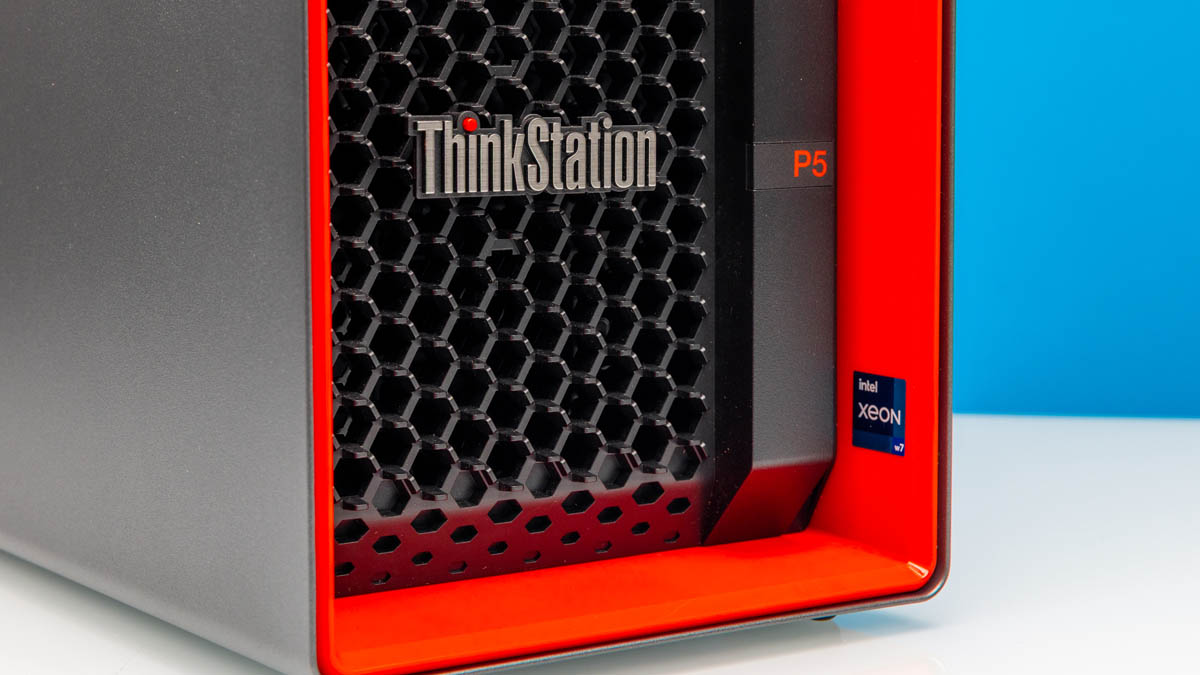
The Lenovo ThinkStation P5 is a mid-range workstation from Lenovo that utilizes the Intel Xeon W-2400 series processors. That gives us a CPU with core counts above those of typical desktop chips, but also significantly more I/O than consumer alternatives. Lenovo takes this base and builds around it a neat system that both looks sharp and offers a lot of capabilities. With that, let us get to the hardware.
Lenovo ThinkStation P5 External Hardware Overview
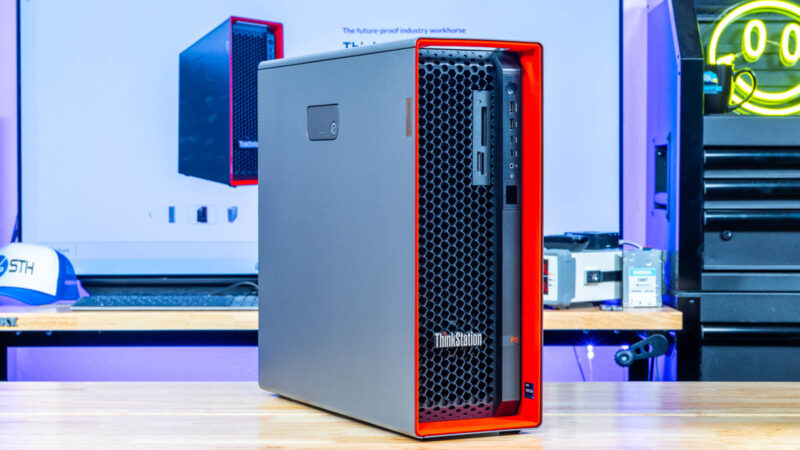
The ThinkStation P5 comes standard in a tower form factor measuring 440 x 165 x 453mm or 17.3 x 6.5 x 17.8in.
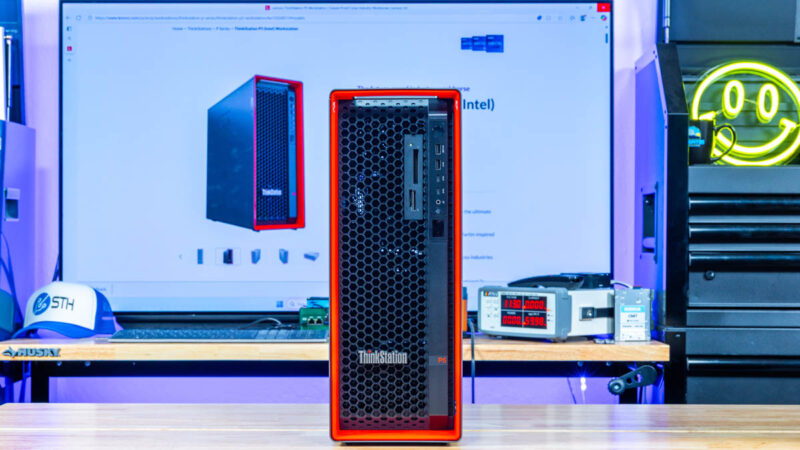
It also looks fairly slick set on its side and the ports are actually labeled for this orientation.
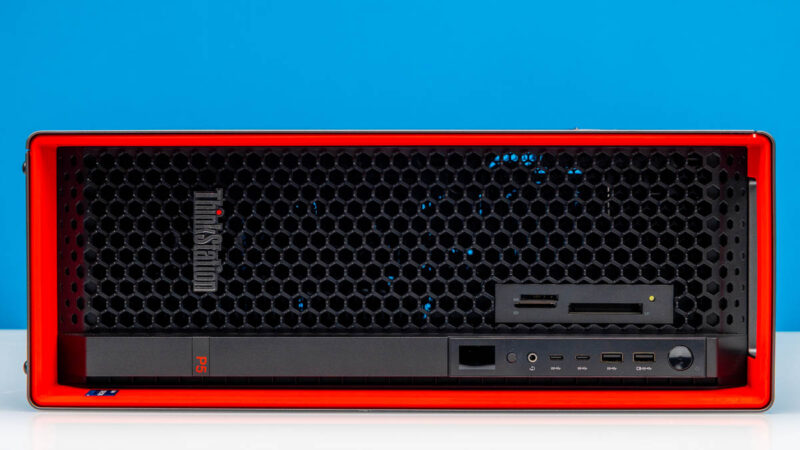
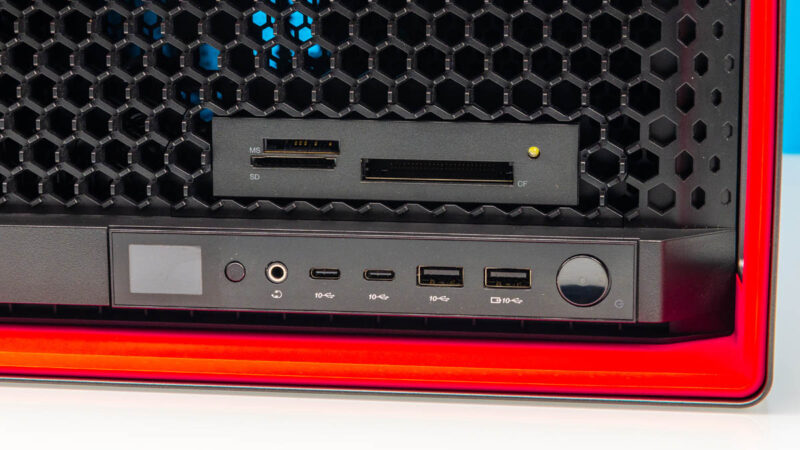
On the front, we get three slots for flash media connectivity, and four USB 3.2 Gen2 10Gbps ports. Two are Type-A and two are Type-C. We also get a headset jack and a status LCD.
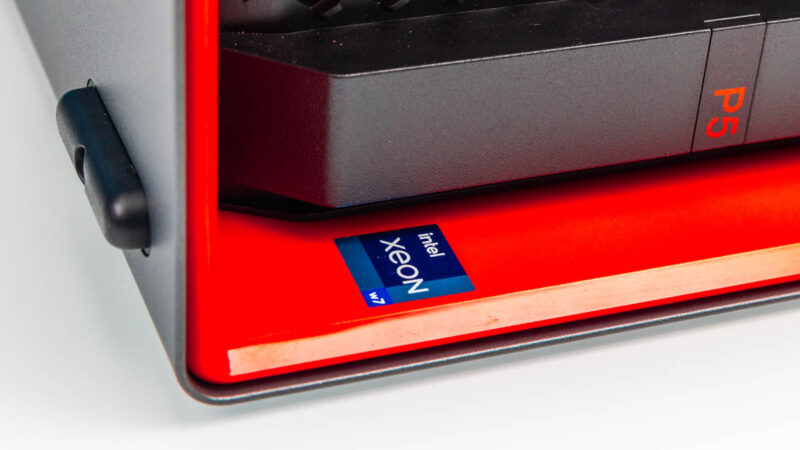
Of course, we get some branding, including the fact that our system has the Intel Xeon w7 inside.
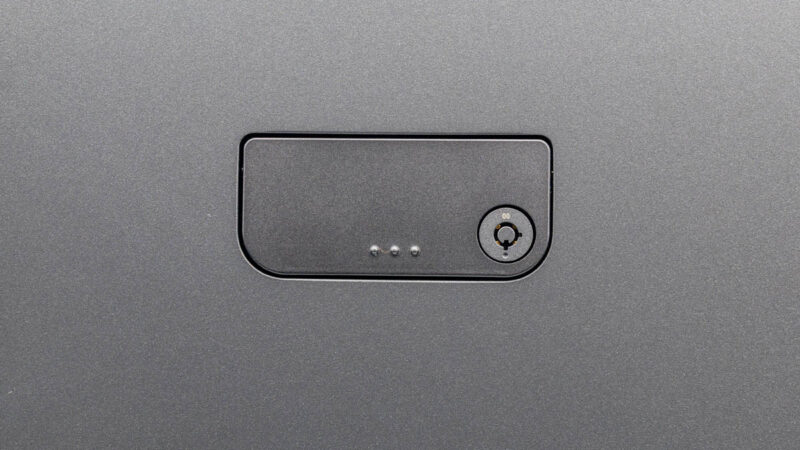
Moving to the side, we get something exciting.
That is the way we open the chassis.
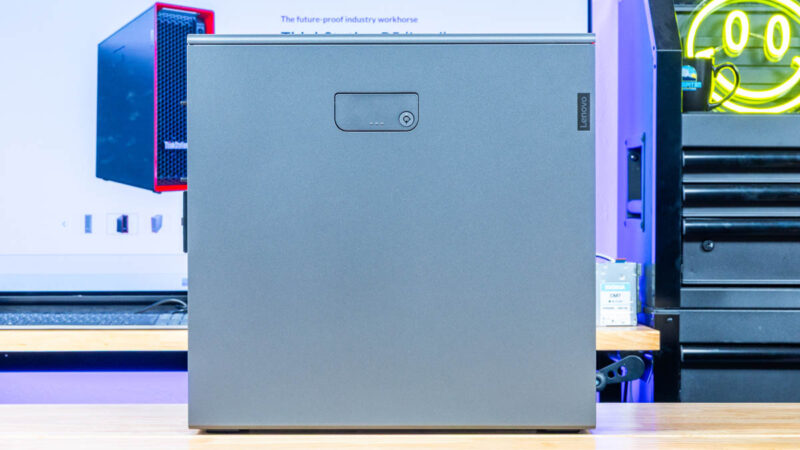
You push the bottom part of the latch/ handle in, and it releases the side panel. This is super slick and feels great if you come from workstations using most off-the-shelf cases.
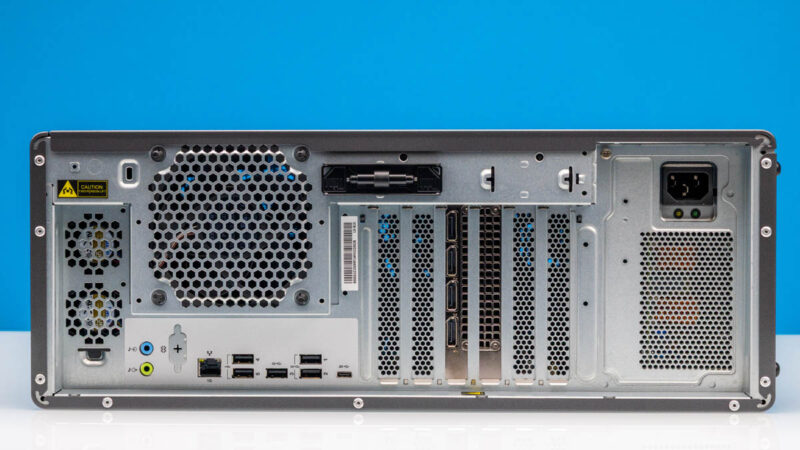
Moving to the rear, we get a fairly standard setup with fans and rear I/O at the top, PCIe slots, and then a power supply.
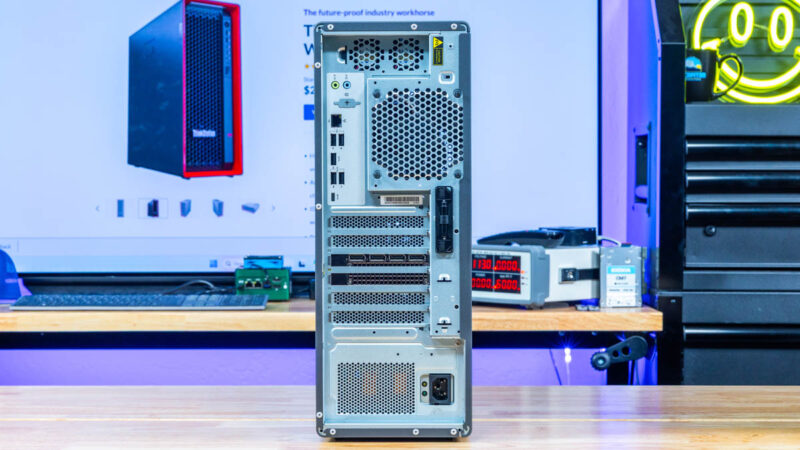
Here is the system on the other set. That big black bar in the top middle is actually to hold keys to the chassis.
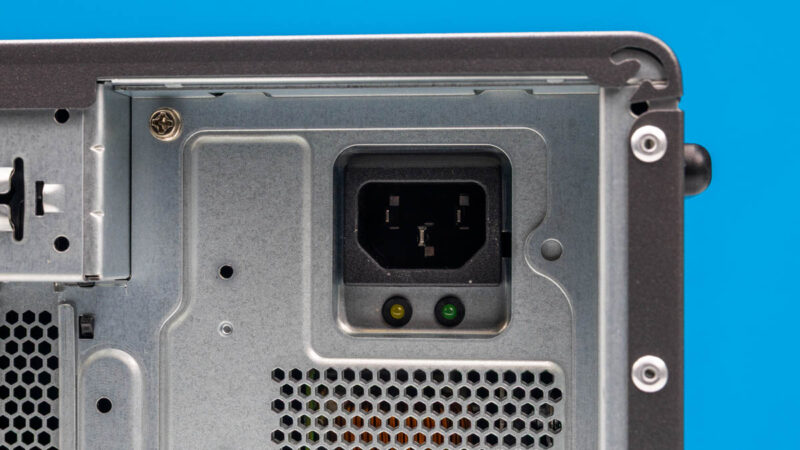
Here is the AC input to the power supply. If you have never seen Lenovo workstation power supplies, they are quite a bit different which we will show you inside.
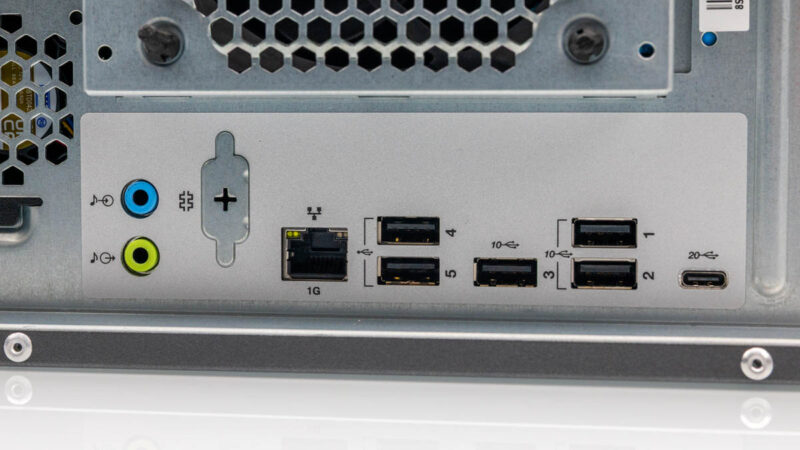
Rear I/O is comprised of two audio jacks, an optional serial port, an Intel i219-based 1GbE port. There are then five USB Type-A ports with three of them being Gen3.2 Gen2 10Gbps ports. There is also a Type-C 20Gbps 2×2 port.
Then there are six PCIe I/O slots at the rear.
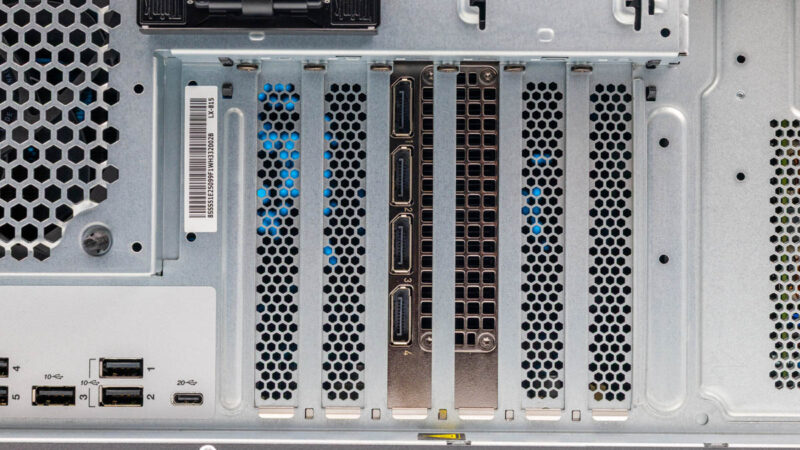
Next, let us get inside the system to see how it works.


What’s Wifi card slot?
I feel like they could have easily made the 1gbe NIC a 2.5 or 10gbe NIC but choose not to because it’s a little more expensive but is it that much more expensive? Is it the fear of cutting into their bottom line and we’ve gotten so complacent with 1gbe? Even if it’s an extra $10 I’d be willing to pay $10 more to upgrade the one network port from a 1gb to 10gb to save me from having to buy a pcie 10gb network card
I wonder if the 1GbE port was included for reliability/certification reasons.
Just one thing I’d like to make a comment on around graphs. Something I caught out was that you flip the colours/key between the two different comparison graphs. aka CPU graph Lenovo is blue, but in the GPU graph it is now black.
Can make it easy for misinterpretation of the data.
No BMC included or option? What is the blanked port on the rear?
Workstations that have faster onboard NICs also usually include a 1Gb linkas well for Intel AMT support or AMD DASH.
It’s a shame that Lenovo cheaped out here, but clearly they thought there isn’t a large enough market to warrant a faster onboard card.