

GL.iNet GL-RM10 Comet Pro Software Overview
The unit uses about 2-3W in operation, which is very reasonable. You are initially prompted to set an admin password, then, with every unit we have purchased, you are asked to upgrade the firmware.
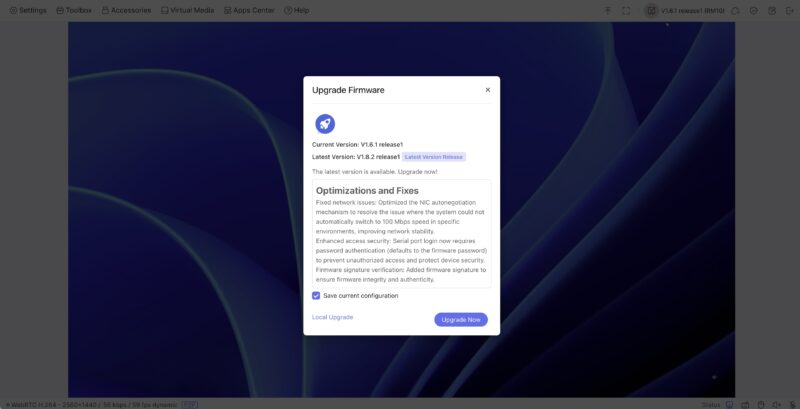
Once you are logged in and updated, you have a nice interface. You can also change video settings from a lower to a higher bitrate. Frankly, if you are using a Windows desktop or something like that and you are on LAN, there is a very noticeable quality difference between the low and high settings. In other words, we are usually using these with the best quality settings.
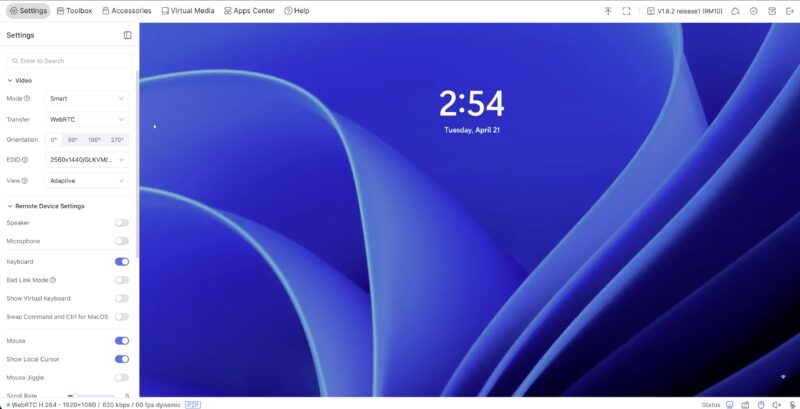
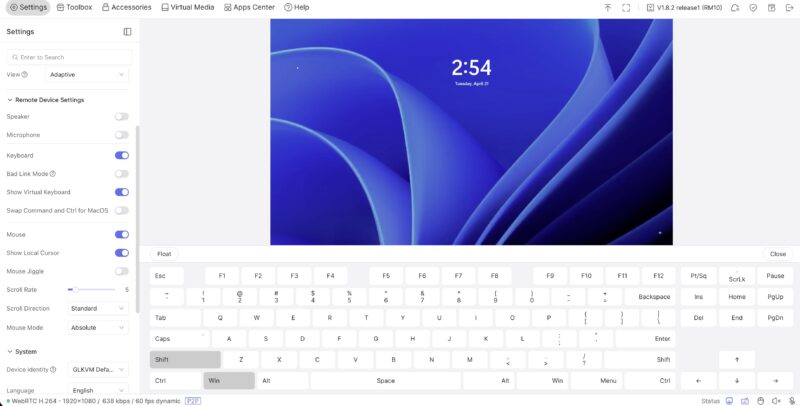
The solution also has a virtual keyboard and a number of little toggles. We have gone over the interface a few times, but these toggles are more useful than you might think. For example, the keyboard toggle may not seem useful, but if the KVM session’s keyboard is not working, you can cycle the toggle, and the keyboard has always worked for us. This is a small quality-of-life feature that we have found just using so many of the GL.iNet Comet units. Another one that has happened at some point many quarters ago is the ability to change the name of these devices. It helps when you have several on a network.
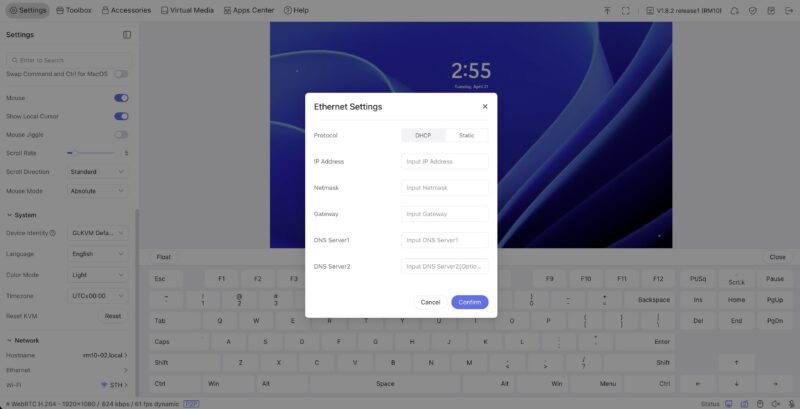
There are also Ethernet settings for both wired and wireless connections.
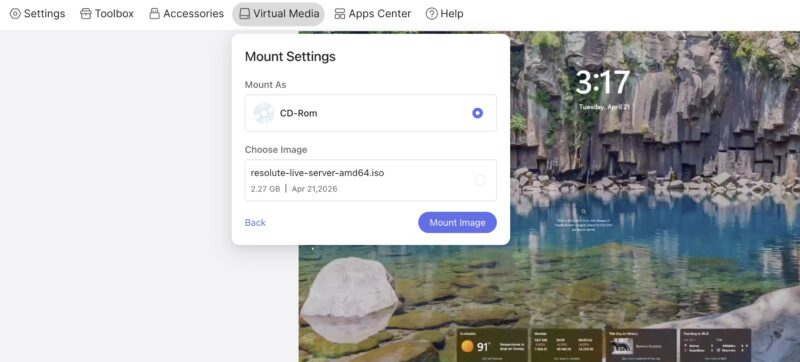
Something very useful is that the device has onboard storage. You get 25-29GB usable of the 32GB storage on the device. That lets you store multiple ISO images locally. In the lab, we are constantly reinstalling OS images, so when Ubuntu 26.04 came out (and for testing before then), we just loaded the arm64 and amd64 server and desktop images onto the device and were ready to go. Someone will inevitably say “Ventoy” but this is a full remote KVM solution along with the ISO solution.
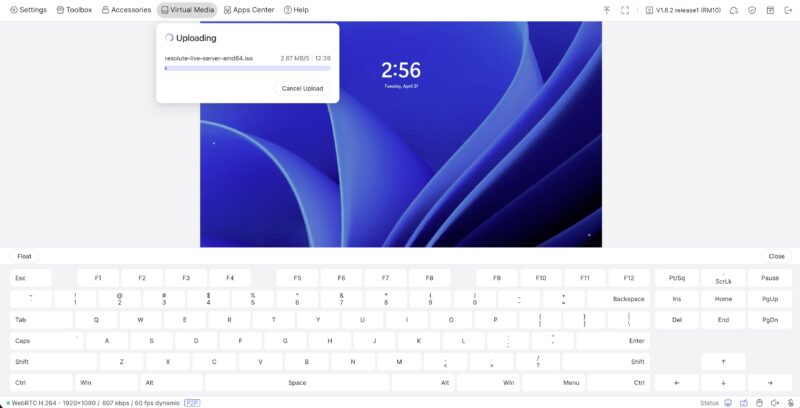
To mount an image, you can just select it. This was installing an Ubuntu Resolute beta image just before the LTS release over a Windows 11 installation on the system.
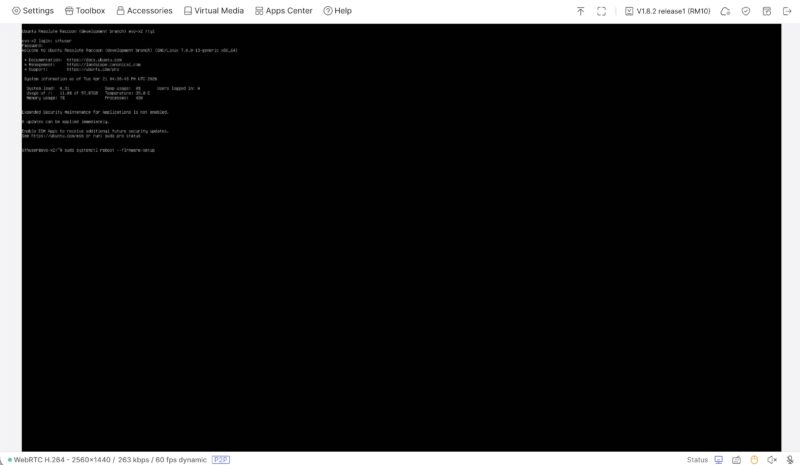
It installed without an issue.
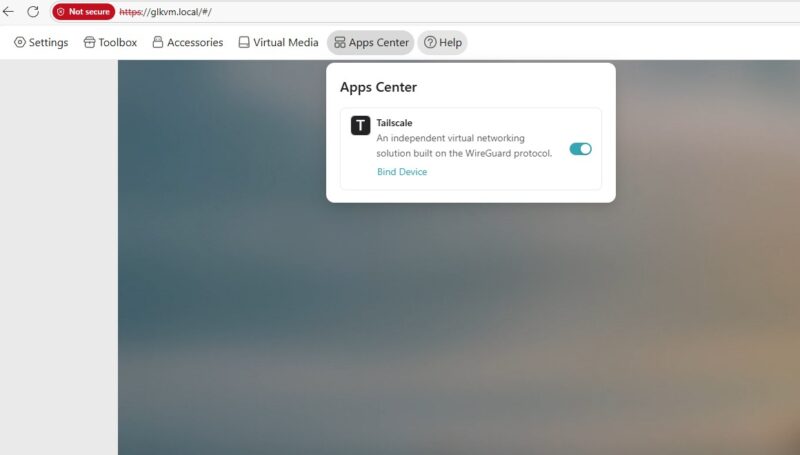
Perhaps the more useful feature is that this has Tailscale and ZeroTier built in, so you can access these wherever you are. In our recent AMD Ryzen 9 9950X3D2 Dual Edition Review, we could set the system up with a local monitor using the pass-through and still work on it remotely.
GL.iNet also has its own cloud management solution. Since folks may be wary of that, the company also has a self-hosted option on GitHub so you can build your own remote access cloud.
Final Words
We have purchased many of the non-Pro versions, and the PoE version has become our favorite over time because of its low cost and simple functionality. At the same time, we have been buying more Comet Pro GL-RM10 devices because having extra features, like HDMI pass-through and a WiFi option, is very useful.
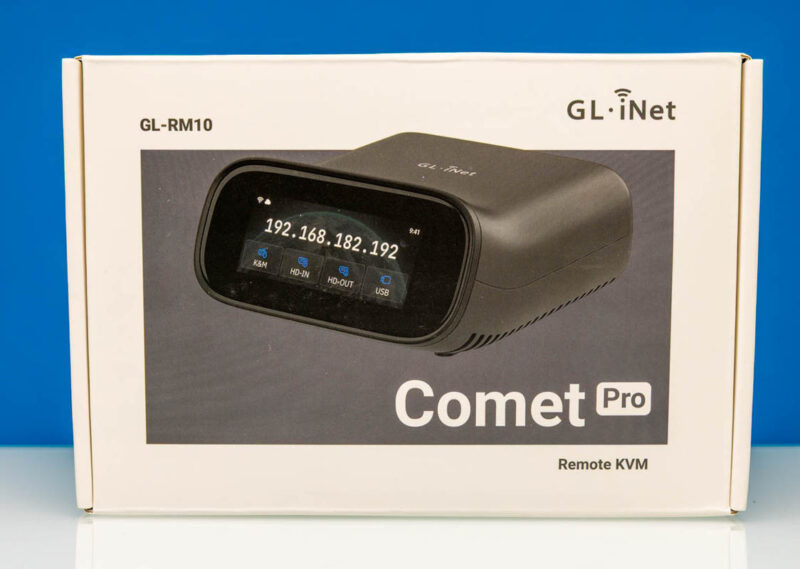
Depending on the day and the sale, these sell for almost twice the price of the base model. You get 32GB of onboard storage, WiFi, a touchscreen, the extra HDMI pass-through, and more, which, for some people, is going to justify this model. For others, they will not need all of those extras. Perhaps that is why it is good that there are different options available. We did not show these, but there is also a “fingerbot” that can press a power button remotely triggered by the Comet line, and an ATX power board to remotely power a system if you want even more control.
Where to Buy
Here is an Amazon affiliate link where we purchased ours.
If you do not need all the features, here are Amazon affiliate links to the base model and the PoE model.



I have 4 of the PoE, 1 basic and one Pro 5G, which also has a 5G LTE RedCap (reduced capability, still 200Mbps), which is great for out of band remote access if you’re remote and your network connectivity is down.
Hey, don’t forget to mention the ‘Fingerbot’ that’s available from GL.iNet, specifically for the Comet Pro series. I stumbled across this while admiring some of their marketing; it’s a convenient way to ‘push a button’ remotely!
LMAO derp, nevermind, saw it in the writeup! XD
Would love to see you test an 8-port HDMI/DP KVM (with hotkey switching) and then pair it with something like JetKVM to make a budget KVM-over-IP setup.
Feels like there’s a gap for a practical homelab solution here, especially for compact/10″ rack builds.
DrKreiger – we will probably do a mini review of that and the ATX power attachment in the future. I get the need for the Fingerbot, but interestingly, for us, we move these around quite often (sometimes to multiple systems each day), so having to affix a fingerbot is usually not the solution we look for.
Jacob – do you have one in mind? When we were purchasing another one of these, I realized we had not reviewed the JetKVM despite having many of them. I also found another interesting option during that search.
How is the performance when accessing on a local wifi network? Is it as responsive as an RDP session?
Mike, I certainly notice latency when I am in Asia and the RM10 is in AZ. It might feel slightly less responsive than RDP, but it also feels very close if you crank up the settings because you are on LAN and have the bandwidth to do so
Can this emulate the Alt-P shortcut common to Lenovos to power on a tiny ThinkCenter? Would this be easier to install than a Fingerbot?