

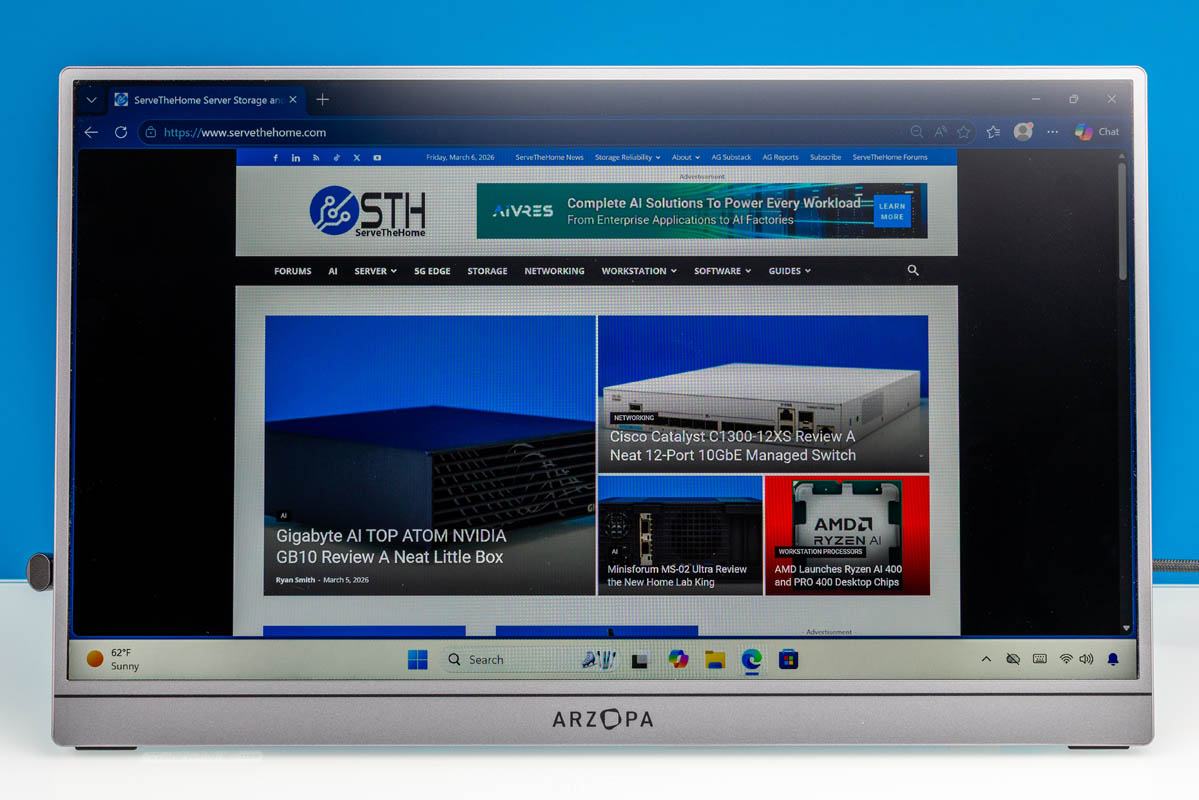
Recently, we purchased a handful of portable flat-panel monitors. One of the ones we were most eager to test was the Arzopa Z3FC 16.1in 180Hz 2.5K Portable Monitor. Currently priced just $143 on Amazon (at the time of writing), the Arzopa Z3FC is one of the cheapest QHD/2.5K portable monitors on the market, offering specs far beyond the monitors that we have tested in the $48-80 range. Let us get into our review of the monitor to see if the extra cost is worth it.
Here is the Amazon affiliate link to where we purchased this unit.
Arzopa Z3FC Hardware Overview
Arzopa Z3FC’s monitor has a 16.1-inch IPS panel with a QHD (2560×1440) resolution. That may not matter to some people, but so many of the panels we have tested are 1080p that this offers a lot more resolution.
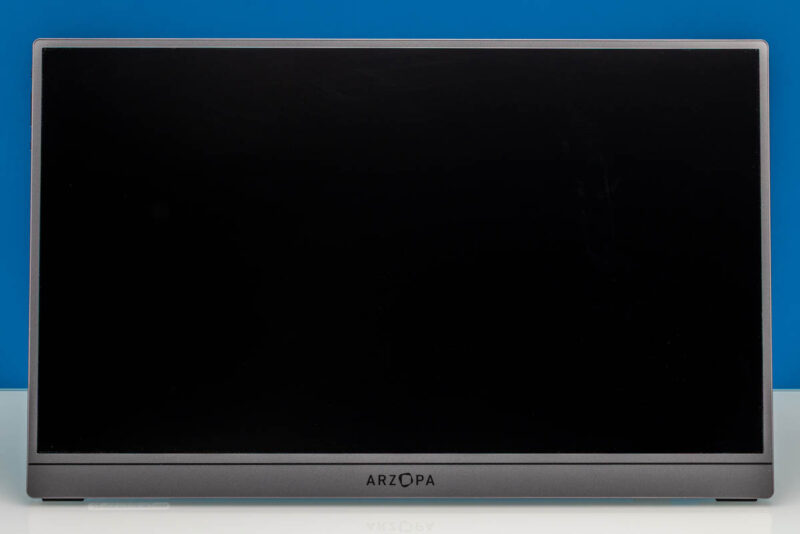
Here is a look at the rear of the monitor and kickstand. It is around 13.0in (Width) x 0.39in (Depth) x 8.0in (Height) with the foldable kickstand.
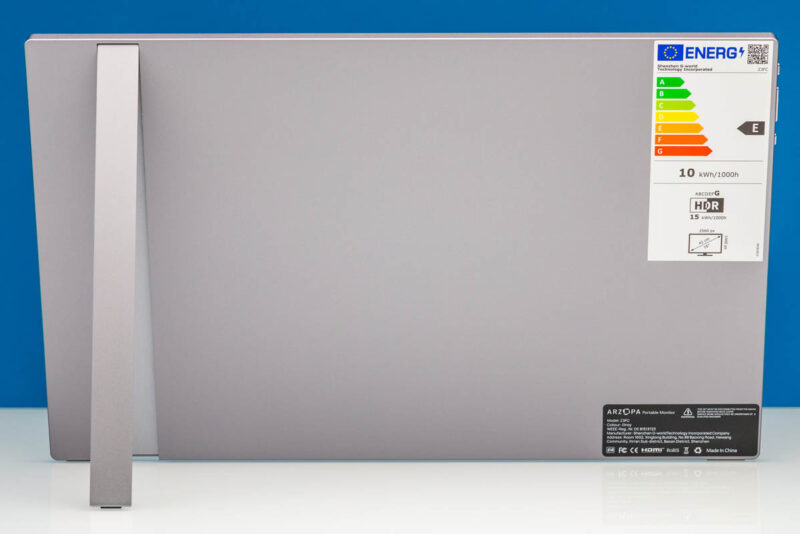
This stand allows for viewing angles up to 80 degrees.
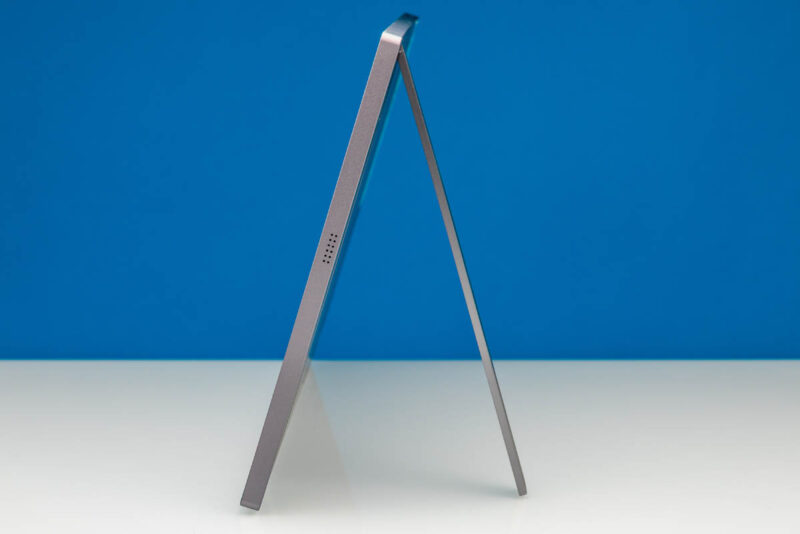
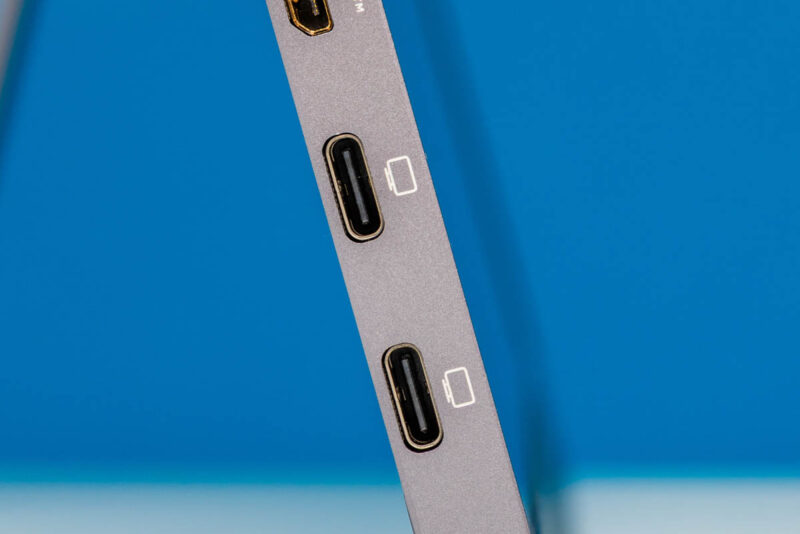
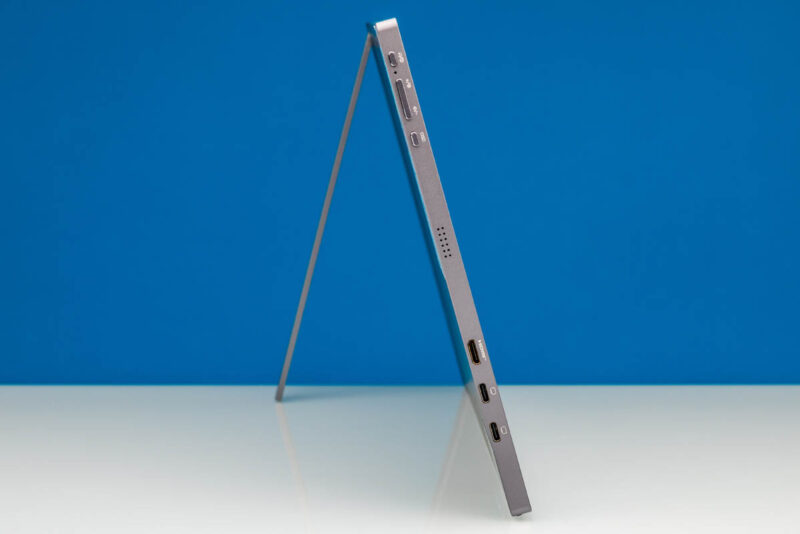
For display inputs, the monitor has two full-feature USB Type-C ports with DisplayPort Alt Mode capabilities.
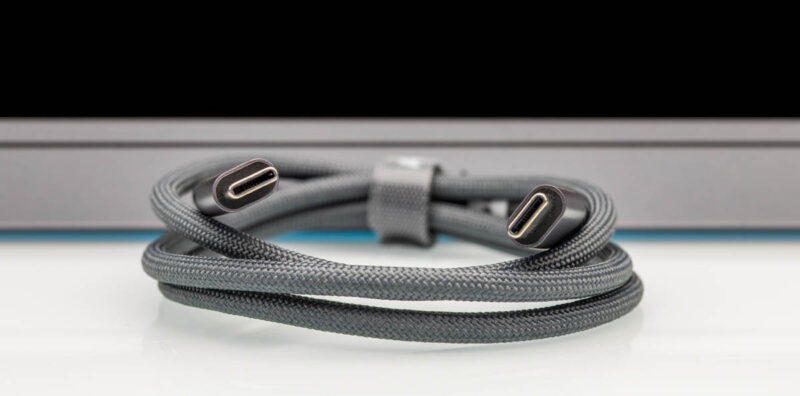
Unusually, Arzopa’s Z3FC comes with two USB Type-C cables. And of these two cables, only one supports carrying video. It is differentiated from the other cable by the use of a 90-degree connector on one end.
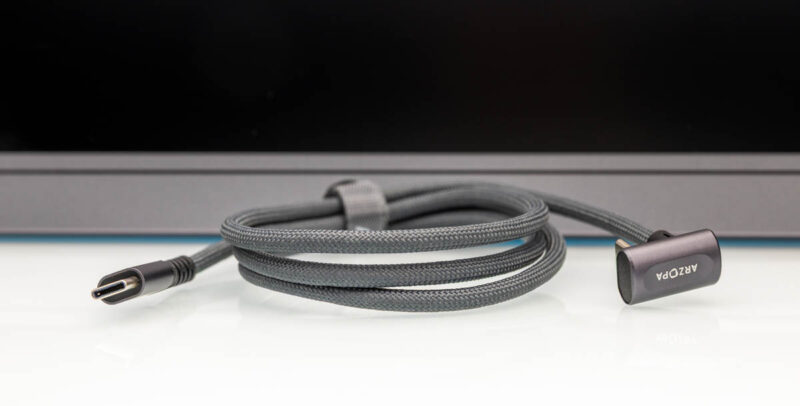
As for the other USB Type-C cable, it is strictly for power only and does not support carrying a display signal. Thankfully, Arzopa does attach a tag to the cable stating as much. From these limitations, we presume that the underlying technical difference is that the full-feature cable is USB 3.x grade while the power-only cable is USB 2.x grade – making it akin to a phone charging cable that does not have any conductors for carrying high bandwidth data or video.
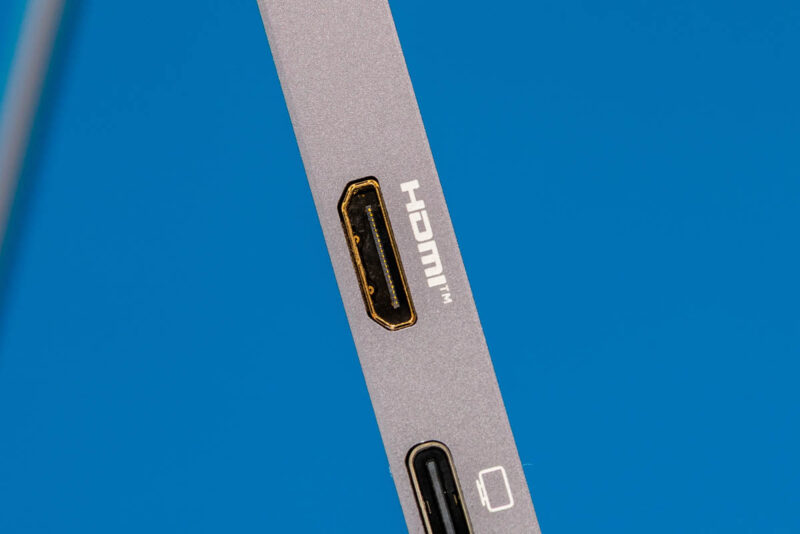
The monitor also has a Mini HDMI input. Arzopa does not supply any kind of Mini HDMI adapter or cable here, so it is strictly a bring-your-own-cable affair if you wish to use this uncommon input. An example of a mini HDMI to HDMI is this one (Amazon Affiliate) that you would need to add to the cost of the solution if you cannot use the USB Type-C cable.
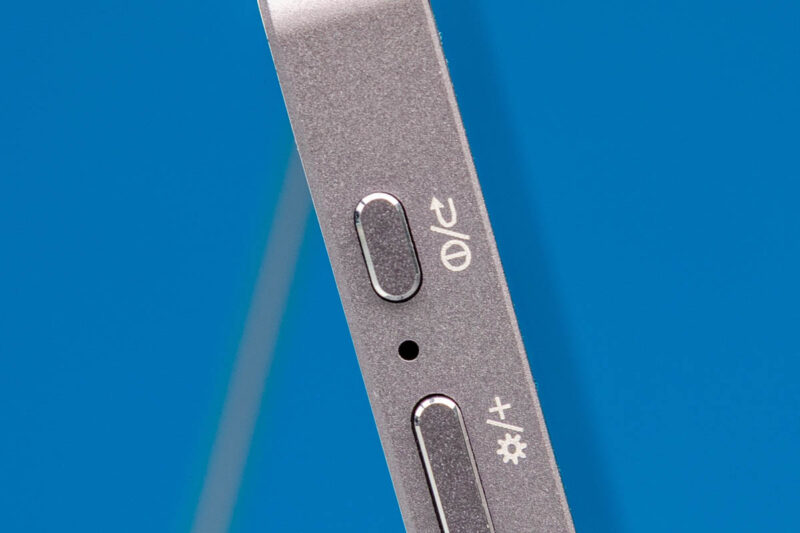
On the same side, you have a power/back button.
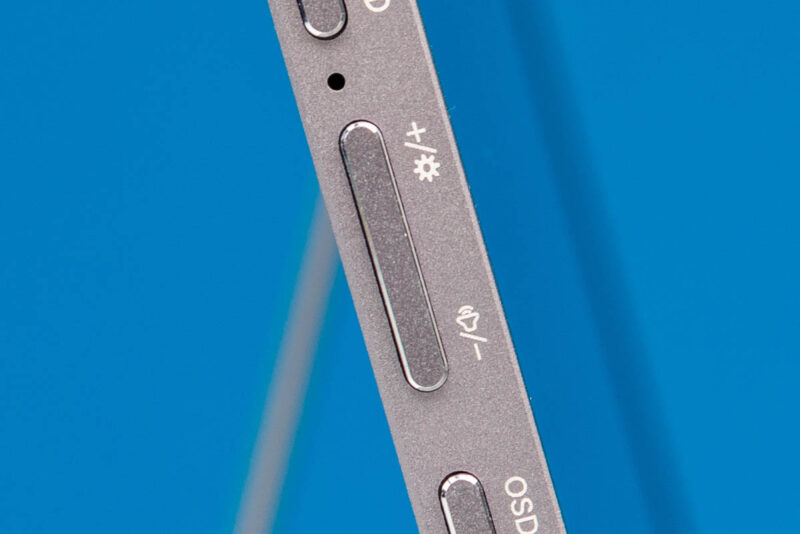
A button to control monitor brightness and volume.
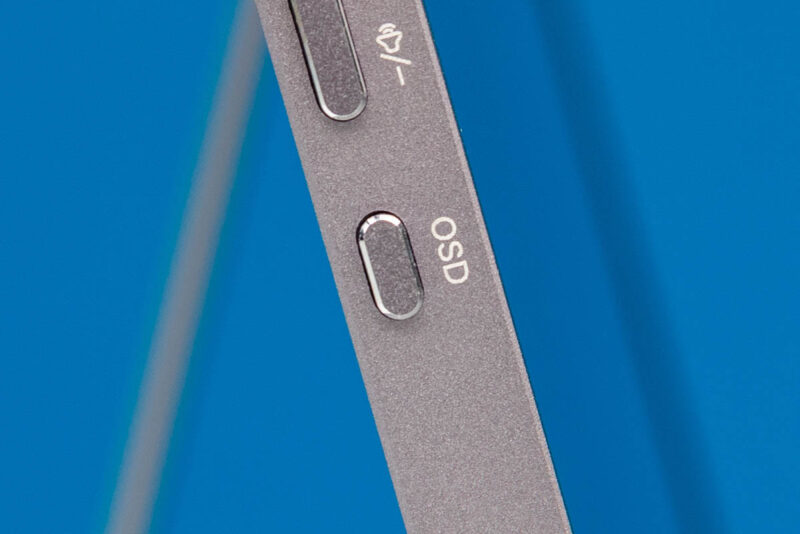
As well as an OSD menu button.
The variable kick-stand option of the Arzopa Z3FC makes it great for viewing at various angles. This setup does not provide the portable monitor with an integrated case.
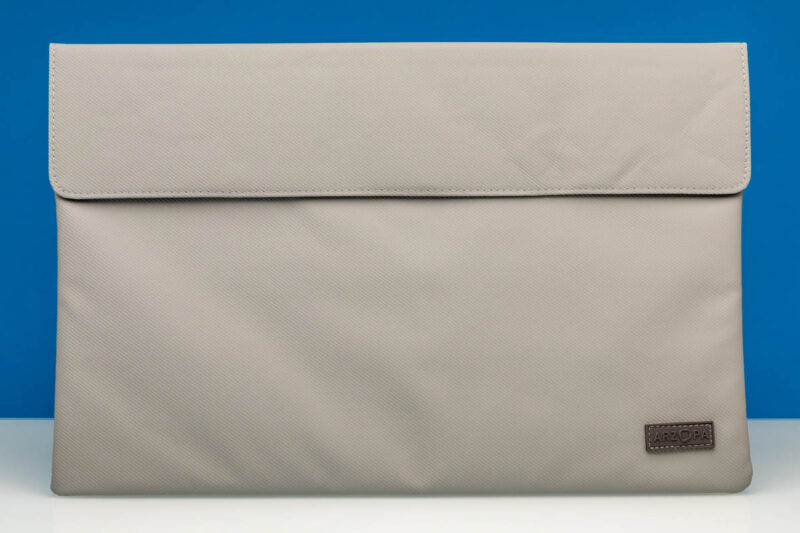
However, a protective case is included for your portable monitor while traveling. This does not serve as a protective case when using the monitor, but if you throw it in a carry on bag, it provides some protection.
Next, let us see how the Arzopa Z3FC QHD 180Hz monitor performs.


This will be sarcastic but… is it Russian?
@lol: Room 39H-A9, Caifu Building, No. 88, Fuhua 3rd Road, Gangxia Community, Futian Street, Futian District, Shenzhen, Guangdong, China
Arzopa may have been a no-name brand that reached escape velocity from a great TikTok shilling strategy and is now one of the more well known portable monitor brands.
My completely unheard of brand 1080p60 portable is fine for my needs, but maybe I would look into something like this if it broke.
It’s notable this looks better in the photographs of screen. Higher resolution, refresh, or better panel, I’ve just looked back at a few screens and you can tell.
Would refresh rate play any significant factor into power consumption, or is it all down to brightness essentially? I’m a little curious as to what 50% brightness and refresh at 60/120/180 looks like.
I received mine today and my first impression was very good. I purchased it from Amazon in Spain for 152 Euros. All nicely packaged in a nice hard paper box Apple style (almost) and the product felt very well made and of good quality.
What’s in the box:
• The screen
• 1x portable soft padded storage bag/case
• 2x USB-C/C cables (one for power only and one 180º angled)
• 1x HDMI Full/Mini cable. (The STH review mentioned that there was no HDMI cable included)
Build quality:
At the weight of 780 g and made of plastic, it does not twist or bend much when you hold it.
The stand on the back is easy to use even though it has only one leg. The leg has enough friction so it stays in position.
There are two speakers, one on each side of the screen but they are not exactly HiFi, but they do their job fairly good.
Settings:
The On Screen Dislay (OSD) menu takes some time to get used to, but it has the most settings needed. After a few butterfinger attempts I could set the Brigtness and the Volume.
Screen:
The picture quality gives a sharp and clear picture with its QHD (2560×1440) resolution. As good as my other 27” QHD screens.
The screen real estate is small with its 16.1” screen, but setting the scaling to 150% gives a well readable text and icon size. The IPS panel also gives a good viewing angle.
The Nvidia control panel app could not set the refresh rate higher than 60Hz which was a bit strange since it was advertised as a 180Hz screen.
I tried setting a custom resolution at 120Hz and 180Hz but it failed with a black screen and then reverted back to 60Hz. Maybe I missed a setting.
I have the Nvidia RTX 4000 ADA Gen. GPU installed in the desktop PC used for testing.
At this time I didn’t bother with color accuracy settings or HDR. Running a test MP4 video showed natural colors.
Power consumption is only relevant when using a lap top, phone or a power bank as power source. When connected to a desktop PC all the power needed is provided.
Use case:
Besides the obvious extra screen added to a laptop or a phone, I see a usage for a portable screen when troubleshooting a computer and when you don’t have a crash cart or a KVM available.
Pros: Light weight. Good build quality and the cables needed are included. Good picture quality. Good value for the money.
Cons: The screen refresh rate was advertised at 180Hz but it’s only 60Hz. Disappointing and I will follow-up on this.
I would be interested in any thoughts or experience vs the Z1RC model, which has lower refresh rate and brightness (60hz, 350cd/m² vs 180hz, 400cd/m²) but better color depth (10bit (8-bit+FRC) vs 8-bit) and gamut (123% sRGB vs 107% sRGB):
https://global.arzopa.com/pages/comparison2025
Without actually reviewing it, it’s hard to say anything definitive. Especially as software, firmware, and factory calibration play such a huge role.
Though it’s very interesting that it’s a a 16:10 panel; that’s a form factor that’s generally only found in higher-end productivity laptops. Otherwise the larger gamut makes sense, as there’s not a ton of utility in 10bpc color with a pure sRGB gamut. That does mean the backlight is capable of delivering a wider spectrum of light, though apparently not as intensely.