

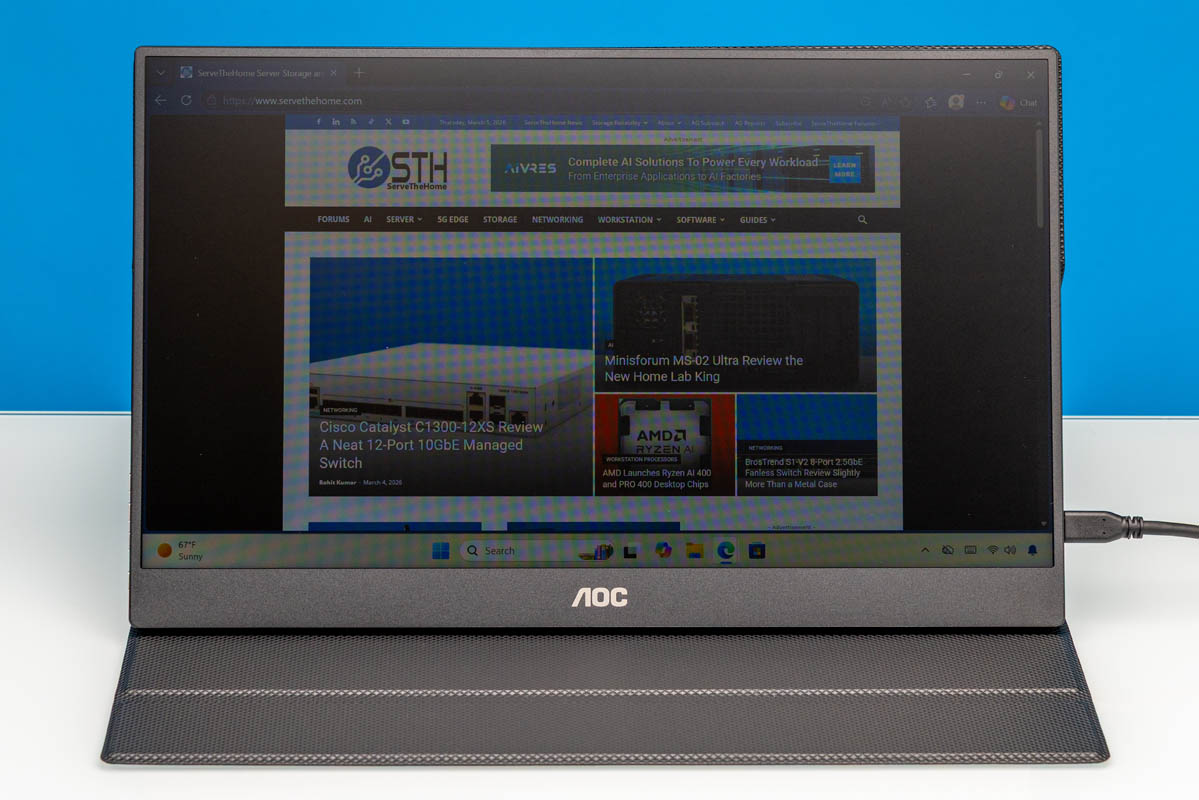
Recently, we purchased a handful of portable flat-panel monitors. Among these was AOC’s 16T20, an entry-level offering that sports a 15.6-inch 1080p IPS panel. Currently priced just $49 on Amazon (at the time of writing), the 16T20 is amongst the cheapest 1080p portable monitors on the market, offering a relatively bare feature set in exchange for a bare minimum price. Let us get into our review of the monitor to see what kind of performance such a cheap monitor can deliver, and how it stacks up to its competitors.
Here is the Amazon affiliate link to where we purchased this unit.
AOC 16T20 Hardware Overview
AOC’s 16T20 monitor has a 15.6-inch IPS panel with a Full HD (1920×1080) resolution. The monitor itself is little more than a display without any kind of built-in support or feet, so the device relies on the included smart cover to provide protection for the display and to serve as its stand.
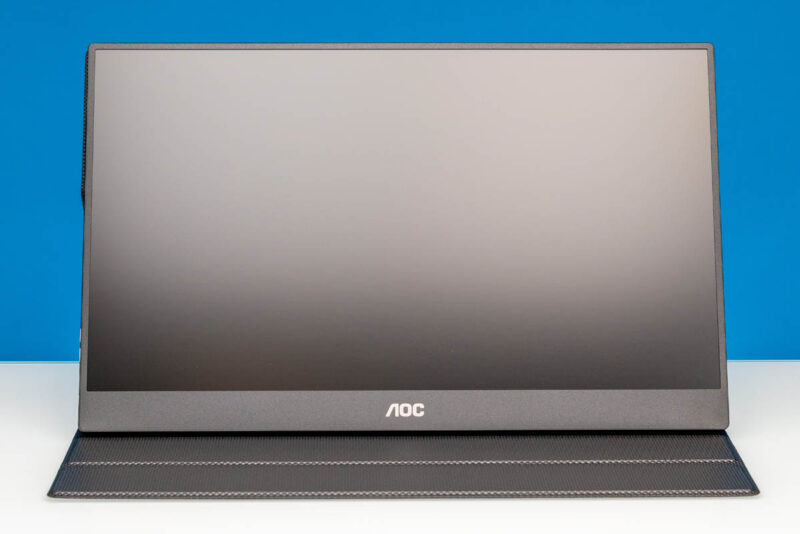
Here is a look at the rear of the monitor and cover. It is around 13.94in (Width) x 8.76in (Height) x 0.59in (Depth) at its thickest point with the smart cover attached. The complete setup weighs just under 1.1kg (2.4lbs), with 0.7kg (1.5lbs) of that being the display itself.
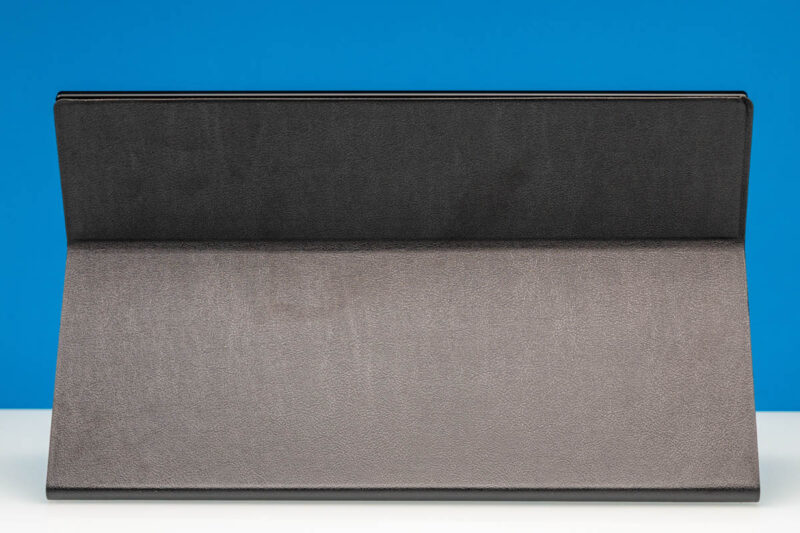
The cover attaches to the display magnetically and features two grooves for supporting the screen, allowing it to be placed at either a 120-degree or 135-degree angle.
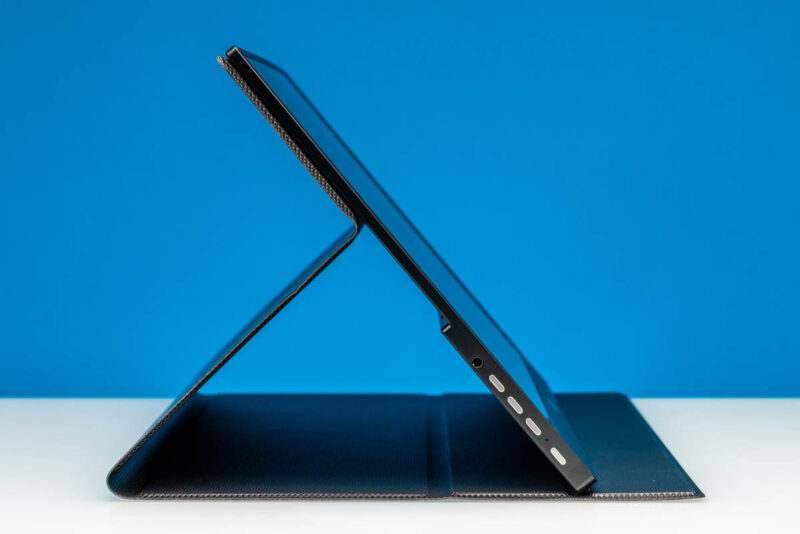
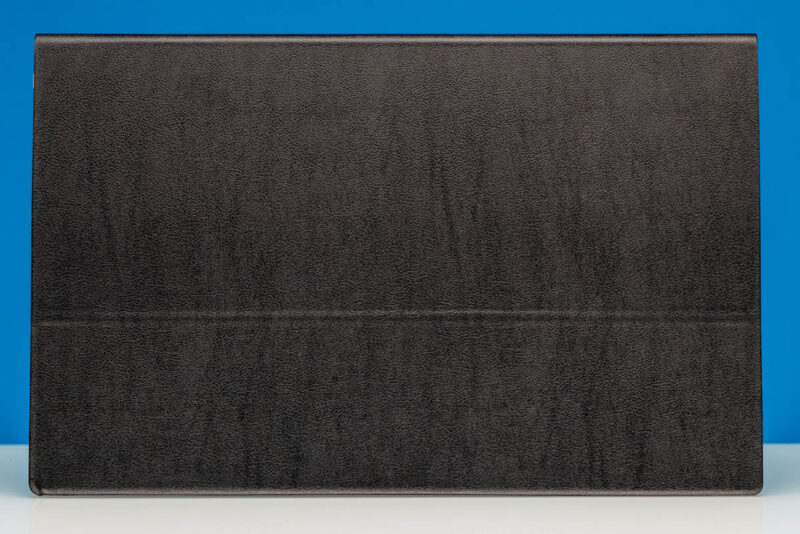
Meanwhile, here is a look at the 16T20 with its cover closed up. The entire smart cover setup is very tablet-esque, which makes sense given the highly portable nature of the display.
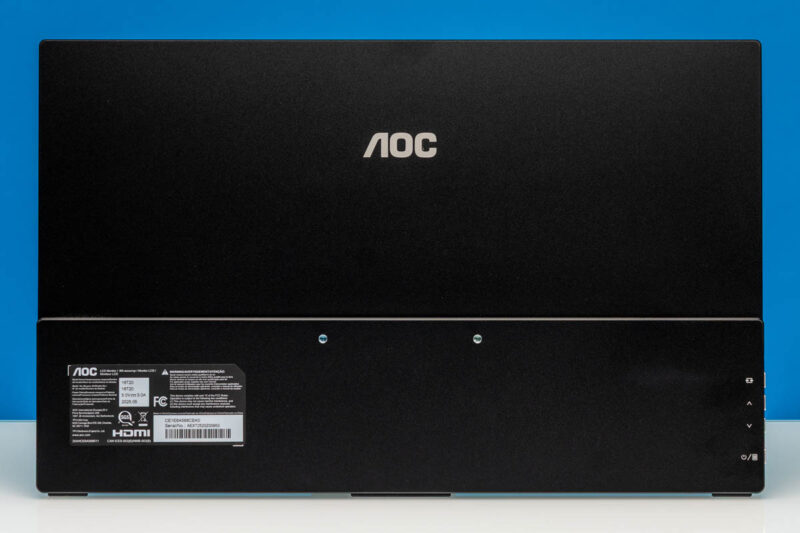
As well, here is a quick look at the normally obscured back of the display with the cover removed, showing the manufacturer’s product label as well as symbols for the various buttons on the display. You can also see the monitor’s 75mm x 75mm VESA mounting holes, which are for if you want to attach it to a more traditional stand.
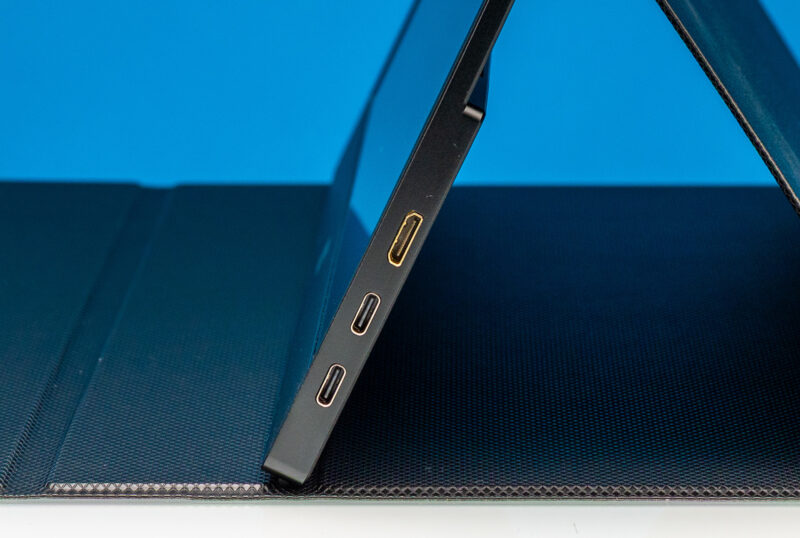
For display inputs, on the right side of the display, the 16T20 has two full-feature USB Type-C ports with DisplayPort Alt Mode capabilities, as well as a Mini HDMI port. When plugged into a device that can supply both power and a display signal over a USB-C port (e.g. a laptop or tablet), the monitor can be driven via a single cable. Otherwise, there are two USB-C ports so that one can be used for a dedicated power source, while either the second USB-C port or the Mini HDMI port is used as a display input.
AOC does throw in a single USB-C cable with the monitor. Though like most portable monitor vendors, AOC does not include any kind of Mini HDMI cable or adapter here. So it is strictly a bring-your-own-cable affair if you wish to use this uncommon input. An example of a Mini HDMI to HDMI is this one (Amazon Affiliate) that you would need to add to the cost of the solution if you cannot use the USB Type-C cable.
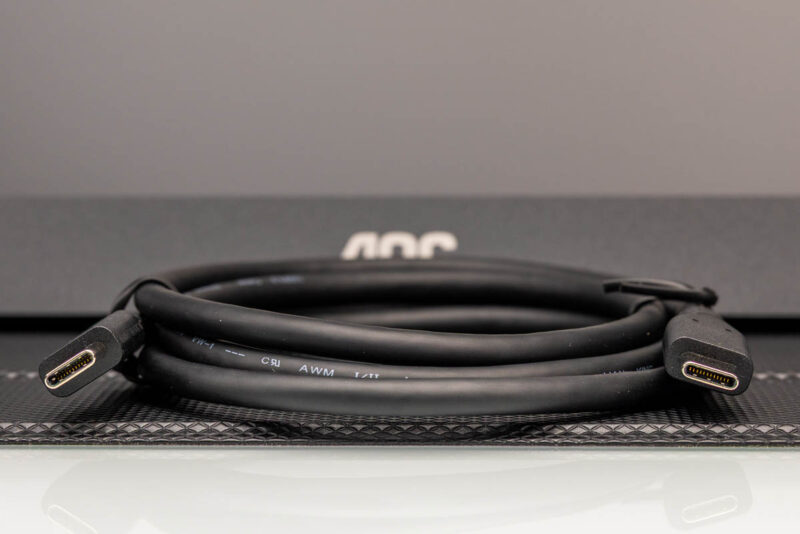
AOC’s kit does not include a power adapter, either, so if one is required, the monitor needs to be paired with (at least) a 15 Watt (5V@3A) power source.
Meanwhile, on the left side, we have a 3.5mm audio jack, along with the buttons for the monitor.
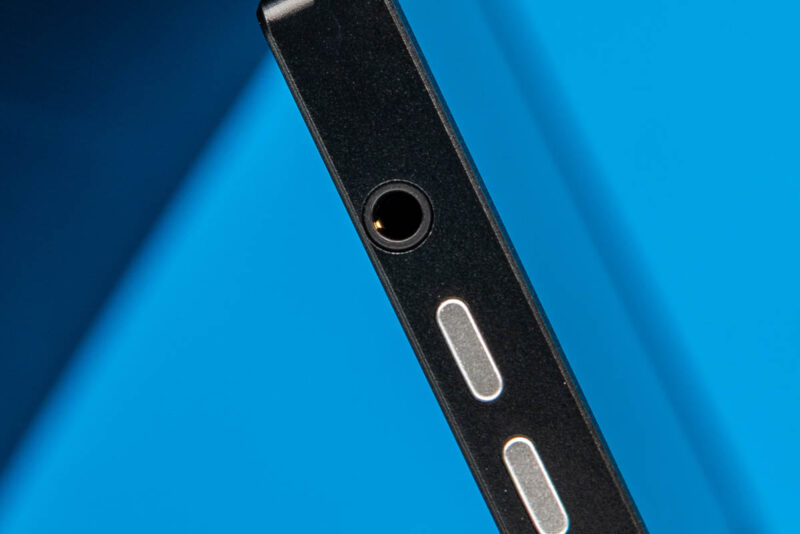
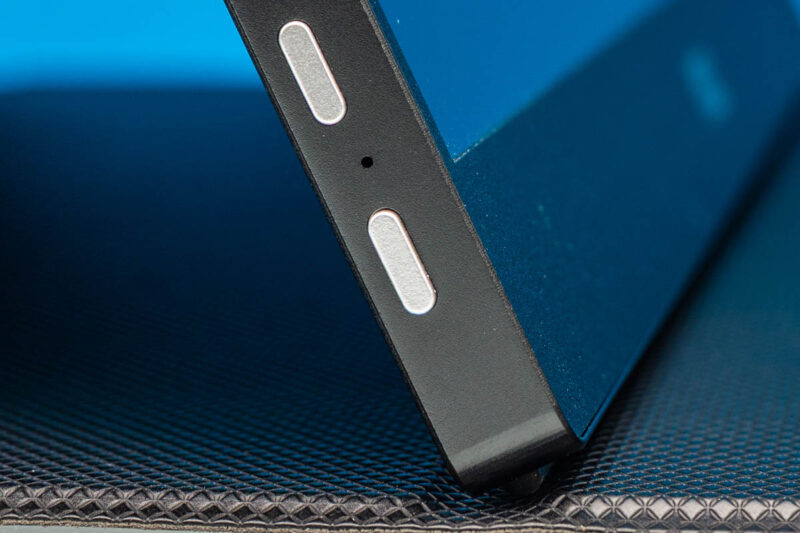
As noted earlier, the labels for these buttons are on the back side of the display itself, so you will need to learn the button functions to work it with the case on. In order, these are buttons for switching sources and exiting the OSD, volume/brightness, and finally a power button.
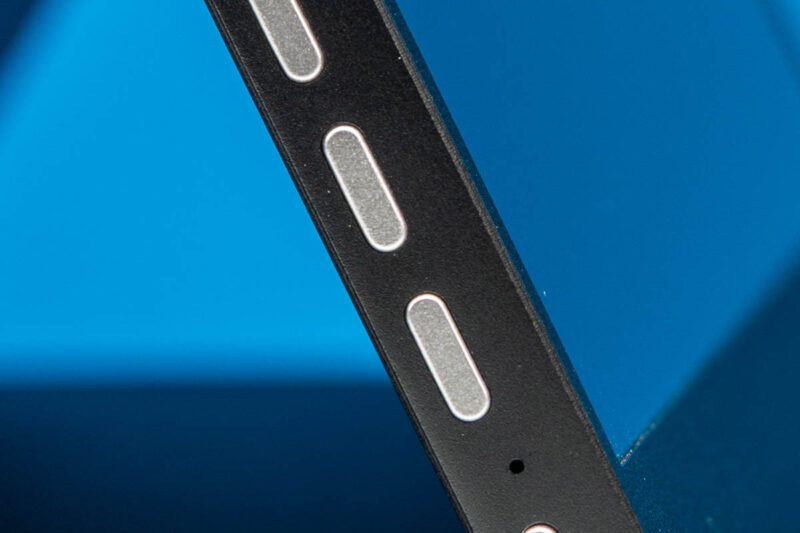
The power button also doubles as the entrance to the OSD.
Next, let us see how the AOC 16T20 performs.

I’ve had success with the very simple application ScreenBright to increase monitor brightness beyond what the monitor OSD would allow.
Use it on my UPerfect UGame C2 16″ QHD display connected by USB-C.